AI for sales enablement: build a video-first content library
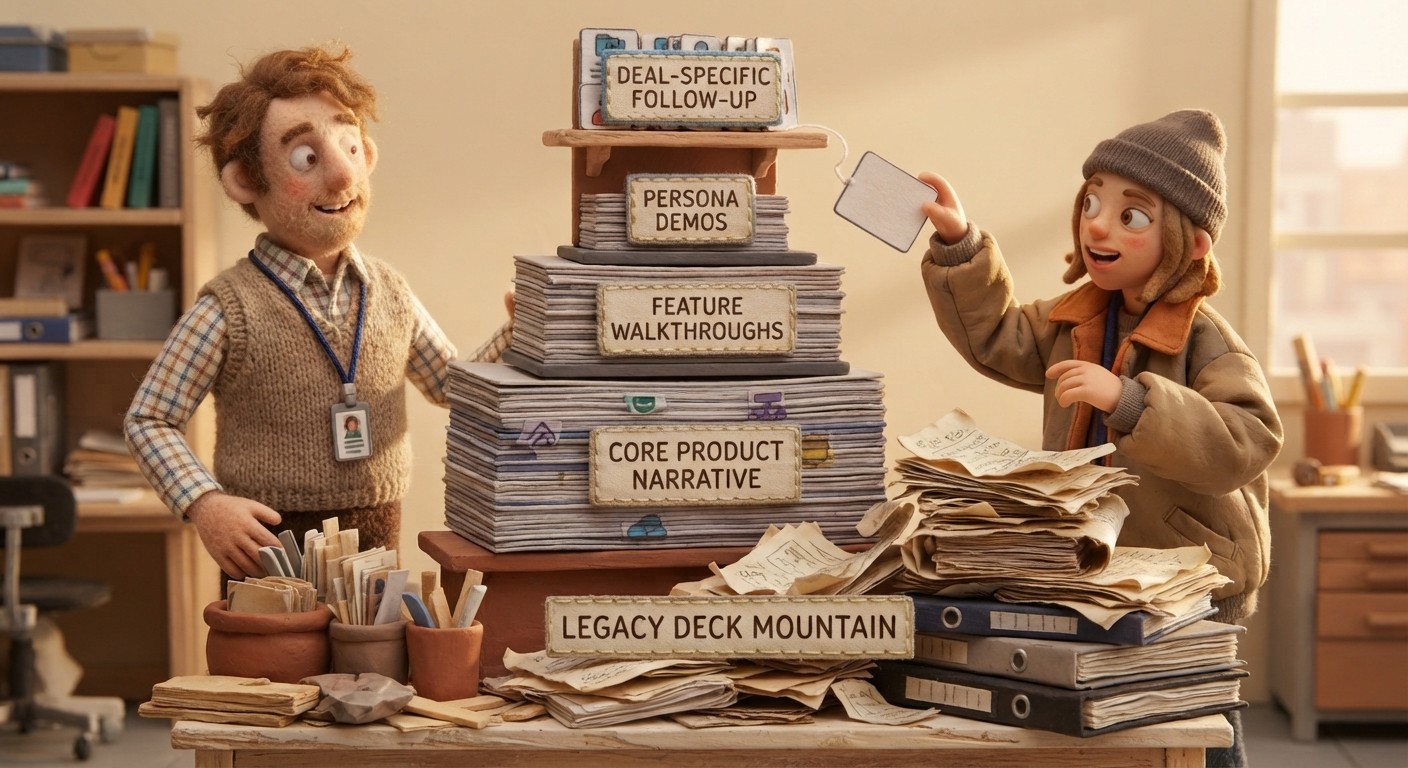
Sales content has a production problem. Marketing creates assets on a quarterly cycle. Reps need something specific and personalized within the hour. The gap between those two timelines is where deals slow down.
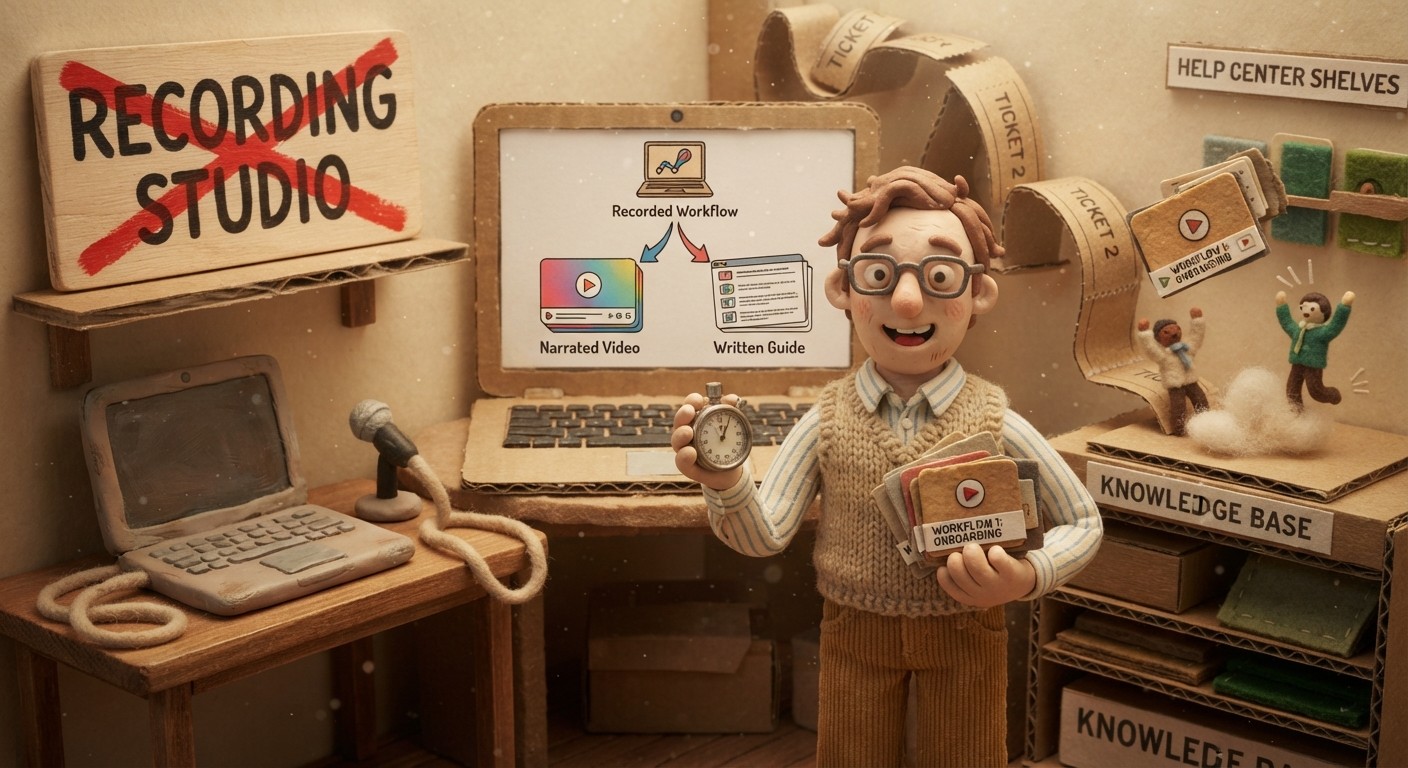
AI-generated video is closing that gap. A rep who can produce a polished, narrated product walkthrough without a recording session, without video editing, and without waiting for marketing is operating with a fundamentally different toolkit than one who can't. This guide covers how to build a video-first sales content library using AI - and what that enables in practice.
Why video-first works in sales
Text-based sales assets - one-pagers, email copy, battle cards - communicate information. Video communicates confidence, specificity, and proof.
A prospect who watches a 4-minute narrated walkthrough of exactly the workflow they asked about comes to the next call with different questions than one who read a feature description. They're past "does this exist?" and asking "how do we roll this out?" That's a materially different conversation.
Video also works asynchronously in a way that calls don't. A buyer who receives a targeted video walkthrough can watch it on their own schedule, share it with their buying committee, and reference it again before the next conversation. Text gets summarized imperfectly when forwarded. Video gets forwarded as-is.
The limitation has always been production time. That's what AI generation changes.
The 4 tiers of a video-first sales content library
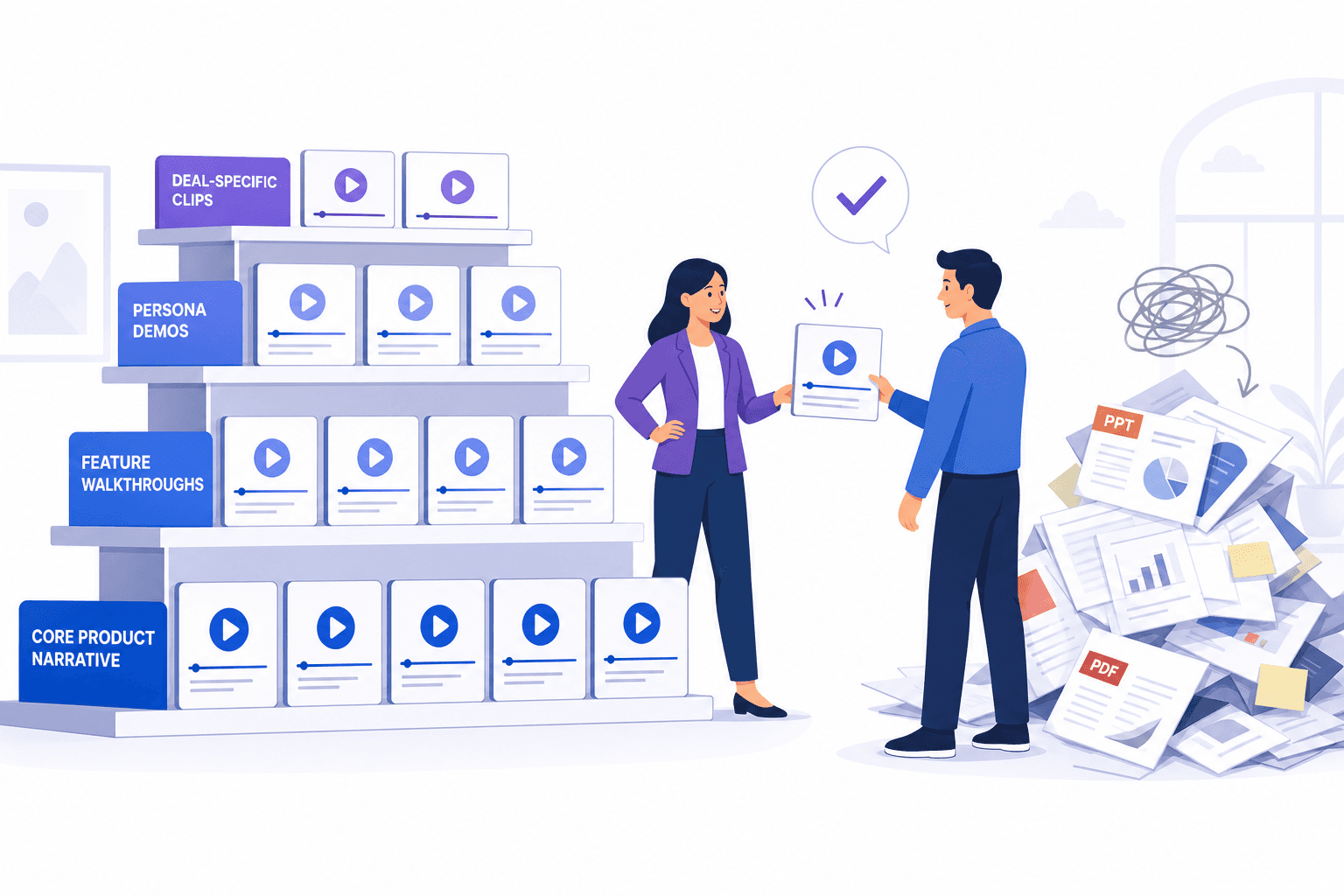
A well-structured library covers 4 levels of specificity, from generic to deal-specific.
Tier 1: Core product narrative (1 video)
A 6–8 minute narrated overview of the product - what it does, who it's for, the key value proposition, and a quick pass through the core workflow. This is the video you send when a prospect first engages, the one that goes in the email signature, and the one a champion shares internally.
One video, made once, updated when the product changes significantly.
Tier 2: Feature walkthroughs (10–20 videos)
A focused 2–4 minute narrated walkthrough of each major feature set. These are the videos a rep pulls from when a prospect asks "can you show me how the [X] feature works?"
With AI generation, building all 15–20 of these takes 2–3 days of recording time rather than weeks of production work. Each video covers one feature, explains what it does and why it matters, and demonstrates it clearly enough that a prospect understands it without a live call.
Tier 3: Use-case and persona demos (5–10 videos)
Demos tailored to your top buyer personas and use cases. A video showing how a CS team uses the product looks different from a video showing how a product team uses it, even if the underlying features are identical. The narration, the workflows demonstrated, and the outcomes highlighted should reflect each persona's priorities.
These are often the most persuasive assets in the library - prospects who see their own role and context reflected in a demo are more likely to connect the product to their actual problem.
Tier 4: Deal-specific follow-up videos (on demand)
The most powerful tier, and the one that requires AI generation to scale. After a discovery call, a rep records a silent walkthrough of the specific 2–3 features the prospect asked about and sends the AI-generated video within hours.
This isn't a library asset - it's an on-demand production capability. But it requires the same infrastructure: a tool that can turn a screen recording into a professional narrated video without manual editing.
How to structure the library for rep adoption
A sales content library that reps don't use isn't an asset - it's a sunk cost. Adoption depends on three things:
Findability: reps need to be able to locate the right video in under 30 seconds during an active email thread. A shared folder organized by feature, use case, and persona is the minimum. A searchable video library with tags is better.
Relevance: outdated videos that describe a UI that no longer matches the product undermine rep confidence. When a rep sends a video and the prospect replies "that's not what my screen looks like," the rep stops using the library. LiveSync embeds - where a video update propagates instantly to every shared link - prevent that problem by keeping the library current without manual re-sharing.
Quality: AI-generated narration that explains each step in context ("click Export to send this report as a live link, so the prospect sees the latest data rather than a static snapshot") is more useful in a sales context than narration that just describes what's on screen. The contextual quality of Clevera's AI-generated scripts is what makes library assets credible enough to forward to a buying committee.
Building the library: a 4-week plan
Week 1: core product narrative + top 5 feature walkthroughs. These cover the 80% of prospect conversations that happen in the first 2 calls.
Week 2: remaining feature walkthroughs + 3 persona-specific demos. This fills the library to cover most deal types.
Week 3: common objection answer videos + integration walkthroughs. These are the reactive assets reps need when deals stall.
Week 4: deal-specific video workflow. Train reps to record and send deal-specific follow-up videos within 4 hours of discovery calls. This is the highest-impact habit change - and the one that requires AI generation to be sustainable.
With manual video production, weeks 1–3 alone would take 2–3 months. With AI generation, a single person can build the complete library in a week of focused recording.
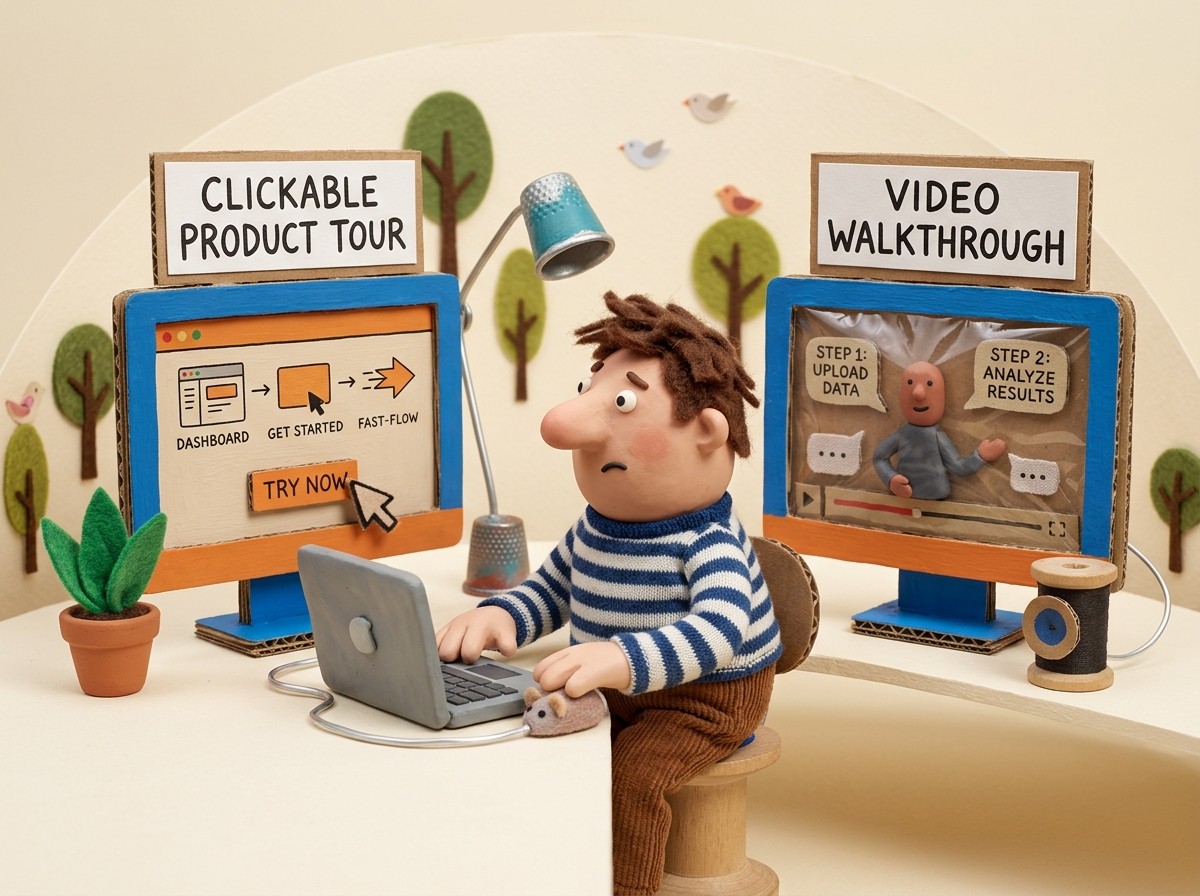
For video-first sales follow-up workflows, see the companion guide on sales enablement video for SaaS. For clickable demo platforms used in revenue motions, compare interactive demo software.
See how Clevera's product demo generator works for sales teams