Interactive demo vs product video: which one converts better?
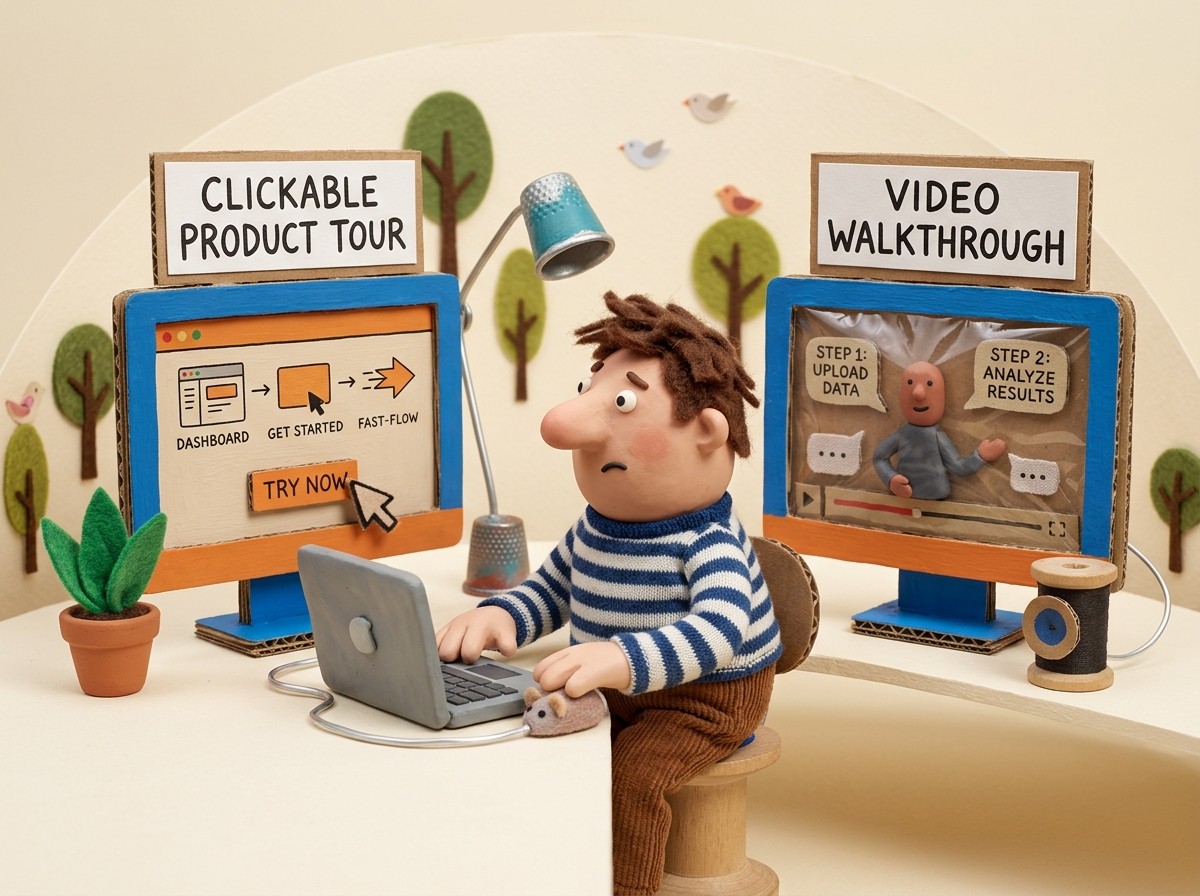
"Should we build an interactive demo or produce a product video?" gets asked in SaaS marketing and product teams every few months. It's usually framed as a budget question. The actual question is different: what does your prospect need at the stage where they'll encounter this content, and which format delivers it?
Interactive demos and product videos aren't competing for the same job. They're used at different stages, by different audience segments, for different purposes. The teams that get the most from both have figured out when to use which — not which one is universally better.
What each format actually is
Interactive demo
An interactive demo is a clickable simulation of your product. The prospect clicks through a guided sequence of screenshots or recorded UI states, following a predefined path that shows a specific workflow or value proposition. They're not using the real product — they're interacting with a replica that looks and behaves like it.
Tools that produce interactive demos: Arcade, Storylane, Navattic. These tools capture your product's UI and let you arrange screenshots into a guided, clickable experience.
What interactive demos are: high-fidelity, self-directed, fast to consume. A prospect can click through a core workflow in 90 seconds without any friction.
What interactive demos aren't: they don't narrate context. They don't explain why the product is designed the way it is, what problem a feature solves, or what the customer's workflow looks like before and after. They show what the product looks like; they don't explain how to use it or why it matters.
Product video
A product video shows the product being used, with narration or visual context explaining what the prospect is seeing. The format includes marketing videos (polished, produced, branded), tutorial videos (narrated screen recordings showing how a feature works), and demo walkthroughs (a prospect or customer seeing a workflow demonstrated end-to-end).
What product videos are: contextualized, explanatory, higher information density than interactive demos. A narrated 4-minute walkthrough of a core workflow communicates significantly more than the same workflow shown as clickable screenshots.
What product videos aren't: self-directed. The prospect watches the path the creator chose. If they want to see a different workflow, they need a different video.
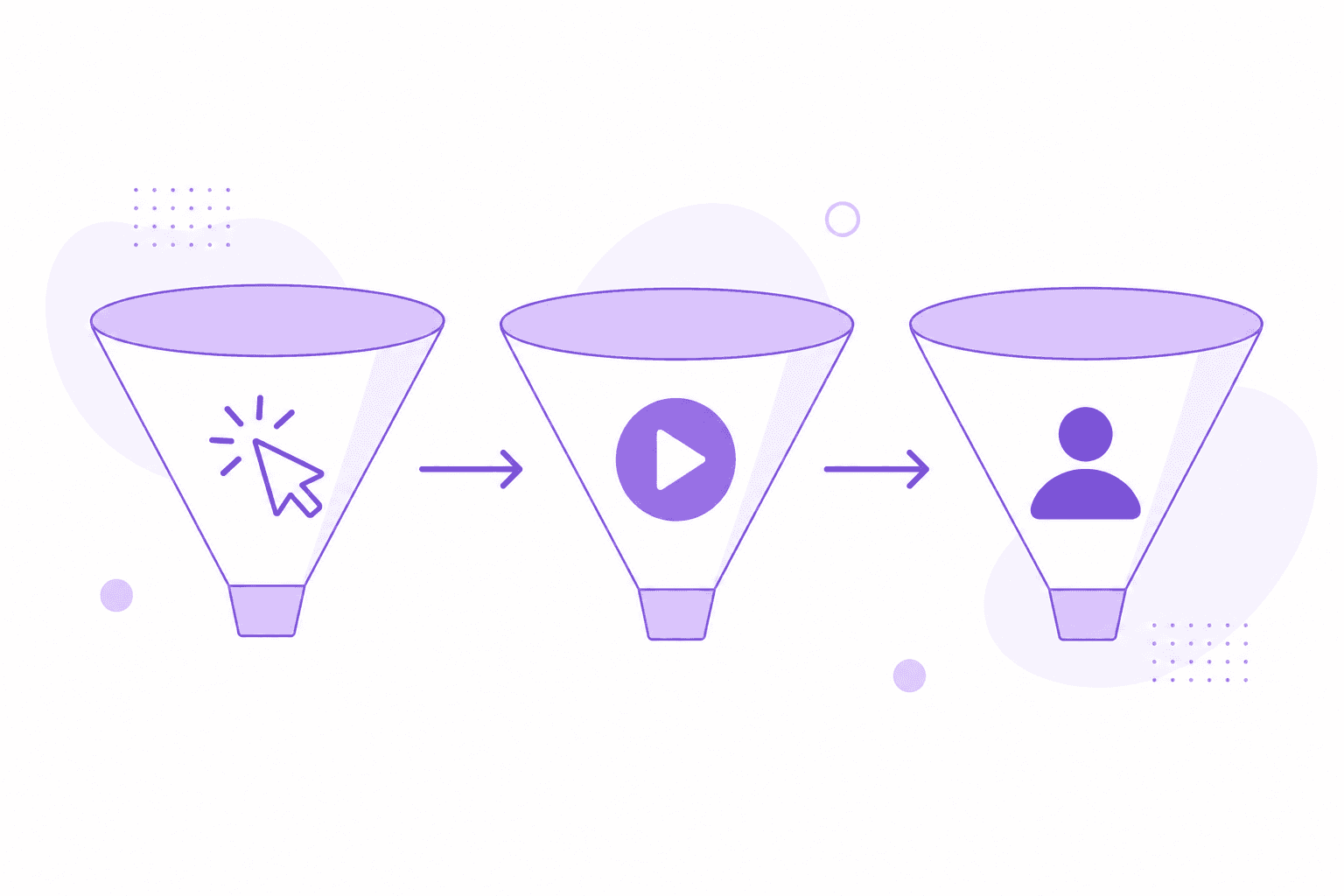
Where each format wins in the buying journey
Top of funnel: awareness
At the awareness stage, a prospect is evaluating whether your product is relevant to their problem. They're spending 30-90 seconds deciding whether to invest more time.
Interactive demos work well here because they're fast, self-directed, and low-commitment. A "See it in action" CTA on a homepage that leads to a 90-second interactive product tour gets higher click-through than a 4-minute product video because it respects the prospect's time and gives them control.
Short product videos (under 90 seconds) also work at this stage — particularly if they show an outcome rather than a feature. The classic "here's the problem, here's how Clevera solves it in 60 seconds" format is effective when the production value is high and the message is clear.
Middle of funnel: evaluation
At the evaluation stage, a prospect has decided your product might solve their problem. They're now comparing options, validating specific features, and building a business case.
Product videos win at evaluation. A prospect evaluating whether your product handles a specific workflow needs to see it demonstrated — with narration explaining what's happening and why. An interactive demo showing the same workflow without context leaves the prospect guessing.
This is also where narrated feature walkthroughs, use-case-specific demos, and technical capability demonstrations matter most. A prospect who needs to see how your API authentication works, or how the bulk export feature handles 10,000 records, needs a walkthrough video — not a clickable tour.
Interactive demos remain useful at evaluation for specific use cases: letting a prospect explore parts of the product at their own pace, or validating that a particular feature exists and works roughly as expected.
Bottom of funnel: decision
At the decision stage, a prospect is choosing between 2-3 finalists. The content that moves them is proof and specificity.
Role or persona-specific product videos are effective here: a video showing your product being used in the exact context of the prospect's team or industry is more persuasive than a generic product tour. A CS team evaluating a documentation tool wants to see how CS teams use it, not a generic feature walkthrough.
Interactive demos at this stage are less impactful — the prospect has already seen what the product looks like. They need to know whether it will work for their specific situation, which requires either a narrated demonstration or a live call.
The production cost tradeoff
Interactive demos are faster to produce for the initial version. Capturing screenshots of a workflow and arranging them in a tool like Arcade or Storylane takes hours, not days. The limitation is that every UI change requires updating the captured screenshots — the demo goes stale faster than a video does.
Product videos have traditionally required more upfront production effort. A polished marketing video requires scripting, recording, editing, and often voiceover work. The cost has historically kept companies from producing as many videos as they need.
AI narrated video tools have changed this equation. A screen recording with no narration produces a professional, narrated tutorial video automatically — no scripting, no re-recording, no editing. The production time per video drops to 20-30 minutes. Teams that couldn't afford to produce 30 product walkthroughs can now produce them at the rate the product ships features.
This changes the comparison: interactive demos still win on initial production speed for top-of-funnel content, but narrated product videos are now competitive on production time for evaluation and decision-stage content.
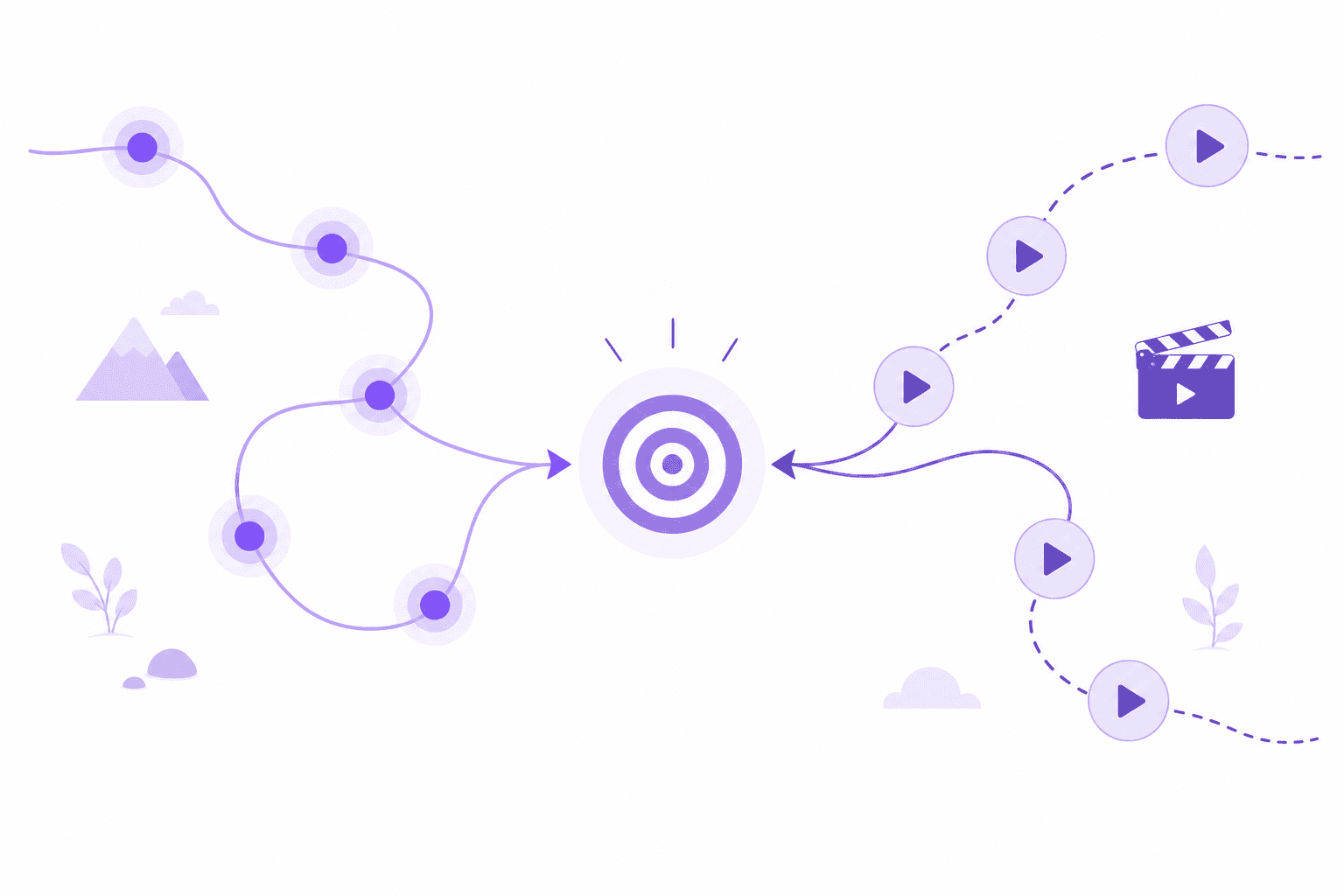
How to use both together
The most effective approach:
Homepage / product page: interactive product tour (fast, self-directed, low commitment) + a short hero video showing the key outcome (for visitors who prefer to watch).
Feature pages: narrated walkthrough video showing that feature in use, paired with the option to click through an interactive tour for the hands-on experience.
Sales collateral: use-case-specific narrated demos that sales reps share with prospects in the evaluation stage. These are produced as screen recordings, not polished marketing videos — they should look like a real workflow, not a TV commercial.
Help center: narrated tutorial videos for how-to and onboarding content. Interactive demos don't belong in the help center — customers already bought the product and need contextual explanation, not a simulated clickthrough.
Prospect outreach: a 2-3 minute personalized or persona-specific video walkthrough sent in a sales email outperforms a link to an interactive demo for prospects in active evaluation. The narrated format conveys context that a clickthrough tour can't.
Clevera generates narrated product walkthroughs and tutorial videos from silent screen recordings — producing the video and written documentation simultaneously. See how Clevera generates product demo videos for sales and marketing use.
The conversion question
"Which converts better?" — the original question — doesn't have a universal answer because conversion depends on where in the funnel you're measuring and what action you define as a conversion.
Interactive demos convert better at top-of-funnel because the format matches what an awareness-stage prospect wants: fast, self-directed, low-commitment.
Narrated product videos convert better at evaluation because they deliver the context a prospect needs to move forward.
Teams that pick one and neglect the other leave conversions on the table at the stages where their chosen format underperforms.