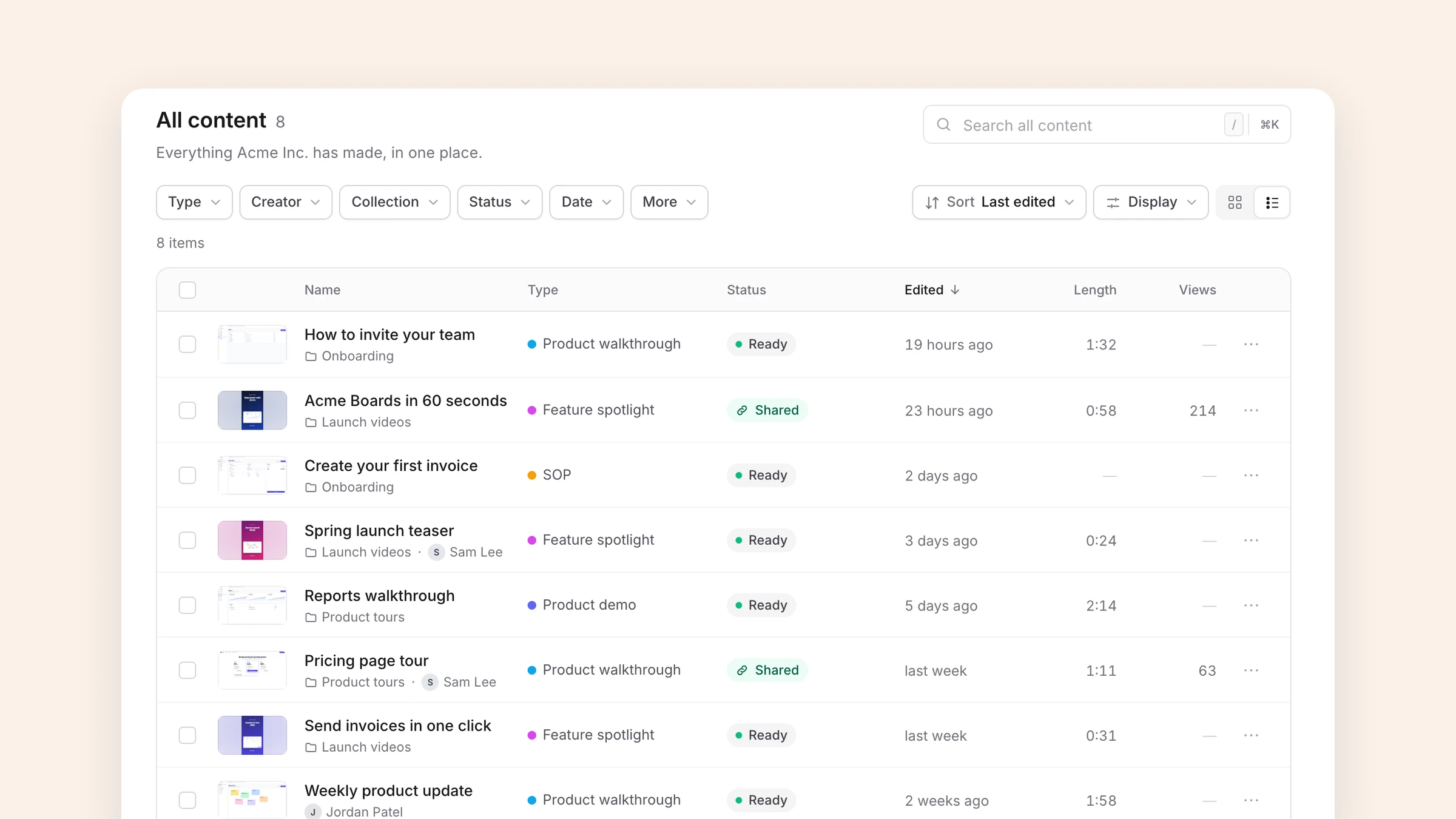
SOP video software: turn procedures into narrated videos and written SOPs
When a standard operating procedure needs video, what to look for in SOP video software, and how the main tools compare, including when a screenshot tool like Scribe or Tango is the better choice.
 Roozbeh Firoozmand8 min read
Checked November 2026 against each vendor's own pricing page.
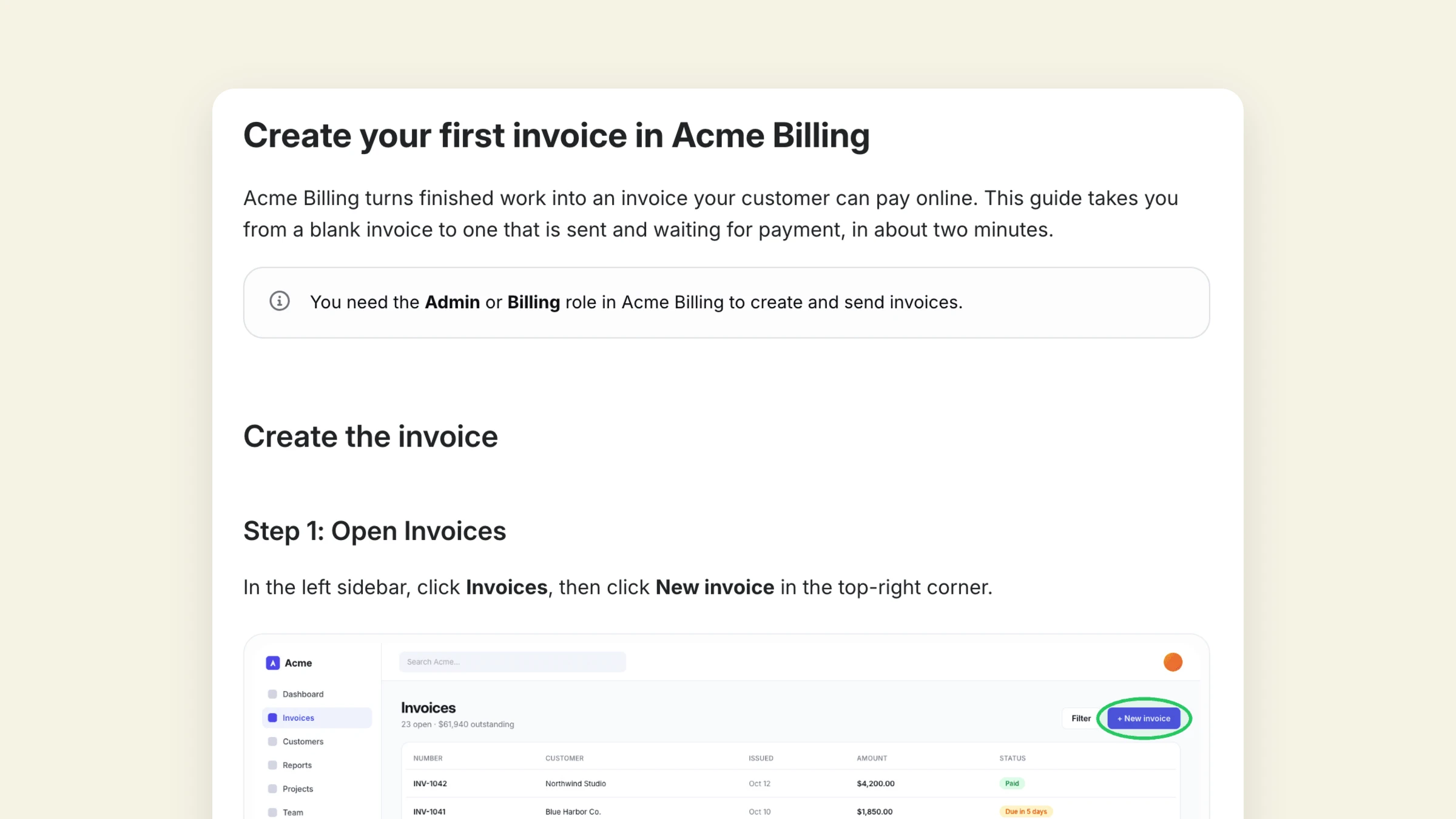
SOP video software turns a procedure someone performs on screen into a narrated video and, ideally, a written SOP with numbered steps from the same recording. If your procedures are short, browser-based and followed click by click, a screenshot guide tool like Scribe or Tango is usually enough and cheaper. If they're long, span several tools, are used for onboarding, or need to work in other languages, a tool that produces both a narrated video and the written SOP saves you making each by hand. Clevera, Guidde and Trupeer are in that second group.
This guide is for operations, support and enablement leads deciding how to document software procedures. It covers when video earns its place in an SOP, what to look for, how the main tools compare, and a simple structure for an SOP with video.
When does an SOP need video?
Screenshots and text are faster to scan and easier to search. Video is better at showing sequence and context. Use this rule of thumb:
| Procedure looks like | Best format |
|---|---|
| Under 10 steps, one web app, done often by experienced staff | Written steps with screenshots |
| Long or branching, several apps, done rarely | Written SOP plus a short video |
| Used to train new hires or customers | Video first, written steps for reference |
| Audited or compliance-relevant | Written SOP as the record, video as a training aid |
| Needed in several languages | Both, with a tool that translates the voice-over |
The written version stays the source of truth in almost every case: it can be versioned, searched, approved and quoted. Video works best as the way people learn the procedure the first time. For the difference between a procedure and a task-level instruction, see SOP vs work instruction.
What to look for in SOP video software
- Both outputs from one recording. Recording a video and separately writing the SOP doubles the work and lets the two drift apart.
- No live narration needed. The person who knows the procedure shouldn't need to script and voice it. Look for narration generated from what happens on screen.
- Desktop capture if procedures leave the browser. Many ops procedures touch a desktop app, a spreadsheet or a file dialog. Check which plan includes a desktop recorder.
- Export to where SOPs live. Confluence, Notion, Google Docs, a help center, or PDF for audits.
- Cheap revisions. Procedures change. A fix to one step shouldn't mean re-recording a ten-minute video, so keep videos short and look for in-place edits.
- Review and ownership. Who approves a changed SOP, and can you see what changed?
- Translation of the voice-over, not just the text, if your teams or customers work in several languages.
The main tools compared
| Tool | Output | Desktop capture | Translation | Entry paid price | Pick it when |
|---|---|---|---|---|---|
| Scribe | Step guide with screenshots; "share as video" of the steps | Pro and Enterprise | Enterprise | Pro Team from 5 seats; see their pricing page | Internal SOPs that people follow click by click |
| Tango | Step guide with screenshots; video embeds on Pro | Pro and Enterprise | Enterprise (15 languages) | Pro $22/user/mo billed yearly (1–2 users); $15 from 3 users | Web-app procedures with in-browser guidance |
| Guidde | Narrated step video plus a step document | Business and Enterprise | Enterprise | Pro $19/creator/mo billed yearly; Business $39 billed yearly | Video-first SOPs for web apps |
| Trupeer | Narrated video plus a document | Chrome extension or upload | 100 credits per minute per language | Pro $40/mo billed yearly | Credit-based video and docs, optional hosted KB |
| Loom | Live-narrated recording; AI tiers add summaries and video-to-text | Yes | Transcription | Business $18/user/mo billed monthly | Quick, informal procedure walkthroughs |
| Clevera | Narrated how-to video plus a full written article from one recording | Desktop app on Mac, Windows, Linux | 74 languages, on credits | Starter $29/mo billed yearly ($36 monthly) | SOPs that need both video and a written version, hosted or exported |
Sources: Scribe, Tango, Guidde, Trupeer, Loom, Clevera, checked November 2026. Guidde shows a monthly and a yearly figure without labelling each; the reading above follows its stated yearly discount. Scribe doesn't label its figures either, so check its page. Loom's figure is for monthly billing.
Scribe and Tango: the better choice for screenshot SOPs
If your readers follow a procedure step by step while doing it, a screenshot guide is often better than video: it's scannable, searchable and quick to update. Scribe and Tango are the leaders here, and for internal operations SOPs in a browser they're hard to beat on speed. Two things to check: Scribe's Pro Team plan has a five-seat minimum and plans apply to the whole team, and Tango's Pro Team pricing applies from three users. Translation is Enterprise-only on both. Our Scribe vs Tango comparison covers the differences.
Neither records a narrated screen video. Scribe's "share as video" and Tango's video embeds play the captured steps back, which is useful but not the same as a recorded walkthrough.
Guidde and Trupeer: video-first
Guidde builds narrated step videos with callouts and a step document, strongest for web apps; desktop capture and translation sit on higher plans. Trupeer is credit-based (100 credits per minute of video, 50 per document) and sells a knowledge base add-on. Both suit teams that want video to lead.
Loom: fast, informal
Loom is the quickest way to show a colleague how something is done. You narrate live and the recording is the deliverable. Fine for a team wiki, thin as a formal SOP.
Where Clevera fits
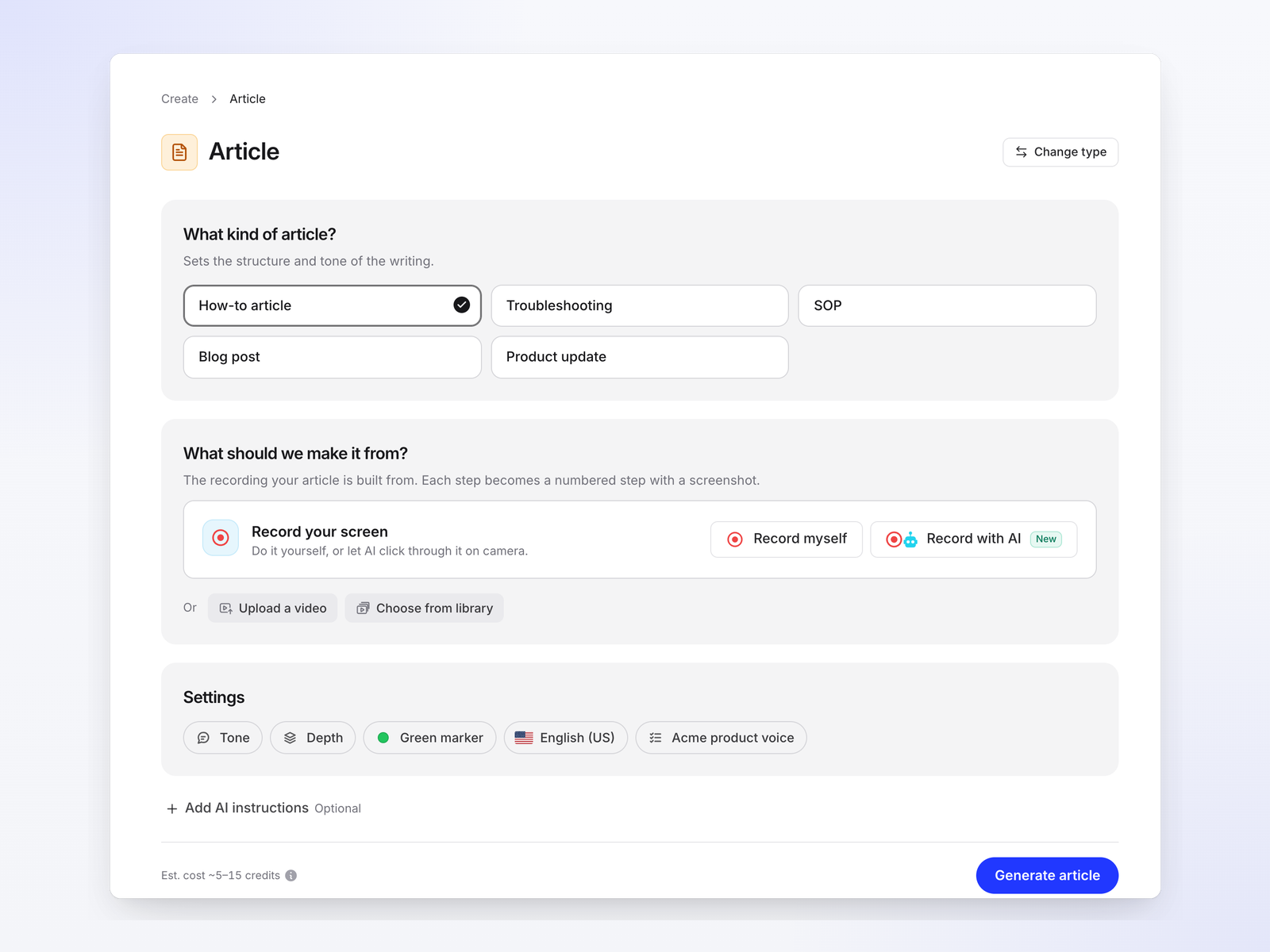
Clevera records a procedure once and produces two things: a narrated how-to video and a step-by-step written article with screenshots. You don't narrate while recording; Clevera removes pauses and accidental clicks, writes the script from the on-screen actions and voices it. Record with the desktop app on Mac, Windows or Linux for procedures that leave the browser, use the Chrome extension, or upload an existing recording. See the AI SOP generator page for the workflow.
What that gives an SOP owner:
- One recording, two formats that describe the same steps.
- Hosted or exported. Publish on a Clevera help center (private sites on Pro, with a password or workspace sign-in), or export articles to Notion, Confluence, Google Docs, GitBook, WordPress and others on Pro.
- Edits reach every embed, so a corrected step in the narration shows everywhere the video is embedded.
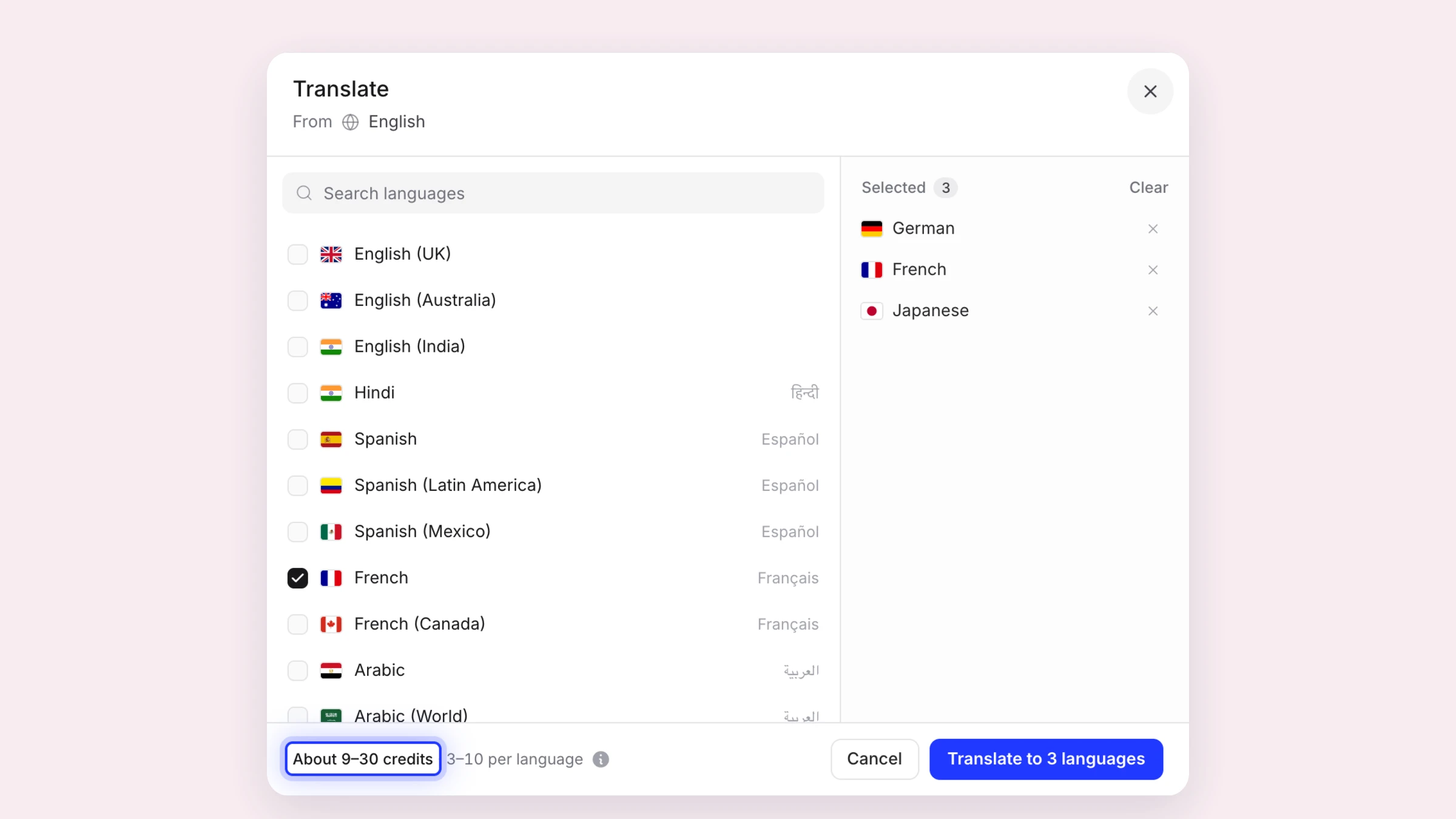
- 74 languages for voice-over, captions and article, at 3 to 10 credits per language for each video or article.
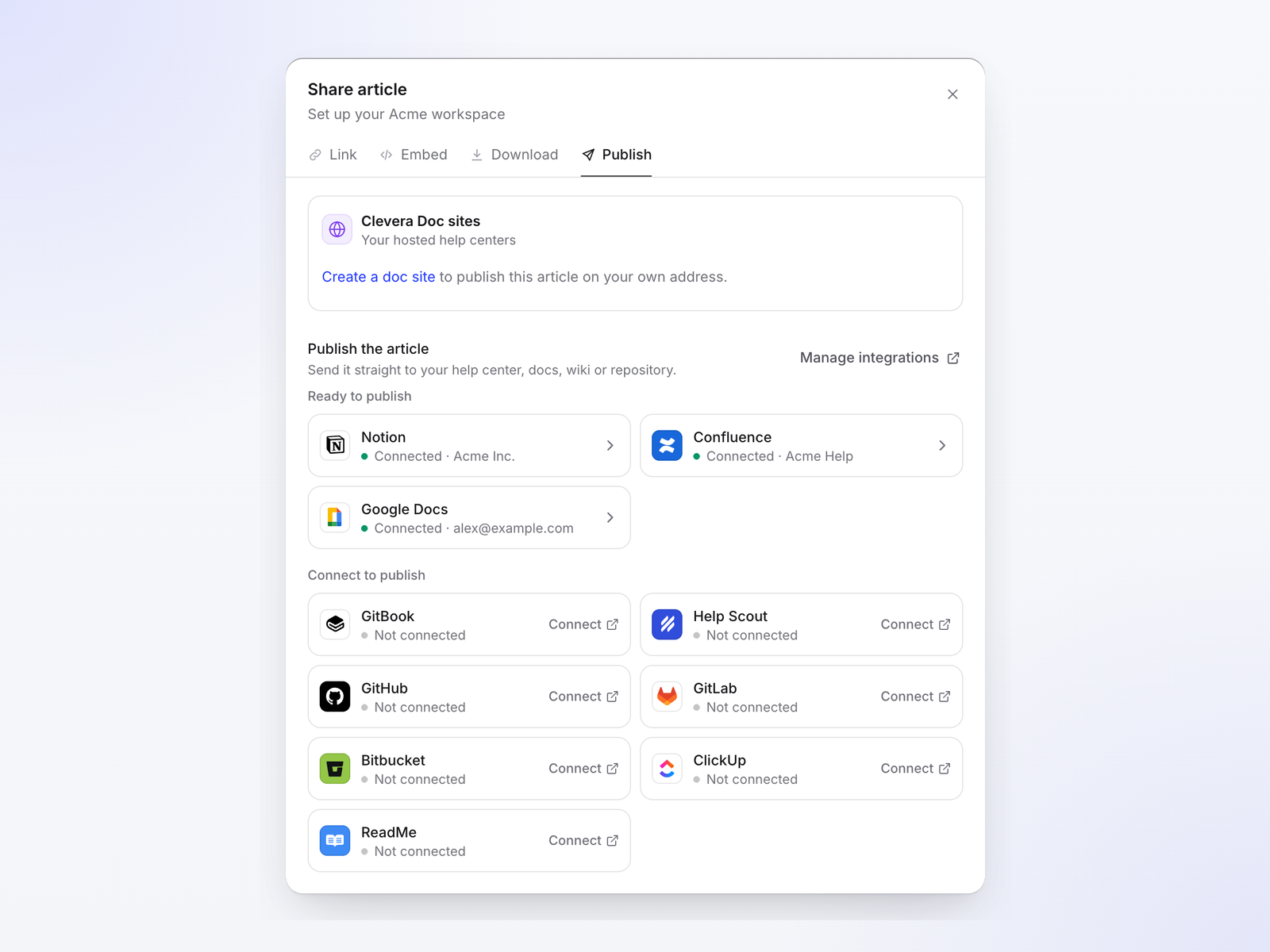
Where it isn't the right fit: if your SOPs are screenshot-only and internal, Scribe or Tango will be faster and cheaper per person. For regulated procedures, keep the controlled, signed-off copy in your document management system and use Clevera for the training video and the reference article. SSO is on the Custom plan, and its SOC 2 audit is in progress, expected in 2027 (security page); Scribe and Tango both state SOC 2 Type 2 today.
Keeping SOP videos current
The weak point of any video SOP is the next software update. A renamed field makes the narration wrong; a moved menu makes the footage wrong. Three habits keep the cost down:
- One procedure per video, two to five minutes. A change then touches one short clip, not a long training recording.
- Record a review date on every SOP and check the ones a software release touched, starting with the most used.
- Host the video where edits reach every embed, so narration and on-screen text fixes don't need a re-export to the wiki, the LMS and the onboarding checklist.
When screens actually move, the video has to be recorded again. Some tools now help here: Clevera's Autopilot (Pro and above) reads release notes or a changelog and proposes text fixes and re-records for approval, and Clueso sells a GitHub-triggered update add-on on Enterprise. Our guide on keeping tutorial videos up to date compares the options.
A simple structure for an SOP with video
- Title and ID. What the procedure does, plus a version number.
- Purpose and scope. One or two sentences: when to use it and when not to.
- Roles. Who performs it, who approves changes.
- Prerequisites. Access, data, tools.
- Video. A two to five minute walkthrough of the whole procedure.
- Steps. Numbered, one action each, with screenshots where a reader could get lost.
- Exceptions. What to do when something doesn't match.
- Owner and review date. Who checks it, and when it was last verified against the live software.
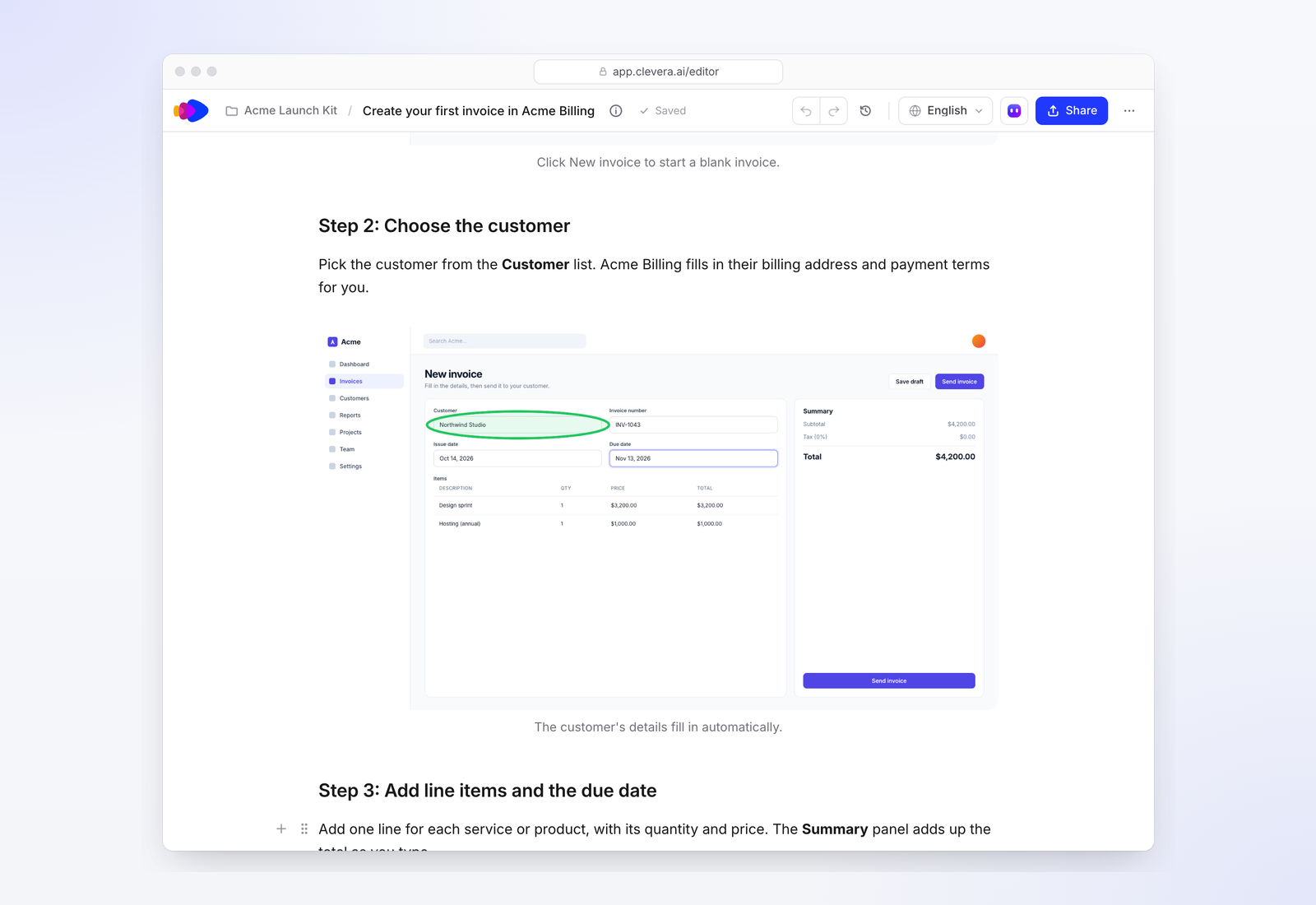
Our SOP template has this as a copyable document with a software example.
FAQ
What is SOP video software?
Software that turns a procedure performed on screen into a video, usually with AI narration, and often into a written SOP from the same recording. It's used for training, onboarding and process documentation.
Is video better than screenshots for SOPs?
Not always. Screenshots and text are better for short procedures people follow while working. Video is better for long, multi-app or rarely performed procedures and for training new staff. Many teams use both.
Can I make a video SOP without narrating?
Yes. Clevera, Guidde and Trupeer write a script from the on-screen actions and generate the voice-over. Loom expects you to narrate live.
Which SOP tools translate procedures?
Scribe, Tango and Guidde keep translation on Enterprise plans. Trupeer charges credits per minute per language. Clevera translates voice-over, captions and the article into 74 languages on its regular plans, using credits.
Turn one procedure into a video and a written SOP
Record it once; get a narrated walkthrough and numbered steps you can publish or export.