Customer education video software: a buyer's guide
The three kinds of customer education video software (making videos, delivering learning, hands-on demos), what each costs, and how to combine them without paying twice.
 Roozbeh Firoozmand8 min read
Checked November 2026 against each vendor's own pricing page.
Customer education video software falls into three groups, and most programmes need two of them: tools that make the videos (screen-recording-to-video tools like Clevera, Guidde and Trupeer, or avatar tools like Synthesia), tools that deliver structured learning (customer academies and LMSs like Skilljar and Trainn), and tools that let people click through the product (interactive demos like Supademo and Storylane). Start by deciding whether your customers need courses with progress tracking and certificates, or answers they can find when they're stuck. That one decision removes half the market.
This buyer's guide is for customer education, onboarding and customer success leads at software companies. It explains the three groups, what each costs, and how to combine them without paying twice. If you mainly need help center videos, our product how-to video software guide goes deeper on that layer.
The three jobs in a customer education programme
1. Making the videos
Every programme starts with content: product walkthroughs, feature explainers, onboarding sequences. For software, most of it is screen-based. The production questions are who records, who narrates, and how fast a video can be updated when the product changes.
2. Delivering learning
Where customers watch: a help center they search when stuck, an academy with courses and learning paths, or videos inside the product. An academy or LMS adds enrolment, progress, quizzes, certificates and reporting by learner or account.
3. Hands-on practice
Interactive demos let users click through a captured version of the product. They're used for pre-sales and for "try it" moments in onboarding, and they complement video rather than replace it.
Do you need an academy (LMS) or a help center?
| You need... | Choose |
|---|---|
| Certification, graded quizzes, learning paths, completion reports by account | An academy or LMS (Skilljar, Trainn Scale, or similar) |
| Customers finding a 2-minute answer when stuck, from search or an AI assistant | A help center with video |
| Onboarding sequences in email or in-app, with short videos | A video tool plus your messaging tool |
| Prospects trying the product before sign-up | An interactive demo tool |
Many SaaS companies start with a help center with video and add an academy once they have enough content and a partner or certification programme to justify it. Our comparison of LMS and microlearning platforms covers that decision in more detail.
The options, with prices
| Tool | Group | What it does | Translation | Price (as listed) |
|---|---|---|---|---|
| Clevera | Make + help center | Narrated how-to video and article from a screen recording; hosted help center | 74 languages, on credits | Starter $29/mo billed yearly ($36 monthly); Pro $124/mo for 2 seats ($86.80/mo billed yearly) |
| Guidde | Make | AI walkthrough videos from a browser capture | Enterprise | Pro $19/creator/mo billed yearly; Business $39/creator/mo billed yearly |
| Trupeer | Make (+ KB add-on) | Videos and docs from recordings; credit-based | 100 credits per minute per language | Pro $40/mo billed yearly; KB add-on: see their pricing page |
| Synthesia | Make (avatar) | Presenter videos from a script; screen recorder extension | 140+ languages and voices listed | Starter $14/mo billed yearly ($19 monthly) |
| Trainn | Make + academy | Video and guide creation, LMS and knowledge hub on Scale | 30 languages on Scale | Creator $19/mo; Launch $2,400/yr; Scale $10,000/yr |
| Skilljar | Academy | Customer training platform (LMS) | Language Packs add-on from $10k for 5 languages | Quote only |
| Supademo | Practice | Interactive product demos | Not listed on pricing page | Scale $38/creator/mo billed yearly |
| Storylane | Practice | Interactive demos and demo hubs | See their pricing page | Starter $40/mo billed yearly |
Sources: Guidde, Trupeer, Synthesia, Trainn, Skilljar, Supademo, Storylane, Clevera, all checked November 2026. Some pages don't label which figure is monthly and which annual; readings follow their stated annual discounts.
How each group fits
Screen-to-video tools: Clevera, Guidde, Trupeer
These turn a recording of your product into a narrated video, so a customer success manager can make a walkthrough without a studio. They differ on capture (Guidde's desktop capture starts on Business), on the written output (Clevera and Trupeer produce full articles), on hosting (Clevera hosts a help center on every plan; Trupeer sells one as an add-on) and on translation (Guidde puts it on Enterprise; Trupeer charges per minute per language).
Avatar video: Synthesia
Synthesia is the strongest option when the video is a person explaining a concept: a welcome message, a "why this matters" module, a policy explainer. It lists 140+ languages and voices. For step-by-step product instructions, a recording of the real interface is usually clearer; our Synthesia alternatives post explains where screen-based tools fit better. Many academies mix both: an avatar intro, then recorded walkthroughs.
Academies: Skilljar and Trainn
Skilljar is a dedicated customer training platform. Pricing is quote-only, made of a yearly subscription plus a charge per active user, and localization is a Language Packs add-on starting at $10k for five languages. It doesn't list video authoring, so you bring videos from another tool. Choose it for a certification programme at scale.
Trainn combines video creation with an LMS and a branded knowledge hub, but the LMS and hub start on Scale at $10,000 a year (100 monthly active learners). It suits teams that want one vendor for creation and the academy and have that budget. See Clevera vs Trainn.
Interactive demos: Supademo and Storylane
If customers learn by doing, an interactive demo beats a video for the first-run experience and for sales. Supademo and Storylane are both strong here and better at it than any video tool in this list. Use them alongside, not instead of, your how-to library.
Where Clevera fits in a customer education stack
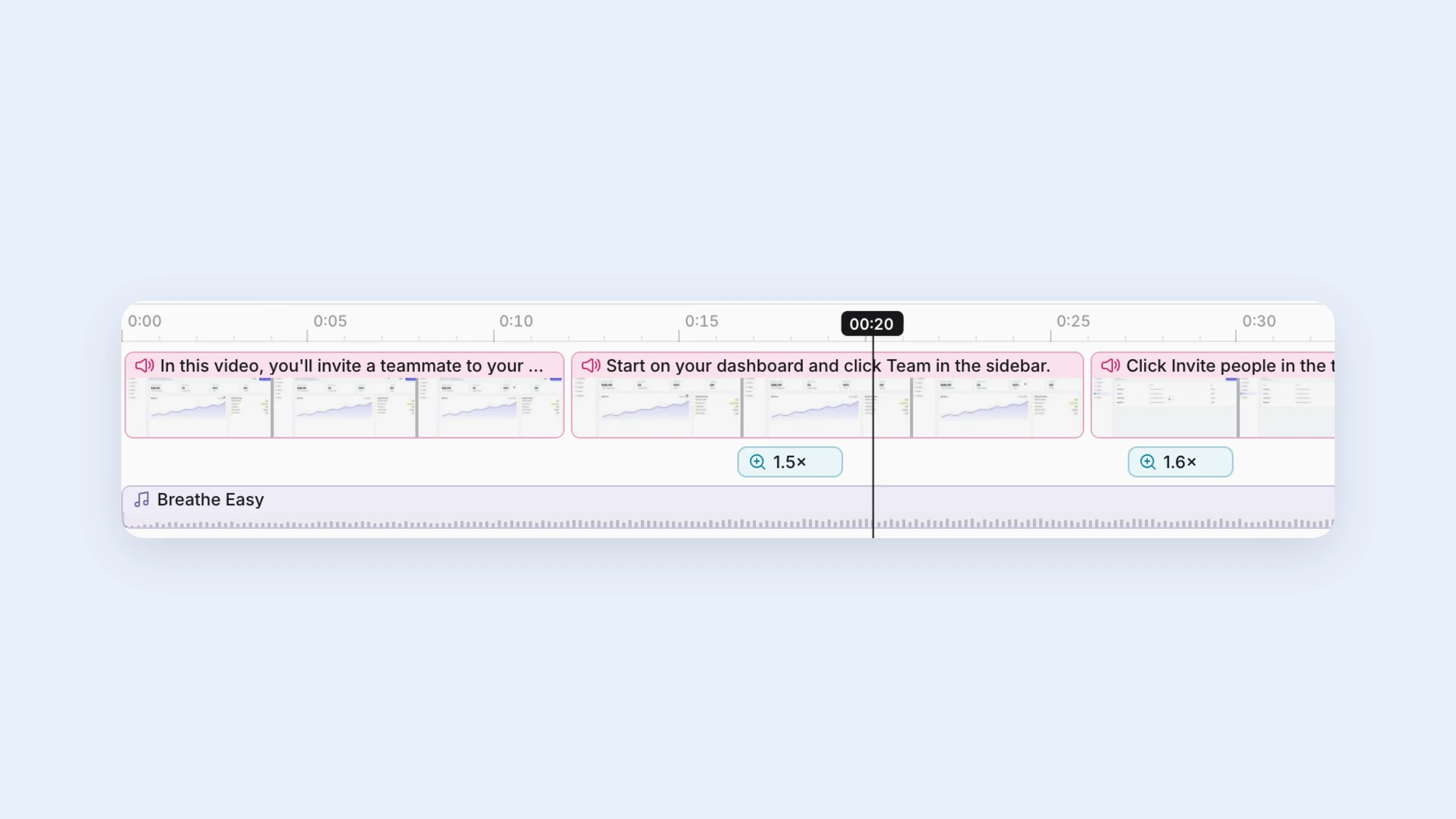
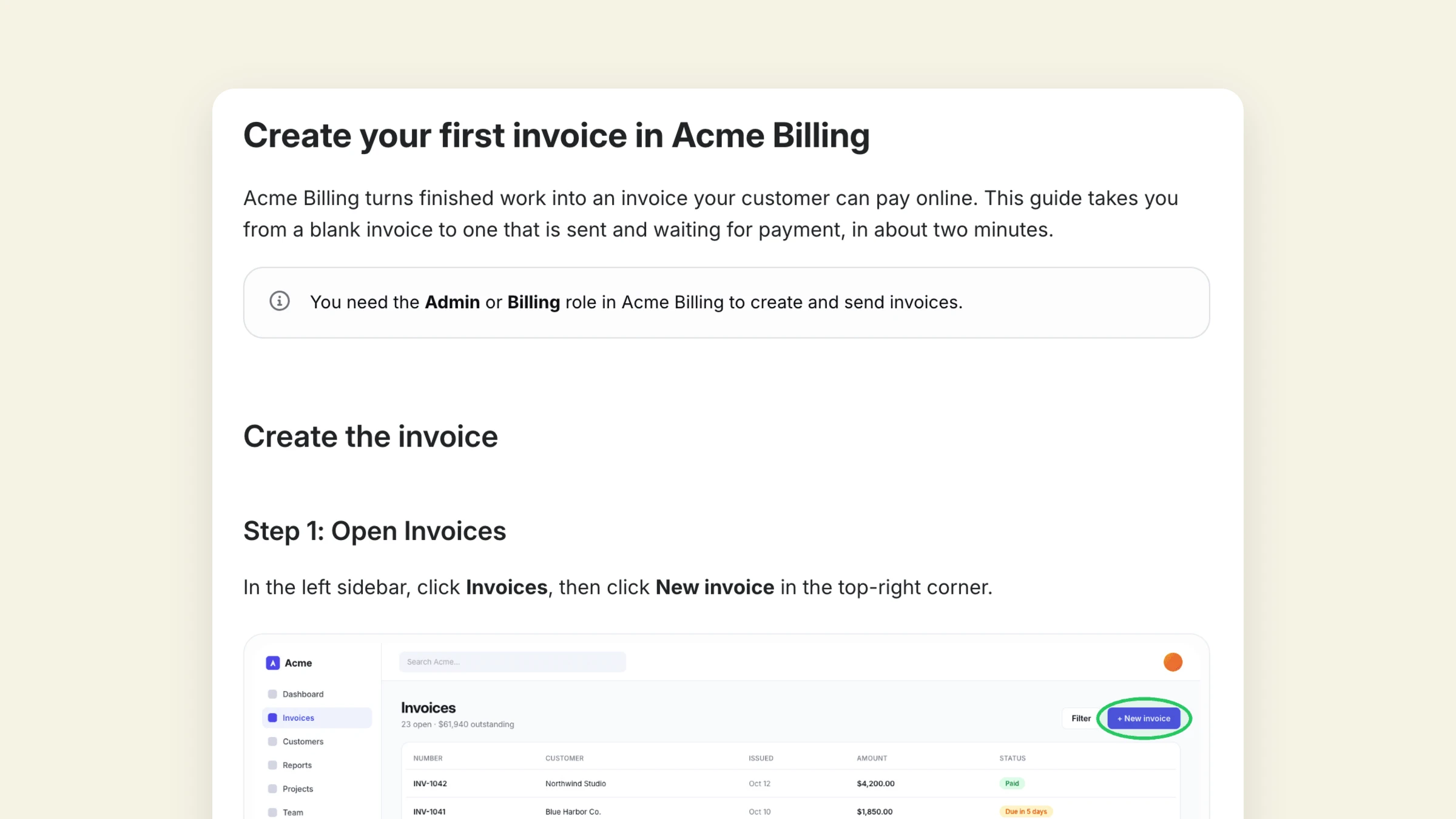
Clevera covers the making layer and the help center layer. You record a flow once (desktop app on Mac, Windows or Linux, the Chrome extension, an upload, or the AI recorder clicking through your web app) and get a narrated how-to video and a step-by-step article. Both publish on a hosted help center with Ask AI, in up to 74 languages.
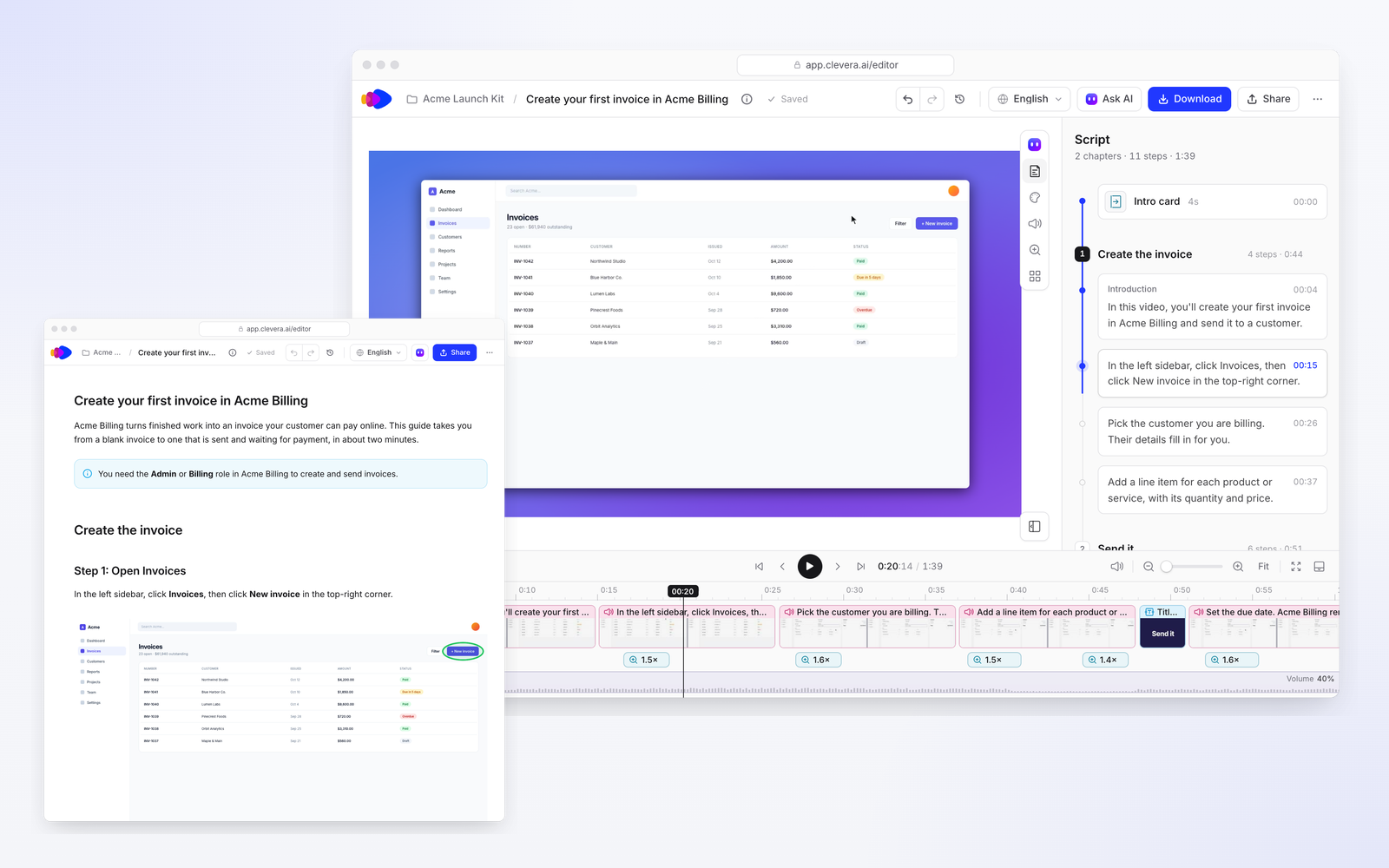
For an academy, Clevera is the production tool: download MP4s (Starter and up) and upload them to your LMS, or embed Clevera-hosted videos so edits reach every copy. When your product changes, Autopilot (Pro and above) checks your videos and articles against each release and proposes fixes for approval, which keeps a growing library from drifting.
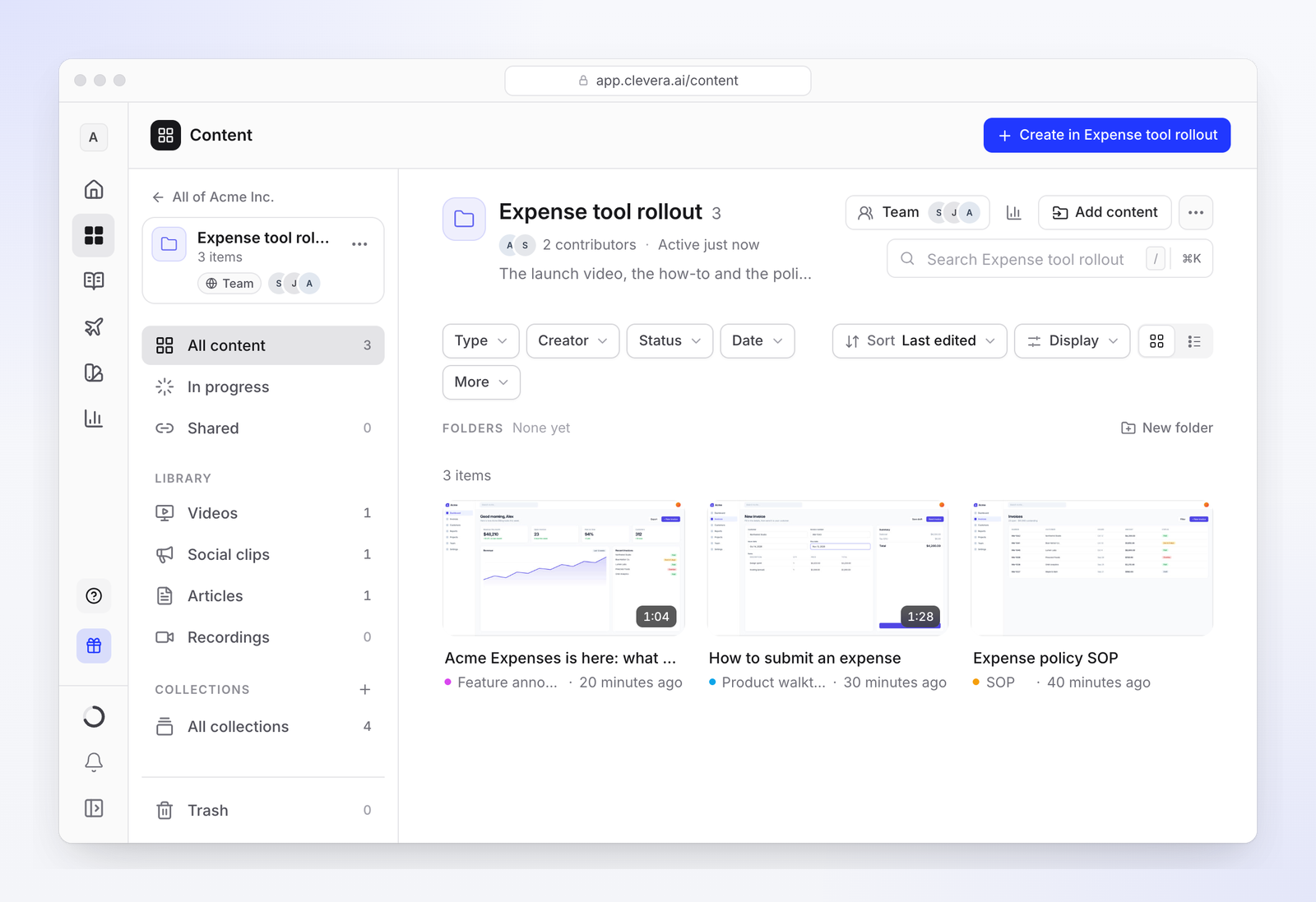
Where it isn't the right fit: Clevera has no courses, quizzes, certificates or learner-level reporting, so it doesn't replace an LMS. It doesn't make avatar presenter explainers as its core output, and it doesn't build interactive demos. SSO is on the Custom plan, and its SOC 2 audit is in progress, expected in 2027 (security page); if procurement needs a finished report today, factor that in.
A worked example: three creators, 40 videos a month, three languages
Published prices make the trade-offs concrete. Take a team of three people making 40 two-minute how-to videos a month, translated into three languages. Using each vendor's listed prices on monthly billing:
- Clevera Pro with one extra seat: $124 plus $36, so $160 a month with 4,650 credits. At 5 to 25 credits per video and 3 to 10 credits per language, the month uses roughly 560 to 2,200 credits, inside the allowance.
- Guidde Business: three creators at $59 each is $177 a month (or $39 each billed yearly), but translation is on Enterprise, so the three languages need a sales conversation.
- Trupeer Scale: $249 a month with 10,000 credits and three seats. The videos use about 8,000 credits at 100 per minute, and translating 80 minutes into three languages at 100 credits per minute per language adds about 24,000. That's about 32,000 credits, so roughly 22,000 beyond the allowance, or about $880 in top-ups at $4 per 100. Scale also includes two translation languages, so a third means Enterprise.
This is an illustration, not a quote: real credit use varies with video length, and every vendor's terms change. Run your own numbers on each pricing page.
How to choose in practice
- List your top 20 customer questions from tickets and onboarding calls. If most are "how do I…", start with a how-to video tool and a help center.
- Decide if you need learner tracking. If you sell certification or must prove completion to customers, budget for an academy.
- Count languages. Translation is where entry prices diverge most: Enterprise-only on some tools, per-minute on others, add-on packs on LMSs.
- Count creators and reviewers. Per-creator pricing gets expensive when many CSMs contribute.
- Plan for updates. Ask each vendor what happens to a video when a button is renamed and when a screen moves.
FAQ
What is customer education video software?
Software for making and delivering videos that teach customers to use a product. It covers video creation (from screen recordings or avatars), delivery (help centers, academies, LMSs) and sometimes interactive demos.
Do I need an LMS for customer education?
Only if you need courses with progress tracking, quizzes or certificates. For answering "how do I…" questions, a help center with short videos is cheaper and easier for customers to find from search.
Can one tool make the videos and run the academy?
Trainn does both, with the LMS on its Scale plan. Most other stacks pair a video tool such as Clevera, Guidde or Synthesia with an academy such as Skilljar.
How do I keep customer education videos current?
Keep videos short and single-task, host them where edits reach every embed, and review the ones a release touched. Tools like Clevera's Autopilot can propose those fixes from your release notes or changelog.
Build the video layer of your programme
Turn recordings of your product into narrated videos and articles, on a help center in your customers' languages.