Help center software with video: what to look for
A buyer's checklist for help center software with video: what "video support" really means, who maintains the videos, translations, pricing units, and how the main options compare.
 Roozbeh Firoozmand9 min read
Checked November 2026. Prices are from each vendor's own pricing page on that date.
Good help center software with video does three things: it plays video inside the article without a second tool, it keeps the video and the written steps describing the same flow, and it makes updating both cheap when your product changes. Most help center platforms, including Zendesk Guide, Intercom and Help Scout, embed video you host elsewhere. A few, such as Clevera and Trupeer, make the video from a screen recording and host it next to the article. Which you need depends on who on your team will make and maintain the videos.
This is a buyer's checklist for support and customer education leads choosing a help center where video matters. It covers the questions to ask vendors, how Zendesk Guide, Intercom, Document360 and others answer them, and where each one is the better fit. For a tool-by-tool roundup, see the best knowledge base software with video.
Why video changes the help center decision
A text-only help center is mostly a writing and search problem. Adding video adds a production problem: someone records, edits, narrates, hosts and re-records each clip. If the platform only embeds, that work happens in another tool, and the help center can't tell you when a video is out of date. The licence cost of the help center is often the smaller number. The bigger one is the staff time to keep 100 videos matching the product.
So evaluate the video workflow, not the video player.
What to look for: 9 questions to ask
1. What does "video support" actually mean?
Ask whether the platform hosts uploaded files, embeds a player from YouTube, Vimeo, Wistia or Loom, or makes the video for you. All three are sold as "video support".
- Embeds only: Zendesk Guide embeds video from YouTube, Loom, Vimeo, Wistia and others; files you upload are attachments, not a player. Intercom and Help Scout work the same way.
- Hosts files: Document360 hosts files in its Drive, capped at 150 MB per file without an add-on.
- Makes the video: Clevera and Trupeer turn a screen recording into a narrated video and host it.
2. Who makes and re-makes the video?
If the answer is "your team, in another tool", price that tool and that time in. Ask what happens when a button is renamed: can you edit the narration and on-screen text without re-uploading, and does every embed update? Ask what happens when a screen moves: is the re-record a person's job or the tool's?
3. Do the video and the article stay in sync?
The common failure is an article that was updated and a video that wasn't. Tools that generate both from one recording start in sync. Tools that embed external video rely on your process to keep them that way.
4. Can readers find the answer inside the video?
Search should index the article text around the video at minimum. Ask whether AI answers (Zendesk's AI agents, Intercom's Fin, or the platform's own assistant) can cite the page that holds the video, and whether there's a transcript or written steps for readers who won't press play.
5. Do translations include the video?
Most help centers translate article text. Few translate the video's voice-over and captions. Check which plan unlocks multiple languages: on Zendesk, multilingual content starts on Suite Professional; Suite Team includes one default language. On Intercom, a multilingual help center starts on Advanced.
6. What is the pricing unit?
Support suites price per agent seat, video tools per creator, and some per credit. A 20-person support team that only needs three people making content pays very differently under each model. Ask whether reviewers and editors cost a seat.
7. Does it need to live inside your ticketing tool?
If agents link articles from the inbox and your bot answers from the help center, the help center built into Zendesk or Intercom has a real advantage. A separate help center can still be linked, but the agent workspace integration is thinner.
8. Can you leave?
Ask for import from your current tool, export to HTML or Markdown, and your own domain. If videos are hosted by the vendor, ask what happens to embeds if you cancel.
9. What does security review need?
Private help centers, SSO and a SOC 2 report are common requirements for B2B help content. Check which plan includes each, and whether the vendor has a finished audit report or one in progress.
How the main options answer those questions
| Zendesk Guide | Intercom Articles | Document360 | Help Scout Docs | Clevera | |
|---|---|---|---|---|---|
| Video | Embeds; uploads are attachments | Embeds; MP4s show as files | Embeds plus Drive hosting; video recording is an AI Premium add-on | Embeds | Makes video from a recording and hosts it |
| Video and article from one source | No | No | Turns a recording into a text article | No | Yes |
| Multiple languages | Suite Professional (40+ languages) | Advanced plan | Priced into the quote | Not stated on pricing page | 2 per site on Free, 5 on Starter, unlimited on Pro (74 languages) |
| AI answers | Zendesk AI | Fin, $0.99 per outcome | AI features in its suite | See their site | Ask AI, no credits; 300 to 5,000+ answers a month by plan |
| Pricing unit | Per agent | Per seat | Quote only | Per user | Per seat, plus credits; editors need no seat |
| Entry price with a help center | Suite Team, $55/agent/mo billed yearly ($69 monthly) | Essential (public help center); see their pricing page | Quote only | Free plan (1 Docs site, 10 articles); paid plans: see their pricing page | Starter $29/mo billed yearly ($36 monthly) |
| Inside a ticketing suite | Yes | Yes | No | Yes | No |
| SSO | See their pricing page | See their pricing page | Priced into the quote | See their pricing page | Custom plan |
Sources: Zendesk pricing, Intercom pricing, Document360 pricing, Help Scout pricing, Clevera pricing, checked November 2026. Where a vendor's page doesn't say whether a price is monthly or yearly, we point to their pricing page instead of guessing.
Trupeer also sells a hosted knowledge base for the videos it makes, as a paid add-on on top of a paid plan, with an AI search option. See Trupeer's pricing page for current prices.
Where each option fits best
Zendesk Guide is the right call if your support runs in Zendesk and you want articles in the agent workspace and Zendesk's AI answering from them. Budget a separate video tool and a video host. See Clevera vs Zendesk for a side-by-side.
Intercom Articles fits teams whose support and bot already live in Intercom. The Essential plan gives you a public help center; private or multilingual needs Advanced (see their pricing page). Video comes from YouTube, Loom, Wistia and similar embeds.
Document360 suits larger documentation teams that need review workflows, versioning and a mix of internal and external knowledge bases, and can host their own clips. Its AI can turn a recording into a text article, but not into a narrated video. Pricing is quote-only.
Help Scout Docs is the simplest option for a small team already on Help Scout: one Docs site even on Free, with video by embed.
Where Clevera fits
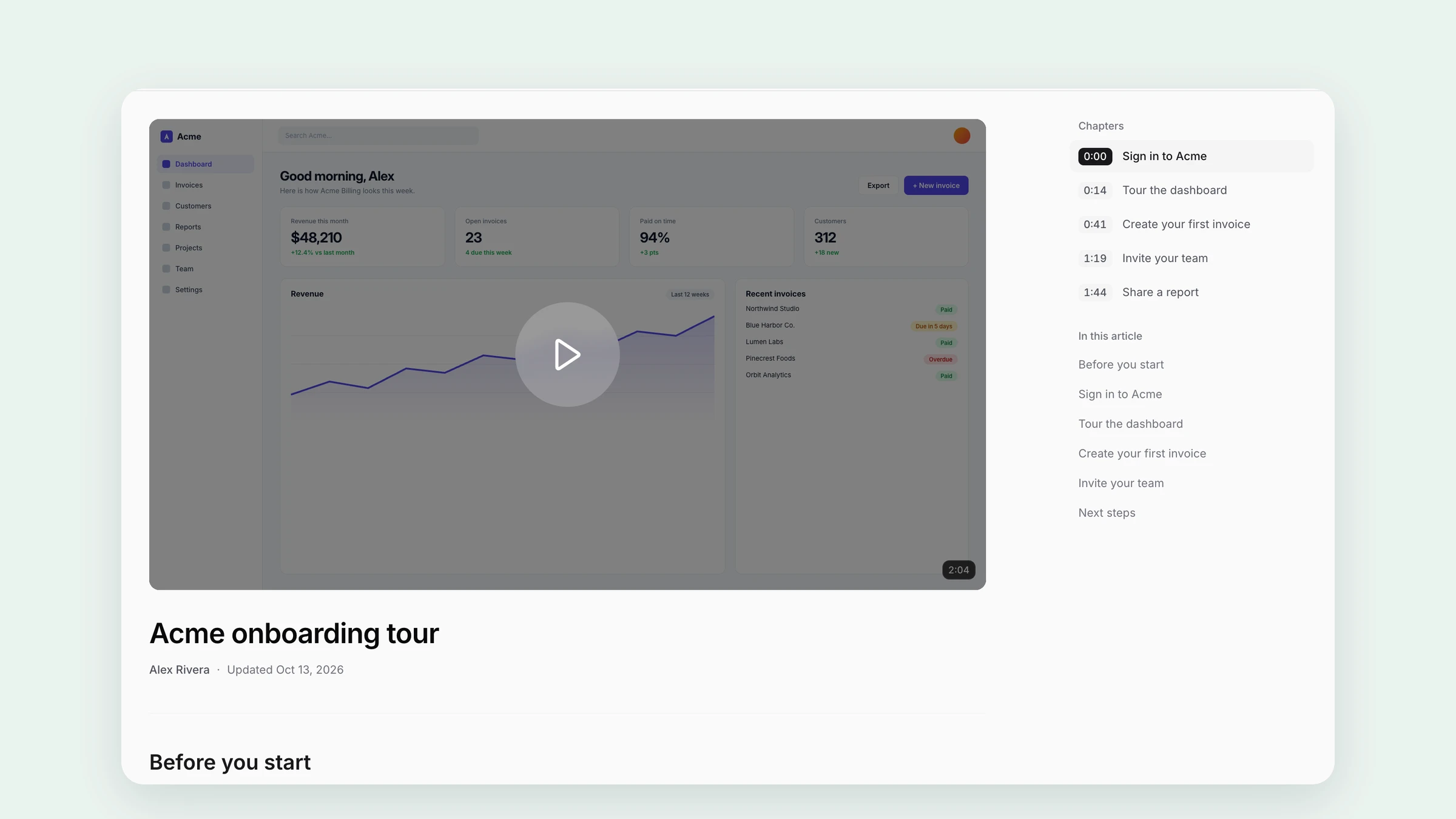
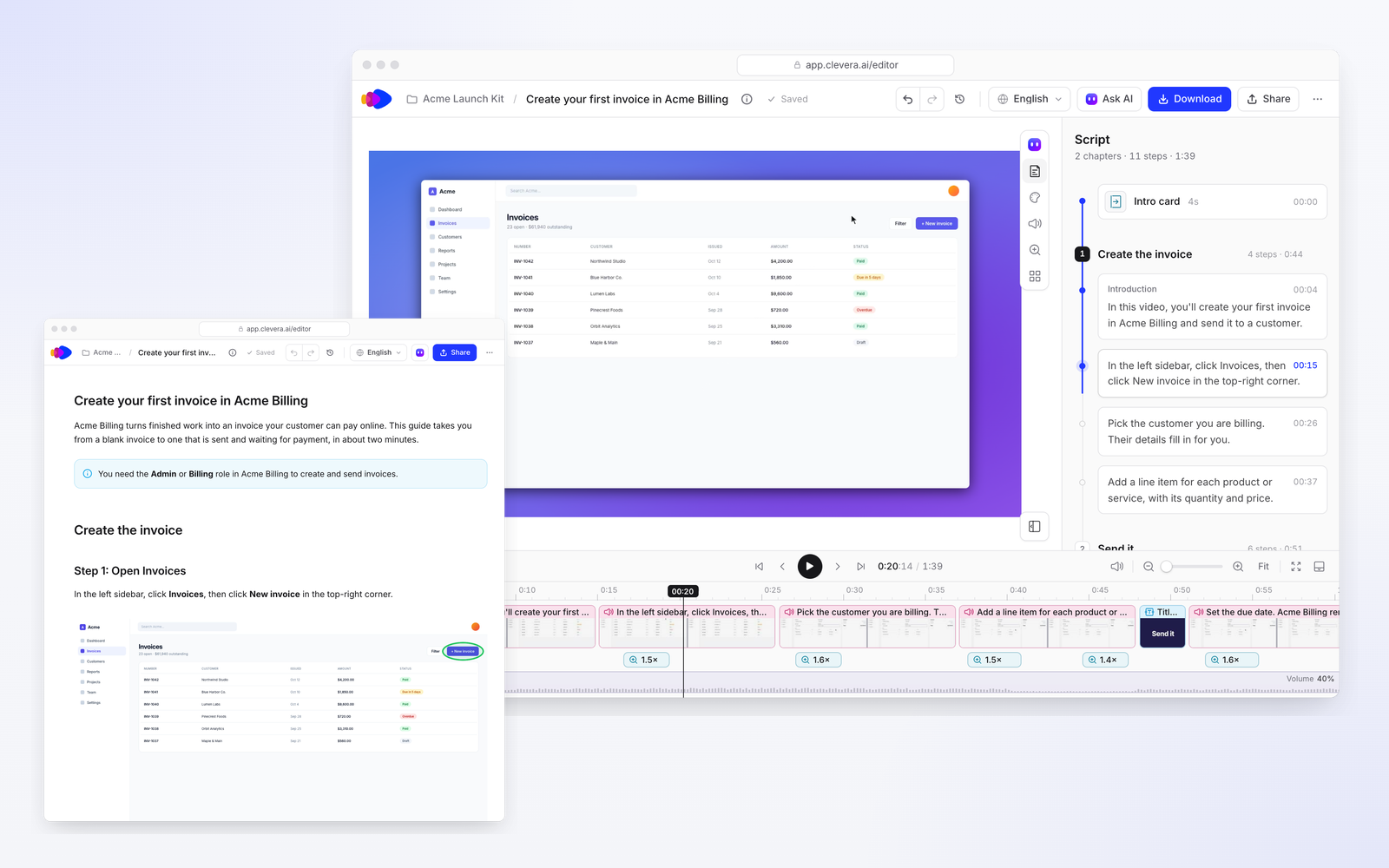
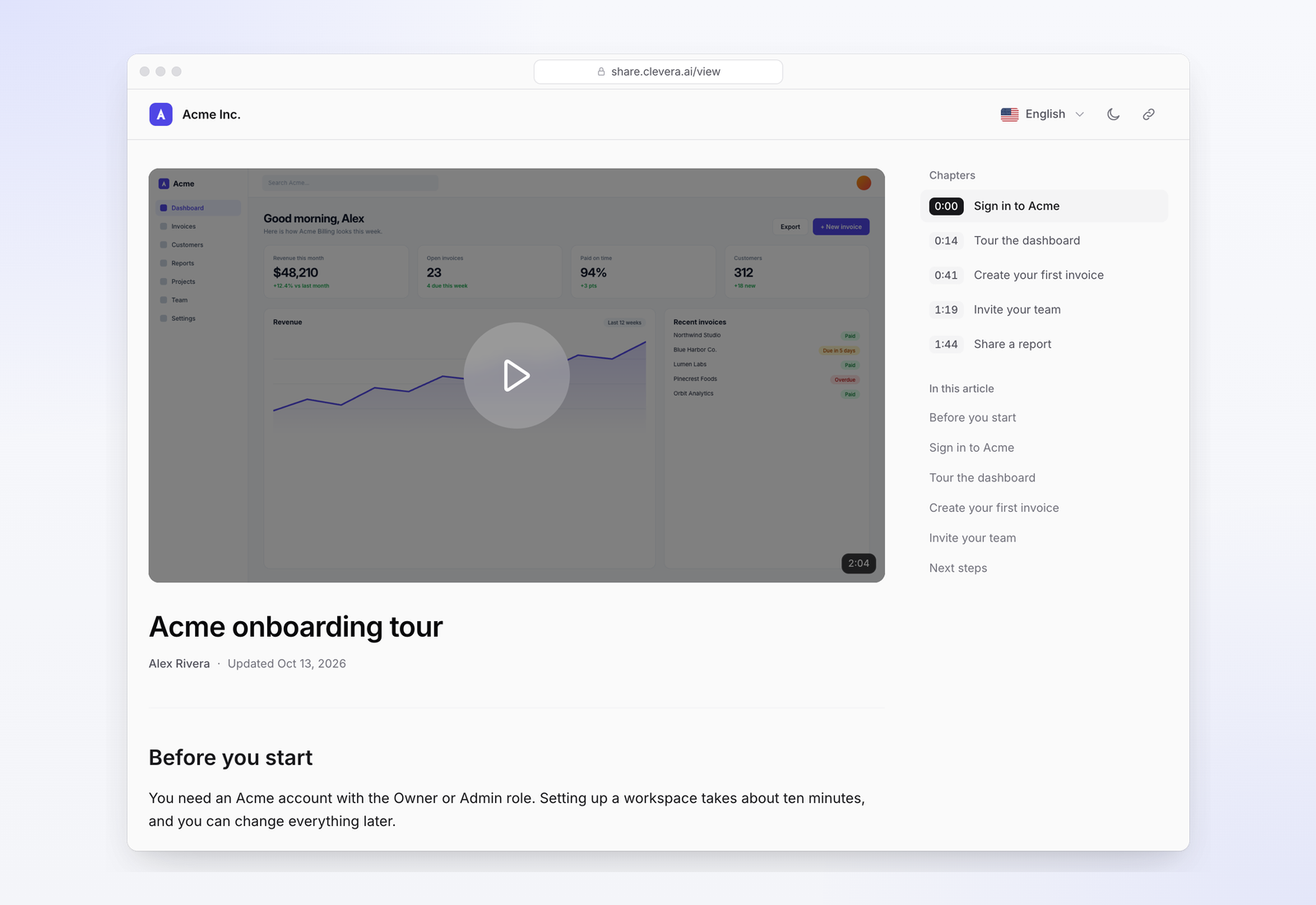
Clevera starts from the video instead of the article. You record a flow once with the desktop app (Mac, Windows or Linux), the Chrome extension, or let its AI recorder click through your web app, and Clevera writes the step-by-step article and makes a narrated how-to video from the same recording. Both go on a help center Clevera hosts, on your own domain from Starter.
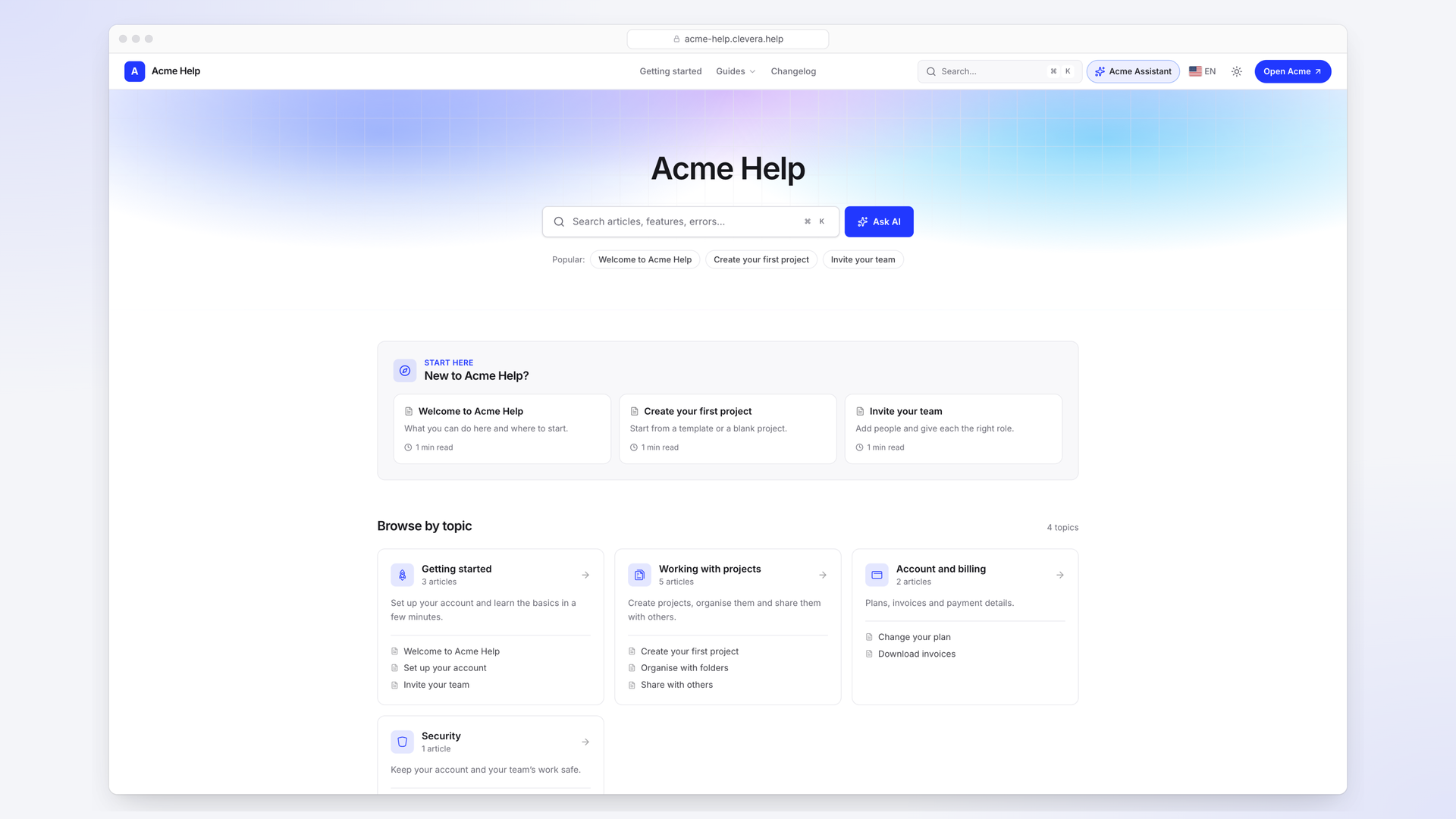
What's different in practice:
- Video and article come from one recording, so they describe the same steps.
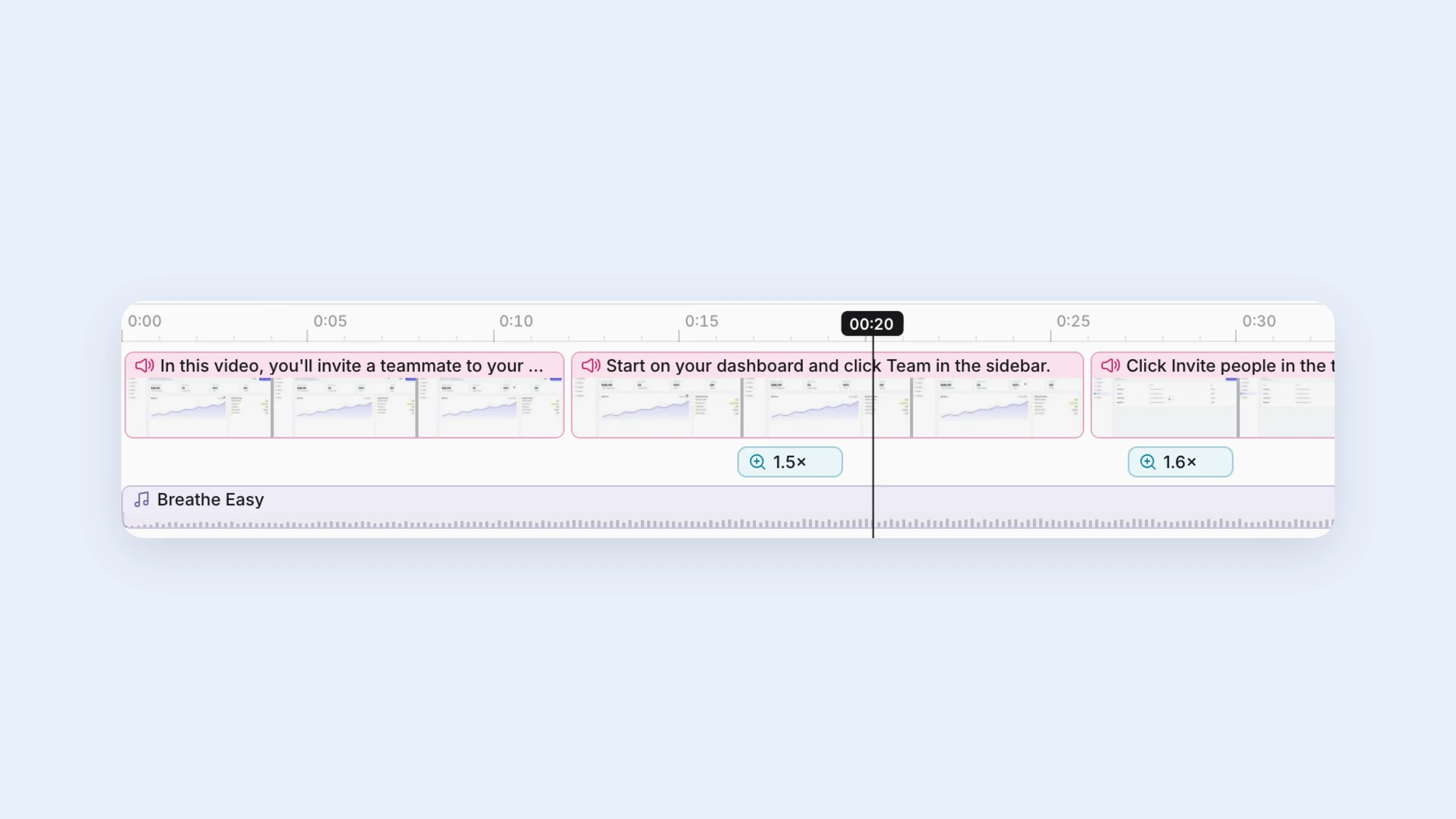
- Edits reach every embed. Change a video's narration, text or highlights and every page that shows it plays the new version.
- Videos translate, not just articles. The voice-over, captions and article go into 74 languages, at 3 to 10 credits per language for each video or article.
- Ask AI answers readers from your published pages with sources, and uses no credits within the plan's allowance.
- Import at no charge from Zendesk Guide, Intercom, Help Scout, Document360, GitBook, Notion and Confluence, and export to HTML or Markdown anytime.
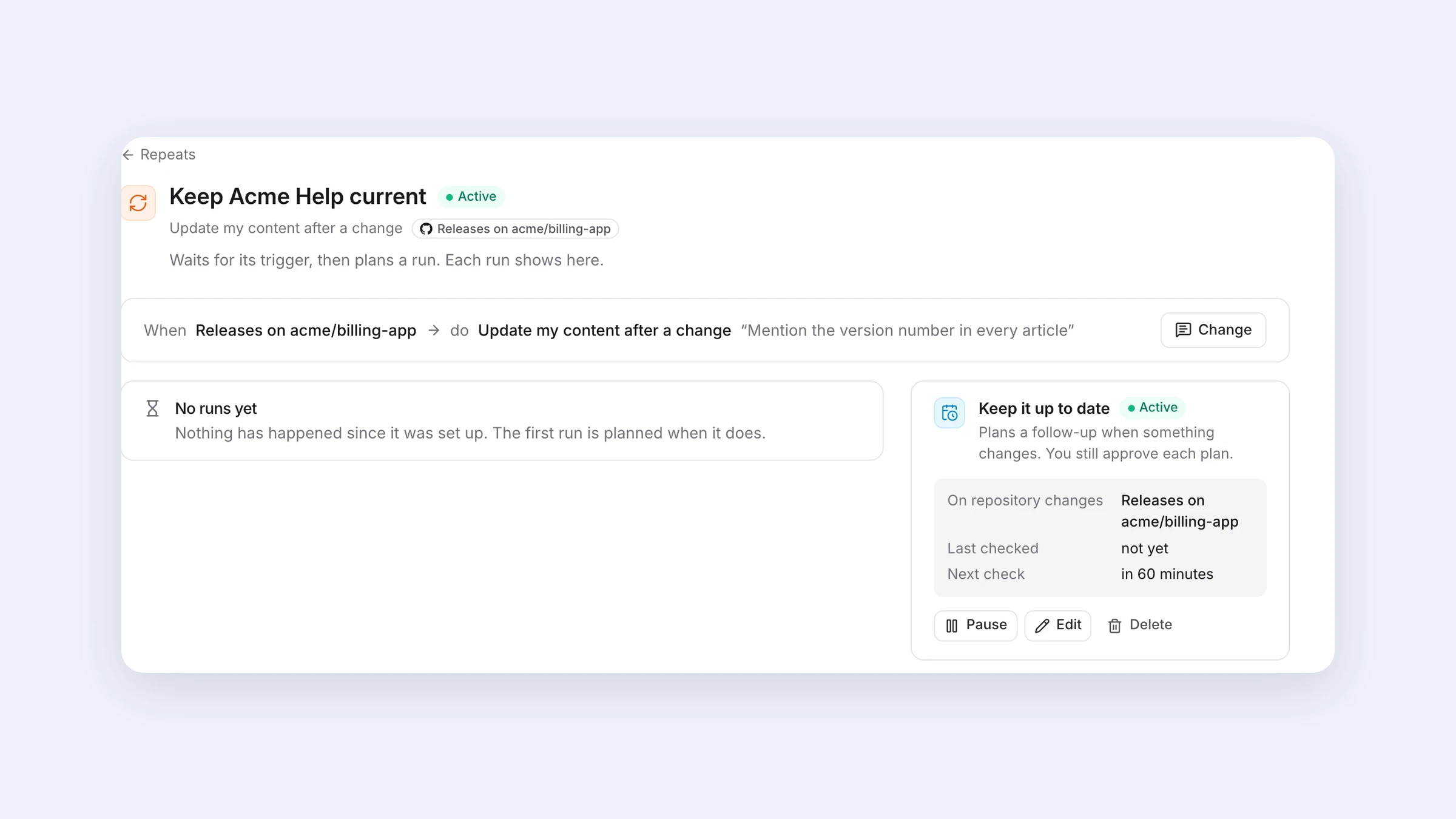
- Autopilot (Pro and above) watches your releases or changelog and proposes text fixes and re-records for your approval. More on that in how to keep tutorial videos up to date.
Where it isn't the right fit: Clevera isn't a ticketing tool, so if articles must live inside the Zendesk or Intercom agent workspace, stay there and use a video tool alongside. SSO is on the Custom plan only, private help centers start on Pro, and its SOC 2 audit is in progress, expected in 2027, per its security page. If you need a finished SOC 2 report this quarter, that rules it out for now. And if your videos are webinars or live-action recordings rather than screen-based how-tos, a help center that hosts any uploaded file fits better.
FAQ
Which help center software supports video?
Almost all of them embed video from YouTube, Vimeo, Wistia or Loom, including Zendesk Guide, Intercom and Help Scout. Document360 can also host files. Clevera and Trupeer make narrated how-to videos from screen recordings and host them with the articles.
Can I add videos to my Zendesk or Intercom help center?
Yes, by embedding a player from a video host. Uploaded MP4s show as attachments rather than a player in both tools, so you need a separate host or a tool that makes and hosts the video.
Do I need a separate video tool if my help center embeds video?
Usually, yes. Someone has to record, narrate, edit and host the videos. That tool and the time to maintain the videos are often a bigger cost than the help center licence.
Is there a help center that translates the videos too?
Clevera translates the voice-over, captions and article together into 74 languages. Most help center platforms translate article text only, and the video stays in its original language unless you produce another version.
How much does help center software with video cost?
Both Help Scout and Clevera have a $0 plan: Help Scout's embeds video, and Clevera's includes one hosted help center with videos up to 3 minutes. Per-agent suites cost more, such as Zendesk Suite Team at $55 per agent per month billed yearly. Add the cost of the video tool if the platform only embeds.
See a help center built from recordings
Videos and articles from one recording, on your domain, in your customers' languages.