Best knowledge base software with video in 2026

Picking knowledge base software with video comes down to what "video" means, because every vendor claims it. In practice it's one of three things: the tool plays a video file you upload, it embeds a player from YouTube, Vimeo or Loom, or it makes the video for you.
That difference decides your workload. If the tool only embeds, someone still records, edits and hosts every video somewhere else, then pastes the link. If it makes the video, the recording you already have is most of the job.
Here are 8 tools, with exactly how each one handles video and what it costs.
How each tool handles video
Tool | Hosts uploaded video | Embeds YouTube, Vimeo, Loom | Makes the video | Hosts the knowledge base | Starting price |
|---|---|---|---|---|---|
Clevera | Its own videos | Kept on import | Yes, from a recording | Yes, every plan | Free; Starter $29/mo billed yearly |
Trupeer | Its own videos | — | Yes, from a recording | Add-on, or included on Scale | Pro $40/mo billed yearly + KB add-on $120/mo |
Helpjuice | Yes, up to 5 GB | YouTube by URL, others by embed code | No | Yes | $249/mo |
Document360 | Yes, up to 150 MB per file | Yes | No (turns video into text) | Yes | Quote only |
Zendesk Guide | No, 20 MB attachments | Yes | No | Yes | $55/agent/mo billed yearly (Suite Team) |
Intercom Articles | No, MP4 attachments | Yes | No | Yes | $19/seat/mo billed yearly |
Help Scout Docs | No | Yes | No | Yes | Free; Standard $25/user/mo billed yearly |
Guidde | Its own videos | Not applicable | Yes, from a capture | No | Free; Pro $19/creator/mo billed yearly |
A dash means the vendor's site doesn't cover it. Prices were checked on each vendor's site on October 22, 2026.
Docs tools like GitBook and Archbee also rely on embeds from hosts like YouTube and Vimeo for video. We compare them in our GitBook alternatives guide.
1. Clevera
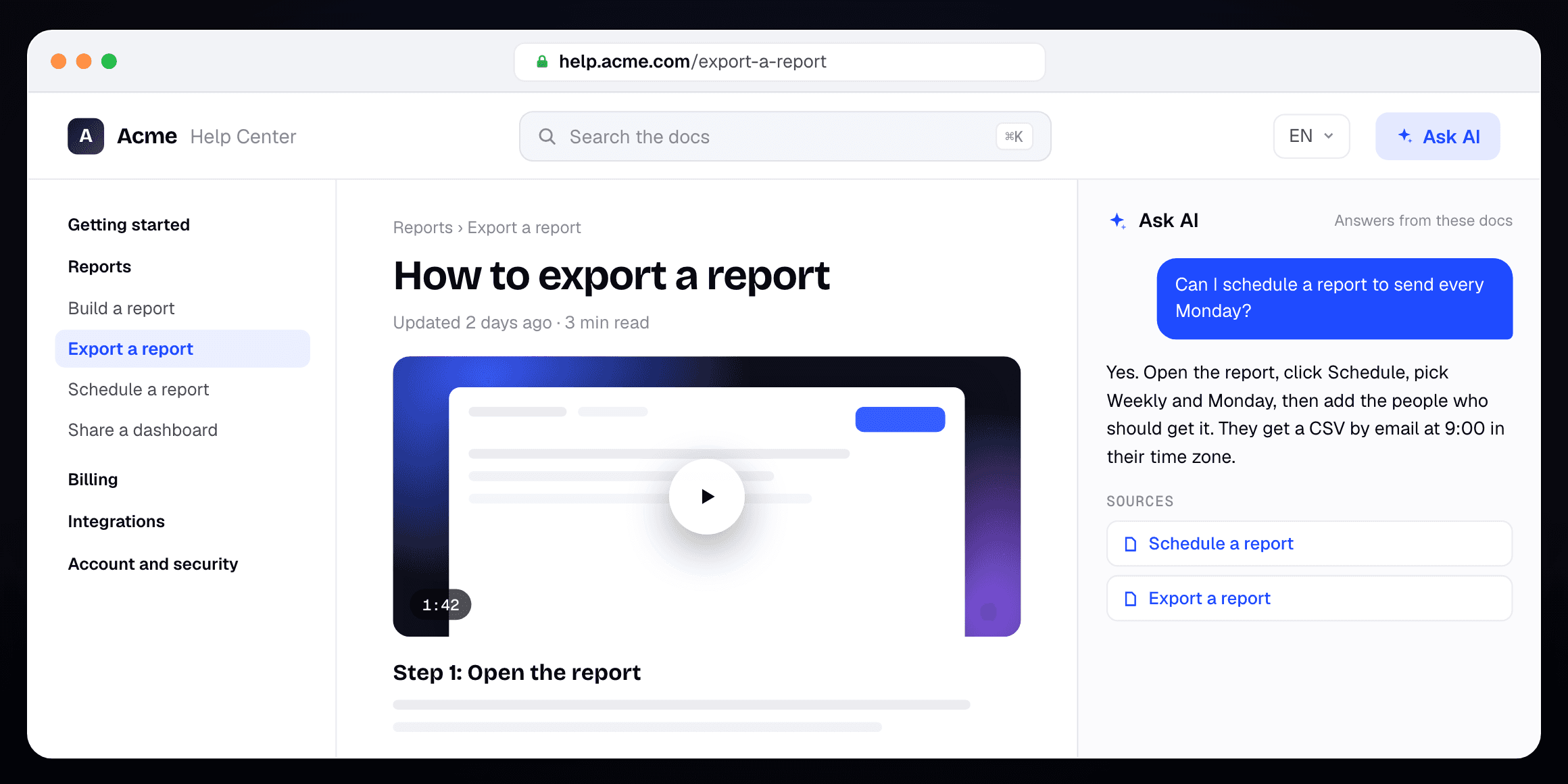

Best for: support and product teams that want the video and the article made for them, on a help center they run
Clevera makes the video, writes the article and hosts both, on every plan. Record your screen while you use your product, or upload a recording you already have. Clevera writes the step-by-step article, makes an AI-narrated how-to video from the same recording and puts the video in the page. Readers watch or read, whichever is faster.
Those articles publish as a help center on every plan, free at your-site.clevera.help or on your own domain from Starter.
What matters for a video knowledge base:
One recording gives you both formats, so the video and the article describe the same steps
Videos hosted by Clevera update in place when you change the narration, text or highlights, with no new link to paste. When your UI changes, you record again
Ask AI answers readers from your published pages and lists its sources. It uses no credits: 300 answers a month on Free, 1,000 on Starter, 5,000+ on Pro
Insights show searches with no result and what readers asked, with a Write article button next to each gap
Videos and articles translate into 74 languages (translation uses credits). A site publishes in 2 languages on Free, 5 on Starter and as many as you like on Pro
Free import from Zendesk, Intercom, Help Scout, Document360, GitBook and other docs tools. YouTube, Vimeo, Loom and Wistia embeds come over as embeds. See the Zendesk import, Help Scout import and Document360 import
Free plan with 100 credits a month, videos up to 3 minutes and 1 hosted help center. Free videos are shared by link and embed, with no MP4 download. Starter is $29 a month billed yearly ($36 monthly) for 1 creator with 900 credits and your own domain. Pro is $86.80 a month billed yearly ($124 monthly) for 2 creators and adds private sites and AI agents. Editors are free on every plan. Details on Clevera's pricing page
Where Clevera is not the right fit: if your help center has to live inside your ticketing tool, Zendesk and Intercom tie articles to the inbox and the agent workspace in a way Clevera doesn't. Clevera also caps you at 1 help center on Free and Starter. And if your videos are live-action, webinars or long recorded trainings, a tool that hosts any uploaded file, like Helpjuice, fits better. Clevera's how-to videos are made from screen recordings.
2. Trupeer
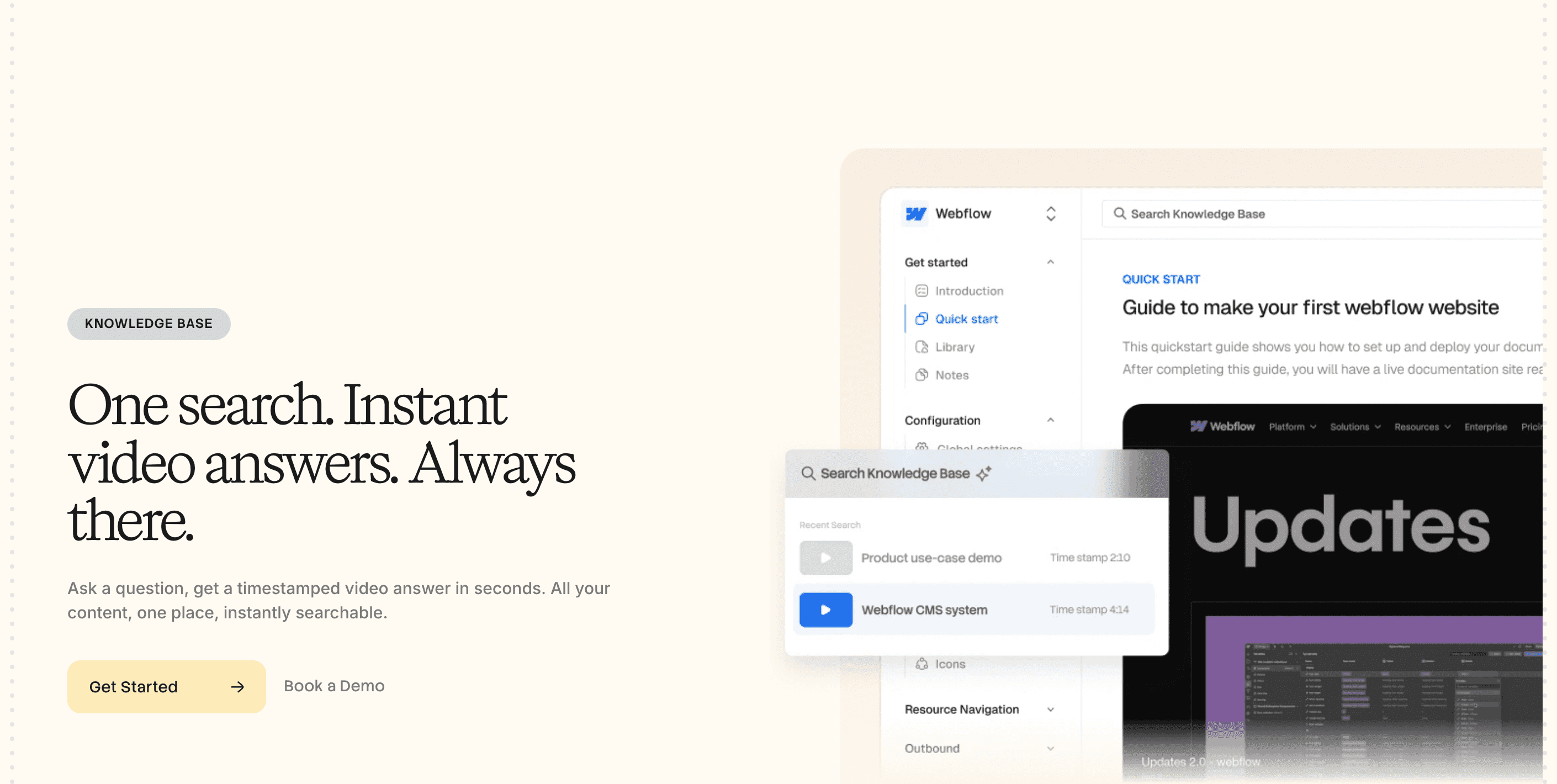
Best for: teams that want a video-first hub where search jumps to the moment in a video
Trupeer is the closest match to Clevera. You record with its Chrome extension or upload a recording, and it makes a narrated video and a document from it. Its knowledge base hosts those videos and guides on your own domain, and the AI search version answers a question with a timestamped moment in a video.
The knowledge base is an add-on, though. On Trupeer's pricing page it's $150 a month ($120 billed yearly), or $200 with AI search, on top of Pro at $49 a month ($40 billed yearly). That puts a hosted video knowledge base at about $199 a month on monthly billing. The Scale plan ($249 a month, $199 billed yearly) includes the knowledge base with AI search. Recordings are capped at 10 minutes on Pro, and the free plan lasts 10 days.
3. Helpjuice
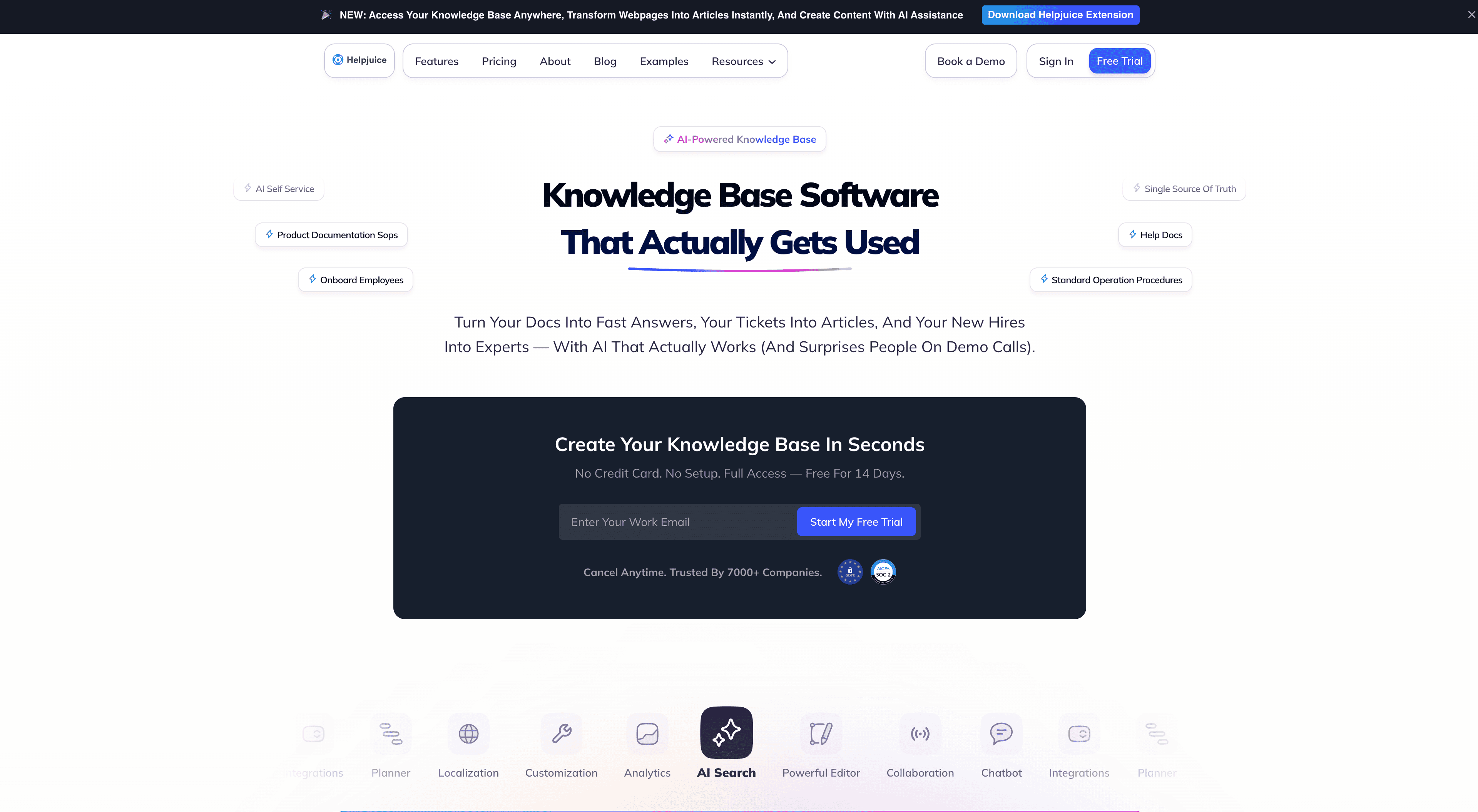
Best for: teams with a library of existing video files to host next to their articles
Helpjuice is the strongest pure host here. Its editor plays uploaded MP4, WebM and OGG files inside articles, up to 5 GB per file through the Files Manager and 100 MB for a direct upload. YouTube, DailyMotion and Vidyard embed by URL, and anything else, like Vimeo, goes in as embed code.
It doesn't make video. The AI plans add Wizardshot, a browser extension that builds step-by-step tutorials from a capture, with steps you can turn into GIFs. Storage is capped by plan at 12, 24 or 38 GB, which matters if video is the main format. Pricing starts at $249 a month for 30 users without the AI Suite, then $449 and $799. Helpjuice doesn't offer a free plan, only a 14-day trial.
4. Document360
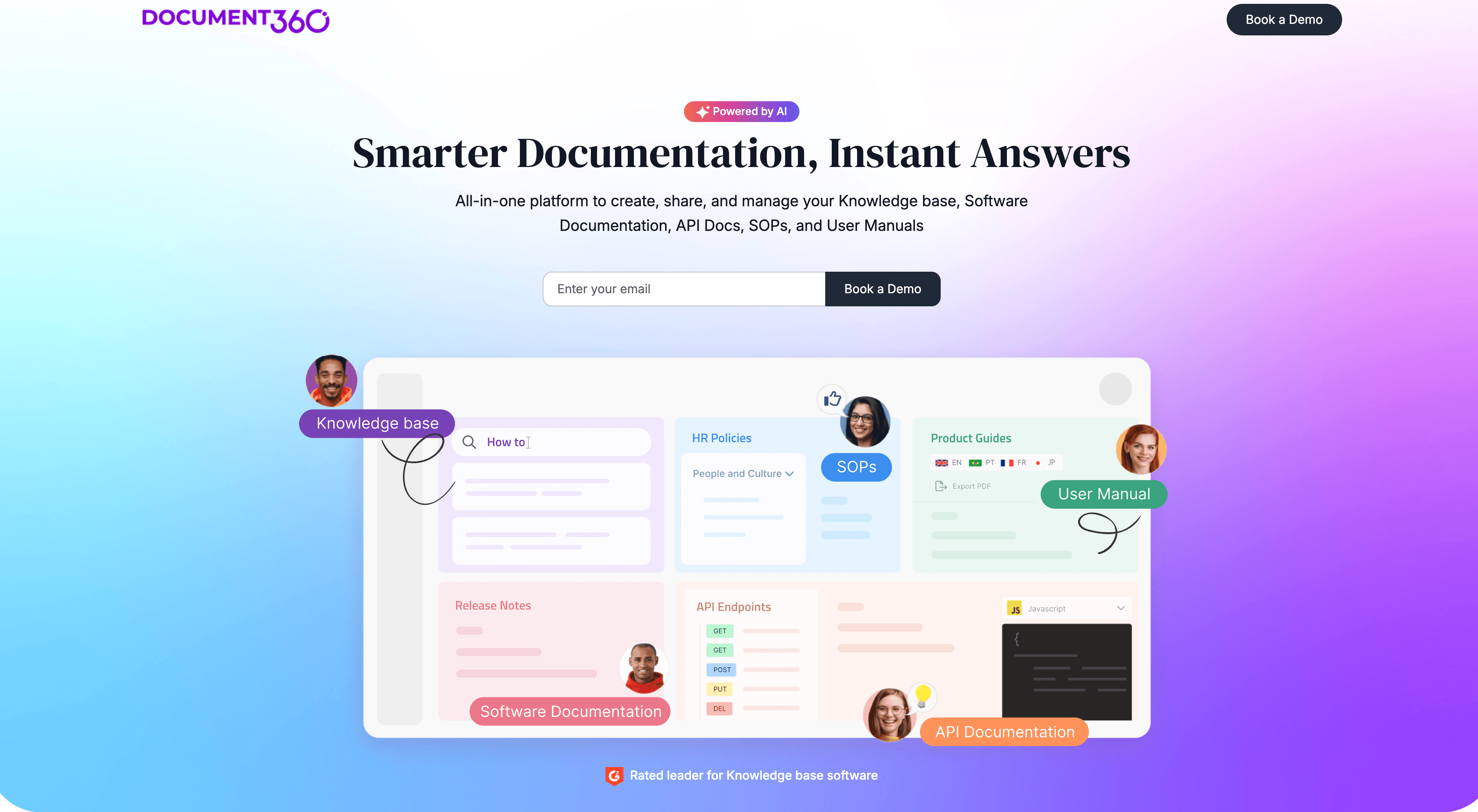
Best for: large docs teams that need review workflows and can host their own clips
Document360's editor has an Insert video panel with three choices: a YouTube, Vimeo or Wistia link, iframe embed code, or a file from Document360's own Drive. Drive uploads are capped at 150 MB per file unless you buy a large-file add-on.
Its AI writing agent goes the other way from video. It turns an MP4 screen recording into a text article, up to 30 minutes long (10 with screenshots), but the output is text, not a video. Pricing is quote only, with a 14-day trial. We cover its trade-offs in our Document360 alternatives guide.
5. Zendesk Guide
Best for: support teams already on Zendesk that will host videos elsewhere
Zendesk's help center embeds video from YouTube, Loom, Vimeo, Wistia, Vidyard, Brightcove, JW Player and Synthesia from the article toolbar. Other hosts need unsafe HTML turned on. Files you upload to an article are attachments up to 20 MB that show as links at the bottom, not as a player.
So you need a separate video host. The upside is the tie-in to tickets: articles show up in the agent workspace and power Zendesk's AI answers. The help center starts on Suite Team at $55 an agent a month billed yearly ($69 monthly), with a 14-day trial. Zendesk doesn't offer a free plan.
6. Intercom Articles
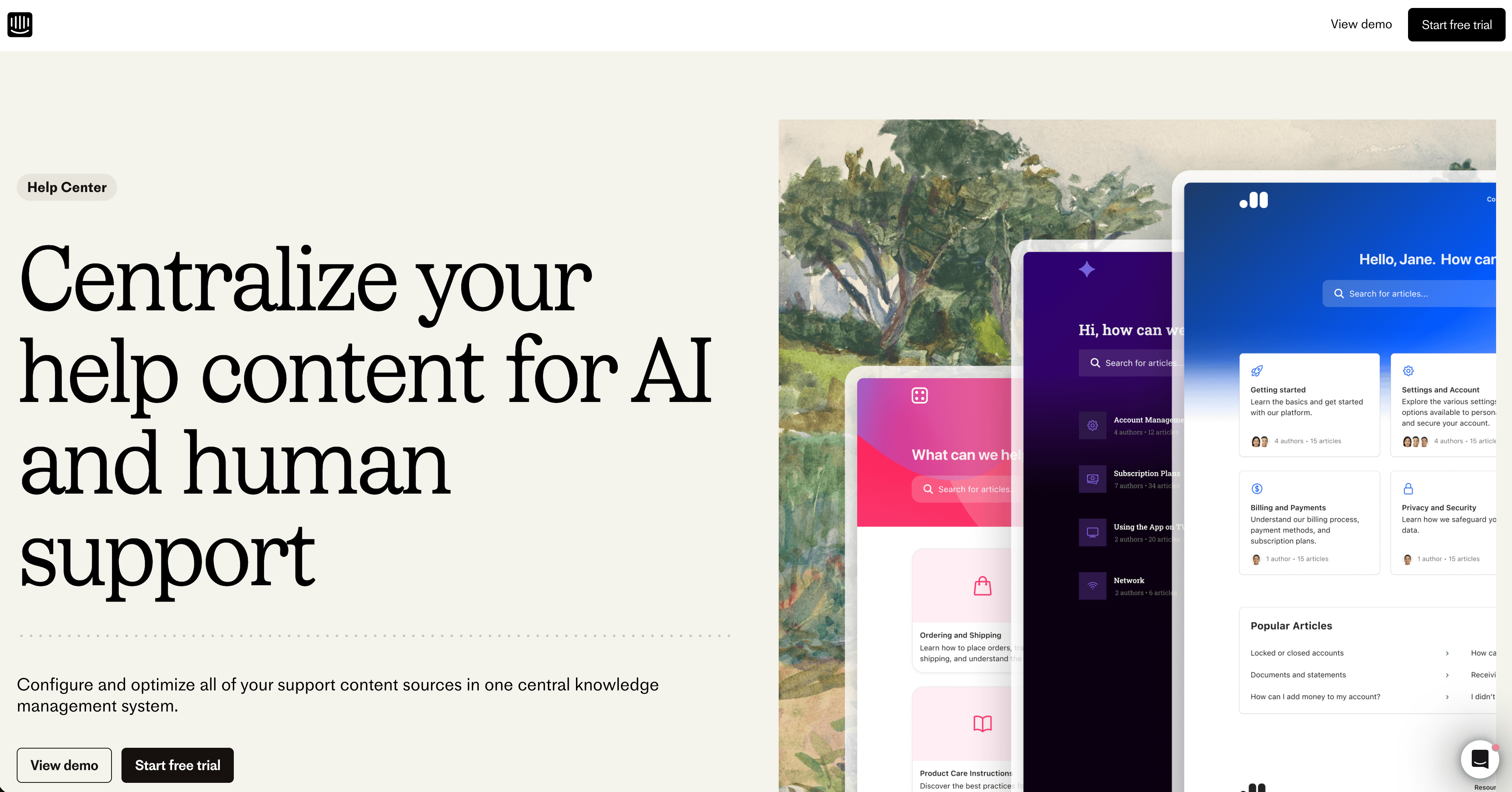
Best for: teams that run support in Intercom and want Fin to answer from their articles
Intercom's article editor embeds videos from YouTube, Vimeo, Wistia, Loom, JW Player, Microsoft Stream, Brightcove and Synthesia, plus interactive demos from tools like Supademo and Storylane. You can attach an MP4, but it shows as a file at the bottom of the article.
Like Zendesk, the help center is part of the support suite. Essential is $19 a seat a month billed yearly, and a private or multilingual help center starts on Advanced at $85 a seat. Fin AI answers cost $0.99 per outcome on top. There's a 14-day trial, and Intercom doesn't offer a free plan.
7. Help Scout Docs
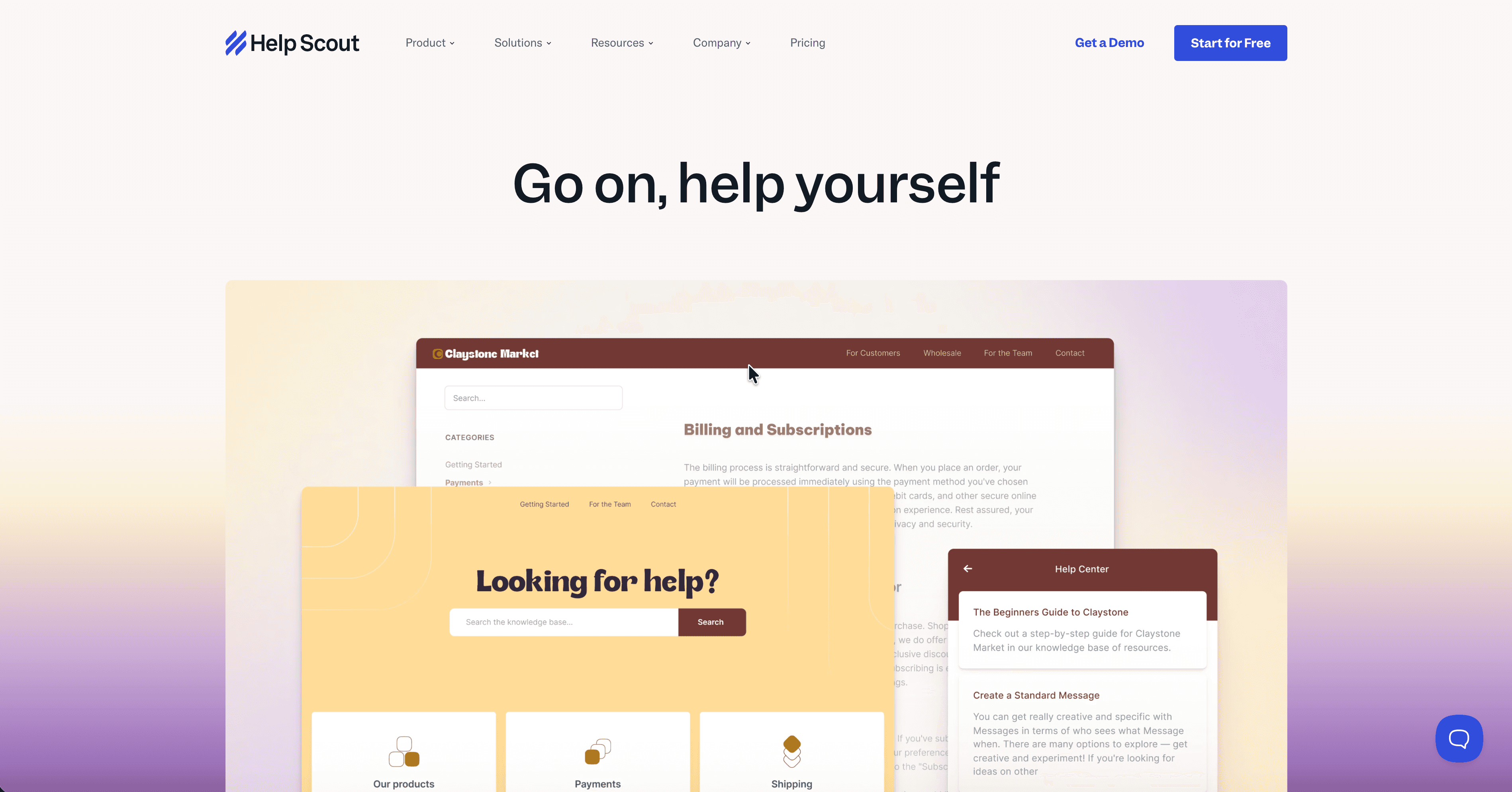
Best for: small support teams that want a simple help center next to their inbox
Help Scout Docs embeds videos from YouTube, Vimeo, Loom or Wistia by URL, and other hosts through an HTML block. The editor docs mention image uploads up to 10 MB and say nothing about uploading video.
Docs comes with every Help Scout plan, Free included, but Free caps you at 10 articles. Standard is $25 a user a month on annual billing, with unlimited articles and 2 Docs sites.
8. Guidde
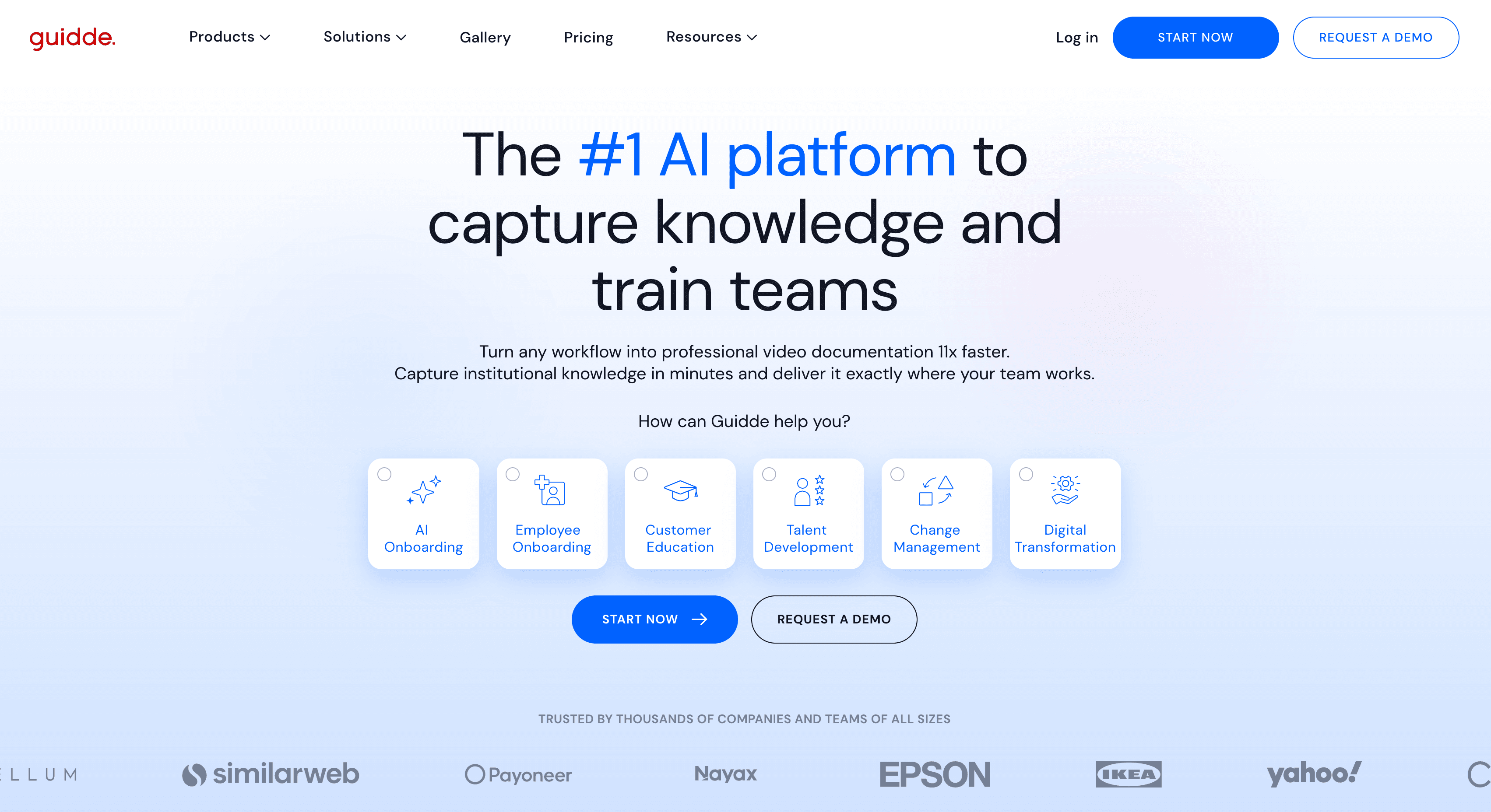
Best for: teams that already have a knowledge base and want AI how-to videos to embed in it
Guidde makes video. You capture a workflow with its browser extension, and it builds a step-by-step video with an AI script and voiceover, plus a written version of the steps. Videos live in Guidde's own workspace.
It isn't a knowledge base. Its help docs cover embedding guiddes in other tools like Intercom, Confluence, Document360 and GitBook, and only public guiddes can be embedded. So you pay for two tools. Free gives you up to 25 videos, and Pro is $19 a creator a month billed yearly.
How to choose
If you need | Best option |
|---|---|
The video and the article made from one recording, on a help center you run | Clevera |
Video answers that jump to a timestamp, with budget for an add-on | Trupeer |
A home for a big library of existing video files | Helpjuice |
Approval workflows for a large docs team, with your own clips | Document360 |
Articles tied to your Zendesk tickets | Zendesk Guide |
Articles that feed Intercom's Fin | Intercom Articles |
A small, simple help center next to your inbox | Help Scout Docs |
AI how-to videos for a knowledge base you already have | Guidde |
FAQ
What is a video knowledge base? A help center where articles carry video next to the text, so readers can watch a task or read the steps. The video can be uploaded to the tool, embedded from a host like YouTube or Loom, or made by the tool itself.
Which knowledge base software can host video files? Helpjuice plays uploaded files up to 5 GB, and Document360 hosts files up to 150 MB in its Drive. Zendesk Guide, Intercom and Help Scout only embed video hosted elsewhere. Clevera and Trupeer host the videos they make.
Can I add video tutorials to the knowledge base I already have? Yes. Helpjuice, Document360, Zendesk, Intercom and Help Scout all embed YouTube, Vimeo or Loom. If you want the videos made for you, Clevera, Trupeer and Guidde all turn a screen recording into a narrated how-to video. Clevera can also host the help center, and it imports your articles from Zendesk, Intercom, Help Scout or Document360 for free.
Is there free knowledge base software with video? Clevera's Free plan includes a hosted help center and 100 credits a month for videos up to 3 minutes. Help Scout's Free plan includes Docs with video embeds, capped at 10 articles.
Start with who makes the video
Embedding a player is the easy part. Most tools on this list do it. The real cost is recording, editing and re-recording each video as your product changes. If someone on your team already records the steps, let the tool turn that recording into the video and the article, and put both on your help center.

