MCP servers for documentation: 8 compared (2026)

An MCP server for documentation lets Claude, ChatGPT or Cursor work with your docs directly, instead of you pasting pages into the chat.
There are two kinds, and they do very different jobs. A read server lets an AI answer from your published docs. A write server lets an agent draft, edit and sometimes publish pages in your docs platform. Most vendors now offer both, under different names and on different plans.
Here are 8 docs MCP servers, each checked on the vendor's own docs and pricing pages on October 22, 2026: what each one reads or writes, where it runs, and which plan you need.
1. Clevera
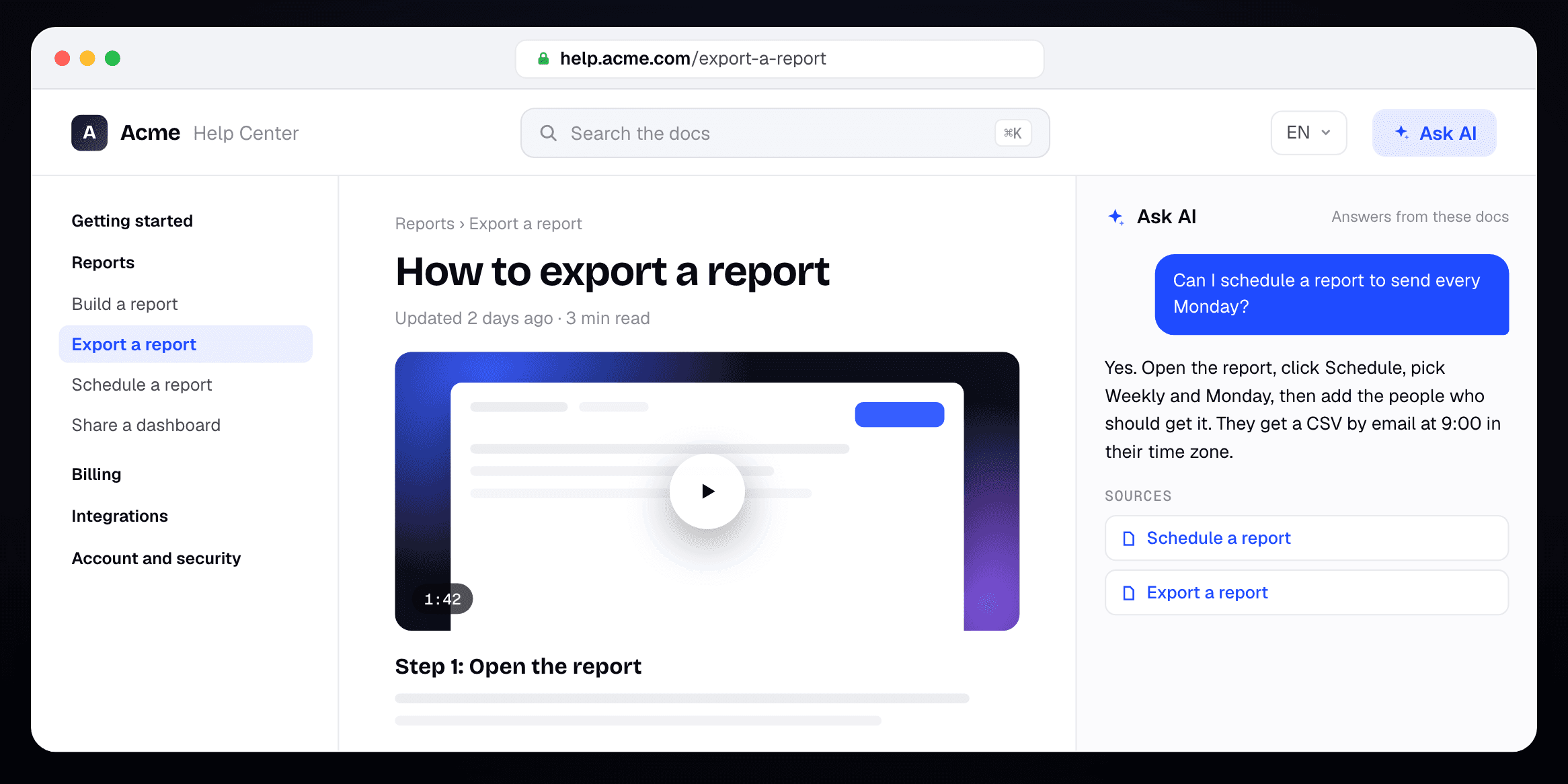
Best for: support and product teams that want an agent to keep the help center current, with a how-to video in the article
Clevera hosts your help center and makes the content that goes in it: articles and how-to videos from a screen recording of your product. The Clevera MCP server gives your agent both sides. It can draft, translate and publish help center pages, write changelog entries, and ask Clevera's own AI for the how-to video that sits in the article.
Type: read and write. Draft, update, translate and publish pages, site pages and changelog entries, plus videos and articles from a recording in your library
Where it runs: one hosted server at `https://app.clevera.ai/mcp`. Claude and ChatGPT connect as a custom connector with a sign-in and no token. Claude Code, Codex and Cursor use an API token, and tokens always expire
Publishing waits for you: a new article is created as a draft that can't go live until a person, or a token you trusted to publish, marks it ready. The Writer preset drafts and asks your team to review. The server's own instructions tell agents to publish only when a person asked
It knows what's missing: the agent can read the searches on your site that found nothing and the questions Ask AI couldn't answer, then draft the articles readers wanted
Read-only option: a Support assistant token answers from your published, public pages and nothing else
You set what it spends: videos and translations use credits, every paid job starts with a quote, and caps per job, day and month decide what runs without asking
When we connected our own workspace, the first call listed each site with its address, languages and whether auto-publish is on. That flag matters: with auto-publish on, a change to a live page goes live within minutes.
Readers' Ask AI on the site is a separate thing. It answers from your published pages and uses no credits. AI agents and the API are on Pro and up. Pro is $86.80 a month billed yearly ($124 monthly) for 2 creators, with 4,000 credits a month. The help center itself is on every plan, including Free. See what each plan includes.
Where Clevera is not the right fit: it doesn't give each site a public MCP endpoint that any reader's AI can query, which GitBook and Mintlify do for free. It isn't docs-as-code, so there's no Git sync for engineers who write docs in pull requests. Agents work from recordings already in your library and can't record your screen. And if your knowledge base lives in Intercom or Confluence and you're staying there, use that vendor's server.
For the video side on its own, see how to make a how-to video with Claude and MCP and the best MCP servers for video.
2. GitBook
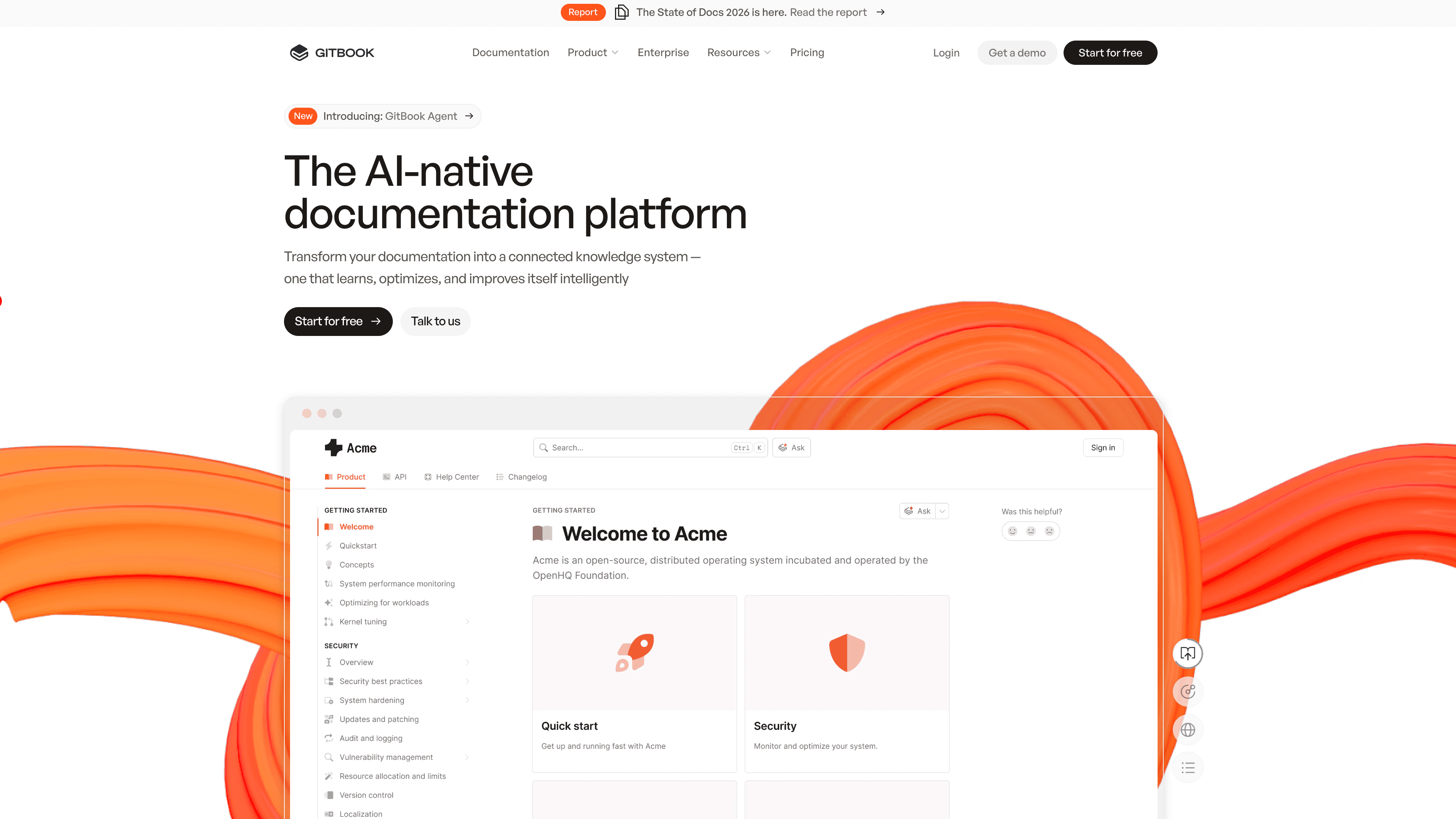
Best for: product and developer docs that want a free read server and agent edits through change requests
GitBook has both kinds. Every published site gets a read-only MCP endpoint at `/~gitbook/mcp`, so any AI tool can answer from your latest published docs. The account-level GitBook MCP at `https://mcp.gitbook.com/mcp` lets an agent create sites, open change requests, draft pages and restructure them. A person reviews and merges the change request in GitBook.
Type: read (per site) and write (account)
Where it runs: hosted, HTTP only. OAuth or a personal access token for the write server
Plan: the pricing page lists the MCP server on every plan, Free included. Essential is $65 per site a month plus $12 per user, billed yearly. Private docs over MCP need authenticated access, which starts on Ultimate
Hidden pages still show up in the read server, so check what you've hidden before you rely on it.
3. Mintlify
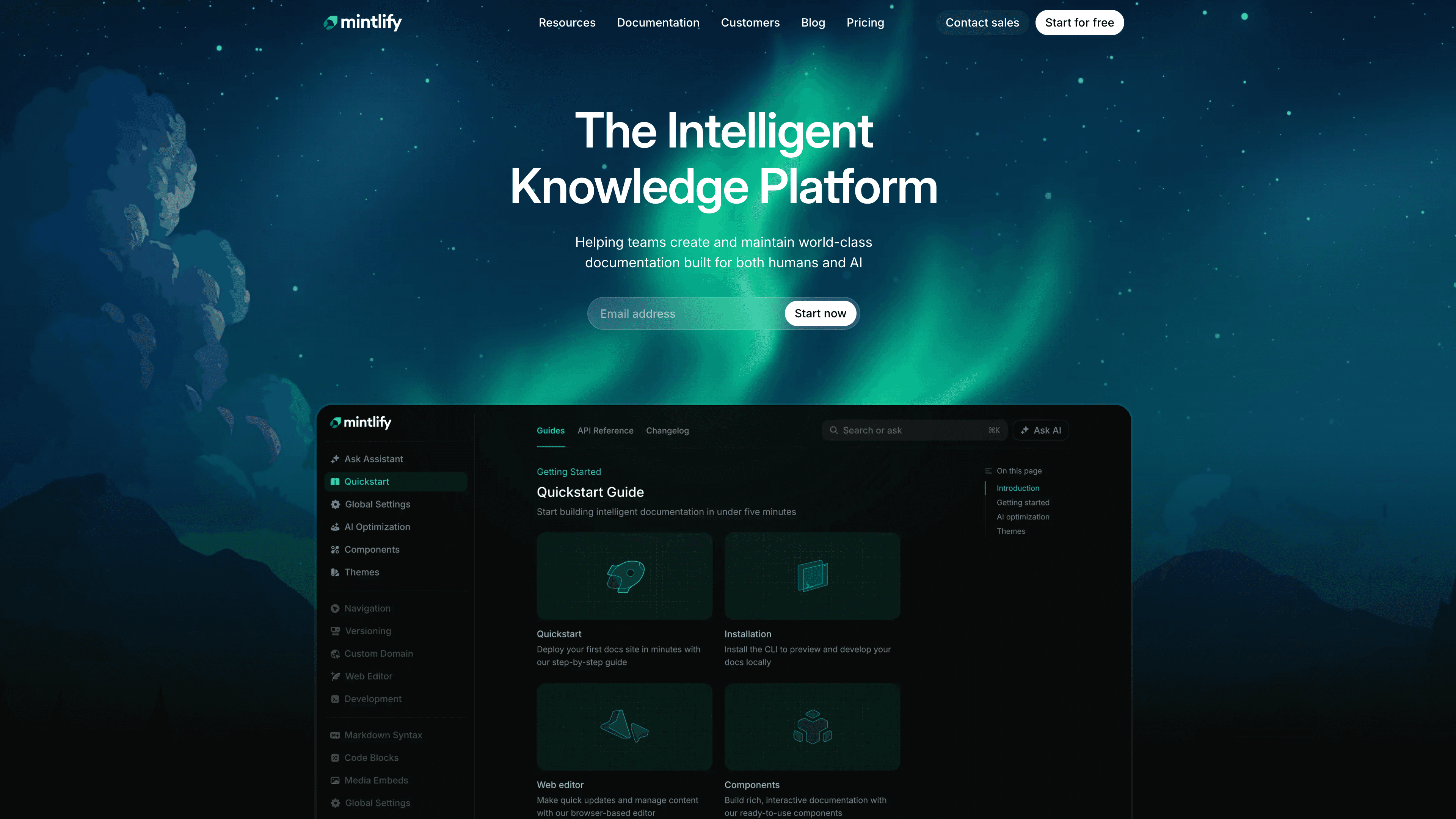
Best for: API and dev-tool companies with docs in Git that want agents to edit and ship docs end to end
Every Mintlify site serves a search MCP at `/mcp` with search, a docs filesystem tool and a feedback tool. The hosted admin MCP at `https://mcp.mintlify.com` goes much further: edit and write pages, change navigation, work on branches, see a diff and publish. It also reaches settings, domains and analytics.
Type: read (per site) and write (admin)
Where it runs: hosted. The admin server uses OAuth to your Mintlify account, and machine credentials can read but not edit
Plan: the MCP server is on the free plan. Pro is $450 a month billed yearly ($540 monthly). Mintlify doesn't say which plan the admin MCP needs
It's the most powerful write server on this list, and Mintlify says to connect it only from tools you trust. Settings changes go live right away, with no pull request.
4. ReadMe
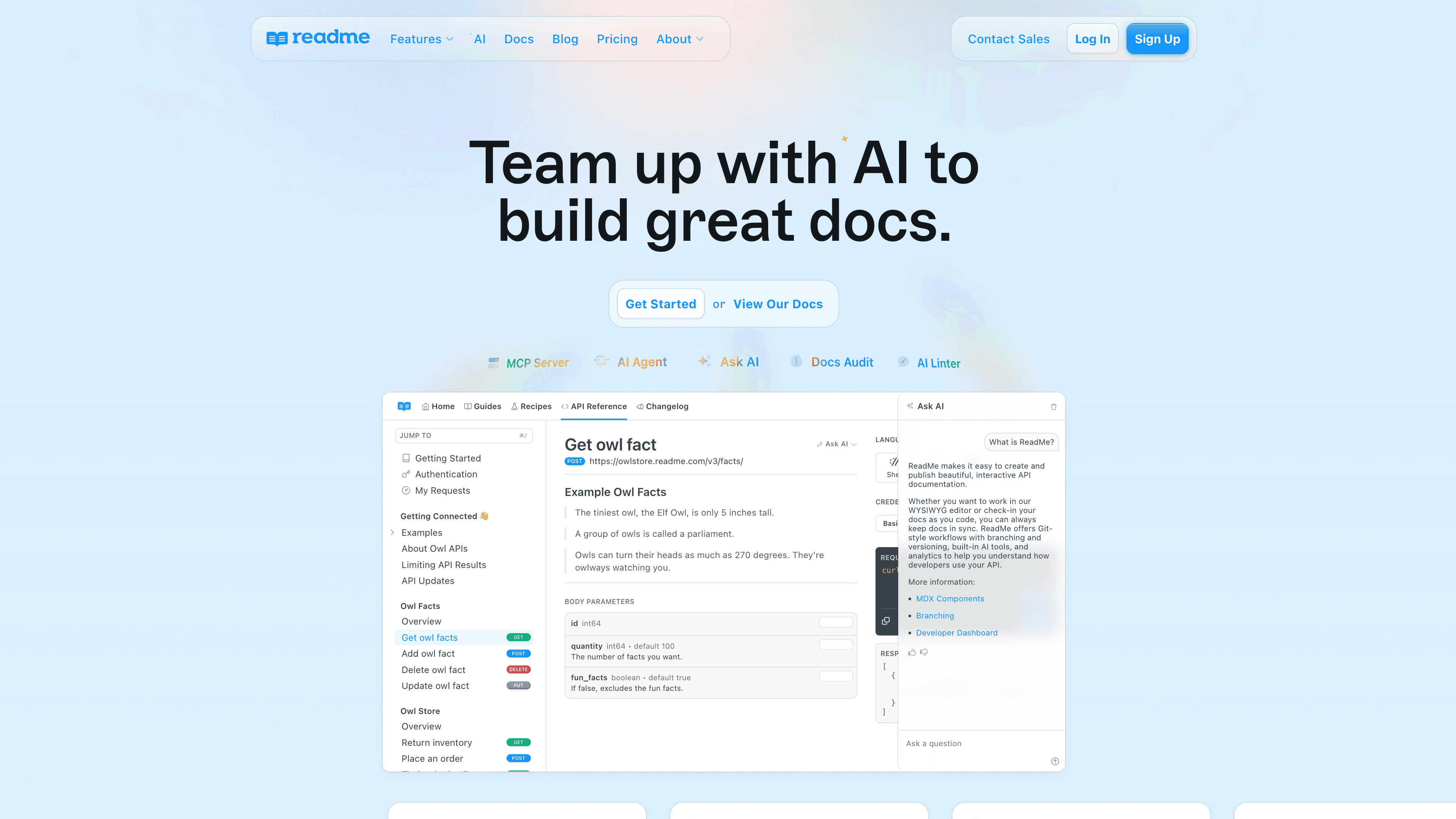
Best for: API-first companies that want AI tools to find and call their endpoints
ReadMe's project MCP at `{project}.readme.io/mcp` is built from your OpenAPI spec. Agents can list and search endpoints and run real requests against your API. Searching your guides through it needs the AI Booster Pack add-on. The separate ReadMe MCP at `https://docs.readme.com/mcp` lets your own agent update docs on a branch and get a review link, or draft a changelog entry from merged pull requests.
Type: read (project, plus live API calls) and write (ReadMe MCP)
Where it runs: hosted. The write server uses a ReadMe API key, one per project
Plan: the MCP server is on every plan, including the free Starter. Pro is $250 a month billed yearly. The pricing page doesn't list the AI Booster Pack by name
Because the project server can call your real API, decide which endpoints it may touch. Changelog posts and settings aren't versioned, so changes there go live at once.
5. Document360
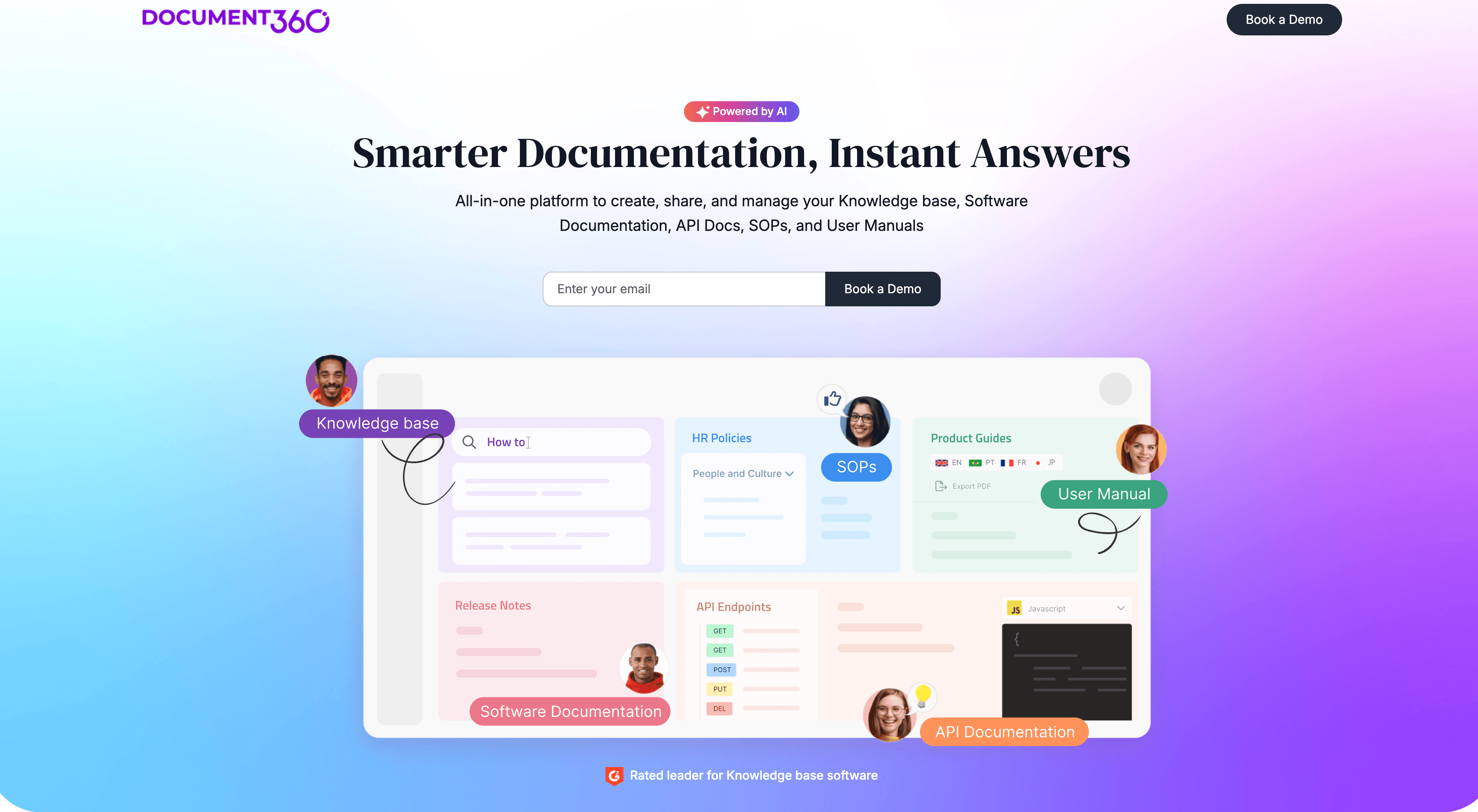
Best for: knowledge base teams that want one hosted server with publish and workflow tools
Document360's MCP server is hosted per region (EU, US and Canada) and signs you in with OAuth, so the agent gets your role's permissions. It has 19 tools: search, read articles and categories, create and update them, publish and unpublish, and set workflow status. A project owner or admin turns it on in AI settings.
Type: read and write
Where it runs: hosted, OAuth
Plan: pricing is by quote. The MCP server is listed under Eddy AI, the AI features the page says are included with your plan
6. Intercom
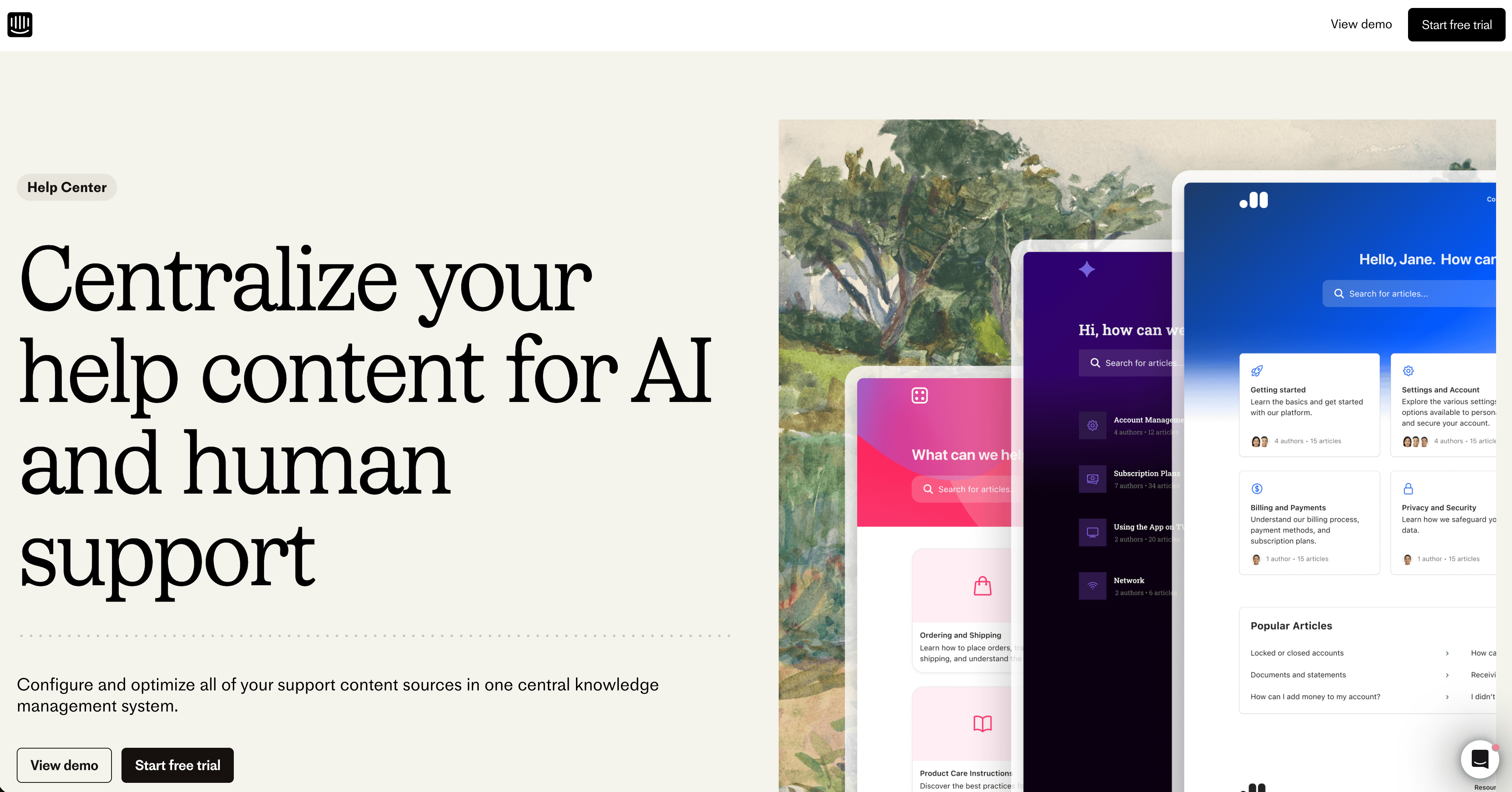
Best for: Intercom teams that want an AI client to write Help Center articles from real conversations
The Intercom MCP server at `https://mcp.intercom.com/mcp` (with an EU endpoint) reads conversations, contacts and companies, and it can list, search, create and update Help Center articles. An agent can pull the tickets about a problem and draft the article in the same session.
Type: read and write
Where it runs: hosted, OAuth or a bearer token
Plan: Intercom doesn't say which plans include it. Essential is $19 a seat a month billed yearly for new customers
New articles start as drafts unless the agent sets them to published, which puts them live. Intercom's MCP docs describe no review step, so put that rule in your agent's instructions.
7. Confluence (Atlassian Rovo MCP)
Best for: internal docs and knowledge bases in Confluence Cloud, linked to Jira
The Atlassian Rovo MCP Server at `https://mcp.atlassian.com/v2/mcp` covers Jira, Confluence and more. For Confluence it has the widest write surface here: create and update pages, live docs, whiteboards and folders, move and archive content, restore versions, set permissions and turn public links on or off.
Type: read and write
Where it runs: hosted, for Atlassian Cloud, OAuth or an API token
Plan: connecting and writing are free. Enriched searches use Rovo credits, mostly 1 to 10 per call, from an allowance on paid plans
Confluence is built for teams writing for each other. If you need a public, branded help center, you'll usually publish somewhere else.
8. Notion
Best for: teams whose knowledge base lives in Notion pages and databases
Notion MCP at `https://mcp.notion.com/mcp` can search, read, create, update and move pages and databases you have access to. It works on every plan, Free included, with an OAuth sign-in.
Type: read and write
Where it runs: hosted. The old local server is no longer maintained
Plan: free to connect. Plus is $10 per member a month billed yearly ($12 monthly). Bearer tokens without a browser sign-in need Business or Enterprise
Notion has no help center product of its own. Public docs go out through Notion Sites, and the MCP tool list has no tools for Sites, so the agent edits pages but can't publish them to the web.
Also worth knowing
Archbee offers a hosted connector with read tools and optional write tools, plus a local npm package
Context7 serves up-to-date library docs to coding agents. It's read-only and isn't a place you write your own docs. Free covers 1,000 calls a month
Zendesk announced an MCP server for tickets and knowledge in May, with early access promised for the summer. On October 22 we found no setup guide or endpoint for it on Zendesk's site. Its generally available MCP feature is a client, which lets Zendesk call other servers
How to choose
If your agent needs to | Best option | Type | Plan |
|---|---|---|---|
Draft, translate and publish help center pages, with a how-to video in the article | Clevera | Read and write | Pro and up |
Answer from your public docs for free, and edit through reviewed change requests | GitBook | Read and write | Every plan |
Edit, branch and publish docs-as-code from Claude Code or Cursor | Mintlify | Read and write | Free (search), plan not stated (admin) |
Find and call your API endpoints | ReadMe | Read (live API calls) and write | Free, docs search is an add-on |
Publish and route knowledge base articles through a workflow | Document360 | Read and write | By quote |
Turn support conversations into Help Center articles | Intercom | Read and write | Not stated |
Write and permission internal pages next to Jira | Confluence (Rovo) | Read and write | Free to connect, credits for enriched search |
Edit a Notion knowledge base | Notion | Read and write | Every plan |
Before you connect any write server, check two things: whether new pages start as drafts, and who can make them live.
FAQ
What is an MCP server for documentation? It's a server that speaks the Model Context Protocol, so an AI assistant can read your docs, or write to them, through tools instead of copy and paste. Some only answer from published pages. Others can create, edit and publish them.
What's the difference between a read and a write docs MCP server? A read server, like GitBook's per-site endpoint, lets any AI search and quote your published docs. A write server, like Clevera's, Mintlify's admin MCP or Intercom's, lets your own agent change content in the platform, so it needs a sign-in and permissions.
Which docs MCP server can put pages live on its own? Mintlify, Document360, Intercom and Clevera all have tools that put pages live. Clevera creates new articles as drafts and leaves publishing to a person, or to a token you trusted to publish. With Intercom, the agent can set an article to published in the same call that writes it.
Can an agent add a video to a help center article? With Clevera, yes. The same agent that drafts the article can ask for a how-to video from a recording of your product, and the video sits in the article. None of the other servers on this list makes video.
Do I need an API key to connect these to Claude? Usually not. Clevera, GitBook, Mintlify, Document360, Intercom, Confluence and Notion all support a sign-in. ReadMe's write server uses an API key, and coding tools like Claude Code and Cursor often use a token.
Pick the server for the job, then set the rules
If your agent only needs to answer from your docs, a free read server from your docs platform is enough. If it should write, pick the platform where you want the docs to live and check how publishing works before you hand it the keys. If you want the help center, the articles and the how-to videos in one place, connect Clevera's MCP server and let your agent draft while your team decides what goes live. You can see everything that connects to Clevera too.

