Best Document360 alternatives for small teams in 2026
Document360 now prices on a quote. Here are 5 affordable Document360 alternatives for small SaaS teams, including a free hosted help center with video.
 Roozbeh Firoozmand6 min read
Document360 is one of the most widely used knowledge base platforms in SaaS. It handles category trees, revision history, internal and external content, approval workflows, and analytics on what readers search for and can't find. For teams with several products and dedicated technical writers, it's a mature platform. See Clevera vs Document360 for a side-by-side.
Small teams look for Document360 alternatives for 2 reasons. Pricing is now quote-based, shaped by team accounts, workspaces, languages, SSO and AI add-ons, which is a lot of process for a startup that wants a help center this month. And you still write every article by hand.
Here are 5 alternatives, depending on which of those gaps you're trying to close.
1. Clevera
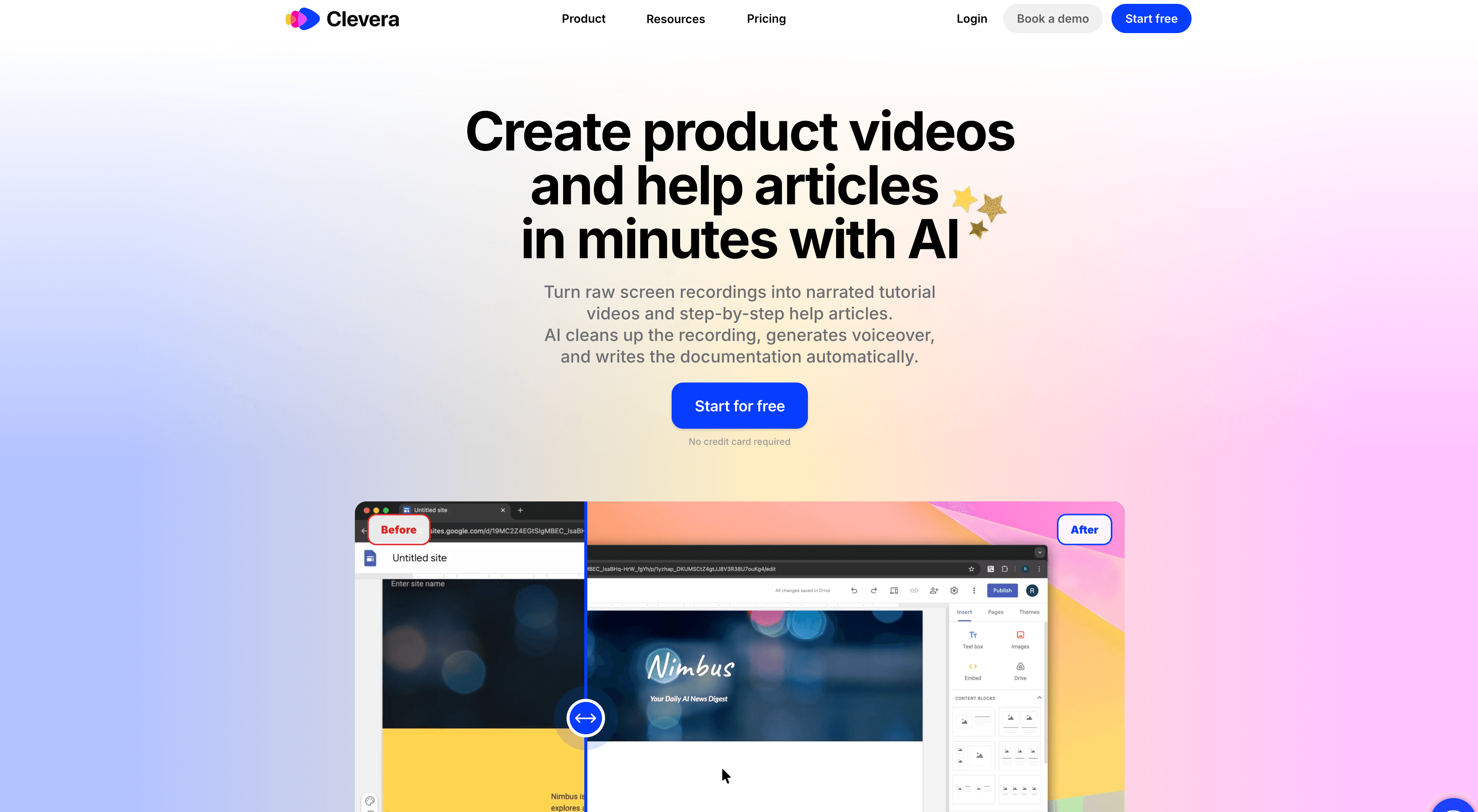
Best for: small SaaS teams that want a hosted help center and the content to fill it
Clevera now covers both halves of the job. You record your screen while you use your product, no script and no talking. Clevera's AI turns that recording into a narrated how-to video and a step-by-step article with screenshots. Then Doc sites publish those articles as a hosted help center, with the video inside the article.
The help center is free on every plan at your-site.clevera.help. From Starter you can put it on your own domain, like help.yourcompany.com. Edit an article in Clevera and its page updates on the next publish.
What matters if you're coming from Document360:
- Import from Document360 for free. Structure and images come across. The API import brings every language; the public site import sets up redirects for old addresses instead
- Ask AI answers your readers from your published pages and shows its sources. It uses no credits, within a monthly allowance on every plan
- Insights show views, page ratings, reader questions and searches with no result, with a button to write the missing article
- 74 languages, with titles and menu labels translated for you
- Search, light and dark mode, versions with rollback, and a changelog with RSS
- Sitemap, llms.txt and structured data, so search engines and AI assistants can read your docs
- Free plan to start; Starter is $29/month billed yearly. See pricing
Where Document360 is still stronger: it's the more mature knowledge base for large documentation teams. You get a custom workflow builder for review and approval, deeper roles and permissions, SSO with SCIM, and IP restrictions. Clevera gives you 1 site on Free and Starter, and private sites (password or workspace sign-in) start on Pro. If you have a team of technical writers and a formal review process, Document360 will fit that better today.
Best for: founders, product teams and support leads at small SaaS companies who need help center content made and hosted without a documentation team.
See how Clevera's AI documentation generator works
2. Notion
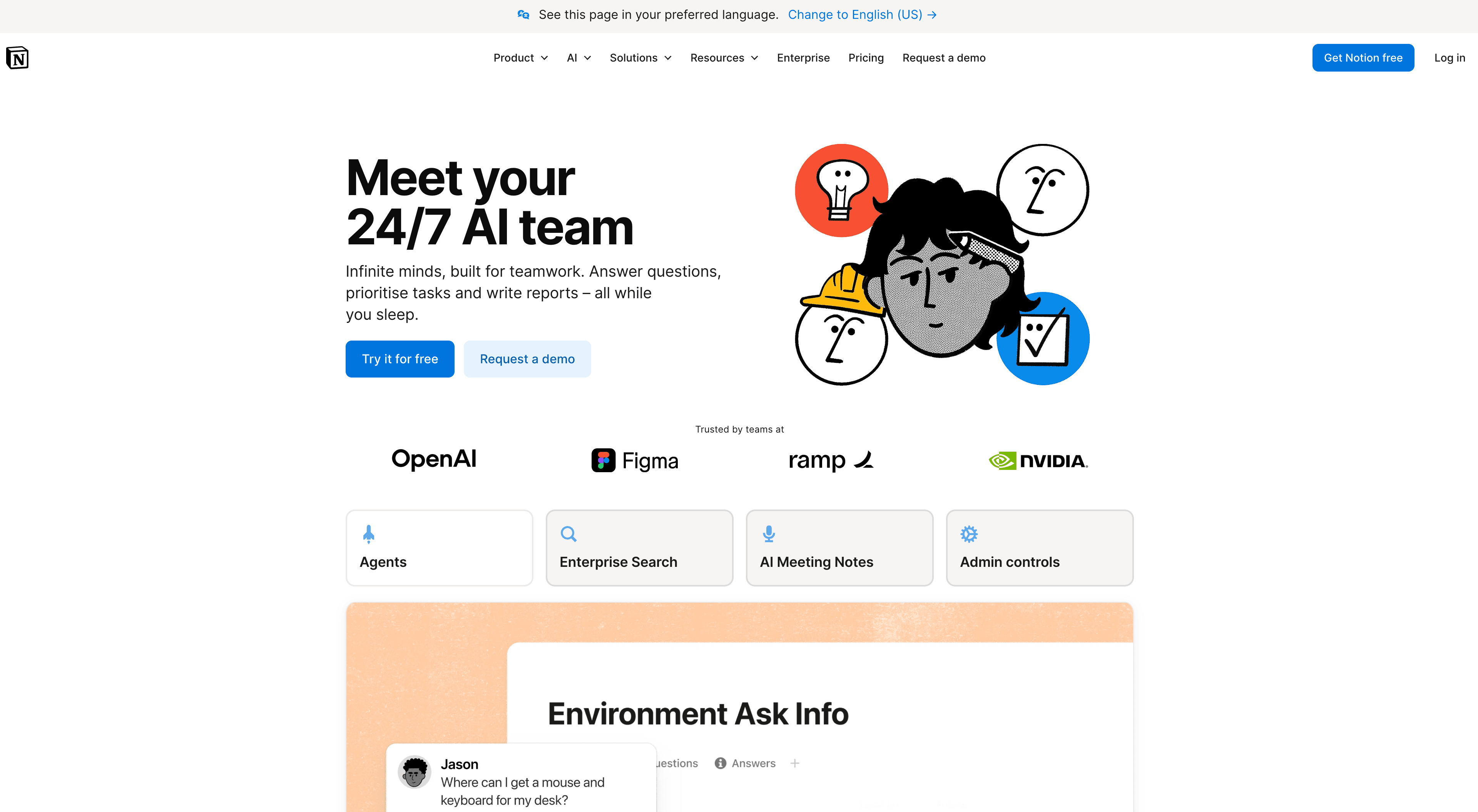
Best for: flexible team knowledge base without a dedicated documentation platform
Many SaaS teams use Notion as a knowledge base: internal wikis, product docs, runbooks and help articles in one workspace. No per-page fees and little setup.
The gap compared to Document360 is the reader experience. Notion is built for teams editing together, not for customers finding answers in a structured help center. A public Notion page works early on. It starts to show limits when search, analytics and SEO matter. See Clevera vs Notion for a side-by-side.
Best for: small to mid-size teams that want a lightweight internal and external knowledge base without a dedicated docs tool.
3. GitBook
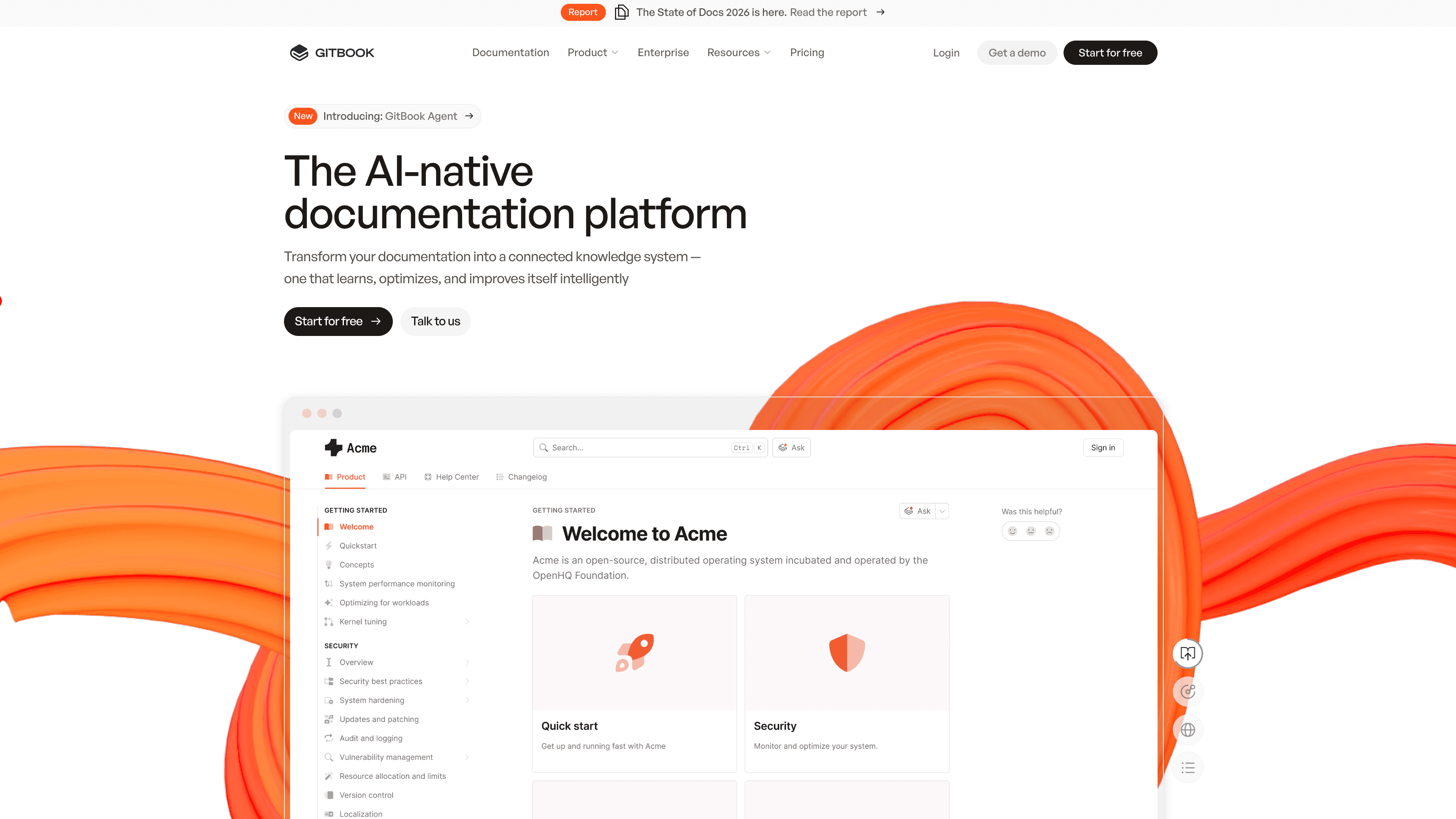
Best for: developer-focused documentation with Git-based versioning
GitBook targets developer documentation: APIs, developer guides and technical references. It syncs with GitHub for version-controlled docs and produces clean documentation sites with little configuration.
For teams with a mix of end-user and developer docs, GitBook handles the developer side well but suits customer how-to content less than Document360 does. For purely developer-facing docs, it's a cleaner fit. See Clevera vs GitBook for a side-by-side.
Best for: engineering and developer-relations teams that need version-controlled, developer-facing docs with GitHub sync.
4. Confluence
Best for: internal knowledge management within the Atlassian ecosystem
Confluence is a team wiki used by organizations already on Jira. It's less suited to external customer docs than Document360. The default experience feels like an internal wiki, not a public help center.
If your team lives in Jira and wants docs connected to its project management, Confluence is the natural choice. If you mainly need a customer-facing help center with search and analytics, look elsewhere. See Clevera vs Confluence for a side-by-side.
Best for: Atlassian-stack teams that need internal docs and team wikis, not customer-facing help centers.
5. Helpjuice
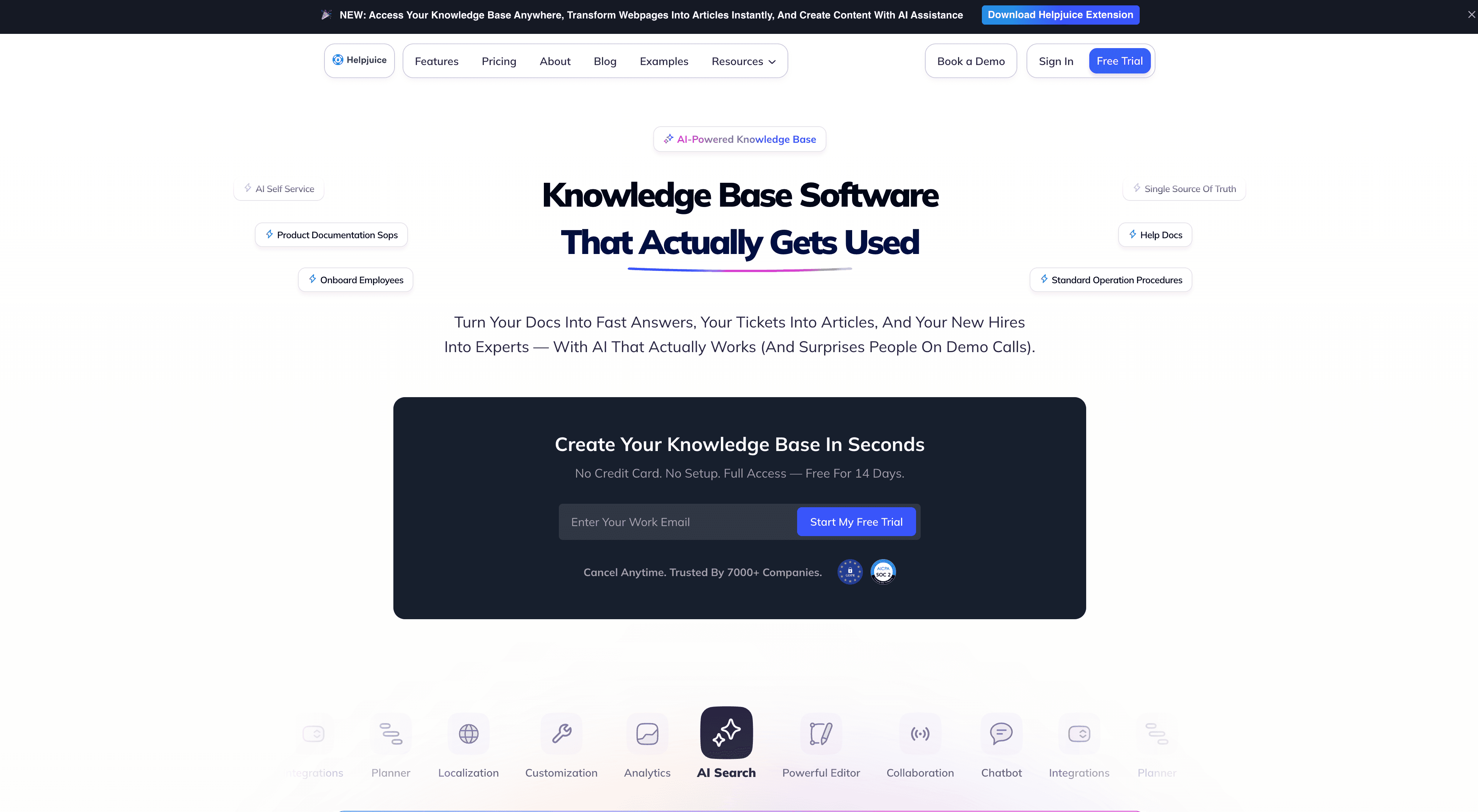
Best for: customer-facing knowledge base with strong search and analytics
Helpjuice is a dedicated knowledge base platform positioned close to Document360. It focuses on search quality, including AI answers from your docs, analytics on what readers search for and fail to find, and multi-language support.
Teams often find Helpjuice faster to set up than Document360 for a straightforward knowledge base. Plans start at $249/month for up to 30 users, which is more than most small startups want to spend. See Clevera vs Helpjuice for a side-by-side.
Best for: growing support teams that want knowledge base search and analytics with less setup than Document360.
How to choose
| If you need... | Best option |
|---|---|
| A free hosted help center, with articles and videos made from screen recordings | Clevera |
| Flexible internal and external knowledge base | Notion |
| Developer docs with Git versioning | GitBook |
| Internal docs within the Atlassian stack | Confluence |
| Customer-facing KB with strong search and analytics | Helpjuice |
| Approval workflows, deep permissions and SSO for a large docs team | Document360 |
FAQ
What's the most affordable Document360 alternative for a small startup? Clevera has a free plan that includes a hosted help center at your-site.clevera.help, plus Ask AI for readers within a monthly allowance. Your own domain starts on Starter at $29/month billed yearly. Notion is also cheap to start, but it isn't built as a customer help center.
Can I move from Document360 to Clevera? Yes. Import is free. Clevera brings over your articles with their structure and images. Import with a Document360 API key to bring every language, or from your public site to get redirects so old links still land on the right page. You can also export any site as HTML or Markdown later.
Does Clevera host the help center, or only make the content? Both. Clevera makes the videos and articles, and Doc sites host them as your help center, on a clevera.help address or your own domain from Starter.
When should I stay on Document360? When you have a dedicated documentation team that relies on custom review workflows, granular roles, SSO and SCIM, or several large knowledge bases. Those are Document360's strengths.
Pick the tool for the gap you have
If your problem is governance across a big docs team, Document360 earns its quote. If you're a small team with a thin help center and no time to write it, start where the content gets made. Record one workflow, publish it as an article with its video, and import the rest from Document360 when you're ready.