Best GitBook alternatives in 2026

GitBook is a strong docs platform when your docs live in Git. Two-way Git Sync, change requests and API reference pages from an OpenAPI file make it a natural home for developer docs.
Teams usually look for GitBook alternatives for one of two reasons. The first is the bill, which grows per site and per user: Essential is $65 a site a month billed yearly, plus $12 per user, and reader AI answers use credits. The second is who writes: support and product people end up running a help center in a tool built around developer review.
Here are six alternatives, and which of those problems each one solves.
1. Clevera
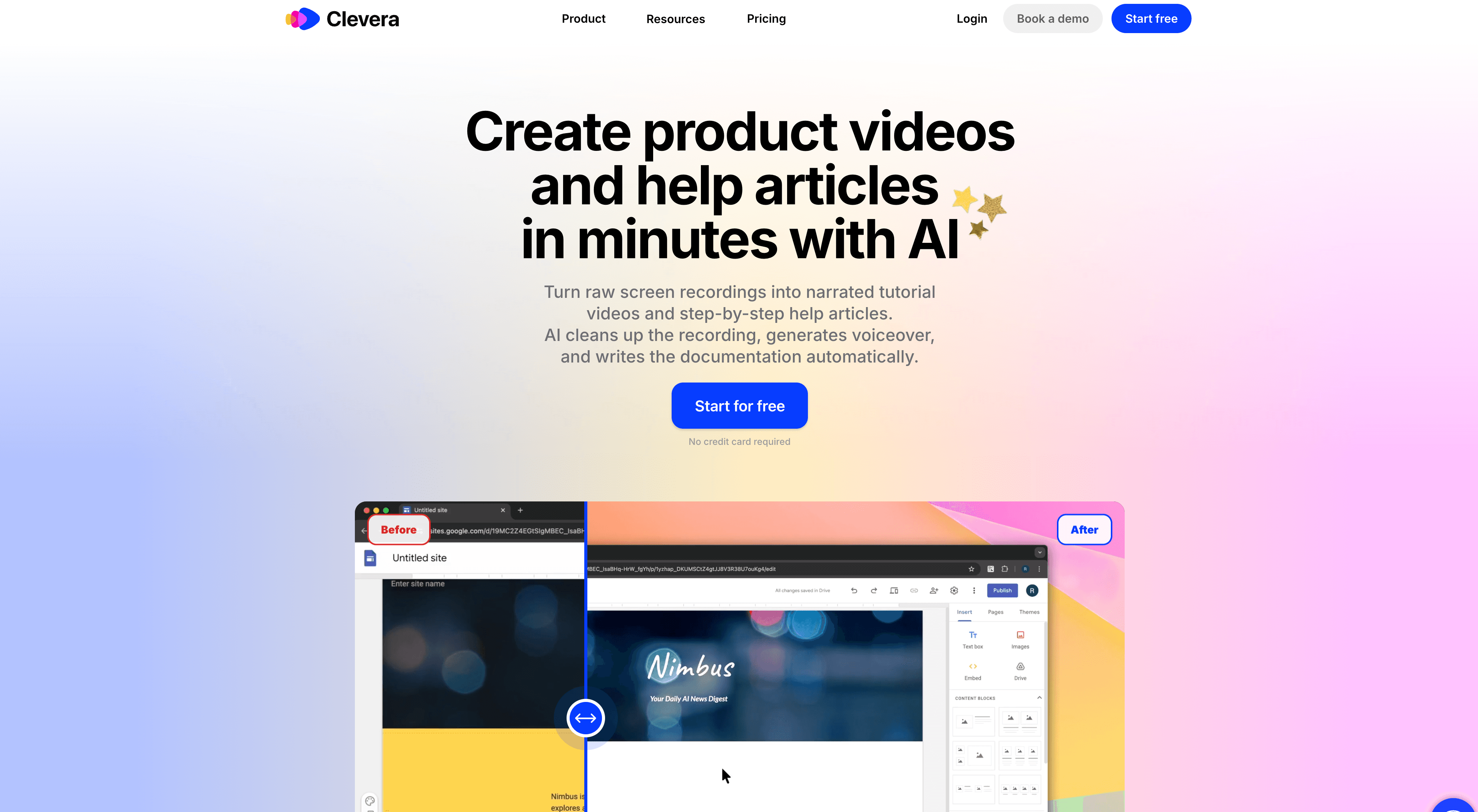
Best for: support and product teams that want a help center they run without developers
Clevera makes the content and hosts it. Record your screen while you use your product, and Clevera writes the step-by-step article and makes the how-to video that sits in it. Doc sites publish those articles as a help center on every plan. Your team writes in an editor and publishes. There's no repo, branch or build.
What matters if you're leaving GitBook:
Free GitBook import on every plan, with no credits. Paste your public docs address or a GitBook token, or upload your Git Sync repo as a zip. Pages, page groups, images and links between pages come over, you check a preview before anything moves, and old links redirect once your docs domain points to Clevera
Editors are free on every plan. You pay per creator, not per site
Ask AI answers readers from your published pages and shows its sources. It uses no credits: 300 answers a month on Free, 1,000 on Starter, 5,000+ on Pro
Insights show views, searches with no result, reader questions and ratings, with a Write article button next to each gap
74 site languages. AI translation uses credits
Free plan with 1 help center on clevera.help. Starter is $29 a month billed yearly ($36 monthly) and adds your own domain. Pro is $86.80 a month billed yearly ($124 monthly) for 2 creators and adds private sites and AI agents that draft, translate and publish pages. Details on Clevera's pricing page
Our own help center, help.clevera.ai, runs on Clevera.
Where GitBook is still stronger: docs as code. If your engineers review docs as pull requests, GitBook's two-way Git Sync is built for that. It also generates API reference docs from OpenAPI, which Clevera doesn't do, and offers docs that change per reader on Ultimate. Clevera also caps you at 1 site on Free and Starter. If you want to keep GitBook as your docs site, Clevera can publish its articles to GitBook on Pro.
Compare Clevera and GitBook feature by feature →
2. Archbee
Best for: product and docs teams that want a web editor and Git sync in one portal
Archbee is the closest like-for-like swap. Writers use a block editor with branches and drafts, and developers can sync Markdown or MDX from GitHub, GitLab or Bitbucket. It also imports from GitBook, along with ReadMe, Notion and Word.
Archbee doesn't have a free plan, only a two-week trial. Growing starts at $80 a month billed yearly for 5 team members. Several help center pieces cost extra on Growing and Scaling: Ask AI is an AI add-on, and analytics and the in-app widget are $80 a month each billed yearly.
3. Document360
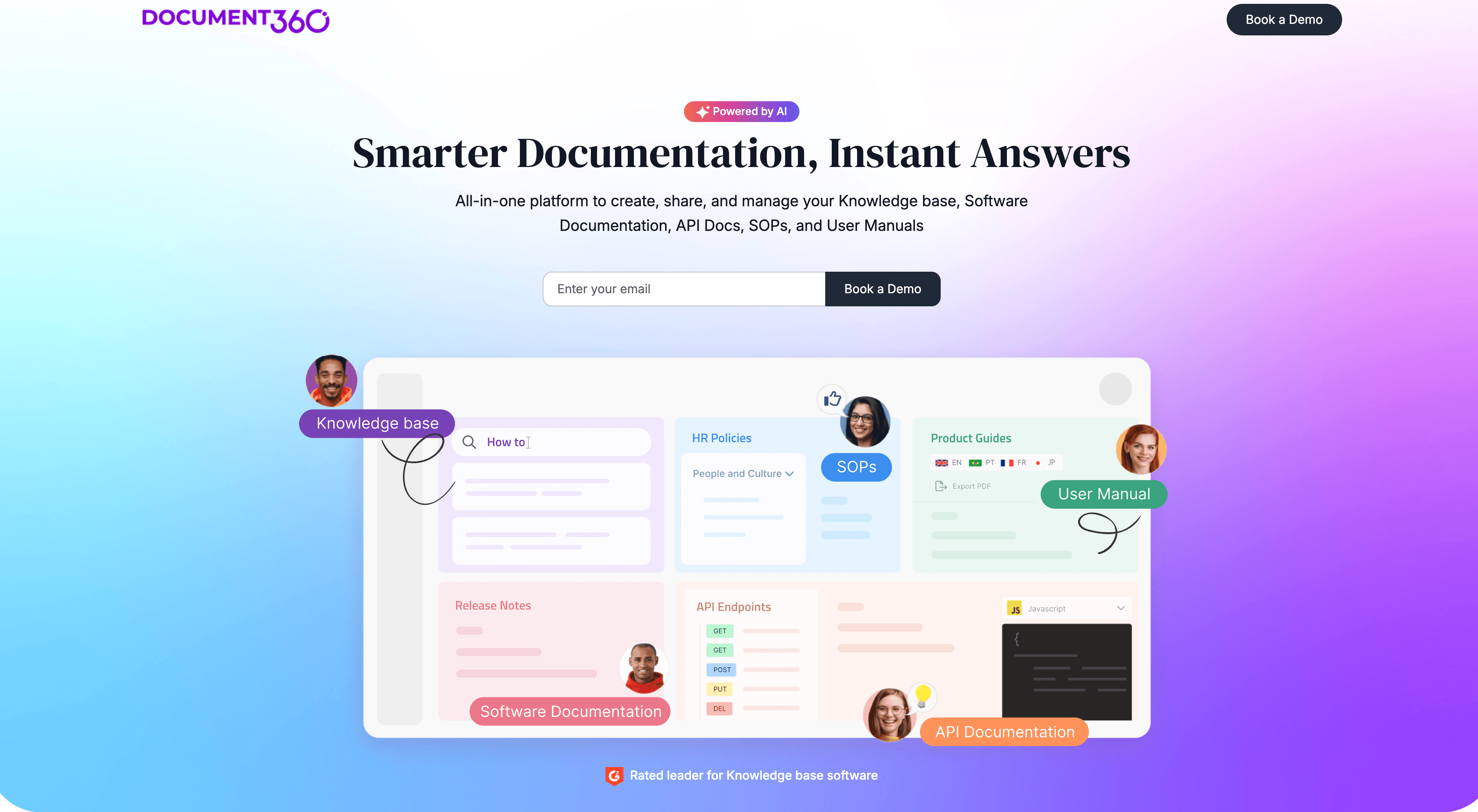
Best for: large support teams with review workflows and several knowledge bases
Document360 is a mature knowledge base built for writers, not developers. You get a web editor, approval workflows, roles, SSO, an embeddable help widget and AI answers for readers. It also renders API docs from OpenAPI next to your guides.
Pricing is quote only. The page lists what drives the price: editors and reviewers, workspaces, languages, SSO and AI add-ons. It doesn't list a GitBook importer. Instead its team moves your content, and standard migration is included in most quotes. For a small team, that means a sales call before you can start. We cover this trade in more detail in our Document360 alternatives guide.
4. Mintlify
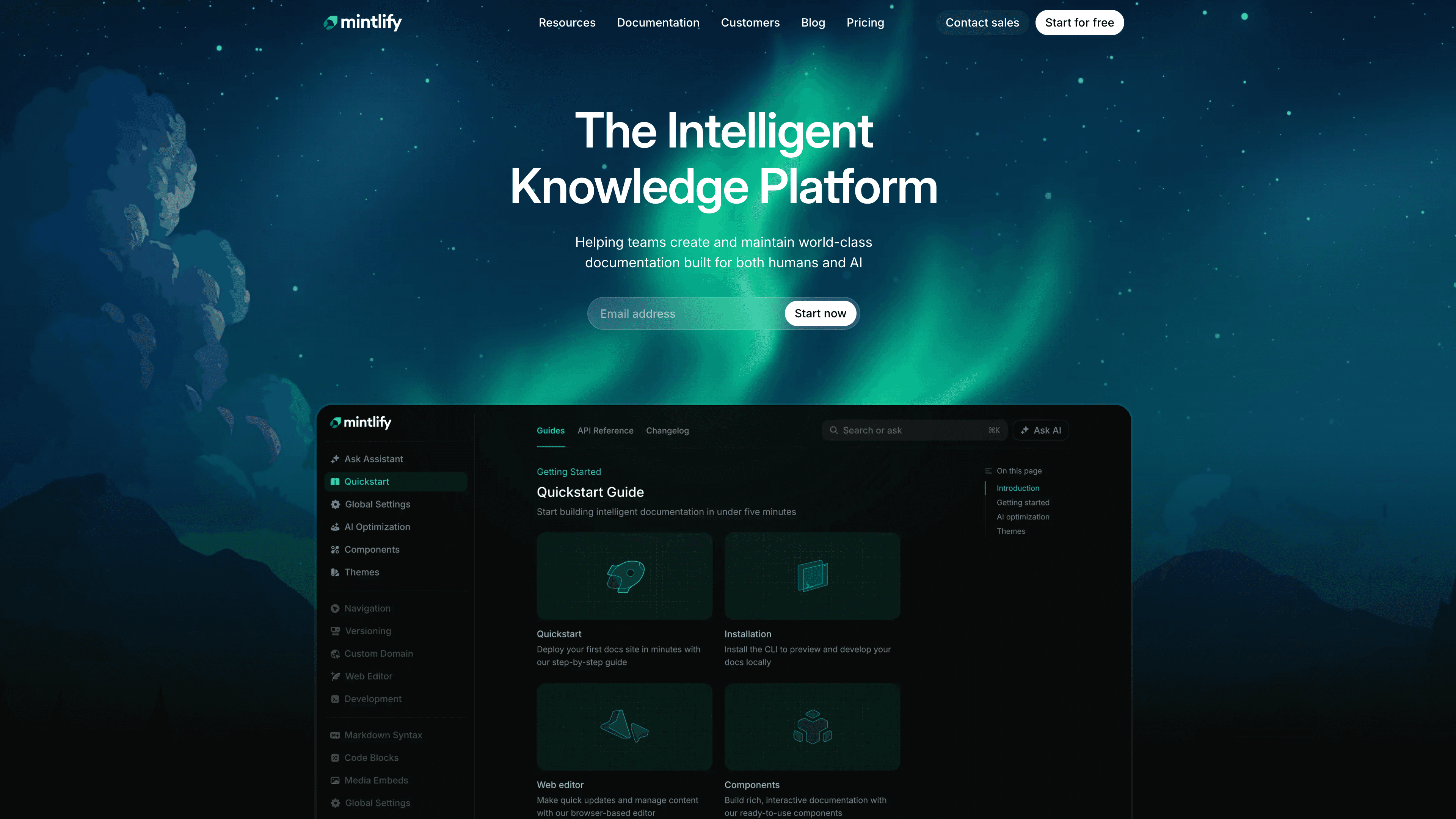
Best for: developer and API docs with a polished hosted site
Mintlify is built for developer docs. Pages are MDX files in your Git repo, with a web editor on top, and every plan includes an API playground. The free Starter plan gives you 5 editors and your own domain.
The jump comes when readers need AI answers. The assistant is on Pro, which is $450 a month billed yearly, and each answer uses 25 credits. If you're weighing Mintlify alternatives too, the same split applies: Mintlify suits docs your engineers own. See how Clevera and Mintlify compare, or what comes over in a Mintlify import.
5. ReadMe
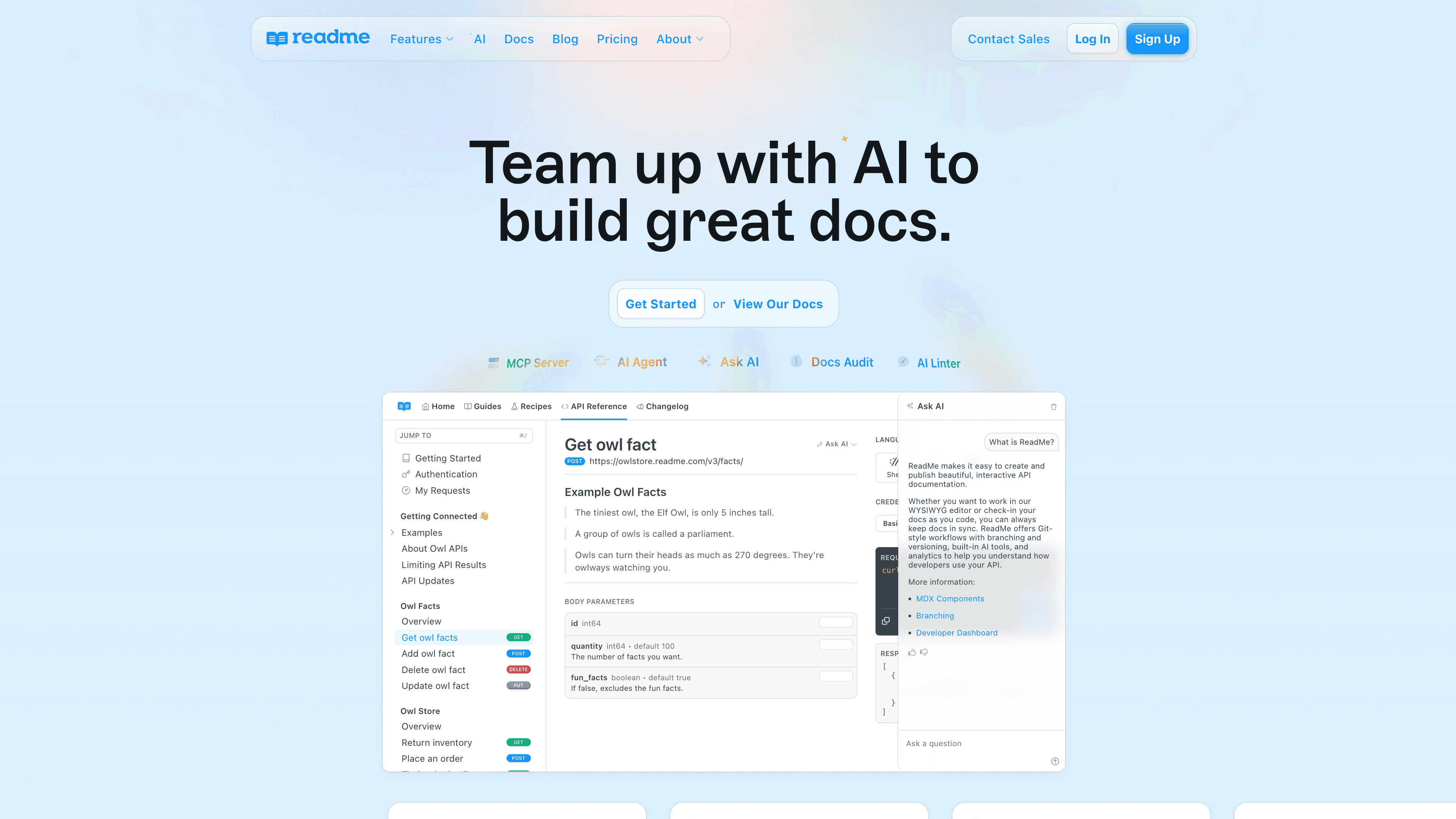
Best for: API-first companies that want a developer hub
ReadMe builds an interactive API reference from your OpenAPI file and adds guides, recipes, a changelog and API usage logs. Writers get a browser editor, and developers get two-way Git sync.
The free Starter plan covers 1 project and 1 admin. Inviting teammates starts on Pro at $250 a month billed yearly, and full Ask AI is a $150 a month add-on. A help center for a product without a public API gets little from most of what you'd pay for.
6. Docusaurus
Best for: engineering teams that want free docs in their own repo
Docusaurus is an open-source site generator from Meta. It's free, it builds a fast static site from Markdown and MDX, and it handles versioning and translations out of the box.
You host it yourself, and there's no web editor, AI answers or reader login built in. Every edit is a pull request. That's ideal for developers and hard for a support team.
How to choose
If you need | Best option |
|---|---|
A help center support and product teams run without Git, with a video in each article | Clevera |
A web editor plus Git sync, at a published price | Archbee |
Approval workflows and deep permissions for a big docs team | Document360 |
Developer docs in Git with an API playground | Mintlify |
An API reference with usage logs | ReadMe |
Free, self-hosted docs as code | Docusaurus |
Two-way Git Sync and docs that change per reader | Stay on GitBook |
FAQ
What's the best GitBook alternative for a help center for non-developers? Clevera, if support or product people own the docs. They write in an editor and publish, editors are free, and Ask AI is on every plan with a monthly allowance and no credits. Archbee and Document360 also have web editors, but Archbee starts at $80 a month billed yearly and Document360 is quote only.
Is there a free GitBook alternative? Clevera's Free plan includes a hosted help center on clevera.help with Ask AI. Mintlify's free Starter plan gives you 5 editors and your own domain, without the AI assistant. Docusaurus is free if you host it.
Can I move from GitBook without Git? Yes. Clevera reads GitBook directly from your public docs address or a token. Pages, page groups, images and links come over, and the import is free. Each GitBook language is its own space, and each space comes over as a language on your site.
When should I stay on GitBook? When your developers own the docs and review changes as pull requests, or you need API reference docs from OpenAPI. Those are GitBook's strengths.
Start with who writes the docs
Most GitBook migrations aren't really about features. They're about who does the writing. If it's your engineers, pick a docs-as-code tool and keep your workflow. If it's your support team, give them a help center they can run on their own, and bring your GitBook pages with you.
