Créez des vidéos produits et des documents et gardez-les à jour avec l'IA
Clevera enregistre votre produit, écrit le script et le narre, prêt à être publié en quelques minutes. Créez des vidéos explicatives, des démos et des vidéos promotionnelles, et gardez-les à jour lorsque votre produit change.










Réalisé avec Clevera.
De vraies vidéos, chacune créée à partir d'un enregistrement d'écran. Voir la vitrine
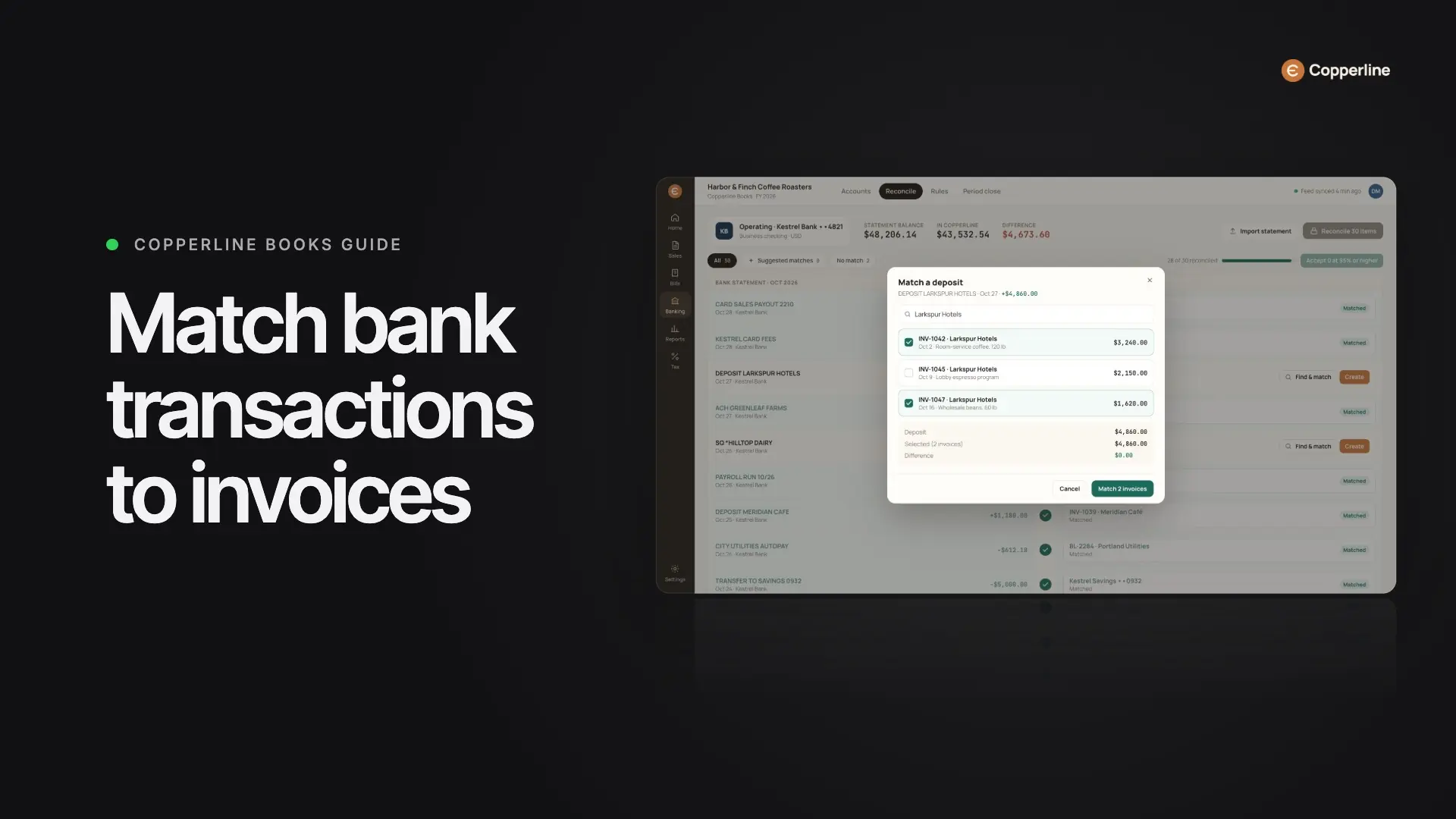
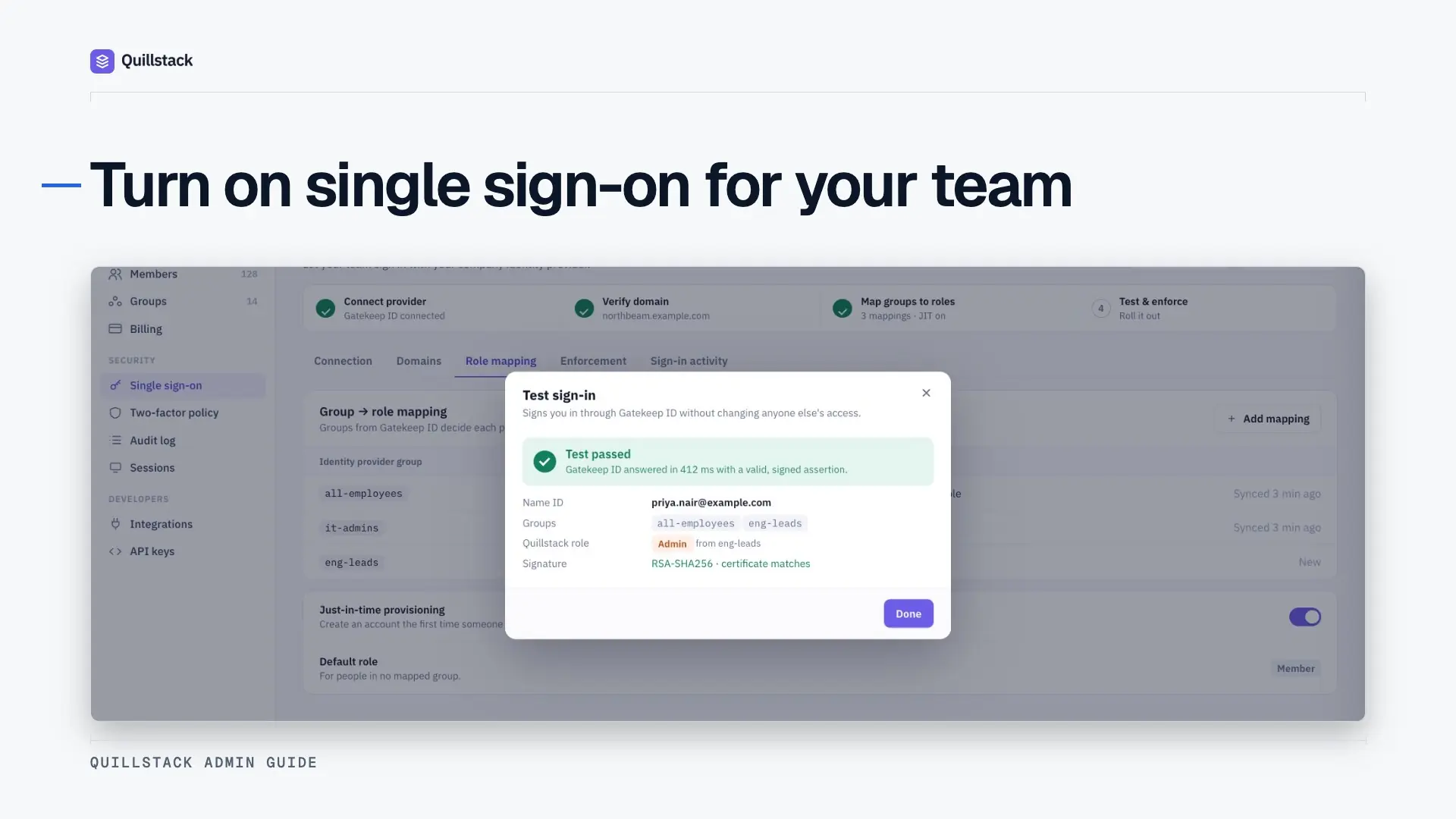
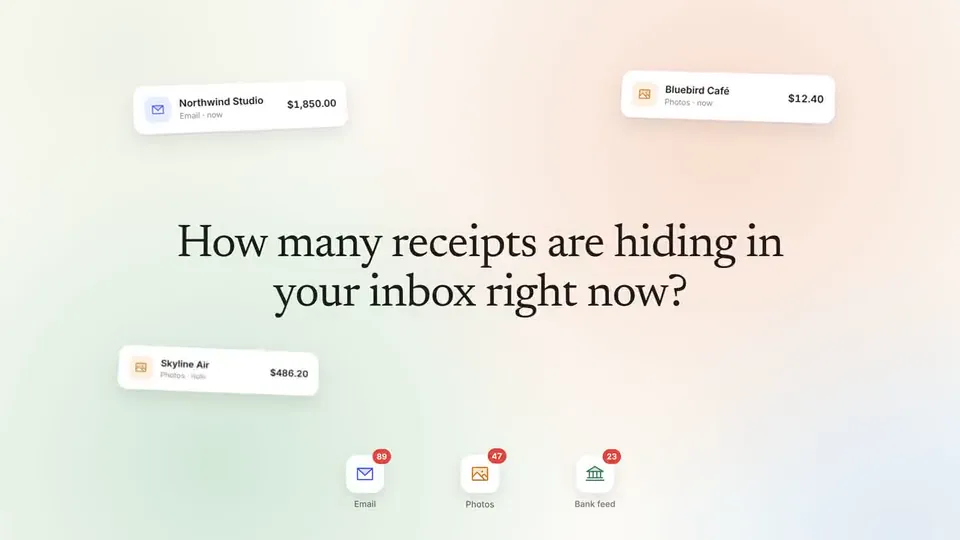


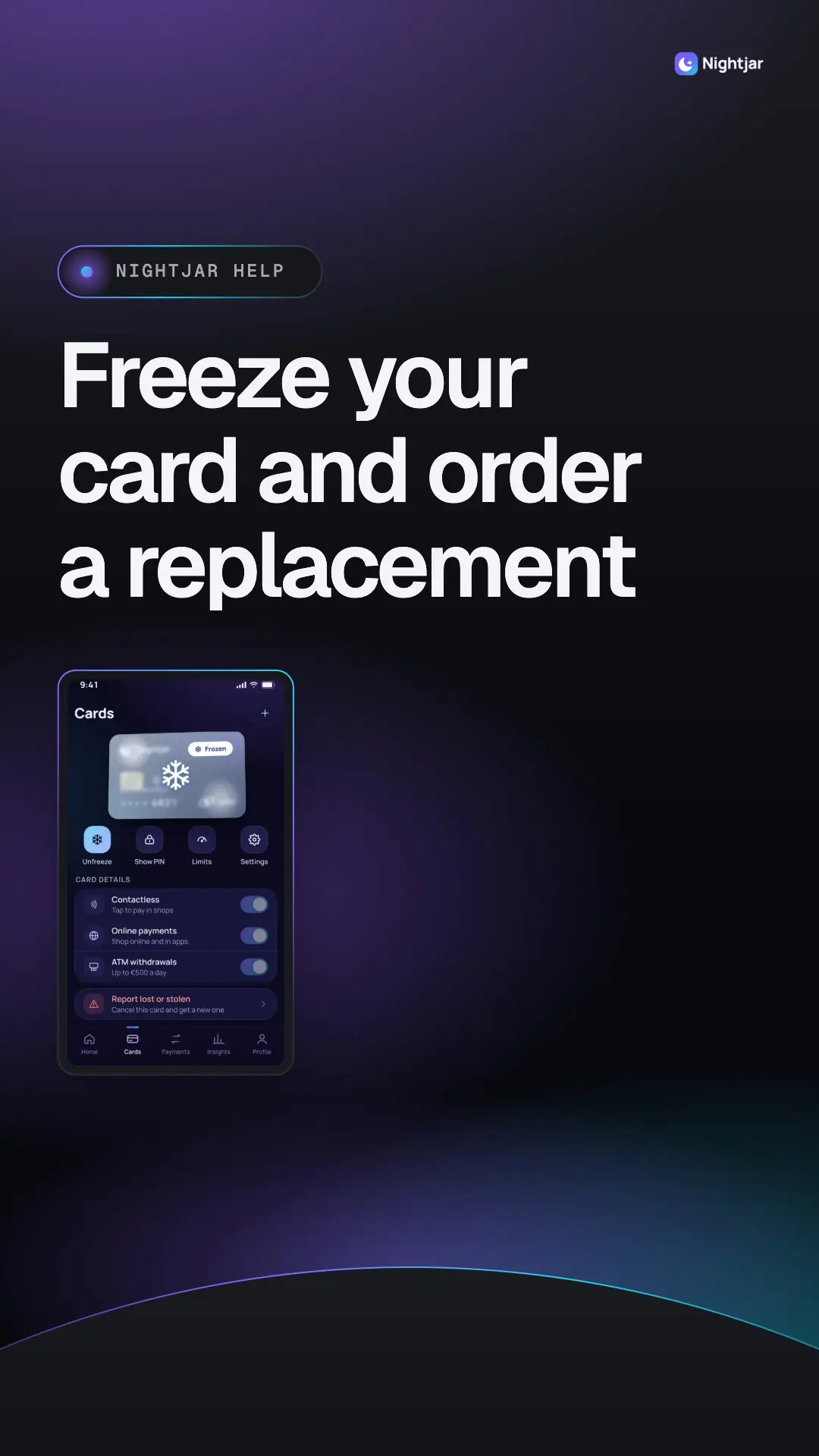
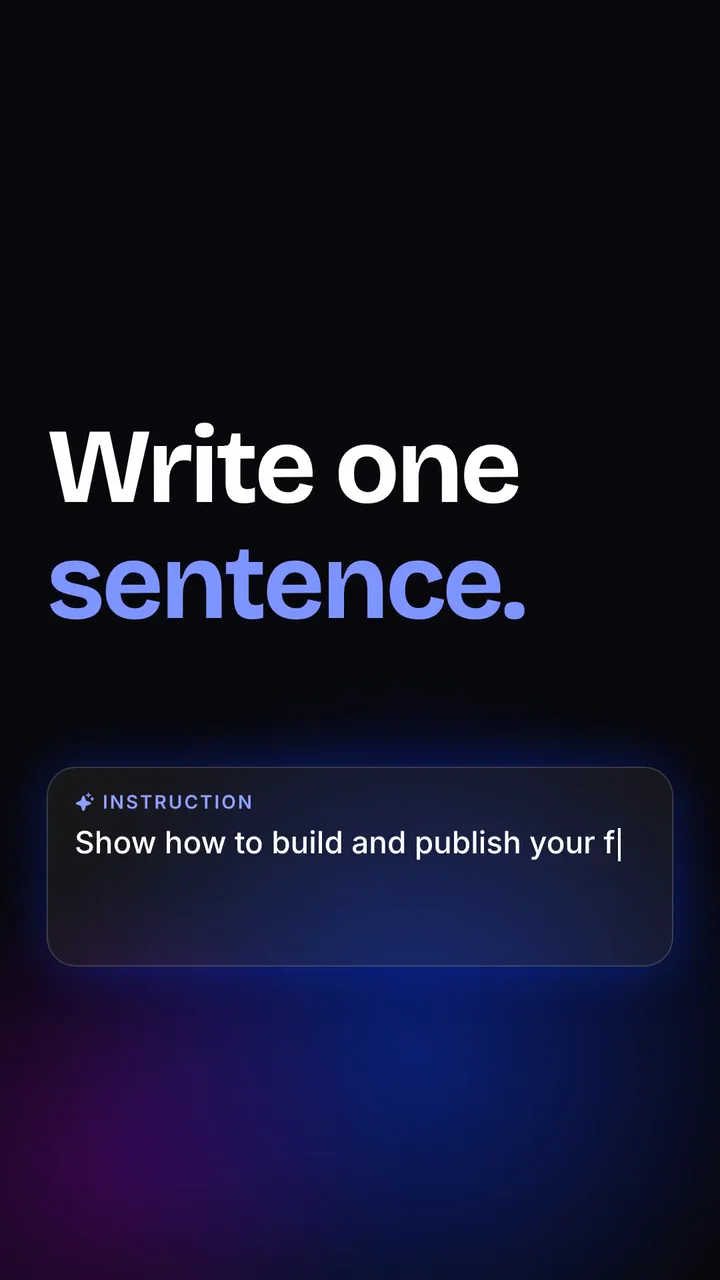



Vous le dites.
Les agents le font.
Comment l'agent enregistre



Vous préférez enregistrer vous-même ?
N'importe quelle application, n'importe quel appareil.
Capturez des applications web, des logiciels de bureau, des téléphones et des tablettes avec l'enregistreur Clevera. Le script, la voix et le montage sont toujours faits pour vous. Obtenir l'enregistreur
Vidéos narrées et montées
à partir d'un seul enregistrement.
Clevera écrit le script, ajoute une voix naturelle, coupe les silences et zoome sur chaque clic. Changez tout en demandant.
Comment les vidéos sont créées


Clevera writes the script and narrates it in a natural voice. Edit a line and only that line is re-recorded.
L'article d'aide, rédigé
à partir du même enregistrement.
Étapes numérotées, une capture d'écran pour chacune, et les avertissements dont un lecteur a besoin. Prêt pour votre centre d'aide.
Comment les articles sont créésSteps written for you
Clear numbered steps, drawn from your clicks and what you said while recording.
A screenshot for every step
Picked from the recording, with each click marked so readers see where to go.
Tips and warnings included
Common mistakes get a warning and shortcuts get a tip, right where they matter.
Edit by chat
Ask to shorten it, rewrite a step, change the tone or add a whole new section.
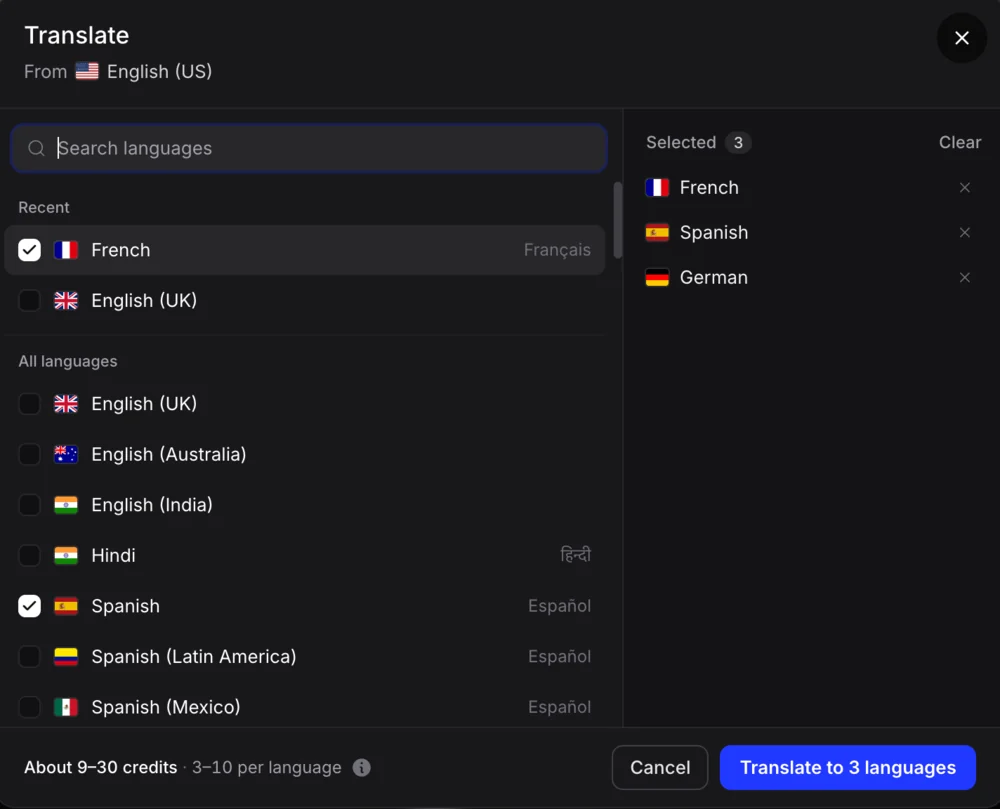
Translate to 74 languages
The steps, headings and callouts keep the same structure in every language.
Export anywhere
Download Markdown, HTML, PDF or Word, or publish it to your help center.
Moins de montage.
Plus de livraisons.
Des résultats réels pour les équipes qui ont confié l'enregistrement, le montage et la rédaction aux agents de Clevera.



Des équipes qui
ont gagné du temps.
We used Clevera to redo 100+ tutorial videos in days, something that would take months. It turned simple recordings into clean, narrated videos. Huge time saver.
 Maziar FiroozmandCMO, Artbees
A real game changer! We created videos and tutorials covering our product trainings, clinical studies and production processes. It’s incredibly fast and extremely smart. It saved us around 150–200 hours of work and time loss.
 Cihan SavsarCo-founder, Anocin
Before Clevera, we were handling videos manually. Since switching, we’ve saved significant time and the process is far smoother. It’s been a genuinely useful tool for us.
 Grand KimManaging director, Blue Stone Solution
Votre centre d'aide,
construit à partir de vos enregistrements.
Tout ce que vous créez est mis en ligne sur un centre d'aide hébergé. Pas d'outil de documentation séparé, pas de copier-coller. Gratuit sur tous les plans. Explorer le centre d'aide
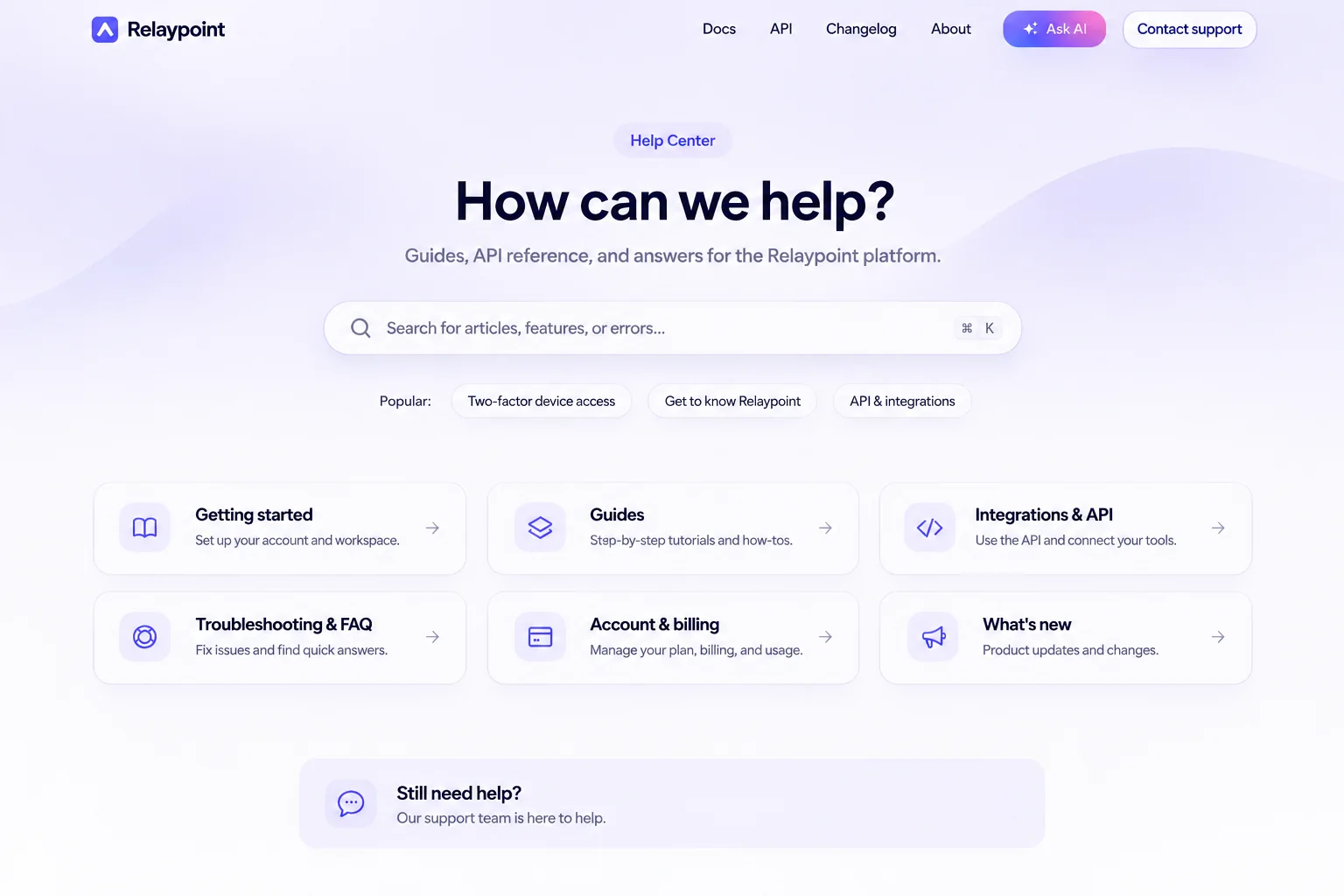
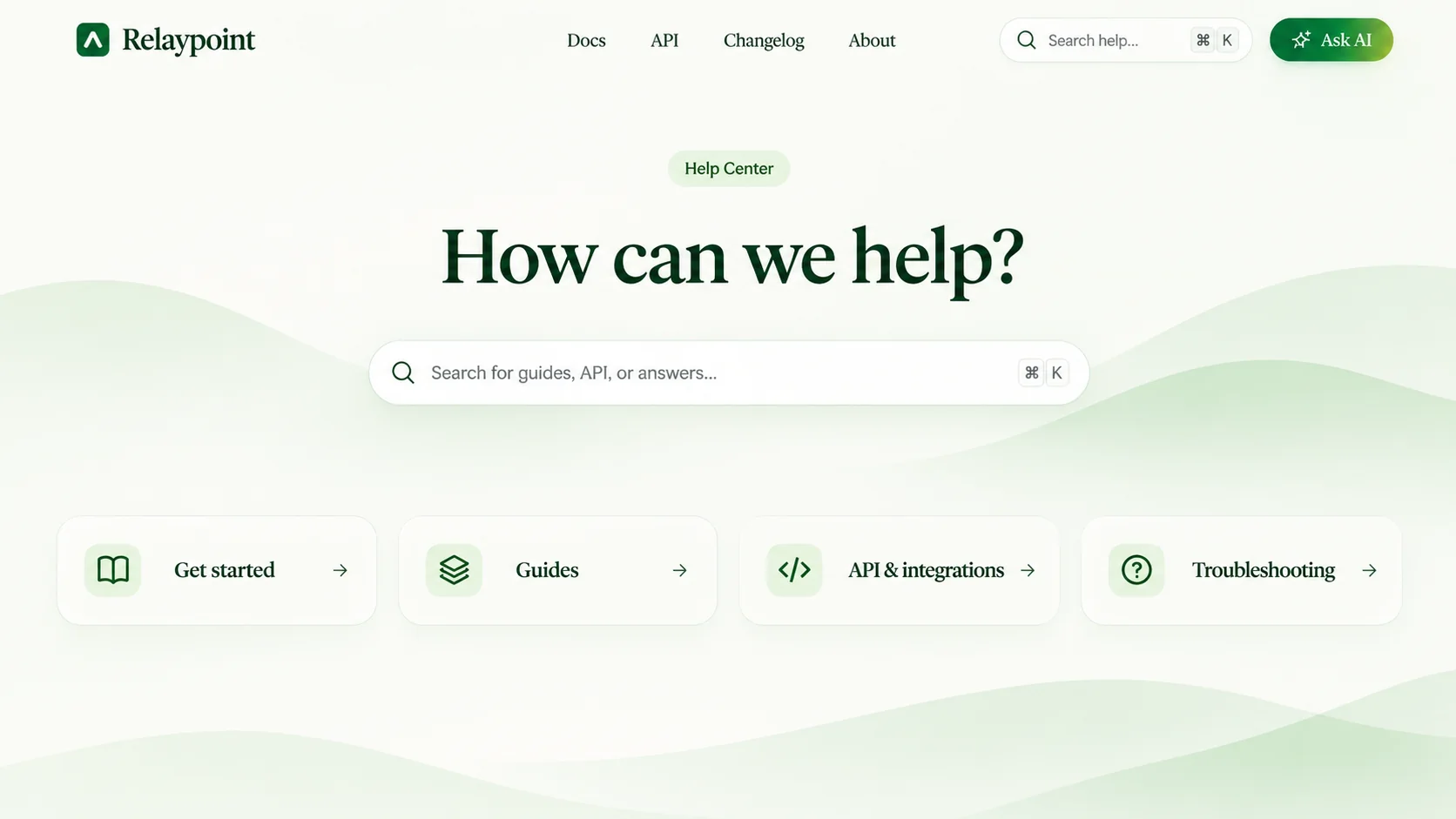
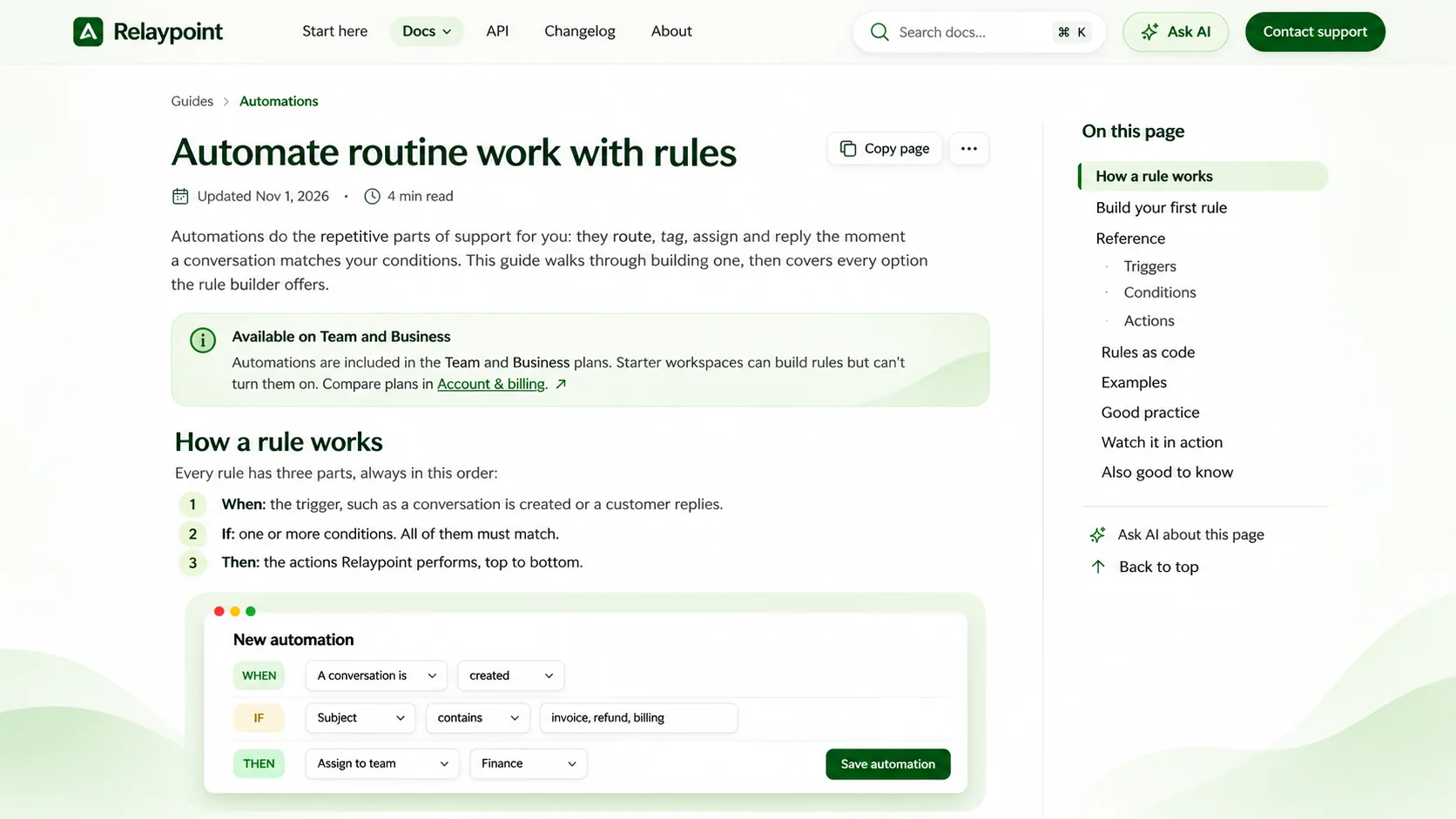


Add your articles and press Publish. Readers see it within seconds, and every version is kept so you can roll back.






Vous avez déjà des documents ailleurs ? Importez-les en un clic.







Fonctionne avec les outils
que vous utilisez déjà.
Envoyez des vidéos et des articles là où votre audience et votre équipe se trouvent déjà. Connectez une fois, publiez en un clic.
Voir toutes les intégrationsVotre produit change.
Vos vidéos et documents suivent.
À chaque version, Clevera trouve les vidéos et articles concernés et prépare les mises à jour pour vous.
Comment fonctionne AutopilotCollez votre site web.
Clevera apprend à connaître votre entreprise.
Clevera recherche votre entreprise, puis apprend votre logo, vos couleurs, vos polices et votre voix en quelques minutes. Chaque vidéo, clip et votre centre d'aide ressemblent alors à vous.
Conçu pour les équipes
et la sécurité
D'une équipe d'une personne à une entreprise dans 74 langues, Clevera grandit avec vous et garde vos données là où elles doivent être.
Addendum sur le traitement des donnéesSous-traitantsSécurité
Questions
Les équipes qui expliquent un produit encore et encore. Les équipes de support répondent aux questions répétitives une fois, avec une vidéo et un article (support client). Les équipes d'onboarding et de formation aident les clients et les nouveaux employés à démarrer sans autre appel (onboarding client). Les équipes produit et marketing montrent ce qui a été publié (marketing produit).
Product videos and help content from one source: a screen recording, a website link or a sentence. Clevera writes, narrates, edits and designs how-to videos, product demos and help articles, plus translations. From the same product you can make launch clips for social, feature promos and AI presenter videos.
No. Talk roughly while you click, or say nothing. Clevera writes a clean script and narrates it in a natural AI voice.
Tell Clevera what to show. The AI agent works out the steps, clicks through your web app like a person, records it and turns it into a video and article. It runs in the cloud and can sign in with a login you provide, which the AI never sees. Your app must be reachable from the internet. To record your own screen, use the Clevera app for Mac, Windows or Linux.
Pick a presenter look and a voice, and Clevera writes the script. The presenter walks viewers through your product, with no camera or actor. AI presenters are on Starter and Pro and use credits based on time on screen.
Ask the AI assistant to trim a scene, change the voice or restyle the clip, or edit the script and settings by hand. Embedded and shared videos update everywhere when you edit, while downloaded MP4s stay static.
Yes. Free gives you 100 credits a month and videos up to 3 minutes, which you share by link or embed. Social and promo videos come with Starter and up. Billed monthly, Starter is $36 a month and Pro starts at $124 a month for 2 creators, with extra creators at $36 a month each. Billed yearly, Starter works out to $29 a month and Pro to $86.80 a month, and extra creators cost 30% less. MP4 downloads are unlimited on paid plans. See plans and pricing
Credits pay for AI work such as scripts, voiceover, presenters, translation and AI recording. Each generation shows an estimate first, and exporting never costs credits. Included credits reset monthly. On Starter and Pro you can buy extra credits that never expire, or upgrade.
Embed videos anywhere that accepts HTML or an iframe, including WordPress with our plugin, or share a link. Articles can become a help center Clevera hosts, free on every plan. On Pro, articles also export to Notion, Confluence, GitBook, ReadMe, Help Scout, Google Docs and GitHub. Every plan includes viewer analytics.
Instead of only recording what you do, Clevera’s AI agent can operate your app for you, then writes, narrates, edits and designs the video. One source becomes a how-to video, an article, a launch clip and a presenter walkthrough of your product, in 74 languages, and you refine it by chatting.