Clevera vs Navattic: which product demo tool is right for your team? (2026)
Navattic builds enterprise interactive tours. Clevera generates narrated videos and articles from silent recordings. Here's the honest comparison for 2026.
 Roozbeh Firoozmand5 min read
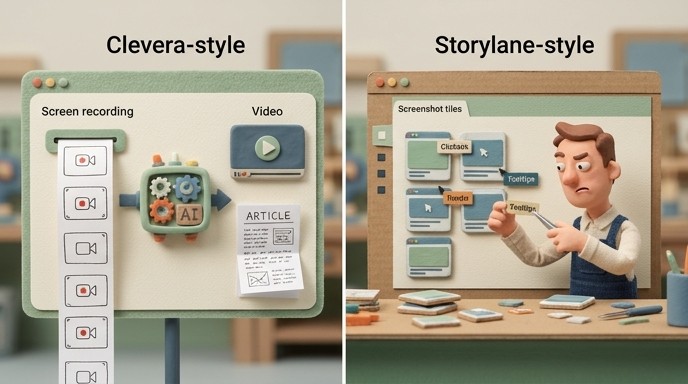
Navattic and Clevera both help teams show how a product works. But the similarity ends there. Navattic builds interactive tours for sales cycles. Clevera produces narrated videos and written documentation from a screen recording. If you're evaluating both, the question isn't which is better — it's which problem you're actually trying to solve.
What each tool does
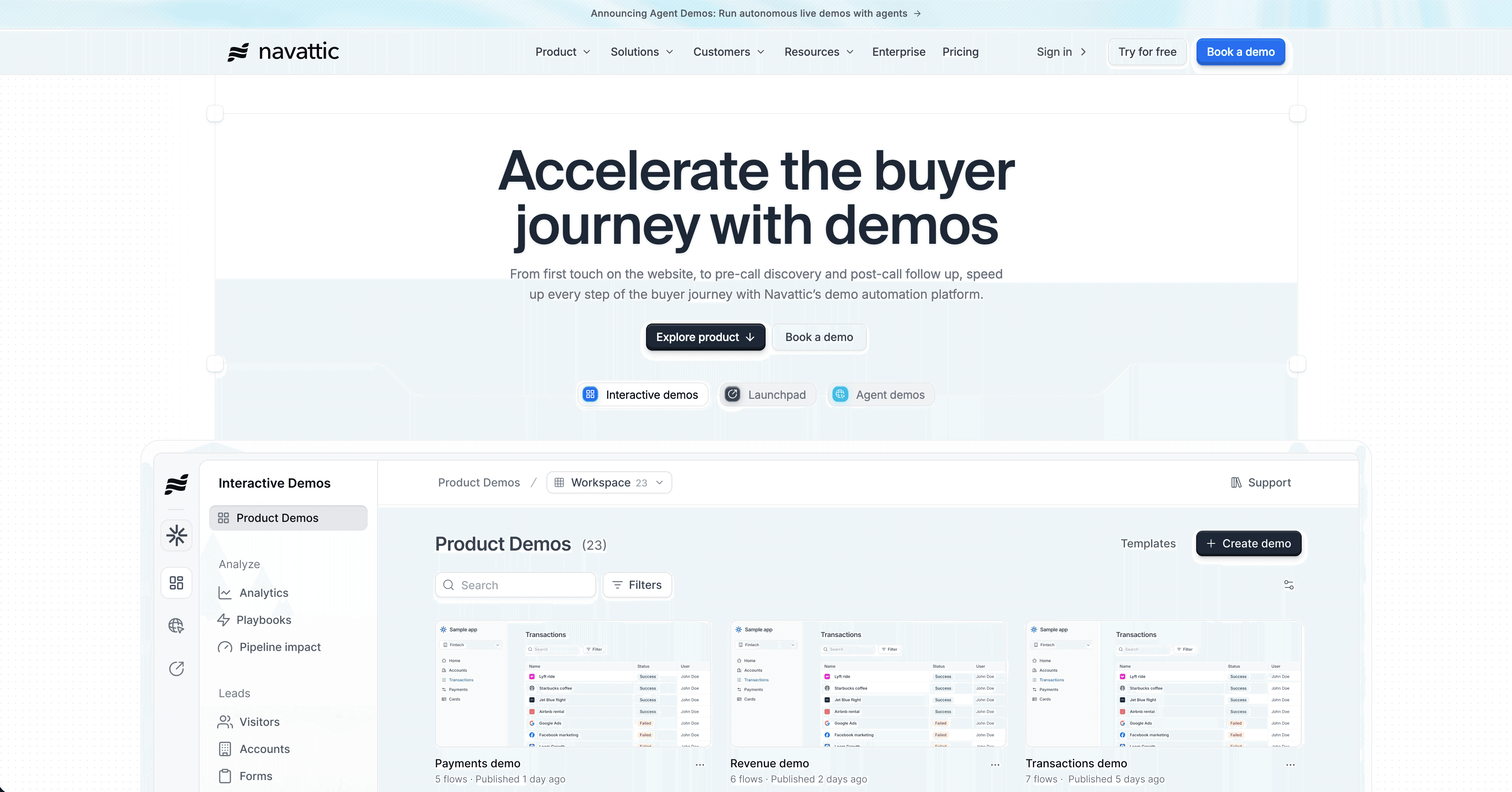
Navattic is an enterprise interactive demo platform. You capture product screens, build a clickable tour, write the tooltip copy for every step, and publish a self-guided demo that prospects navigate themselves. It's built for go-to-market teams that need a live, interactive product experience on a sales page or in an outbound sequence, with analytics that track exactly how engaged each prospect was.
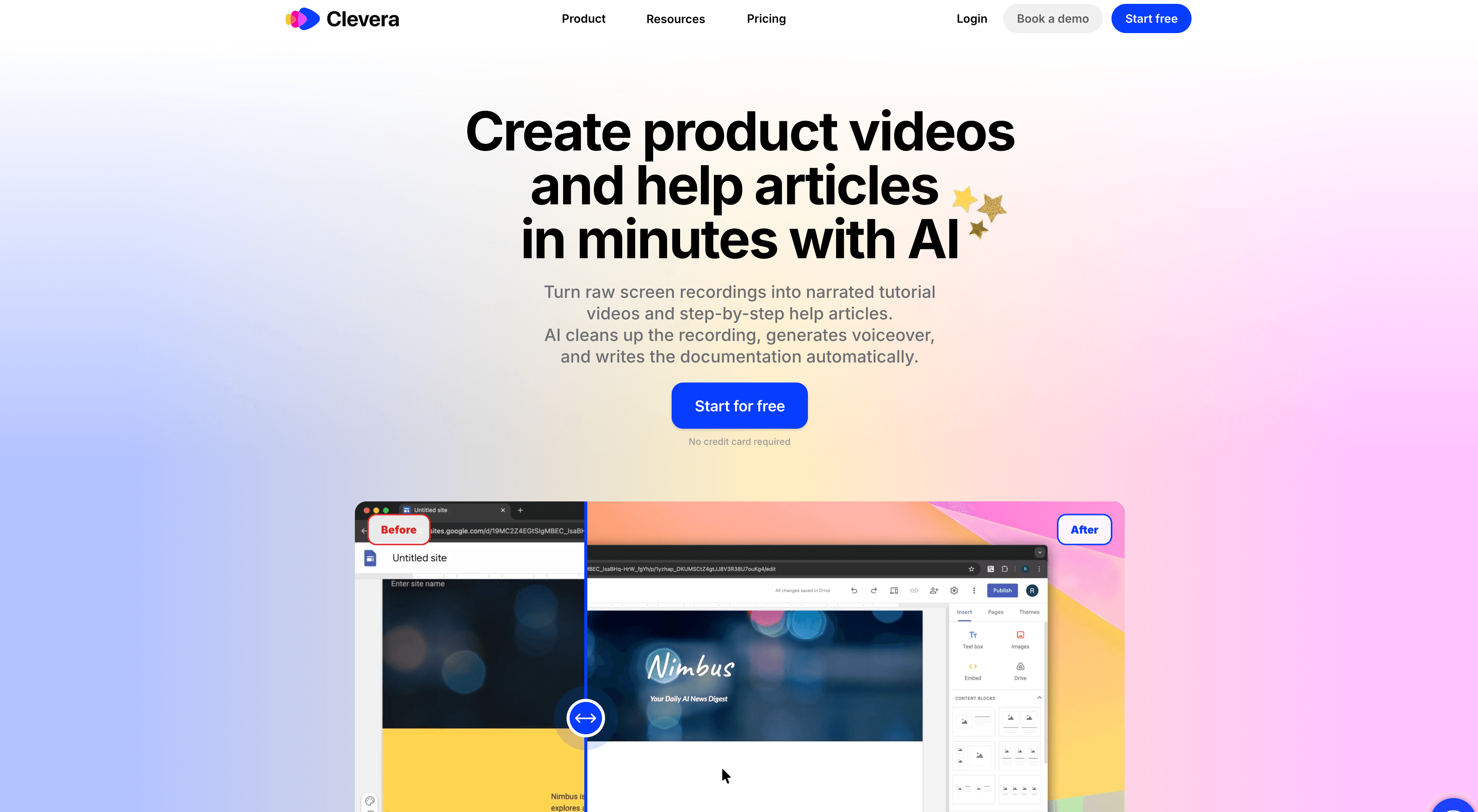
Clevera is a video tutorial and documentation generator. You record your screen while working through any product workflow — without speaking a word, without preparing a script. Clevera's AI analyzes the recording and produces a fully narrated video (complete AI voiceover included) and a structured how-to article with numbered steps, titles, and screenshots. The content is generated automatically from what the AI observes on screen.
The practical gap: Navattic gives you a publishing platform and expects you to fill it with content. Clevera generates the content for you.
Content production: what each tool actually requires from your team
Every interactive tour in Navattic has to be written. Every tooltip label, every step description, every CTA button copy — that's your team's work. The platform assembles the interactive shell; you supply the substance. For a focused sales demo of 5 to 8 screens, that's manageable. For a product team trying to document 40 workflows, it becomes the bottleneck.
Clevera removes that entirely. A 5-minute silent screen recording produces a contextual narration script — not just step descriptions, but explanations of what each action accomplishes and why. The AI understands intent, not just clicks. One recording, one finished video, one published help article.
For teams whose primary challenge is content volume — help centers, onboarding flows, training libraries, feature release documentation — that difference is significant.
Feature comparison
| Feature | Clevera | Navattic |
|---|---|---|
| Output format | Narrated video + written article | Interactive HTML demo tour |
| Content generation | AI writes script from silent recording | Manual — all tooltip copy is yours |
| AI voiceover | Yes — from AI-generated script | No |
| Written how-to article | Yes — auto-generated | No |
| Interactive user navigation | No | Yes |
| Live video embeds (update without re-exporting) | Yes (LiveSync) | No |
| Analytics | Basic | Strong — prospect-level, per-step engagement |
| CRM integration | Limited | Yes — HubSpot, Salesforce, Marketo |
| Publishing to help platforms | Notion, Confluence, GitHub, etc. | Limited |
| Translation | 74 languages (video + article) | Limited |
| Pricing (entry) | $29/month (annual) | $500/month, 3-month minimum commitment |
| Free trial | Yes | No |
Where Navattic wins
Navattic's analytics layer is its core competitive advantage. You can see exactly which steps a prospect interacted with, which features they explored, how long they spent in each area, and how that engagement syncs to your CRM. For enterprise sales teams running account-based motions, that intelligence actively influences pipeline decisions. "This prospect spent 4 minutes on the permissions setup screen" is a sales signal you can act on.
The interactive format also matters for certain buying contexts. A prospect who navigates your product themselves — clicking through the UI, triggering flows — has a qualitatively different experience from watching a narrated video. For complex enterprise software where the buying decision involves multiple stakeholders, giving each person a self-guided demo that adapts to their own pace and curiosity can move deals.
The commitment model — $500/month, 3-month minimum — is worth considering. That's $1,500 before you've shipped a single demo. For teams with validated sales motion and budget to match, the investment is justified. For everyone else, it's a barrier.
Where Clevera wins
Clevera wins on content production speed and breadth. A customer success team documenting 30 onboarding workflows faces a very different challenge with Navattic versus Clevera. Navattic: write and assemble 30 demos manually, one tooltip at a time. Clevera: record 30 silent walkthroughs and get 30 narrated videos and 30 how-to articles ready to publish.
That math changes entirely when your team doesn't have a content writer or a dedicated video editor. Clevera is built for exactly that context — one person with product knowledge records a workflow, and the AI handles everything downstream.
LiveSync adds another dimension for teams maintaining content over time. Update a narration script, change a visual, or adjust a step after a product change — those updates appear instantly in every embed. No re-exporting, no broken links, no manual updates to the help center. For SaaS teams whose product ships frequently, this is a meaningful operational advantage.
The pricing difference is also real. Clevera starts at $29/month (annual). Navattic starts at $500/month with a 3-month minimum. For teams below the enterprise tier, that's not a minor variable.
When to use Clevera
- Your primary output is help center articles, onboarding tutorials, and training videos — not interactive sales demos
- You need the AI to generate all the content from a recording, not a platform to publish content you write
- Your team lacks dedicated scripting or video editing resources
- LiveSync (update published videos instantly without re-exporting) matters for your workflow
- You need content in many languages across a large library
When to use Navattic
- You're running enterprise sales cycles where interactive demos are a pipeline asset
- Prospect-level engagement analytics and CRM sync are part of your GTM motion
- You have content resources to build and maintain the demo library
- Your buying committee needs to navigate the product themselves, not watch a narrated walkthrough
The honest answer
Navattic is one of the best-built interactive demo platforms available for enterprise sales. If your team treats demo engagement as a pipeline intelligence input and has the budget to match, it delivers.
For teams focused on documentation, onboarding, training, and customer education — and especially for those trying to produce that content at scale without a dedicated content team — Clevera removes more of the work.
Many SaaS teams run a combination: Clevera for their help center and onboarding library, Navattic or a similar tool for their sales motion. The decision between them isn't about which is better at what they do. It's about where your bottleneck actually is.
See how Clevera handles product demo and documentation creation