Clevera vs Arcade: which is better for product demos? (2026)
Clevera and Arcade solve related but different problems. Here's an honest comparison to help you decide which one fits your team's demo workflow in 2026.
 Roozbeh Firoozmand5 min read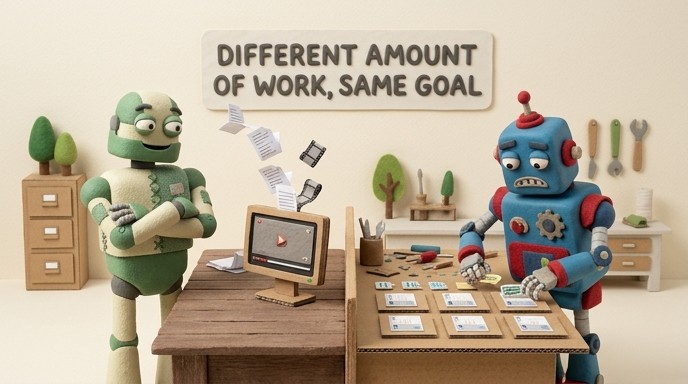
Clevera and Arcade are both tools teams use to communicate how their product works. But they produce different output formats, require different amounts of manual work, and are built for different moments in the customer journey. Choosing between them isn't really a matter of one being better — it's a matter of which one fits what you're trying to do.
This comparison breaks down where each tool excels, where each one falls short, and which use cases each is actually built for.
What each tool does
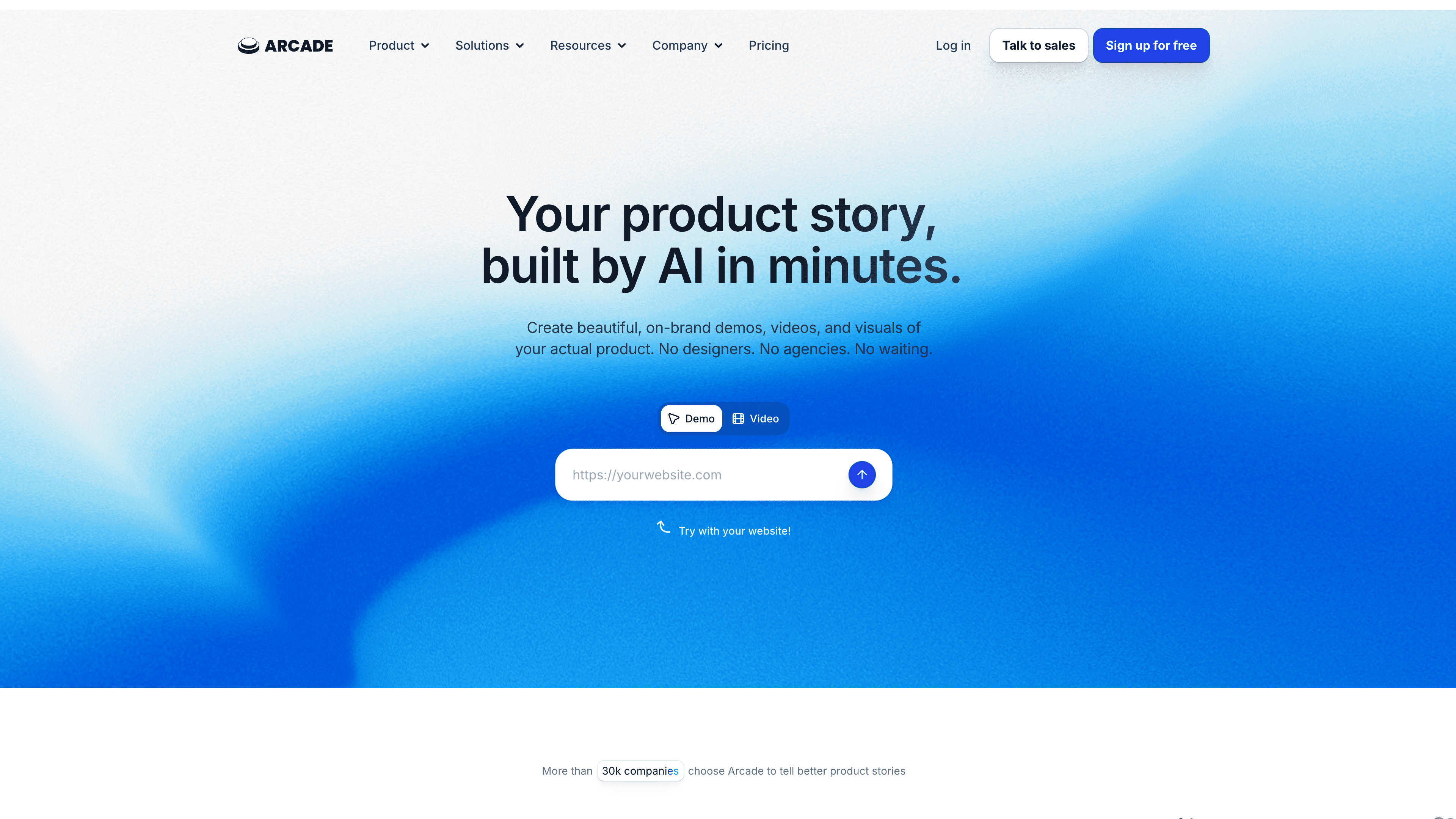
Arcade is an interactive demo platform. You capture your product screens (as screenshots or with HTML), add hotspots and step labels, and publish a clickable tour that prospects or users navigate themselves. The demo lives on a page, gets shared via link, or gets embedded in a marketing site.
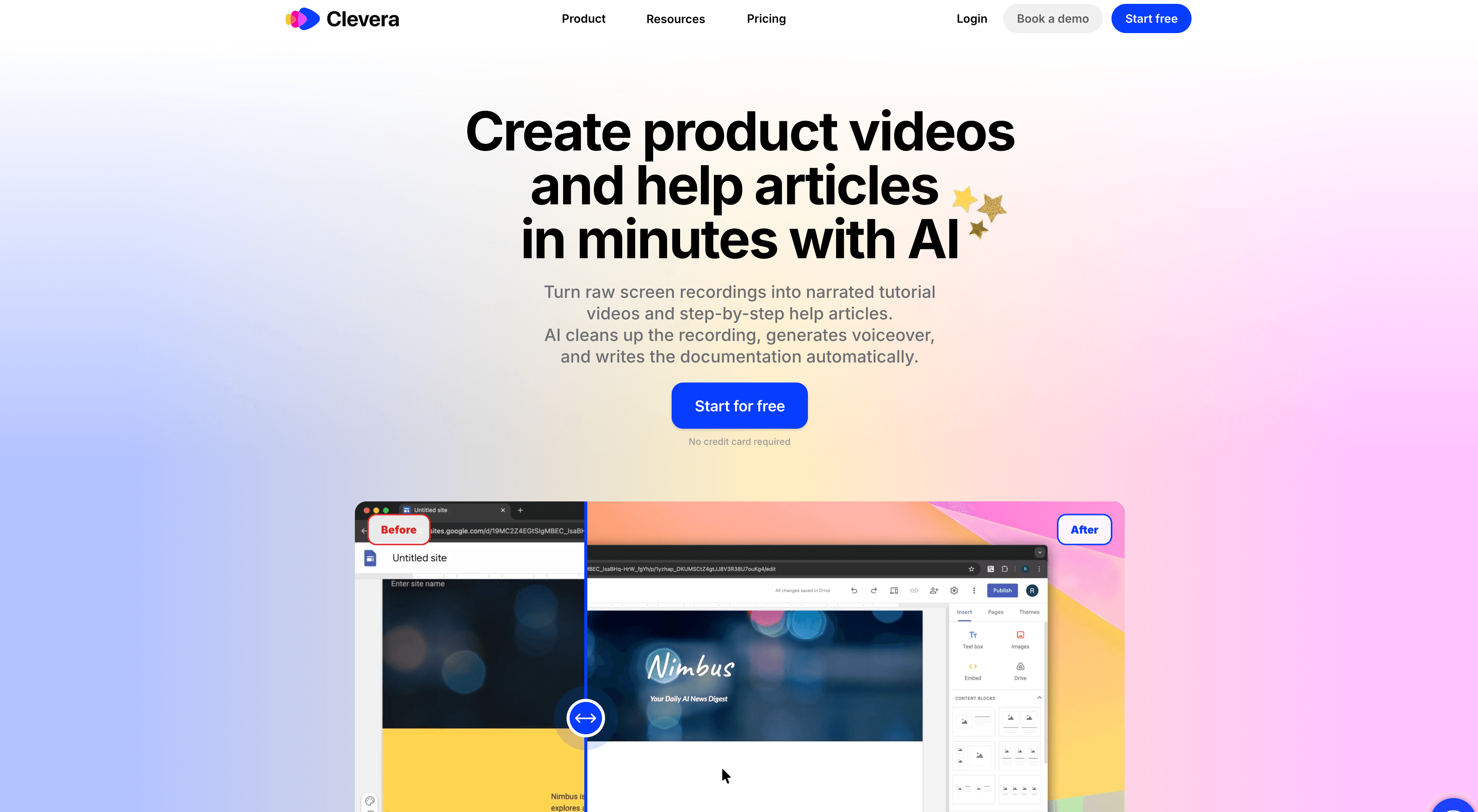
Clevera is a video tutorial and documentation generator. You record your screen while working through any product workflow — without speaking, without scripting — and Clevera's AI produces a narrated video and a structured how-to article automatically. The content (script, narration, step descriptions, screenshots) is generated by the AI from what it sees on screen.
The key difference isn't format preference. It's content production. Arcade gives you a framework to build an interactive demo. Clevera gives you a finished video and article.
Content creation: where the real difference lives
With Arcade, every line of copy in the demo is yours to write. Every tooltip label, every step description, every CTA in the tour. The platform builds the interactive shell; you fill it with content. This works fine when your team has time and copy resources. It becomes a bottleneck when you're trying to document every feature, build out a full onboarding flow, or keep content current as the product changes.
Clevera approaches this problem from the opposite direction. Record your screen while performing a task — even silently, with no narration — and the AI generates everything: a narration script explaining each step in context, an AI voiceover synced to the video, step titles and descriptions for the written article, and screenshot selection for each key moment.
The result: one 5-minute screen recording becomes a polished narrated video and a ready-to-publish how-to article. No writing. No editing. No recording yourself talking.
Feature comparison
| Feature | Clevera | Arcade |
|---|---|---|
| Output format | Narrated video + written article | Interactive clickable tour |
| Content generation | AI writes from silent recording | Manual — you write all copy |
| Requires narration while recording | No | No |
| AI voiceover | Yes — generated from context | Not available |
| Written how-to article | Yes — auto-generated | No |
| Live video embeds (update without re-exporting) | Yes (LiveSync) | No |
| Platform publishing (Notion, Confluence, etc.) | Yes — direct export | No |
| Translation | 74 languages | Limited |
| Analytics | Basic | Strong click/engagement analytics |
| Interactive navigation (user clicks through) | No | Yes |
| Pricing (starting) | $29/month (annual) | Free tier; paid plans vary |
Where Arcade wins
Arcade's interactive format is its core strength. A prospect navigating your product themselves — clicking through steps, seeing features activate — creates a more engaging experience than watching a video, especially for PLG products where letting someone "try" the product early in the funnel matters.
Arcade also has solid engagement analytics: you can see where users drop off in a tour, which steps they revisit, and how interactive demos perform across your marketing channels. That data is useful for optimizing sales and marketing pages.
For teams that need a polished, interactive product tour on a website or in a sales sequence, Arcade is a strong tool.
Where Clevera wins
Clevera wins on every dimension related to content production volume and velocity. If your team needs to document dozens of workflows, build out a full help center, create onboarding videos for new users, or keep tutorial content current as the product ships, Arcade's manual content approach becomes a bottleneck quickly.
Clevera's AI generates the script from context, which matters beyond just saving time. It means a PM who understands the product deeply can record a workflow and the resulting narration actually explains the reasoning behind each step — not just what to click, but why. That's difficult to replicate when tooltip copy is written quickly under time pressure.
LiveSync is another meaningful advantage for teams maintaining a library of videos. Update a narration script, change the background music, or adjust a visual — those changes appear instantly in every embed. No re-exporting, no dead links, no link replacement in docs.
When to use Clevera
- You need help center articles and tutorial videos, not just a marketing page demo
- You want the content generated automatically, without scripting or writing copy
- Your product changes frequently and keeping documentation current matters
- You need content in multiple languages
- You need both a video and a written guide from the same recording
When to use Arcade
- You need an interactive self-guided product tour for a marketing page or PLG flow
- You want prospects to navigate the product themselves, not watch someone else use it
- Demo engagement analytics are important to your GTM motion
- You have copywriting resources to build out the tour content
Final take
These tools aren't competing for the same slot. Arcade is for showing prospects the product interactively before they buy. Clevera is for helping customers and users understand how to use it — through video and documentation that writes itself.
If your team is trying to do both, the answer might be both: Clevera for your help center, onboarding flows, and training content; Arcade for your marketing demo pages. Many SaaS teams run that combination.
If you can only pick one, the answer comes down to where the content ends up. Help center and onboarding: Clevera. Marketing page and sales outreach: Arcade.