Best Capture Sweet alternatives in 2026: tools with stronger AI and deeper documentation output
Capture Sweet lets teams record their screen and generate basic documentation from those recordings. It covers the core use case: capture a workflow, get a guide. But teams that need more — richer narration, polished tutorial videos, structured help articles, or direct publishing to their documentation platforms — tend to outgrow it and start looking for alternatives.
Here's a clear breakdown of the best Capture Sweet alternatives in 2026 and what each does better.
What teams typically want when they switch from Capture Sweet
Most teams searching for a Capture Sweet alternative have one or more of these specific needs:
More intelligent narration: basic documentation tools produce generic step labels ("click here," "select this"). Teams publishing customer-facing documentation need narration that actually explains what each step does and why.
Video alongside written docs: a narrated tutorial video paired with a written article serves more users than either format alone. If a tool only outputs one format, you're still managing a second workflow.
Less manual cleanup: the closer to publish-ready the AI output is, the more value the tool delivers. If every generated document needs 30 minutes of editing, the time savings shrink.
Direct publishing integrations: copying content from a documentation tool and manually pasting it into Confluence, Zendesk, or a help center isn't a scalable workflow. Direct export matters at scale.
Updatable video content: static video files that need to be replaced every time something changes create maintenance overhead. Live, embeddable video that updates in place is meaningfully different.
The tools below address these gaps in different ways.
1. Clevera

Best for: teams that need polished tutorial videos and structured help articles generated from a single screen recording
Clevera is the strongest Capture Sweet alternative for product and CS teams producing documentation for customers, users, or internal teams. The output quality and automation depth are in a different category.
Record your screen on Mac or Windows while demonstrating a workflow. Clevera's AI processes the recording end to end: it removes accidental actions and pauses, writes a contextual narration script that explains each step (not just labels it), generates natural-sounding AI voiceover synced to the video, applies smart zoom on key interactions, and smooths cursor movement. Simultaneously, it generates a structured written article with numbered steps, embedded screenshots, proper captions, and headers.
From one screen recording session, you get 2 polished, publication-ready assets.
Key advantages over Capture Sweet:
Narration quality: Clevera's AI understands the context of what's happening on screen. The narration explains workflows in a way that helps users understand the product, not just follow steps mechanically.
Dual output: video and written article from the same recording. No second production run for the format you don't have.
LiveSync: once published, Clevera videos update in place. Edit narration, adjust a callout, or change the visual style — every embed reflects the update immediately. When your UI changes, you re-record and push the new version with no link changes.
Direct publishing integrations: export directly to Notion, Confluence, Zendesk, GitHub, HelpScout, Gitbook, Intercom, ClickUp, and more. The video embeds as HTML at the top of the article. No manual copy-paste steps.
70+ language translation: translate both video narration and written article into 70+ languages with one click. Capture Sweet's language capabilities are more limited.
No mic required during recording: the AI generates voiceover from screen context, so anyone on the team can produce documentation without narrating live.
If Capture Sweet isn't producing output that's close to ready to publish, Clevera is the clearest upgrade path.
2. Guidde
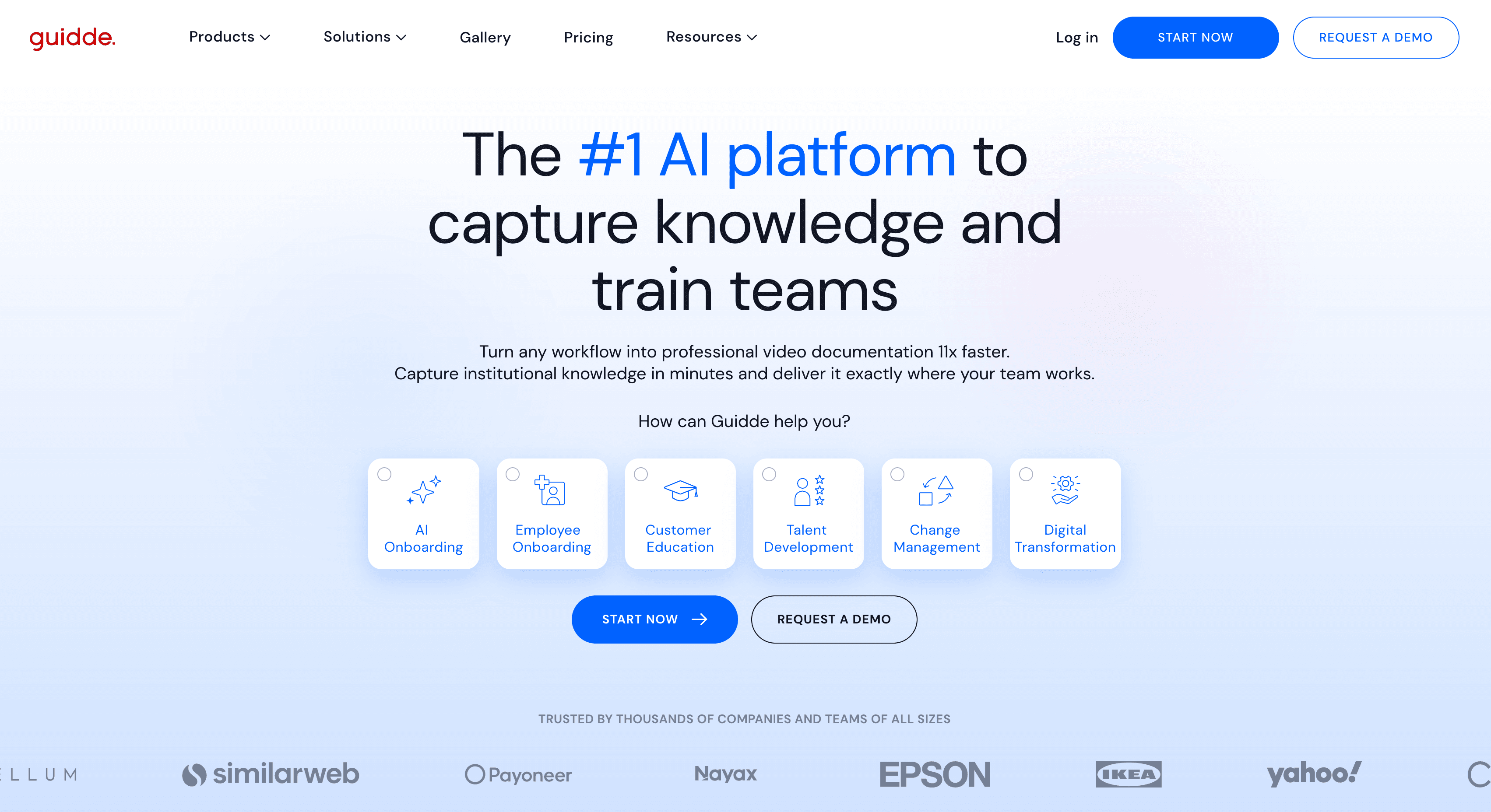
Best for: video-first documentation with visual annotation overlays
Guidde records your screen and produces a narrated video with auto-detected steps and on-screen callout annotations. The annotation system is a strong feature for highlighting specific UI elements. Written documentation output is basic. For teams whose primary format is video with visual callouts, Guidde is a solid option. Teams that need rich written documentation alongside the video will find Clevera more complete.
3. Scribe
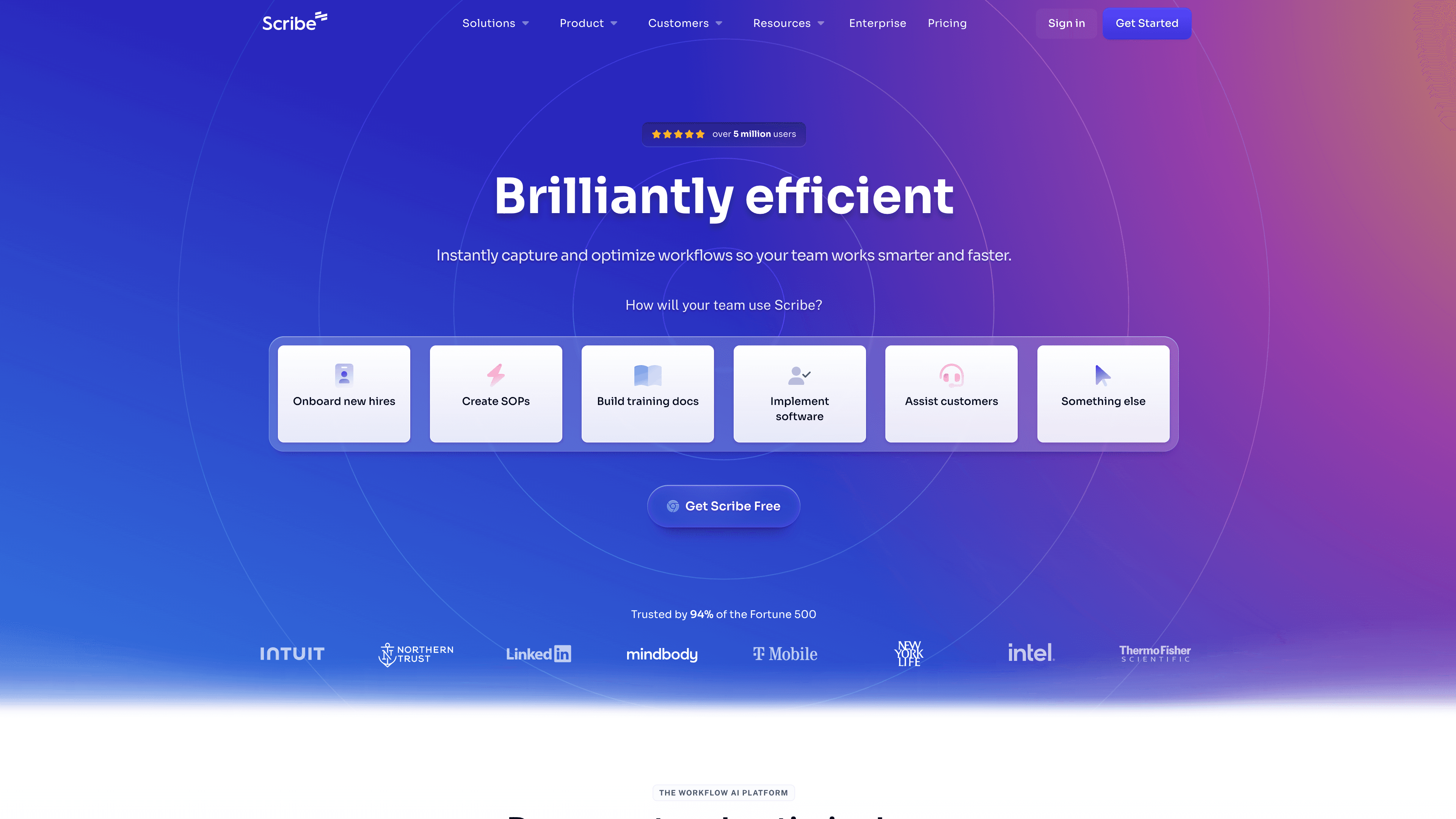
Best for: fast written guides for internal processes, no video
Scribe captures clicks and generates a numbered step guide with annotated screenshots. Fast and frictionless for internal SOPs and simple process documentation. No video output, no AI narration. The article quality is functional but not deep. Good fit for ops teams documenting internal tools; not the right choice for customer-facing product documentation.
4. Tango
Best for: browser-only workflow documentation
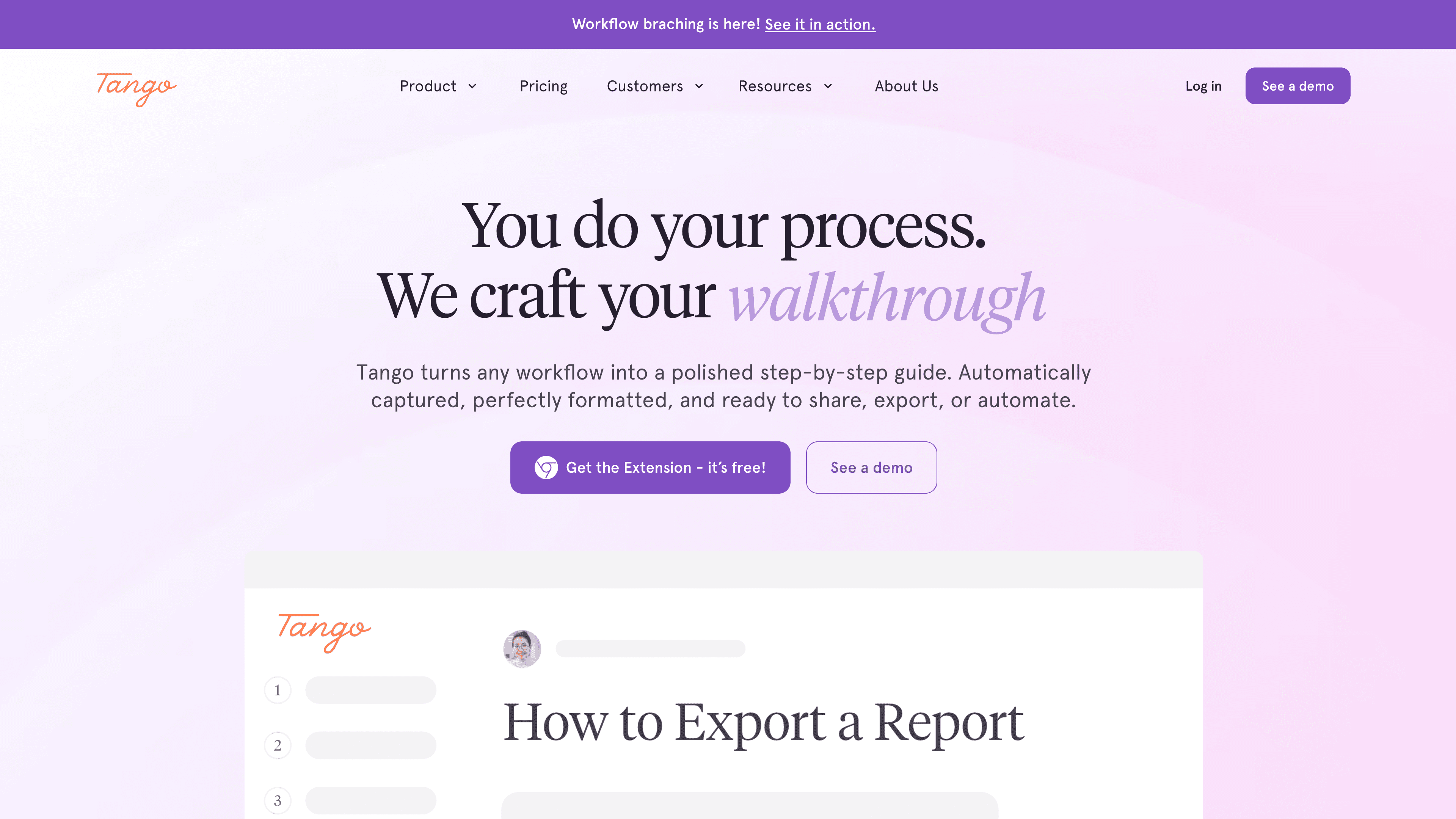
Tango captures browser workflows via extension and generates clean numbered guides. Like Scribe, it's text-only and browser-only. For web app documentation teams that don't need video and work entirely in the browser, it's clean and easy. For native desktop software or any video requirement, it doesn't apply.
How to choose
If you need both video and written documentation: Clevera. It's the only tool here that produces both at high quality from a single recording.
If you only need written documentation: Scribe (for quick guides) or Tango (for clean browser-based docs).
If you need video-first documentation with visual callouts: Guidde.
If you need video-only walkthroughs with minimal setup: Clueso.
The cleanest test: take one of your existing documentation pieces and re-create it in each tool you're evaluating. The output quality, time to publish, and ease of update will tell you more than any feature comparison.