Best Guideless alternatives in 2026: tools that go further for product documentation

Guideless helps teams turn screen recordings into basic documentation and video walkthroughs. For teams that have outgrown it, or are evaluating it against other options before committing, the alternatives in this list offer more complete AI processing, higher output quality, or better fit for specific use cases.
Here's how the best Guideless alternatives compare in 2026.
For a direct Clevera vs Guideless comparison, see our Guideless alternative page.
Updated for 2026.
For a shorter evergreen list with FAQ answers ("What is Guideless AI?"), see 5 Guideless alternatives for better tutorial video creation.
Why teams look for Guideless alternatives
Teams searching for a Guideless alternative typically run into one or more of these situations:
Output quality ceiling: the narration and article quality from basic documentation tools often needs significant editing before it's publishable. Teams that are creating customer-facing documentation need a higher bar.
Video-only or article-only output: many tools in this space produce either a video or a written guide, not both. Teams that need both formats end up managing 2 separate production workflows.
Limited publishing integrations: if your documentation needs to live in Confluence, Zendesk, GitHub, or a help center platform, how easily the tool exports to those platforms matters a lot.
Maintenance costs: tools that make initial creation easy but don't help with updates create a new problem. Documentation that can't be updated efficiently goes stale.
The tools below address these gaps in different ways.
1. Clevera

Best for: teams that need both polished tutorial video and rich written documentation from a single recording
Clevera is the strongest Guideless alternative for product teams and CS teams producing documentation at scale. The core difference is what the AI does between your recording and the finished output.
When you record your screen on Mac or Windows, Clevera doesn't just clean up the footage. Its AI analyzes the full context of your on-screen activity, writes a narration script that explains each step in detail, generates a natural AI voiceover synced to the video, applies smart zoom to key interactions, smooths cursor movement, and simultaneously produces a structured help article with numbered steps, embedded screenshots, and headers.
The result is 2 publication-ready assets from one recording — not a cleaned-up recording that needs further editing.
Where Clevera specifically outpaces Guideless alternatives:
Narration depth: Clevera's AI writes voiceover that explains what's happening and why, not just labels each click. "Navigate to Settings, then select Integrations to connect your third-party tools" is more useful than "click Settings."
Article quality: the written article isn't a transcript or a simple step list. It's structured documentation with proper headers, contextual descriptions, and embedded screenshots at the right moments — ready to publish directly to Notion, Confluence, Zendesk, GitHub, HelpScout, Gitbook, Intercom, ClickUp, and more.
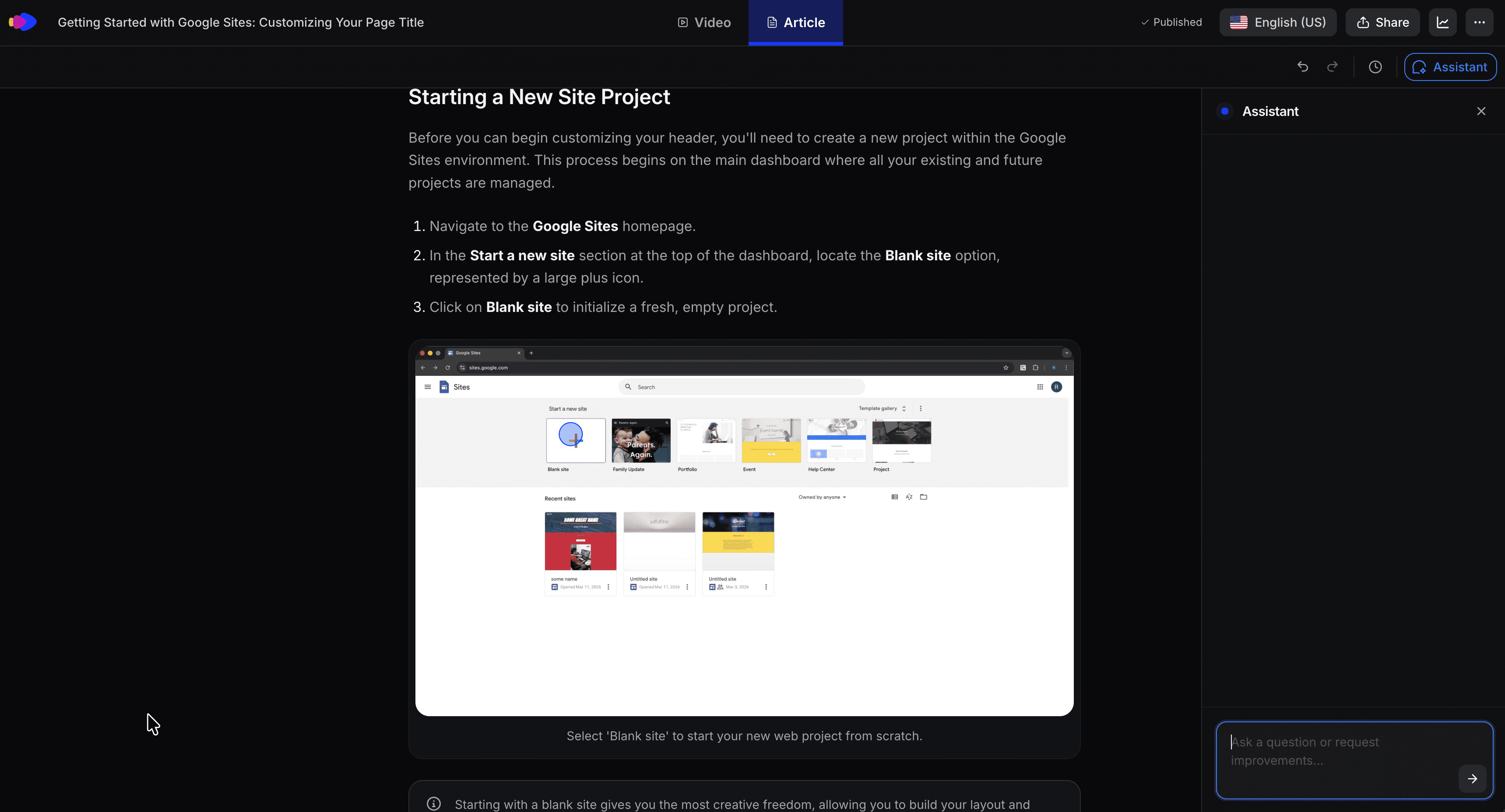
LiveSync: published videos stay live. Edit narration, add callouts, or update the style at any time and every embed reflects the change immediately. No re-exporting, no broken links.
70+ language support: translate both the video and article into 70+ languages with one click. Useful for teams with international users who need documentation in their own language.
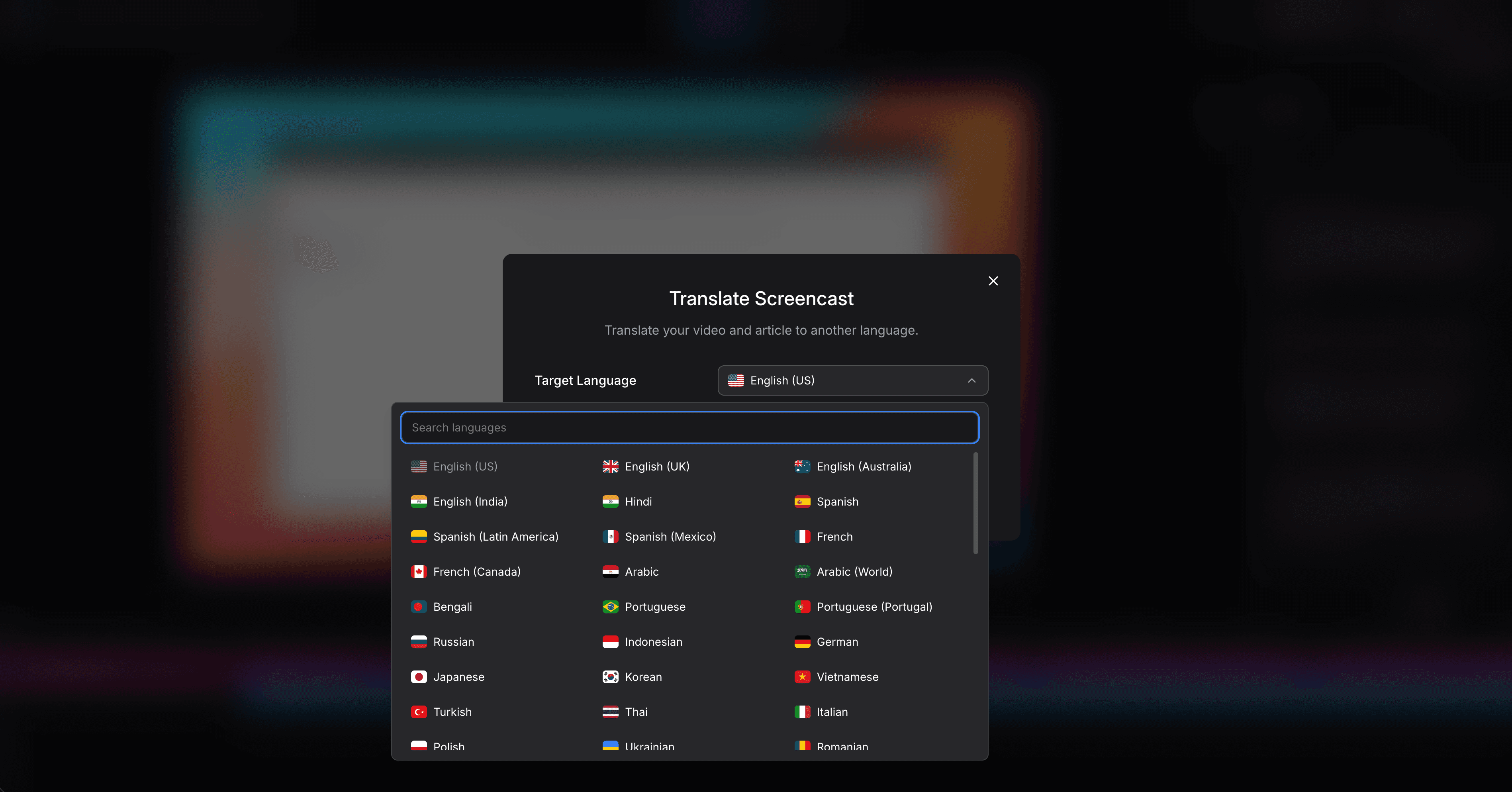
For teams evaluating tools in the same category as Guideless, Clevera produces more polished output with less post-processing required.
2. Guidde
Best for: video-first walkthroughs with visual annotation overlays
Worth noting the distinction: Guidde (guidde.com) and Guideless are separate tools often confused due to similar names — and a common search when people compare Guideless vs Guidde is to understand exactly that difference. Guidde focuses on narrated video walkthroughs with on-screen callout annotations and step auto-detection. The video output is strong, with good annotation tools for highlighting specific UI elements. Written documentation is limited. For teams whose primary need is video with callouts, Guidde is a reasonable pick.
3. Scribe
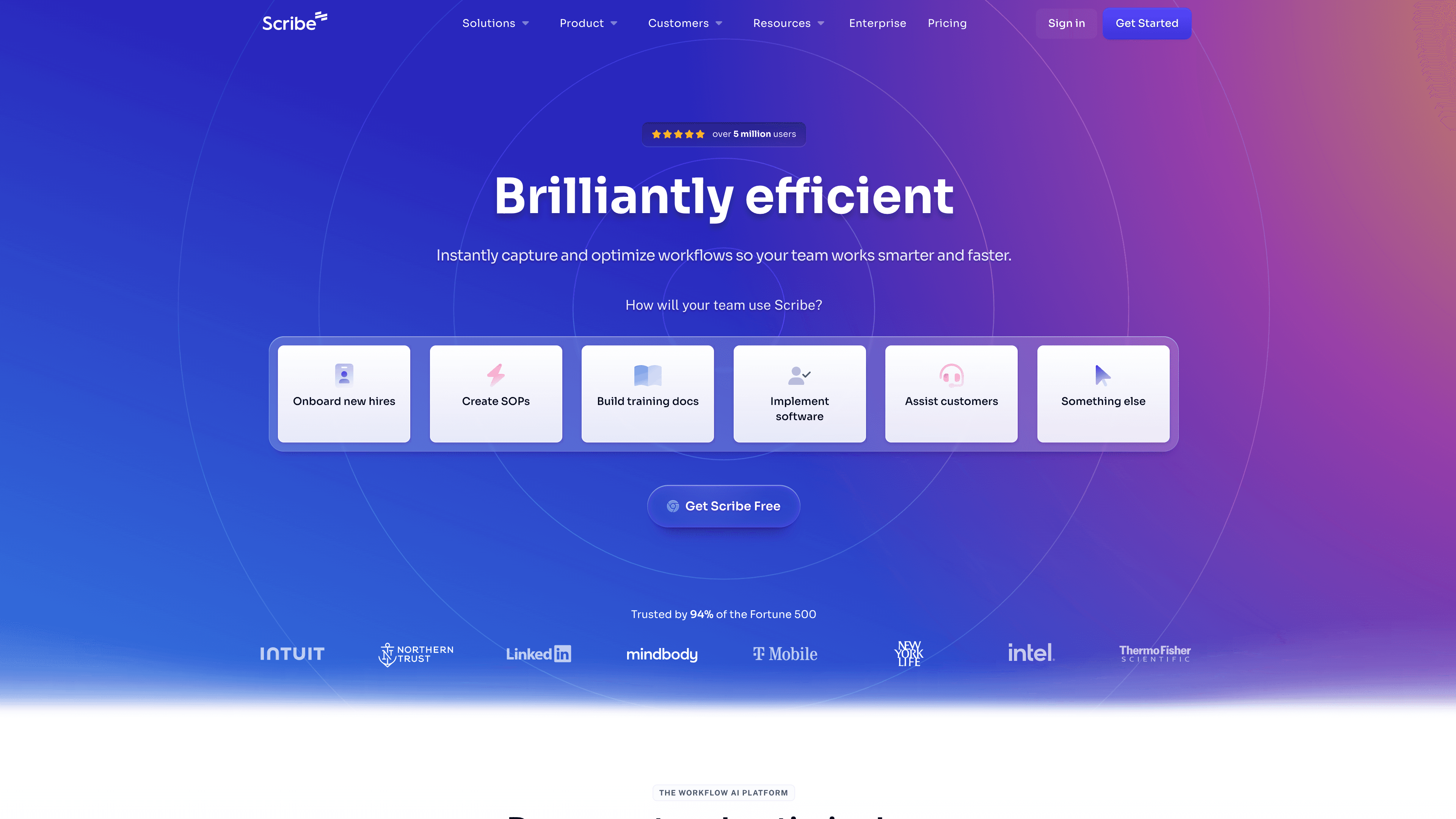
Best for: fast written process guides without video
Scribe captures your click workflow and generates a step-by-step guide with annotated screenshots. It's documentation-only — no video output, no AI narration. The article structure is functional but shallow compared to Clevera's output. Scribe is fast and easy for internal SOPs and simple process docs. For customer-facing documentation or any use case where video adds value, it falls short.
4. Tango
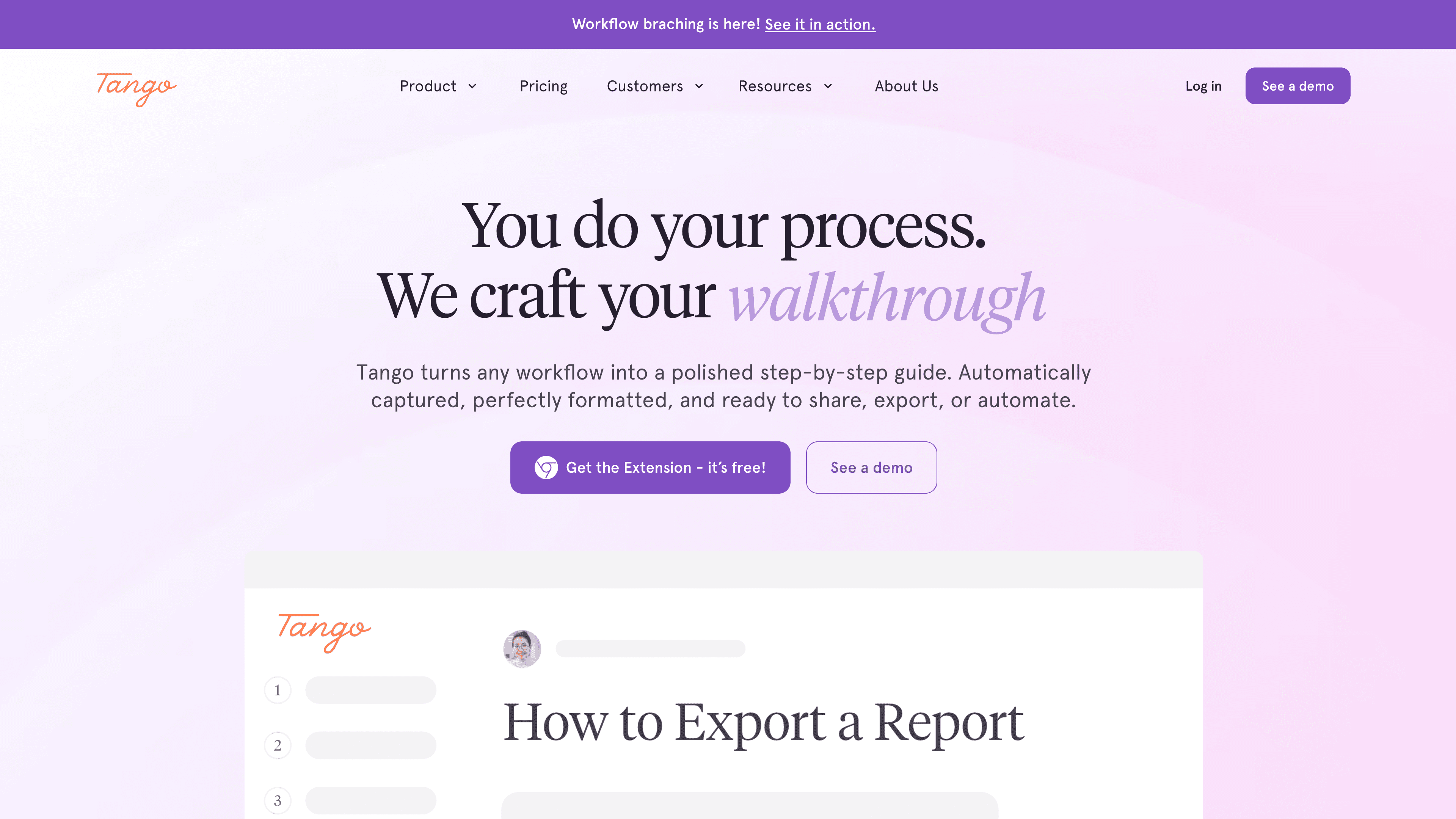
Best for: browser-based workflow documentation
Tango captures browser workflows via extension and produces clean numbered guides. It's limited to web-based software and produces no video output. For teams that only document browser-based tools and don't need video, Tango is one of the cleaner written documentation tools available. Not a full Guideless alternative if video is part of your requirements.
5. Clueso
Best for: short video walkthroughs without a writing component
Clueso converts screen recordings into polished short walkthrough videos with AI narration. The video output is clean and the production is fast. There's no written article output and the AI narration depth is more limited than Clevera's. For teams that want video-only documentation and a faster production process than manual editing, Clueso is worth evaluating.
How to choose
If your documentation needs both video and written output, and you want each format to be genuinely publication-ready, Clevera is the clear step up from Guideless.
If you need video-first documentation with visual annotations, Guidde covers that use case well.
If your documentation is text-only and your processes are browser-based, Scribe and Tango are faster and simpler.
The question is how much post-editing your current workflow requires before a document is ready to publish. The answer tells you how much you'd gain from switching.