/
Can't decide between Clevera and Guideless?
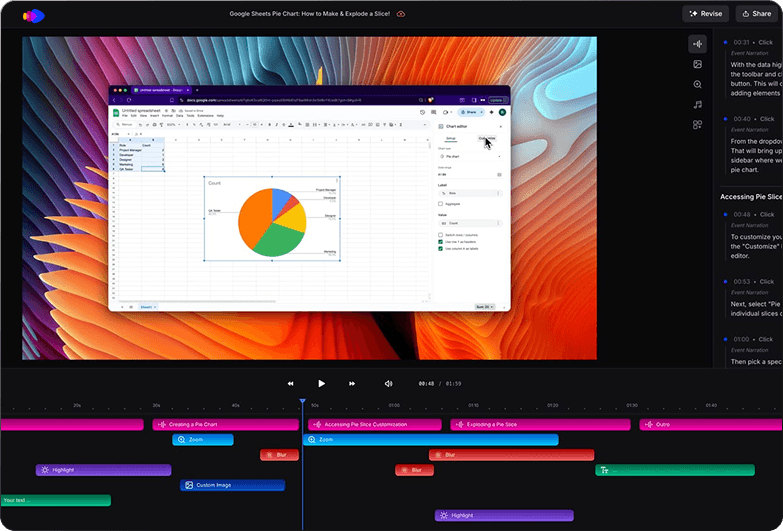
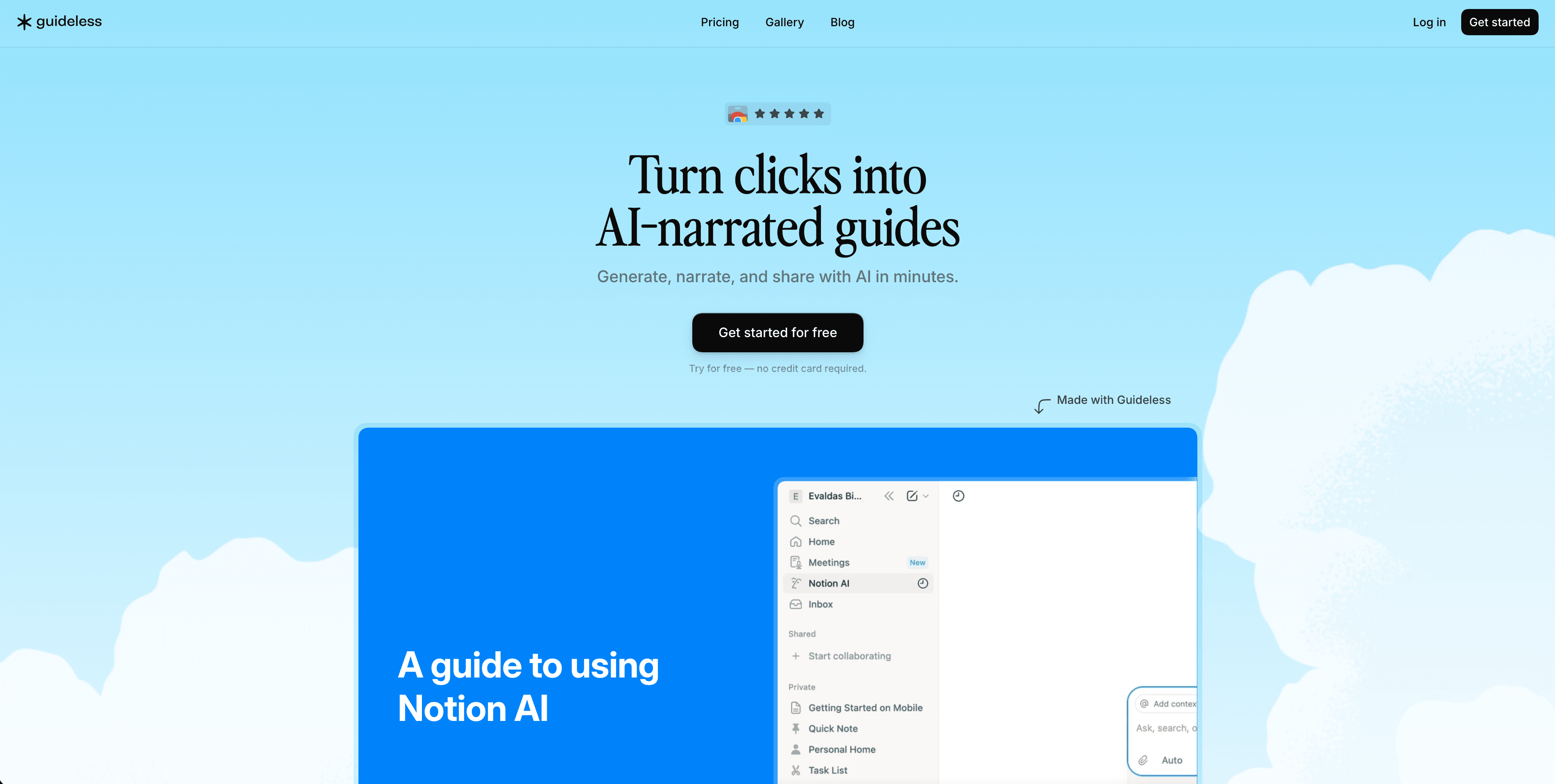
Both turn workflows into narrated guides, but they work in very different ways. Guideless is a Chrome extension that captures browser flows and produces interactive, embeddable step guides. Clevera is a macOS app that records any screen activity — not just the browser — writes a full narration script, and delivers a polished MP4 video ready to share or embed.
Why teams pick Clevera over Guideless

Any app, not just the browser
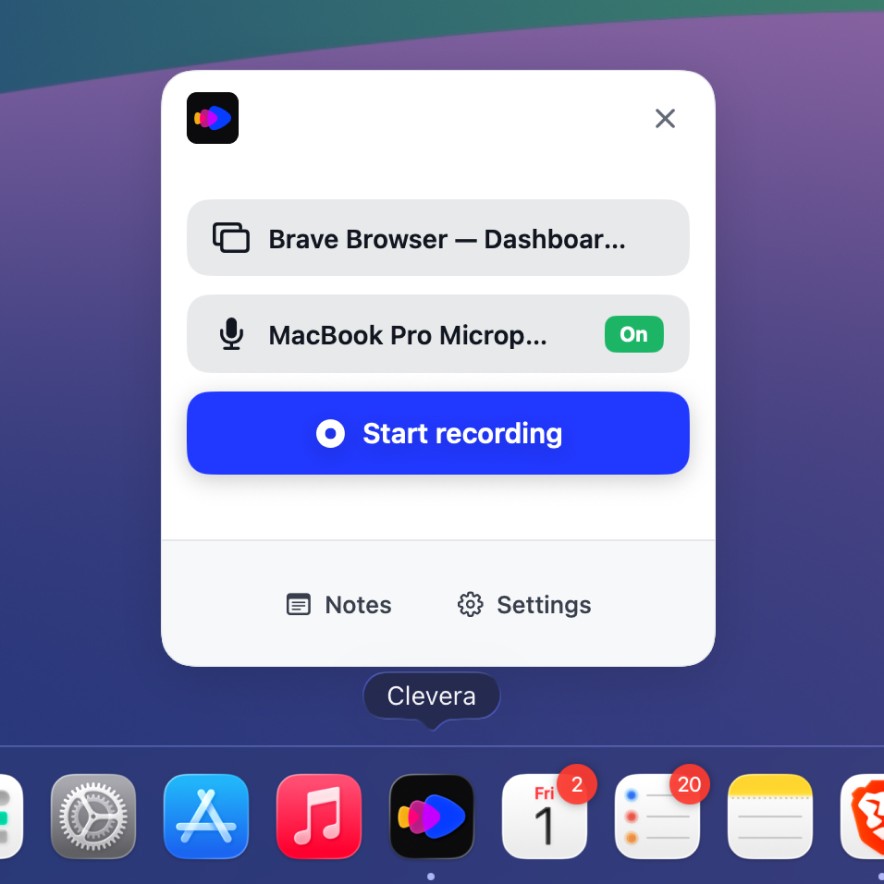
Guideless only captures browser flows. Clevera records any workflow on your Mac — terminal, design tools, desktop apps — and turns it into a narrated video.

Real video, not a step guide
Guideless produces interactive step-through guides. Clevera delivers a full-motion MP4 video with AI narration synced to every action — not a click-through slideshow.

Automatic AI editing
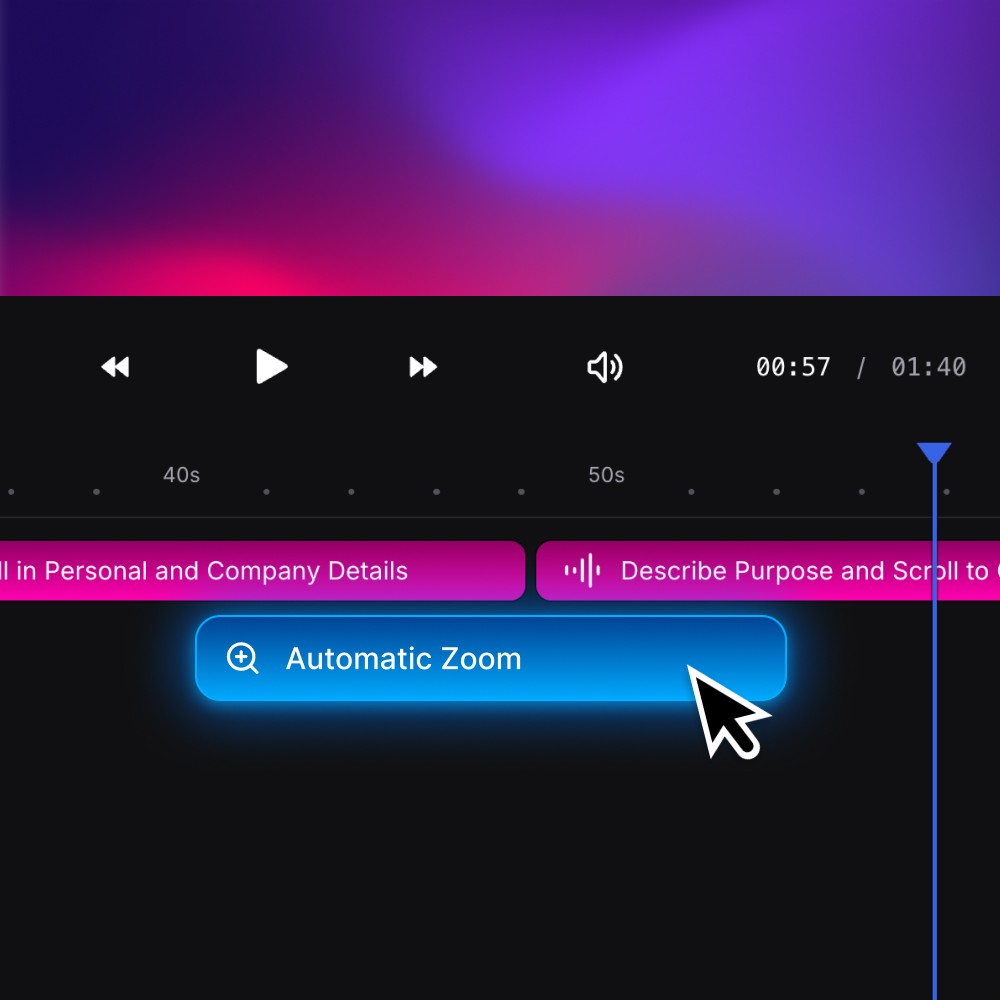
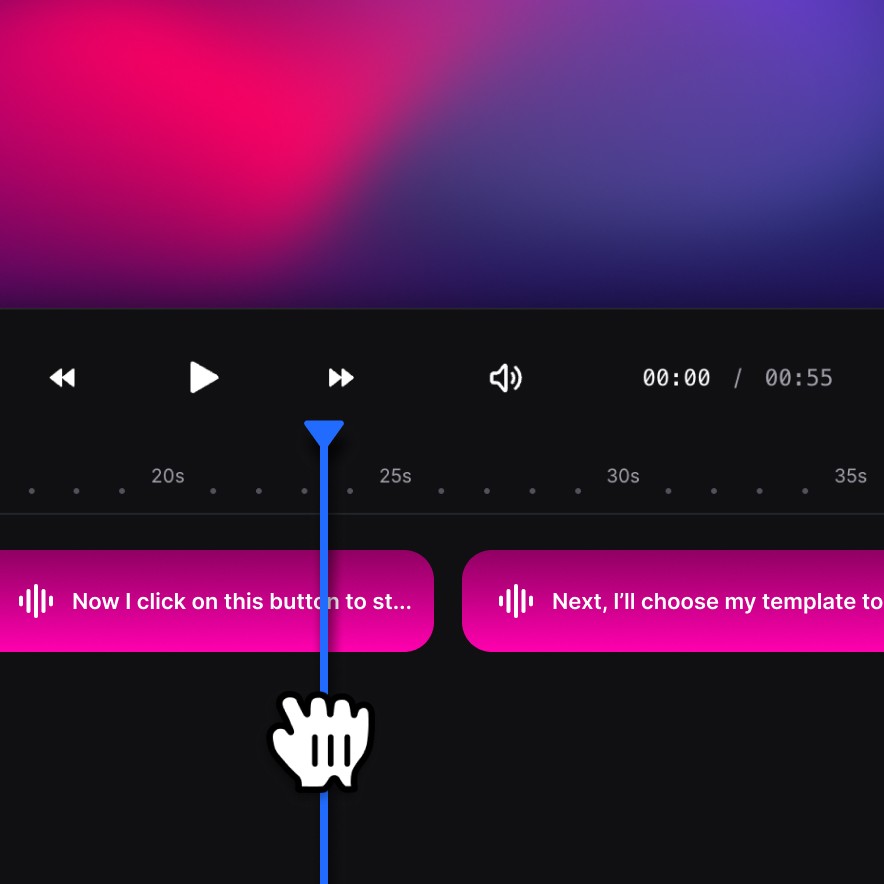
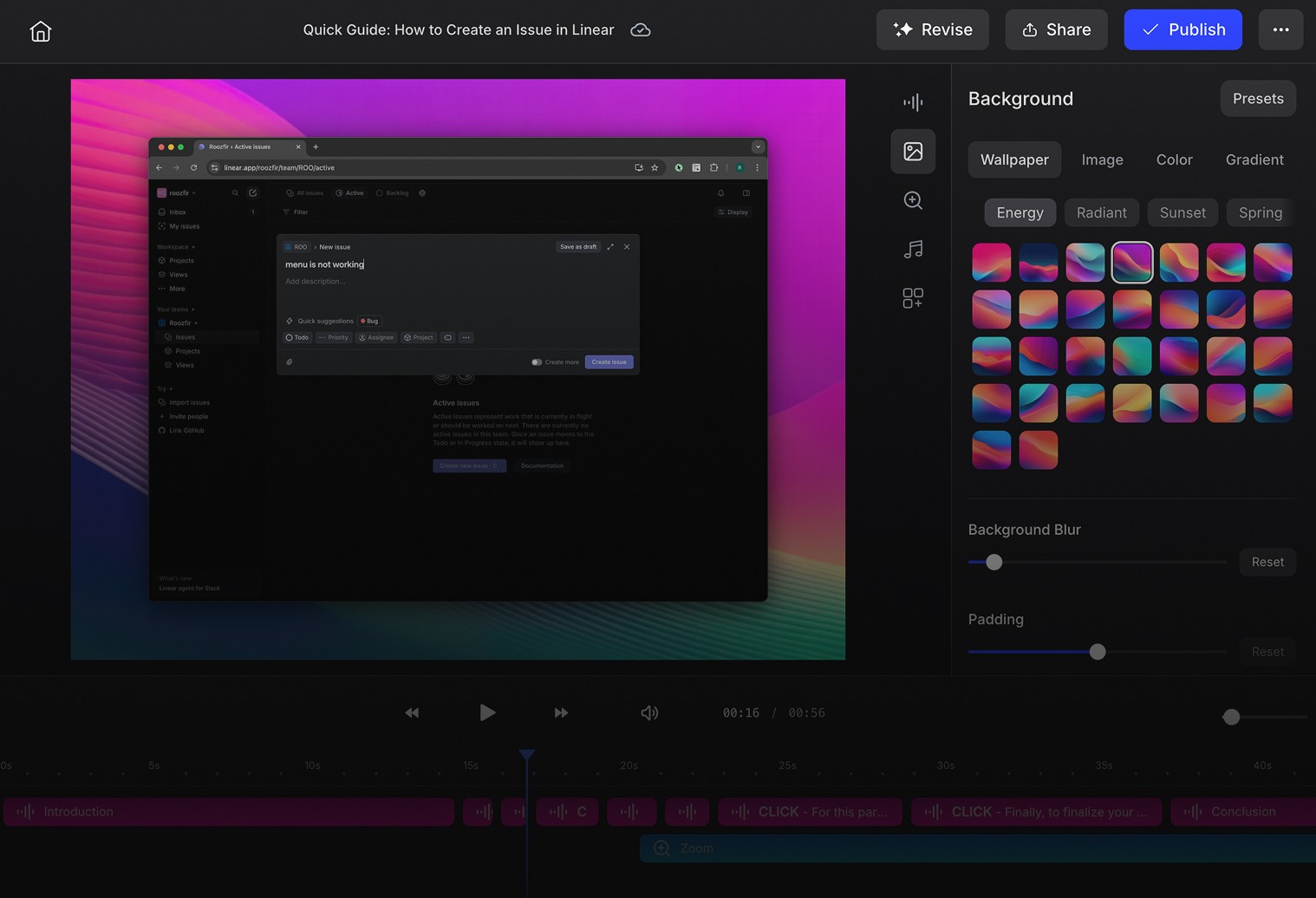
Guideless doesn't auto-edit. Clevera removes pauses and misclicks, smooths pacing, and keeps timing tight. No timelines. No retakes.
| Capability | Clevera | Guideless |
|---|---|---|
| AI narration writer | ||
| Real video output (MP4) | Full-motion video | Step-through guide only |
| Captures desktop apps | Any macOS app | Browser-only |
| AI voiceover | Natural human-like TTS synced to timing | Basic AI narration |
| Automated video editing | Removes pauses, misclicks, and awkward timing automatically | |
| Embeddable output | ||
| AI narration rewrite | Rewrite single or full narration with AI | |
| User speech refinement | ||
| Multi-language support | ||
| Platform | macOS app | Chrome extension only |
| Output formats | MP4, HTML embed | Interactive guide embed |
| Pricing | From $99/month per team | Free plan available |
Why teams switch to Clevera
Beyond the browser
Guideless captures browser workflows only. Clevera records any app on your Mac, making it the right tool for full product walkthroughs — not just web demos.
Narration that teaches
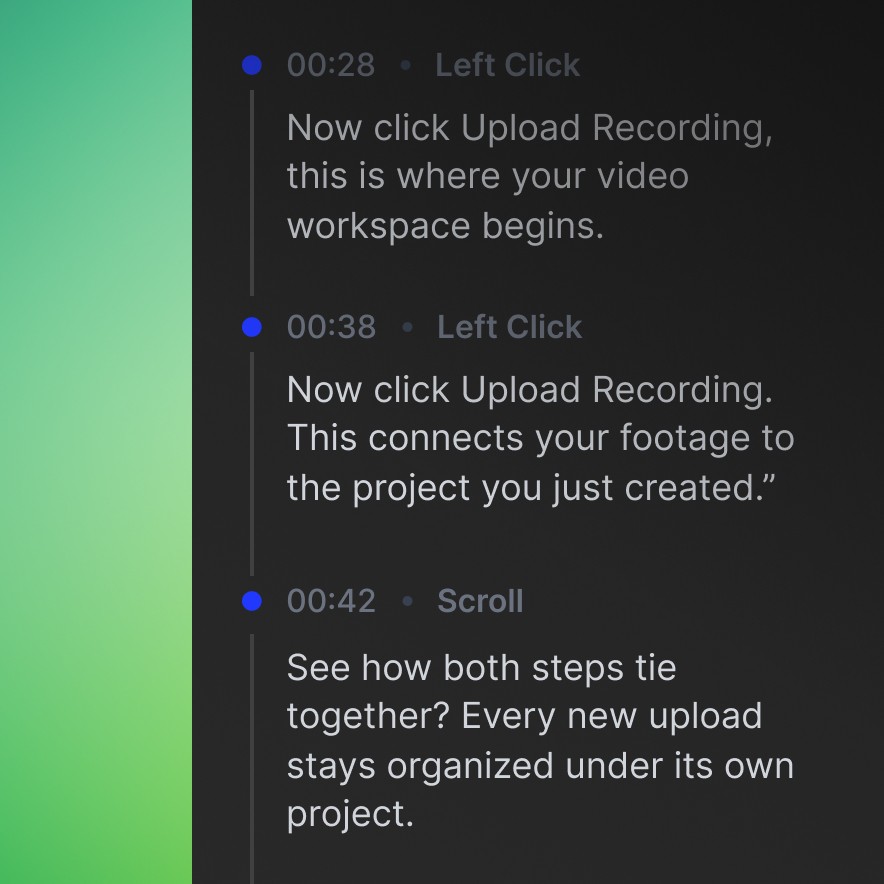
Instead of click-through step labels, Clevera delivers a cohesive voiceover that explains why each step matters.
Real video output
Guideless embeds a step-through guide. Clevera exports a full-motion MP4 — ready for help centers, onboarding, and product demos without extra editing.
Which one fits your flow
Guideless suits teams who need quick, embeddable browser walkthrough guides.
Clevera suits teams who need polished, narrated videos for onboarding, help centers, and product demos — capturing any app on Mac, not just the web.
Compare Clevera with others
Exploring your options? See how Clevera stacks up against Guideless alternatives built for tutorials and demos.