Meet Clevera v2: Smarter. Faster. More Human.
For the past months, we have been rebuilding Clevera from the inside out.
This is not a small update. It is a shift.
The goal was simple: make AI-generated videos feel real. Natural pacing. Smarter narration. A voice that sounds like it understands what is happening on screen.
Today, that vision is live.
Videos That Feel Alive
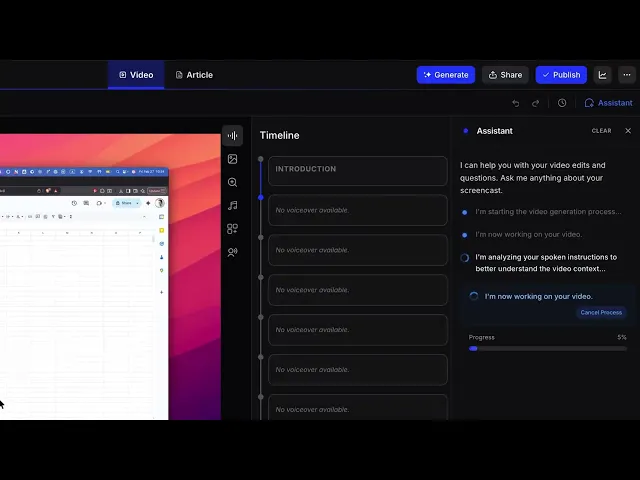
Clevera now analyzes your recording and creates narration, structure, and chapters in one smooth flow.
The result:
Voiceovers that match the action naturally
Better timing and rhythm
Clearer explanations without robotic jumps
Almost no editing required after render
Videos also render progressively. You can watch them come to life while they are being generated.
It feels fast. Because it is.
AI Inside the Editor
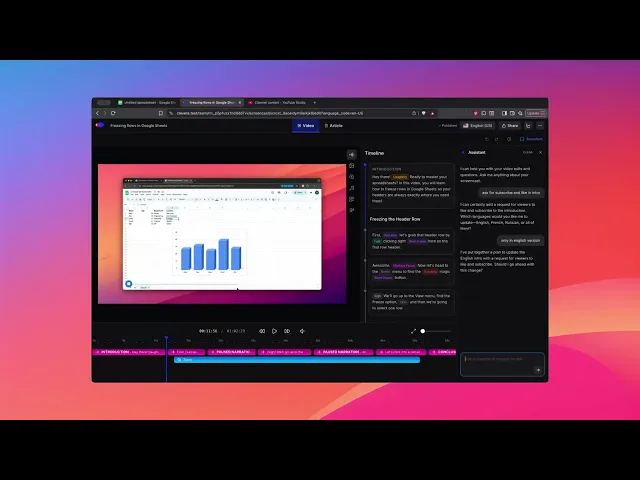
We added a Video Assistant directly inside the timeline.
You can now:
Chat with AI while editing
Accept or reject narration improvements one by one
Regenerate voice for a single segment without touching the rest
You stay in control. AI simply makes you faster.
Articles Got Smarter Too
Clevera is not just an AI video tutorial maker. It is also an AI documentation generator.
Now you can:
Get AI suggestions to improve your article
Translate your article into other languages instantly
Cleaner writing. Less effort. Better results.
True Multilingual Videos
This is a big one.
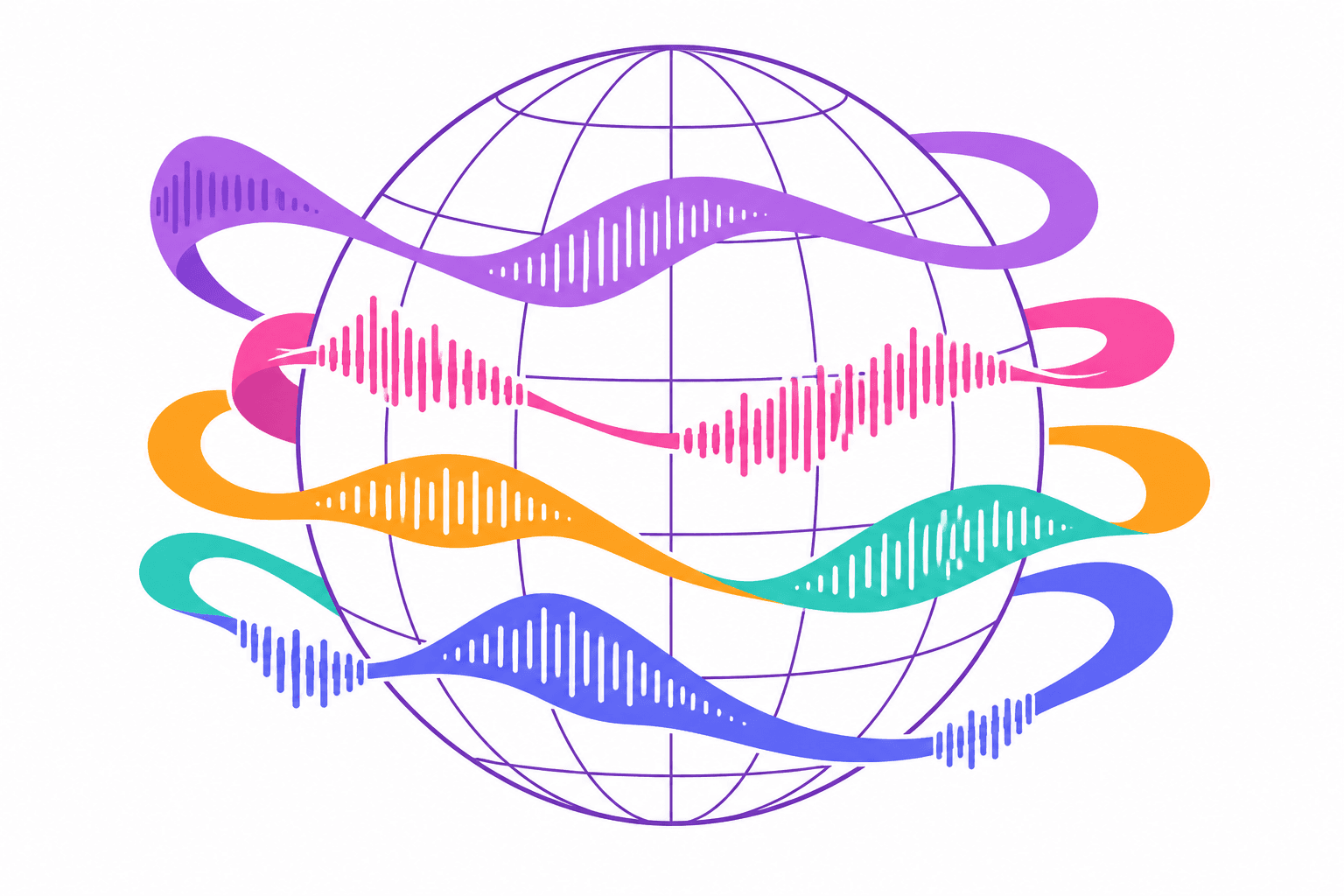
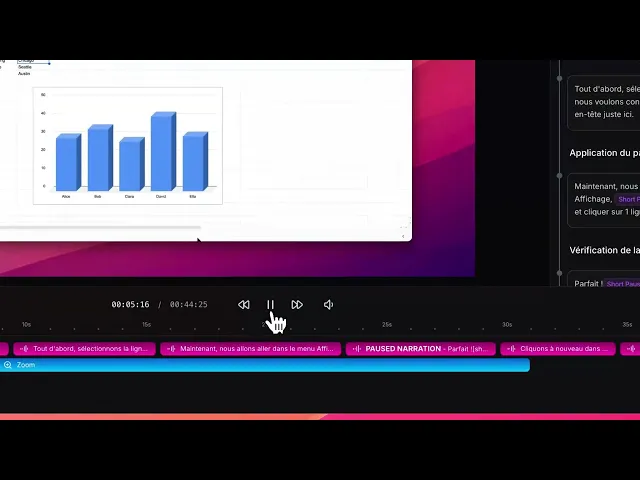
A single video can now contain multiple languages inside it.
Each version has its own:
Narration
Chapters
Titles
Switch languages instantly in the editor. No reload. No duplication. Remove translations anytime.
Your product can now speak to the world from one video file.
More Control Over Everything
We improved the editor experience across the board:
Undo and redo
Full version history
Show or hide events
Mute or adjust speed per segment
Add expression tags to make narration more expressive
You can also retry failed generations instead of starting over, and track progress in real time.
More Videos. Lower Cost. Unlimited MP4 Exports.
We removed complex layers and reduced our reliance on expensive external tools.
That allowed us to:
Increase how many videos you can create
Cut pricing
Remove heavy export limits
Offer unlimited MP4 exports
More output. Less friction.
Important: About Your Existing Videos
Clevera v2 introduces a new generation engine. Because of this, videos created before v2 will continue to work and stay published, but:
They cannot be regenerated using the new engine
New v2 features will not appear in those videos
Improvements in pacing, narration, and structure apply only to newly generated videos
To use the new lifelike video system and all v2 features, you will need to:
Update your Clevera desktop app
Re-record your flow
Generate a fresh video using v2
We strongly recommend updating your Clevera app to the latest version to unlock all improvements.
Clevera v2 is not just an update. It is a new foundation.
Built for Real Teams
Clevera was always about turning screen recordings into professional videos and structured articles. That mission stays the same
But now it feels different.
Faster.
More natural.
More powerful.
More human.
If you have not tried Clevera recently, this is the moment.
Record once.
Get a lifelike video and a polished article.
Publish in minutes.