AI product demo tool: demo formats that convert
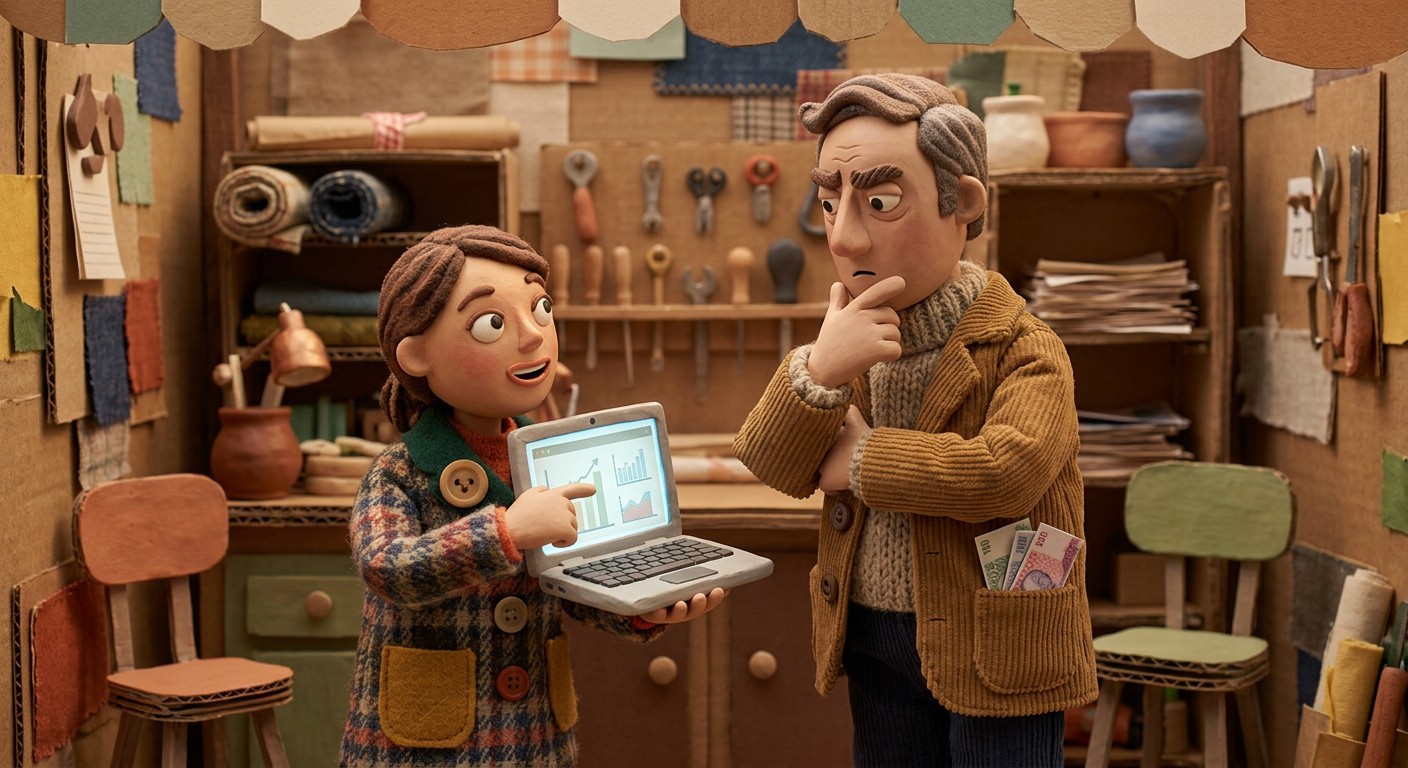
Last month I watched a solid SaaS team ship a beautiful product demo video… that converted like a “sign up for our newsletter” pop-up from 2012.
The product was good. The problem was the demo format.
They showed everything. They proved nothing.
If you want more feature adoption, you don’t need a longer demo. You need the right story shape for the moment your viewer is in.
In this guide, I’ll break down four demo styles (job-based, before/after, fast value, feature tour), when to use each, and the product demo best practices that keep your demo from feeling like a clunky screen-share.
What an AI product demo tool is
An AI product demo tool is software that turns a screen recording into a polished product demo video (and often docs) by auto-editing dead time, generating a script and voiceover, and exporting shareable formats. It helps teams ship consistent demos faster across marketing, sales, and customer success.
The real reason demos don’t convert
Most demos fail because they answer the wrong question.
Your viewer is not asking, “What does this product do?”
They’re asking, “Will this fix my problem without making me look dumb for buying it?”
That’s why format matters. Format is the container that makes your proof believable.
Also, feature adoption is brutally humbling. Pendo’s 2024 benchmarks put median feature adoption around 6.4%, with top performers much higher. Translation: shipping is the easy part, getting usage is the sport.
Demo format 1: job-based demos (the “let me do my thing” demo)
What it is
A job-based demo follows a single real workflow from start to finish. Not features. A job.
Think: “Invite a teammate, assign ownership, and prove it’s tracked,” not “Here’s our dashboard.”
When to use it
Homepage or product pages for buyers with a clear use case
Sales follow-ups after discovery
Onboarding moments tied to one activation milestone
Why it converts
It reduces cognitive load. Viewers don’t have to assemble meaning from scattered features.
Product demo best practices for job-based demos
Open with the job in plain English: “Here’s how to onboard a new customer in 2 minutes.”
Show the “moment of proof” early (the point where the user sees value).
Keep the workflow tight: one job, one outcome, one CTA.
This is exactly why we built Clevera to turn a raw screen recording into a narrated demo that stays on rails. It removes the “wait, why did you click that?” pauses, writes the voiceover, and keeps the workflow crisp.
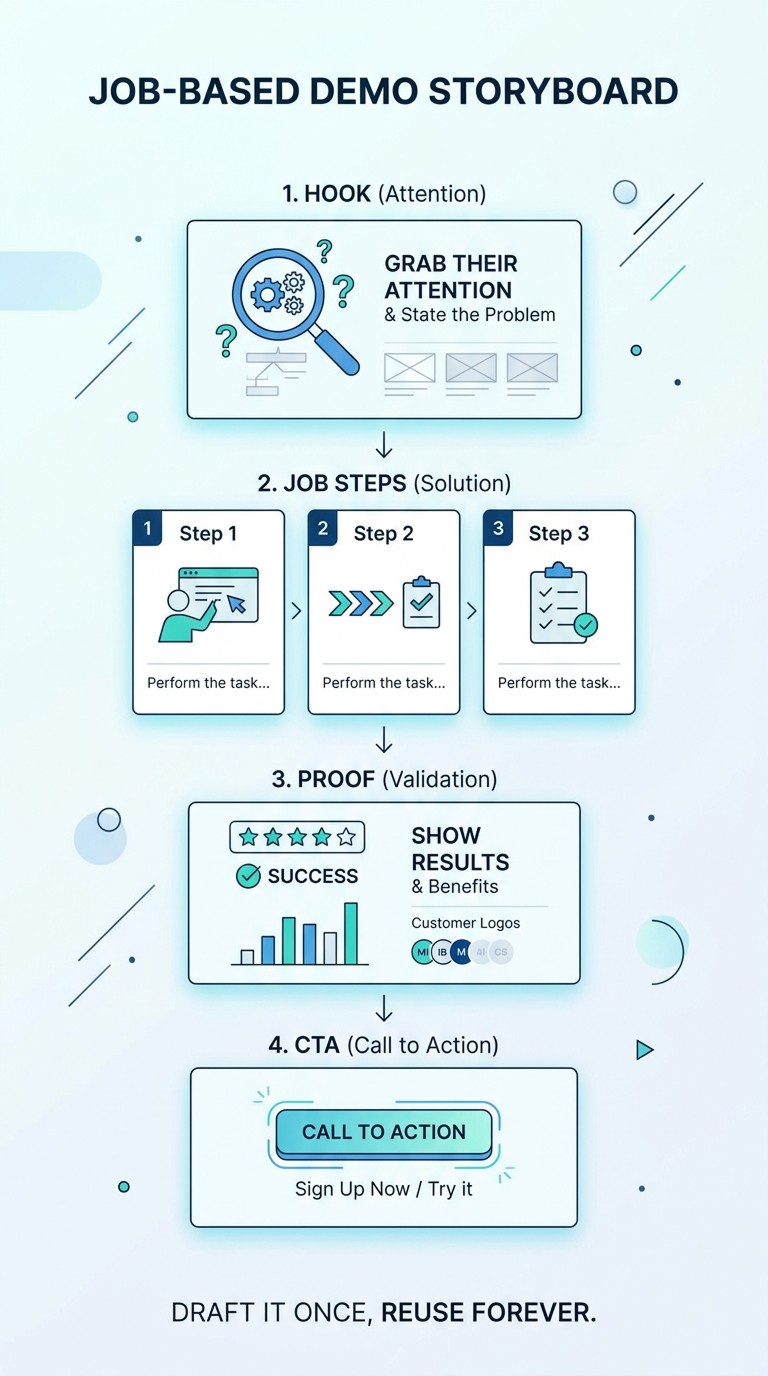
If you want a repeatable structure, use this internal template: “job-based demo storyboard” (hook → job steps → proof → CTA). Draft it once, reuse forever.
Demo format 2: before/after demos (the “feel the pain, then relief” demo)
What it is
You show the messy “before” state, then the clean “after” state, then the minimum path between them.
This format is emotional. It makes the problem tangible.
When to use it
Paid social and landing pages
Retargeting ads
Competitive takeout pages
Feature launches where the old workflow was genuinely annoying
Why it converts
It creates contrast. Contrast is persuasion.
Product demo best practices for before/after
Spend 5 to 10 seconds on “before.” Don’t overact it.
Make the “after” visual obvious (numbers, time saved, fewer steps).
Add one sentence of proof: “This cut onboarding setup from 12 clicks to 3.”
Wistia’s reporting consistently shows the first moments matter. Their 2025 guidance emphasizes getting to the action quickly, and their engagement data highlights how viewers behave differently depending on content type and length.
Un-Googleable insight we use internally:
Write the “before” as a single screenshot. If you need more than one screen to explain the pain, your demo is about a process problem, not a product problem.
Demo format 3: fast value demos (the “first 60 seconds” demo)
You called this “quick win.” I’m allergic to that phrase, but I love the idea.
What it is
A short demo that shows one small, undeniable payoff in under a minute.
When to use it
Top-of-funnel campaigns
In-app announcements
Email nudges for feature adoption
Sales reps sending “one thing to try today”
Why it converts
It creates momentum. People adopt features when they feel capable, not when they feel informed.
Product demo best practices for fast value
One feature, one benefit, one CTA
Cut every setup step unless it’s essential
End with a single action: “Try this on your next report.”
How Clevera makes this easier: Record the workflow once, then use Clevera to generate multiple versions: a 45-second fast value cut, plus a longer job-based version for onboarding. You are not making “more content.” You are making the same truth in different runtimes.
Demo format 4: feature tour demos (the “map of the territory” demo)
What it is
A guided overview of key features, usually grouped by category.
This is the most common format, and honestly, the most abused.
When to use it
Late-stage evaluation when stakeholders need coverage
Security and IT reviews where breadth matters
Customer training libraries where viewers can skip around
Why it converts (when done right)
It reduces uncertainty for complex products, but only if it stays structured.

Product demo best practices for feature tours
Organize by outcomes, not menus: “Collaborate,” “Automate,” “Report,” not “Settings,” “Dashboard,” “Integrations.”
Preview the tour in one sentence: “We’ll cover X, Y, Z, then show the setup.”
Summarize after each section, so people don’t forget what they just saw.
If you’re publishing a feature tour as a product demo video, keep it watchable. Wistia’s insights show engagement varies heavily by length and type, with instructional content often outperforming generic marketing video.
How to pick the right format (a simple cheat sheet)
Buyer knows their job: job-based demo
Buyer feels the pain but doubts the fix: before/after
User is stuck and needs momentum: fast value
Stakeholders need coverage: feature tour
If you’re unsure, default to job-based. In my experience, “show me how I would use it” beats “here are 18 features” every day of the week.
The content workflow that keeps demos from becoming a maintenance nightmare
Here’s the part nobody tells you: the best demo strategy is the one you can update without crying.
This is where an AI product demo tool earns its keep.
With Clevera, teams record a clean workflow once, then:
auto-generate narration and a polished timeline
export MP4 or embed it
update the same embedded video later (voiceover, overlays, highlights) without swapping links using LiveSync
Contextual CTA: If your demos live inside a help center, pair the video with a written walkthrough. Clevera can generate the article from the same recording, and you can publish it to tools like Notion, Confluence, Zendesk, Intercom, and more.
Use Clevera’s docs feature for step-by-step guides and Clevera’s video feature for narrated demos.
Visuals to include (no handshake stock photos, promise)
A “format picker” diagram (funnel stage → best demo style)
Alt text: “AI product demo tool format picker showing job-based, before/after, fast value, and feature tour by funnel stage”
A retention graph screenshot from your video analytics (drop-off by timestamp)
Alt text: “Product demo video engagement graph highlighting the first 10 seconds drop-off”
An annotated Clevera editor screenshot with arrows on: voiceover script, timeline cuts, highlight overlays
Alt text: “Clevera AI product demo tool editor with timeline, voiceover script, and highlight overlays”
Internal links to build your “demo to adoption” path
For turning screen recordings into guides, see our screen recording to documentation workflow
If you’re building a library, read how to scale customer education videos without a video team
For activation, read SaaS onboarding best practices that reduce time-to-value
For deflection, read knowledge base best practices that actually reduce support tickets
(Use these as your 3 to 5 internal blog links with descriptive anchor text.)
Your kicker
Pick one feature you care about this month.
Now make two demos for it: a 45-second fast value cut and a 2-minute job-based workflow.
If you can’t ship both in a day, your process is the bottleneck, not your creativity. Use Clevera to record once, generate both formats, and see which one moves feature adoption first.