Best AI Product Documentation Generators 2026 (10 Compared)
If your SaaS team needs product education content, not generic chatbot answers, the best AI product documentation generator depends on the format you need to ship.
Not ready to compare tools yet? See how Clevera's AI documentation generator works — from screen recording to narrated video and structured help article — before diving into the full comparison.
Quick picks:
Video tutorials + help articles: Clevera — the strongest AI documentation generator for SaaS teams that need both formats from one recording
Multi-format training + LMS delivery: Trainn — video, step-by-step guide, and interactive guide from one recording, with 30+ languages and a built-in academy
Internal SOPs and step-by-step guides: Scribe
In-app guidance and real-time overlays: Tango
Lightweight narrated tutorials: Guidde
Developer docs and knowledge bases: GitBook, Mintlify, or ReadMe
Best AI product documentation generators: quick comparison
Tool | Best for | Main format | Starting price signal |
|---|---|---|---|
Clevera | SaaS customer education from one recording | Narrated video + help article | Starts at $29/month, billed annually |
Trainn | Create and deliver multi-format content from a single platform | Product videos, step-by-step guides, Interactive guides | From $2,400/year |
Scribe | SOPs and internal process docs | Step-by-step guide | Free plan; paid tiers vary |
Tango | In-app workflow guidance | Overlays + walkthroughs | Public pricing varies |
Guidde | Lightweight narrated tutorials | AI-narrated guide/video | Public pricing varies |
Arcade | Interactive product demos for GTM | Clickable demo + AI video | Free plan; Growth from $42.50/seat/month annually |
Supademo | Affordable interactive demos | Interactive demo + guide | Free plan; Scale from $38/creator/month |
GitBook | Technical knowledge bases | Docs platform | Free plan; paid tiers vary |
Mintlify | Modern developer docs | Docs-as-code portal | Public pricing varies |
ReadMe | API reference and developer onboarding | Interactive API docs | Public pricing varies |
For this list, "AI product documentation" means tools that help SaaS teams create, update, or publish user-facing product education: help articles, product walkthroughs, onboarding tutorials, SOPs, interactive demos, and developer docs. It does not mean generic AI chatbots that answer questions without creating durable documentation.
A product team ships a "tiny UI cleanup." Nothing major. Just a button moved, a label renamed, a flow shortened.
Then the support inbox lights up. The help article screenshots don't match reality. The onboarding video shows a button that no longer exists. Customers start second-guessing themselves, and your team starts writing the same explanation in different words, over and over.
That's the 2026 doc problem in one scene: the product moves fast, but documentation still acts like it's printed on paper.
And the tax is real. Studies and industry research keep landing on the same ugly truth: a scary chunk of institutional knowledge lives in one person's head until they leave, and then it vanishes. One widely cited finding puts that "unique-to-the-individual" knowledge at 42%, meaning teams can't do a big slice of the job when the person disappears.
So, let's talk about the tools that fix this the 2026 way: AI-powered documentation generators that turn work into docs without turning your team into full-time editors.
What "AI product documentation generator" means in 2026
An AI product documentation generator is software that turns product knowledge (screen recordings, clicks, UI context, code, and FAQs) into help center articles, step-by-step guides, and tutorials, then keeps them easy to update. For SaaS teams, it reduces support tickets and speeds onboarding by shipping "how to" content faster than the product changes.
The real shift: from static docs to "living" customer education
In 2026, users don't just want a help article.
They want a choice:
a 45-second walkthrough video when they're stuck
a step-by-step guide when they need to follow along
an interactive demo when they're deciding whether to buy
developer-first docs when they're integrating
Also, the economics are brutal if you do this manually. Professional video production still regularly lands in the thousands for a single piece, depending on format and complexity.
That's exactly why "screen recording to documentation" is no longer a cute feature. It's the only way to keep up.
How we ranked the best AI powered documentation tools
I'm using five criteria that actually matter when you ship weekly:
1. Output quality: does it feel human, or like stitched-together robot slides? 2. Maintenance: can you update fast, or do you re-export everything? 3. Coverage: articles, videos, interactive, dev docs… what lanes does it win? 4. Governance: SSO, permissions, redaction, audit trails (especially for real teams) 5. Time-to-value: can a non-video-person ship something good today?
Now, the roundup.
1. Clevera (best overall for video-first product docs that stay maintainable)
Most tools "capture" what you did.
Clevera, our top pick as an AI documentation generator, does something closer to understanding.
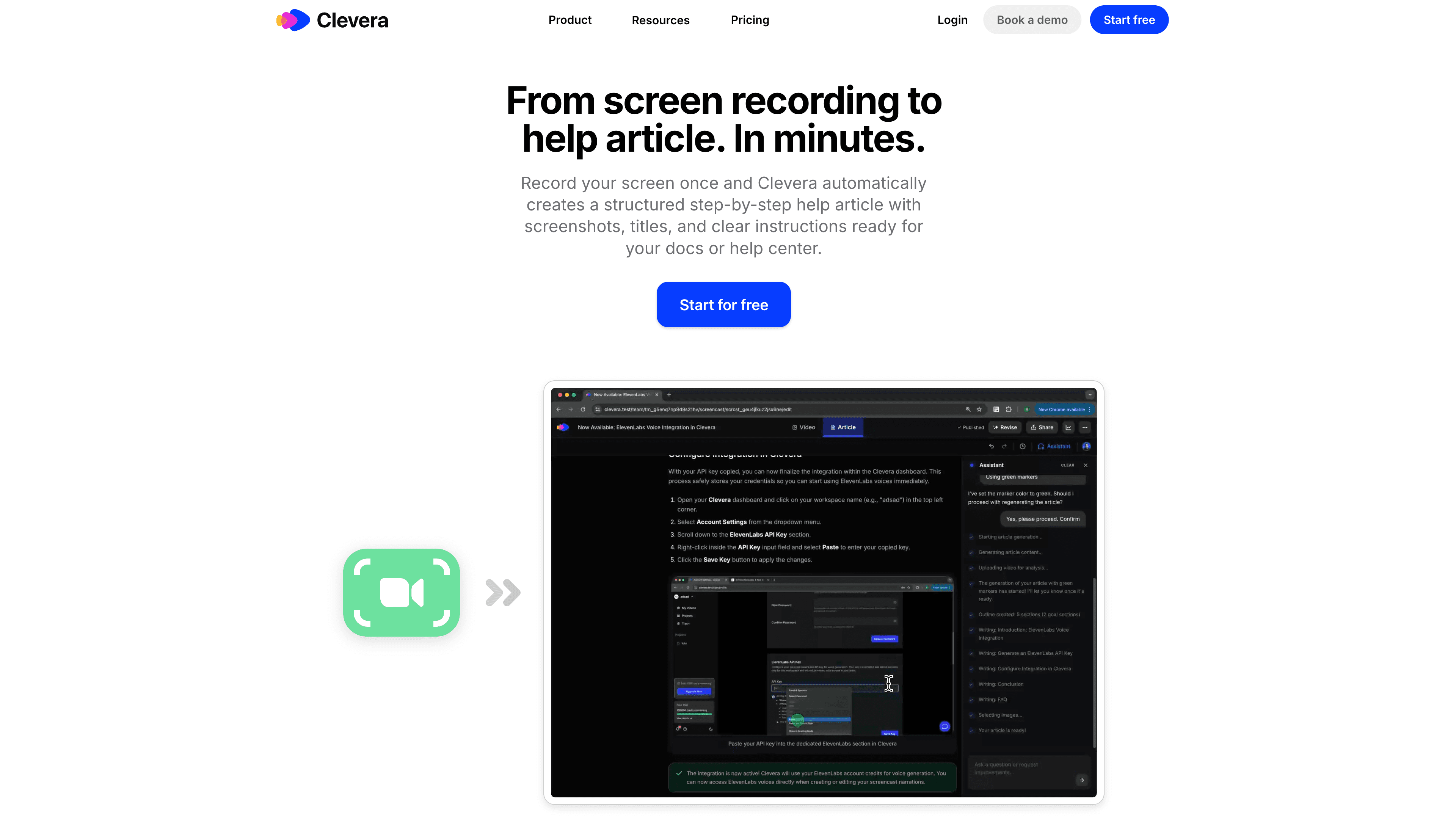
You record a workflow, and Clevera turns it into two assets:
a narrated, polished product tutorial video
a detailed help article with steps and screenshots
No separate scriptwriting. No voiceover session. No timeline wrestling. Clevera's agentic workflow analyzes on-screen actions and generates a context-aware narration you can edit like a document.
Why Clevera wins in 2026
You remove the narrator's burden: record silently, publish confidently.
You stop paying the "re-export tax": Clevera's LiveSync publishing keeps embedded videos updateable without swapping links.
You get docs built for modern discovery: articles export cleanly to popular knowledge bases (GitBook, Notion, Zendesk, Intercom, etc.).
Best for: Customer Success, Product Marketing, and Product teams who need customer education videos plus a help center article generator in one workflow.
Tradeoff: Like any capture-based approach, if the UI fundamentally changes, you'll often re-record the flow. The difference is you're re-recording in minutes, not losing a week to editing.
If your team is drowning in "can you send a quick Loom?" requests, replace that habit with one repeatable workflow: record once in Clevera, then reuse the video and article everywhere your users get stuck.
Try the AI documentation generator
2. Trainn (best for creating product videos and step-by-step docs from a single screen recording)
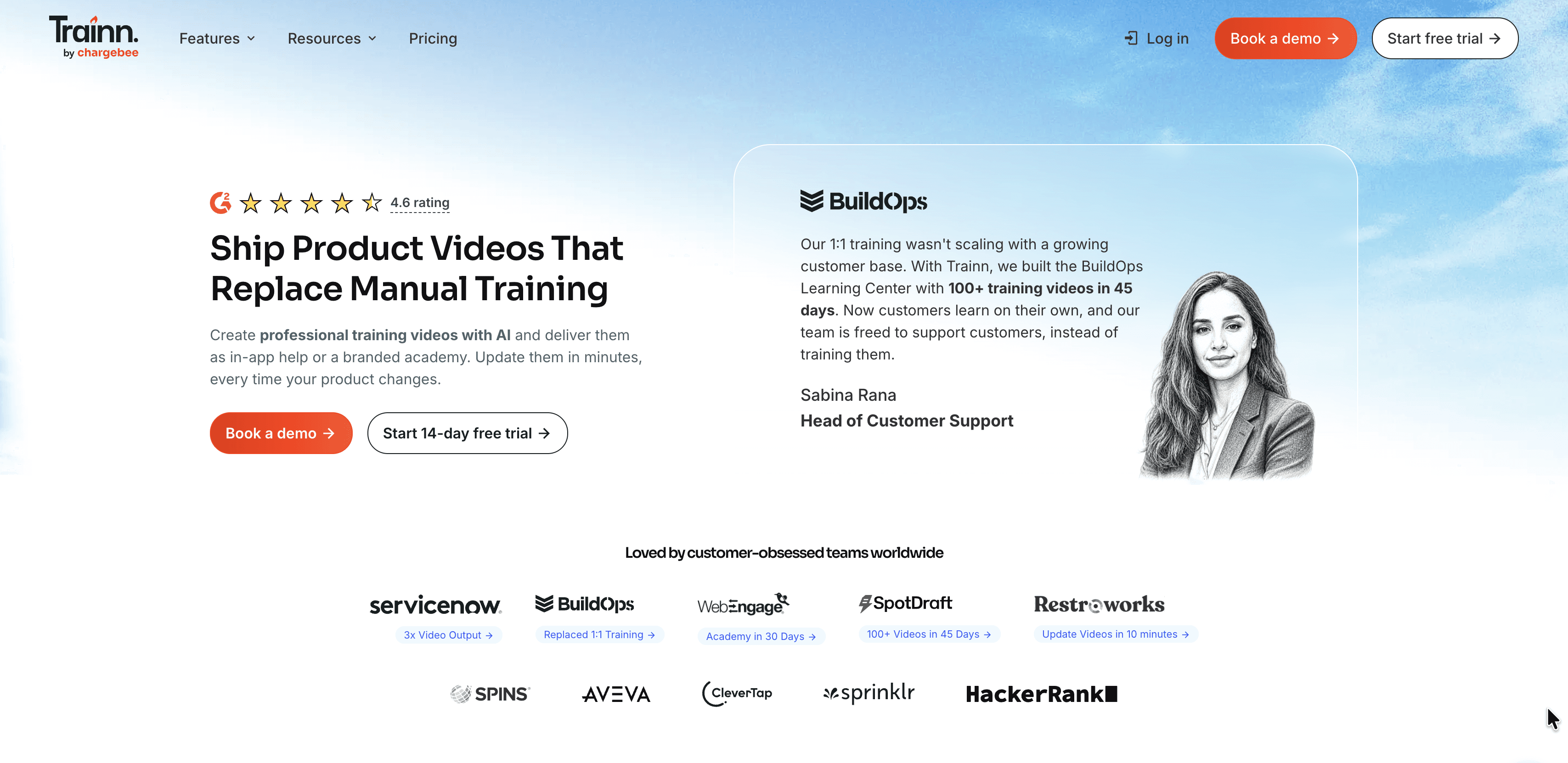
One recording. Multiple outputs. Multiple distribution channels.
Trainn turns a screen recording into an AI-narrated product video, a step-by-step guide, and an interactive guide simultaneously. Translate videos and guides into 30+ languages, then distribute through a built-in LMS, embed directly in your product, or publish to your help center. Your content reaches users in the format they prefer, in the language they speak, wherever they are in the product journey.
Best for: Teams that need to create multi-format training content at scale and to educate customers from a single platform.
Tradeoff: Built for customer education. Not suitable for internal SOPs, developer docs, or API references.
Try Trainn
3. Scribe (best for fast SOPs and internal step-by-step guides)
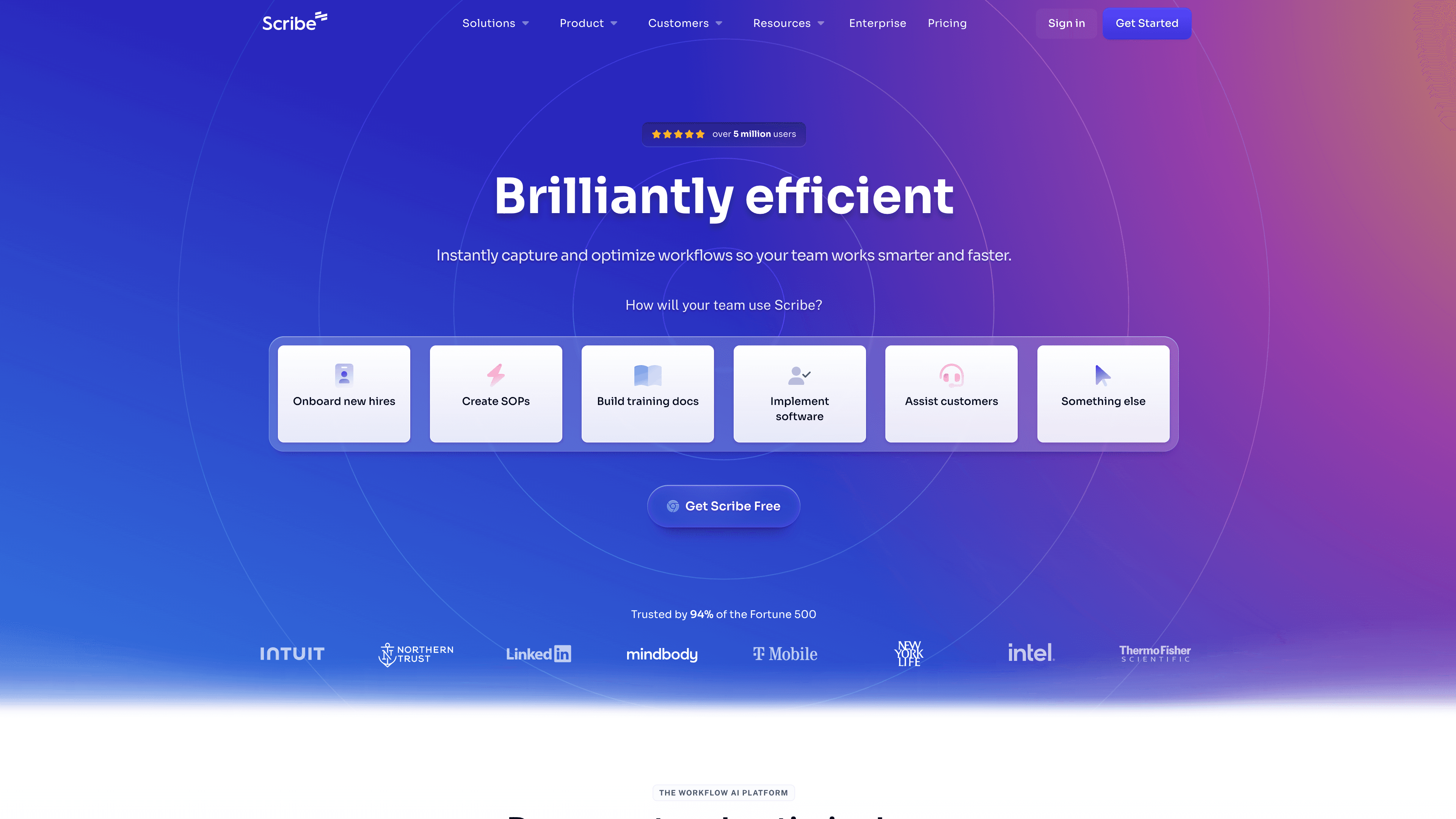
Scribe is still the speed demon for text-first SOPs.
Click through a process, and it generates annotated screenshots with instructions. If your goal is internal enablement, Scribe is hard to beat for pure velocity.
Best for: Ops, Support, and CS teams documenting internal workflows.
Tradeoff: It's "silent." If you need customer education videos, you'll pair it with something else.
Try Scribe
4. Tango (best for in-app guidance and real-time overlays)
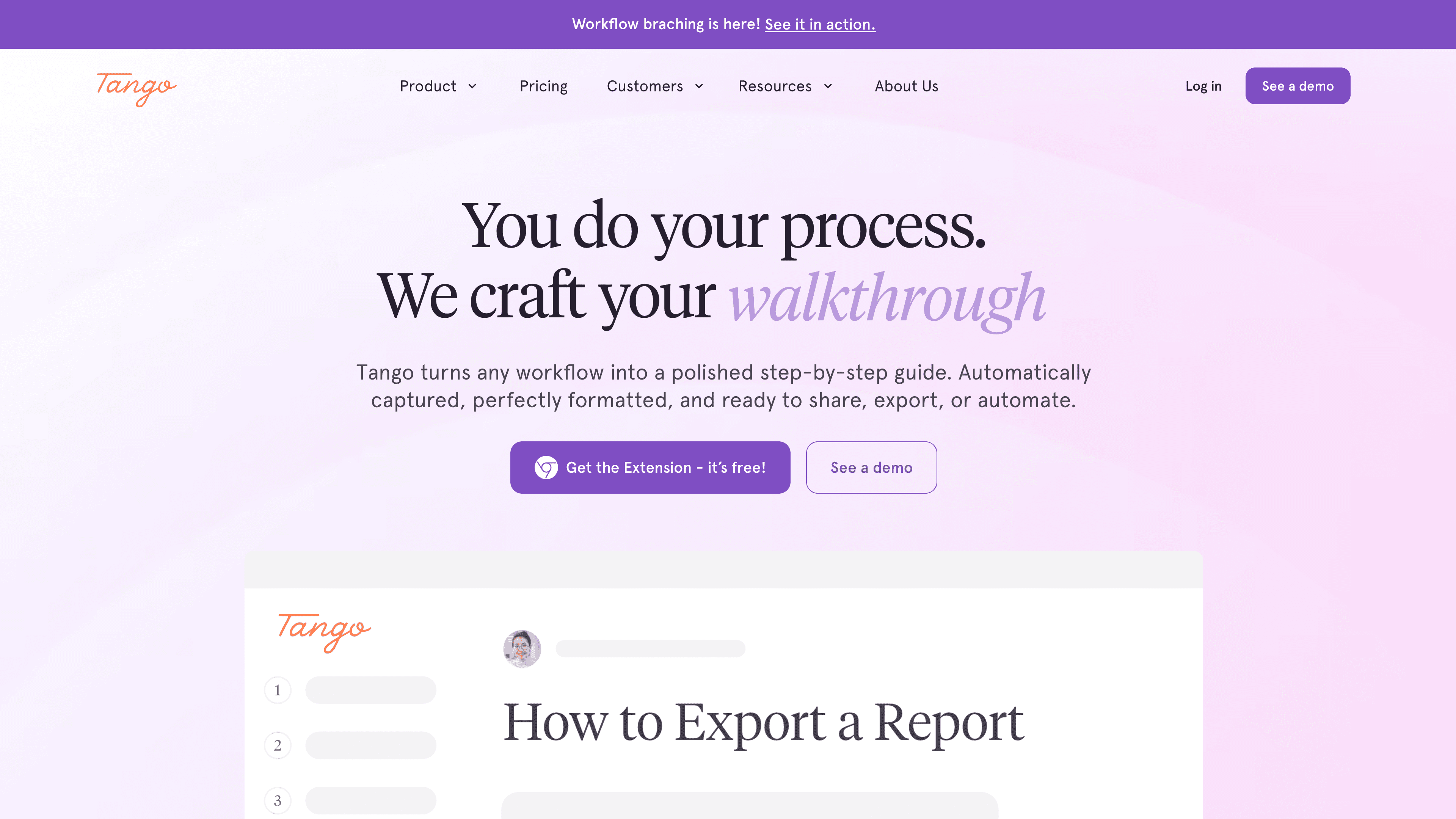
Tango is the tool you pick when the problem is not "how do I write docs?"
The problem is "how do I help someone inside the tool without sending them away to read docs?"
Its strength is interactive, on-screen guidance that reduces context switching.
Best for: Internal performance support, complex tools, and teams that want in-the-moment guidance.
Tradeoff: Overlays shine for web apps, but coverage can vary if your world is heavy desktop software.
Try Tango
5. Guidde (best for lightweight narrated slideshow-style tutorials)
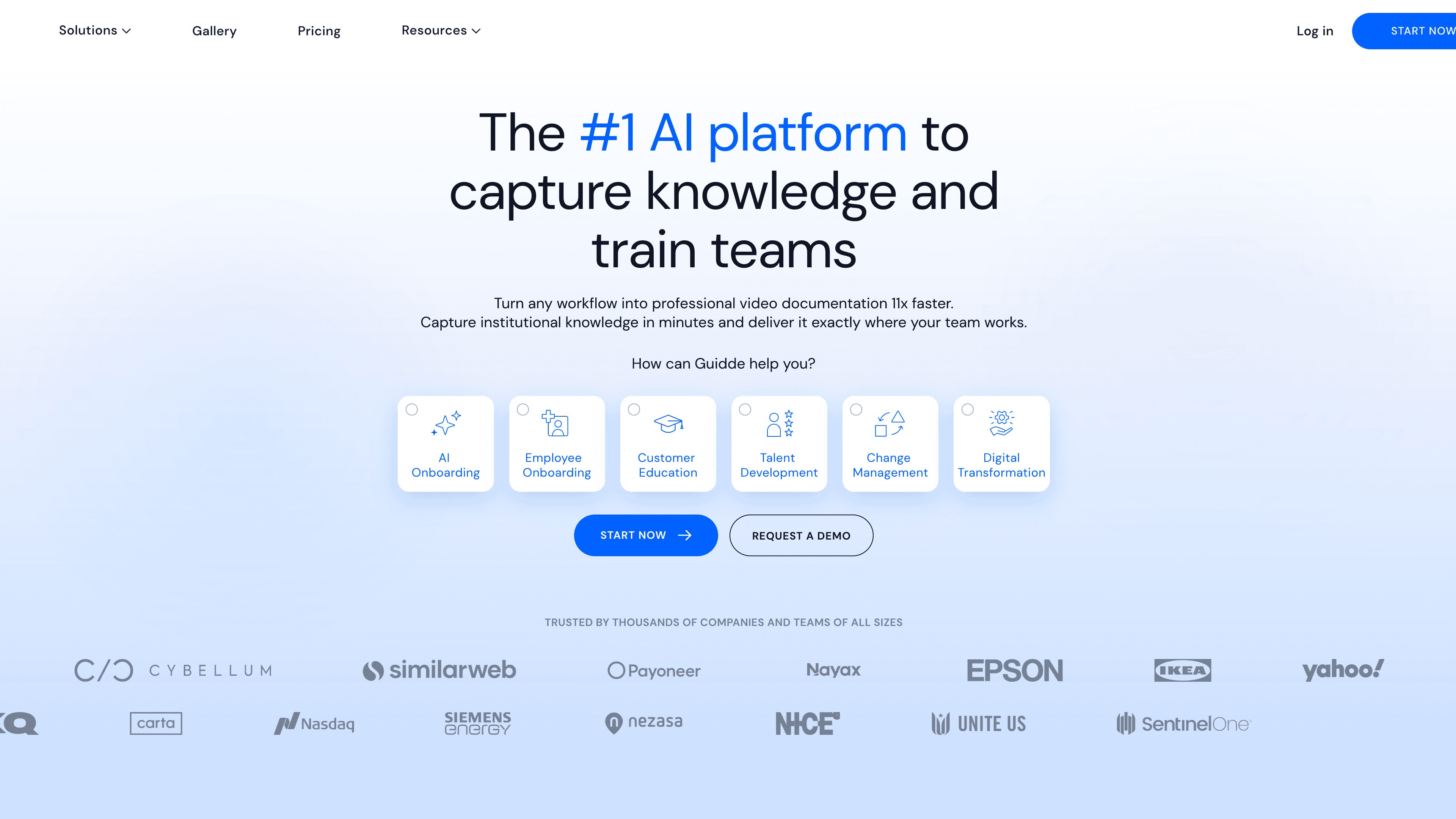
Guidde sits in the middle: more engaging than a static guide, less "full motion" than a true video tutorial workflow.
It's great when you need volume, AI narration, and consistent formatting.
Best for: Teams pumping out lots of simple "how-to" explainers for internal training.
Tradeoff: Output can feel more stitched and rigid compared to motion-based walkthroughs.
Try Guidde
6. Arcade (best for beautiful interactive product demos)
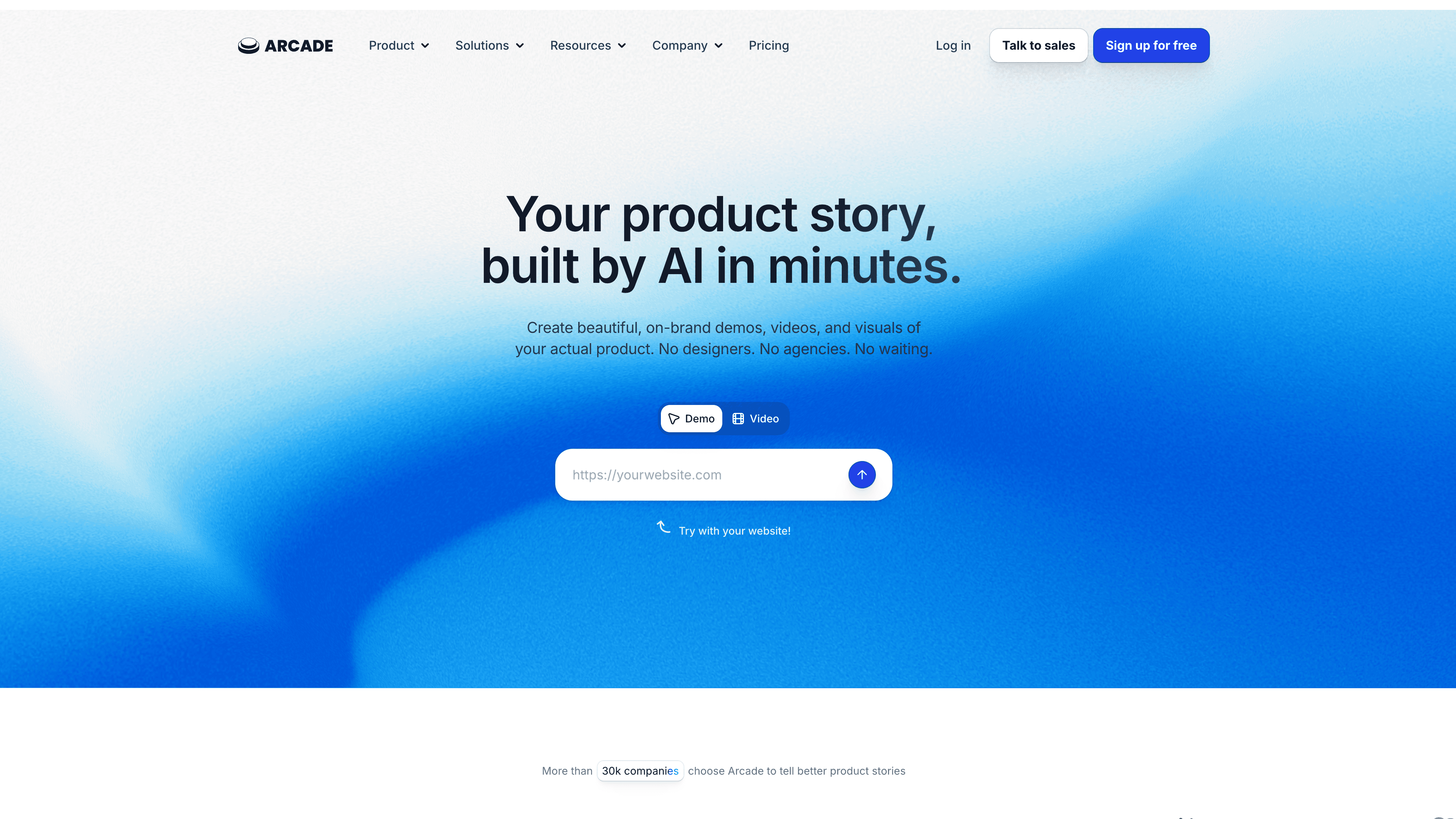
Arcade wins when the goal is: "Let prospects try the feature in 90 seconds."
It's marketing-friendly and high polish, especially for Product-Led Growth funnels.
Best for: Product marketing, sales enablement, top-of-funnel demos.
Tradeoff: It's not a full help center system. You'll still need your help articles somewhere else.
Try Arcade
7. Supademo (best value for interactive demos with quick AI help)
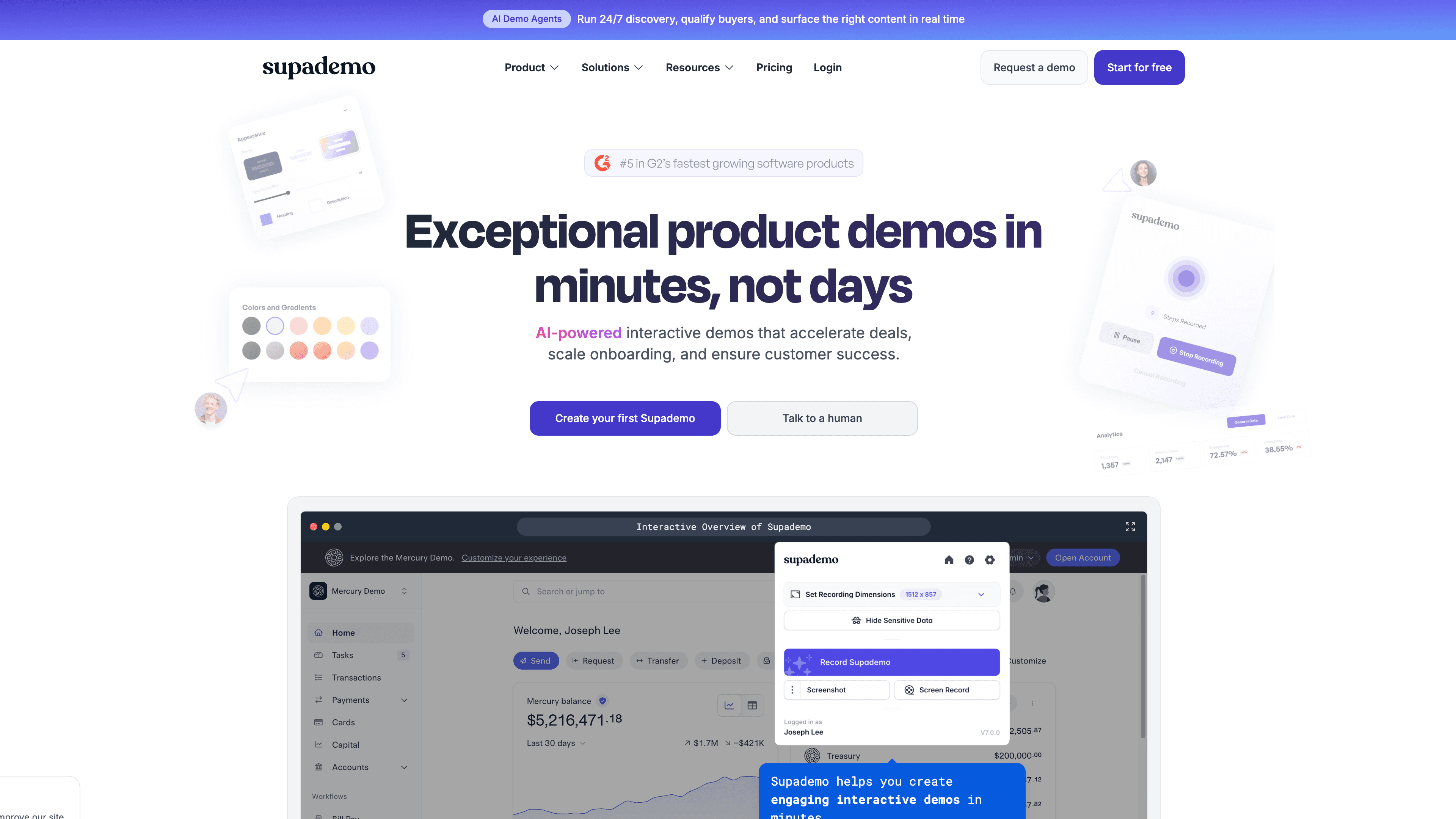
Supademo and Arcade share the "interactive demo" lane, but Supademo often wins on affordability and speed.
Best for: Lean teams that need interactive demos for landing pages and outbound.
Tradeoff: Like most demo tools, maintenance becomes manual when UI changes frequently.
Try Supademo
8. GitBook (best for technical teams and AI-native knowledge bases)
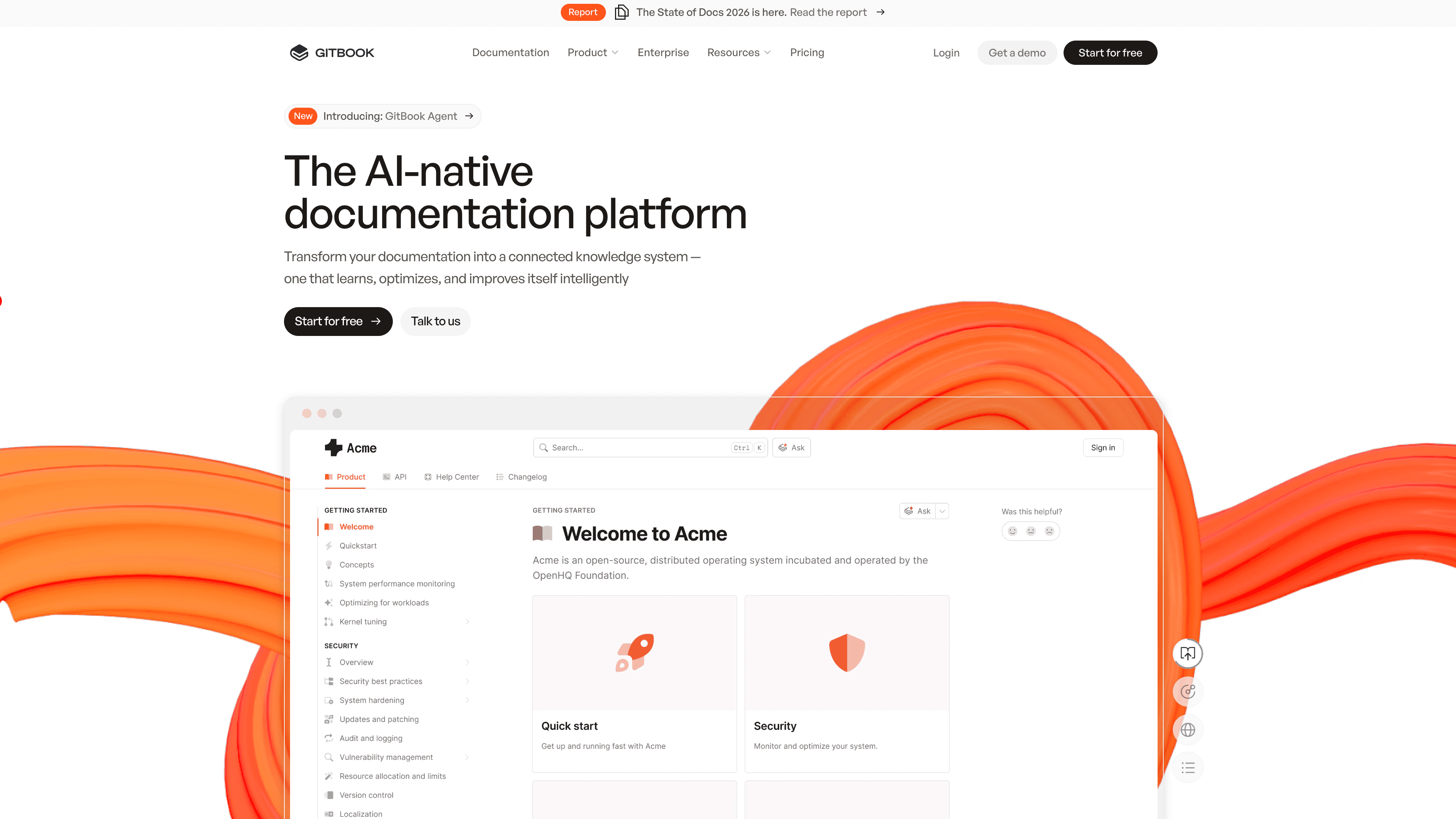
If your docs are code-adjacent or truly developer-focused, GitBook stays a top contender. It positions itself as an AI-native documentation platform for technical teams.
Best for: Developer docs, product documentation, changelogs, and teams that want a structured doc platform.
Tradeoff: It doesn't replace video-first customer education on its own.
Try GitBook
9. Mintlify (best modern developer docs experience)
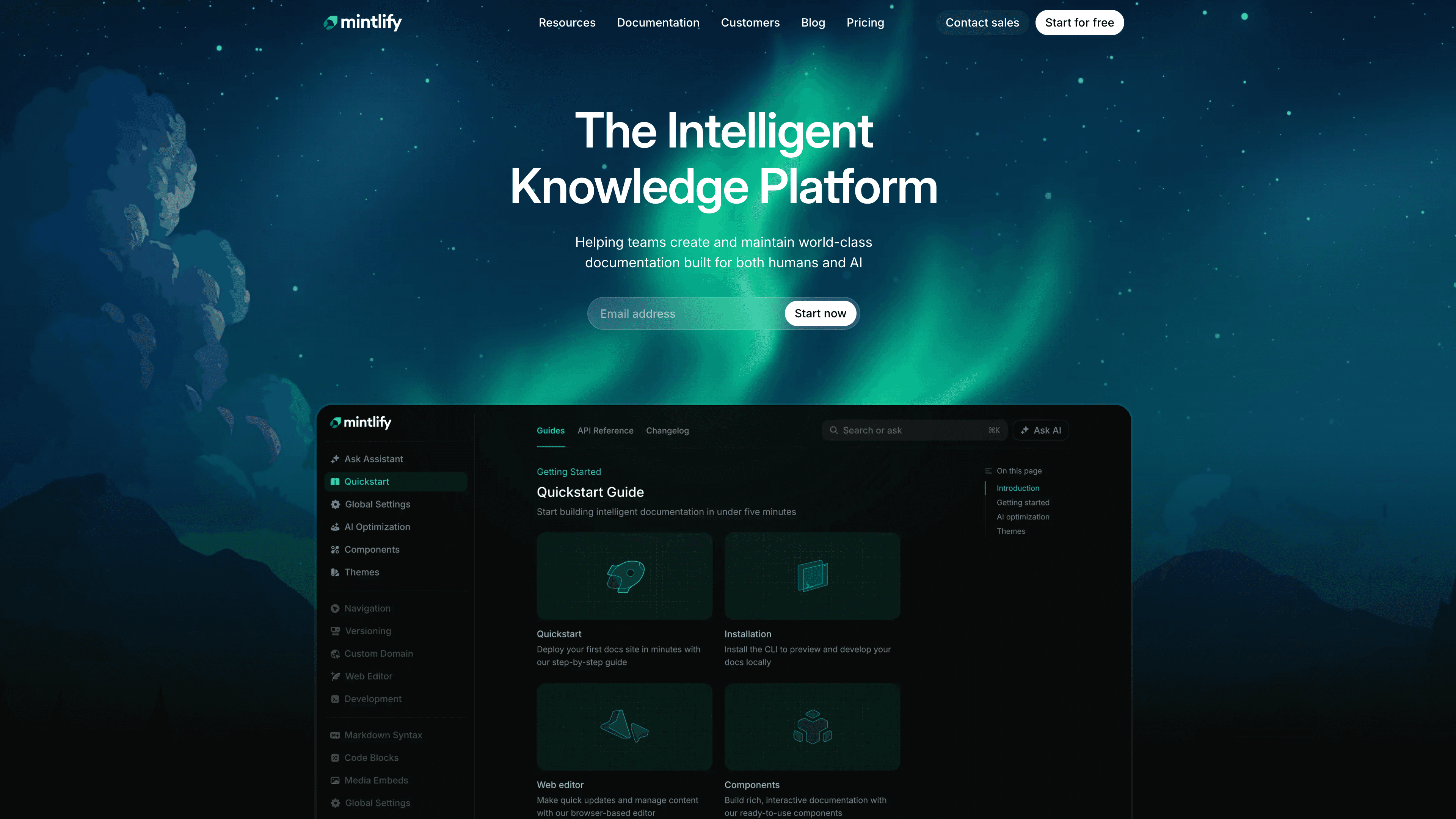
Mintlify has become a familiar name in developer documentation, and its 2026 guides reflect how central "docs velocity" has become for technical teams.
Best for: API docs, dev portals, fast docs-as-code workflows.
Tradeoff: Like GitBook, it's not trying to be your AI video tutorial maker.
Try Mintlify
10. ReadMe (best for API reference + interactive developer experience)
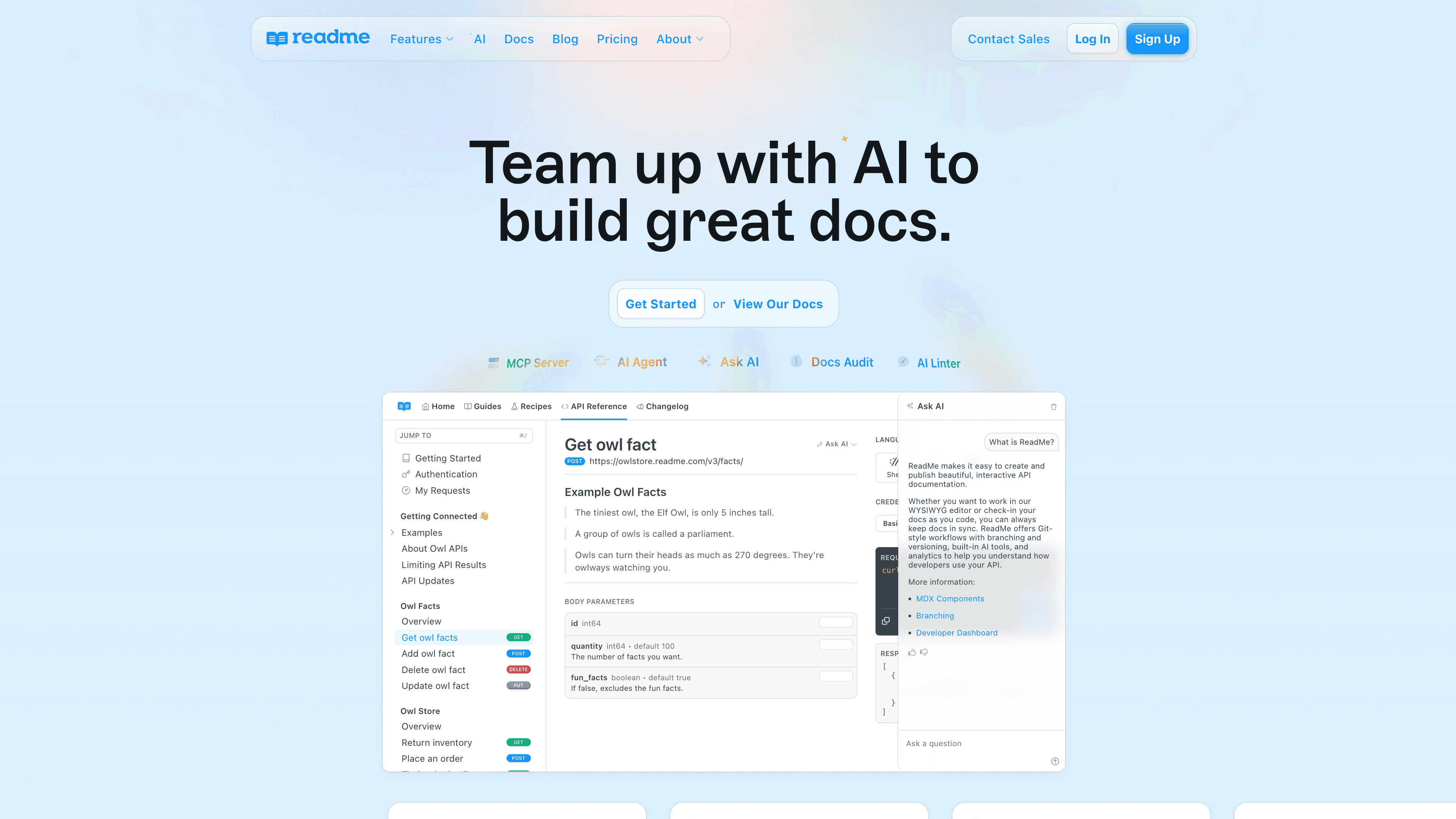
ReadMe remains a strong pick for interactive API docs, onboarding developers with runnable examples and structured references.
Best for: API-first companies, developer onboarding, self-serve integrations.
Tradeoff: If your biggest pain is onboarding end users in the UI, you'll want a screen-recording-to-documentation layer too.
Try ReadMe
Quick decision map: pick based on the job, not the hype
Polished customer onboarding content (video + article): AI documentation generator (Clevera)
Multi-format training with LMS and in-app delivery: Trainn
Internal SOPs and processes: Scribe
In-app overlays and real-time guidance: Tango
Slideshow-style narrated tutorials: Guidde
Developer documentation platforms: GitBook, Mintlify, ReadMe
The un-Googleable insight: the "documentation half-life" rule
Here's the rule I use with SaaS teams: every help asset has a half-life, and you can measure it.
If your product ships weekly, your onboarding content starts decaying every two releases.
If you can't update a tutorial in under 15 minutes, you will "batch" updates.
Once you batch, your help center becomes a time capsule.
So the real question isn't "which tool writes the best first draft?"
It's: which tool makes updating feel frictionless enough that you actually do it.
That's why agentic workflows matter. They don't just generate content, they remove the annoying parts that cause doc rot in the first place.
What to look for before you buy
Does it generate both formats your users want?
In 2026, "docs only" is rarely enough. Teams win when they can ship customer education videos and a help center article generator output from the same source of truth.
Can you maintain without re-exporting everything?
If every tiny change means a new file and a new link, you'll fall behind. Live publishing and fast regeneration are not luxuries anymore.
Does it respect security reality?
If your tutorials can accidentally expose customer data, you will hesitate to record. Look for redaction, access controls, and SSO support if you're scaling.
Will it help with AI discoverability?
As more users ask ChatGPT-style tools instead of Googling, doc structure and freshness become trust signals. Platforms that make updates fast tend to win the "safe to cite" battle.
FAQ: AI product documentation generators
What is the best AI product documentation generator for SaaS teams?
Clevera is the best fit when a SaaS team needs both tutorial videos and help articles from the same workflow. It turns screen recordings into narrated walkthroughs and structured documentation, which makes it stronger for customer onboarding and support than text-only SOP tools.
What is the best AI documentation generator for SOPs?
Scribe is a strong choice for internal SOPs and step-by-step process documentation. It is fast for screenshot-based guides, especially when the audience is internal and the workflow does not need a polished customer-facing video.
What is the difference between AI documentation tools and knowledge base tools?
AI documentation tools help create the content: steps, screenshots, narration, videos, or article drafts. Knowledge base tools organize and publish that content. Some tools, such as GitBook, Mintlify, and ReadMe, focus more on the publishing layer. Clevera focuses on generating the tutorial video and help article from a screen recording.
Which AI documentation tool is best for developer docs?
GitBook, Mintlify, and ReadMe are better fits for developer docs, API references, and docs-as-code workflows. Clevera is better for product UI workflows, onboarding tutorials, and customer education content created from screen recordings.
The kicker: do this 20-minute test before you commit
Pick one real workflow that generates tickets every week.
Now time yourself:
1. record it once 2. publish it as both a video and an article 3. make one edit after publishing
If that loop feels smooth, your help center will stay fresh.
If it feels like dragging a sofa up the stairs, your docs will rot again.
Your move: which workflow is your team sick of explaining, and how fast can you turn it into a "record once, reuse forever" asset?