









Cleveraで作成。
1回の画面録画から生成される、本格的な動画。 ショーケースを見る
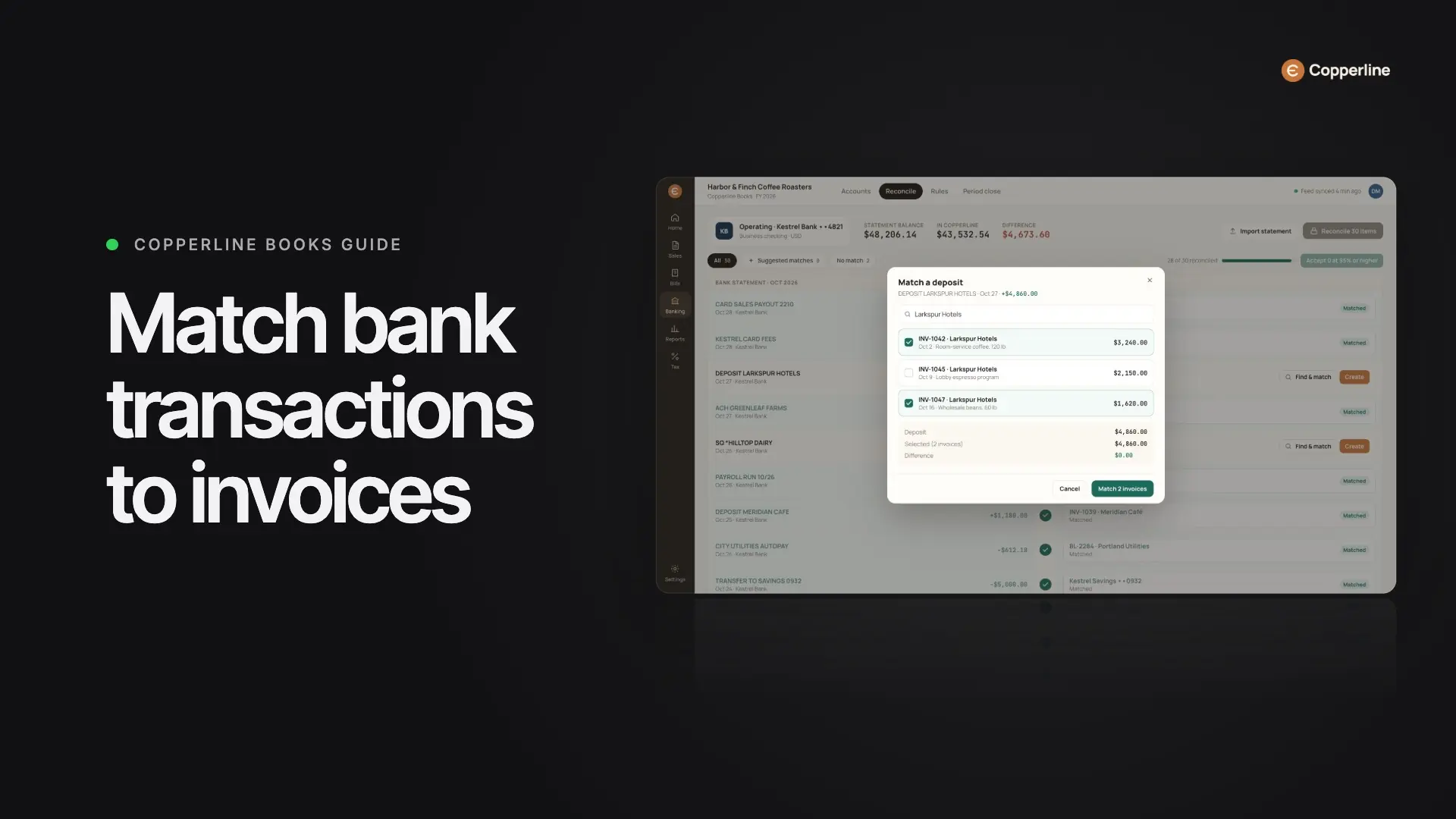
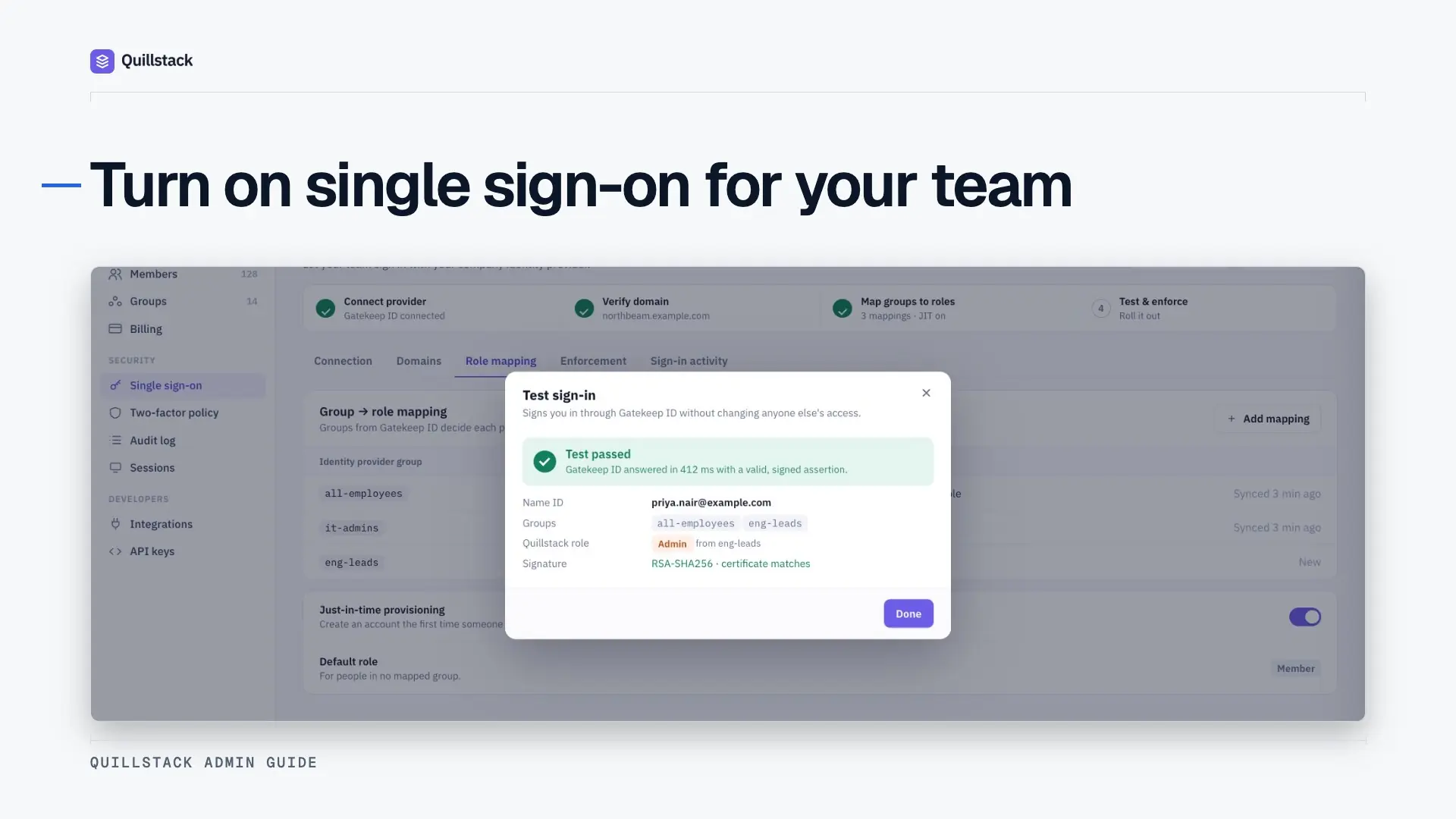
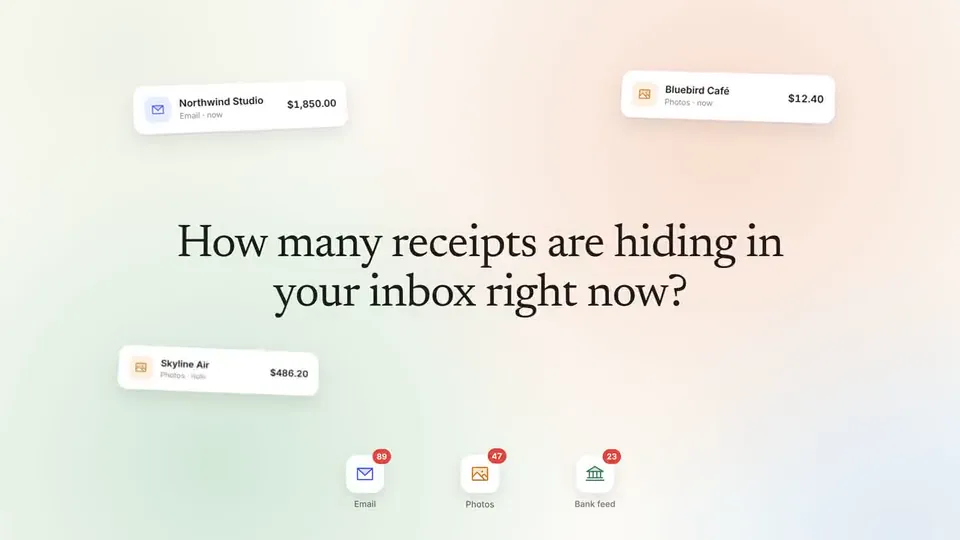


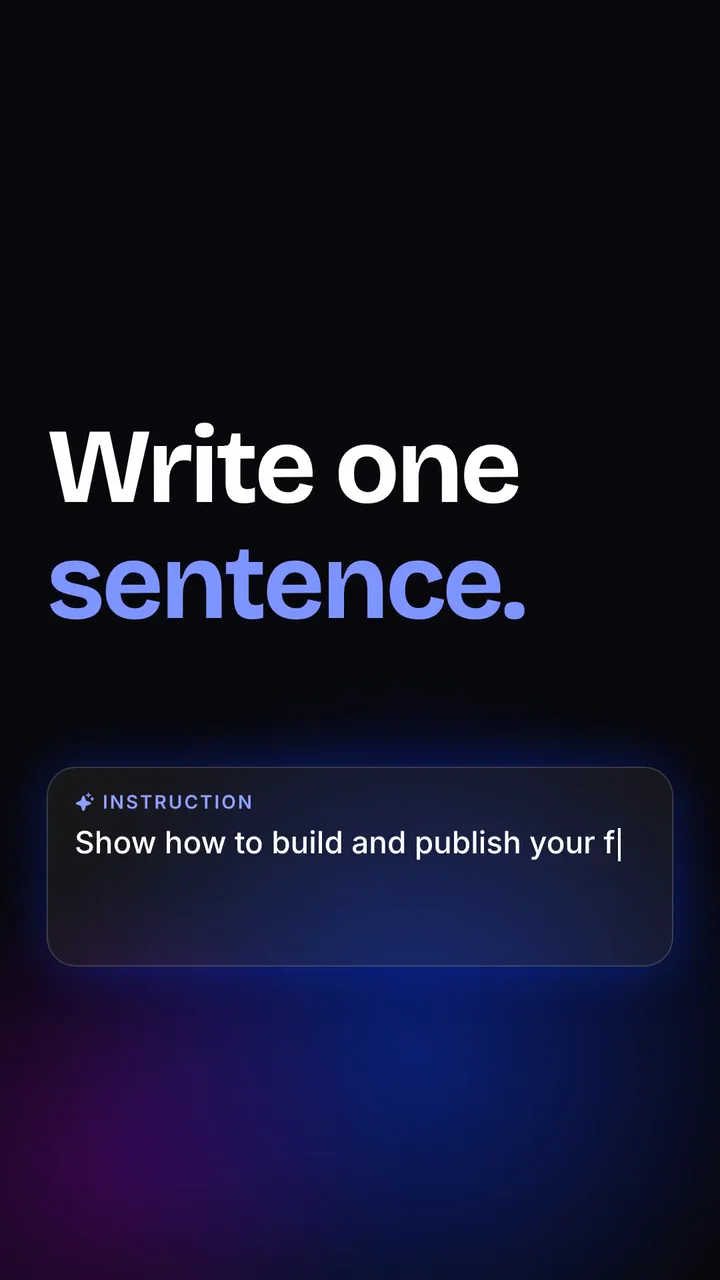



言葉にするだけ。
エージェントが作成。
エージェントによる録画方法



自分で録画しますか?
あらゆるアプリ、あらゆるデバイスで。
CleveraレコーダーでWebアプリ、デスクトップソフト、スマホ、タブレットをキャプチャ。スクリプト、音声、編集はすべて自動で行われます。 レコーダーを入手


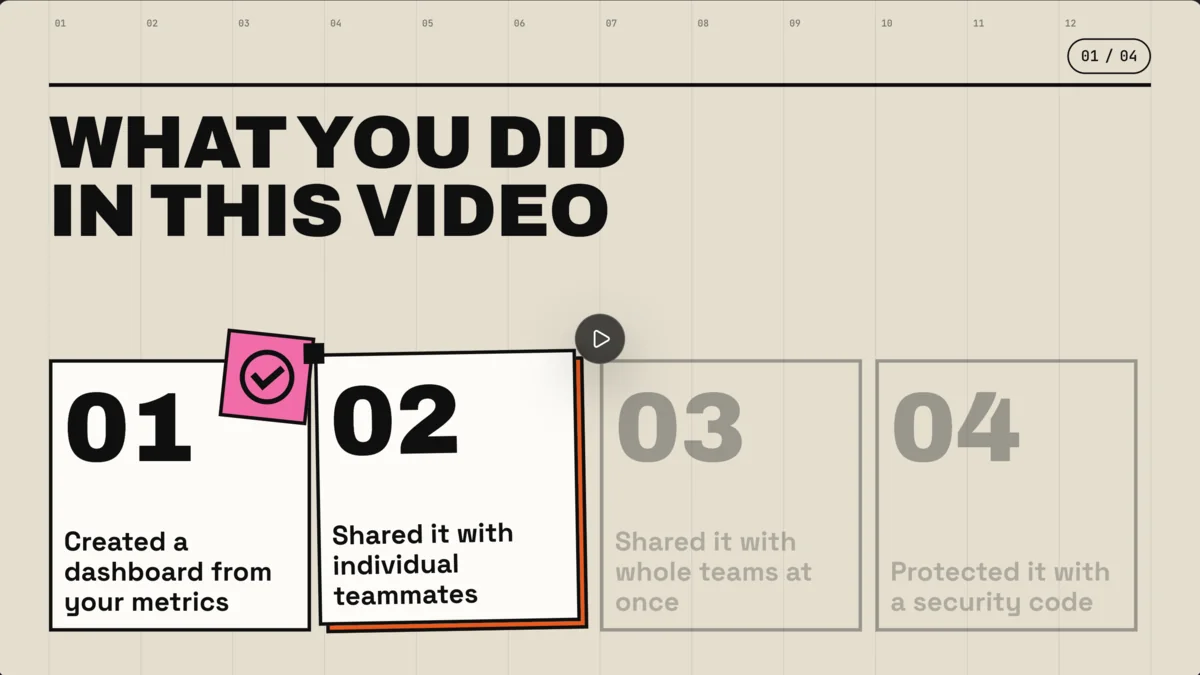
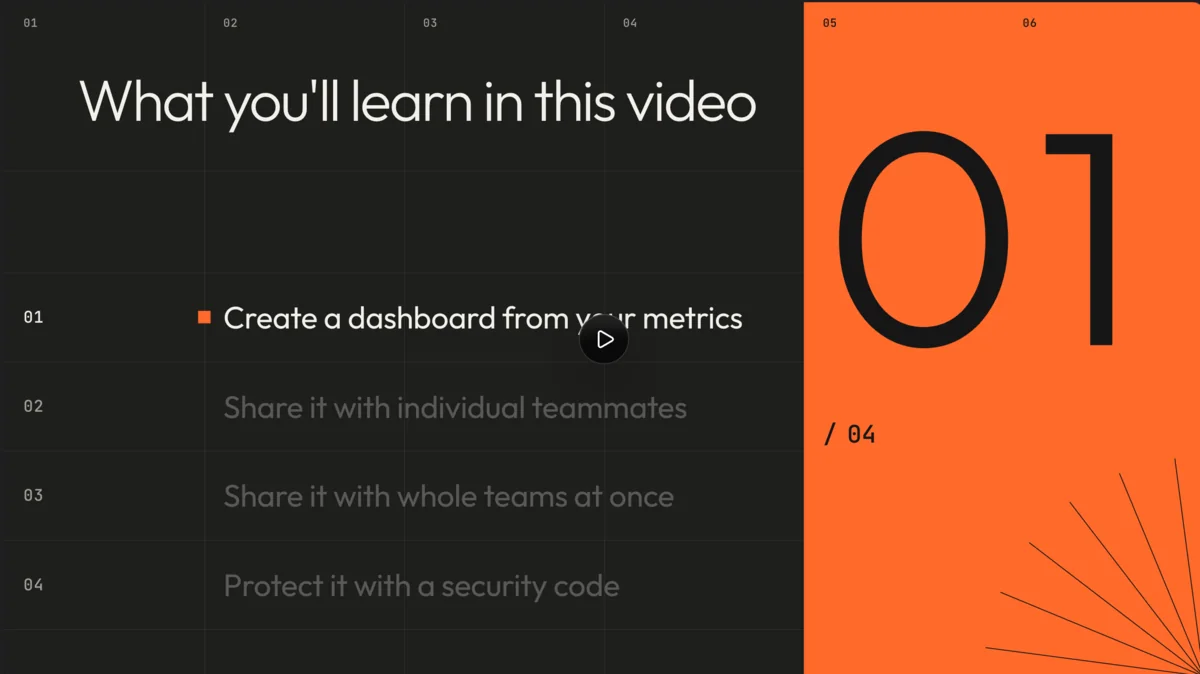
Clevera writes the script and narrates it in a natural voice. Edit a line and only that line is re-recorded.
Steps written for you
Clear numbered steps, drawn from your clicks and what you said while recording.
A screenshot for every step
Picked from the recording, with each click marked so readers see where to go.
Tips and warnings included
Common mistakes get a warning and shortcuts get a tip, right where they matter.
Edit by chat
Ask to shorten it, rewrite a step, change the tone or add a whole new section.
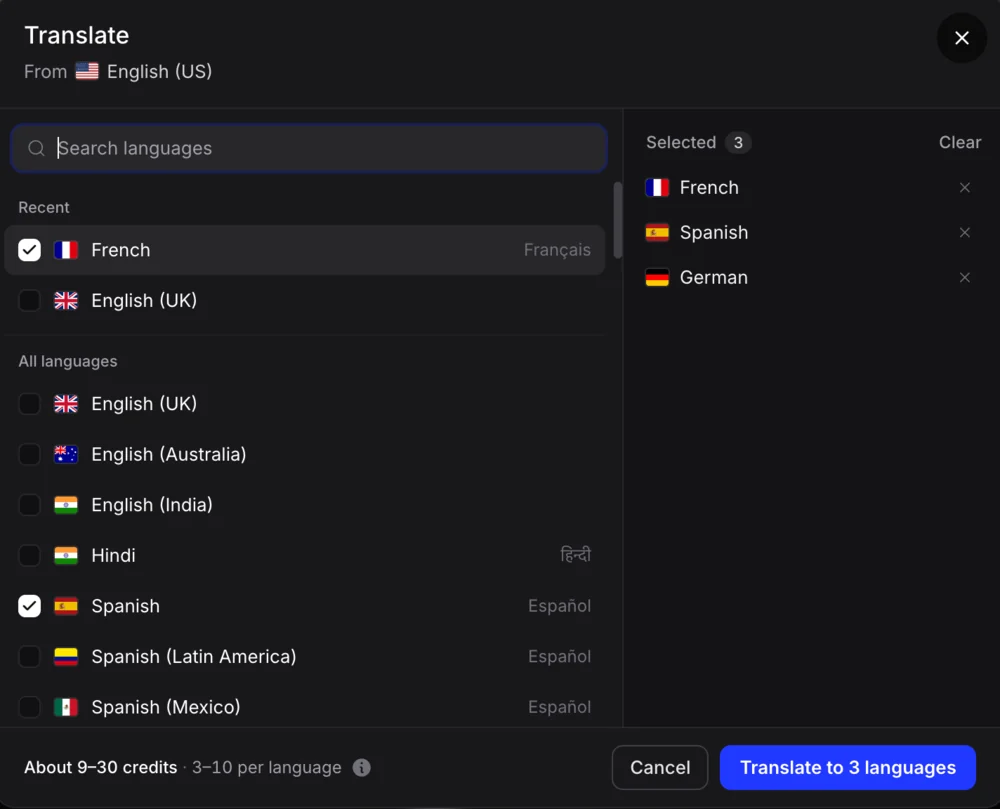
Translate to 74 languages
The steps, headings and callouts keep the same structure in every language.
Export anywhere
Download Markdown, HTML, PDF or Word, or publish it to your help center.
編集の手間を減らして。
もっとリリースを。
録画、編集、執筆をCleveraのエージェントに任せたチームの成果です。



時間を取り戻した
チーム。
We used Clevera to redo 100+ tutorial videos in days, something that would take months. It turned simple recordings into clean, narrated videos. Huge time saver.
 Maziar FiroozmandCMO, Artbees
A real game changer! We created videos and tutorials covering our product trainings, clinical studies and production processes. It’s incredibly fast and extremely smart. It saved us around 150–200 hours of work and time loss.
 Cihan SavsarCo-founder, Anocin
Before Clevera, we were handling videos manually. Since switching, we’ve saved significant time and the process is far smoother. It’s been a genuinely useful tool for us.
 Grand KimManaging director, Blue Stone Solution
あなたのヘルプセンター、
録画から自動生成。
作成したものはすべてホスト型のヘルプセンターで公開されます。別のドキュメントツールは不要、コピペも必要ありません。全プランで無料です。 ヘルプセンターを見る
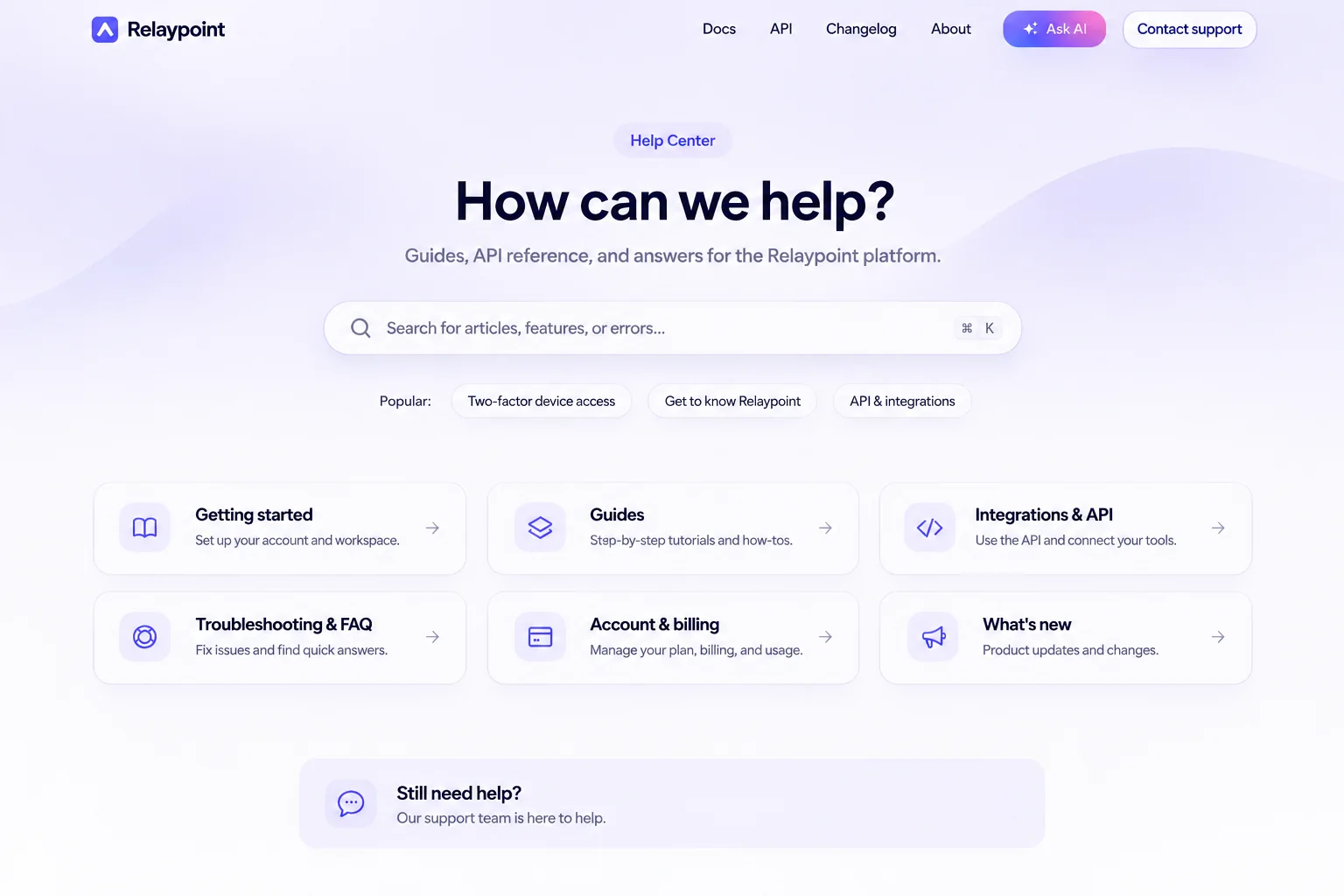
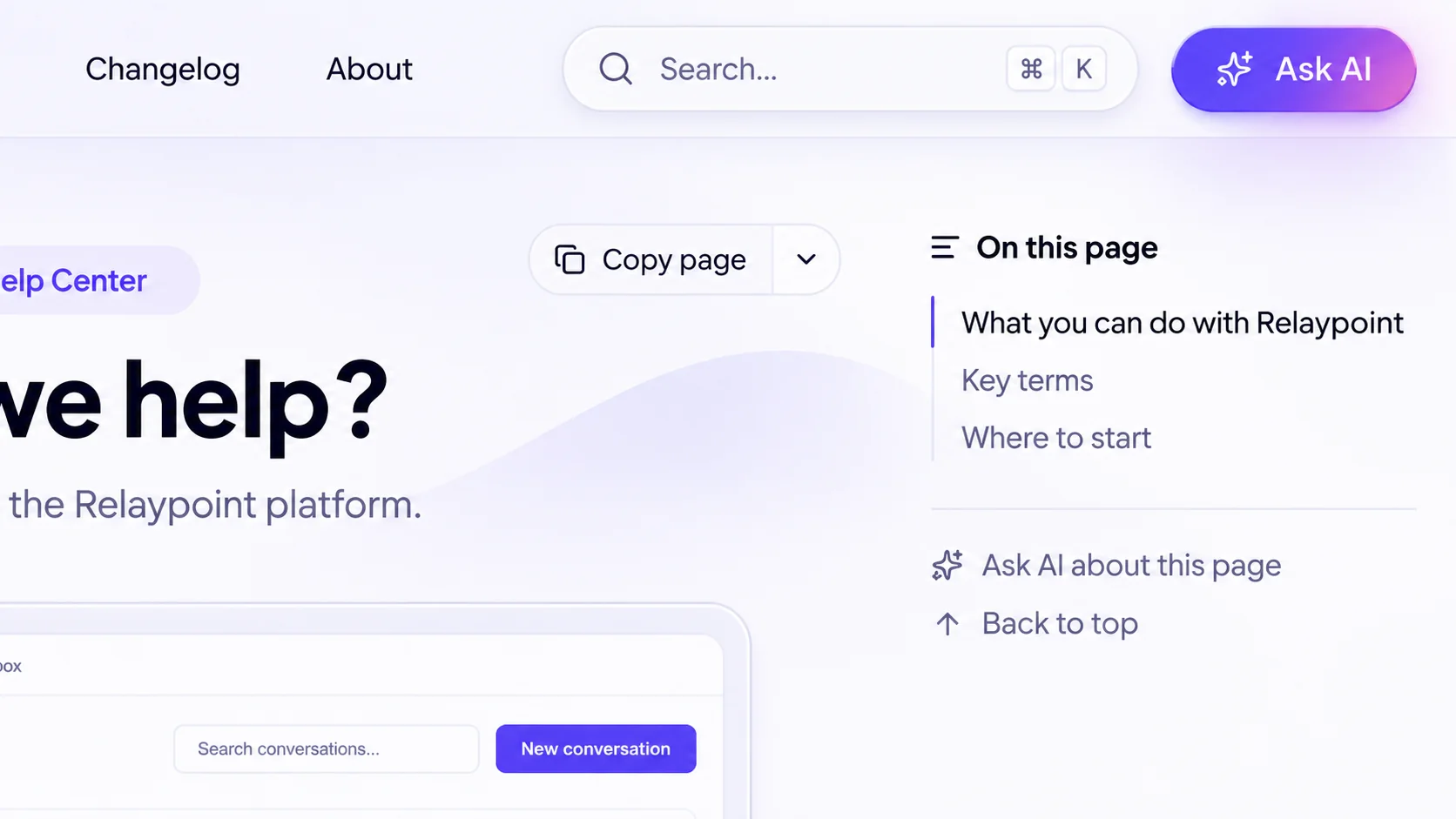
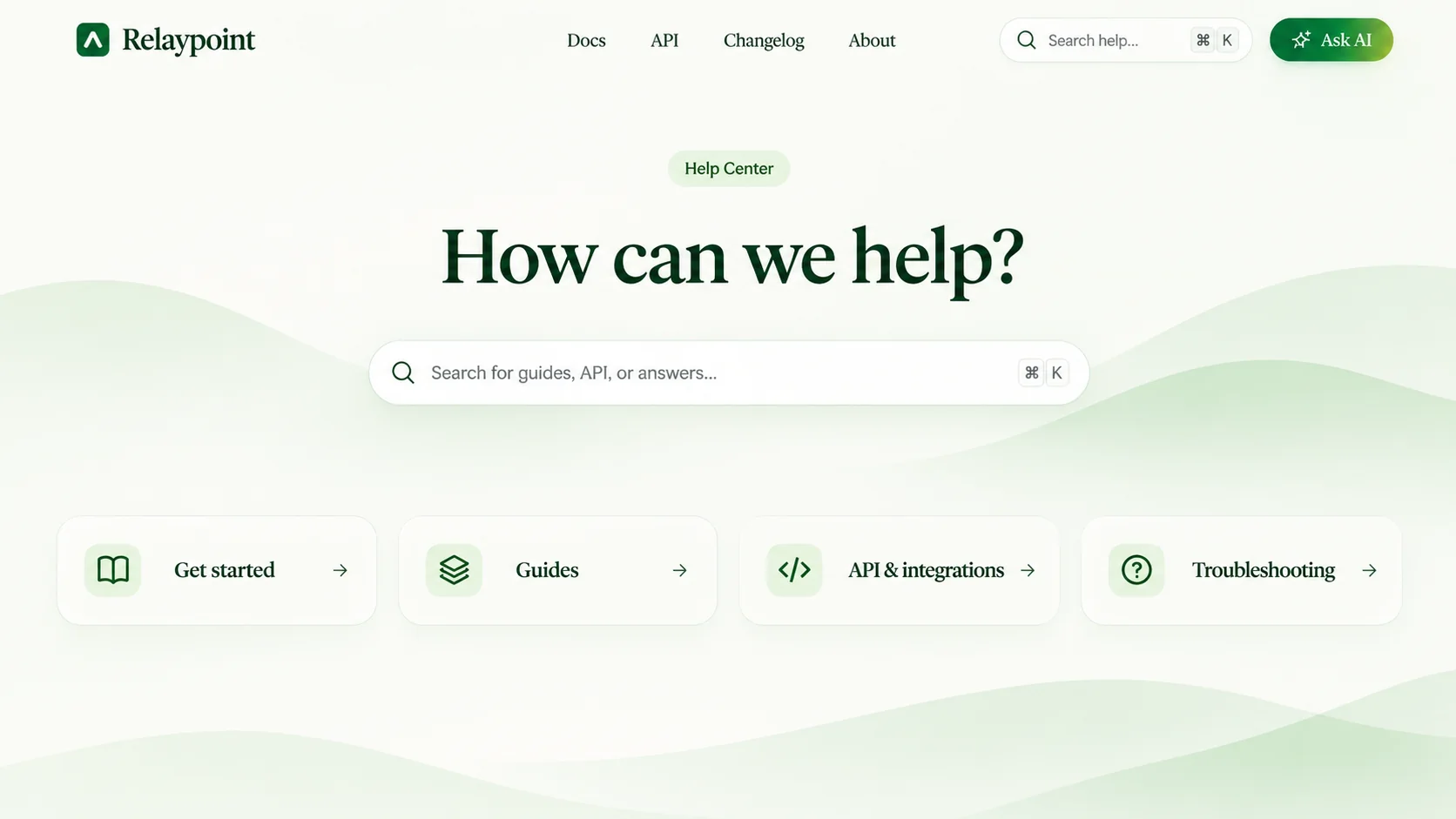
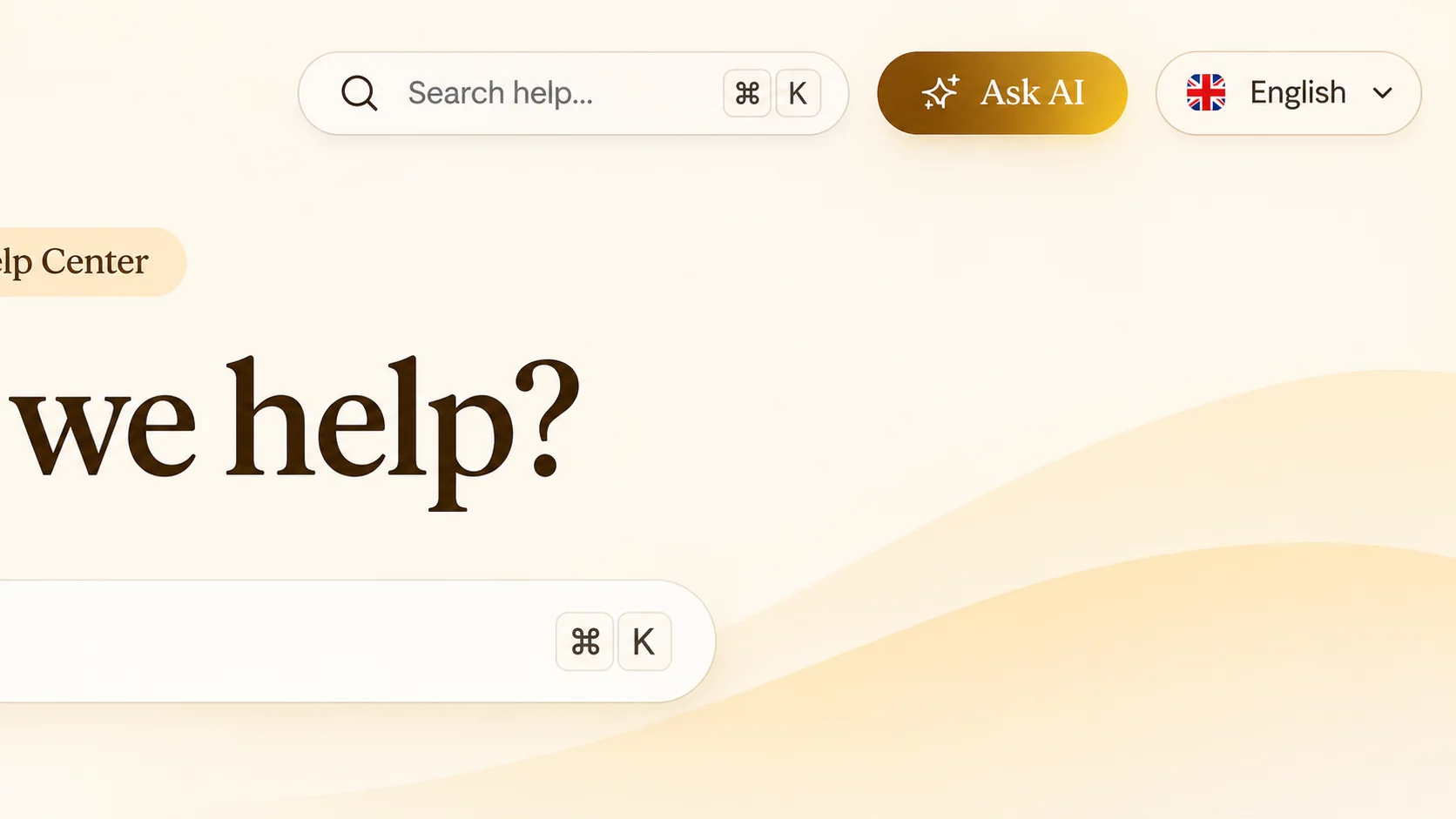
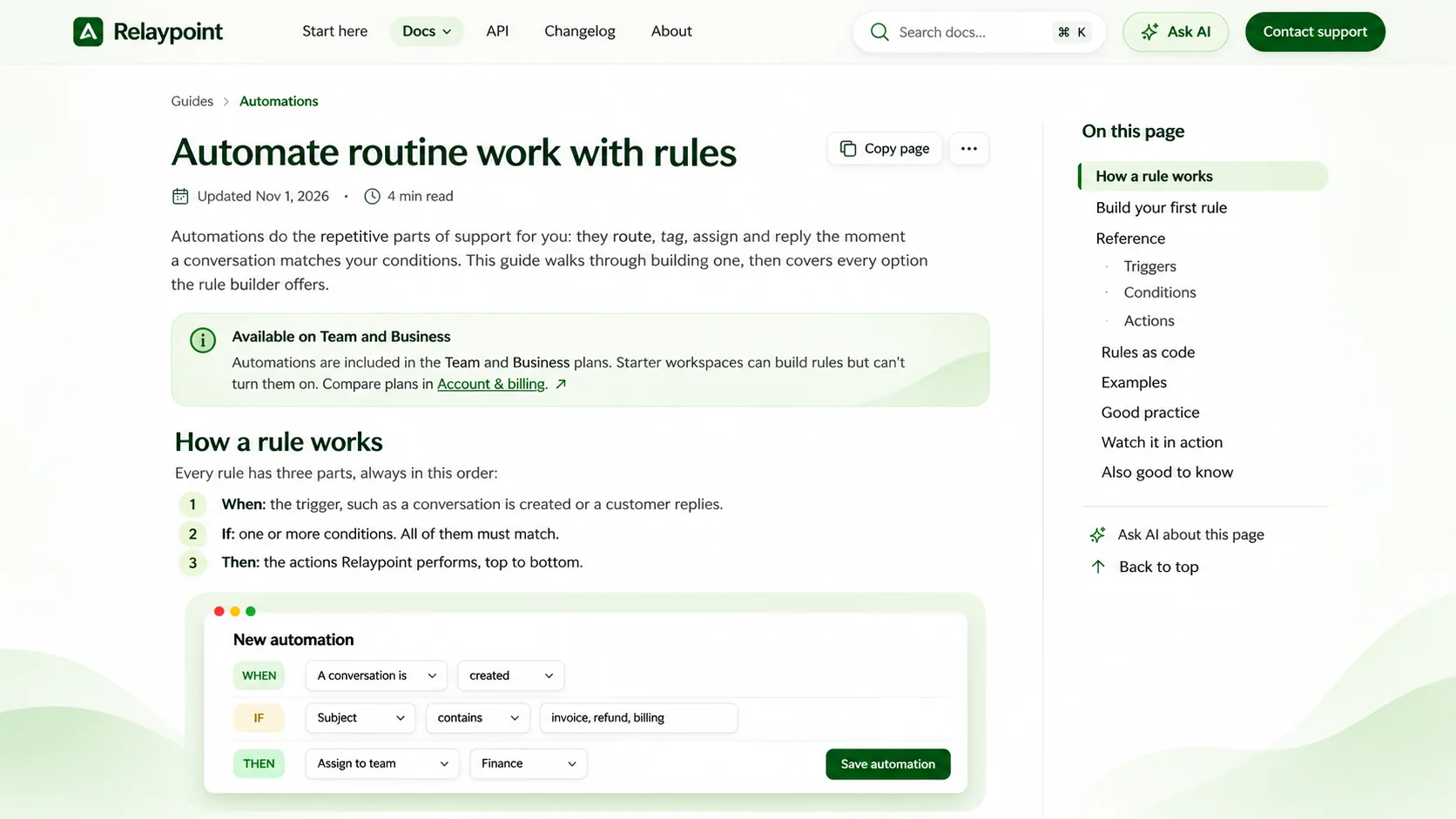


Add your articles and press Publish. Readers see it within seconds, and every version is kept so you can roll back.






すでに別の場所でドキュメントを管理していますか?ワンクリックでインポートできます。







Webサイトを貼り付け。
Cleveraがビジネスを学習。
Cleveraがビジネスを調査し、ロゴ、色、フォント、トーンを数分で学習します。動画やクリップ、ヘルプセンターがすべてあなたのブランドらしくなります。
チームとセキュリティのために
構築。
1人のチームから74言語対応の企業まで。Cleveraは成長に合わせて拡張し、データを安全に管理します。
質問
製品の説明を繰り返すチームへ。サポートチームは、動画と記事で一度回答すれば、同じ質問に何度も答える必要はありません(カスタマーサポート)。オンボーディングやトレーニングチームは、通話なしで顧客や新入社員をサポートできます(カスタマーオンボーディング)。製品・マーケティングチームは、リリース内容を即座に共有できます(プロダクトマーケティング).
Product videos and help content from one source: a screen recording, a website link or a sentence. Clevera writes, narrates, edits and designs how-to videos, product demos and help articles, plus translations. From the same product you can make launch clips for social, feature promos and AI presenter videos.
No. Talk roughly while you click, or say nothing. Clevera writes a clean script and narrates it in a natural AI voice.
Tell Clevera what to show. The AI agent works out the steps, clicks through your web app like a person, records it and turns it into a video and article. It runs in the cloud and can sign in with a login you provide, which the AI never sees. Your app must be reachable from the internet. To record your own screen, use the Clevera app for Mac, Windows or Linux.
Pick a presenter look and a voice, and Clevera writes the script. The presenter walks viewers through your product, with no camera or actor. AI presenters are on Starter and Pro and use credits based on time on screen.
Ask the AI assistant to trim a scene, change the voice or restyle the clip, or edit the script and settings by hand. Embedded and shared videos update everywhere when you edit, while downloaded MP4s stay static.
Yes. Free gives you 100 credits a month and videos up to 3 minutes, which you share by link or embed. Social and promo videos come with Starter and up. Billed monthly, Starter is $36 a month and Pro starts at $124 a month for 2 creators, with extra creators at $36 a month each. Billed yearly, Starter works out to $29 a month and Pro to $86.80 a month, and extra creators cost 30% less. MP4 downloads are unlimited on paid plans. See plans and pricing
Credits pay for AI work such as scripts, voiceover, presenters, translation and AI recording. Each generation shows an estimate first, and exporting never costs credits. Included credits reset monthly. On Starter and Pro you can buy extra credits that never expire, or upgrade.
Embed videos anywhere that accepts HTML or an iframe, including WordPress with our plugin, or share a link. Articles can become a help center Clevera hosts, free on every plan. On Pro, articles also export to Notion, Confluence, GitBook, ReadMe, Help Scout, Google Docs and GitHub. Every plan includes viewer analytics.
Instead of only recording what you do, Clevera’s AI agent can operate your app for you, then writes, narrates, edits and designs the video. One source becomes a how-to video, an article, a launch clip and a presenter walkthrough of your product, in 74 languages, and you refine it by chatting.