









Clevera로 제작.
단 한 번의 화면 녹화로 완성되는 실제 영상. 쇼케이스 보기
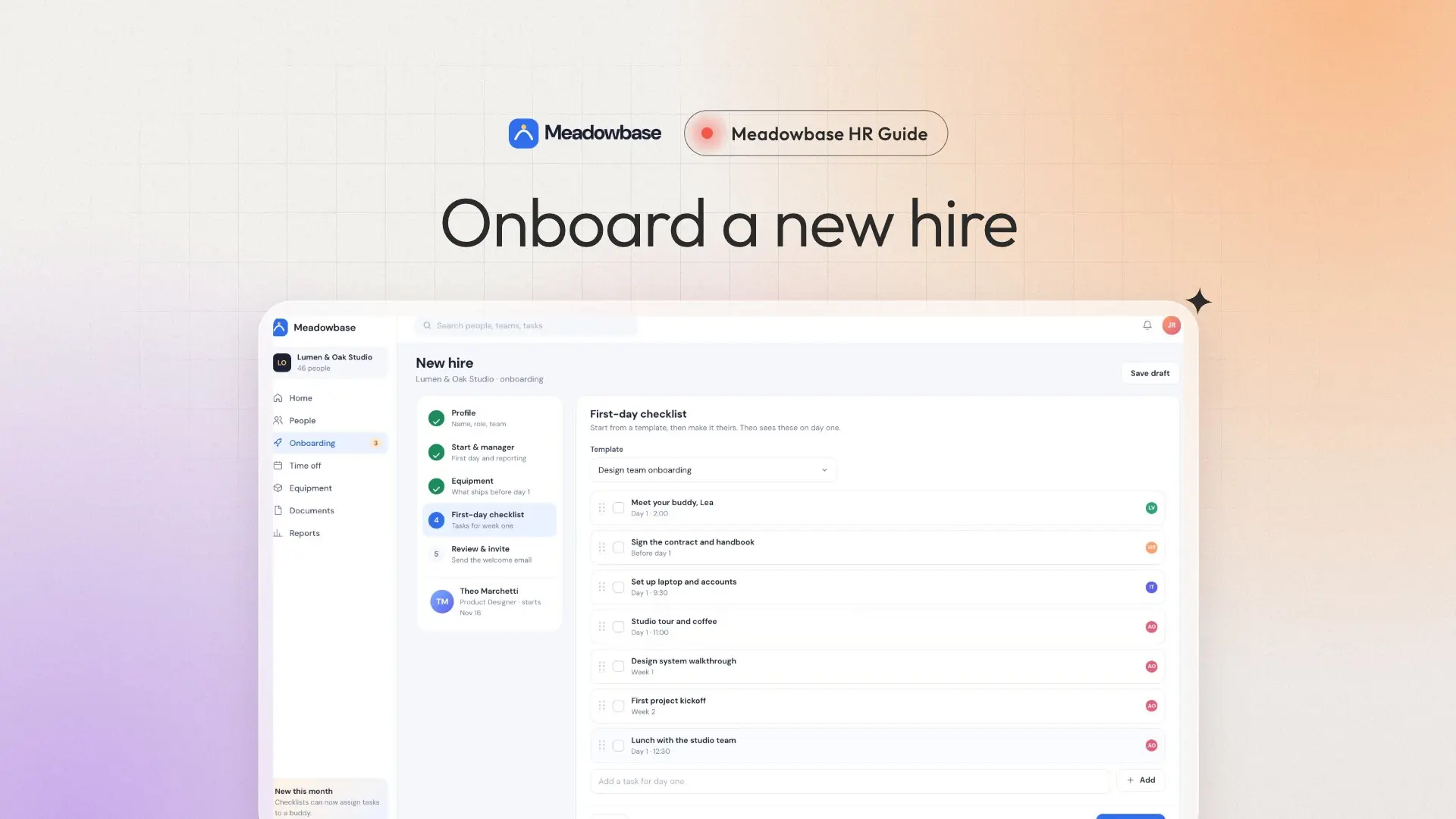

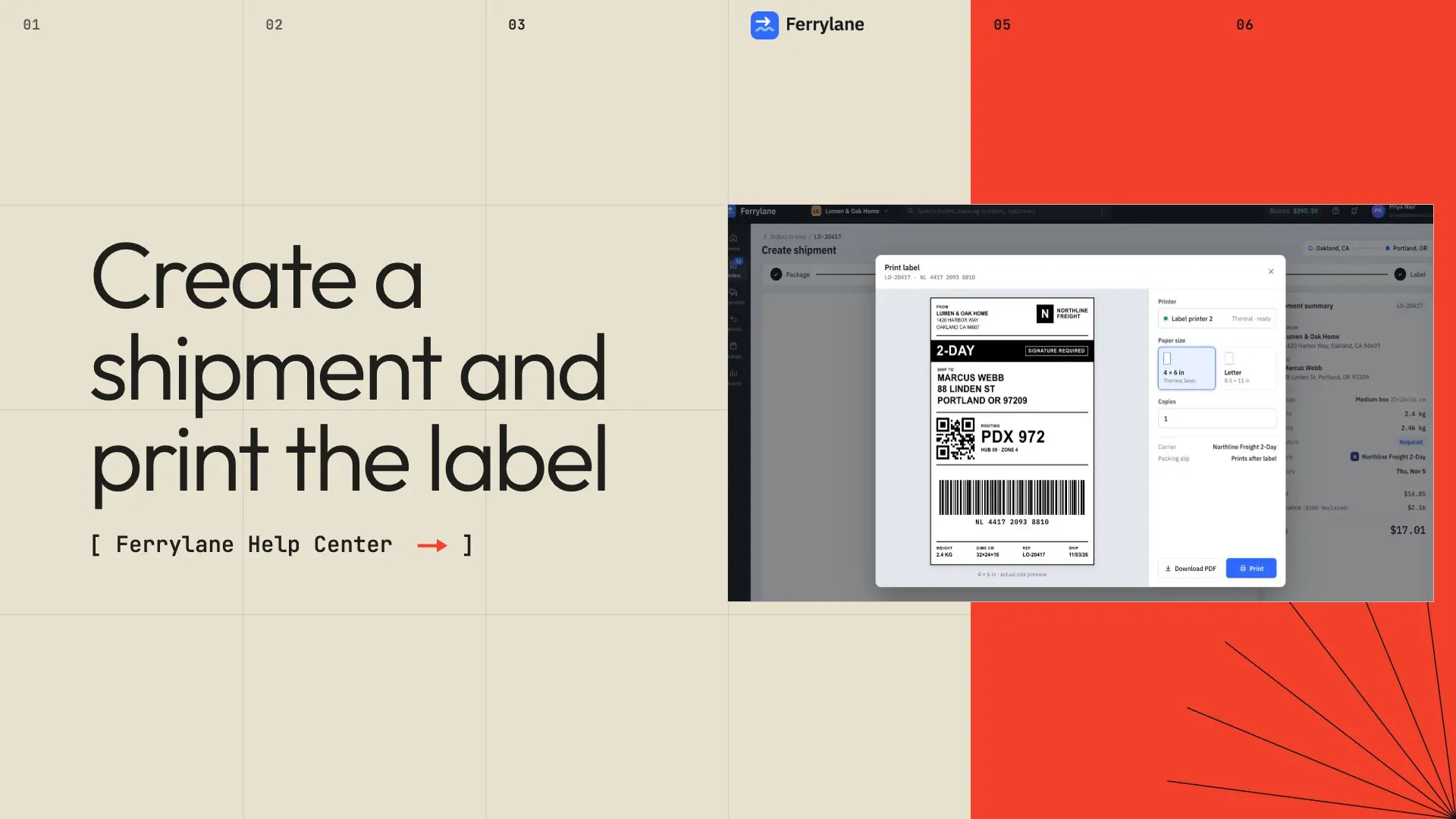
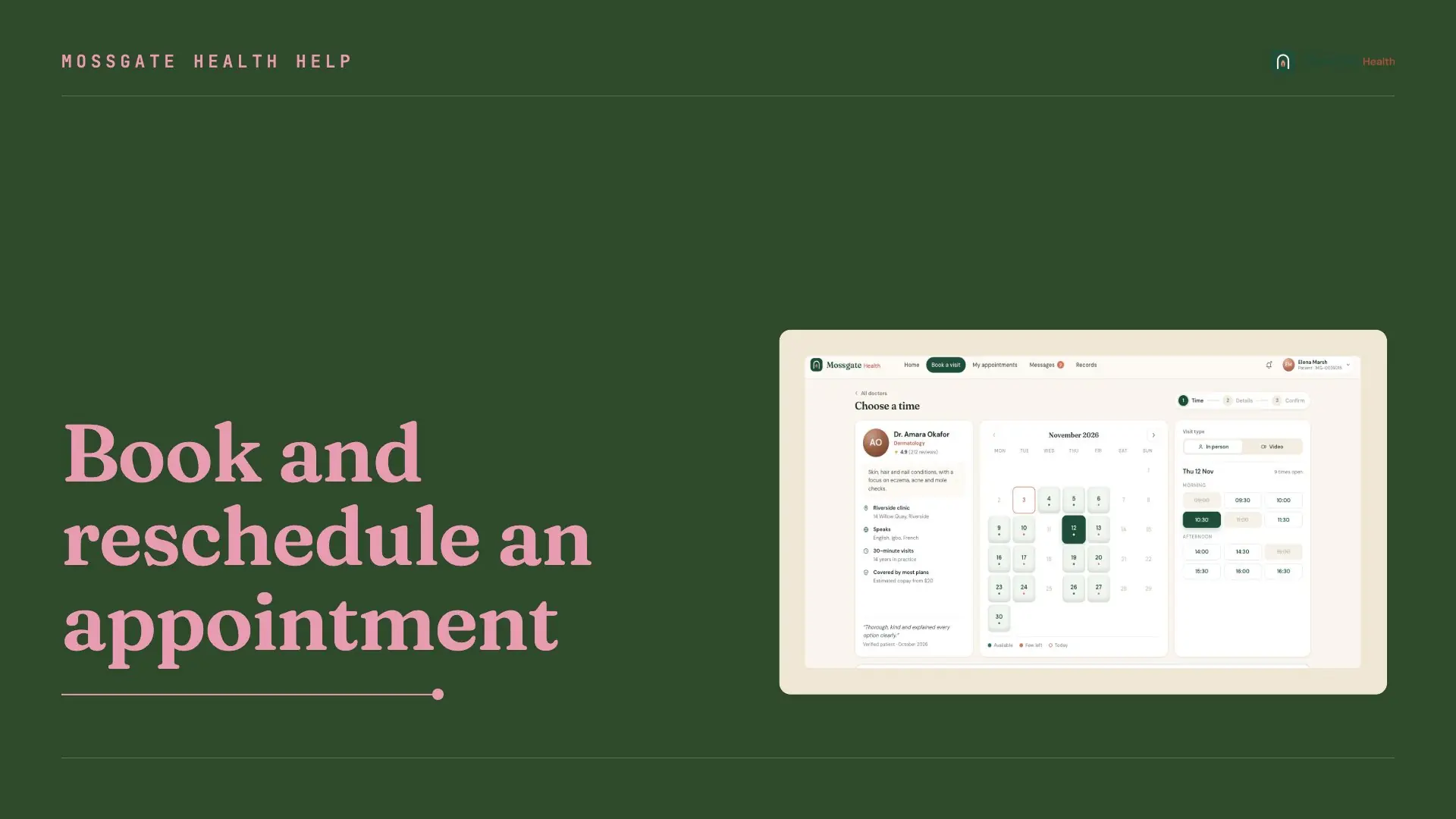
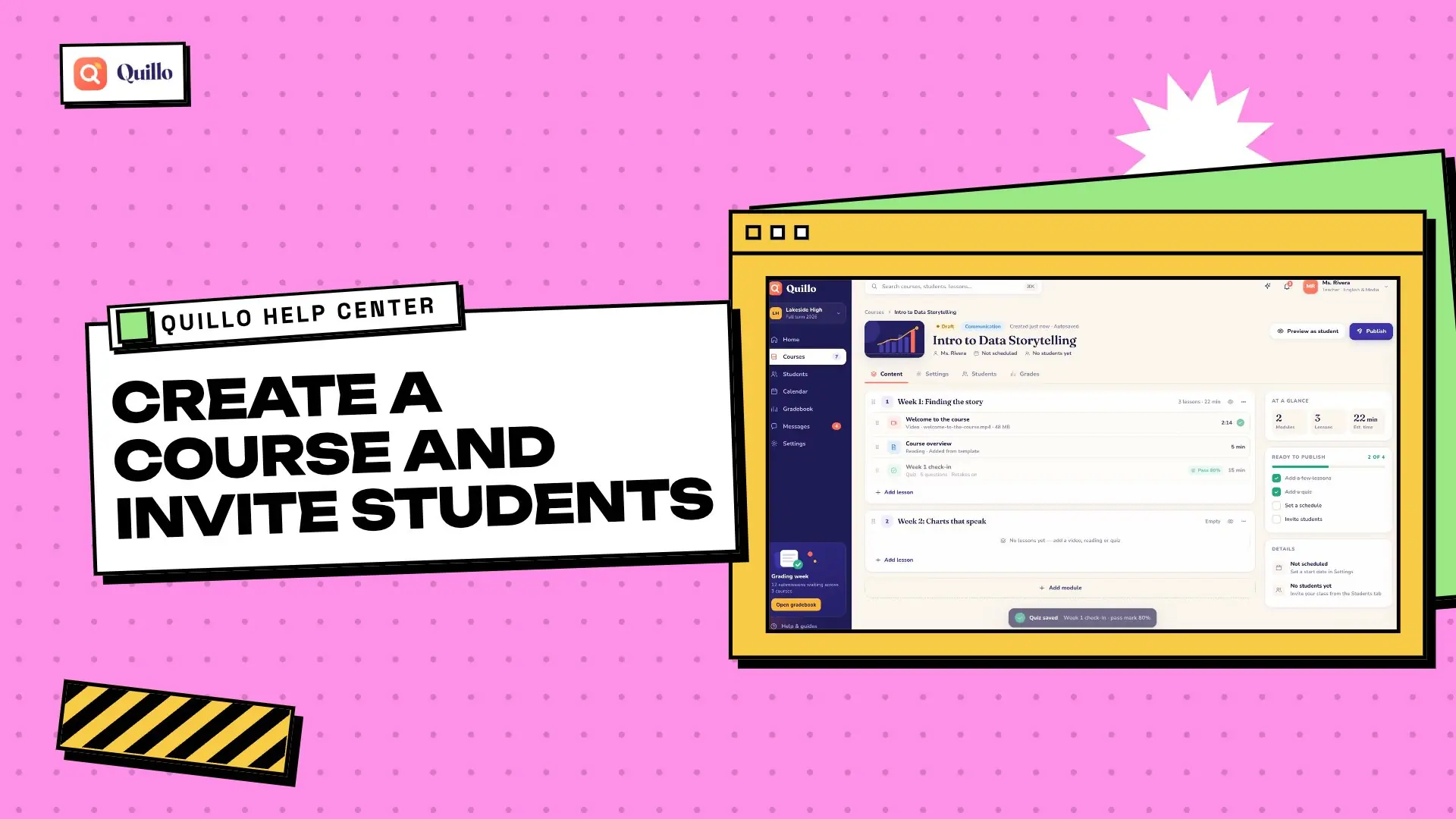

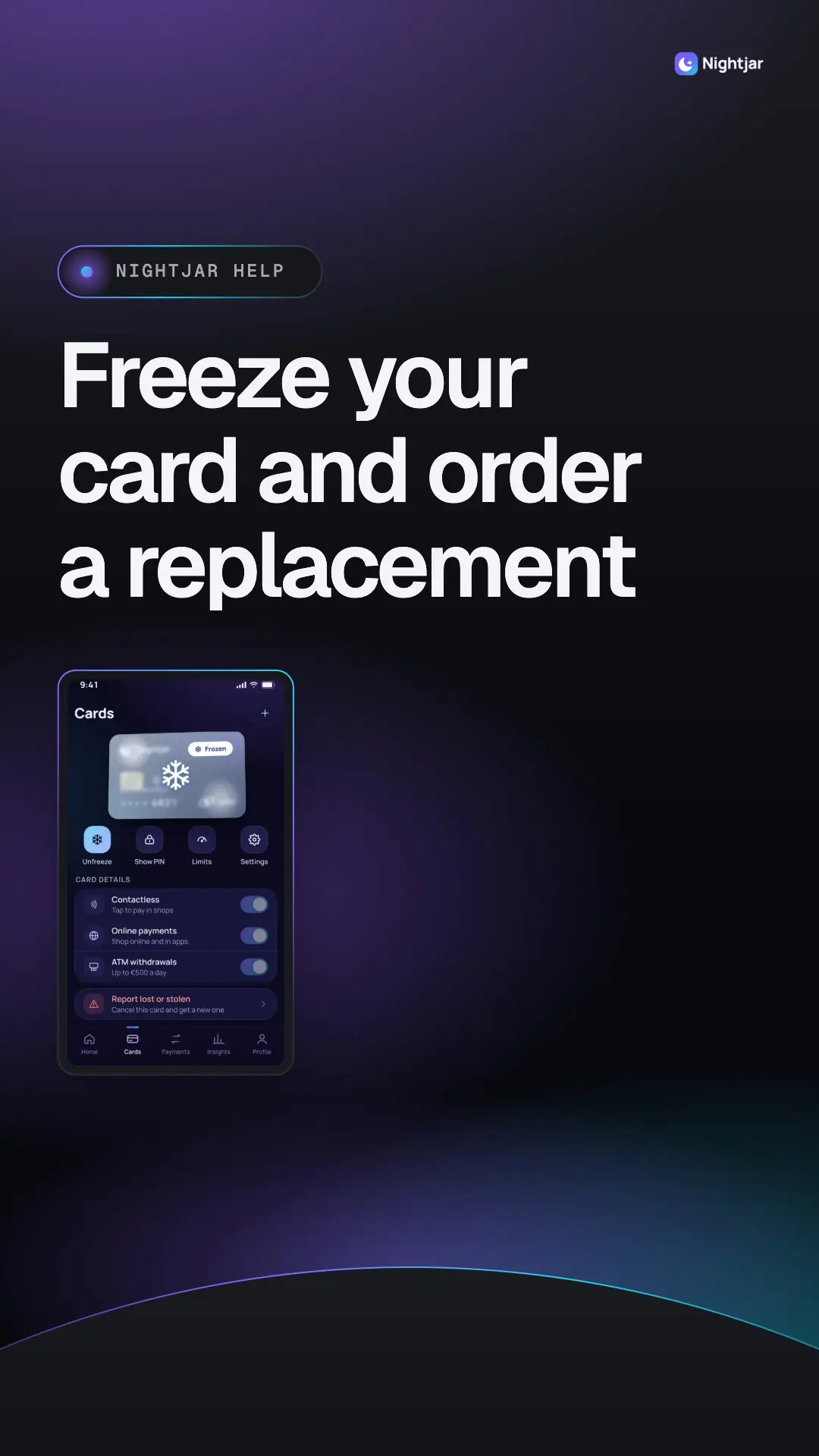
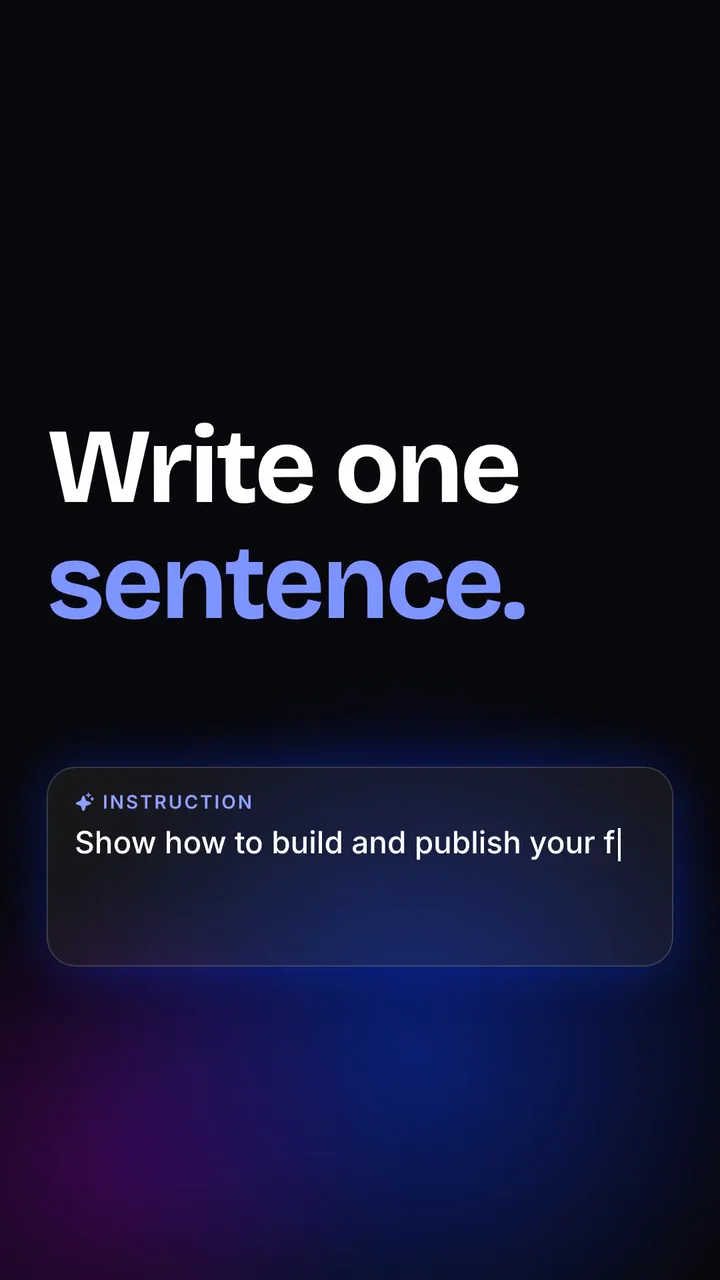
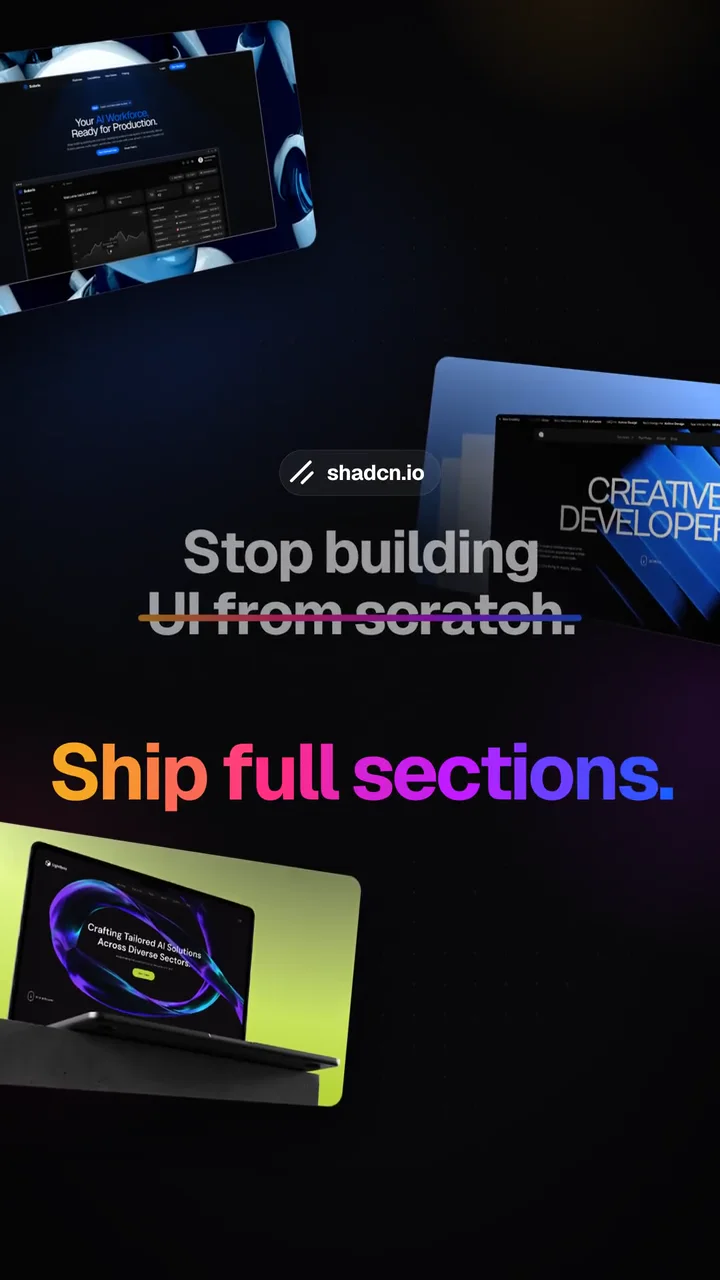


말만 하세요.
에이전트가 만듭니다.
에이전트 녹화 방식



직접 녹화하시겠습니까?
어떤 앱이든, 어떤 기기든.
Clevera 레코더로 웹 앱, 데스크톱 소프트웨어, 휴대폰, 태블릿을 캡처하세요. 스크립트, 음성, 편집은 여전히 자동으로 처리됩니다. 레코더 받기
내레이션과 편집이 포함된 영상,
단 한 번의 녹화로 완성.
Clevera가 스크립트를 작성하고, 자연스러운 음성을 추가하며, 불필요한 부분을 자르고, 클릭할 때마다 화면을 확대합니다. 요청만 하면 무엇이든 변경할 수 있습니다.
영상 제작 방식

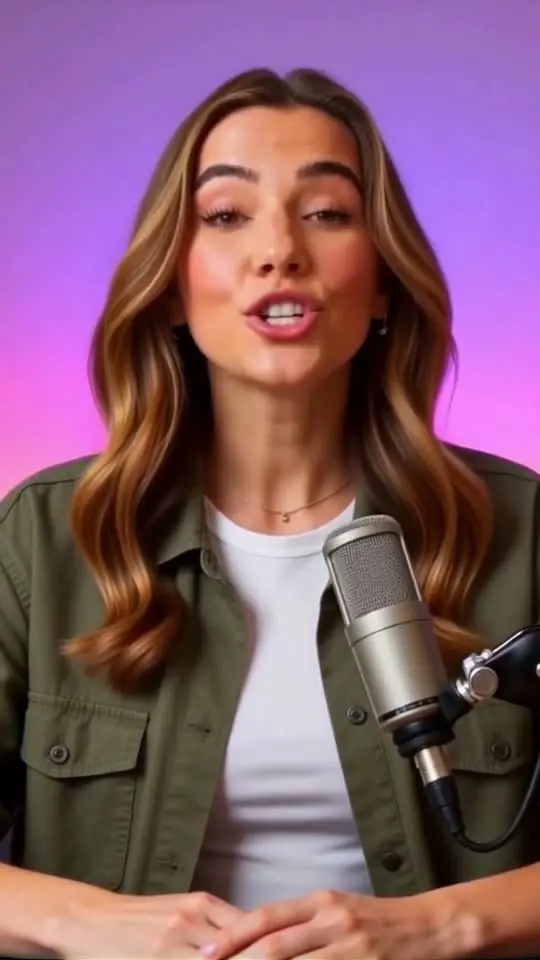
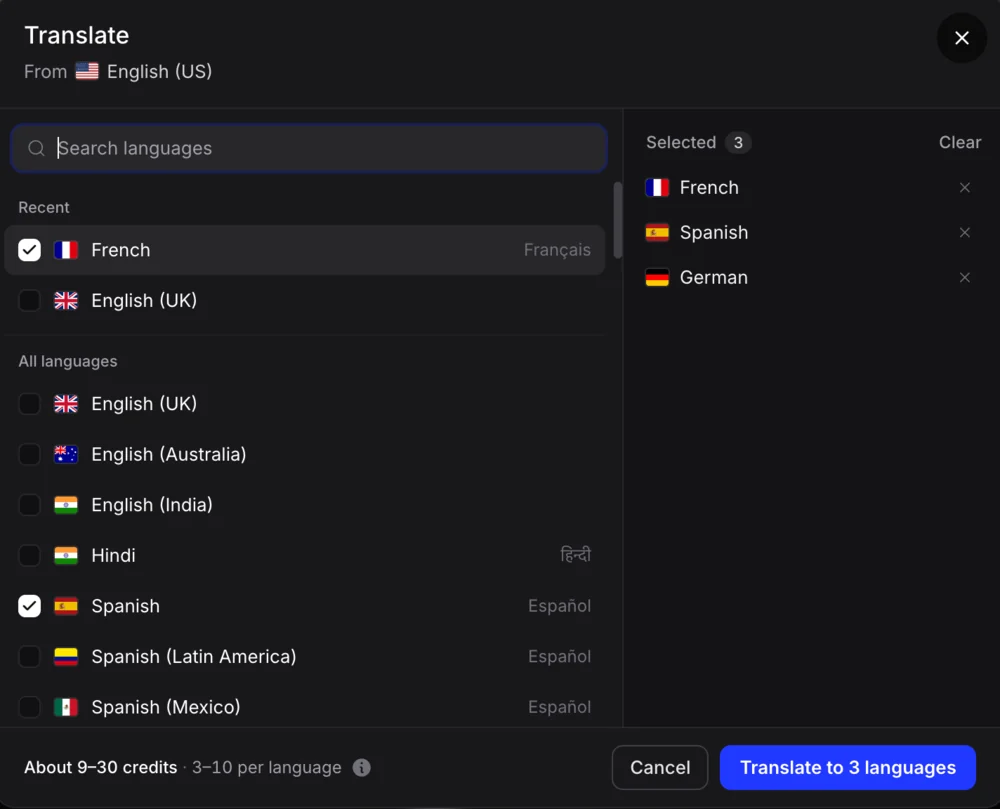
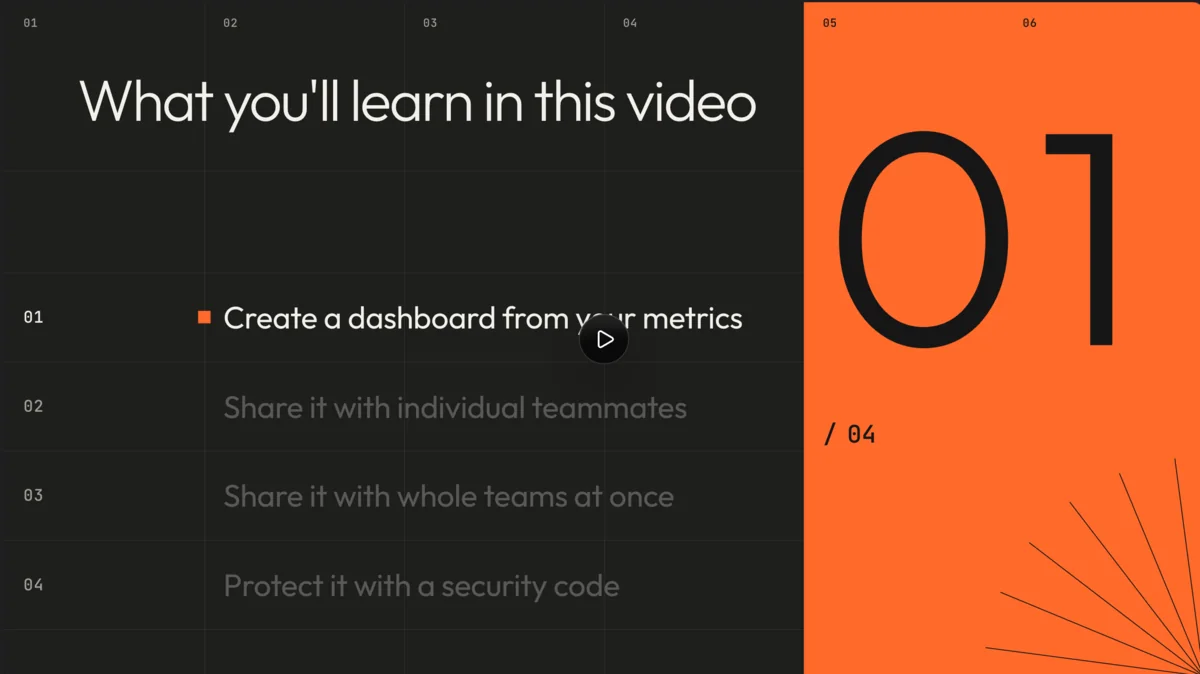
Clevera writes the script and narrates it in a natural voice. Edit a line and only that line is re-recorded.
도움말 문서,
동일한 녹화본에서 작성.
번호가 매겨진 단계, 각 단계별 스크린샷, 독자가 알아야 할 주의 사항이 포함되어 있습니다. 헬프 센터에 게시할 준비가 되었습니다.
문서 제작 방식Steps written for you
Clear numbered steps, drawn from your clicks and what you said while recording.
A screenshot for every step
Picked from the recording, with each click marked so readers see where to go.
Tips and warnings included
Common mistakes get a warning and shortcuts get a tip, right where they matter.
Edit by chat
Ask to shorten it, rewrite a step, change the tone or add a whole new section.
Translate to 74 languages
The steps, headings and callouts keep the same structure in every language.
Export anywhere
Download Markdown, HTML, PDF or Word, or publish it to your help center.
편집은 줄이고,
출시는 더 빠르게.
녹화, 편집, 작성을 Clevera 에이전트에게 맡긴 팀들의 실제 성과입니다.



시간을 되찾은
팀들.
We used Clevera to redo 100+ tutorial videos in days, something that would take months. It turned simple recordings into clean, narrated videos. Huge time saver.
 Maziar FiroozmandCMO, Artbees
A real game changer! We created videos and tutorials covering our product trainings, clinical studies and production processes. It’s incredibly fast and extremely smart. It saved us around 150–200 hours of work and time loss.
 Cihan SavsarCo-founder, Anocin
Before Clevera, we were handling videos manually. Since switching, we’ve saved significant time and the process is far smoother. It’s been a genuinely useful tool for us.
 Grand KimManaging director, Blue Stone Solution
당신의 헬프 센터,
녹화본으로 구축하세요.
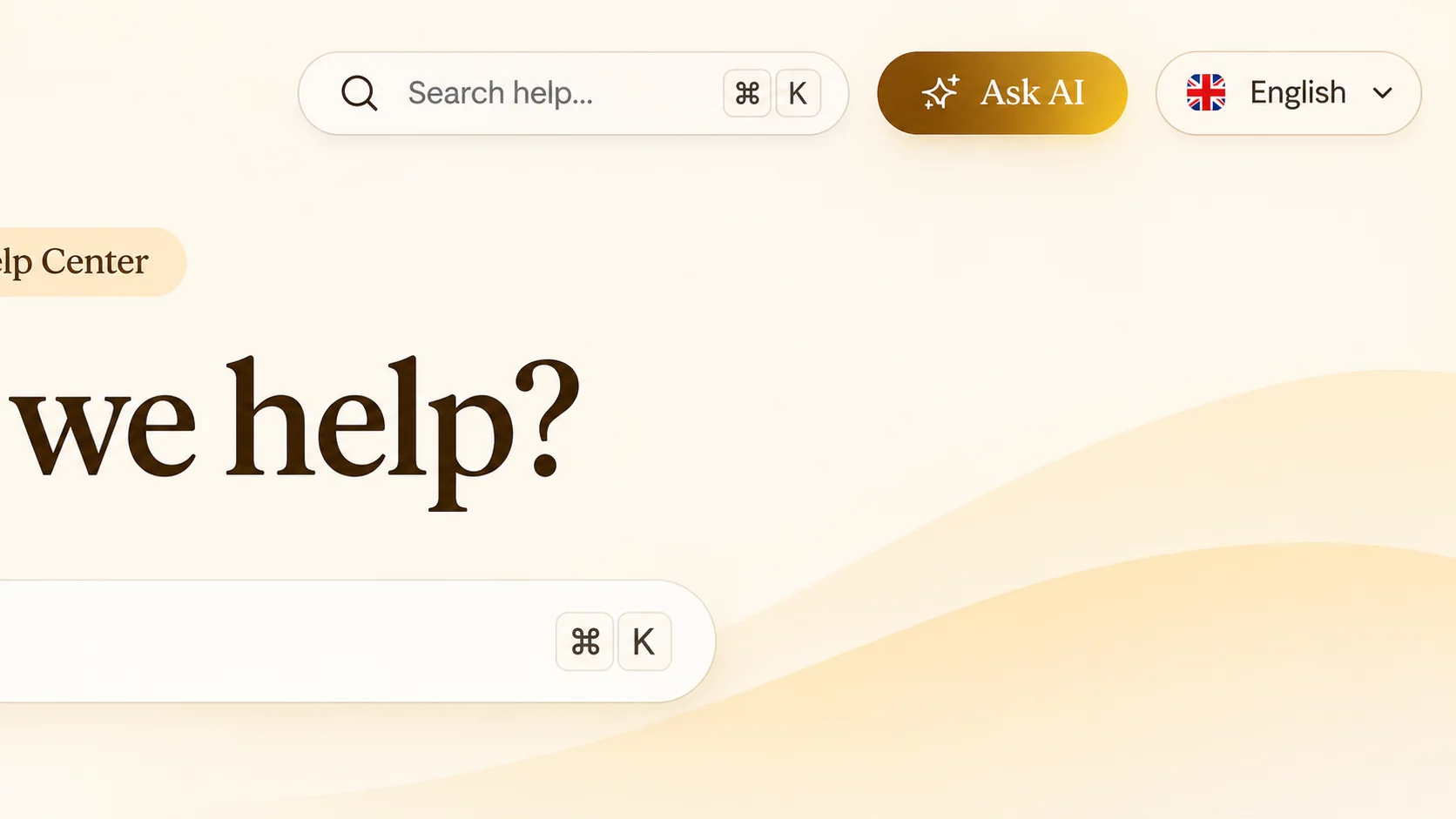
제작한 모든 콘텐츠는 호스팅된 헬프 센터에 바로 게시됩니다. 별도의 문서 도구나 복사/붙여넣기가 필요 없습니다. 모든 플랜에서 무료로 제공됩니다. 헬프 센터 살펴보기
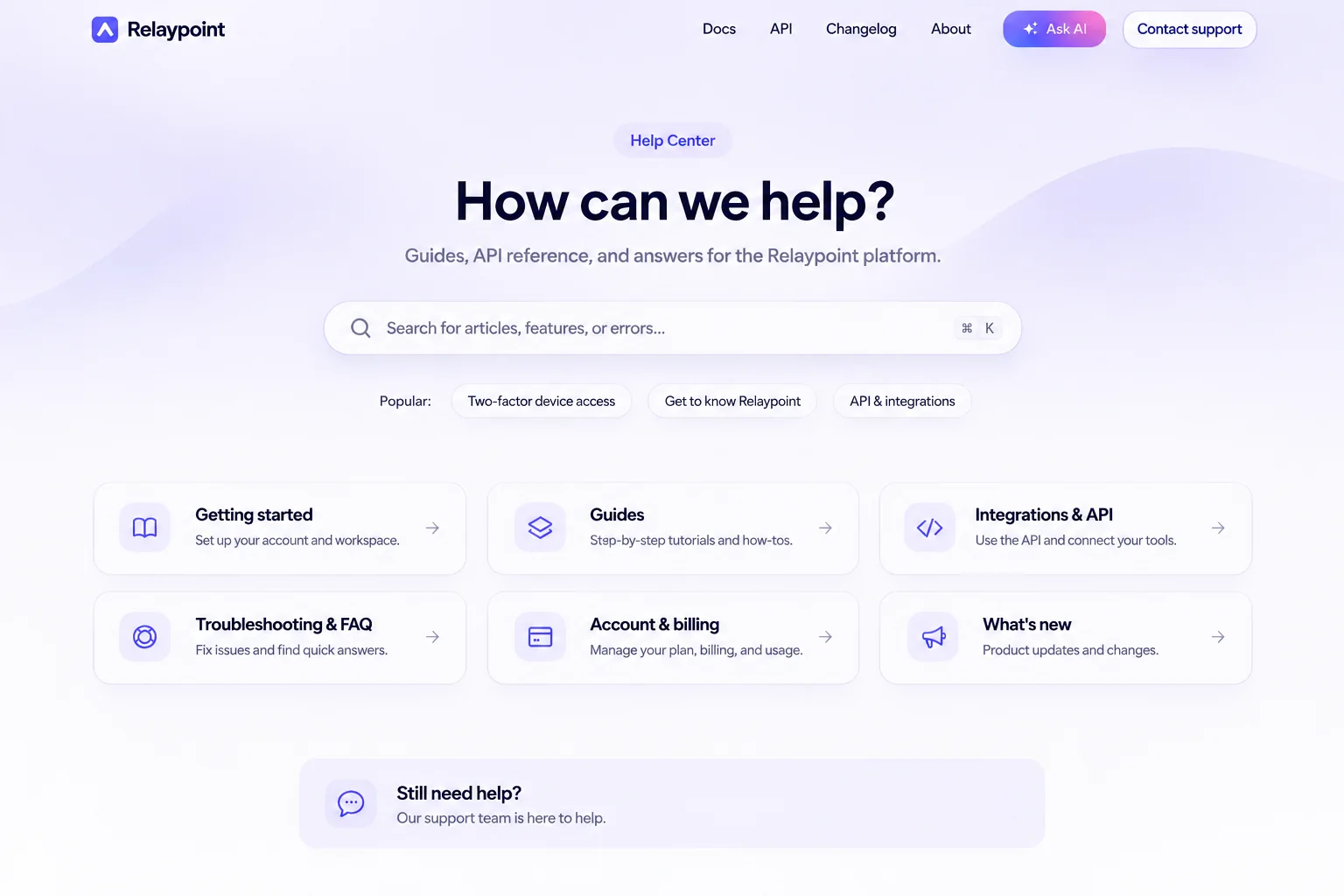
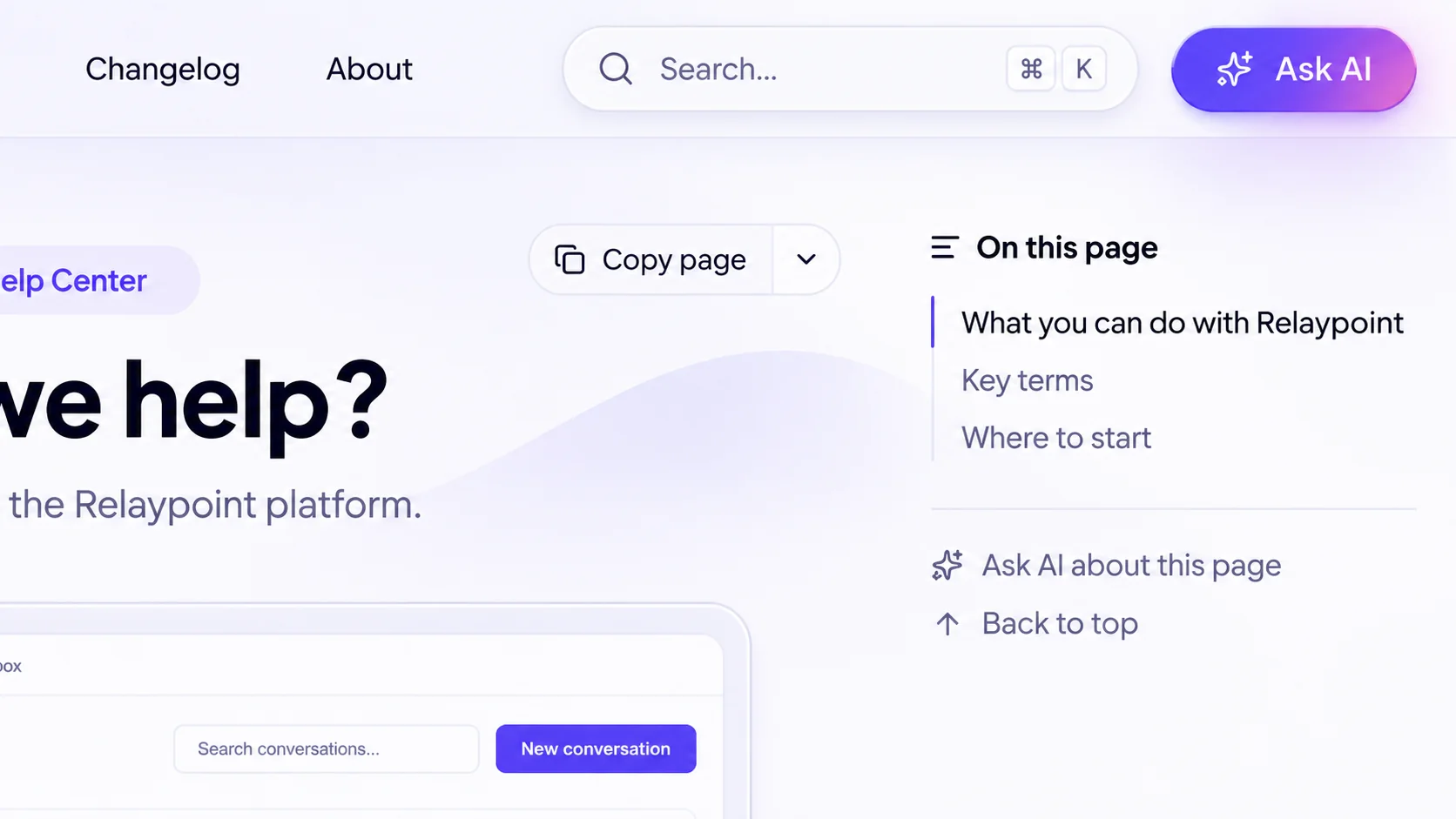
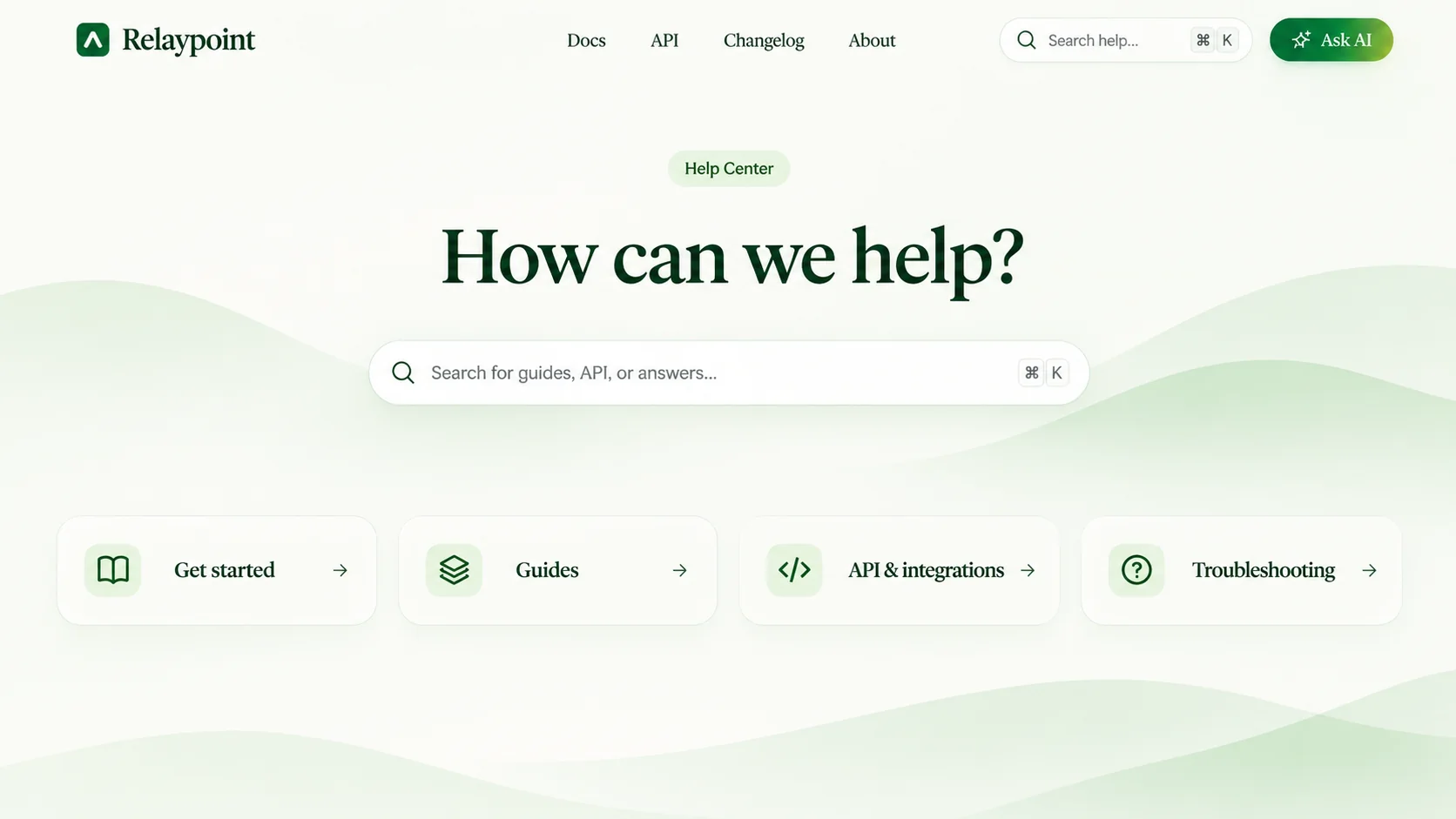
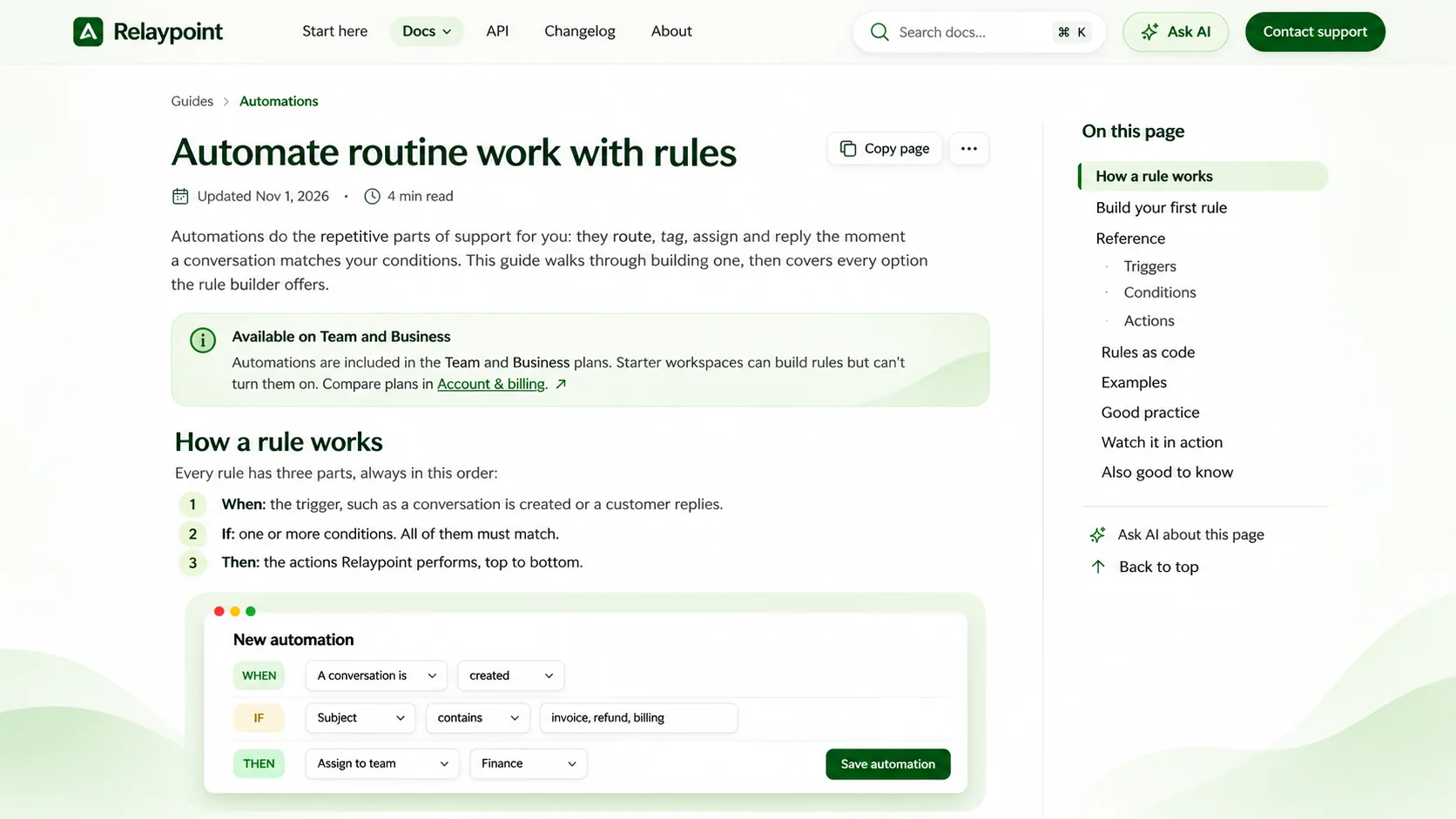


Add your articles and press Publish. Readers see it within seconds, and every version is kept so you can roll back.






이미 다른 곳에 문서를 가지고 계신가요? 클릭 한 번으로 가져오세요.







제품이 변경되면,
영상과 문서도 함께 업데이트됩니다.
릴리스가 있을 때마다 Clevera가 영향을 받는 영상과 문서를 찾아 업데이트 초안을 작성해 드립니다.
자동 조종 작동 방식웹사이트를 붙여넣으세요.
Clevera가 비즈니스를 학습합니다.
Clevera가 귀사의 비즈니스를 조사한 후 몇 분 만에 로고, 색상, 폰트, 음성을 학습합니다. 모든 영상, 클립, 헬프 센터가 귀사의 브랜드처럼 보이고 들리게 됩니다.
팀과 보안을 위해
구축되었습니다.
1인 팀부터 74개 언어를 사용하는 기업까지, Clevera는 귀사와 함께 성장하며 데이터를 안전하게 보호합니다.
질문
Product videos and help content from one source: a screen recording, a website link or a sentence. Clevera writes, narrates, edits and designs how-to videos, product demos and help articles, plus translations. From the same product you can make launch clips for social, feature promos and AI presenter videos.
No. Talk roughly while you click, or say nothing. Clevera writes a clean script and narrates it in a natural AI voice.
Tell Clevera what to show. The AI agent works out the steps, clicks through your web app like a person, records it and turns it into a video and article. It runs in the cloud and can sign in with a login you provide, which the AI never sees. Your app must be reachable from the internet. To record your own screen, use the Clevera app for Mac, Windows or Linux.
Pick a presenter look and a voice, and Clevera writes the script. The presenter walks viewers through your product, with no camera or actor. AI presenters are on Starter and Pro and use credits based on time on screen.
Ask the AI assistant to trim a scene, change the voice or restyle the clip, or edit the script and settings by hand. Embedded and shared videos update everywhere when you edit, while downloaded MP4s stay static.
Yes. Free gives you 100 credits a month and videos up to 3 minutes, which you share by link or embed. Social and promo videos come with Starter and up. Billed monthly, Starter is $36 a month and Pro starts at $124 a month for 2 creators, with extra creators at $36 a month each. Billed yearly, Starter works out to $29 a month and Pro to $86.80 a month, and extra creators cost 30% less. MP4 downloads are unlimited on paid plans. See plans and pricing
Credits pay for AI work such as scripts, voiceover, presenters, translation and AI recording. Each generation shows an estimate first, and exporting never costs credits. Included credits reset monthly. On Starter and Pro you can buy extra credits that never expire, or upgrade.
Embed videos anywhere that accepts HTML or an iframe, including WordPress with our plugin, or share a link. Articles can become a help center Clevera hosts, free on every plan. On Pro, articles also export to Notion, Confluence, GitBook, ReadMe, Help Scout, Google Docs and GitHub. Every plan includes viewer analytics.
Instead of only recording what you do, Clevera’s AI agent can operate your app for you, then writes, narrates, edits and designs the video. One source becomes a how-to video, an article, a launch clip and a presenter walkthrough of your product, in 74 languages, and you refine it by chatting.