Crie vídeos de produto e documentos e mantenha-os atualizados com IA
A Clevera grava seu produto, escreve o roteiro e narra, pronto para publicar em minutos. Faça vídeos de instruções, demonstrações e vídeos promocionais, e mantenha-os atualizados quando seu produto mudar.










Feito com Clevera.
Vídeos reais, cada um feito a partir de uma gravação de tela. Veja a vitrine
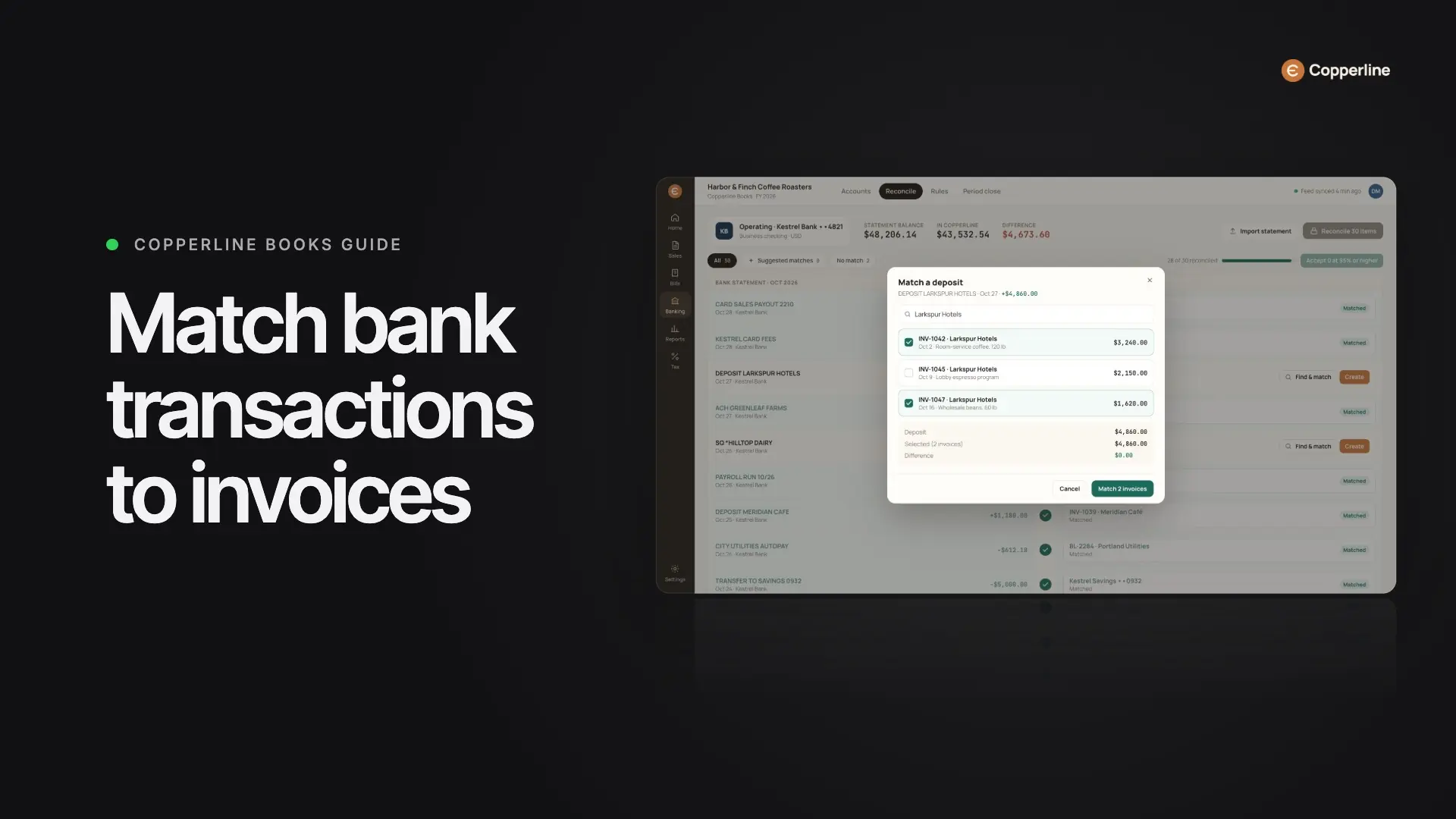
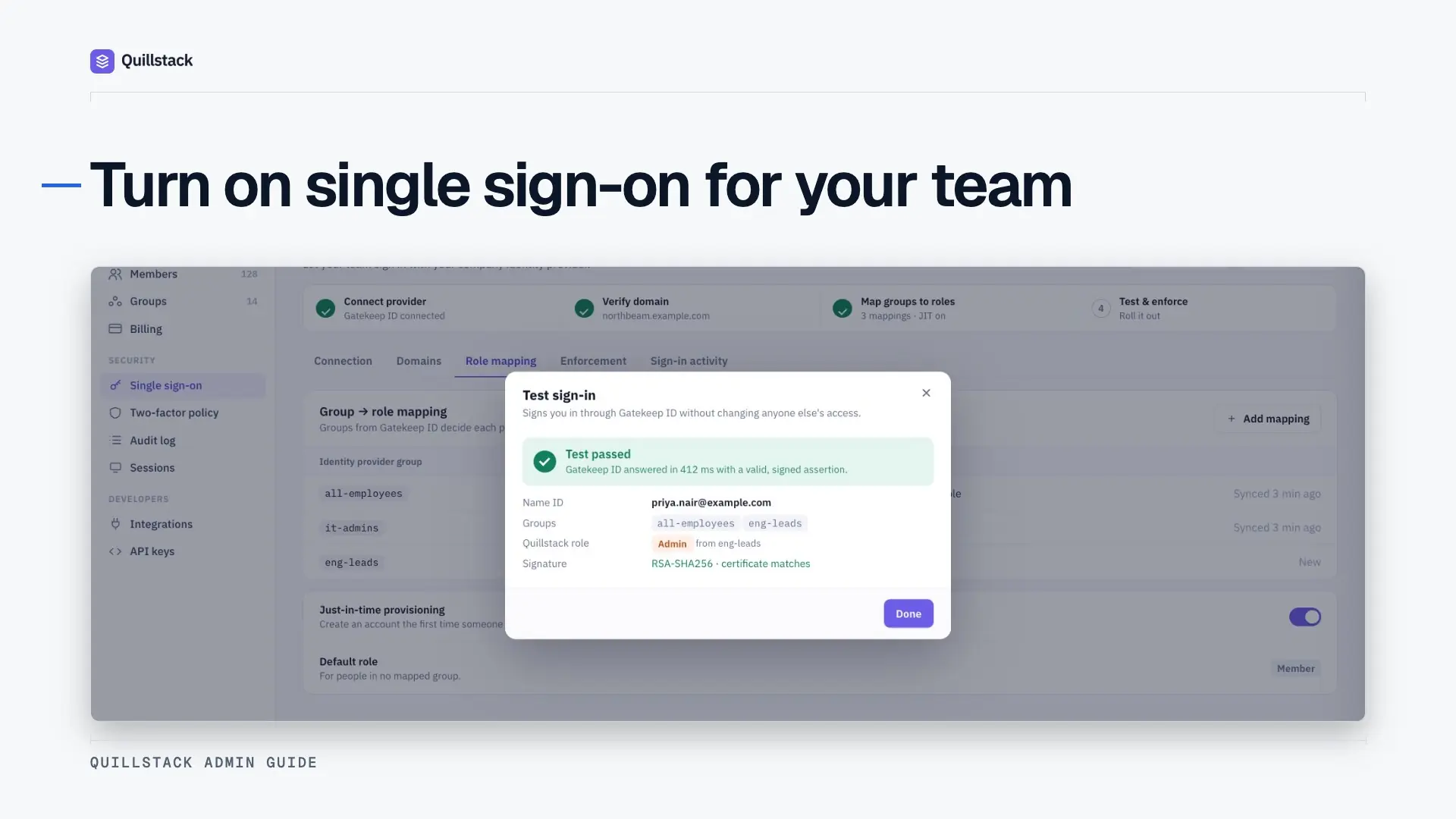
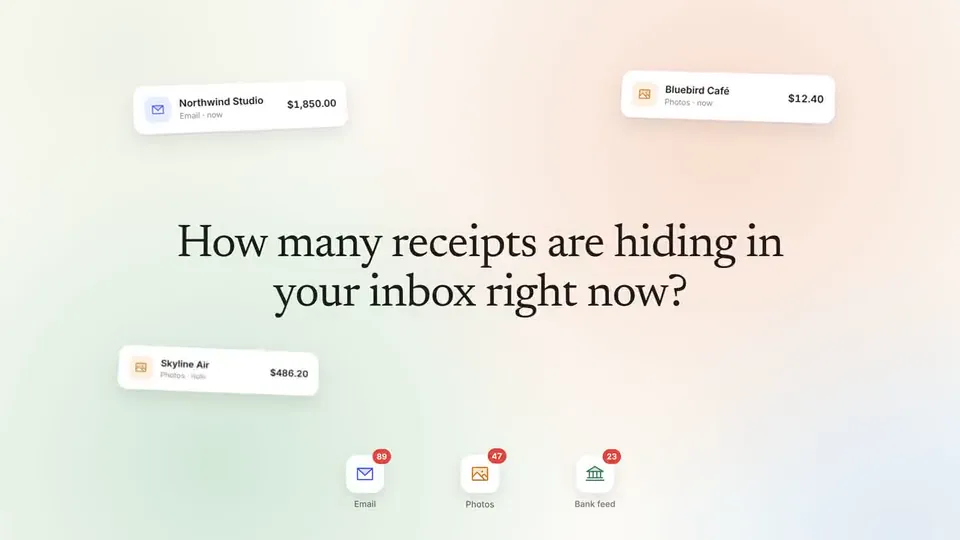


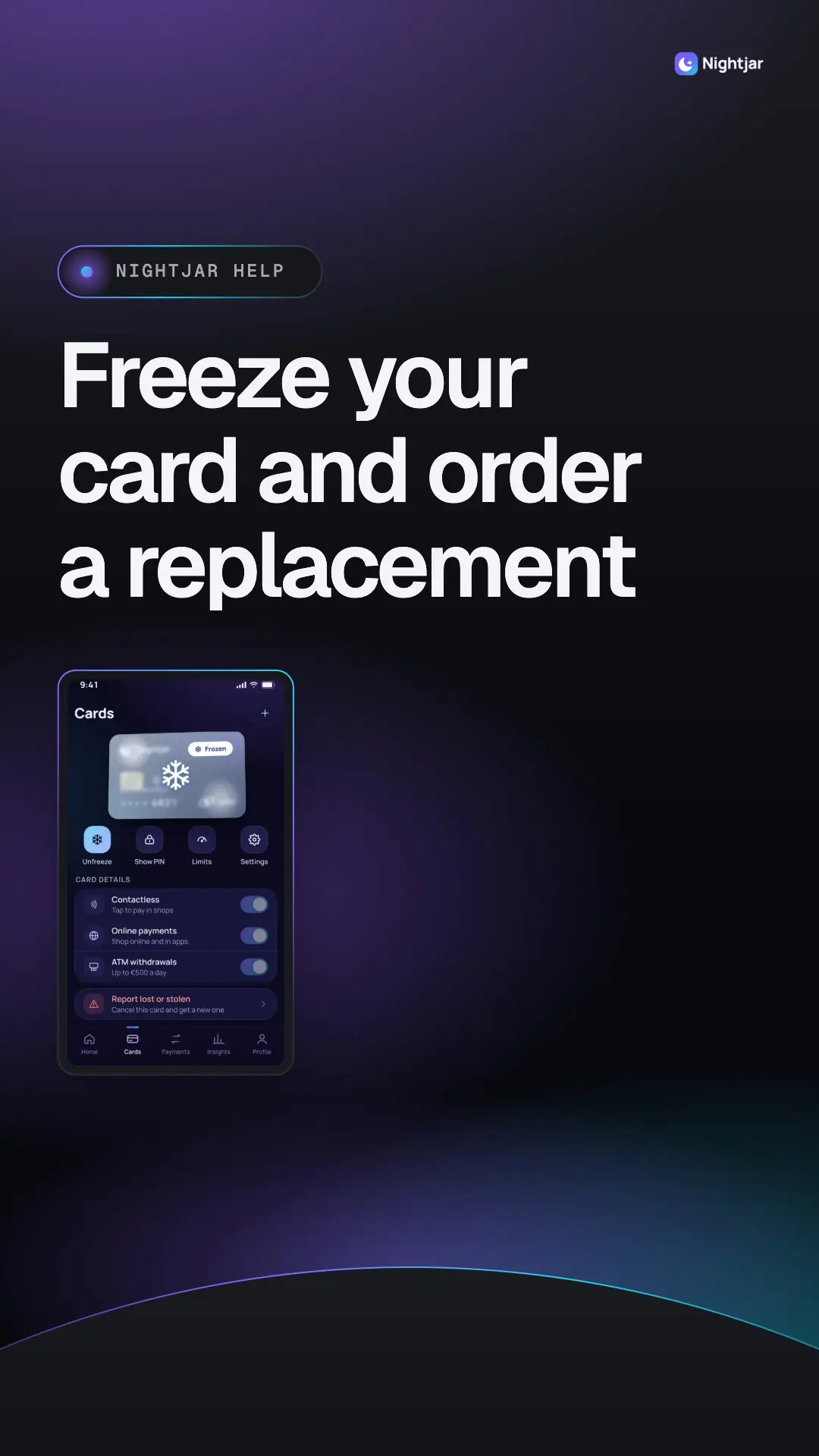
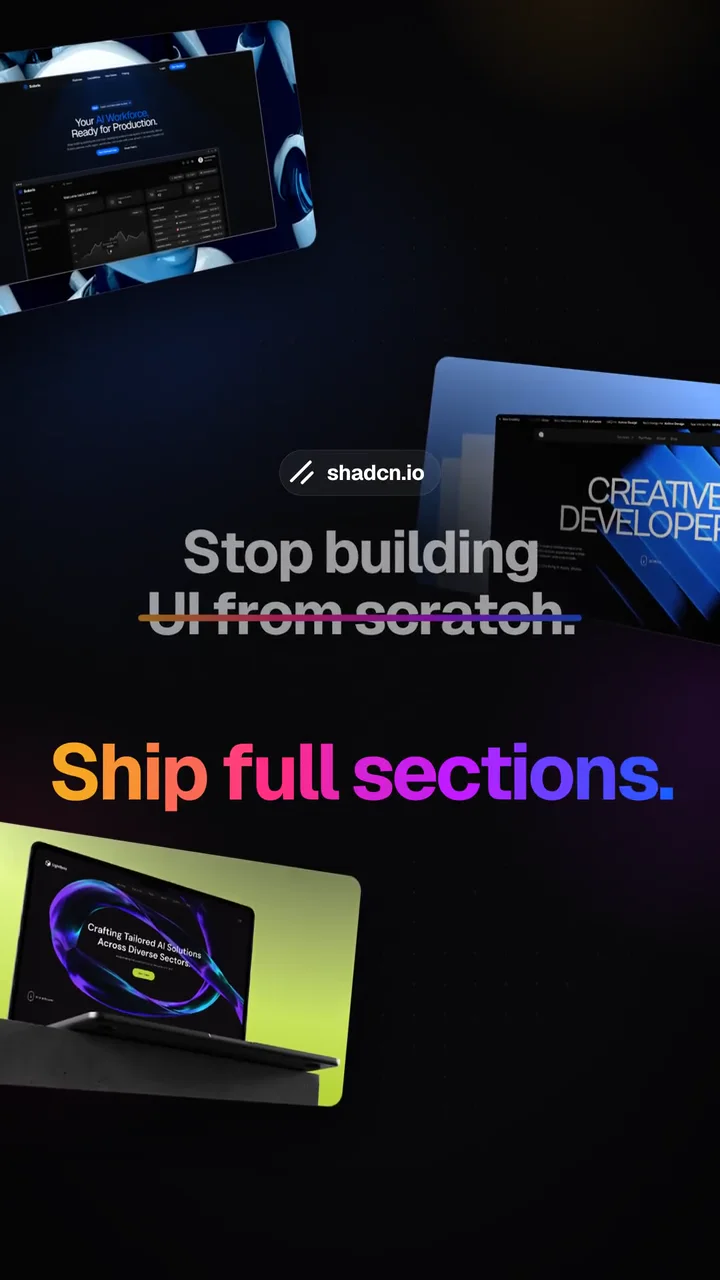



Você diz.
Os agentes fazem.
Como o agente grava



Prefere gravar você mesmo?
Qualquer aplicativo, qualquer dispositivo.
Capture aplicativos web, softwares de desktop, celulares e tablets com o gravador da Clevera. O roteiro, a voz e a edição ainda são feitos para você. Obter o gravador
Vídeos narrados e editados
a partir de uma gravação.
A Clevera escreve o roteiro, adiciona uma voz natural, corta as pausas e aplica zoom em cada clique. Mude qualquer coisa apenas pedindo.
Como os vídeos são feitos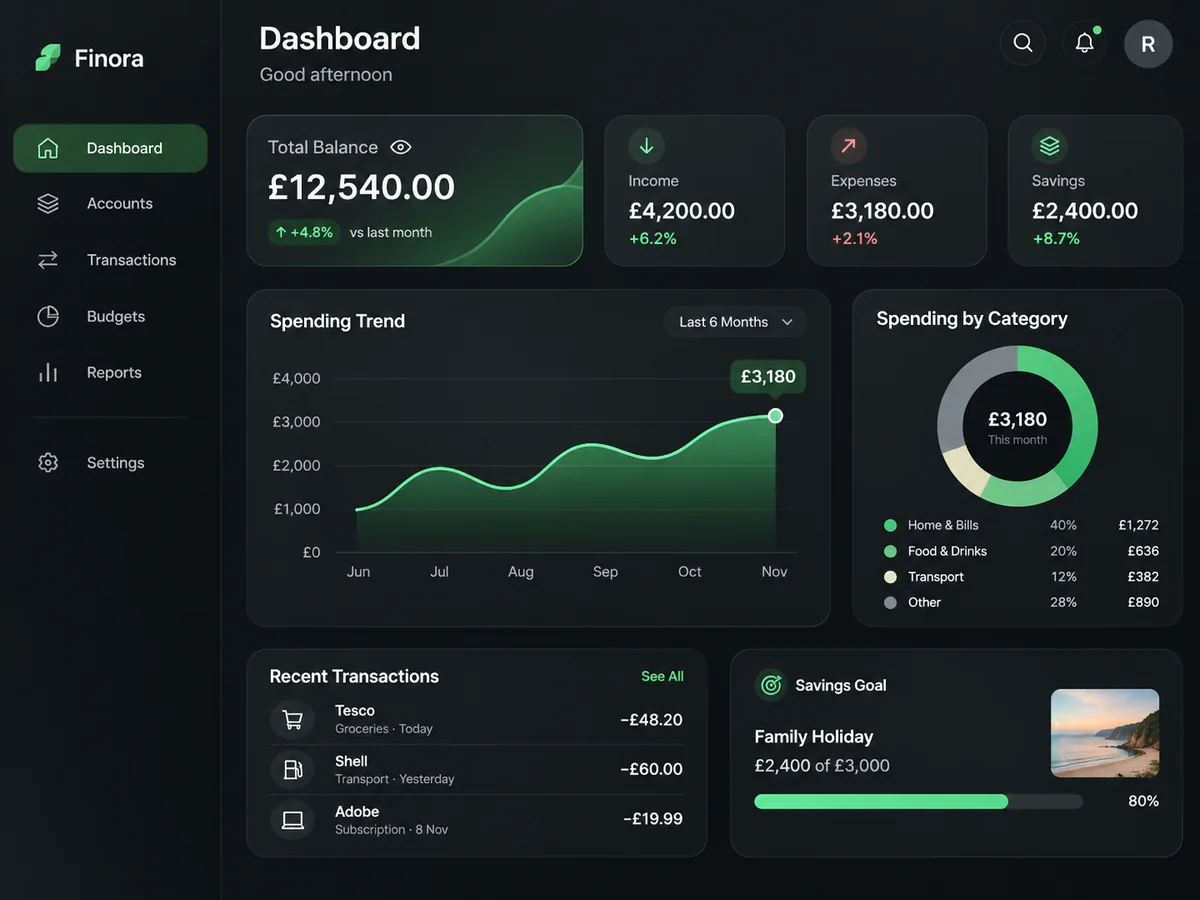


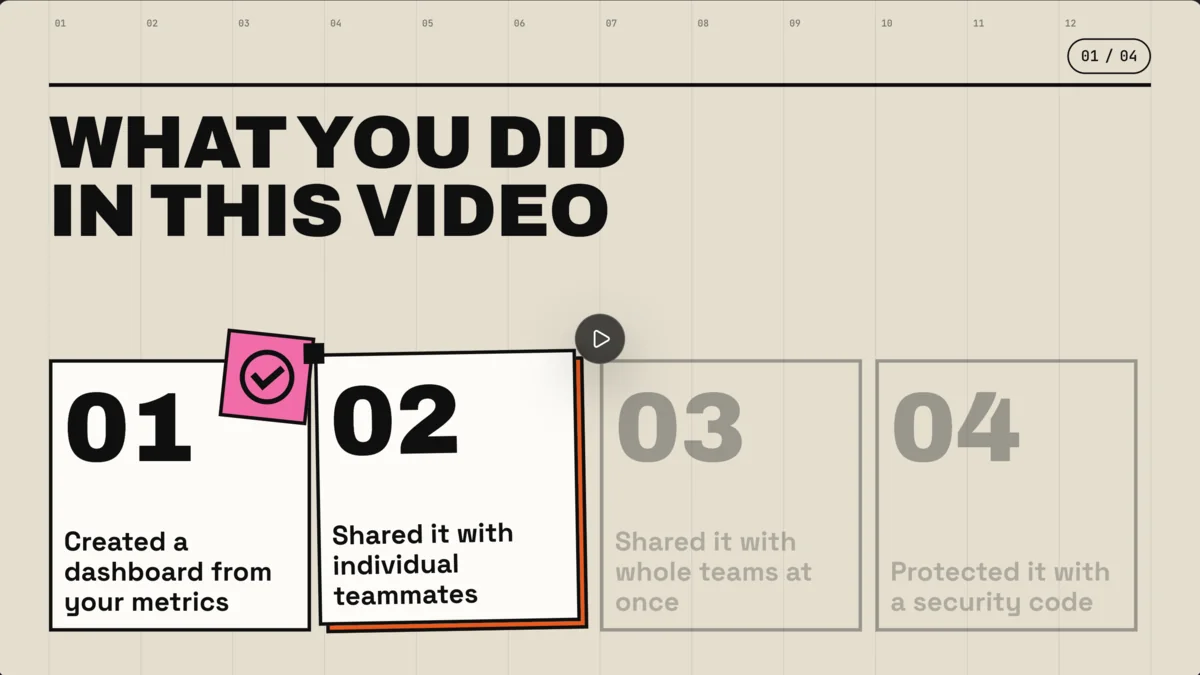
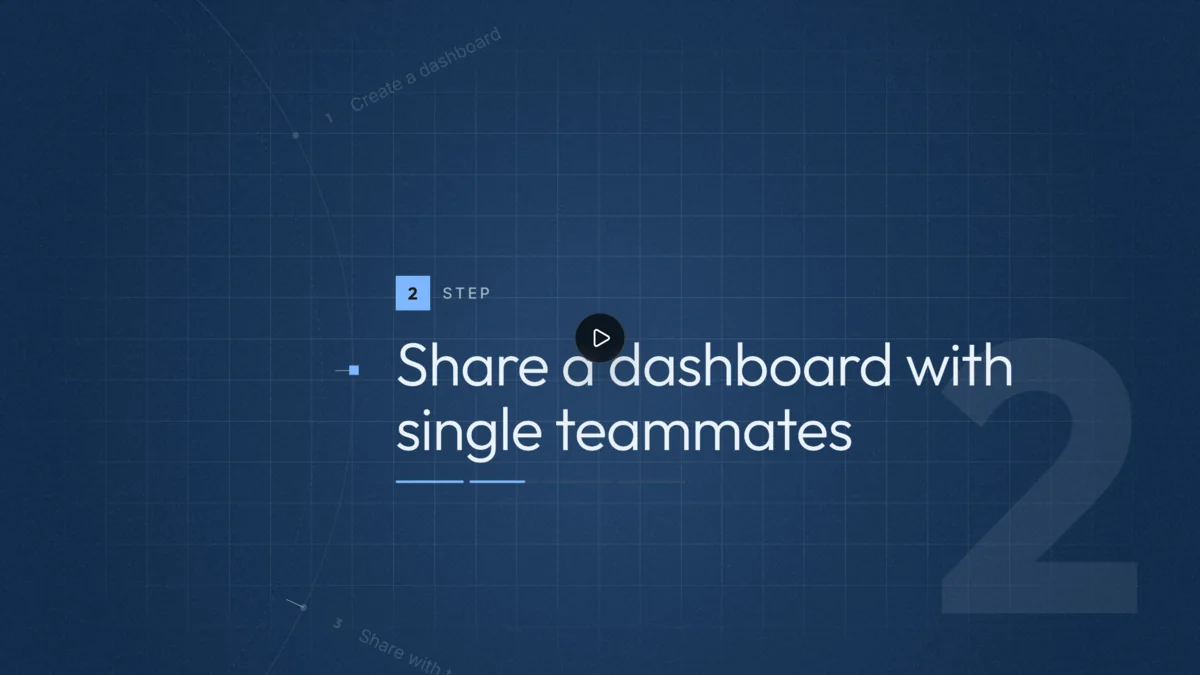
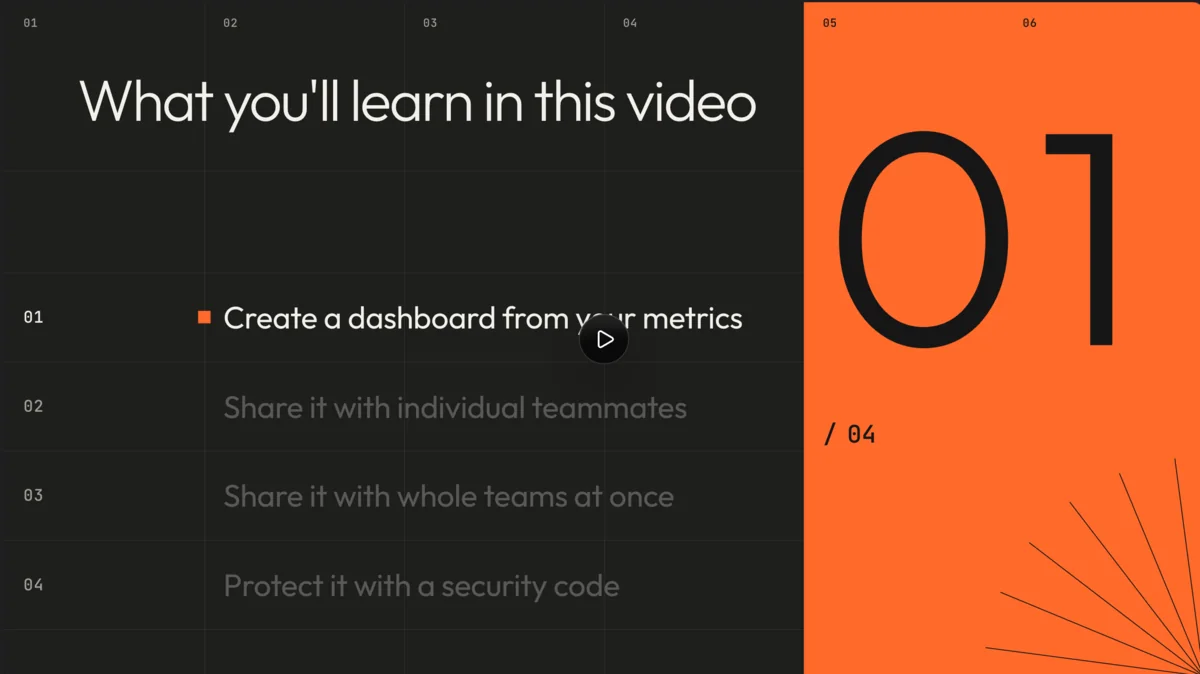
Clevera writes the script and narrates it in a natural voice. Edit a line and only that line is re-recorded.
O artigo de ajuda, escrito
a partir da mesma gravação.
Passos numerados, uma captura de tela para cada um e os avisos que um leitor precisa. Pronto para sua central de ajuda.
Como os artigos são feitosSteps written for you
Clear numbered steps, drawn from your clicks and what you said while recording.
A screenshot for every step
Picked from the recording, with each click marked so readers see where to go.
Tips and warnings included
Common mistakes get a warning and shortcuts get a tip, right where they matter.
Edit by chat
Ask to shorten it, rewrite a step, change the tone or add a whole new section.
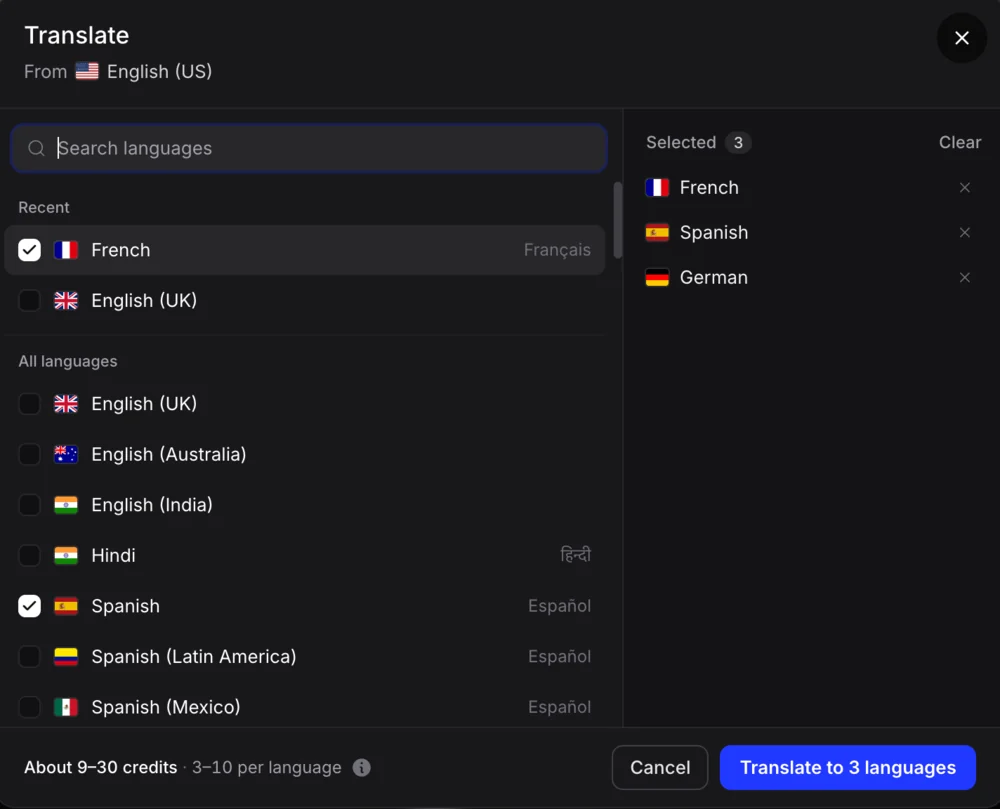
Translate to 74 languages
The steps, headings and callouts keep the same structure in every language.
Export anywhere
Download Markdown, HTML, PDF or Word, or publish it to your help center.
Menos edição.
Mais entregas.
Resultados reais de equipes que delegaram a gravação, edição e escrita para os agentes da Clevera.



Equipes que
recuperaram seu tempo.
We used Clevera to redo 100+ tutorial videos in days, something that would take months. It turned simple recordings into clean, narrated videos. Huge time saver.
 Maziar FiroozmandCMO, Artbees
A real game changer! We created videos and tutorials covering our product trainings, clinical studies and production processes. It’s incredibly fast and extremely smart. It saved us around 150–200 hours of work and time loss.
 Cihan SavsarCo-founder, Anocin
Before Clevera, we were handling videos manually. Since switching, we’ve saved significant time and the process is far smoother. It’s been a genuinely useful tool for us.
 Grand KimManaging director, Blue Stone Solution
Sua central de ajuda,
construída a partir de suas gravações.
Tudo o que você cria entra no ar em uma central de ajuda hospedada. Sem ferramentas de documentação separadas, sem copiar e colar. Gratuito em todos os planos. Explorar a central de ajuda
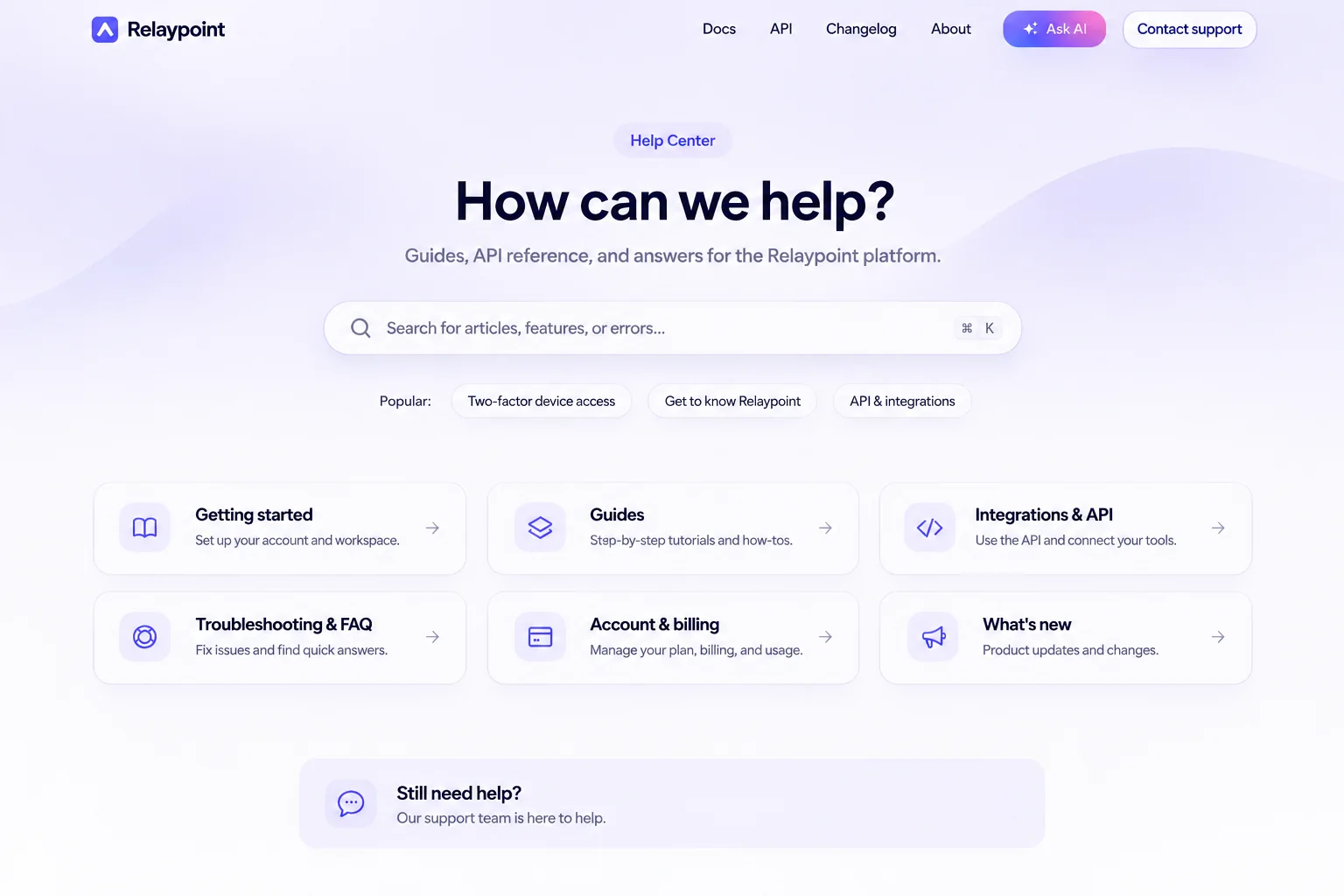
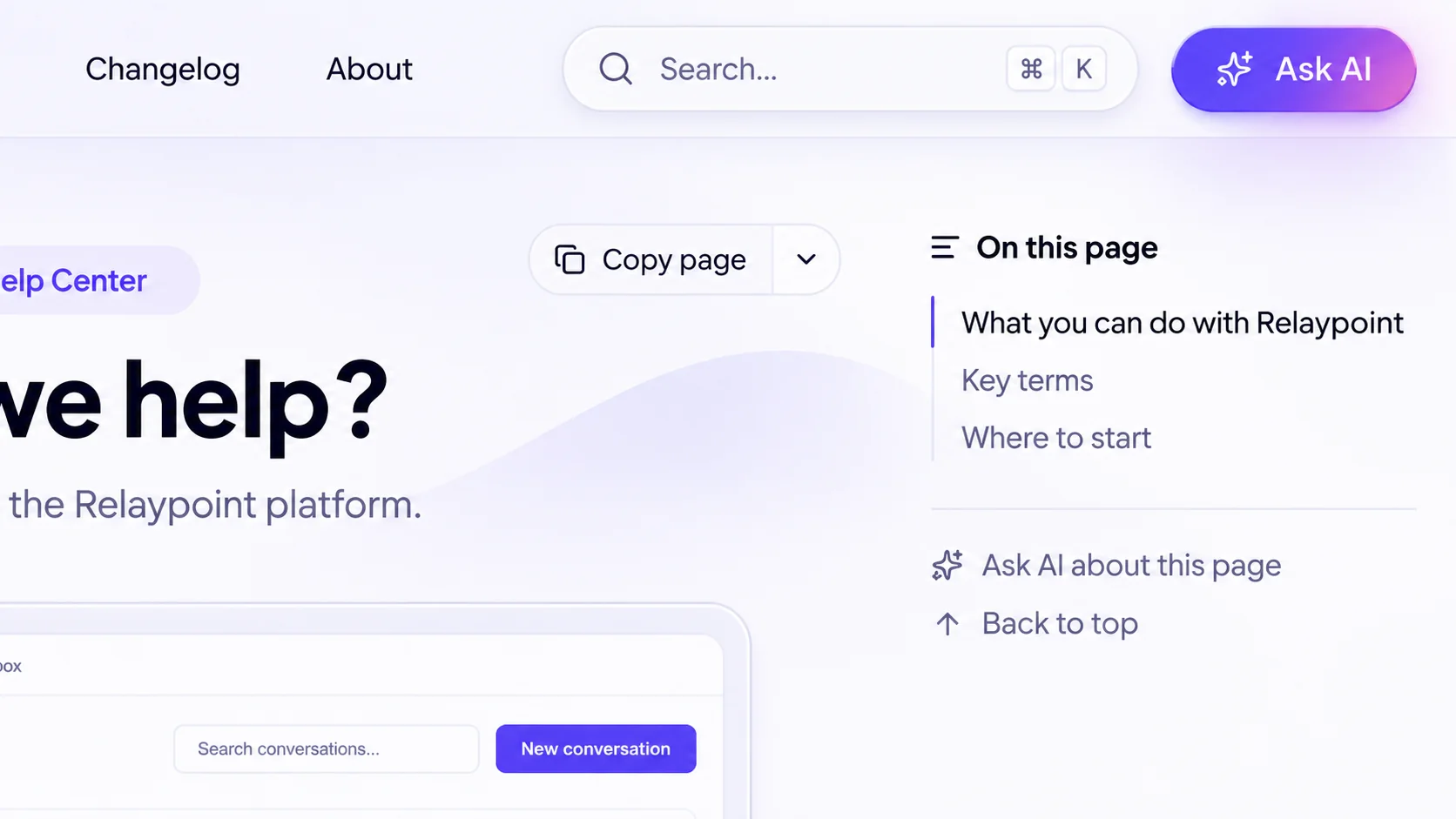
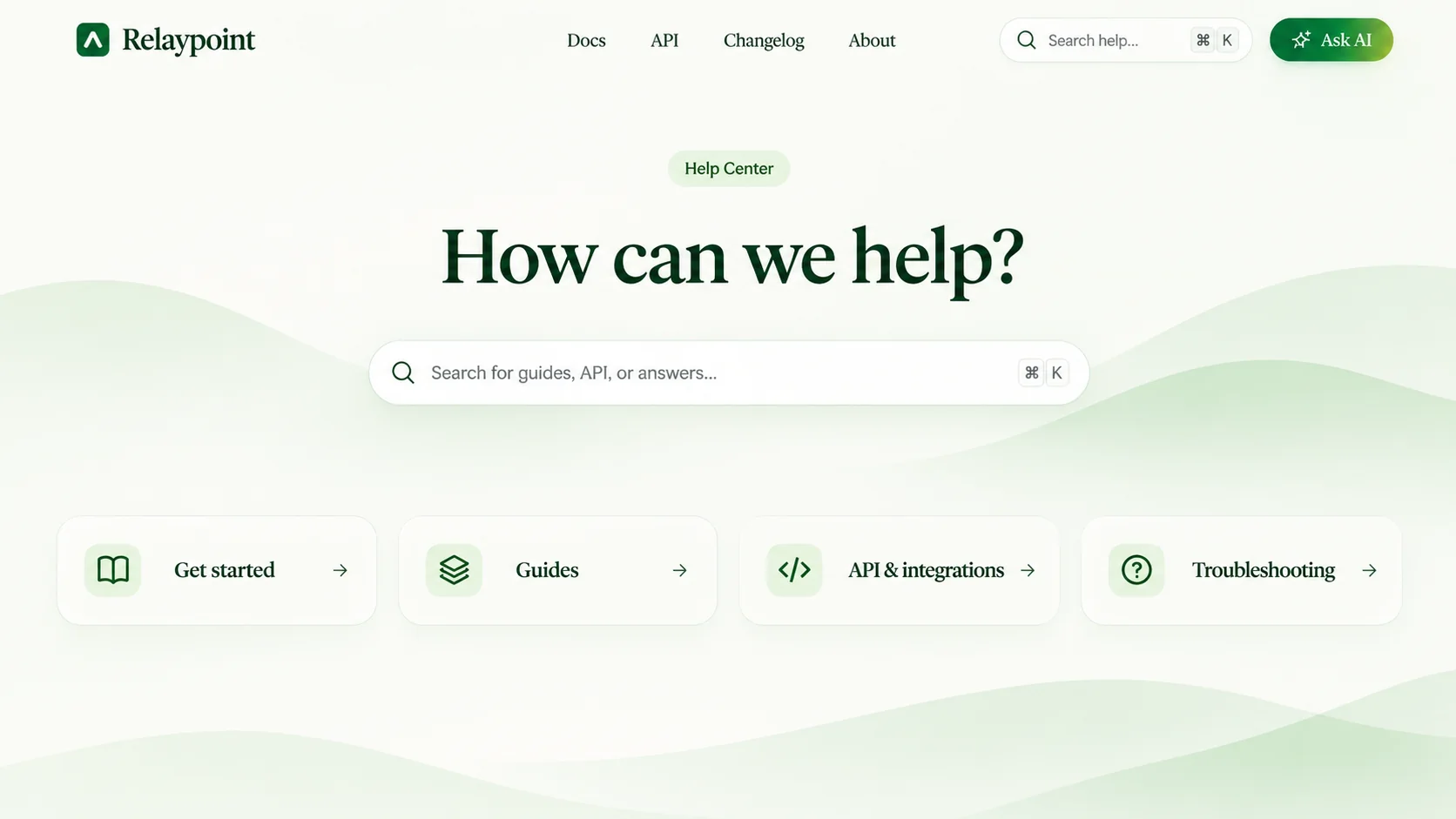
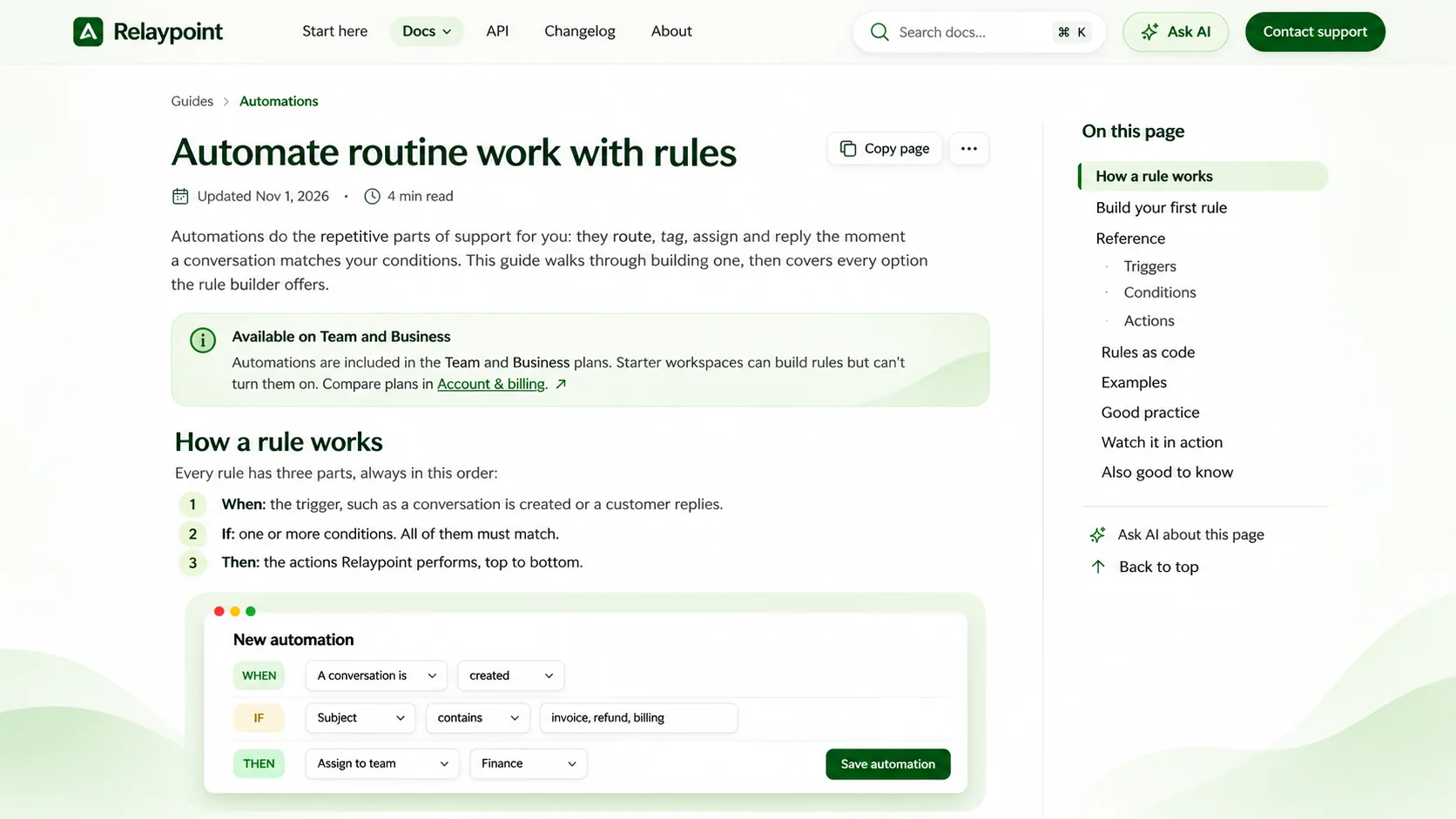


Add your articles and press Publish. Readers see it within seconds, and every version is kept so you can roll back.






Já tem documentação em outro lugar? Importe-as com um clique.







Funciona com as ferramentas
que você já usa.
Envie vídeos e artigos para onde seu público e sua equipe já estão. Conecte uma vez, publique com um clique.
Ver todas as integraçõesSeu produto muda.
Seus vídeos e documentos acompanham.
A cada lançamento, a Clevera encontra os vídeos e artigos afetados e prepara as atualizações para você.
Como funciona o Piloto AutomáticoCole seu site.
A Clevera aprende sobre sua empresa.
A Clevera pesquisa sua empresa, depois aprende seu logotipo, cores, fontes e voz em poucos minutos. Cada vídeo, clipe e sua central de ajuda então parecerão e soarão como você.
Feito para equipes
e segurança
De uma equipe de um a uma empresa em 74 idiomas, a Clevera cresce com você e mantém seus dados onde eles pertencem.
Perguntas
Equipes que explicam um produto repetidamente. Equipes de suporte respondem às perguntas repetidas uma vez, com um vídeo e um artigo (suporte ao cliente). Equipes de onboarding e treinamento fazem com que clientes e novos funcionários comecem sem outra chamada (onboarding de clientes). Equipes de produto e marketing mostram o que foi lançado (marketing de produto).
Product videos and help content from one source: a screen recording, a website link or a sentence. Clevera writes, narrates, edits and designs how-to videos, product demos and help articles, plus translations. From the same product you can make launch clips for social, feature promos and AI presenter videos.
No. Talk roughly while you click, or say nothing. Clevera writes a clean script and narrates it in a natural AI voice.
Tell Clevera what to show. The AI agent works out the steps, clicks through your web app like a person, records it and turns it into a video and article. It runs in the cloud and can sign in with a login you provide, which the AI never sees. Your app must be reachable from the internet. To record your own screen, use the Clevera app for Mac, Windows or Linux.
Pick a presenter look and a voice, and Clevera writes the script. The presenter walks viewers through your product, with no camera or actor. AI presenters are on Starter and Pro and use credits based on time on screen.
Ask the AI assistant to trim a scene, change the voice or restyle the clip, or edit the script and settings by hand. Embedded and shared videos update everywhere when you edit, while downloaded MP4s stay static.
Yes. Free gives you 100 credits a month and videos up to 3 minutes, which you share by link or embed. Social and promo videos come with Starter and up. Billed monthly, Starter is $36 a month and Pro starts at $124 a month for 2 creators, with extra creators at $36 a month each. Billed yearly, Starter works out to $29 a month and Pro to $86.80 a month, and extra creators cost 30% less. MP4 downloads are unlimited on paid plans. See plans and pricing
Credits pay for AI work such as scripts, voiceover, presenters, translation and AI recording. Each generation shows an estimate first, and exporting never costs credits. Included credits reset monthly. On Starter and Pro you can buy extra credits that never expire, or upgrade.
Embed videos anywhere that accepts HTML or an iframe, including WordPress with our plugin, or share a link. Articles can become a help center Clevera hosts, free on every plan. On Pro, articles also export to Notion, Confluence, GitBook, ReadMe, Help Scout, Google Docs and GitHub. Every plan includes viewer analytics.
Instead of only recording what you do, Clevera’s AI agent can operate your app for you, then writes, narrates, edits and designs the video. One source becomes a how-to video, an article, a launch clip and a presenter walkthrough of your product, in 74 languages, and you refine it by chatting.