Slideshots alternatives for SaaS demos: 6 tools worth considering in 2026
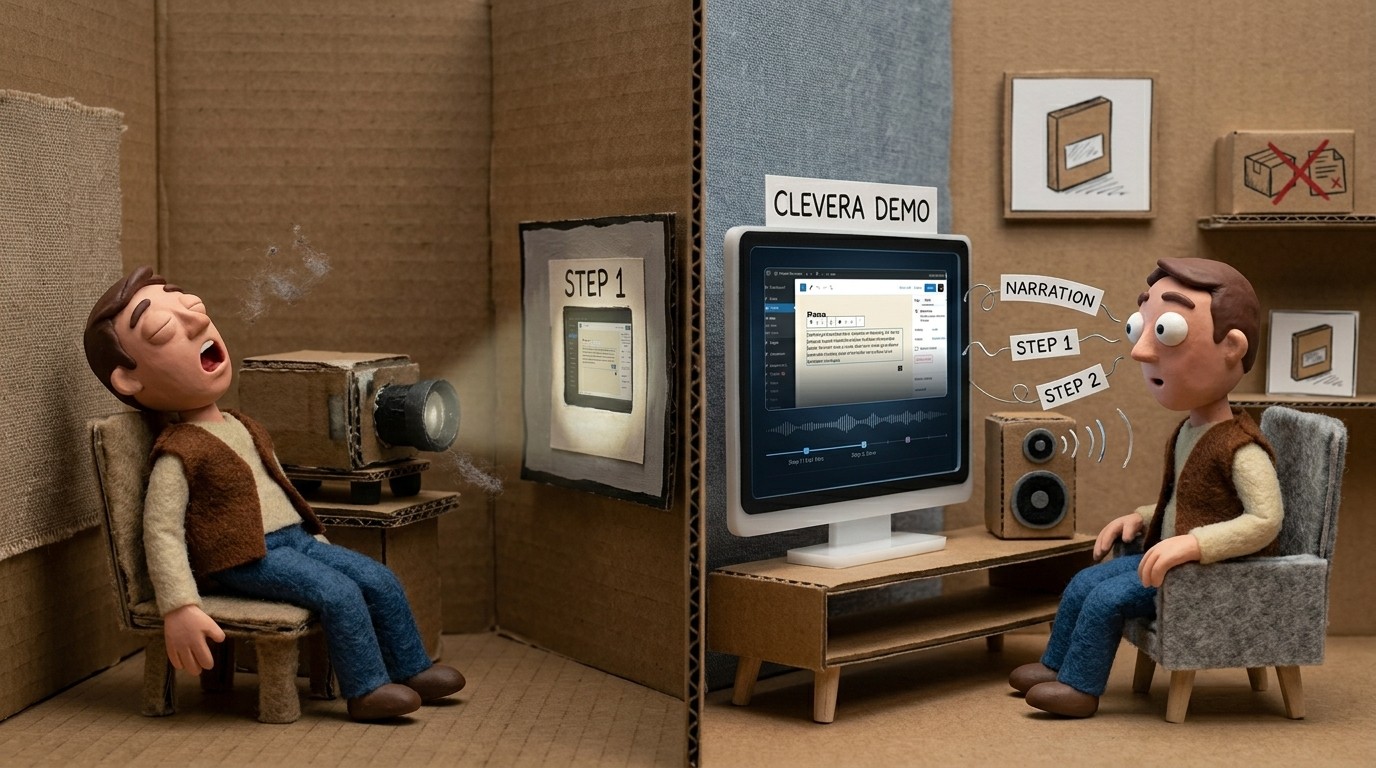
Slideshots lets you capture your product screens and turn them into a clean visual demo walkthrough. It's a solid tool for teams that need quick screenshot-based tours. But if your demo requirements have grown — you need narration, video, AI-generated scripts, or documentation alongside the demo — Slideshots starts to show its limits.
This list covers the best Slideshots alternatives for SaaS demos in 2026, with different tools suited to different use cases across video demos, interactive tours, and documentation.
What to look for in a Slideshots alternative
Before jumping to the list, it's worth being clear about why you're looking. Screenshot-based demo tools (like Slideshots) are fast to produce but passive: the viewer watches a series of screens, often without narration or contextual explanation. Depending on what you need the demo to do, that may or may not be enough.
The most common reasons teams look for alternatives:
You need a narrated video, not just a screenshot sequence
You want the AI to write the script rather than doing it yourself
You need both a video and a written guide from one recording
You need the demo to be interactive (clickable, self-guided)
You need to produce demos at scale across multiple features or markets
The tools below cover all of these use cases.
1. Clevera

Best for: narrated video demos and how-to articles from a single screen recording
Clevera goes further than any screenshot-based tool. You record your screen while working through the product, and Clevera's AI generates a complete narrated demo video automatically: voiceover script, AI narration, smart zoom on key interactions, and cleanup of any accidental clicks or dead time.
The core difference from Slideshots is active explanation. Where screenshot demos show a series of screens, Clevera produces a video where a natural-sounding voice explains what's happening and why at each step. The script is generated by AI from what it sees on screen — you don't write or record anything yourself.
From the same recording, Clevera also generates a structured how-to article with numbered steps, step titles, and screenshots selected automatically. So one screen recording produces both a polished video demo and written documentation.
Other details worth knowing:
Published videos are live embeds. Update the narration or visuals in Clevera, and the changes appear instantly everywhere the video is embedded (no re-exporting, no replacing links). Clevera calls this LiveSync.
Articles export as Markdown or HTML and publish directly to Notion, Confluence, Zendesk, Intercom, GitHub, Gitbook, Readme, and more
Videos and articles translate to 70+ languages with one click
Pricing starts at $29/month (annual)
Best for: Product teams, customer success, and documentation leads who need professional demo videos and written content without a production team.
See Clevera's AI product demo generator
2. Guidde
Best for: fast AI-narrated video walkthroughs
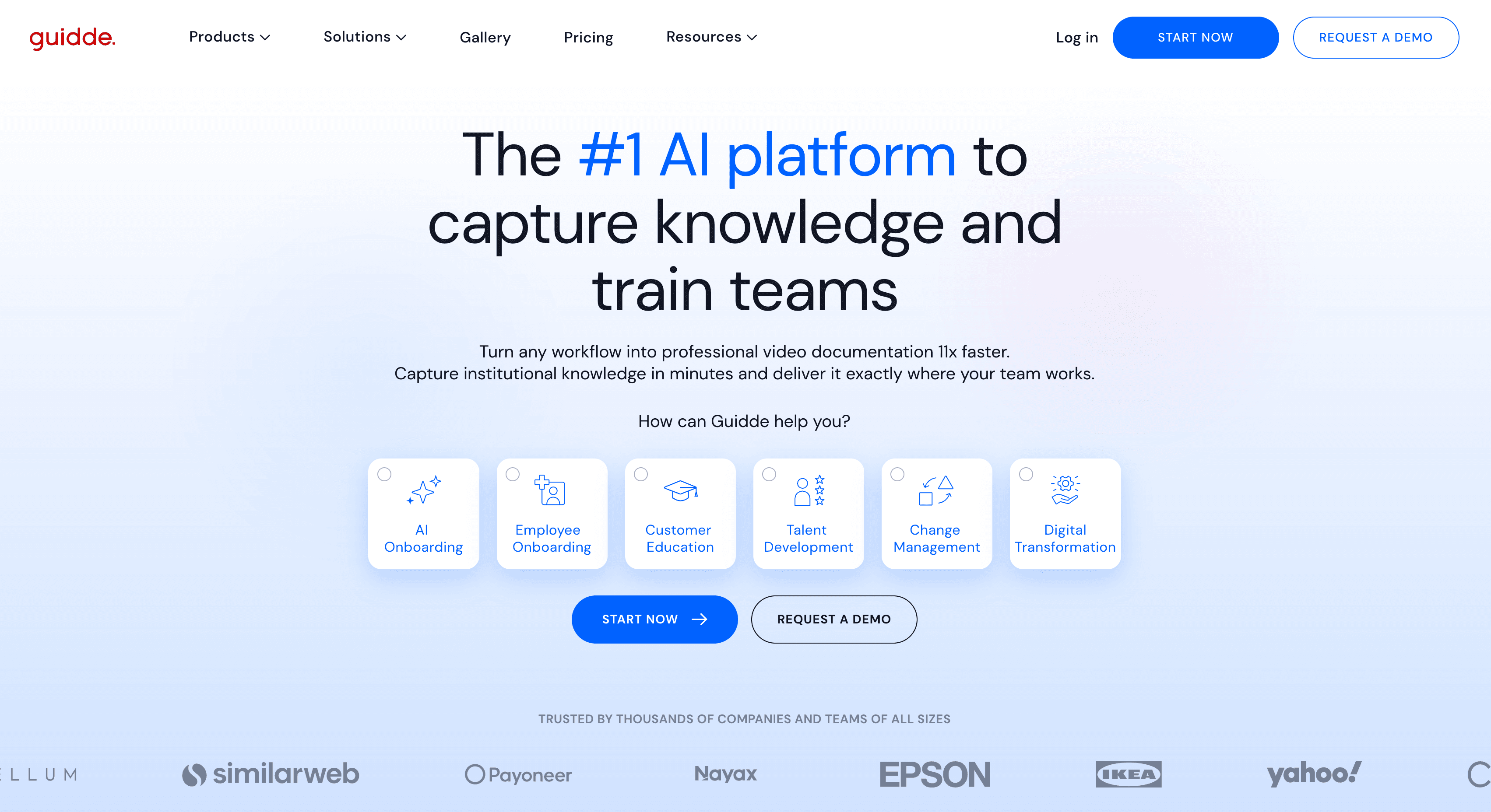
Guidde is a screen recording tool that generates AI voiceover and visual click indicators for each step automatically. The output is a short narrated video with step annotations — similar in concept to Clevera but lighter on contextual depth.
Guidde is fast to produce and doesn't require any writing. The AI-generated narration describes actions at a surface level rather than explaining their purpose within a workflow. For quick internal walkthroughs or basic feature demos, that's usually enough.
Guidde doesn't produce written documentation alongside the video. If you need both formats, you'll handle that separately.
Best for: Teams that need narrated video demos quickly and don't require deep contextual explanation or written docs.
3. Arcade
Best for: interactive, self-guided product tours
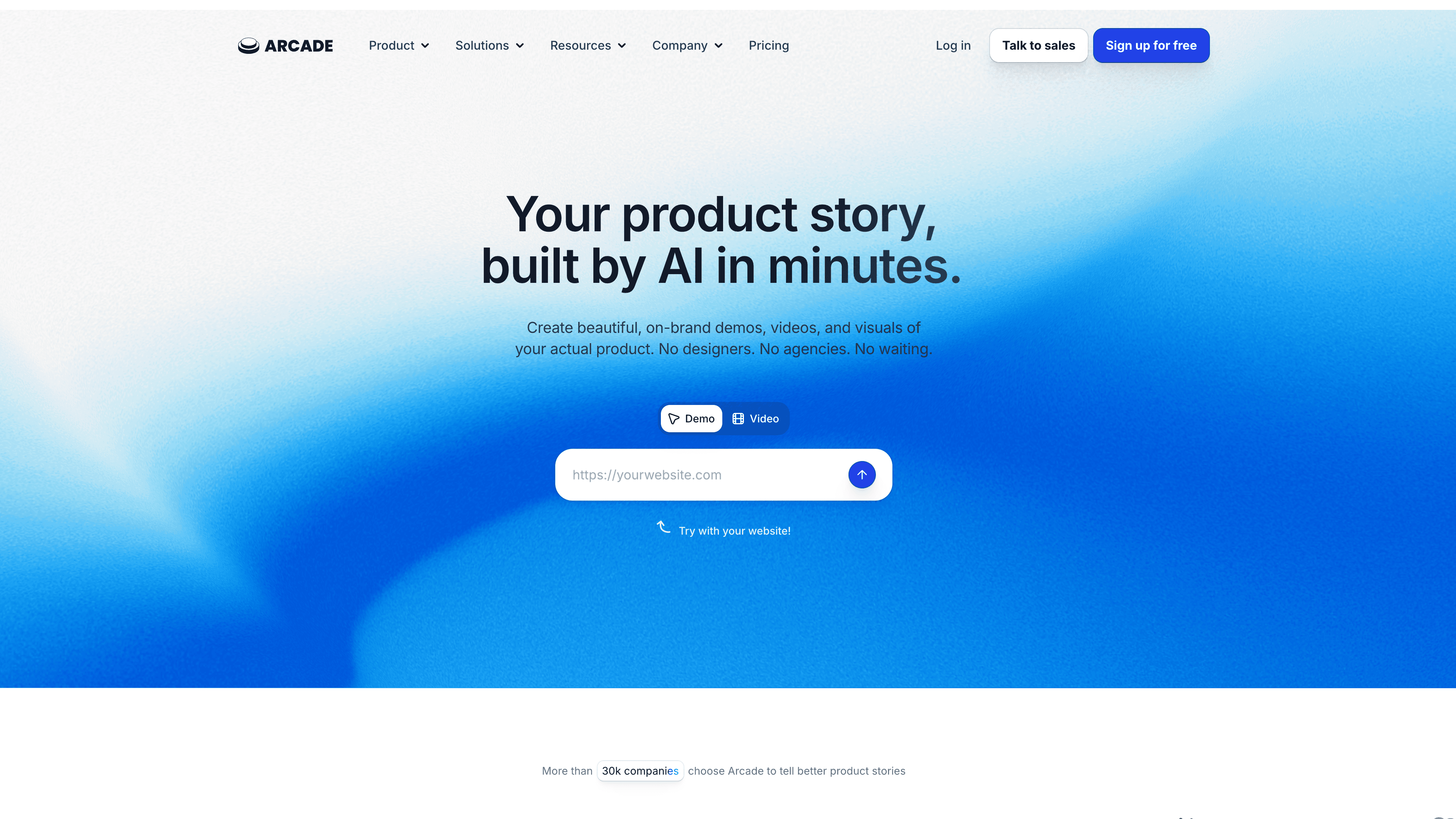
Arcade creates clickable HTML demos where users navigate the product experience themselves, rather than watching a video. The demos are built from screenshots with interactive hotspots and flow logic between screens.
This puts Arcade in a different category from Clevera or Guidde — it's about the user doing the clicking, not watching someone else do it. Interactive demos work well for marketing pages, PLG signup flows, and sales leave-behinds where you want the prospect to feel the product rather than watch a walkthrough.
Arcade doesn't generate narration or written documentation. The content work (copy, tooltips, flow labels) is yours to write.
Best for: Marketing and sales teams building interactive "try before you buy" experiences.
4. Storylane
Best for: interactive demos with personalization for sales
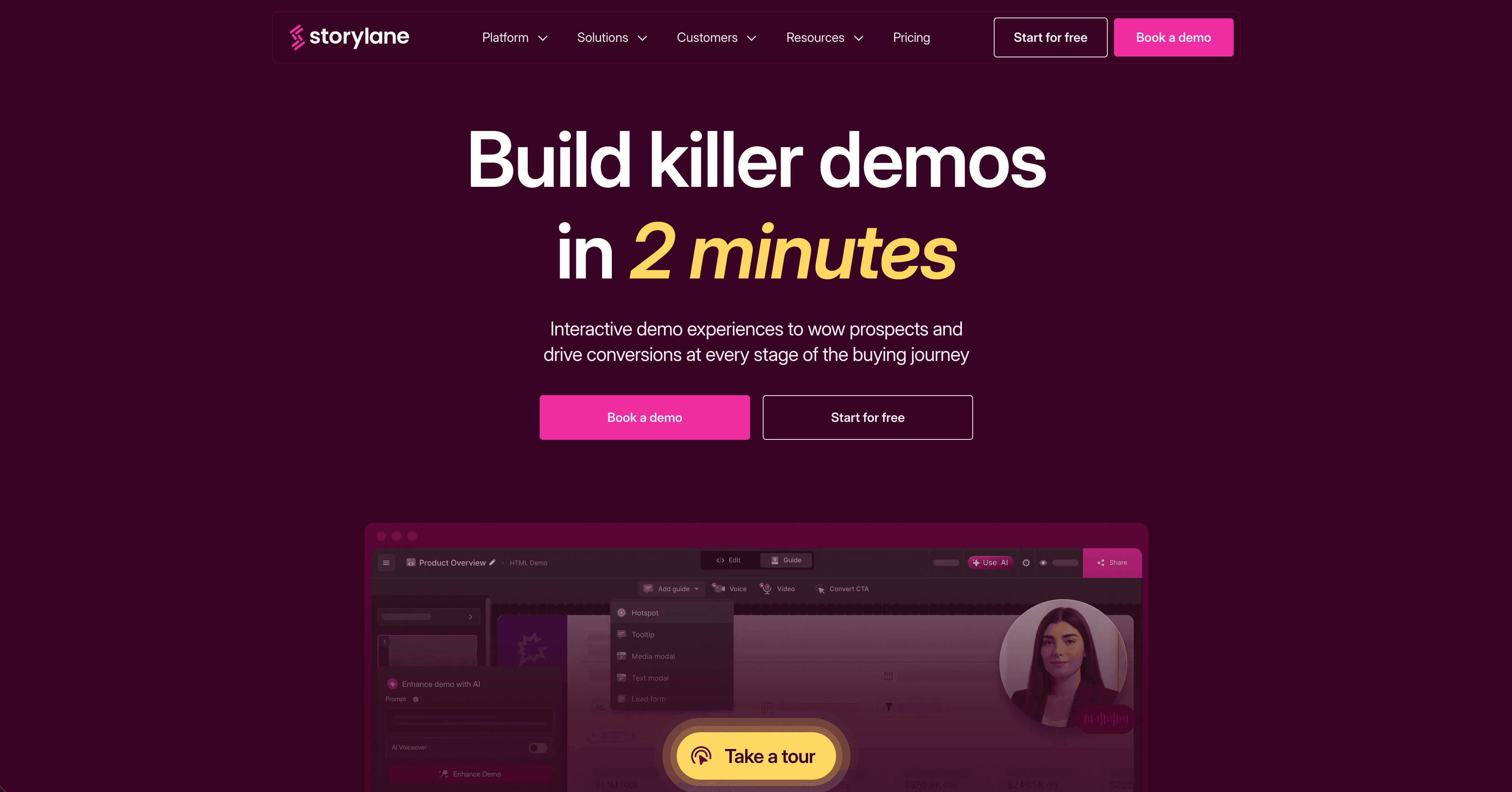
Storylane creates guided interactive product tours with richer personalization options than Arcade. Sales teams use it to build demos tailored to specific prospect segments, with custom branding and flow logic per use case.
The tool is more sales-focused than documentation-focused, and the setup requires more manual effort than AI-driven tools like Clevera. If personalization and interactivity are more important than automation, Storylane covers that well.
Best for: Enterprise sales teams building customized interactive demos per account or segment.
5. Scribe
Best for: automated text-based process guides from screen recordings
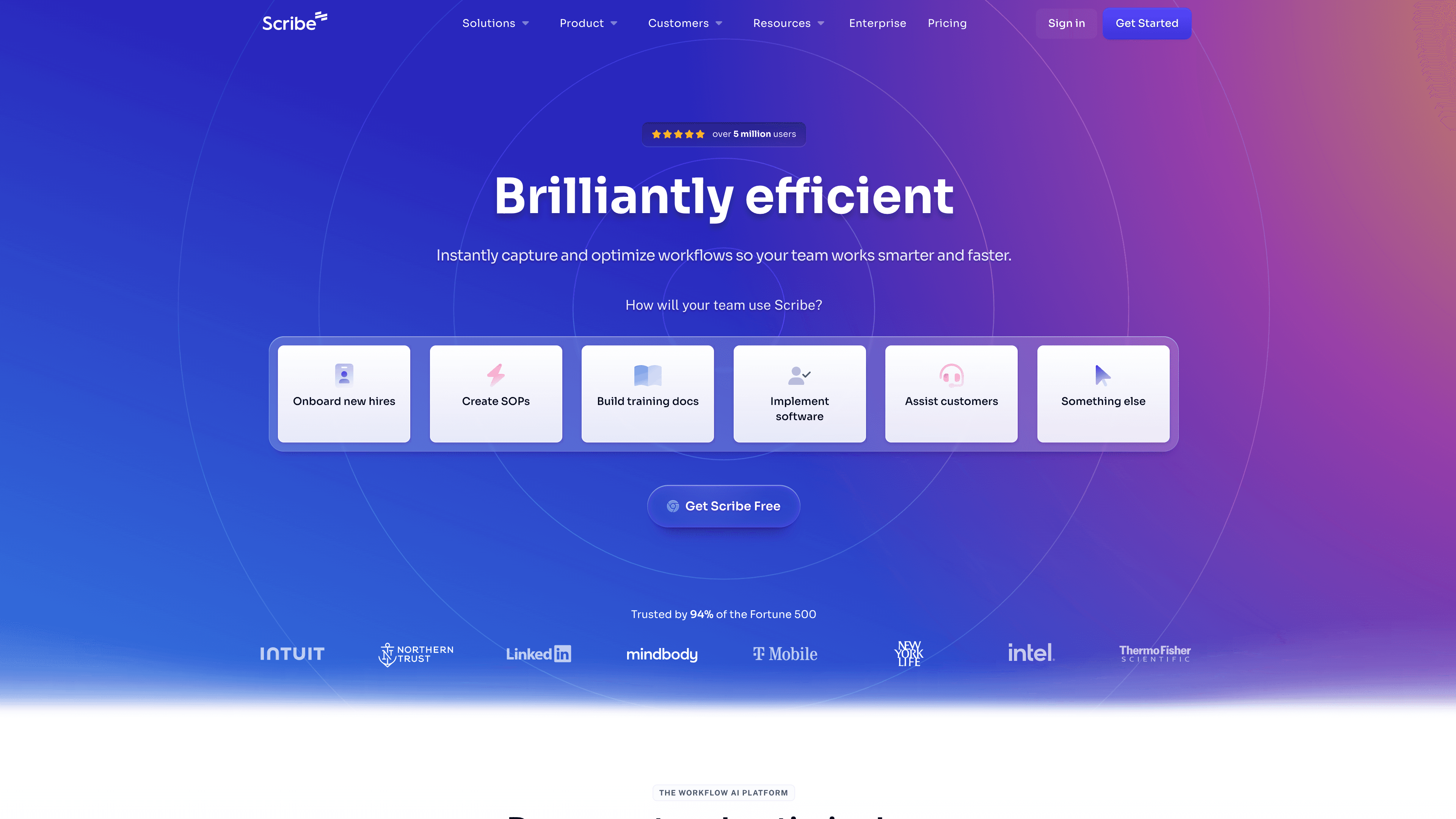
Scribe captures your screen actions and generates a step-by-step text guide with AI-written descriptions and screenshots. No video, no narration — just clean, structured written documentation.
Scribe is the closest thing on this list to a pure Slideshots alternative in terms of output format (steps + screenshots), but with AI-generated copy instead of manual labels. If you need narrated video alongside the guide, Scribe doesn't produce it.
Best for: Support and CS teams building text-based knowledge base content at scale.
How to choose
If you need... | Best option |
|---|---|
Narrated video + written article, automated | Clevera |
Fast narrated video only | Guidde |
Interactive clickable tour | Arcade or Storylane |
Text-only step-by-step guides | Scribe |
The right alternative depends on whether your primary deliverable is video, interactive, or written — and how much of the content work you want the AI to handle. If the answer is "all of it," Clevera is the place to start.