6 Scribe alternatives that go further with video and AI narration
Looking for Scribe or ScribeHow alternatives? These 6 tools add video output, AI narration, and multilingual support to take your documentation further.
 Roozbeh Firoozmand6 min read
Scribe (also known as ScribeHow) is one of the most popular tools for creating step-by-step guides from screen recordings. You click through a workflow, Scribe captures each action as an annotated screenshot, and you end up with a formatted guide you can share or embed.
It's fast and practical — but it only produces text and images. If you need Scribe alternatives that add video output, AI narration, or stronger translation support, the tools below are worth a close look.
Why teams look for Scribe alternatives
Scribe is genuinely good at what it does. Teams start looking for alternatives when:
- They need video walkthroughs alongside (or instead of) screenshot guides
- They want AI narration to explain steps, not just annotated images
- They need to translate content into multiple languages without rebuilding everything
- They want written docs and video to stay in sync as the product changes
- They need a tool that works for customer-facing help centers, not just internal wikis
If any of those describe your situation, the following tools offer more.
Scribe vs top alternatives: pricing at a glance
| Tool | Starting price (paid) | Free tier | Key differentiator vs Scribe |
|---|---|---|---|
| Scribe | Pro from ~$23/user/mo | Yes (limited) | Screenshot guides only; no video or AI narration |
| Clevera | From $29/mo | Trial / paid plans | Video + help article from one recording; 70+ languages; LiveSync |
| Tango | Pro from ~$16/user/mo | Yes | Similar screenshot guides; adds in-app overlays |
| Guidde | Pro from ~$16/user/mo | Yes | AI-narrated video; no paired help article |
| Loom | Business from ~$12.50/user/mo | Yes | Async video only; no auto-generated guides |
Verify current pricing on each vendor’s site before you buy — plans change often.
1. Clevera
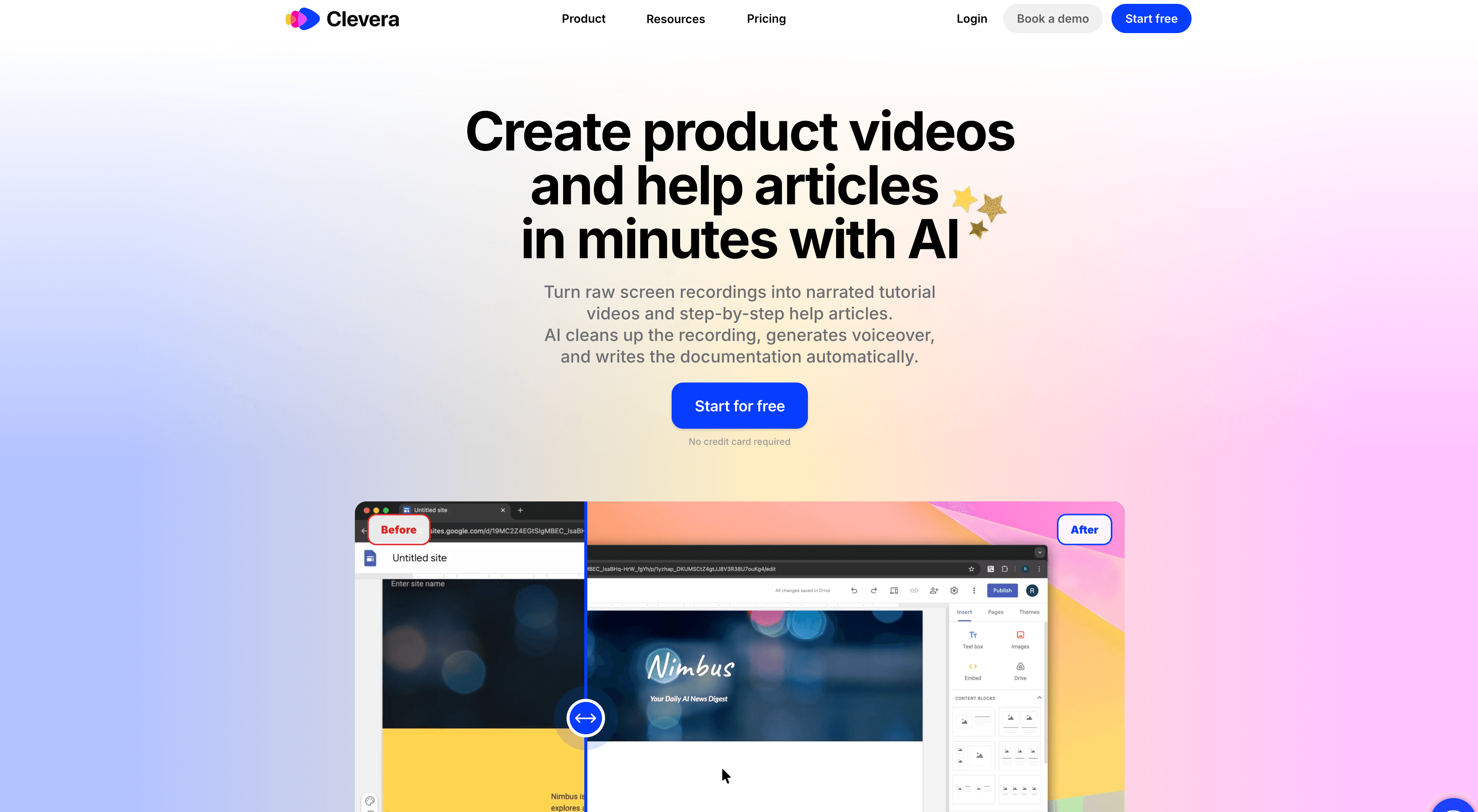
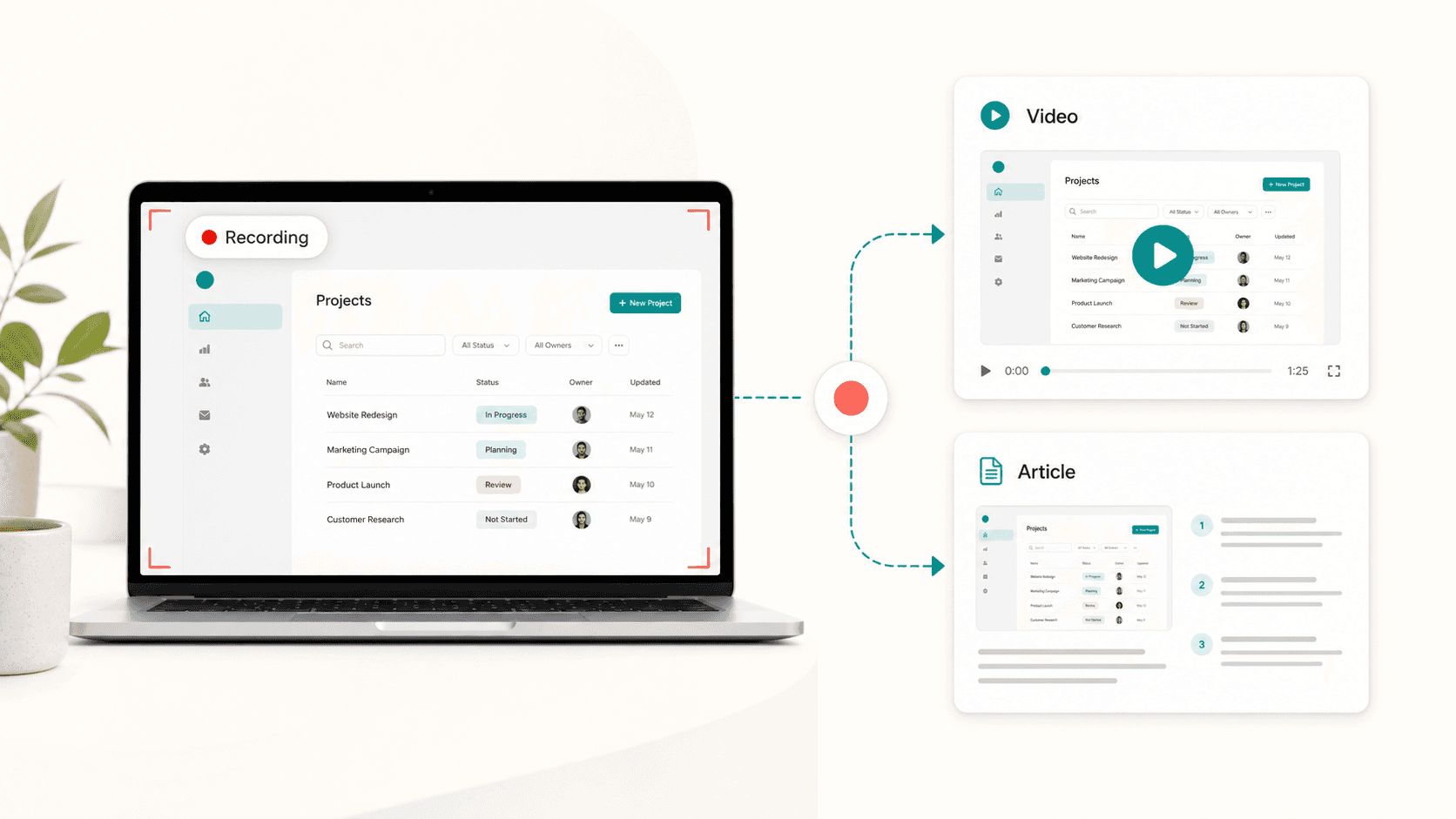
Clevera is the strongest Scribe alternative for teams who want both a narrated video tutorial and a written step-by-step guide from the same recording.
You record your screen — no live narration required — and Clevera generates 2 things simultaneously: a polished AI-narrated video walkthrough and a formatted help article. Both are editable, publishable, and ready for your help center.
What Clevera adds that Scribe doesn't:
- AI-narrated video output: Not just screenshots with callouts, but a full video tutorial with a natural-sounding AI voiceover that explains each step in context.
- Multiple outputs: one recording can become a video, a written article, a demo or a social clip. You get more documentation from less effort.
- LiveSync: Embed your tutorial anywhere and update it once — the update propagates to every embedded instance automatically. No stale content across your docs.
- 70+ language translation: Translate both the video narration and the help article in a single click. Scribe's translation support is limited in comparison.
- Smart zoom and cursor smoothing: Your recording is cleaned up automatically, with key UI interactions zoomed in on and jittery cursor movement removed.
Best for: Documentation teams, customer success, and support teams who need both video and written documentation from a single workflow — especially for global products.
Pricing: Starter $29/mo, Pro $99/mo, Business $59/mo (annual)
2. Tango
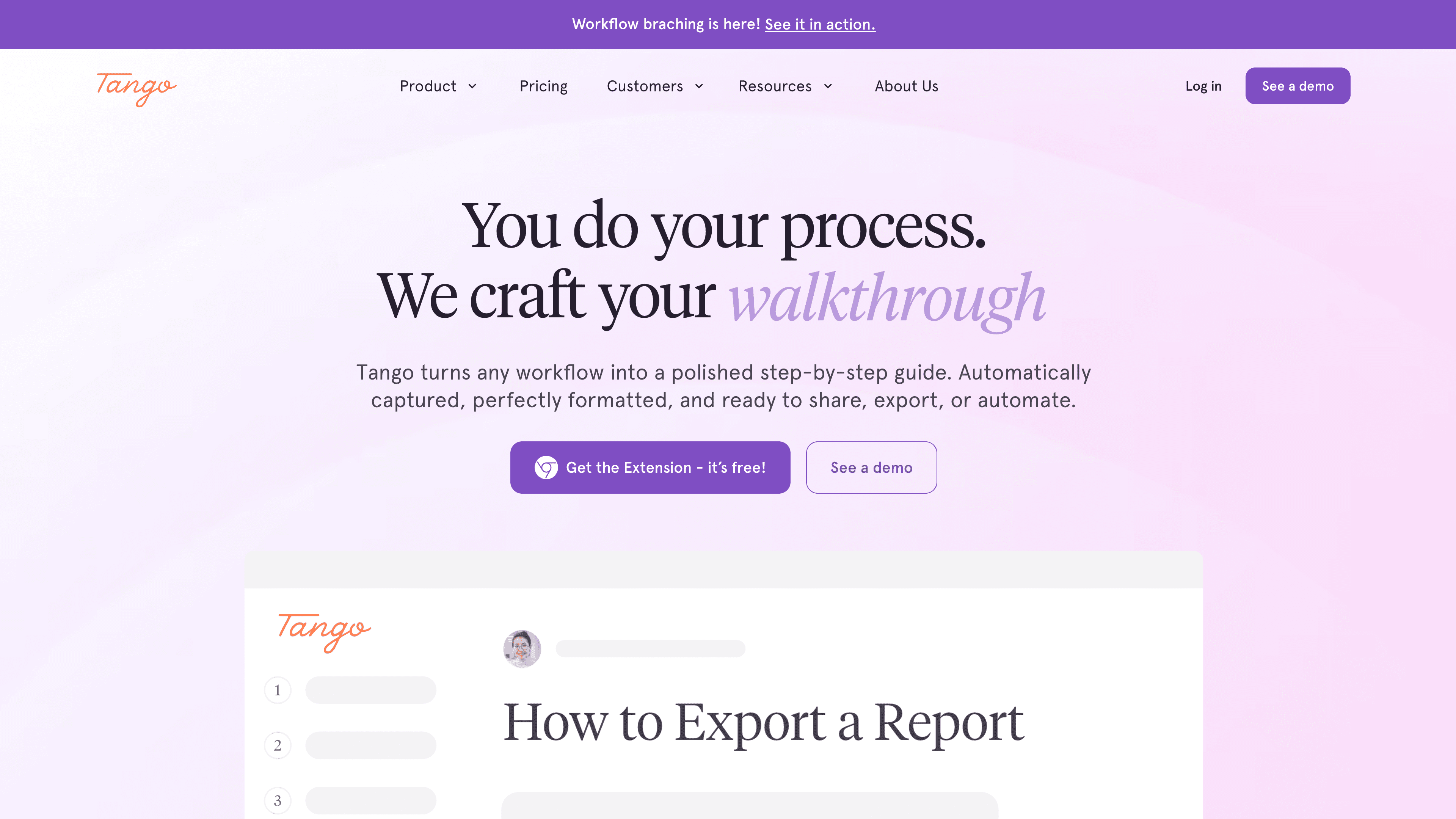
Tango works similarly to Scribe — it records your browser activity and generates annotated step-by-step guides with screenshots. Its differentiator is the in-product overlay feature: you can embed Tango walkthroughs directly inside a web app as an interactive guide.
Like Scribe, Tango is text and image focused. No video output, limited translation support. But the in-product overlay is genuinely useful for SaaS teams building in-app onboarding.
Best for: Web-based SaaS teams who want both shareable step-by-step guides and in-app interactive walkthroughs.
Pricing: Free plan; Pro from $16/user/month
3. Guidde
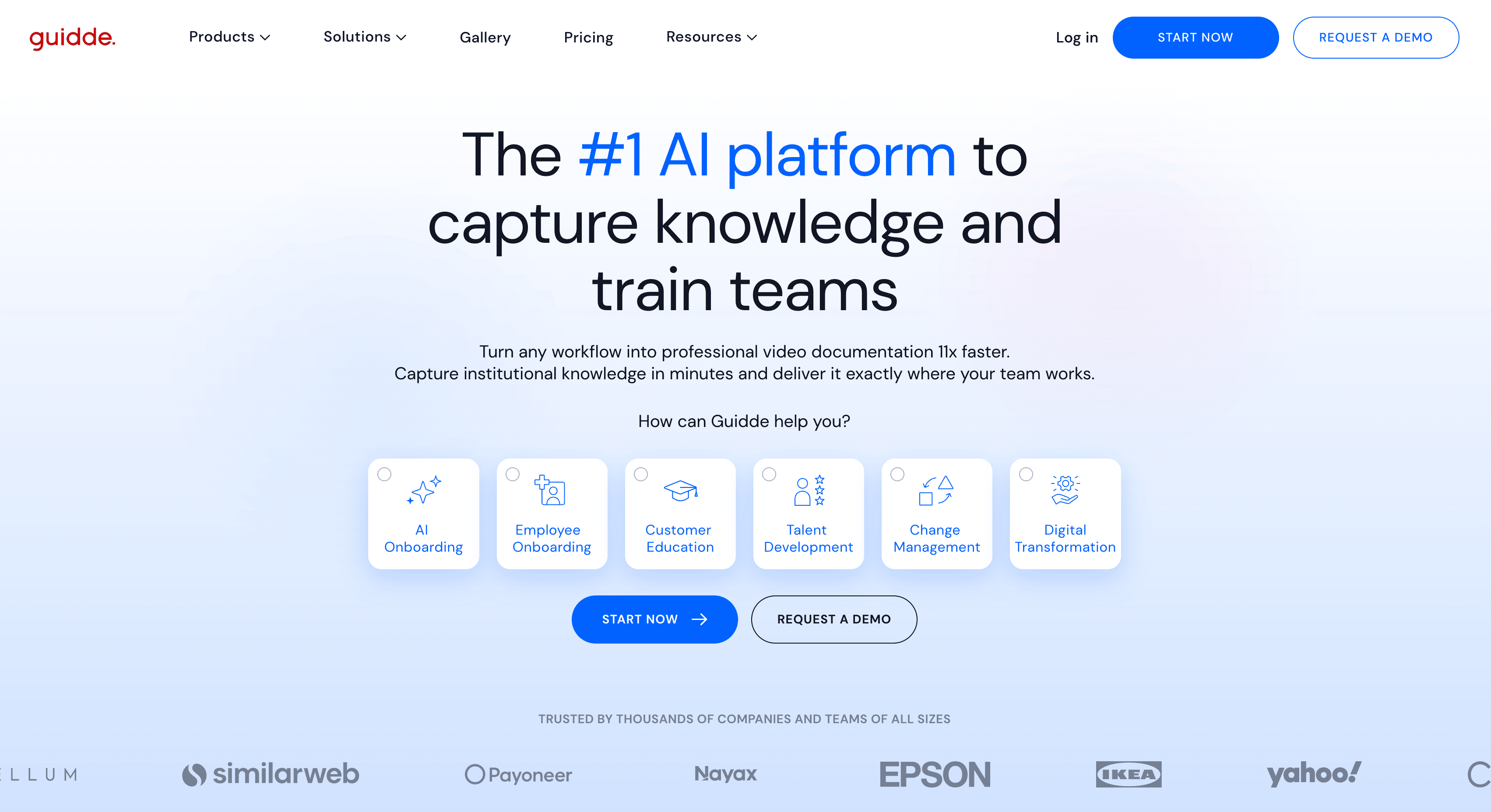
Guidde creates short video guides from screen recordings with AI narration — making it a closer Scribe alternative for teams that want video output. You record your screen, Guidde generates a narrated video with annotations, and you can share it via link or embed.
Guidde focuses primarily on video output and doesn't generate paired written documentation alongside the video. Translation support exists but is more limited than Clevera's.
Best for: Teams who want AI-narrated video guides and don't need paired help articles.
Pricing: Free plan; Pro from $16/user/month
4. Loom
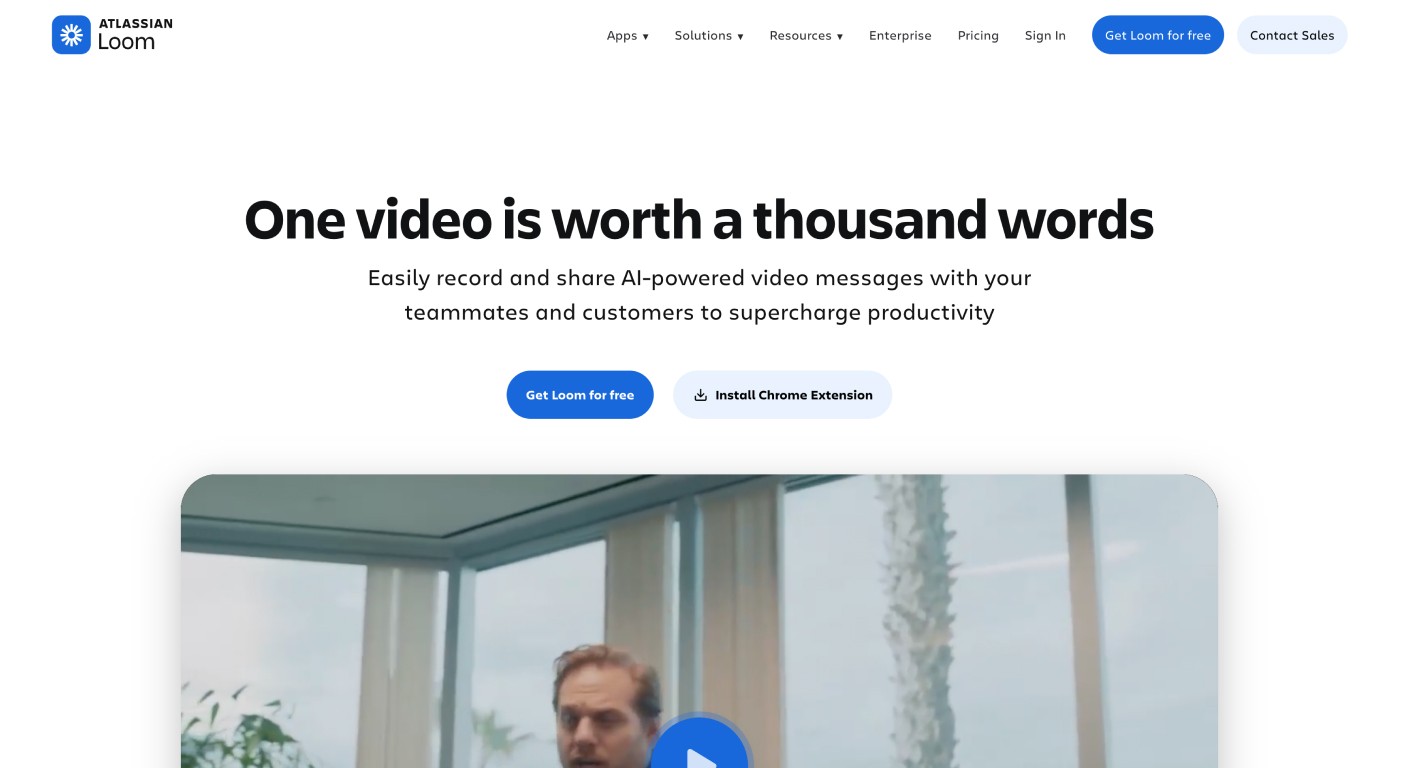
Loom is a screen and camera recorder with built-in video hosting. It's not a documentation tool — it doesn't generate guides, annotate screenshots, or produce written articles. But it's widely used as a Scribe alternative by teams who want to explain something via video rather than a screenshot sequence.
Where Loom fits: quick walkthroughs, async team communication, and informal demos. Where it doesn't: structured documentation, searchable help centers, or content that needs to stay up to date.
Best for: Informal async video sharing — walkthroughs, demos, and team updates.
Pricing: Free plan; Business from $12.50/user/month
5. Clueso
Clueso converts screen recordings into narrated tutorial videos using AI. It's positioned similarly to Guidde — video output with AI voiceover, no paired written documentation.
Clueso has a cleaner editing interface than some competitors and produces polished video output quickly. If video is your primary deliverable and you're not looking for written documentation, it's a solid option.
Best for: Teams building video tutorial libraries who don't need written guides alongside videos.
Pricing: From $39/month
6. Document360
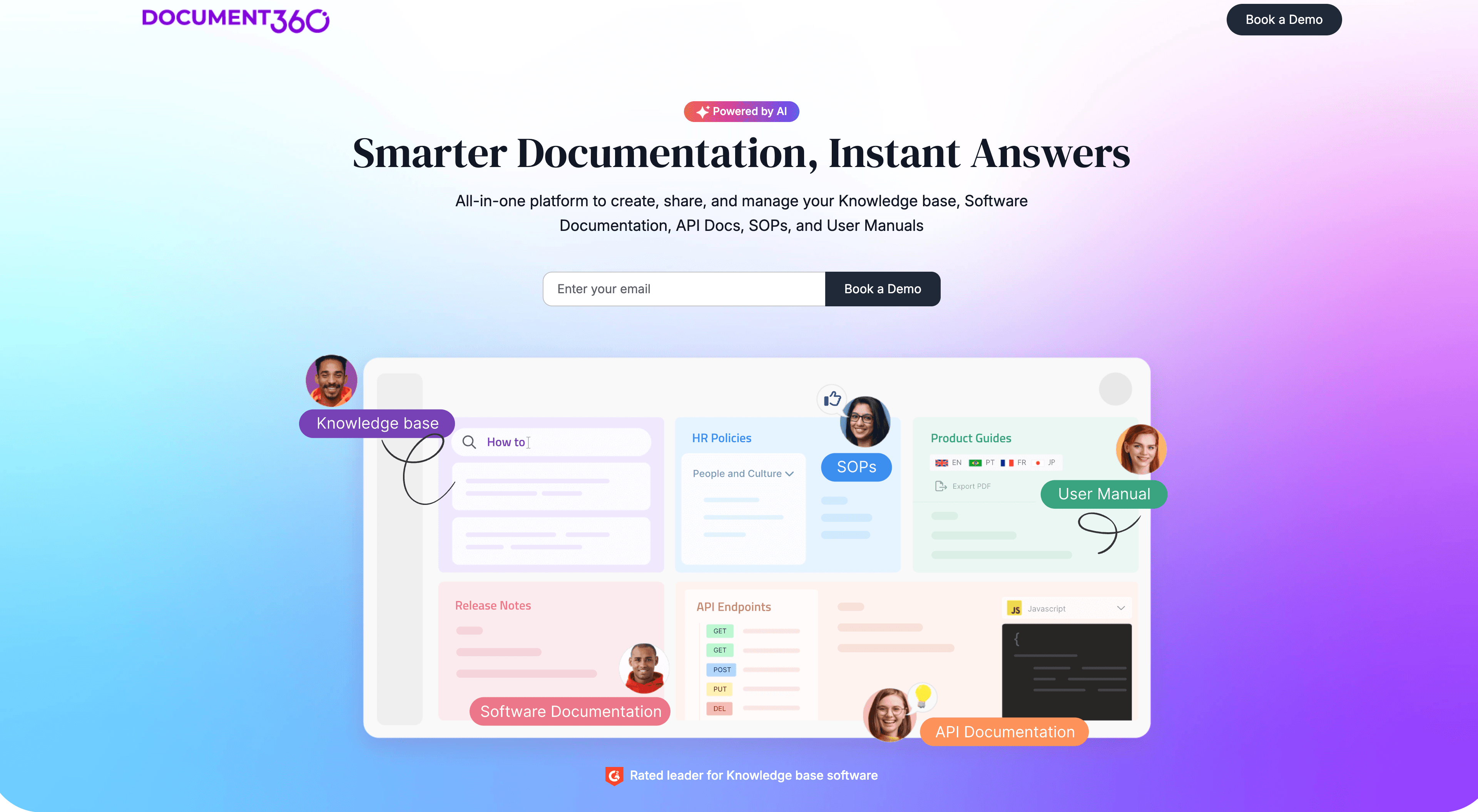
Document360 is a knowledge base platform rather than a documentation capture tool. It doesn't auto-generate guides from screen recordings the way Scribe does — you write content in its editor, or import it from other sources.
It comes up alongside Scribe because both are used to build and host help documentation. If your gap isn't content creation but content organization and publishing — a better structure, search, multilingual support, analytics — Document360 is worth evaluating.
Best for: Teams who need a structured knowledge base platform with strong content management and multilingual support.
Pricing: Startup from $149/month
How these tools compare to Scribe
| Tool | Screenshot guides | Video output | AI narration | Help articles | Translation | In-app overlays |
|---|---|---|---|---|---|---|
| Clevera | Yes | Yes | Yes | Yes | 70+ languages | No |
| Scribe | Yes | No | No | No | Limited | No |
| Tango | Yes | No | No | No | No | Yes |
| Guidde | No | Yes | Yes | No | Limited | No |
| Loom | No | Yes | No | No | No | No |
| Clueso | No | Yes | Yes | No | Limited | No |
| Document360 | No | No | No | Yes | Yes | No |
Which Scribe alternative is right for you?
If you want to keep screenshot guides but add video alongside them: Clevera gives you both from one recording. It's the most complete replacement for Scribe if you want to level up your documentation without switching your entire workflow.
If you want video output only: Guidde or Clueso. Both produce AI-narrated video tutorials from screen recordings without requiring live narration.
If you want in-app interactive overlays in addition to guides: Tango. It's the most direct Scribe competitor with an overlay feature added.
If your problem is organizing and publishing docs, not creating them: Document360 is the better fit.
For most SaaS teams whose Scribe frustration is "we need video and our docs need to work in multiple languages," Clevera is the upgrade that addresses both at once.
FAQ
Is Scribe free? Yes, Scribe offers a free plan with limits on how many guides you can create and which features you can use. Paid Pro plans unlock more guides, branding, and team features. For customer-facing video tutorials with AI narration, you will usually need a different tool or a paid tier on a video-capable alternative.
What's the best Scribe alternative for video tutorials? For narrated video tutorials (not screenshot-only guides), Clevera, Guidde, and Clueso are the most common Scribe alternatives. Clevera is the strongest fit when you also want a written help article, translation, and embedded content that stays up to date via LiveSync. Guidde and Clueso work well when video alone is enough.