What is an AI user manual generator (and how to pick the right one)
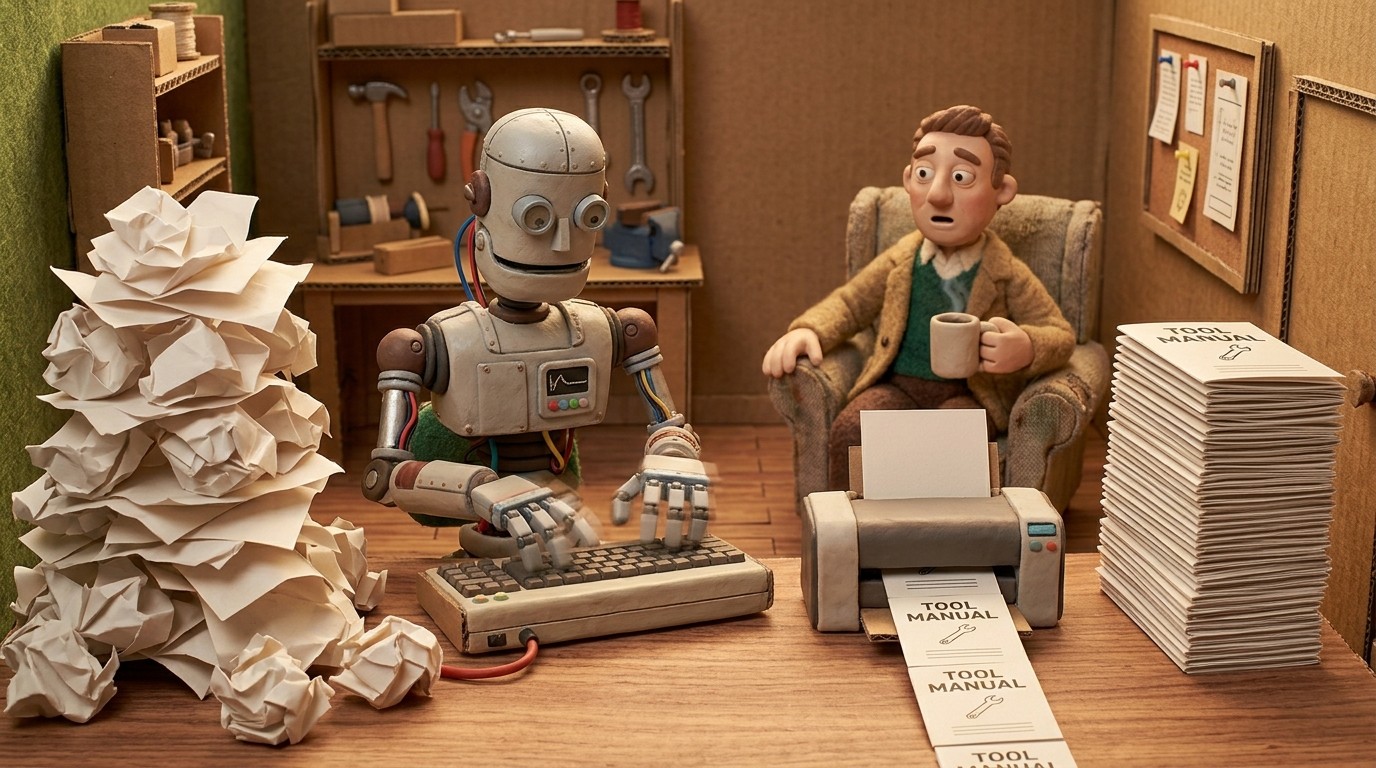
Most user manuals take too long to write, go out of date too fast, and live in a folder nobody reads. An AI user manual generator fixes the first two problems by automating the creation process, and the best ones fix the third by producing content that's actually worth reading.
Here's what you need to know about how these tools work and what separates a good one from a basic one.
How an AI user manual generator works
The core mechanic is the same across most tools: you record your screen while performing a task, and the AI watches what you do and generates documentation from it.
What the AI does varies significantly by tool:
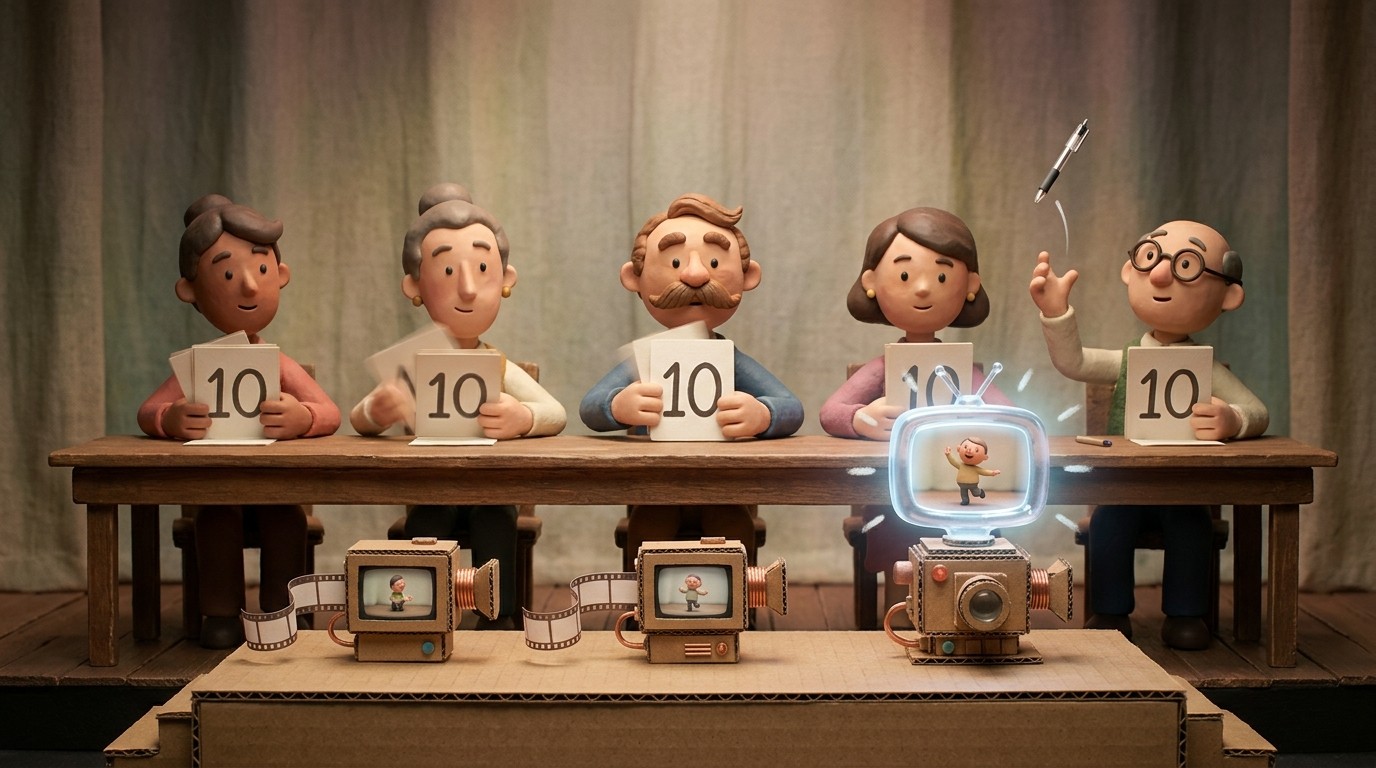
Basic tools capture your clicks, take screenshots at each step, and arrange them into a numbered list with auto-generated labels. You get a rough guide fast, but the output is often shallow, and you'll spend time editing before it's publishable.
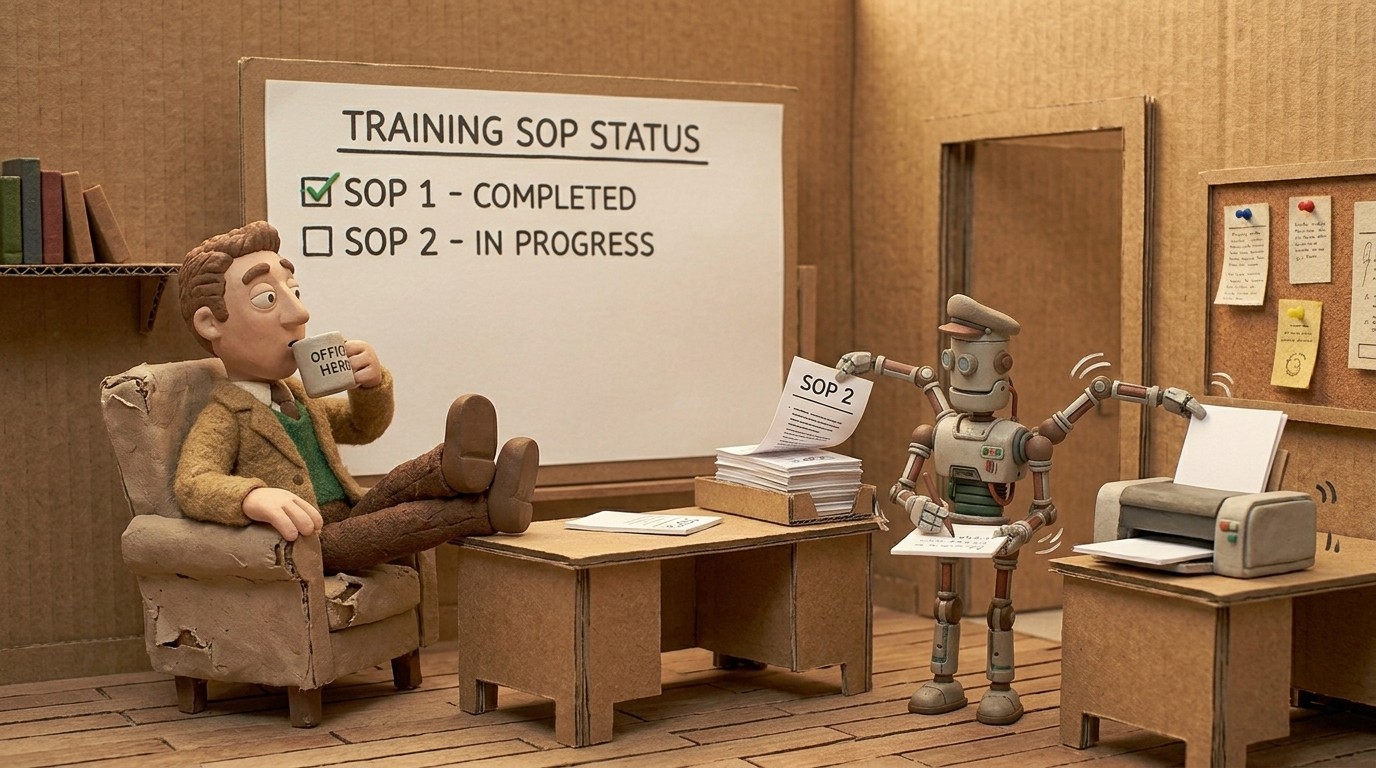
More advanced tools like Clevera go further. They analyze the full context of your screen activity, write a detailed voiceover script based on what's happening on screen (not just what you clicked), generate AI narration, produce a polished tutorial video alongside the written article, and embed relevant screenshots with proper captions.
The difference in output quality between these two approaches is significant. One gives you a first draft that needs work. The other gives you something close to publish-ready.
What a good AI user manual generator should produce
When you evaluate these tools, look at the actual output, not the feature list. A strong AI user manual generator should produce:
Structured written articles: headers, numbered steps, relevant screenshots with captions, and proper formatting for the target platform. Not just a dump of screenshots with one-line labels.
Narrated video walkthroughs: written documentation answers "what do I do?" but a video showing it in real time answers "am I doing this right?" Both matter. Tools that produce only one of the two leave a gap.
Publishable quality without heavy editing: if you're spending 30 minutes cleaning up every document the AI generates, the tool isn't saving you much time. Look for output that needs minimal post-processing.
Export to your stack: your documentation needs to live somewhere your users can find it. The generator should publish directly to the platforms you already use, not require manual copy-paste every time.
What Clevera does differently
Clevera is a Mac and Windows app that records your screen as you work and automatically generates both a narrated tutorial video and a step-by-step help article from that single recording.
A few things that set it apart from simpler AI user manual generators:
No narration required during recording: You don't have to speak while you record. Clevera's AI writes the voiceover by analyzing what's happening on screen, then narrates it. This matters because most people aren't comfortable narrating, and the ones who are still benefit from not having to script it.
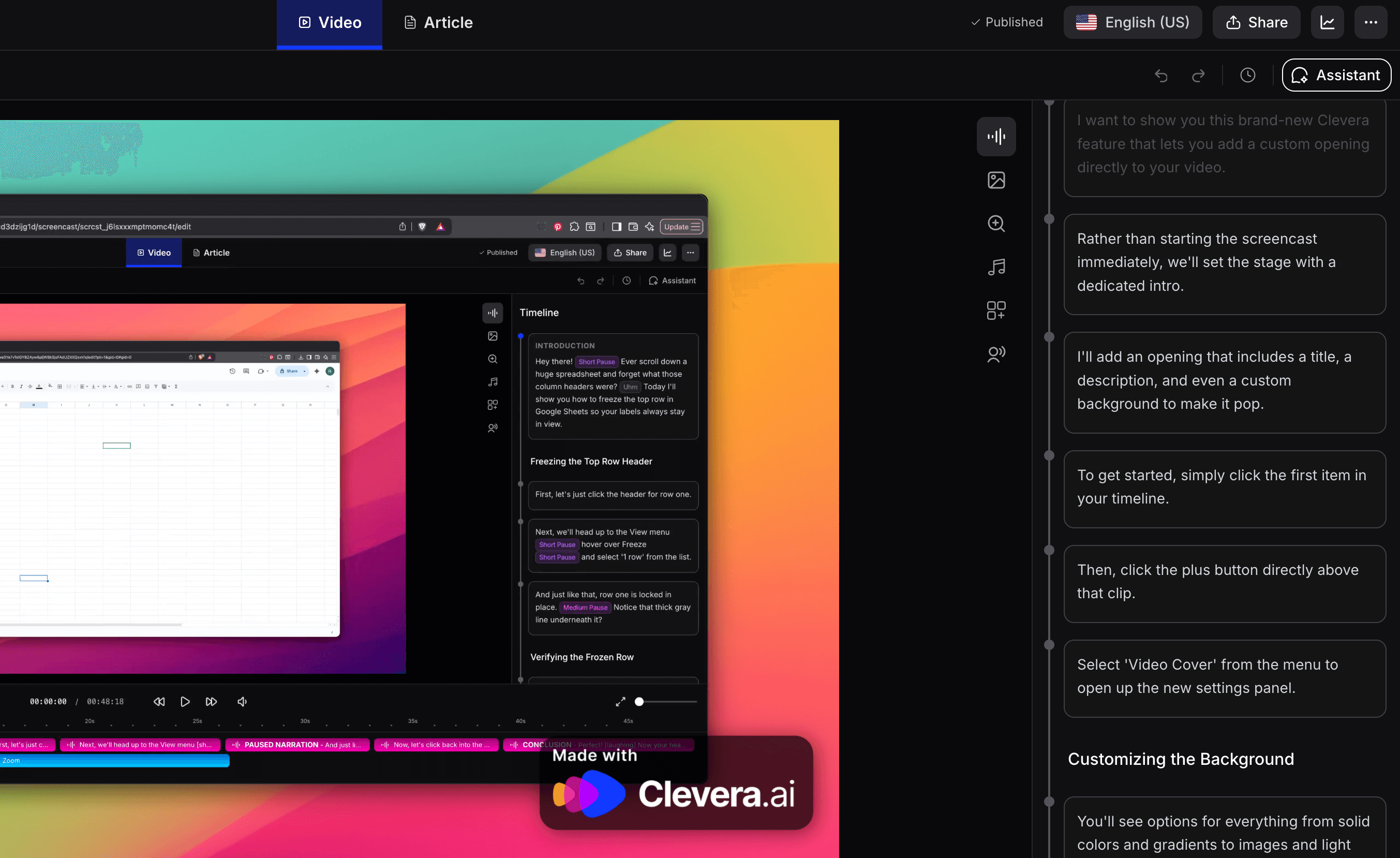
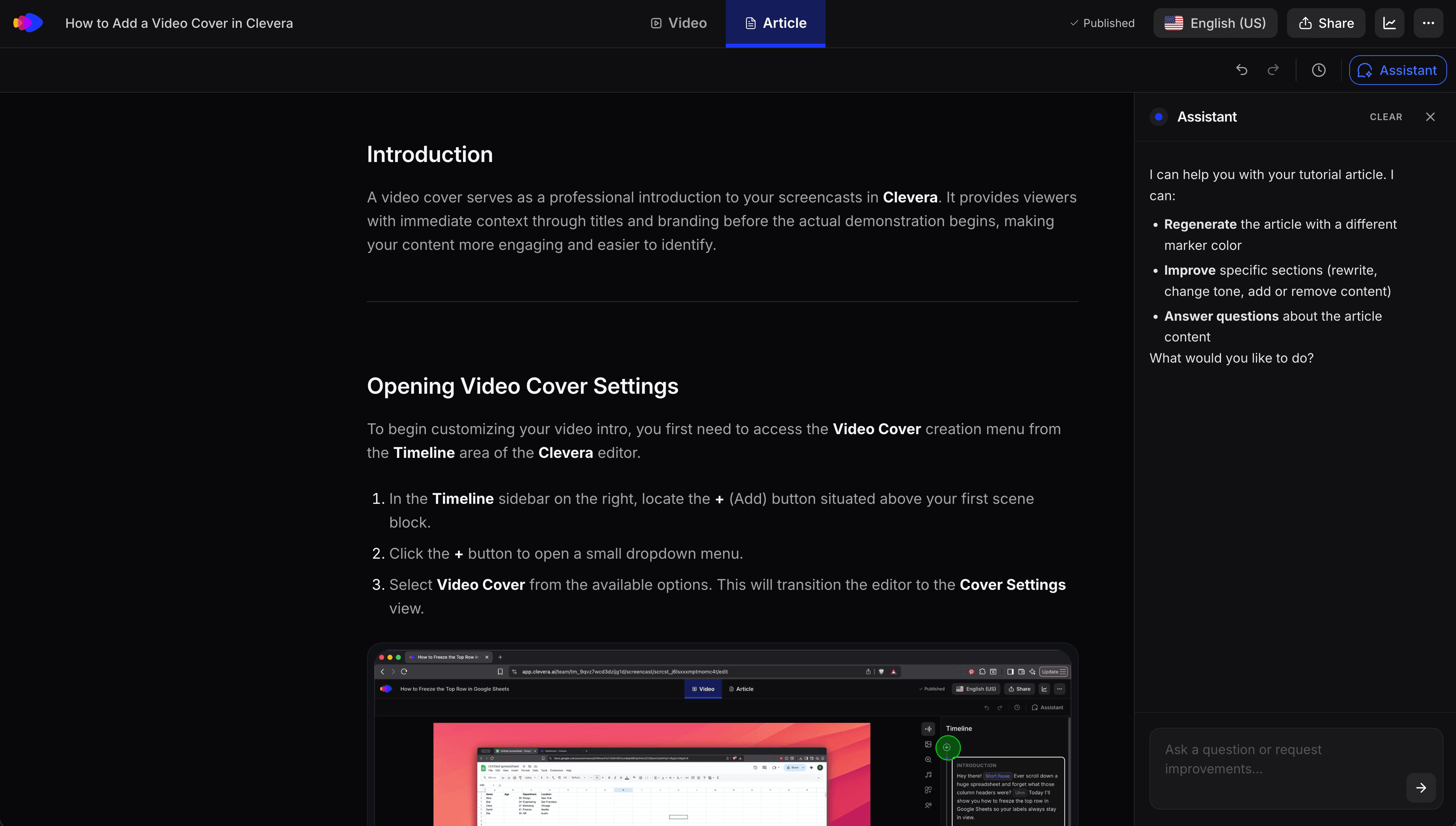
Article quality: The article output is context-rich, not a bare screenshot list. Clevera's AI uses multiple review agents to make sure the content is accurate, well-structured, and publication-ready. You can refine it further in a Notion-like editor, but most articles are close to done when they're first generated.
LiveSync: Once you publish a video from Clevera, any edits you make, voiceover rewrites, style changes, added callouts, update instantly across every embed. No re-exporting, no replacing files. This is particularly valuable for user manuals that need to stay current as your product evolves.
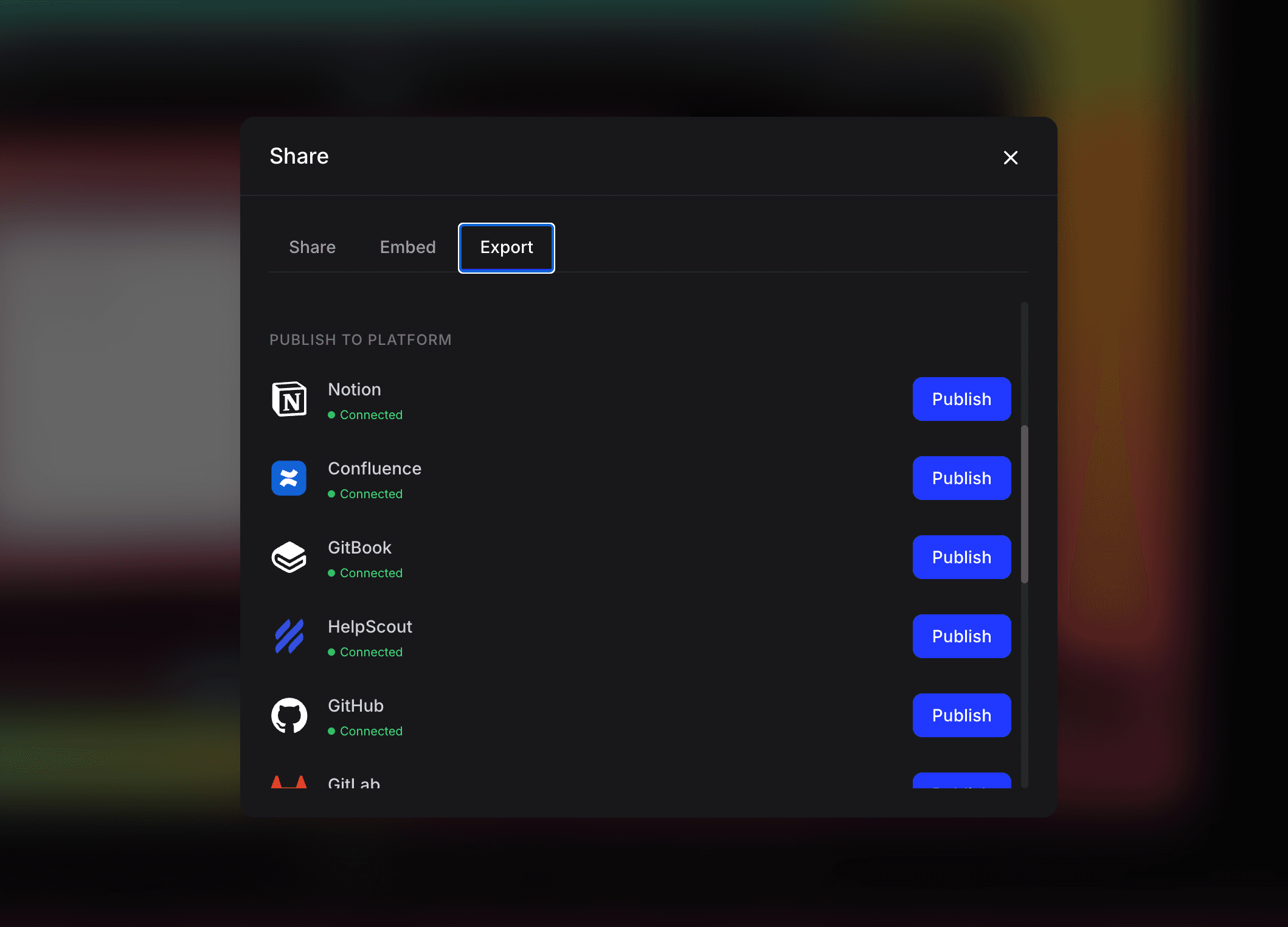
Direct publishing: Export your article directly to Notion, Confluence, Zendesk, GitHub, HelpScout, Gitbook, Intercom, ClickUp, and more. The video embeds as an HTML block at the top, with the written article underneath.
Who should use an AI user manual generator
Product teams that ship fast and need documentation to keep up. Manually writing user manuals after every release doesn't scale. AI generation makes it fast enough to stay current.
Customer success and support teams that want to deflect tickets with self-serve content. A library of well-produced how-to videos and articles reduces the load on your support team significantly.
Onboarding teams that need to explain the same workflows repeatedly. Record once, and every new user gets the same polished walkthrough.
Anyone who's been putting off documentation because it takes too long. If the reason you don't have complete product docs is time, an AI user manual generator removes most of that barrier.
Common questions about AI user manual generators
Does the AI get the voiceover right without me narrating?
For most workflows, yes. The AI watches your screen context, understands the application you're in, and generates a script that explains the steps in natural language. You can always edit the script and regenerate the voiceover in seconds if it needs adjusting.
What happens when my product UI changes?
You'll need to re-record the affected flow. AI user manual generators can't detect UI changes and update existing recordings automatically. But because creation is automated, re-recording and publishing an updated manual takes minutes rather than hours.
Can multiple people on my team use it?
Yes. One of the practical benefits is that anyone who knows the product can produce documentation at a consistent quality level. You don't need a dedicated technical writer or video editor.
How long does generation take?
With Clevera, the video and article are generated in the cloud after you finish recording. Processing time varies by recording length, but most short how-to recordings are done in a few minutes.
The right question to ask
Before picking an AI user manual generator, ask: what does the output actually look like when it comes out? Most tools are easy to demo. Ask to see a finished article and video before you commit. That tells you more than any feature list.