AI product tour software: what it is and whether you need it
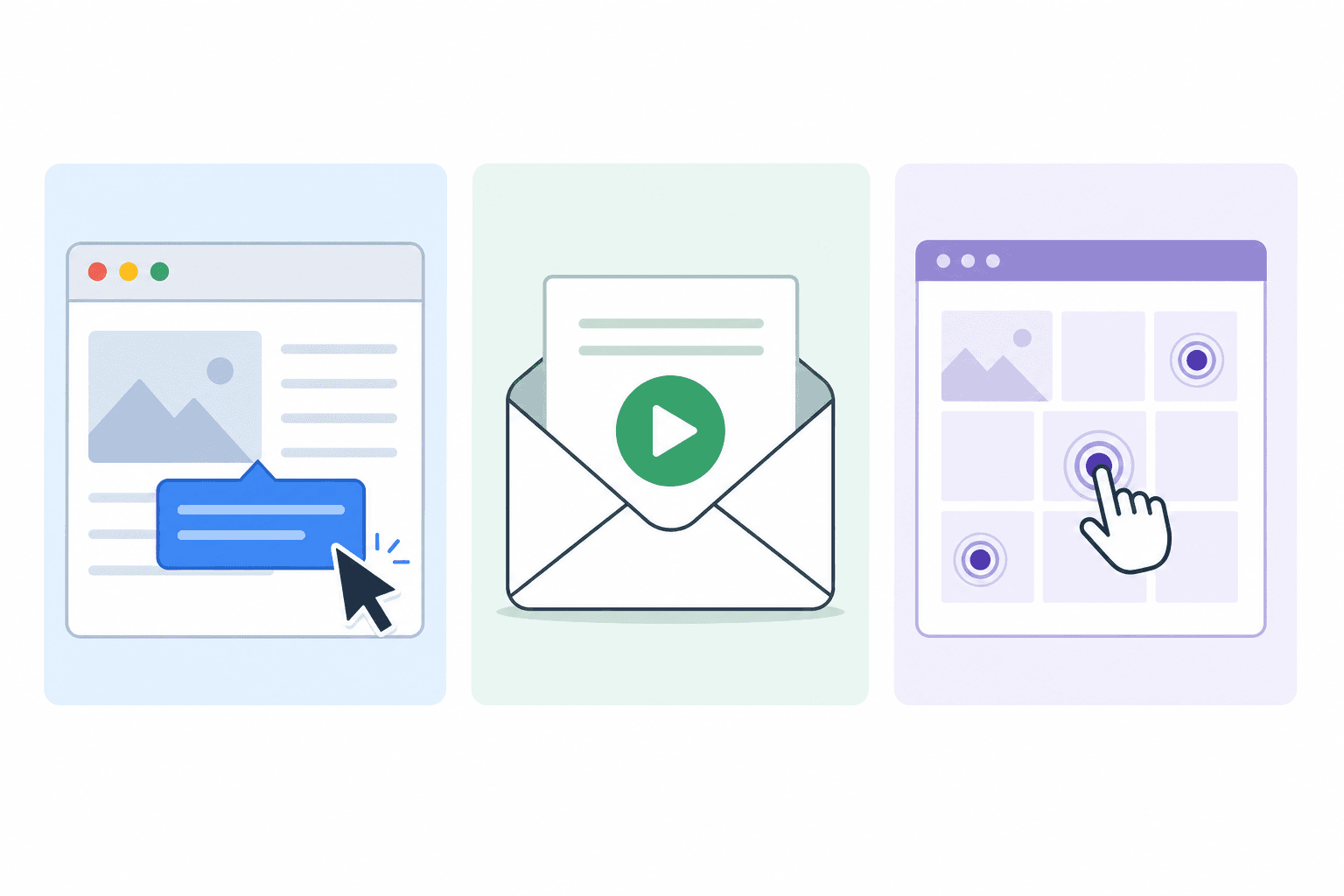
"Product tour" means different things to different teams. Sometimes it's the in-app checklist that walks a new user through their first steps. Sometimes it's a video walkthrough sent in a welcome email. Sometimes it's an interactive demo on a landing page.
AI product tour software is starting to blur these categories, which makes it worth being precise about what each type actually does, and which one solves your specific problem.
What a product tour is (and the three main formats)
In-app guided tours are overlays inside your live product. Tooltips, modals, and highlighted UI elements guide a user through their first session. Tools like Appcues, Userflow, and Pendo build this type of experience. They're interactive and context-aware, but they require a no-code or low-code setup and ongoing maintenance as the product UI changes.
Interactive demo tours are clickable replicas of your product, usually deployed on a landing page or shared in a sales email. Tools like Arcade and Navattic build these. The user clicks through a guided experience without needing access to the real product.
Video-based product tours are narrated walkthrough videos that show the product in action. Clevera creates these. You record your screen, and the AI generates the narration, scripts, and structure. The viewer watches a guided experience and also gets a written step-by-step guide.
Each format has a specific use case. The right question isn't "which is best" but "which serves my current need."
Where AI comes into product tour software
AI changes what's possible in each format:
In-app tour tools with AI can now analyze user behavior and suggest when to show a tooltip or trigger a guided flow. They can personalize the tour based on the user's role or past actions.
Interactive demo tools with AI can auto-generate clickable demos from screen captures faster than manual builds, and some now write the tooltip text automatically.
Video-based tour tools with AI (like Clevera) generate the narration script, produce the voiceover, sync audio to video, and create the written companion article, all from a single screen recording. No script writing. No manual narration.
For SaaS teams that don't have dedicated product tour specialists, the AI assistance in video-based tours is the most accessible. You record your screen. The rest is automated.
How Clevera creates AI-powered product tour videos
Here's what the workflow looks like:
You open the Clevera desktop app on Mac or Windows and record your screen while walking through the product feature or flow you want to tour. You perform the process as you normally would.
After recording, Clevera's AI:
Removes accidental clicks and dead pauses
Analyzes each action in context
Generates a narration script that explains each step naturally
Produces a professional voiceover using your selected AI voice
Syncs the audio precisely to the video timeline
Applies smart zoom to highlight key UI interactions
Generates a step-by-step written article from the same recording
You review the output in Clevera's timeline editor, make any adjustments, and publish. The narrated video can be embedded in your onboarding emails, help center, or shared as a direct link. The written article publishes alongside it.
For international products, Clevera translates both the video and article into 70+ languages with one click, which means your product tour reaches your entire user base without a separate localization project.
AI product tour software vs. guided product tour tools
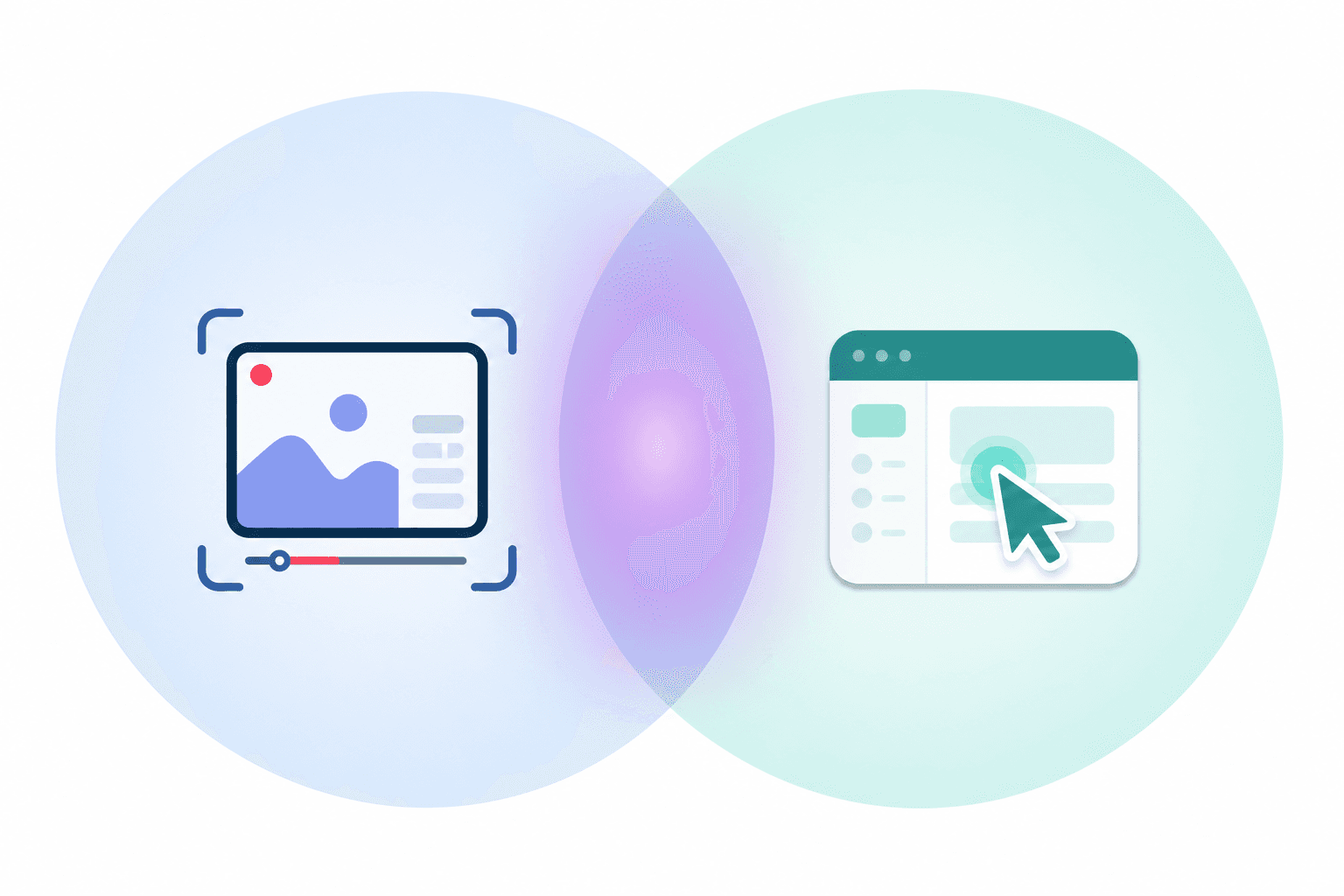
The core difference: guided product tour tools (Appcues, Pendo) live inside your product and require your users to have an account. Video-based product tours (Clevera) live outside your product and can be shared with anyone.
This makes them complementary, not competing:
Use in-app tour tools for new users who've already signed up and need guided first-session help
Use video-based tour tools to show the product to prospects before they sign up, educate users who learn from watching, and support customers who need help outside a live session
Many SaaS teams use both. The video tour creates expectations before signup. The in-app tour delivers on those expectations after.
What to look for in AI product tour software
For video-based tours: AI narration quality, ease of script editing, LiveSync for keeping tours current, multi-language support, and publishing integrations.
For interactive demo tours: Demo creation speed, analytics, CRM integration, and how well the demos hold up as your real product UI changes.
For in-app tours: Segmentation, behavior-triggered flows, and how much engineering time is required to set them up and maintain them.
For the full picture on how product walkthrough software fits into a SaaS team's toolkit, that pillar covers the comparison in depth. For teams looking specifically at how to create a product walkthrough video, that guide walks through the end-to-end production process.
The best AI product tour is the one that gets made. If your current process makes tours too expensive or too slow to create, that's the constraint to solve first.