Best product demo software for SaaS in 2026
Product demos aren't optional in SaaS. Whether you're converting a prospect, onboarding a new customer, or explaining a feature after a ticket, the quality of the walkthrough shapes whether people adopt the product.
This guide covers product demo software for SaaS that produces a watchable, narrated video: help-center clips, onboarding sequences, and async follow-ups a buyer can replay. It does not rank clickable HTML tours or sandbox demo environments. For those, use the interactive demo software comparison.
Most teams still ship a raw screen recording and hope it holds up. The tools below are the ones worth using in 2026 if the output needs to explain the product clearly, not just capture the cursor.
Exploring how AI turns a silent recording into a narrated demo? See the product demo generator workflow before you compare vendors.
What SaaS teams need from video demo software
A SaaS demo has to survive more than one meeting. It gets embedded in the help center, forwarded in a sales email, and reused when the same feature ships to the next cohort.
Look for tools that can:
Turn a screen recording into a narrated video without a studio session
Keep demos usable in onboarding and support, not only a one-off sales call
Update published embeds when the script or styling changes, without re-exporting every link
Clickable tours, lead-capture sandboxes, and replica demo environments are a different job. Best interactive demo software owns that comparison.
The best product demo software for SaaS teams
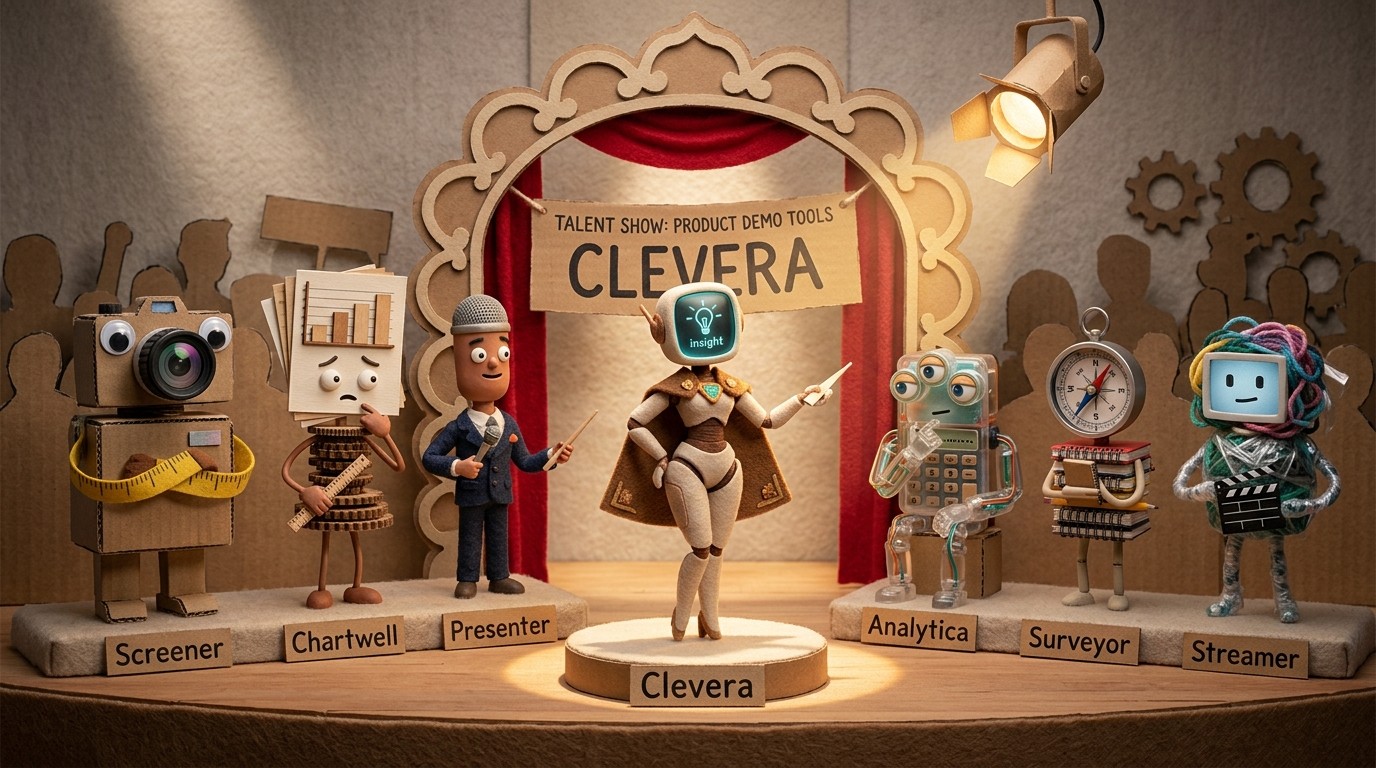
1. Clevera

Best for: AI-narrated product demo videos and optional help articles from one recording
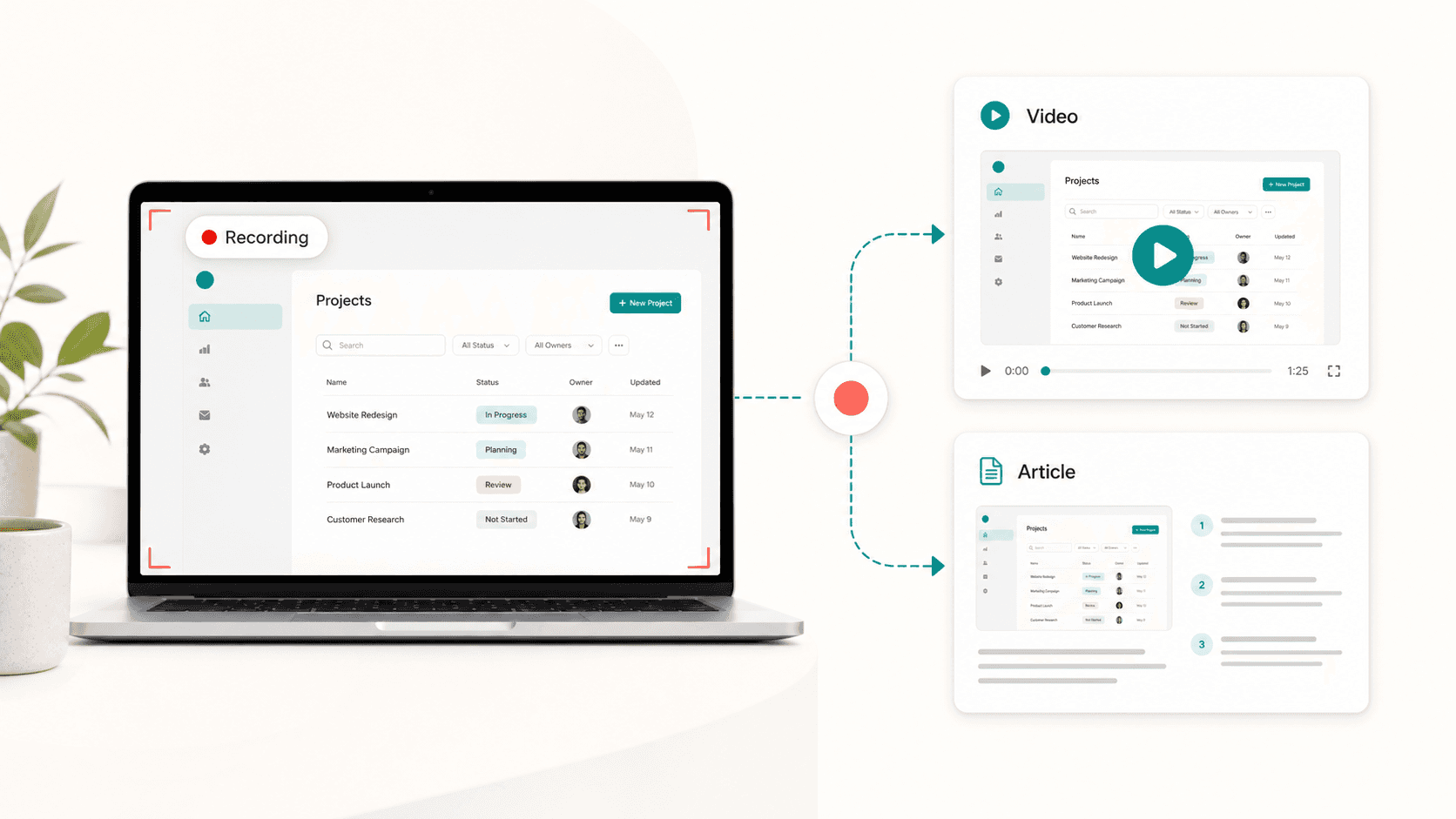
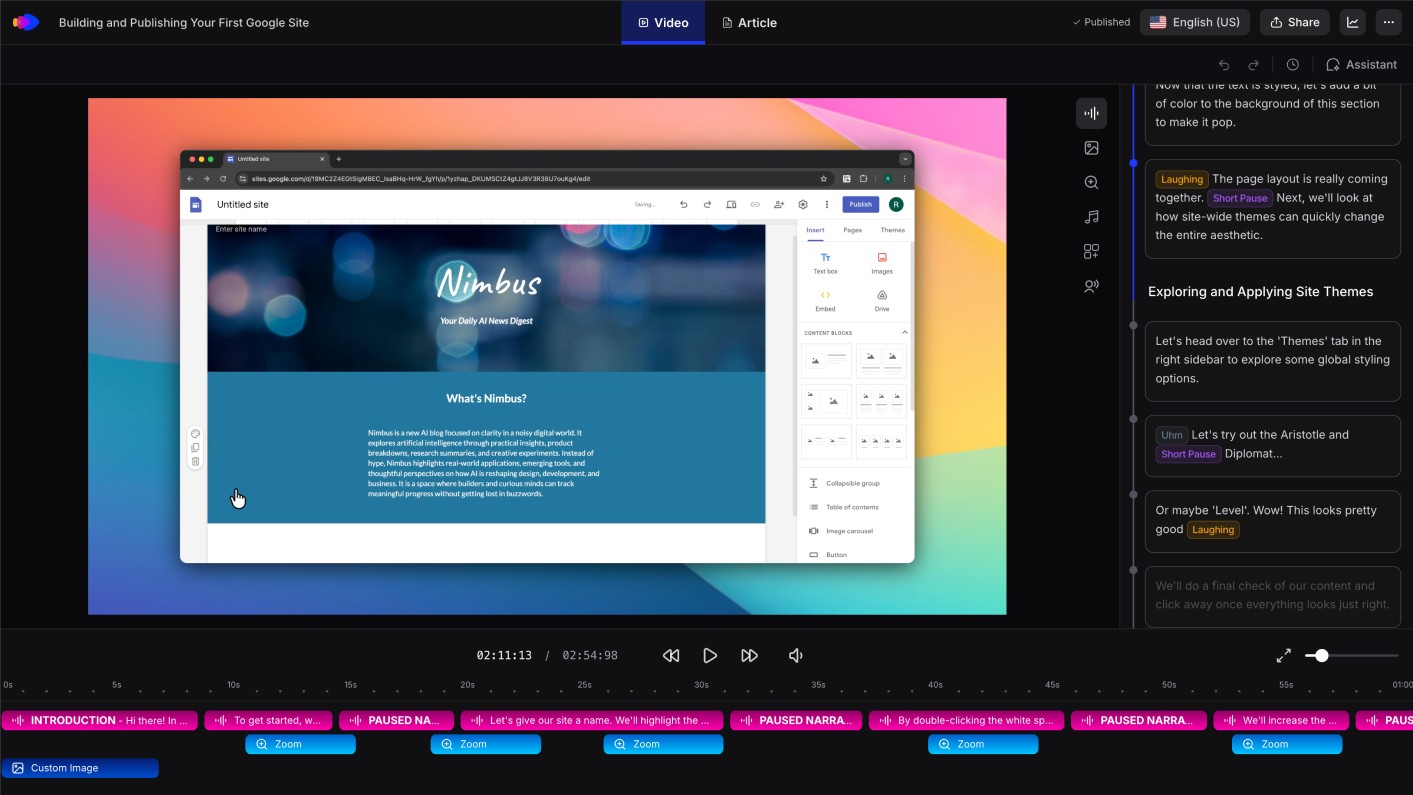
Clevera is the strongest option for SaaS teams that need high-quality narrated video demos without a production crew. Capture with the desktop app (macOS or Windows, full OS), the Chrome extension (web in Chrome), or upload a recording from Loom, OBS, QuickTime, or similar. Clevera can generate a product demo with synthetic narration from that footage — no live voiceover required.
From the same source you can also create a separate written article. Videos and articles are independent Content items; pair them on a share page or embed when you want both.
What that means in practice:
A narrated demo video with AI voiceover synced to on-screen steps
An optional step-by-step article with screenshots, if you generate one
Translation of video narration and article into 70+ languages
For sales and CS, one recording becomes a library asset: help-center embed, follow-up email, onboarding sequence, and localized versions for other markets.
LiveSync updates narration, overlays, styling, and edits on existing footage across embeds. It does not replace screen content when the product UI changes — re-record or upload new footage for that.
Pricing starts at $29/month billed annually.
2. Loom
Best for: quick async video sharing, not a polished demo library
Loom records your screen and shares a link immediately. It's fast and widely used. It is not a demo production tool: no AI narration from silent footage, no smart zoom, no auto-generated script, no companion article.
Use it for informal internal walkthroughs and one-to-one context. For customer-facing SaaS demos that need to represent the product, it falls short of a narrated, reusable clip.
3. Guidde
Best for: step-by-step guides with a lighter video track
Guidde captures screen interactions and produces short videos plus step guides. It sits closer to documentation than to a produced product demo. Narration and video polish are weaker than a dedicated demo generator, but it is a faster entry point if the team mainly needs basic how-to coverage alongside a clip.
When you need an interactive tour instead
Video demo software is the wrong fit when the buyer should click through a simulated product on a landing page. That is interactive demo software — clickable HTML tours, sandbox environments, and sales-led demo platforms.
Use this page when the output should be a watchable video: a narrated walkthrough for onboarding, a reusable feature demo in the help center, or an async follow-up that explains a workflow.
For the wider product walkthrough category, start on the pillar. If you are choosing format, read product walkthrough vs interactive demo.
How to choose
Need | Start here |
|---|---|
Narrated video demos for help center, onboarding, and async follow-up | Clevera |
Quick one-to-one screen share | Loom |
Lightweight step guides with a simple clip | Guidde |
Self-guided interactive tour or HTML demo |
A common SaaS split: Clevera for a library of narrated videos that live in docs and onboarding, plus an interactive tour from the interactive demo software roundup on the marketing page. The video explains the workflow; the tour lets someone click before they book a call.
Your demo is usually the first time a customer experiences the product in depth. Make sure it's good enough to deserve a second look.