The best Loom alternatives in 2026

Loom is a solid tool for quick async video messages. You record, you share, your colleague watches. For that specific use case, it works fine. But if you need polished tutorial videos, written help articles, automated narration, or documentation that scales with your product, you'll run into Loom's limits fast.
These Loom alternatives either do what Loom does better, or solve problems Loom wasn't built for.
What Loom does and where it falls short
Loom is primarily a screen recording and sharing tool. You record your screen, optionally record your face, and share a link. It's great for async communication: code reviews, feedback sessions, quick walkthroughs for teammates.
Where it doesn't serve product teams, CS teams, or documentation use cases well:
No AI-generated narration. If you want voiceover, you narrate it live.
No automatic editing. The video you record is essentially the video you share.
No structured help article output. Loom produces a video with a basic auto-generated transcript, not a formatted how-to article.
No direct export to documentation platforms like Confluence, Zendesk, or GitHub.
Videos aren't live after publishing. If you change anything, you re-upload.
If your use case is more "publish-ready tutorial for users" than "quick async message for a teammate," you need a different tool.
1. Clevera

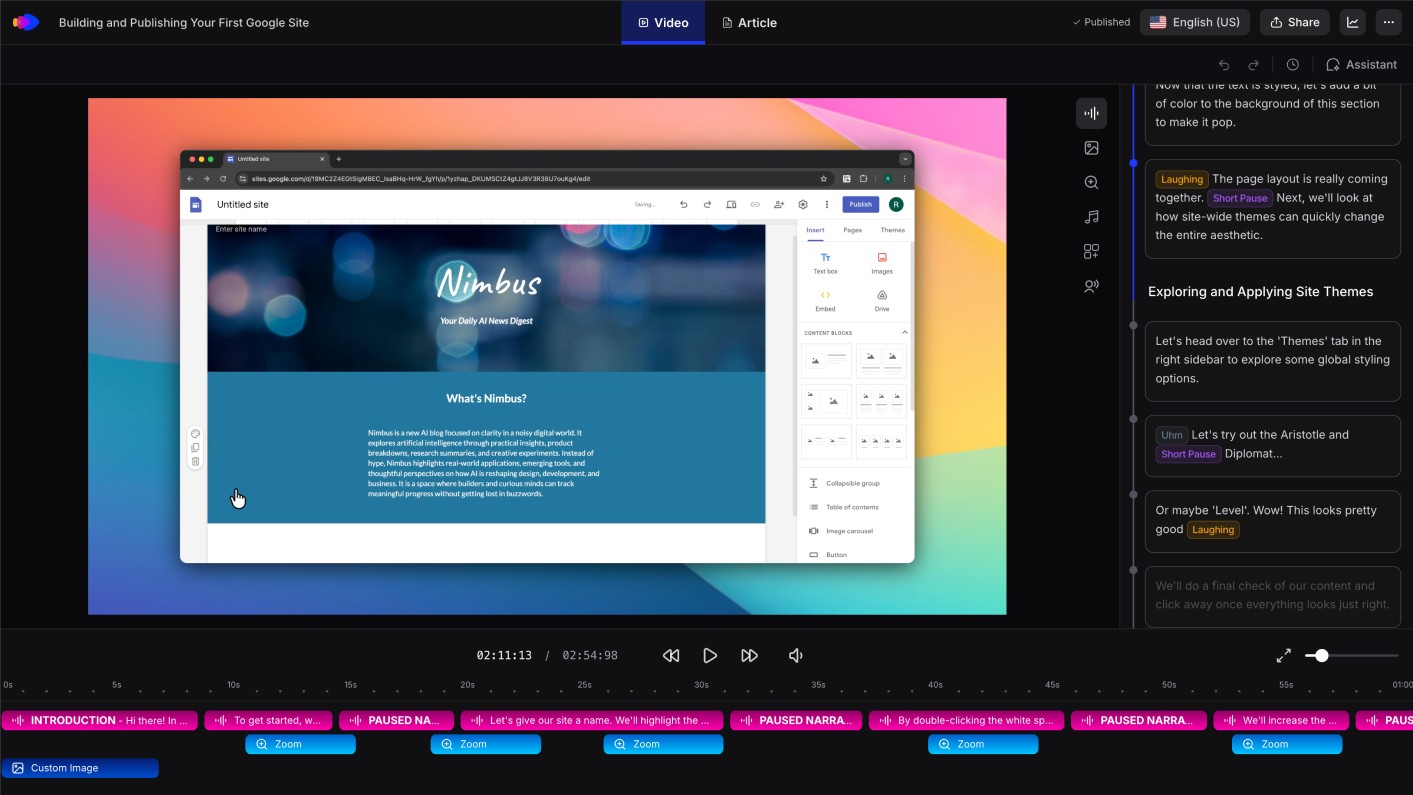
Best for: product and CS teams who need polished tutorial videos and written documentation from a single recording
Clevera is the strongest Loom alternative for teams that create product documentation, tutorials, and how-to content at scale. Where Loom captures and shares, Clevera records and produces.
You can record with the Clevera desktop app (macOS or Windows) for full-OS capture, record in Chrome with the Clevera Chrome extension for web-only workflows, or upload a pre-recorded screen video (silent or with existing audio) from Loom, OBS, QuickTime, or any other tool. Clevera applies the same AI processing to produce a polished, narrated tutorial and structured help article. No editing, no scripting, no narration session.
What makes Clevera the best Loom replacement for documentation use cases:
AI voiceover without narrating: Loom requires you to narrate in real time. Clevera generates the voiceover from what it sees on screen after you finish recording. The narration is contextual and natural, written by an AI that understands what you did and explains it clearly.
Publication-quality output: Loom videos look like screen recordings because they are screen recordings. Clevera videos are constructed from the recording data, with mistakes removed, timing balanced, smart zoom applied, and cursor movement smoothed. The result looks like an edited production.
Written article alongside the video: Loom produces a transcript. Clevera produces a structured help article with numbered steps, embedded screenshots, captions, and headers, ready to publish to Notion, Confluence, Zendesk, GitHub, HelpScout, Gitbook, Intercom, ClickUp, and more.
LiveSync: Loom videos are static files. Clevera videos are live after publishing. Update the narration, style, or content of a published video and every embed reflects the change instantly. No re-exporting.
Repurpose Loom libraries: upload existing Loom recordings and get the same narrated video and help article workflow—no need to re-record everything.
Chrome extension for web-only SaaS: capture web app workflows in Google Chrome without installing the desktop app.
No video team required: anyone on your team who knows the product can record and publish a professional tutorial. Loom produces better async messages. Clevera produces better product documentation.
For teams comparing Loom alternatives specifically because tutorial production is becoming a bottleneck, Clevera's AI tutorial maker workflow shows how one recording becomes a narrated video and a written guide.
2. Guidde
Best for: video-first how-to guides with annotation overlays
Guidde captures your screen and produces a narrated walkthrough video with auto-detected steps and on-screen annotations. The AI narration is a step up from Loom's manual approach, and the annotation system adds clarity for complex workflows. The written documentation output is limited compared to Clevera, but for teams that primarily need video guides with callouts, Guidde is a solid pick.
3. Scribe
Best for: quick written process guides without video
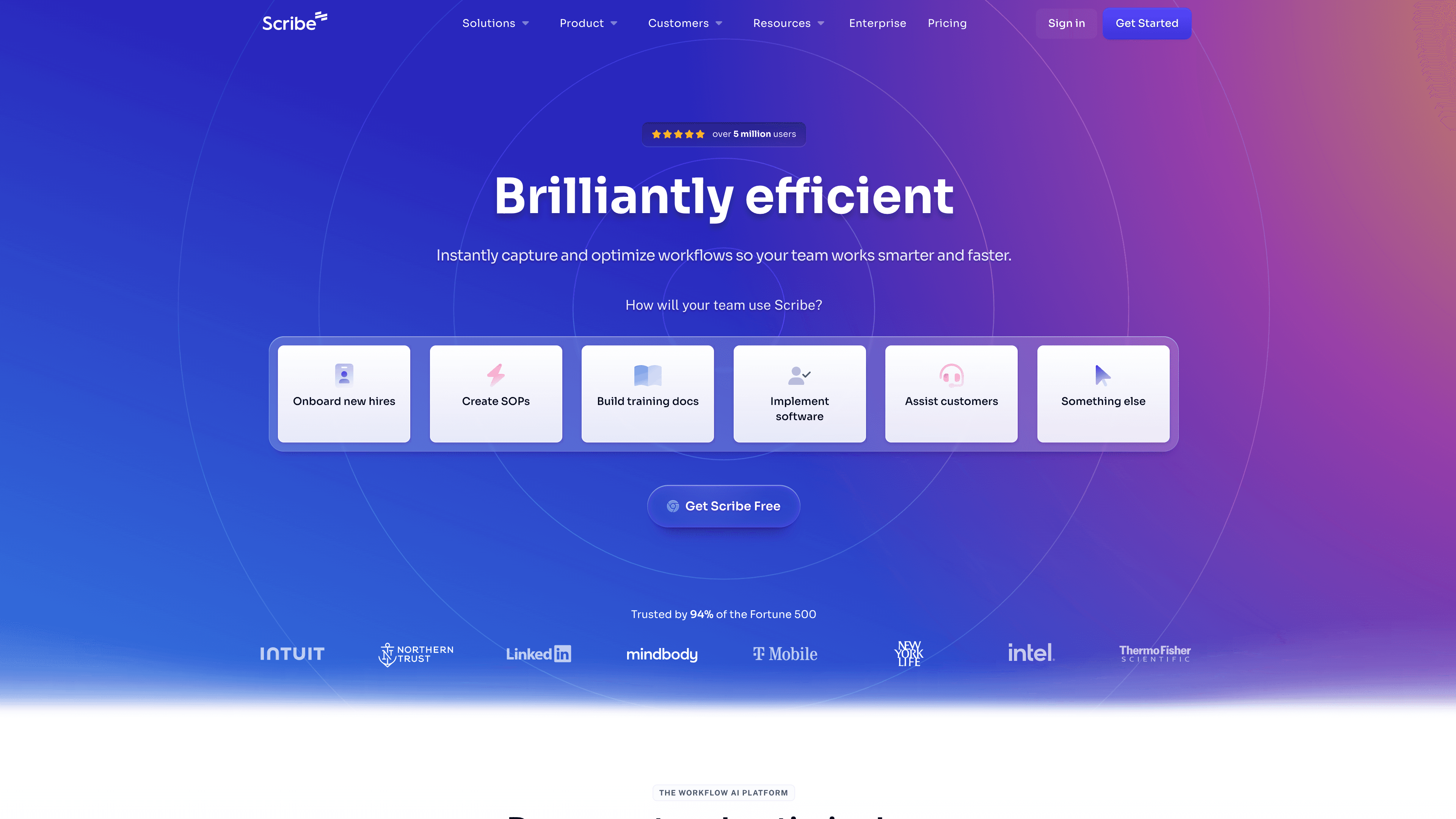
Scribe captures your click-by-click workflow and turns it into a numbered step guide with screenshots. There's no video output, no AI narration, and the article structure is fairly basic. But if you need lightweight documentation and don't need video, Scribe is fast and frictionless. It's more of a documentation-first tool than a Loom alternative in the traditional sense.
4. Tango
Best for: browser-based workflow documentation
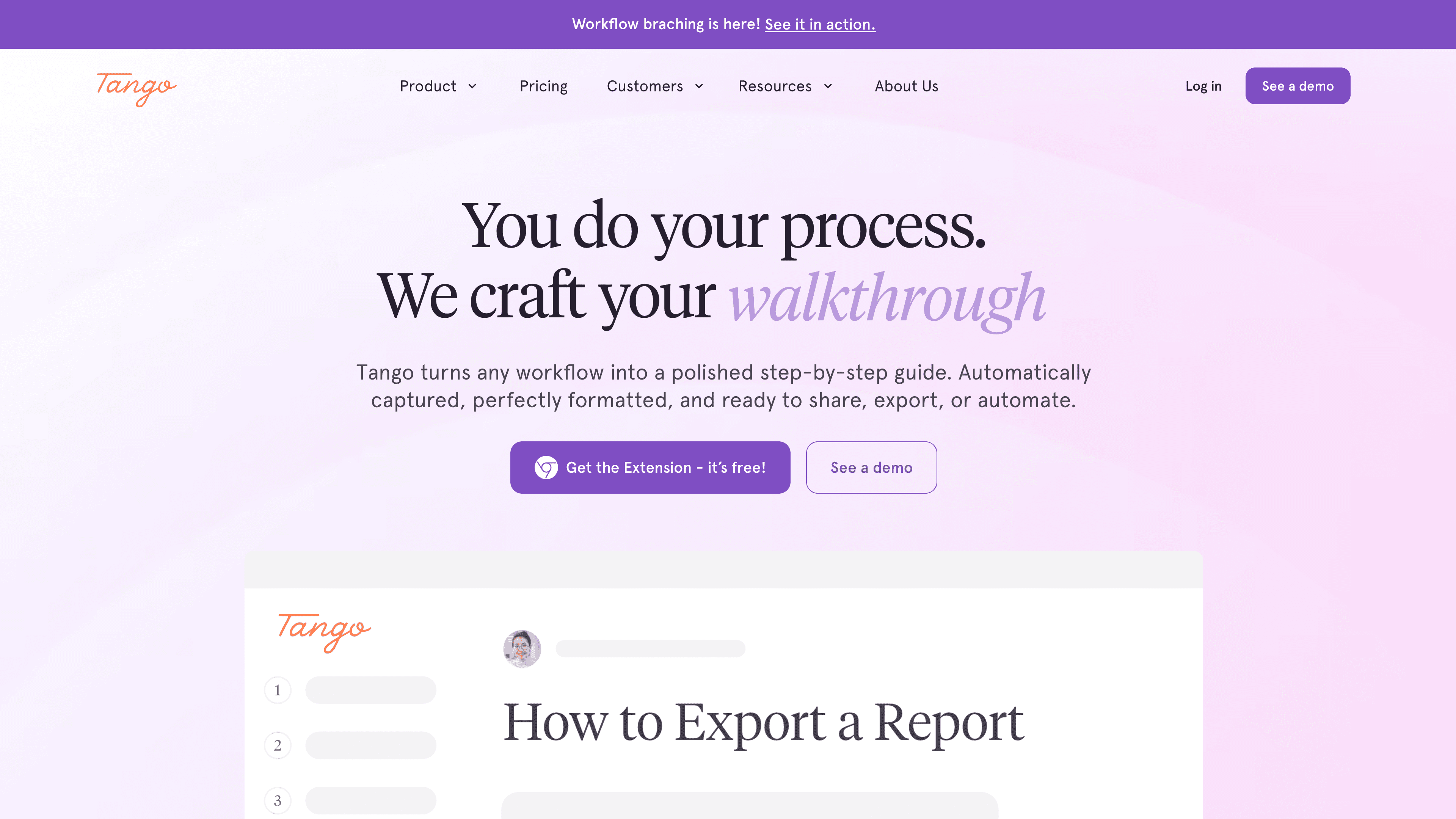
Tango captures browser workflows and produces clean step-by-step guides with numbered screenshots. Like Scribe, it's documentation-only and browser-only. It doesn't replace Loom for video communication, but for documenting web app processes in writing, it's one of the cleaner tools available.
5. Descript
Best for: teams that want full video production control with AI assistance
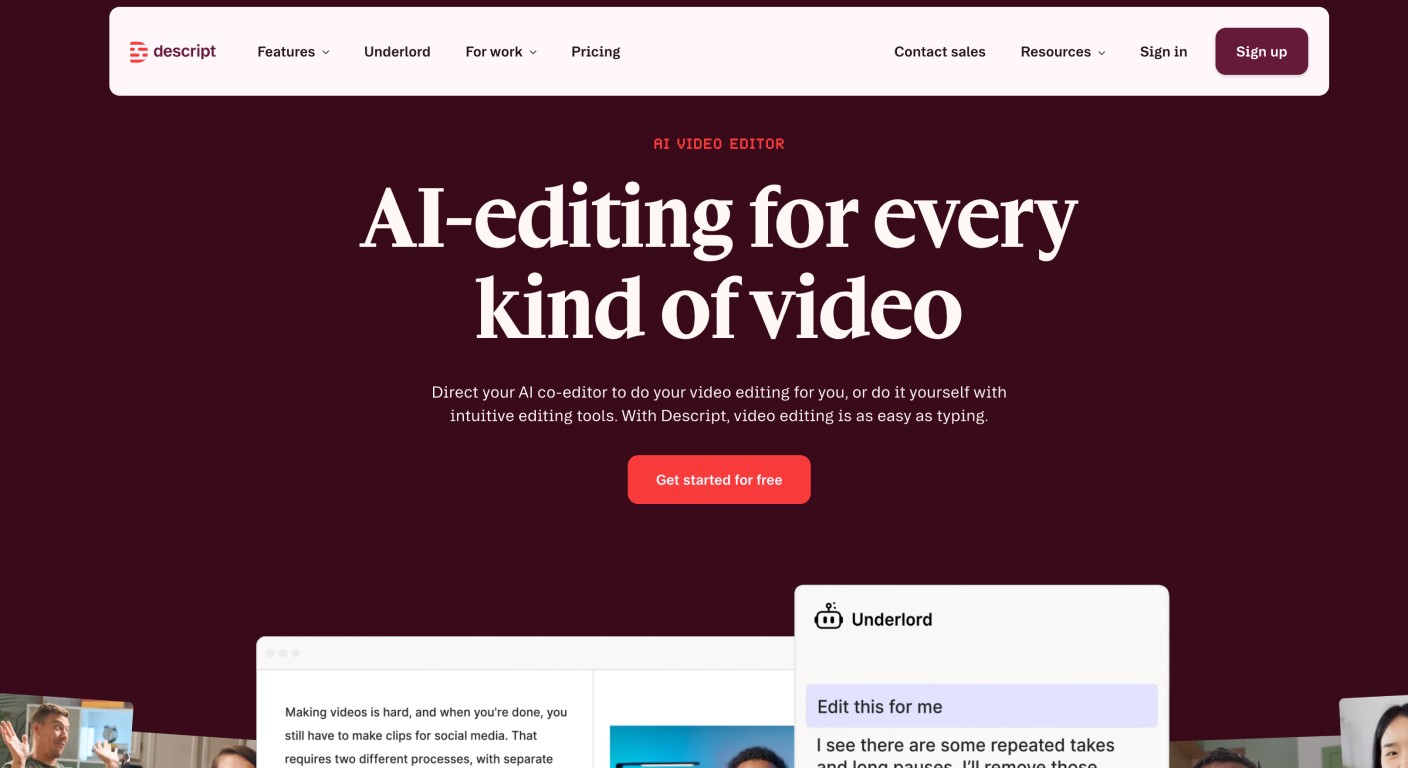
Descript is a video and podcast editor with AI features built in: transcript-based editing, filler word removal, AI voice cloning, and screen recording. It gives you significant creative control over the final video. The trade-off is that it's still an editing tool, you still spend time in the editor. It's the right pick for teams that produce varied video content (not just tutorials) and want AI to make editing faster, not replace it.
6. Clueso
Best for: short screen walkthrough videos
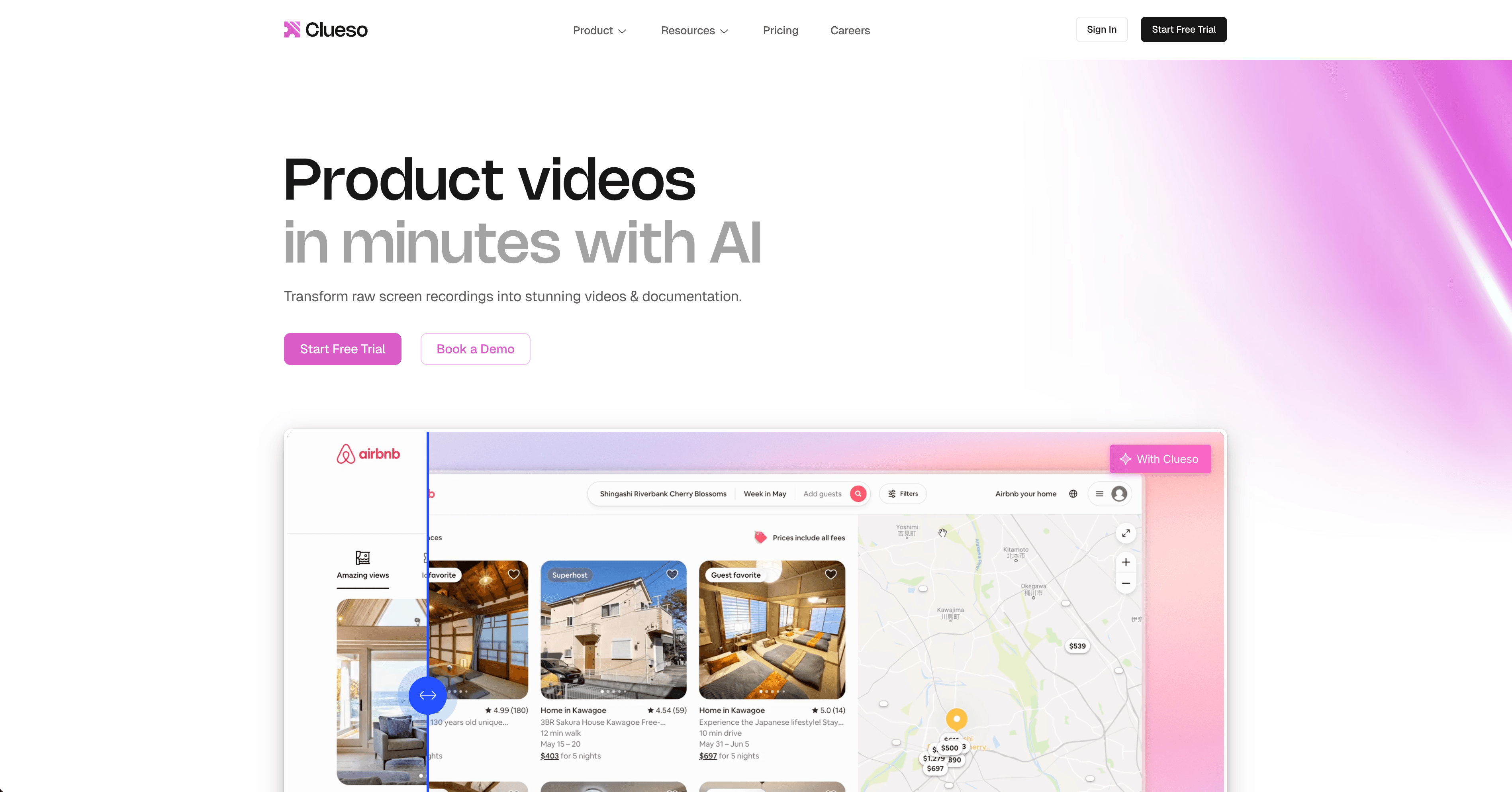
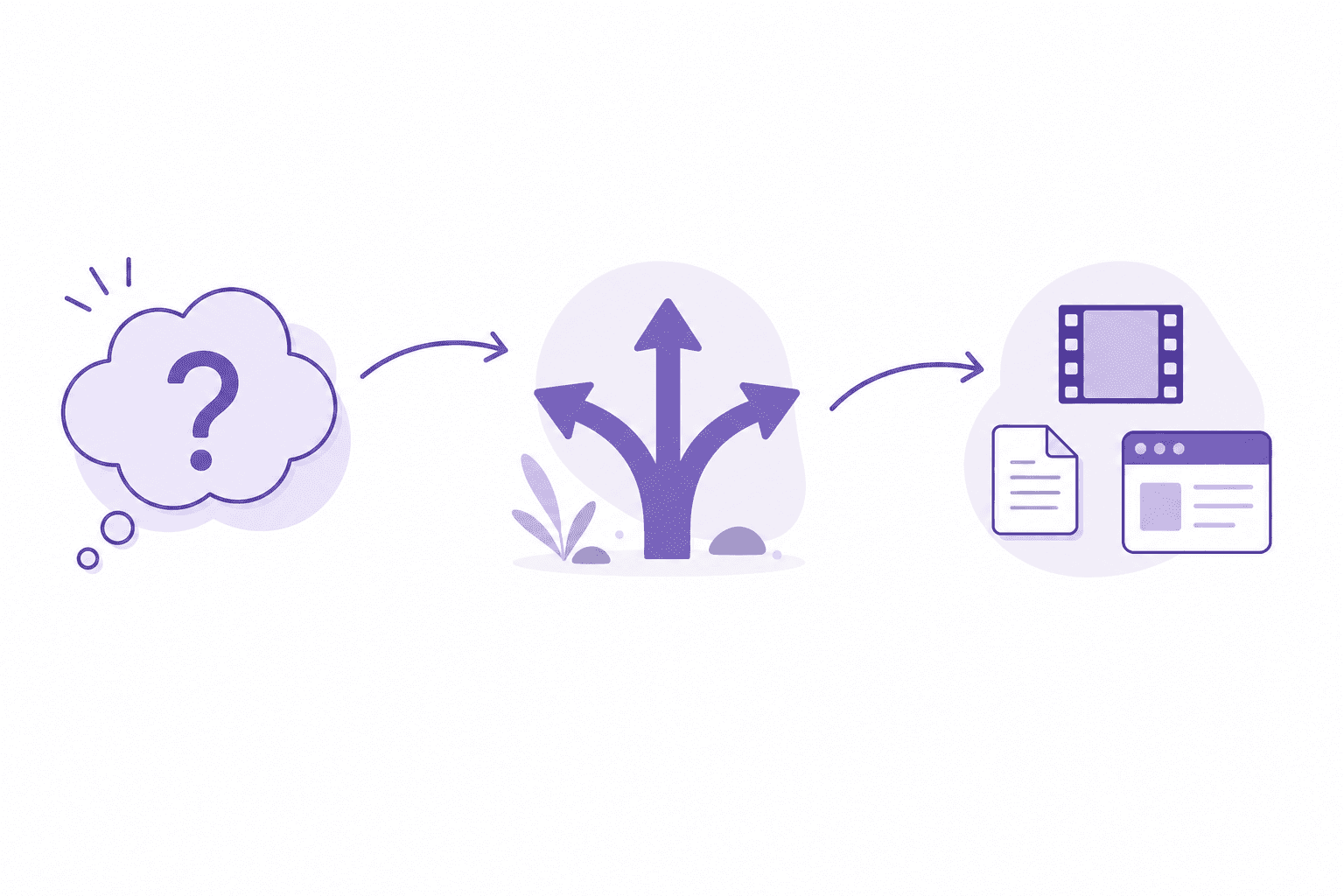
Clueso converts screen recordings into polished short walkthrough videos with AI narration. It's lightweight and focused, good for quick product demos and feature walkthroughs. It doesn't produce written documentation alongside the video and doesn't have the AI depth of Clevera, but for teams that need a faster, more polished alternative to raw Loom recordings, Clueso is worth trying.
How to choose
If you're replacing Loom for documentation and tutorial production: Clevera is the answer. The output quality and automation depth are in a different category.
If you're replacing Loom for async team communication and want more production quality: Descript gives you editing control, or Clueso gets you there faster with less effort.
If you're replacing Loom for written process documentation and don't need video: Scribe or Tango.
The most important question: do your users need to be shown something, read something, or both? Clevera is the only tool here that produces both from a single recording, which is why it's the top pick for teams that want their content library to actually serve users.