How to create onboarding videos that actually get users to value faster
Most onboarding failures aren't product failures. The product works. Users just don't understand what to do with it in the first session, and by the time they figure it out — or don't — the window for activation has closed. Onboarding videos are one of the most effective tools for closing that gap. A user who watches a clear, 3-minute walkthrough of the core workflow before they start is more likely to complete setup, less likely to submit a support ticket, and more likely to come back.
The challenge has always been production. Making onboarding videos used to take significant time and resources. That's changed. Here's how to create customer onboarding videos efficiently, what to include, and what makes the difference between videos that work and videos nobody watches.
Two types of onboarding videos, two different goals
Before getting into production, it's worth distinguishing the 2 most common types:
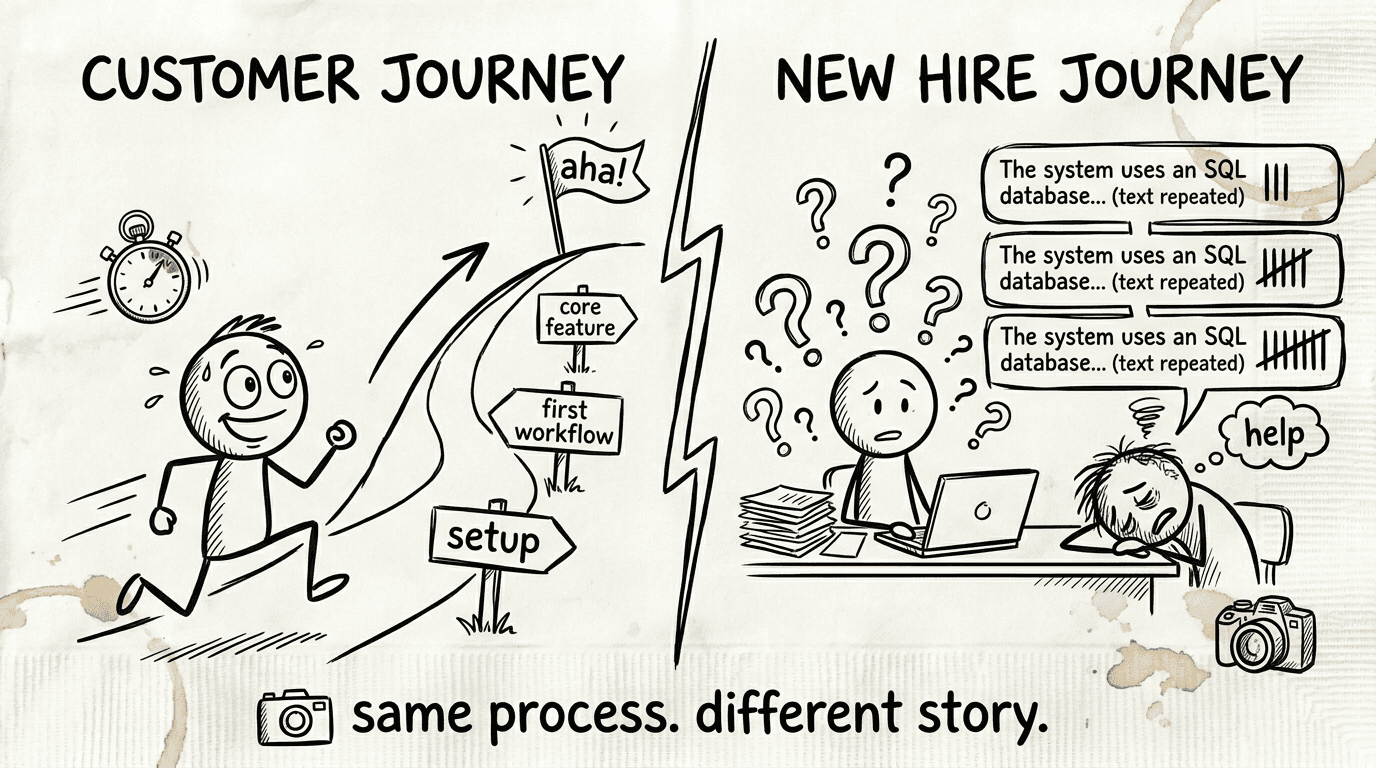
Customer onboarding videos are for new users learning your product. Their job is to reduce time-to-value — helping users complete setup, understand key workflows, and experience the product's core benefit as fast as possible. Every minute a new customer spends confused is a minute they're considering canceling.
Employee onboarding videos are for new hires learning internal tools, processes, and systems. Their job is to get people productive independently — so they're not asking the same questions every time someone new joins, and senior team members aren't spending hours re-explaining the same workflows.
The production approach is the same for both. The content, tone, and focus differ.
What makes an onboarding video actually work
Most onboarding videos fail for 1 of 3 reasons: they're too long, they explain features instead of outcomes, or they go out of date and nobody updates them.
Keep each video focused on one workflow: a 15-minute "getting started" video that covers everything teaches nothing. Users don't retain information they can't act on immediately. A series of 2-4 minute videos — one per core workflow — is more effective. Users watch the relevant video when they need it, not a marathon they'll skip.
Lead with outcome, not feature: "In this video, you'll learn how to connect your CRM so deals update automatically" is more compelling than "In this video, we'll walk through the Integrations tab." Users care about what they can do, not what the button is called.
Show the actual product: narrated screen recordings are the right format for software onboarding. Users need to see the exact interface they'll interact with, not an animated explainer that approximates it. Seeing the real UI in context builds confidence that they'll be able to replicate the steps themselves.
Pair video with a written guide: some users watch the video once and need to refer back mid-task. Others skip videos and go straight to text. A written step-by-step article alongside the video serves both preferences from the same content.
Build for maintenance from day one: your product changes. Onboarding videos that can't be updated easily become misinformation. Plan for re-creation before you create the first video.
How to create onboarding videos with Clevera
Clevera records your screen as you walk through a product workflow and automatically generates a narrated onboarding video and a written step-by-step guide from that recording. Here's what the workflow looks like in practice.
Record the workflow: Open Clevera on Mac or Windows. Start a recording and walk through the onboarding flow you want to document — account setup, first connection, first key action, whatever the core task is. Don't narrate while recording. Clevera's AI writes the voiceover from what it observes on screen. Move through the workflow at a natural pace and focus on showing it clearly.
Let Clevera generate the video and article: Stop the recording. Clevera processes the footage in the cloud. The AI removes mistakes and pauses, writes a contextual narration script that explains each step, generates natural-sounding AI voiceover, applies smart zoom on key interactions, and smooths cursor movement. Simultaneously, it generates a written article with numbered steps, embedded screenshots at the right moments, and proper headers.
A few minutes later, both assets are ready in the editor.
Review and refine: Watch the video and read the article. For most short onboarding flows, the output is close to publication-ready. In the timeline editor, you can rewrite any narration line and regenerate the voiceover in seconds. In the Notion-like article editor, adjust any step description, add context, or insert callout boxes for important notes. You can also blur any sensitive content that appeared on screen during recording.
Publish to your onboarding platform: export the article directly to Notion, Confluence, Zendesk, GitHub, HelpScout, Gitbook, Intercom, ClickUp, or any other platform your users access. The onboarding video embeds as HTML at the top of the page, with the written guide beneath. Users get the video walkthrough and the scannable text in the same place.
Building a complete customer onboarding video library
A single onboarding video isn't enough. Users arrive with different levels of familiarity, different use cases, and different priorities. A library of short, focused videos covers each major onboarding moment without requiring users to sit through content that isn't relevant to them.
Start with the highest-leverage flows — the ones every new user must complete to get value from the product. These typically include account setup, connecting integrations or data sources, completing the first key task, and understanding where to find help. These 4-6 videos form the core onboarding library.
From there, expand to feature-specific onboarding: videos for each major capability, published in your help center and linked from within the product when users first encounter that feature.
Because Clevera automates production, building this library doesn't require a dedicated video team or a months-long project. A PM or CS team member who knows the product can record and publish a new onboarding video in under 30 minutes.
Keeping onboarding videos current
Outdated onboarding videos are worse than no videos. They show users the wrong interface, teach them steps that no longer work, and erode confidence in your product and your documentation.
Clevera's LiveSync means published videos stay live after the fact. When your product UI changes, you re-record the affected flow and publish the updated version. The new video replaces the old one everywhere it's embedded — no link changes, no updated embed codes, no coordinated republishing. The update is immediate.
For narration-only updates (a policy change, a name change, additional context), you edit the narration text in the timeline editor and republish. The video updates in place without re-recording.
For teams that commit to keeping their onboarding content current, Clevera makes that commitment practical rather than aspirational.
A note on employee onboarding videos
The same approach applies to internal onboarding. Every tool, system, and process your new hires need to learn can be documented as a short walkthrough video. The difference from customer onboarding is the audience: new hires need to learn your internal tools (CRM, project management, data platforms, HR systems) rather than your product.
The most common failure in employee onboarding documentation is relying on whoever onboards each new hire to explain the same things repeatedly. A library of short internal onboarding videos means every new team member gets consistent, complete guidance — regardless of how busy their onboarding buddy is.