Best Clueso alternatives in 2026: 5 tools compared
Clueso converts screen recordings into polished short walkthrough videos. It handles the video production step well for simple use cases. But teams that need more - richer narration, a written article alongside the video, direct publishing to their help center, or content that stays current as the product evolves - start looking for something more complete.
Here are the best Clueso alternatives in 2026, with an honest breakdown of what each one does better.
Why teams look for Clueso alternatives
The most common reasons teams move on from Clueso or evaluate alternatives from the start:
No written article output: Clueso produces video only. Teams that need a written step-by-step article alongside the walkthrough video are managing a second workflow entirely.
Narration depth: Clueso's AI narration describes what's happening on screen but tends toward the generic. For customer-facing documentation, narration that explains the "why" behind each step - not just the "what" - produces meaningfully better user outcomes.
Limited publishing integrations: if your documentation lives in Confluence, Zendesk, Notion, or a help center, how directly the tool exports to those platforms determines whether publishing is a 1-step or 5-step process.
No live video updates: Clueso produces a static video file. When your product UI changes, you start over. There's no mechanism for updating a published video in place.
The tools below address these gaps directly.
1. Clevera
Best for: teams that need both narrated tutorial video and structured written documentation from a single recording
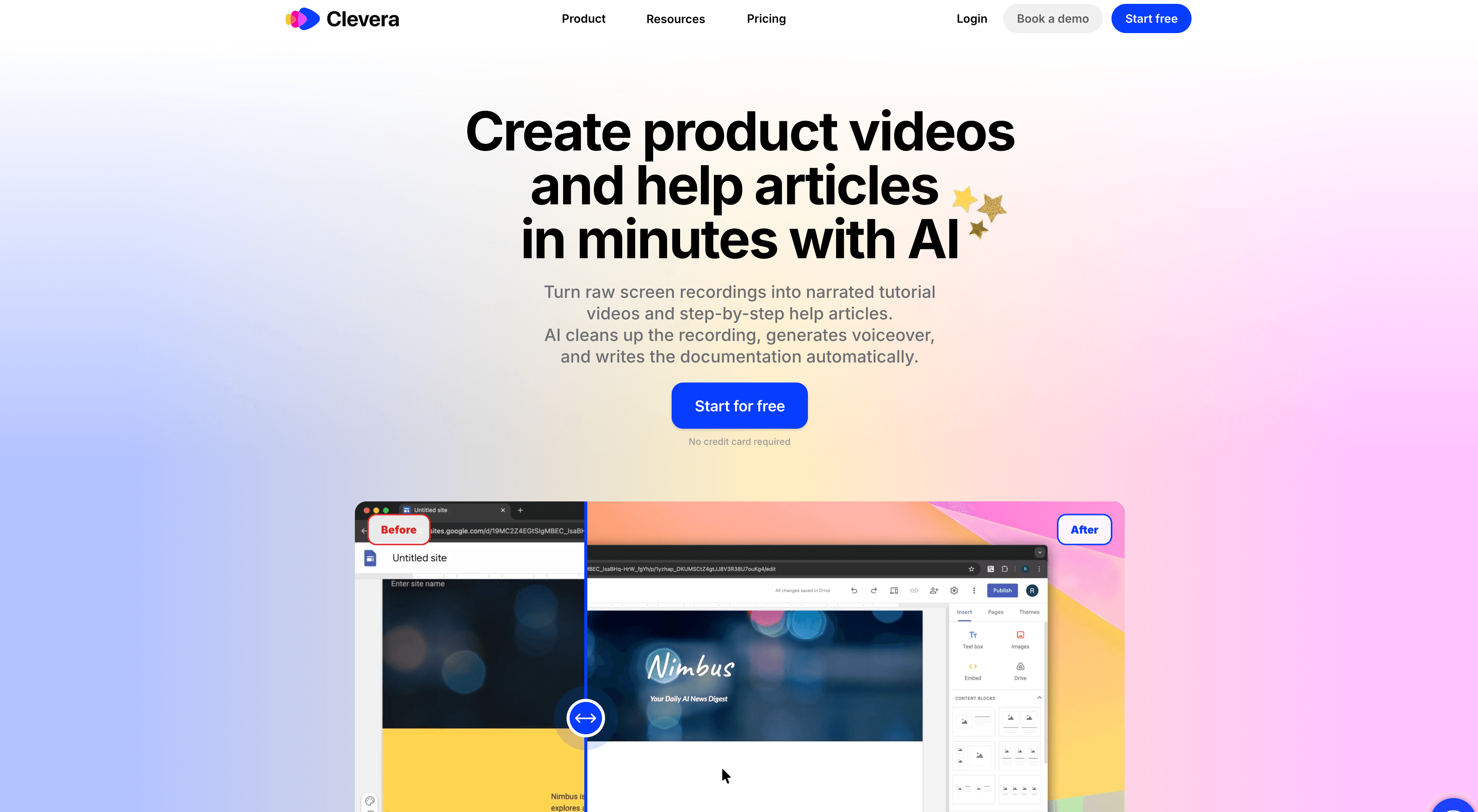
Clevera is the strongest Clueso alternative for product teams and CS teams building documentation at scale. Where Clueso produces a video, Clevera produces 2 polished assets simultaneously: a narrated tutorial video and a structured help article - from the same recording.
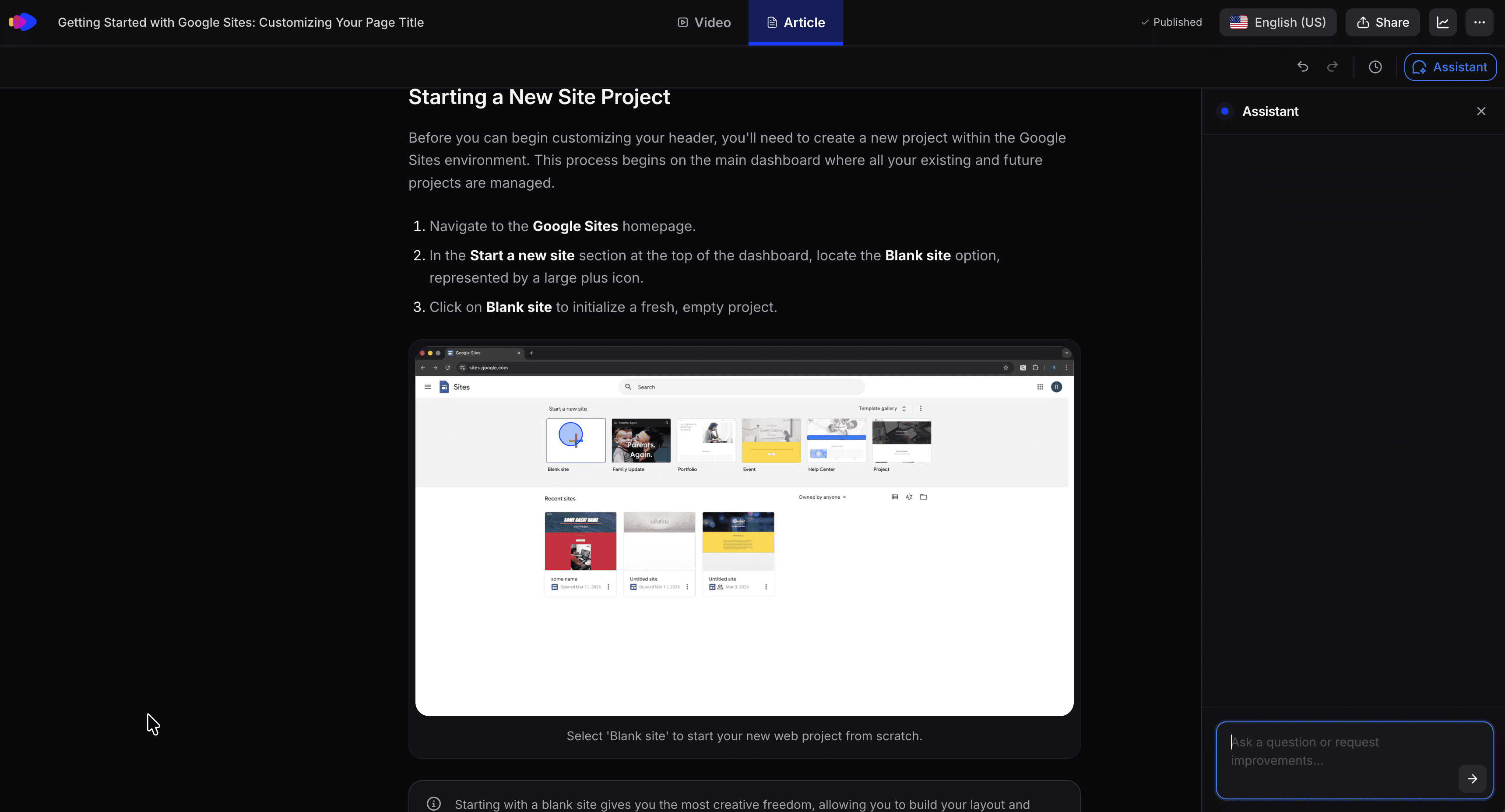
The AI processing is deeper than Clueso's at every stage. After you record your screen on Mac or Windows, Clevera's AI removes accidental clicks and pauses, analyzes the full on-screen context to write a narration script that explains each step with genuine clarity, generates natural-sounding AI voiceover synced to the video, applies smart zoom on key interactions, and smooths cursor movement throughout. The written article arrives structured and publication-ready: numbered steps, embedded screenshots at the right moments, captions, and headers.
Where Clevera specifically goes further than Clueso:
Written article from the same recording: no second workflow for text documentation. Both formats are generated together, covering the same content in complementary ways.
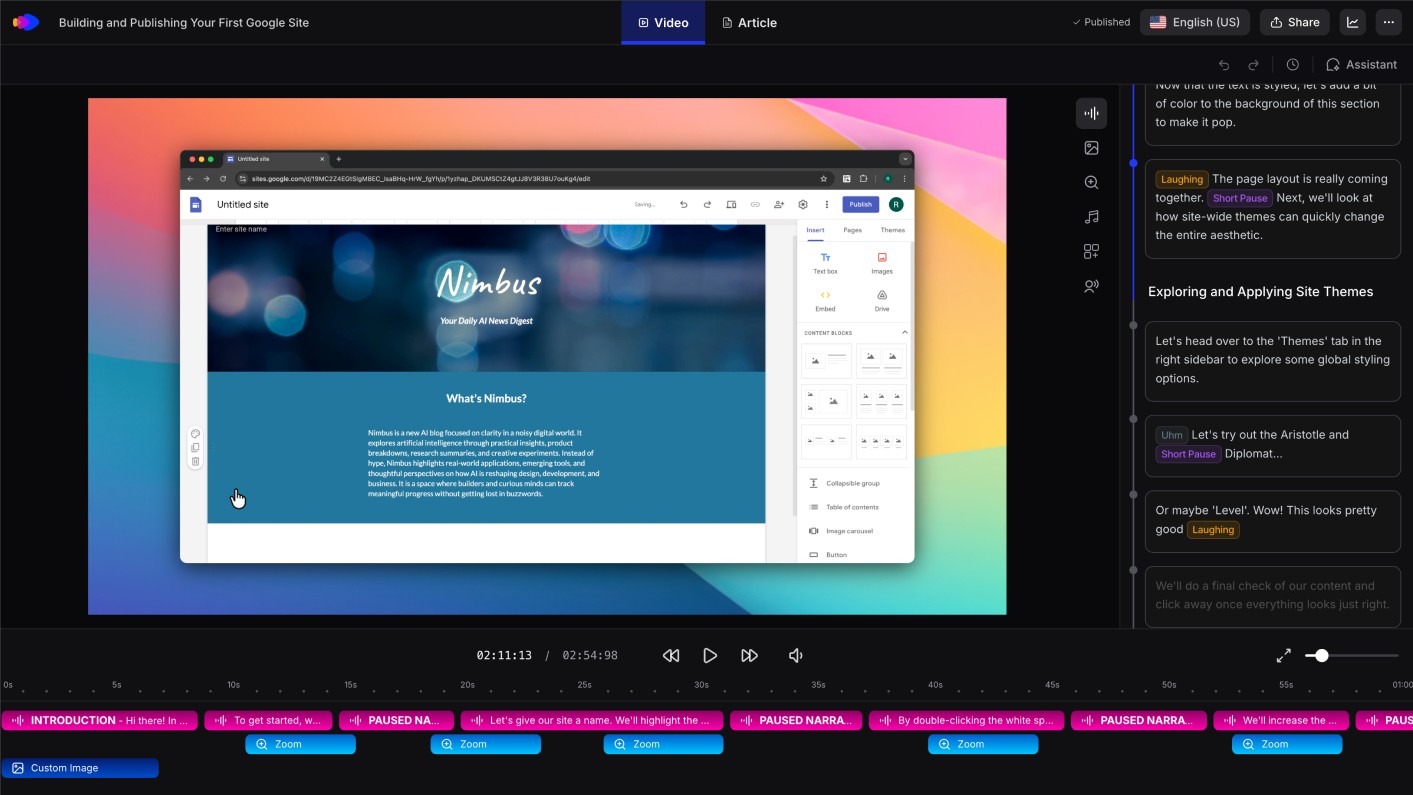
Narration quality: Clevera's AI understands the context of the application you're in and writes narration that explains workflows, not just labels actions. The gap between "click Integrations" and "Navigate to Integrations to connect your third-party tools and configure sync settings" is the gap between a caption track and actual documentation.
LiveSync: publish a tutorial video once and it stays live after the fact. Update narration, add a callout, or change the visual style at any time - every embed reflects the change immediately. When your UI changes, re-record and the new version replaces the old one everywhere without link changes.
Direct publishing to 10+ platforms: export articles and embedded video directly to Notion, Confluence, GitHub, HelpScout, Gitbook, ClickUp, Readme, Bitbucket, and more. No manual copy-paste steps per publish.
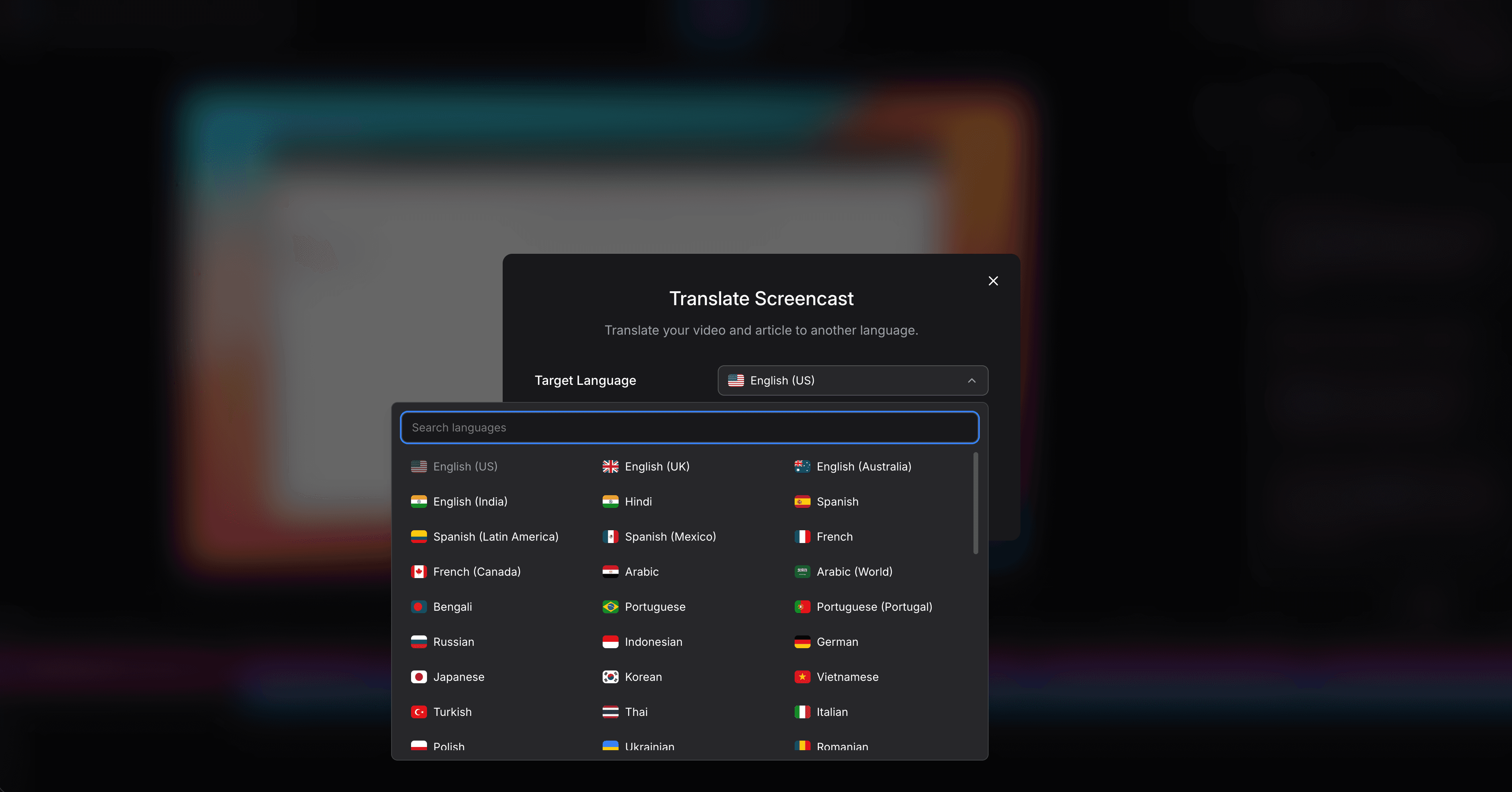
70+ language translation: translate both the video narration and written article into 70+ languages with one click. Clueso's language support is more limited.
No narration during recording: the AI writes and speaks the voiceover from screen context. Anyone on your team who knows the product can record without preparation.
For teams building a help center or onboarding library that needs both video and written content, Clevera is the complete step up from Clueso.
If your main use case is tutorial video automation rather than short one-off walkthroughs, Clevera is built around turning one recording into a reusable video-and-article workflow.
2. Guidde
Best for: video-first tutorials with visual callout annotations
Guidde records your screen and generates a narrated video with auto-detected steps and on-screen callout overlays. The annotation system is a standout feature - you can add arrows, callout bubbles, and highlights directly onto specific UI elements. Written article output is thin. For teams whose primary deliverable is an annotated video tutorial, Guidde is a solid pick. Teams that need rich written documentation alongside video will find Clevera more complete.
3. Scribe
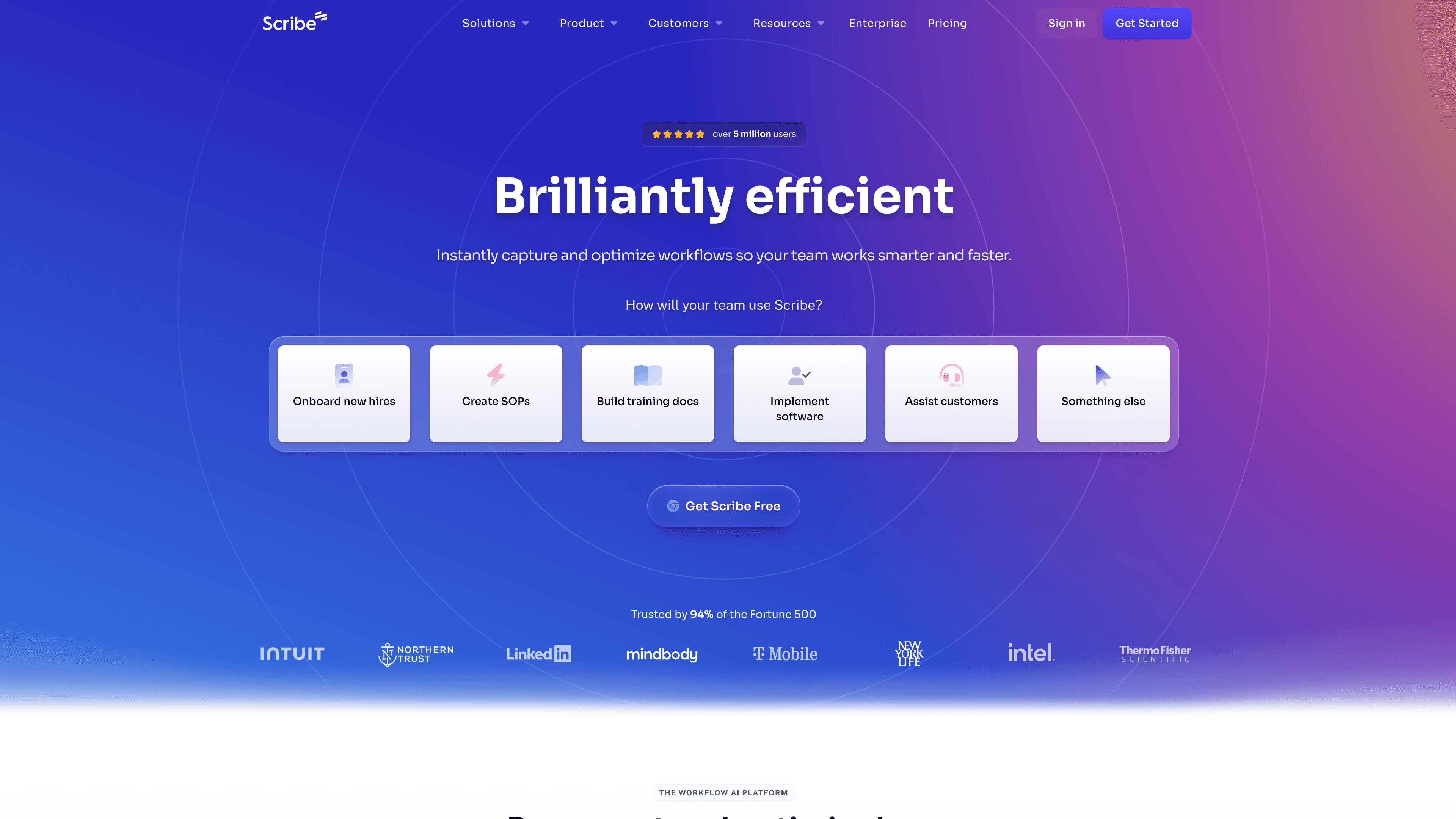
Best for: quick written process guides without video
Scribe captures click workflows and generates annotated screenshot guides automatically. No video, no AI narration. It's fast and frictionless for internal SOPs and simple process documentation. The output depth is limited for customer-facing content, but for internal use cases where speed matters more than polish, Scribe is efficient.
4. Tango
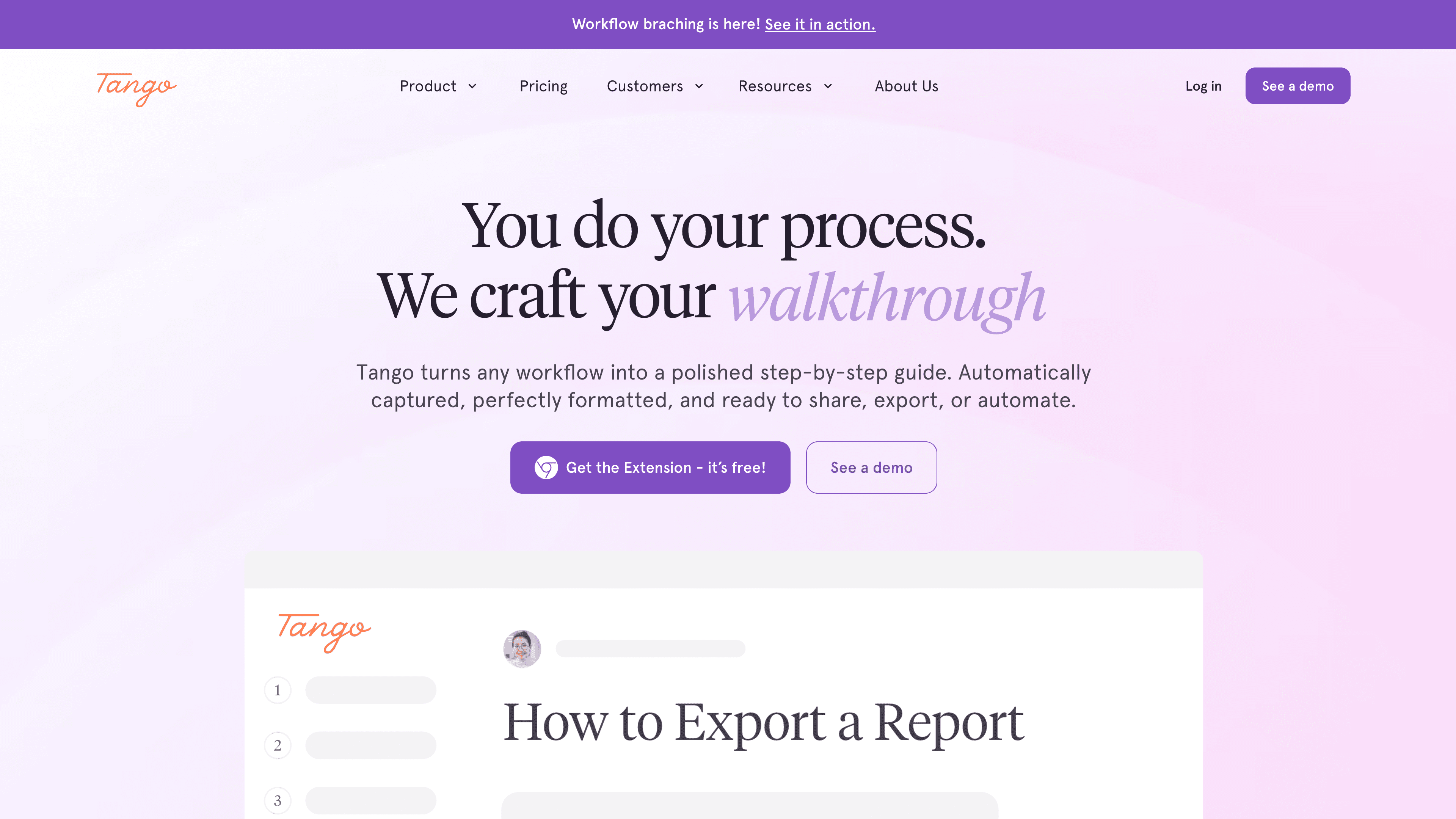
Best for: browser-based workflow documentation
Tango captures browser workflows via extension and produces clean numbered guides. Like Scribe, it's text-only. It only works in the browser, so native desktop software is out of scope. For teams that document web app workflows only and don't need video, Tango is one of the cleaner lightweight options.
5. Descript
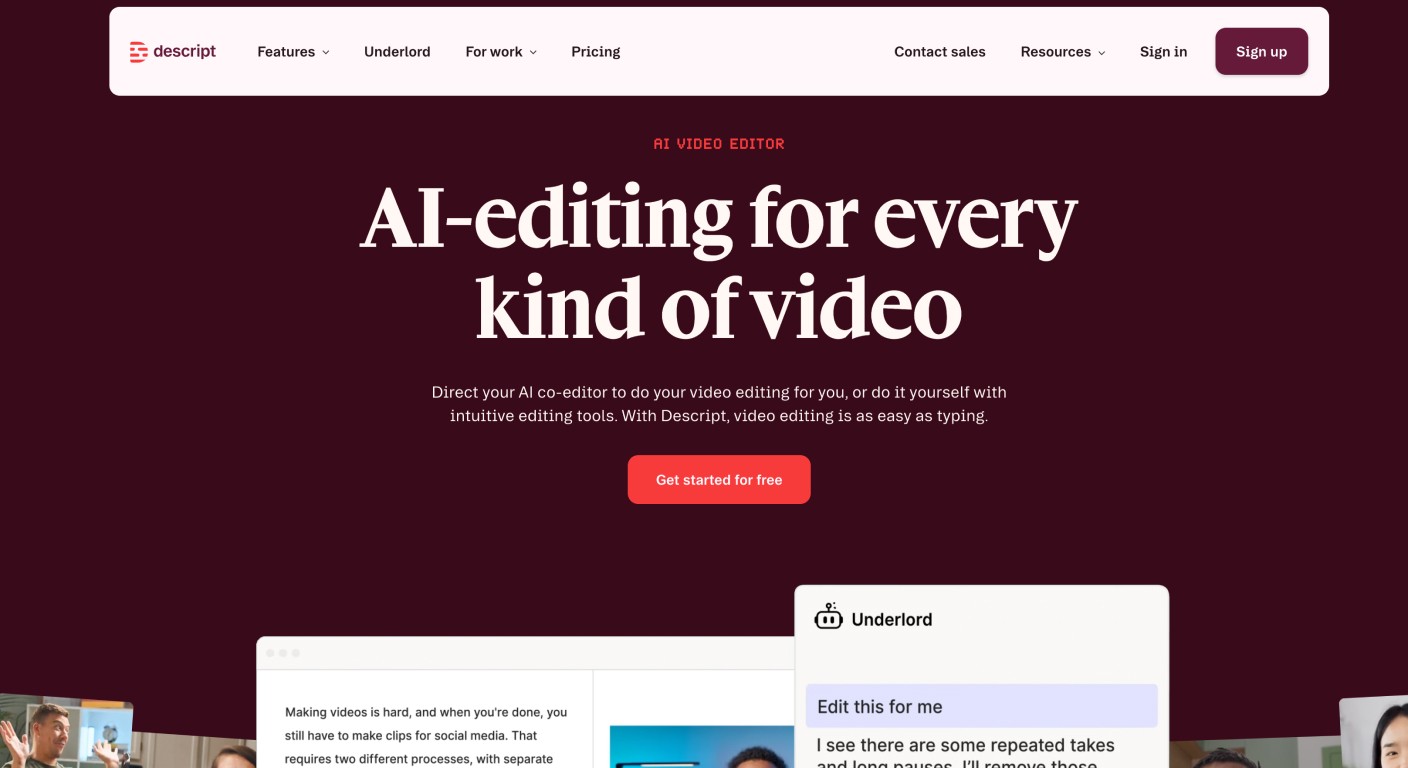
Best for: teams producing varied video content beyond screen tutorials
Descript is a full video and podcast editing suite with strong AI features: transcript-based editing, filler word removal, AI voice cloning, and screen recording. It's an editing environment you work in, not an auto-generation tool. For teams that also produce interviews, podcasts, or marketing videos alongside their screen tutorials, Descript handles all of it from one platform. For pure screen-recording documentation, it's slower than Clevera because you're still editing.
How to choose
If you need both video and written documentation, with strong narration and direct publishing: Clevera. It's the most complete tool in this category.
If you need video-first tutorials with strong visual annotations: Guidde.
If you only need written documentation, fast: Scribe or Tango.
If you produce diverse video content beyond tutorials: Descript.
The practical test: take a workflow you currently document and run it through Clevera and Clueso side by side. The narration quality and the written article output will show you the gap faster than any feature list.