Ürün videoları ve dokümanları oluşturun ve yapay zeka ile güncel tutun
Clevera ürününüzü kaydeder, senaryoyu yazar ve seslendirir, dakikalar içinde yayınlamaya hazır hale getirir. Nasıl yapılır videoları, demolar ve tanıtım videoları oluşturun ve ürününüz değiştiğinde onları güncel tutun.










Clevera ile yapıldı.
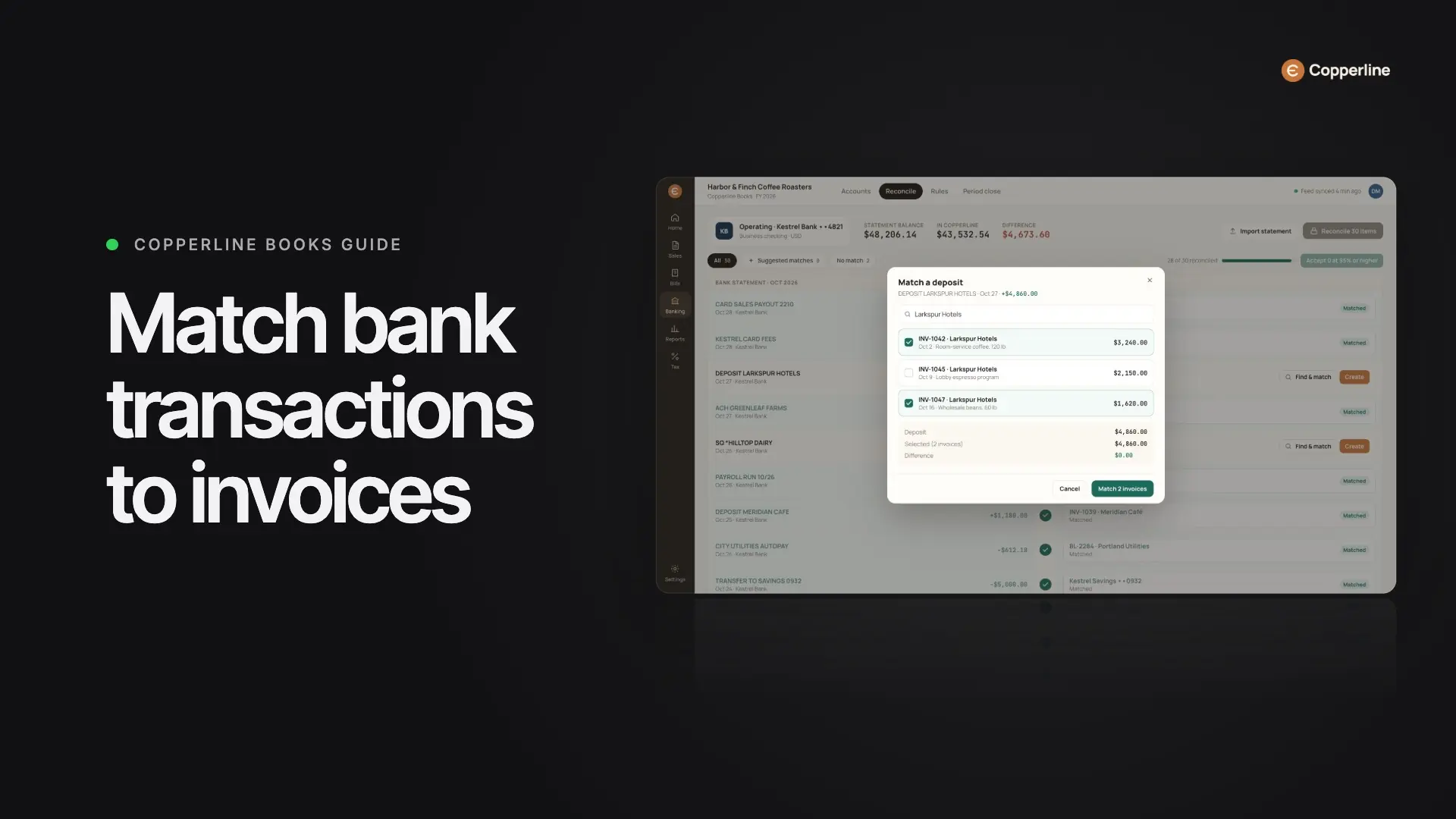
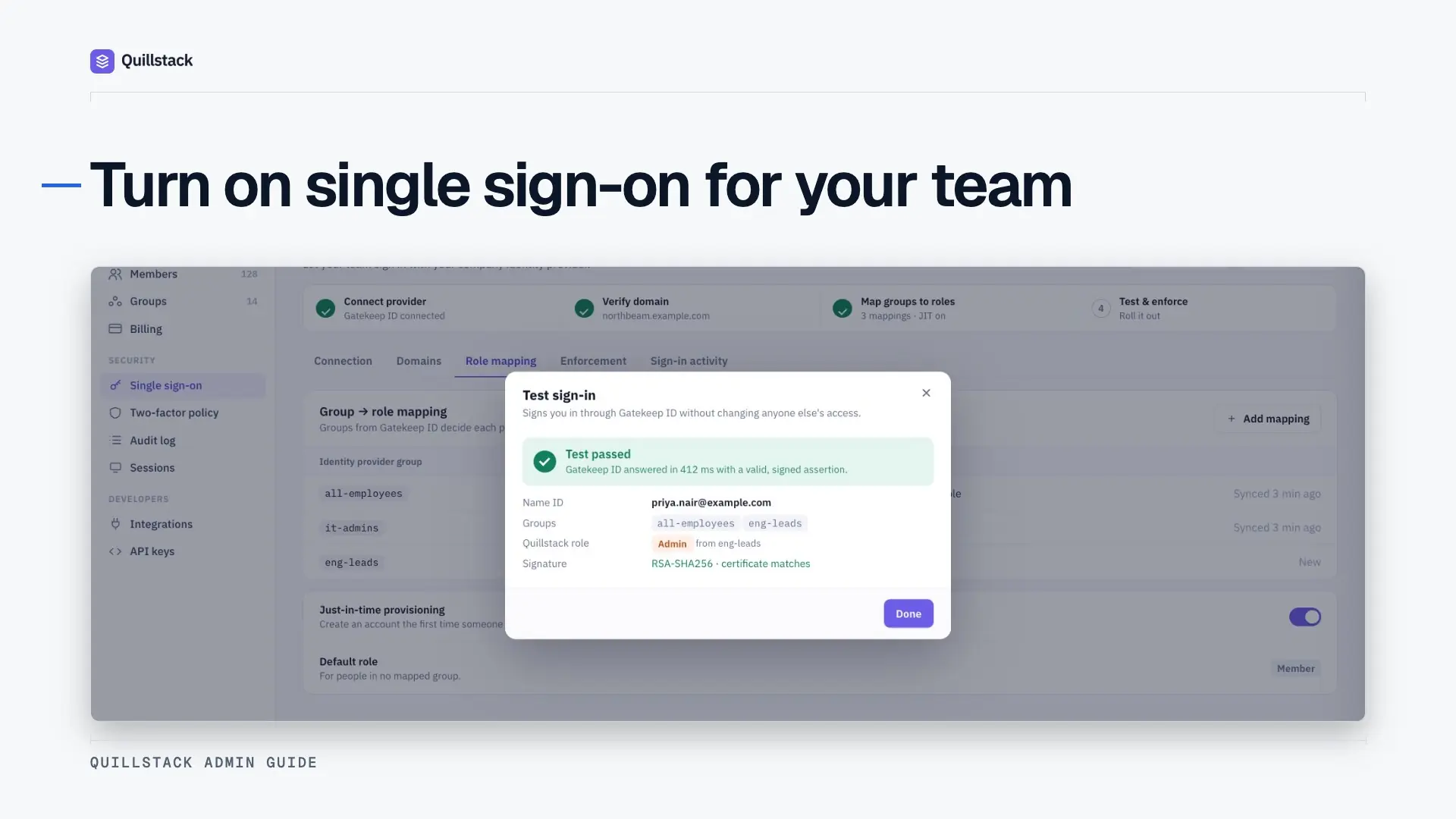
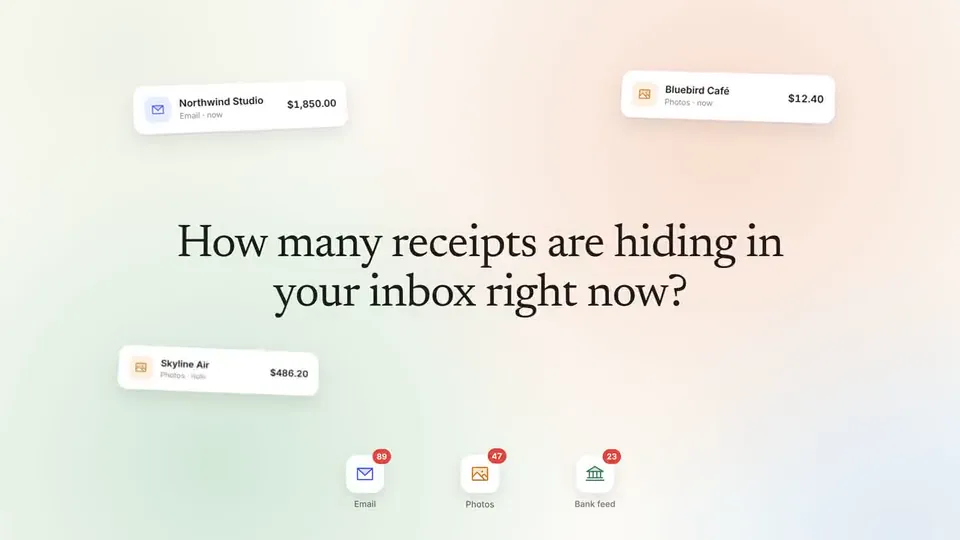
Tek bir ekran kaydından oluşturulan gerçek videolar. Vitrine göz atın


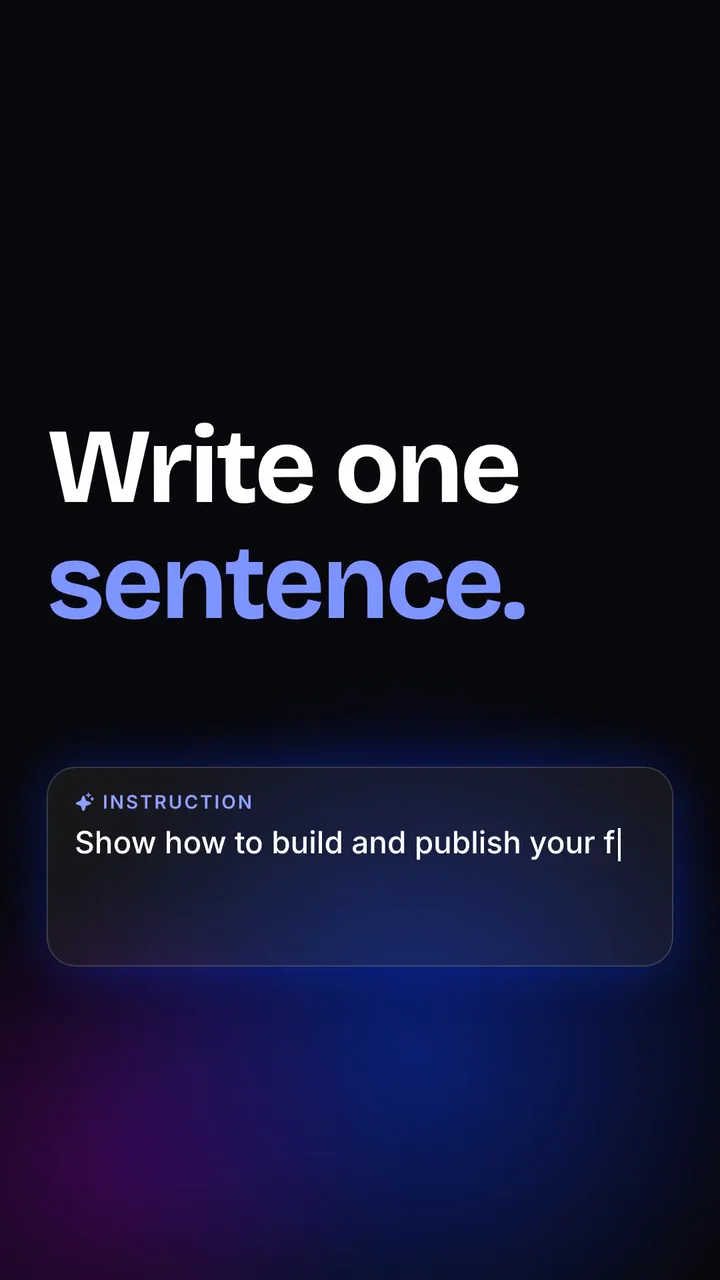



Siz söyleyin.
Ajanlar yapsın.
Ajan nasıl kayıt yapar



Kendiniz mi kaydetmek istersiniz?
Her uygulama, her cihaz.
Web uygulamalarını, masaüstü yazılımlarını, telefonları ve tabletleri Clevera kaydedicisi ile yakalayın. Senaryo, ses ve düzenleme yine sizin için yapılır. Kaydediciyi edinin
Seslendirilmiş, düzenlenmiş videolar
tek bir kayıttan.
Clevera senaryoyu yazar, doğal bir ses ekler, duraklamaları keser ve her tıklamada yakınlaştırır. İsteyerek her şeyi değiştirin.
Videolar nasıl yapılır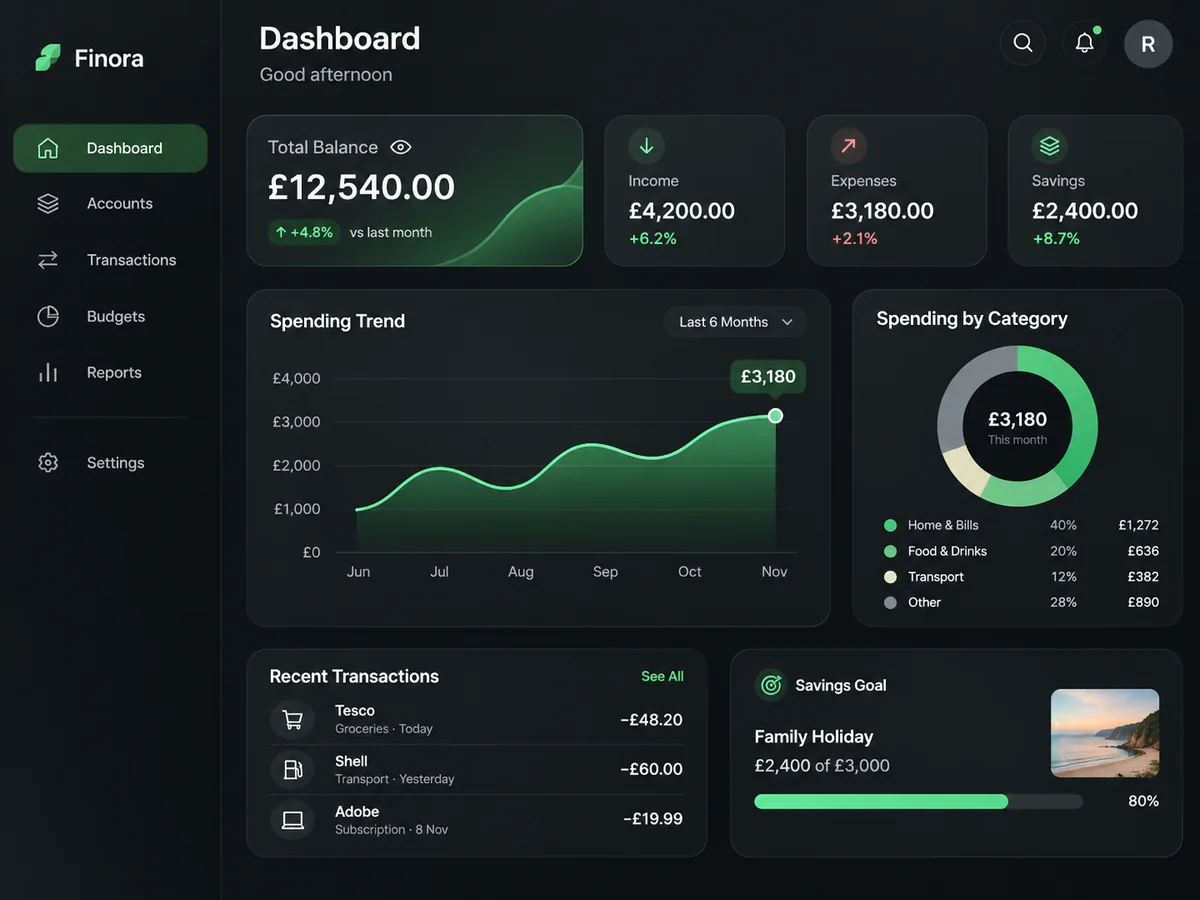


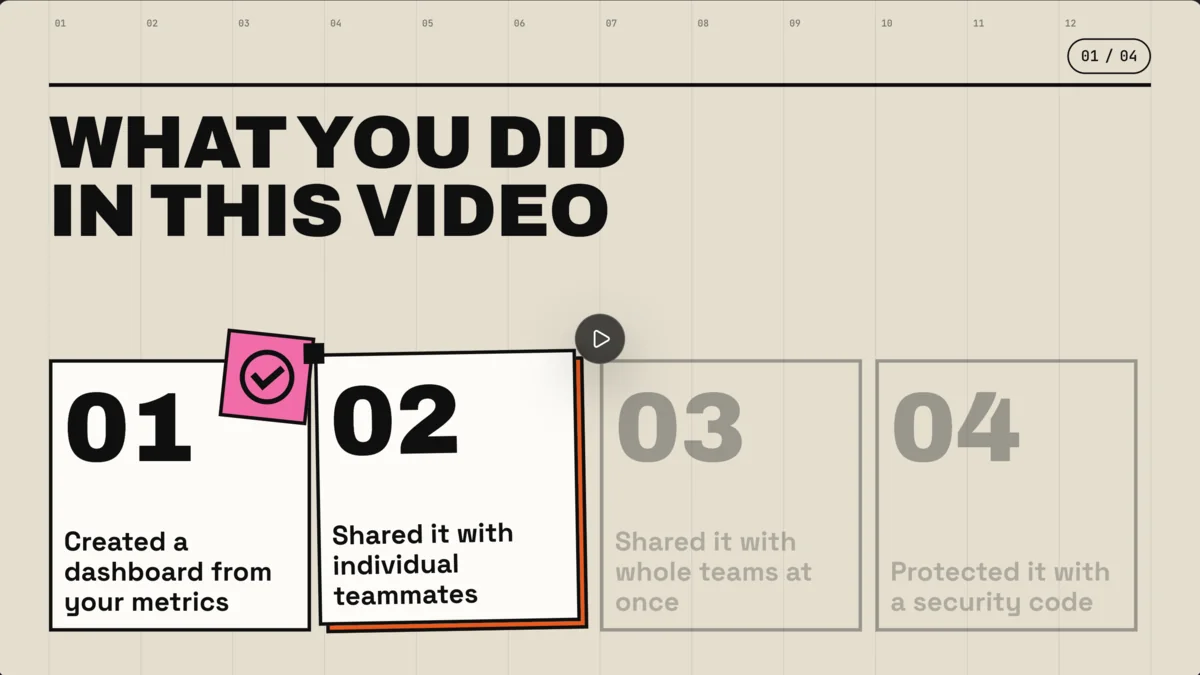
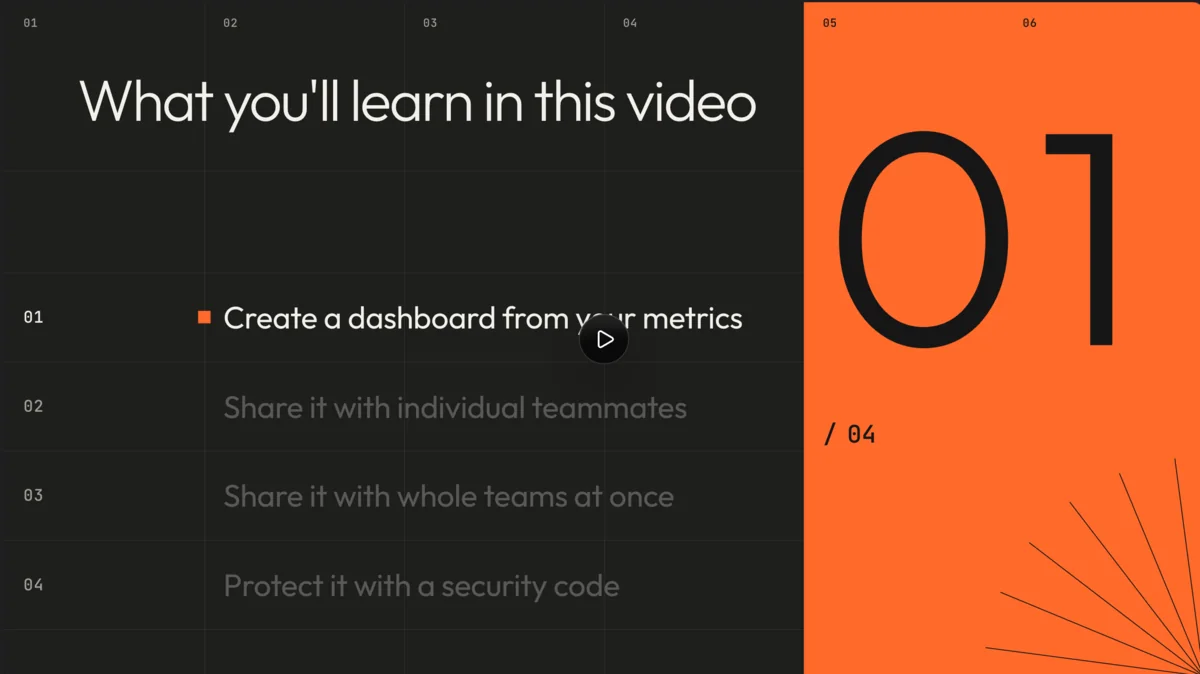
Clevera writes the script and narrates it in a natural voice. Edit a line and only that line is re-recorded.
Yardım makalesi, yazıldı
aynı kayıttan.
Numaralandırılmış adımlar, her biri için bir ekran görüntüsü ve okuyucunun ihtiyaç duyduğu uyarılar. Yardım merkeziniz için hazır.
Makaleler nasıl yapılırSteps written for you
Clear numbered steps, drawn from your clicks and what you said while recording.
A screenshot for every step
Picked from the recording, with each click marked so readers see where to go.
Tips and warnings included
Common mistakes get a warning and shortcuts get a tip, right where they matter.
Edit by chat
Ask to shorten it, rewrite a step, change the tone or add a whole new section.
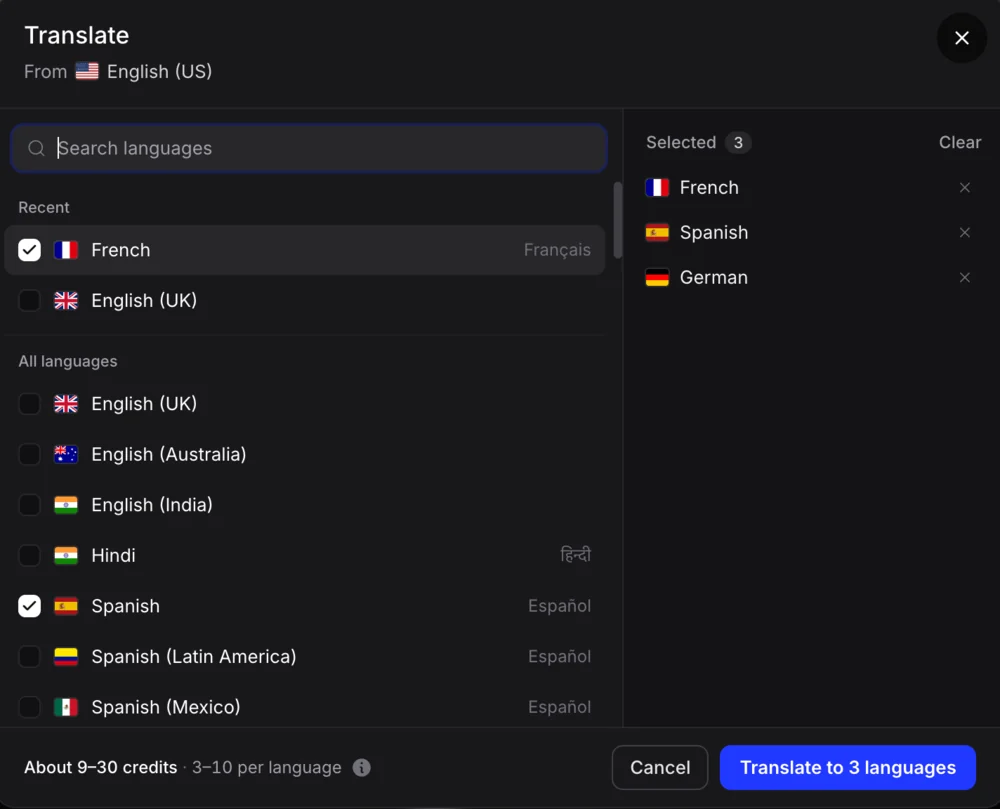
Translate to 74 languages
The steps, headings and callouts keep the same structure in every language.
Export anywhere
Download Markdown, HTML, PDF or Word, or publish it to your help center.
Daha az düzenleme.
Daha çok yayınlama.
Kayıt, düzenleme ve yazma işlerini Clevera'nın ajanlarına devreden ekiplerden gerçek sonuçlar.



Zamanını geri kazanan
ekipler.
We used Clevera to redo 100+ tutorial videos in days, something that would take months. It turned simple recordings into clean, narrated videos. Huge time saver.
 Maziar FiroozmandCMO, Artbees
A real game changer! We created videos and tutorials covering our product trainings, clinical studies and production processes. It’s incredibly fast and extremely smart. It saved us around 150–200 hours of work and time loss.
 Cihan SavsarCo-founder, Anocin
Before Clevera, we were handling videos manually. Since switching, we’ve saved significant time and the process is far smoother. It’s been a genuinely useful tool for us.
 Grand KimManaging director, Blue Stone Solution
Yardım merkeziniz,
kayıtlarınızdan oluşturuldu.
Yaptığınız her şey barındırılan bir yardım merkezinde yayına girer. Ayrı bir doküman aracı yok, kopyala yapıştır yok. Her planda ücretsiz. Yardım merkezini keşfedin
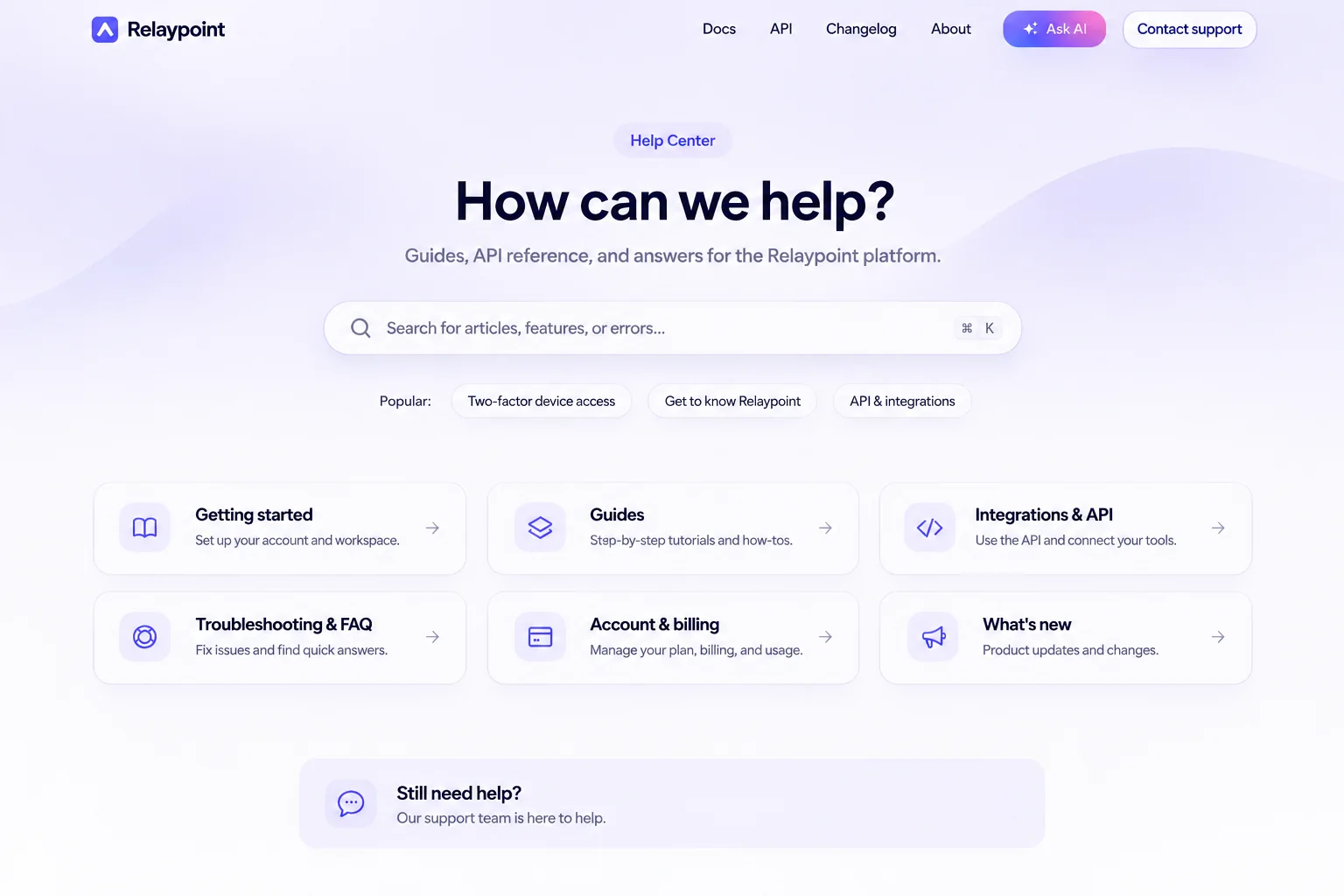
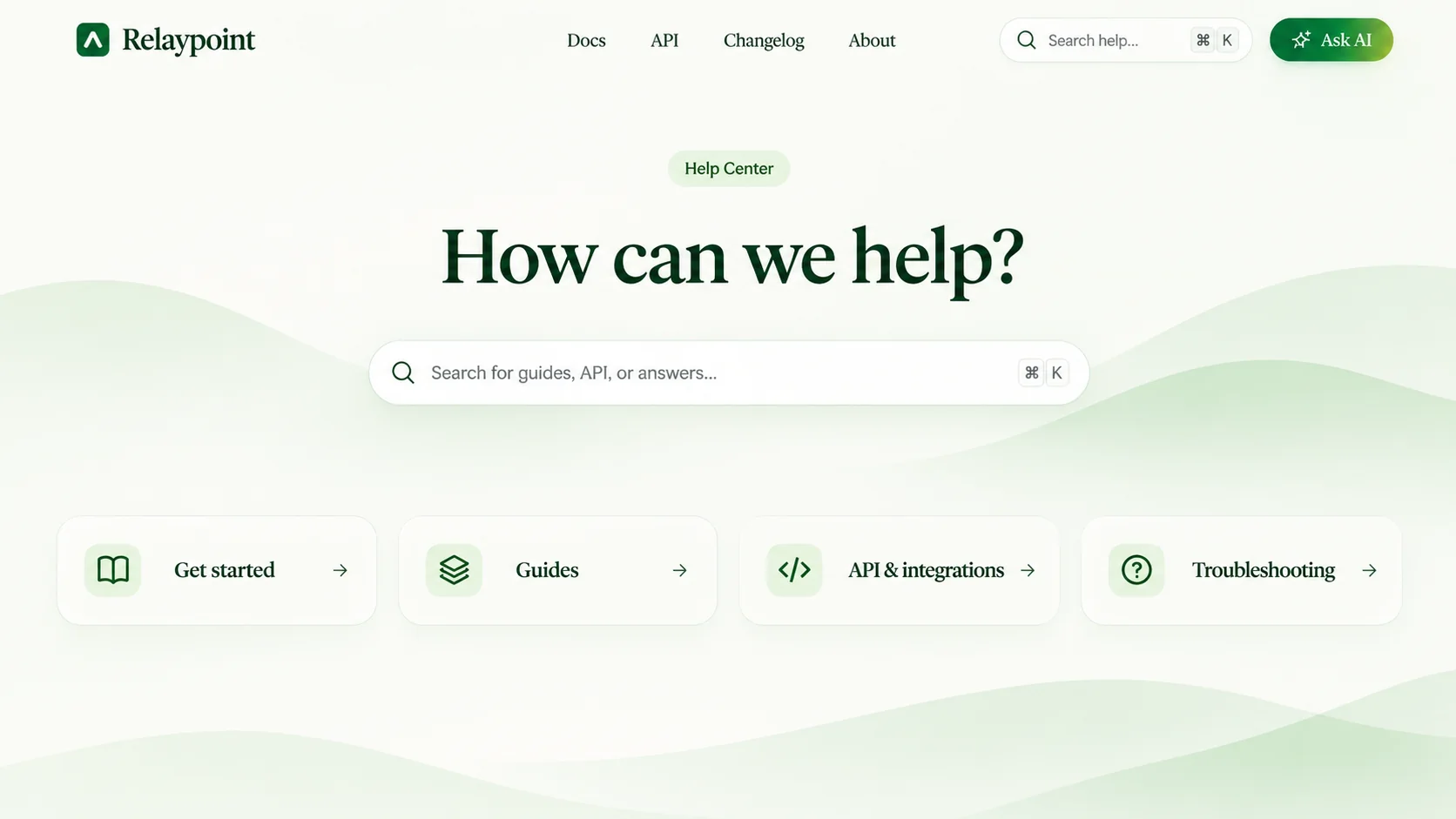
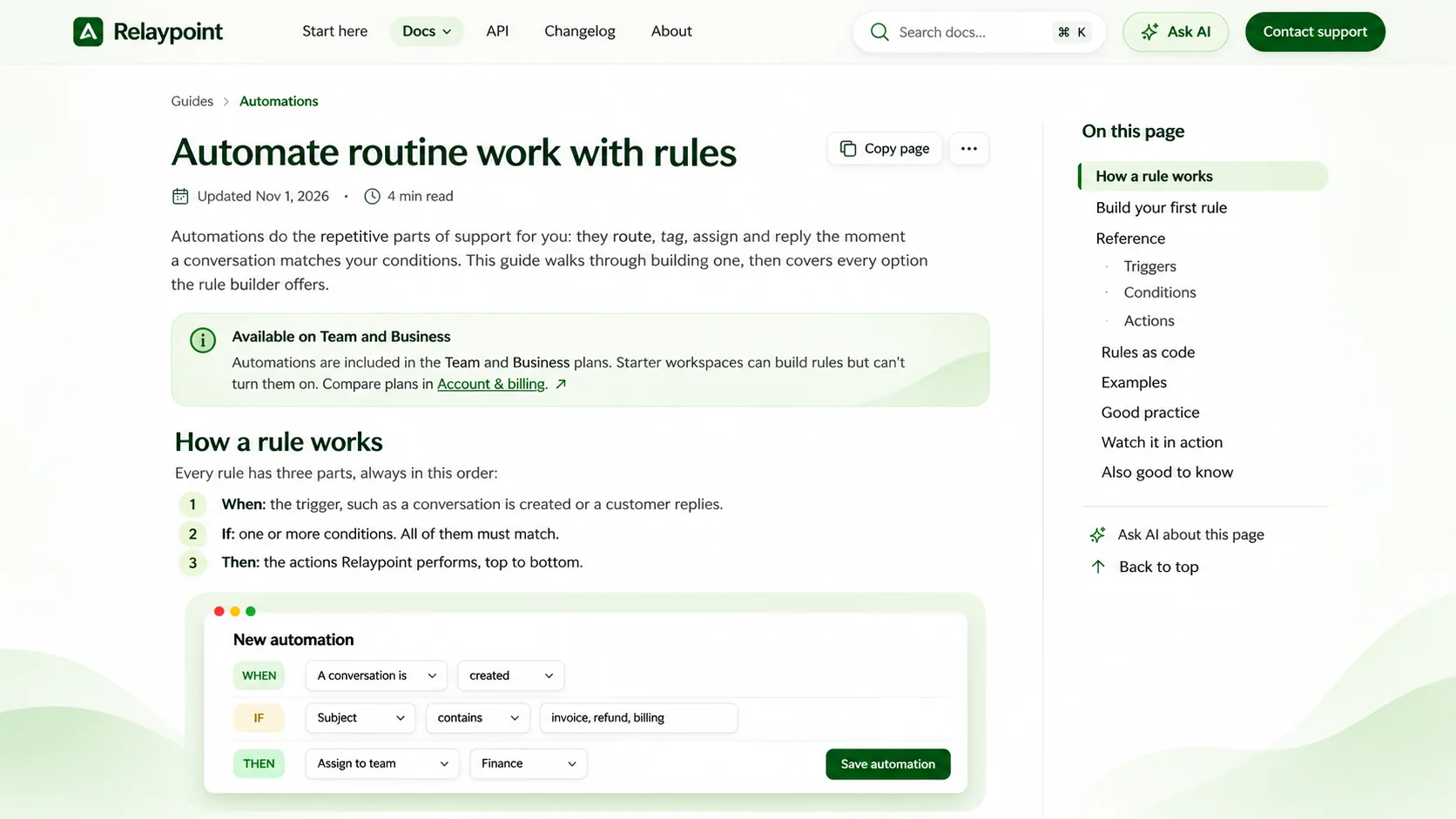


Add your articles and press Publish. Readers see it within seconds, and every version is kept so you can roll back.






Dokümanlarınız başka bir yerde mi? Tek tıkla içe aktarın.







Halihazırda kullandığınız
araçlarla çalışır.
Videoları ve makaleleri hedef kitlenizin ve ekibinizin zaten bulunduğu yere gönderin. Bir kez bağlayın, tek tıkla yayınlayın.
Tüm entegrasyonları görünÜrününüz değişir.
Videolarınız ve dokümanlarınız takip eder.
Her sürümle birlikte Clevera, etkilenen videoları ve makaleleri bulur ve güncellemeleri sizin için taslak olarak hazırlar.
Otopilot nasıl çalışırWeb sitenizi yapıştırın.
Clevera işinizi öğrenir.
Clevera işinizi araştırır, ardından logonuzu, renklerinizi, yazı tiplerinizi ve sesinizi birkaç dakika içinde öğrenir. Her video, klip ve yardım merkeziniz o zaman sizin gibi görünür ve duyulur.
Ekipler için oluşturuldu
ve güvenlik
Bir kişilik ekipten 74 dilde hizmet veren bir şirkete kadar, Clevera sizinle birlikte büyür ve verilerinizi ait olduğu yerde tutar.
Sorular
Bir ürünü tekrar tekrar açıklayan ekipler. Destek ekipleri tekrarlanan soruları bir kez, bir video ve bir makale ile yanıtlar (müşteri desteği). İşe alıştırma ve eğitim ekipleri, müşterileri ve yeni personeli başka bir görüşme yapmadan başlatır (müşteri işe alıştırma). Ürün ve pazarlama ekipleri nelerin gönderildiğini gösterir (ürün pazarlaması).
Product videos and help content from one source: a screen recording, a website link or a sentence. Clevera writes, narrates, edits and designs how-to videos, product demos and help articles, plus translations. From the same product you can make launch clips for social, feature promos and AI presenter videos.
No. Talk roughly while you click, or say nothing. Clevera writes a clean script and narrates it in a natural AI voice.
Tell Clevera what to show. The AI agent works out the steps, clicks through your web app like a person, records it and turns it into a video and article. It runs in the cloud and can sign in with a login you provide, which the AI never sees. Your app must be reachable from the internet. To record your own screen, use the Clevera app for Mac, Windows or Linux.
Pick a presenter look and a voice, and Clevera writes the script. The presenter walks viewers through your product, with no camera or actor. AI presenters are on Starter and Pro and use credits based on time on screen.
Ask the AI assistant to trim a scene, change the voice or restyle the clip, or edit the script and settings by hand. Embedded and shared videos update everywhere when you edit, while downloaded MP4s stay static.
Yes. Free gives you 100 credits a month and videos up to 3 minutes, which you share by link or embed. Social and promo videos come with Starter and up. Billed monthly, Starter is $36 a month and Pro starts at $124 a month for 2 creators, with extra creators at $36 a month each. Billed yearly, Starter works out to $29 a month and Pro to $86.80 a month, and extra creators cost 30% less. MP4 downloads are unlimited on paid plans. See plans and pricing
Credits pay for AI work such as scripts, voiceover, presenters, translation and AI recording. Each generation shows an estimate first, and exporting never costs credits. Included credits reset monthly. On Starter and Pro you can buy extra credits that never expire, or upgrade.
Embed videos anywhere that accepts HTML or an iframe, including WordPress with our plugin, or share a link. Articles can become a help center Clevera hosts, free on every plan. On Pro, articles also export to Notion, Confluence, GitBook, ReadMe, Help Scout, Google Docs and GitHub. Every plan includes viewer analytics.
Instead of only recording what you do, Clevera’s AI agent can operate your app for you, then writes, narrates, edits and designs the video. One source becomes a how-to video, an article, a launch clip and a presenter walkthrough of your product, in 74 languages, and you refine it by chatting.