Erstellen Sie Produktvideos und Dokumente und halten Sie diese mit KI auf dem neuesten Stand
Clevera nimmt Ihr Produkt auf, schreibt das Skript und vertont es – bereit zur Veröffentlichung in Minuten. Erstellen Sie How-to-Videos, Demos und Promo-Videos und halten Sie diese aktuell, wenn sich Ihr Produkt ändert.










Erstellt mit Clevera.
Echte Videos, jedes aus einer Bildschirmaufnahme erstellt. Showcase ansehen
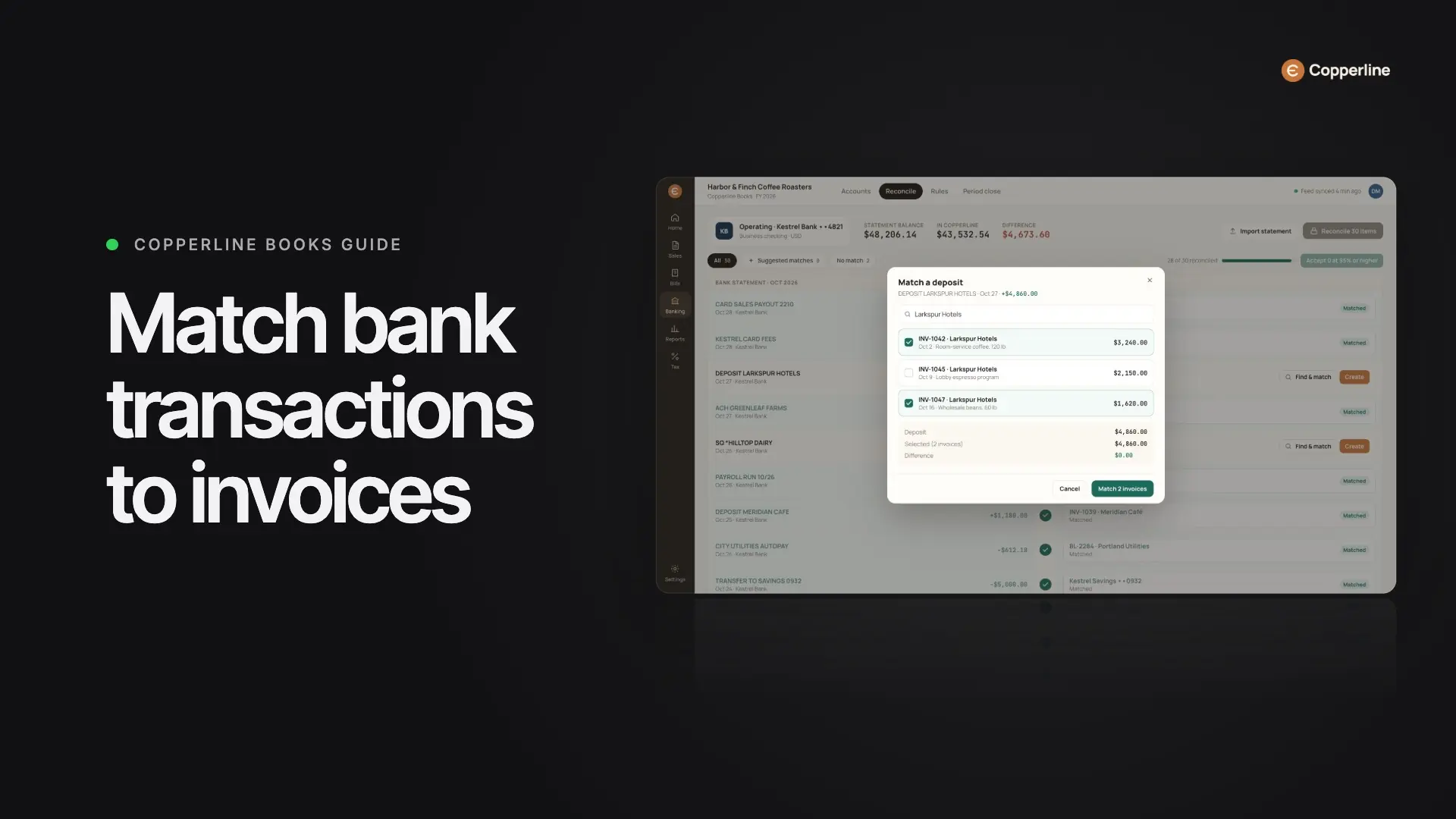
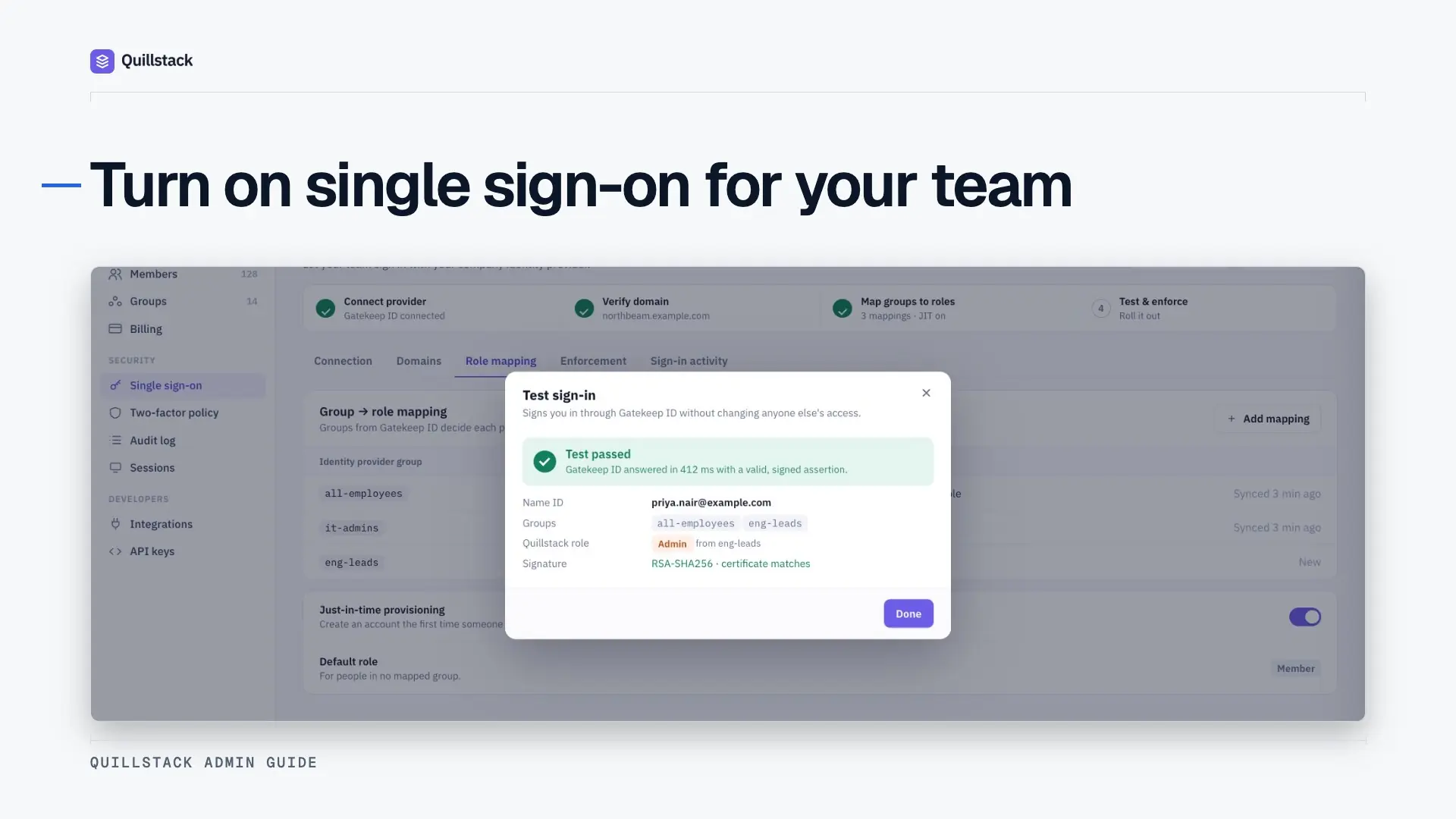
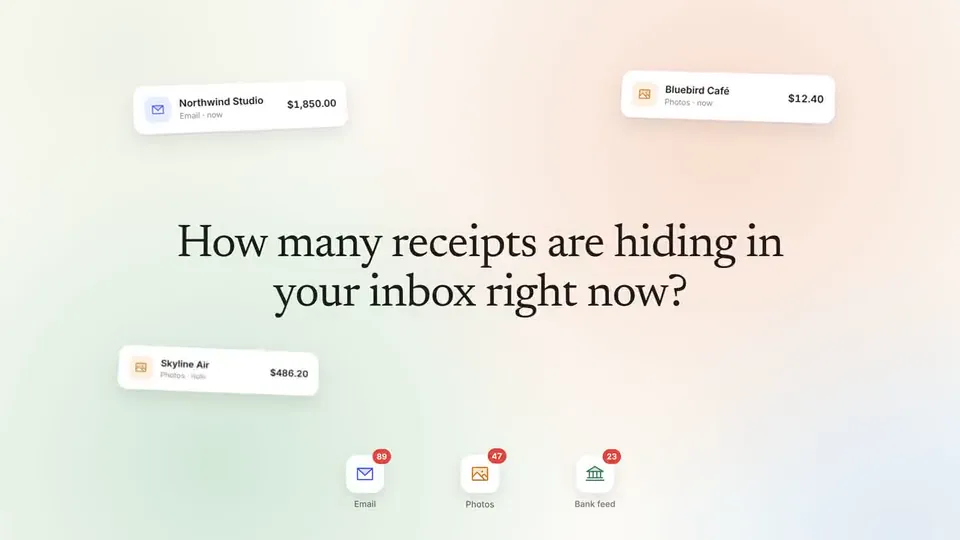


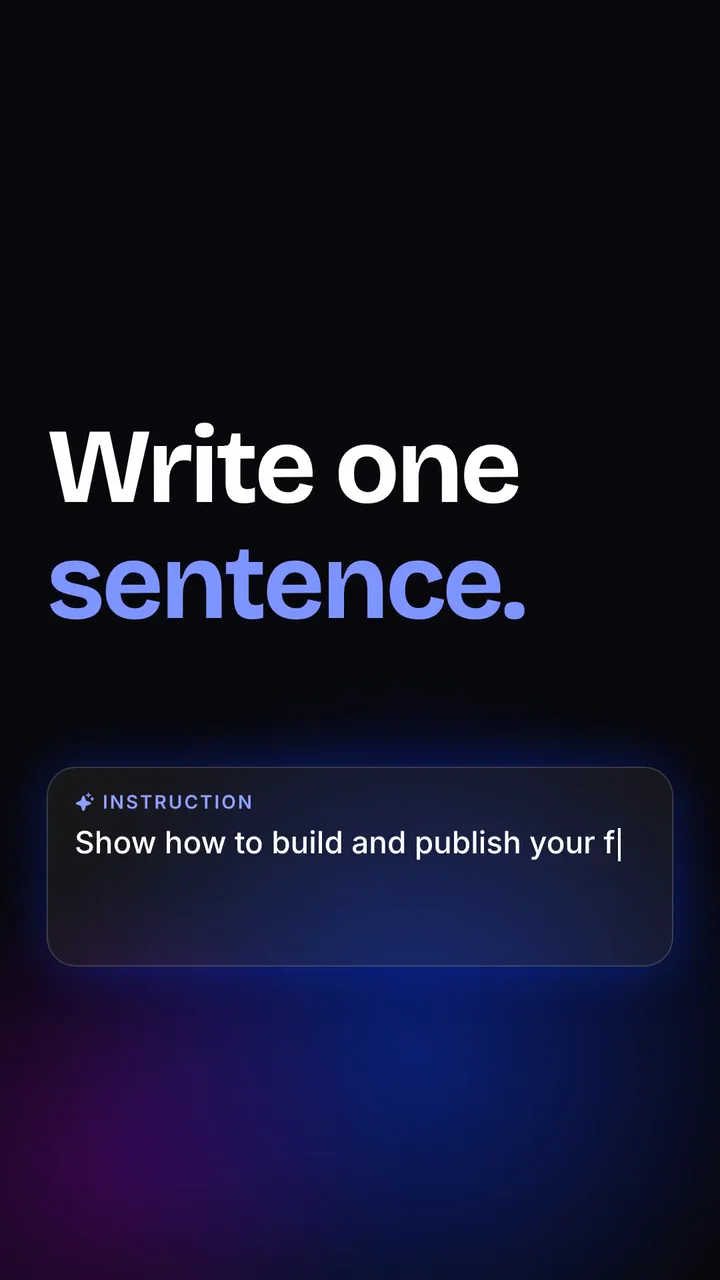

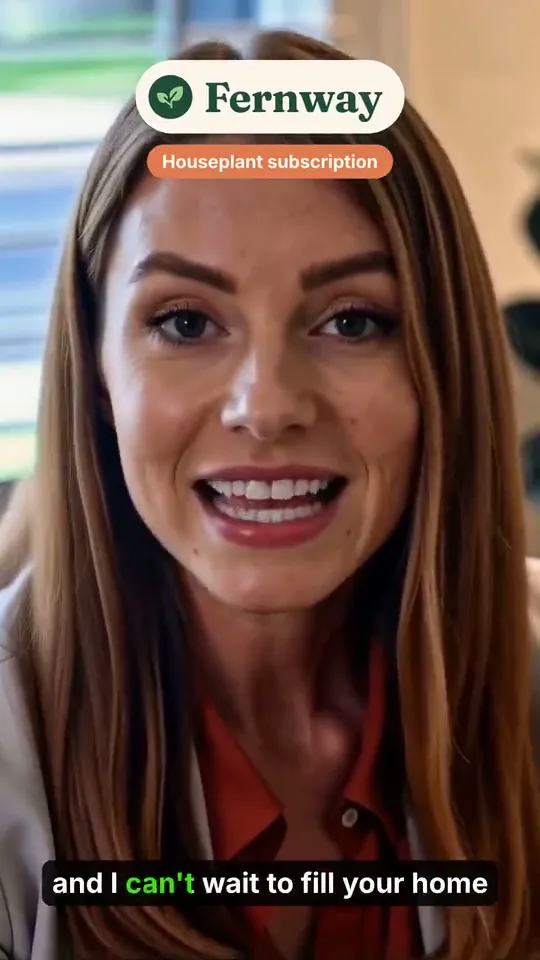

Sie sagen es.
Agenten erledigen es.
Wie der Agent aufnimmt



Lieber selbst aufnehmen?
Jede App, jedes Gerät.
Erfassen Sie Web-Apps, Desktop-Software, Smartphones und Tablets mit dem Clevera-Recorder. Skript, Stimme und Schnitt werden weiterhin für Sie erledigt. Recorder holen
Vertonte, geschnittene Videos
aus einer Aufnahme.
Clevera schreibt das Skript, fügt eine natürliche Stimme hinzu, schneidet Pausen und zoomt bei jedem Klick. Ändern Sie alles durch eine einfache Anfrage.
Wie Videos erstellt werden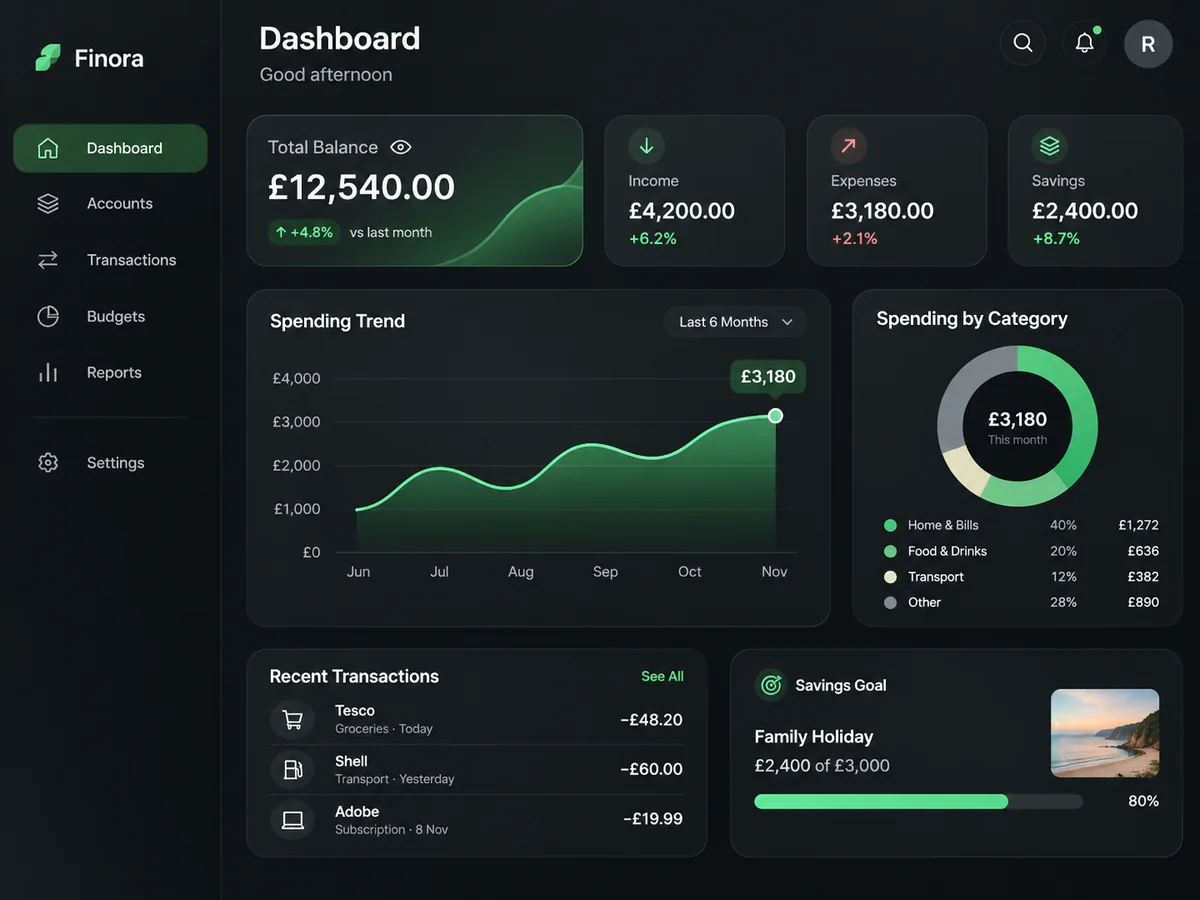


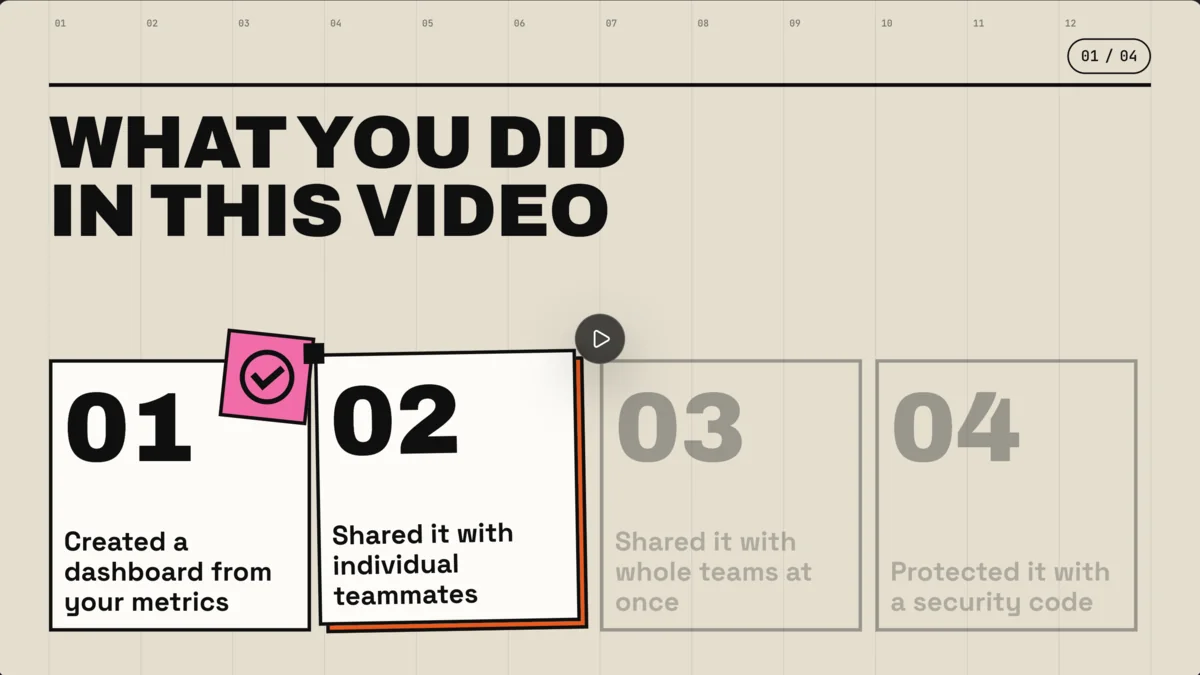
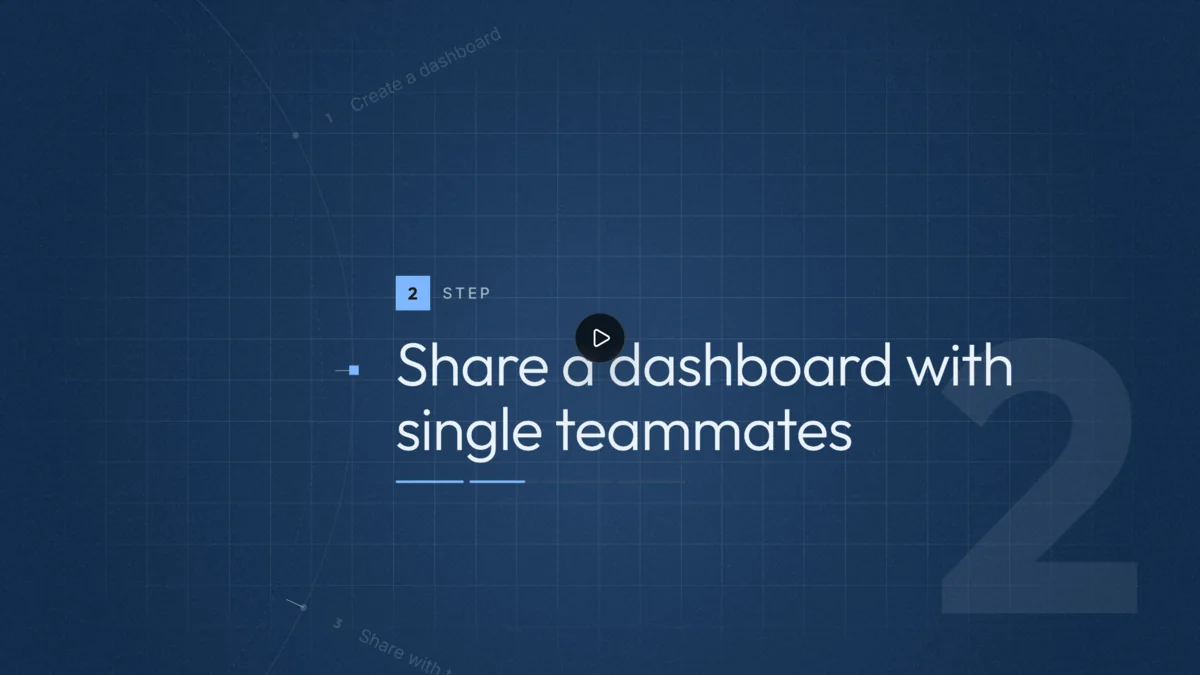
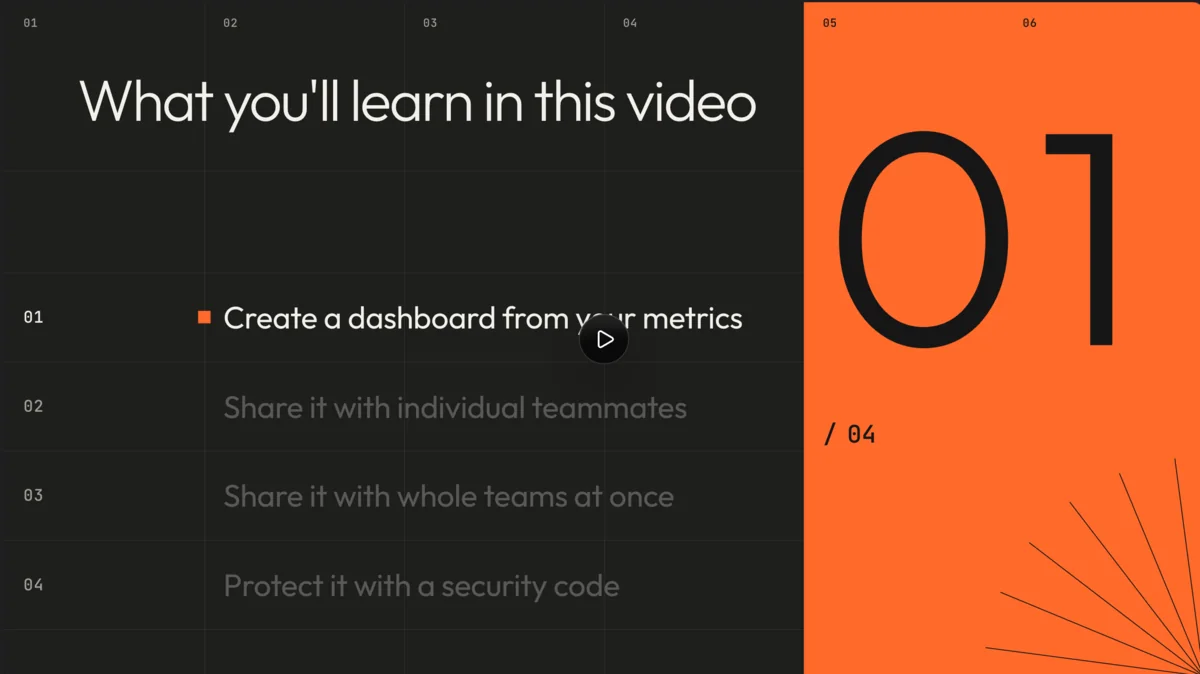
Clevera writes the script and narrates it in a natural voice. Edit a line and only that line is re-recorded.
Der Hilfe-Artikel, geschrieben
aus derselben Aufnahme.
Nummerierte Schritte, ein Screenshot für jeden und die Warnungen, die ein Leser benötigt. Bereit für Ihr Hilfe-Center.
Wie Artikel erstellt werdenSteps written for you
Clear numbered steps, drawn from your clicks and what you said while recording.
A screenshot for every step
Picked from the recording, with each click marked so readers see where to go.
Tips and warnings included
Common mistakes get a warning and shortcuts get a tip, right where they matter.
Edit by chat
Ask to shorten it, rewrite a step, change the tone or add a whole new section.
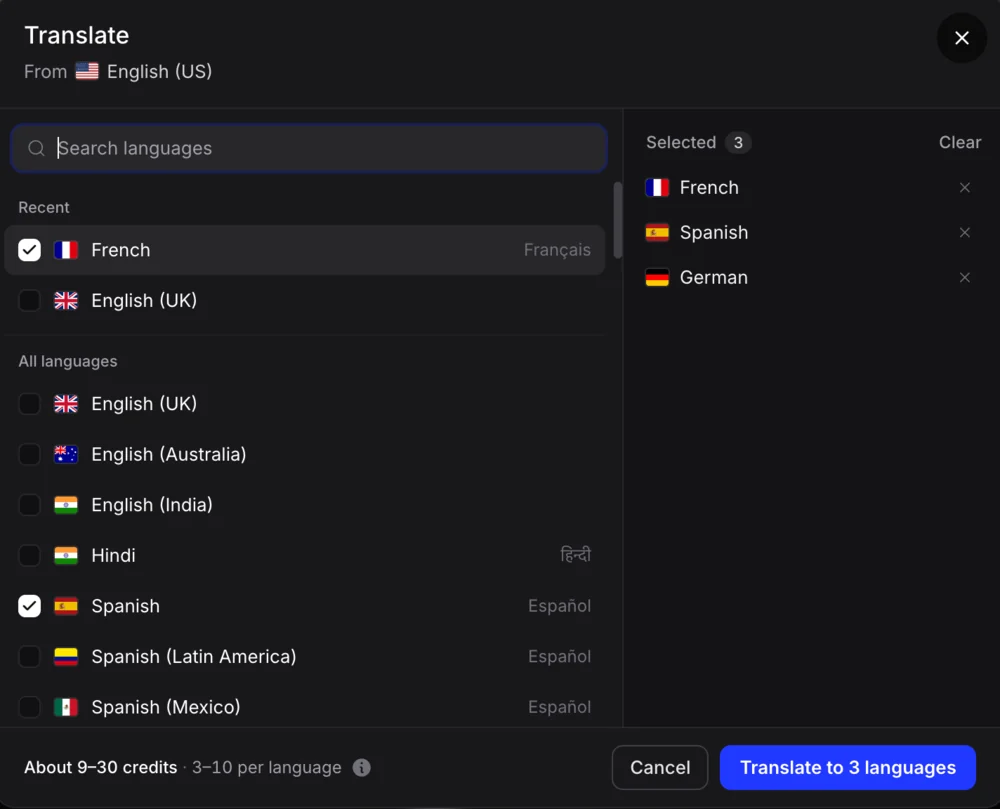
Translate to 74 languages
The steps, headings and callouts keep the same structure in every language.
Export anywhere
Download Markdown, HTML, PDF or Word, or publish it to your help center.
Weniger Schnitt.
Mehr veröffentlicht.
Echte Ergebnisse von Teams, die Aufnahme, Schnitt und Schreiben an die Agenten von Clevera übergeben haben.



Teams, die
ihre Zeit zurückgewonnen haben.
We used Clevera to redo 100+ tutorial videos in days, something that would take months. It turned simple recordings into clean, narrated videos. Huge time saver.
 Maziar FiroozmandCMO, Artbees
A real game changer! We created videos and tutorials covering our product trainings, clinical studies and production processes. It’s incredibly fast and extremely smart. It saved us around 150–200 hours of work and time loss.
 Cihan SavsarCo-founder, Anocin
Before Clevera, we were handling videos manually. Since switching, we’ve saved significant time and the process is far smoother. It’s been a genuinely useful tool for us.
 Grand KimManaging director, Blue Stone Solution
Ihr Hilfe-Center,
erstellt aus Ihren Aufnahmen.
Alles, was Sie erstellen, geht live in einem gehosteten Hilfe-Center. Kein separates Dokumentations-Tool, kein Kopieren und Einfügen. Kostenlos in jedem Plan. Hilfe-Center erkunden
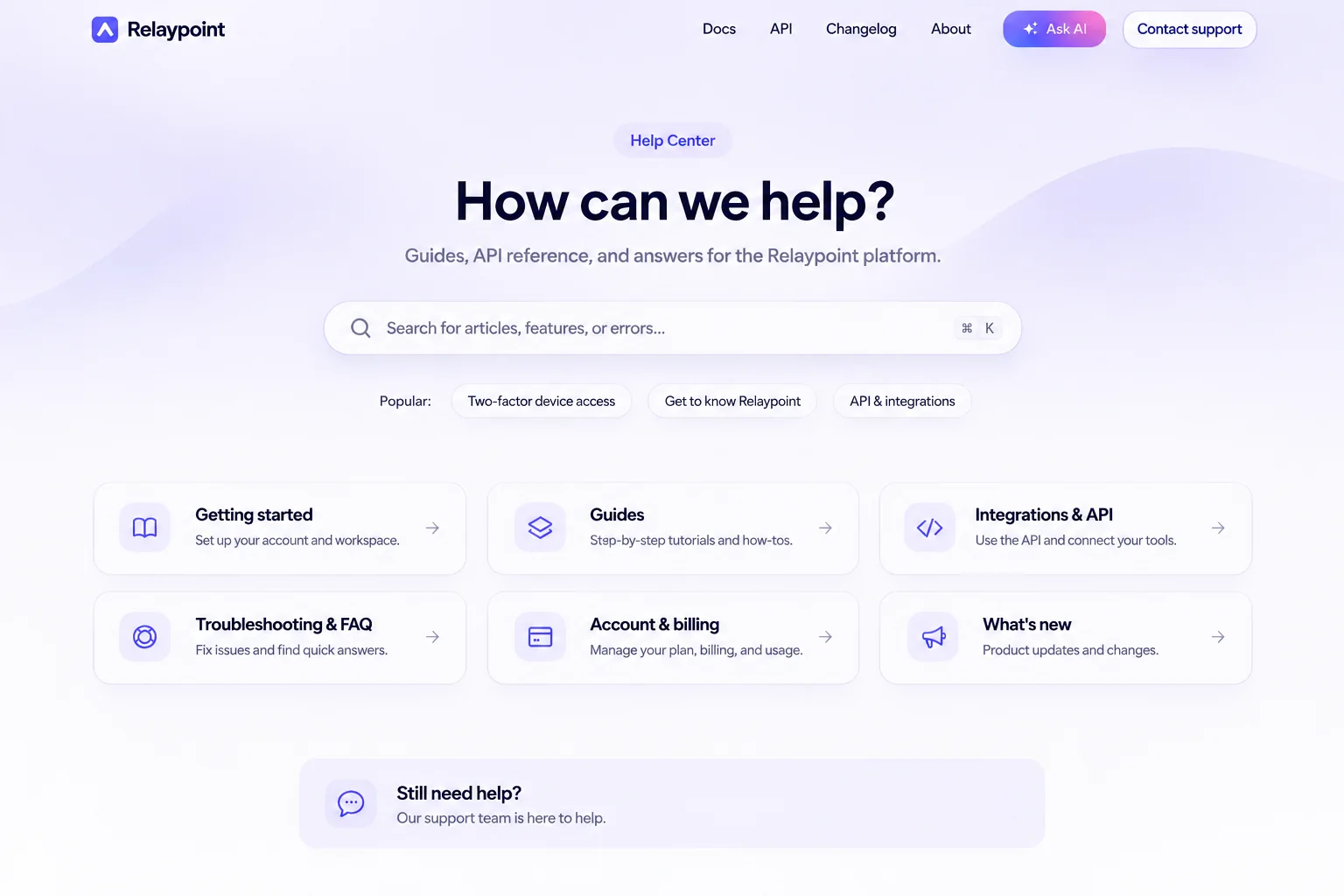
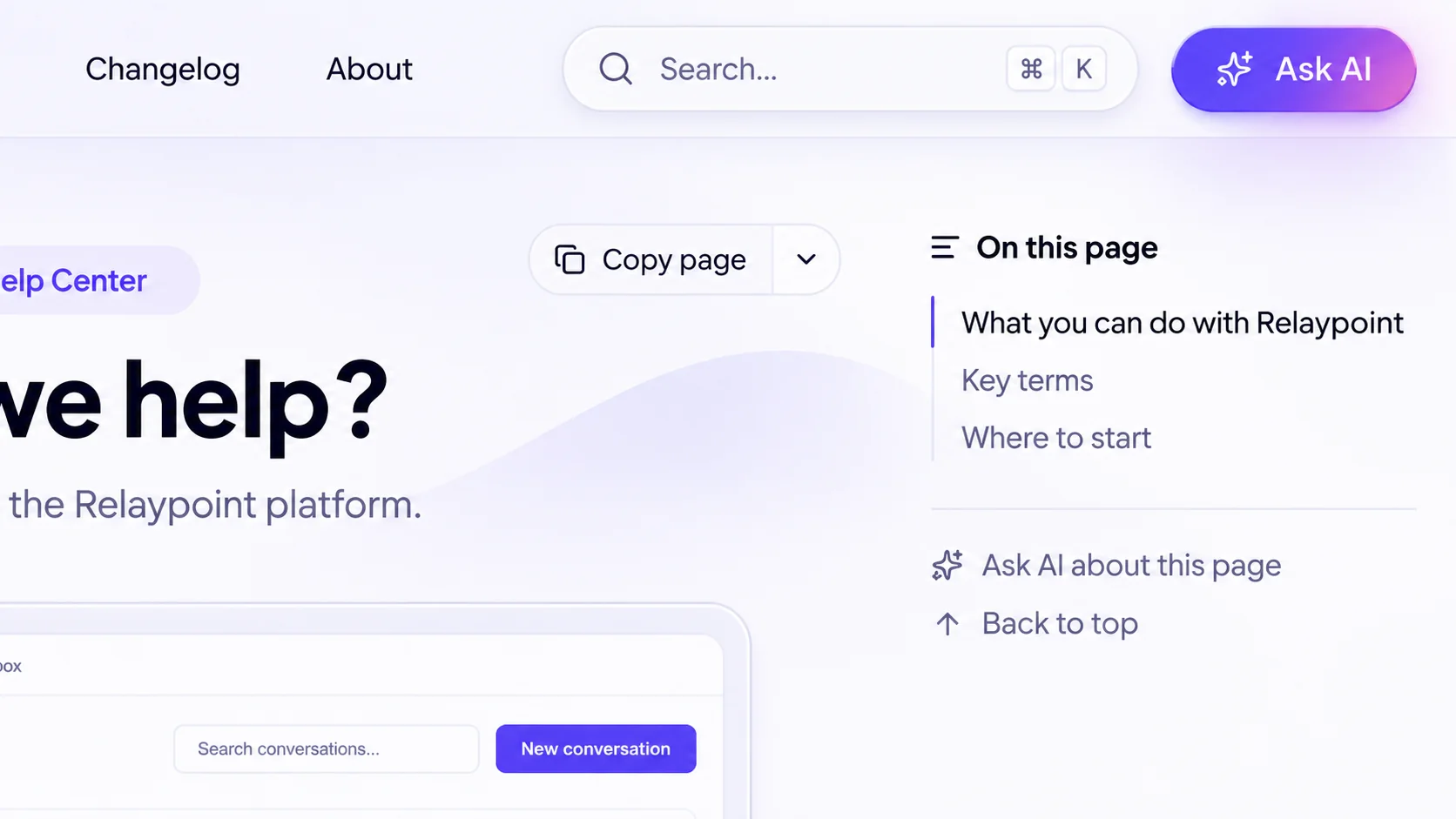
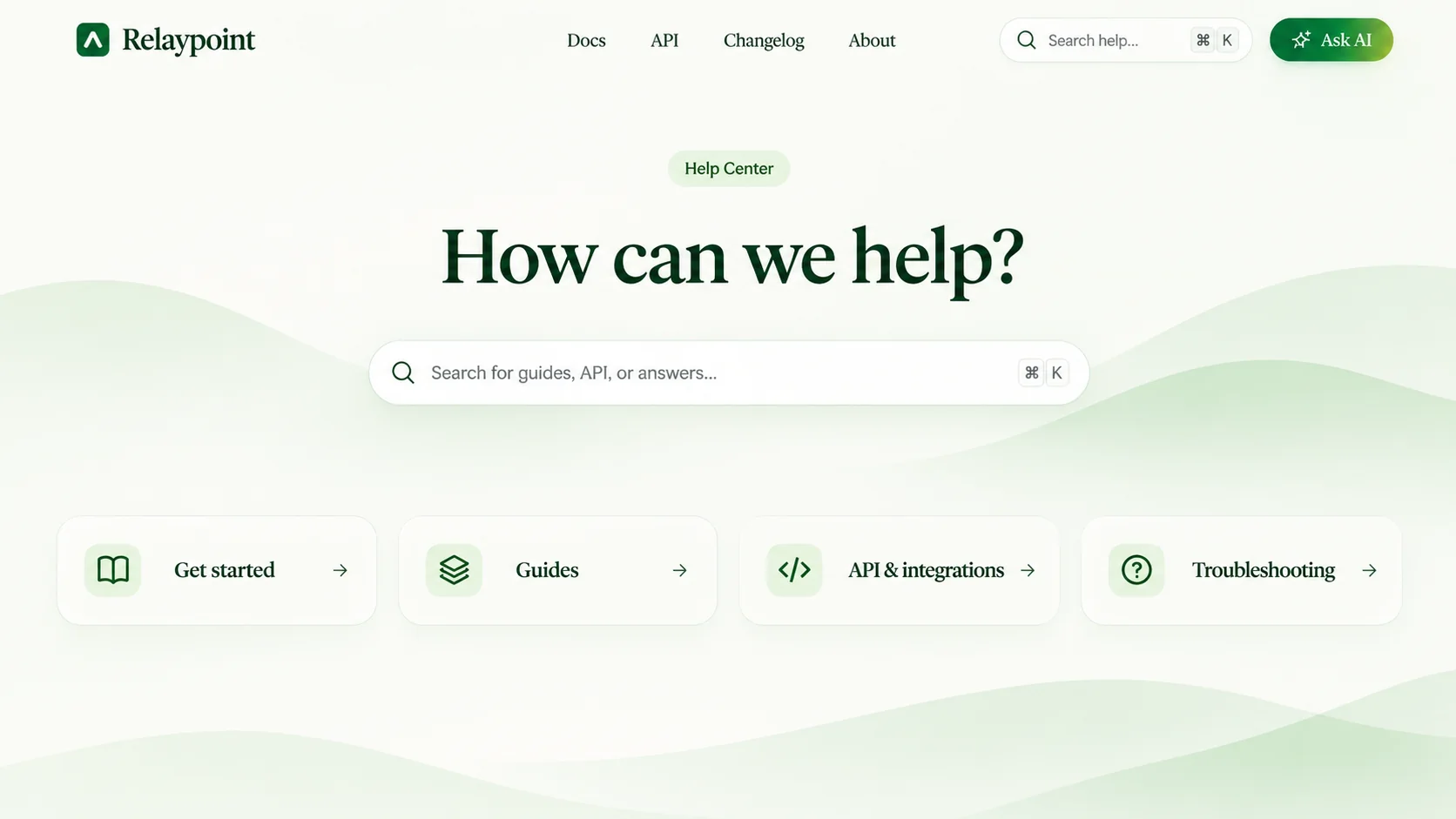
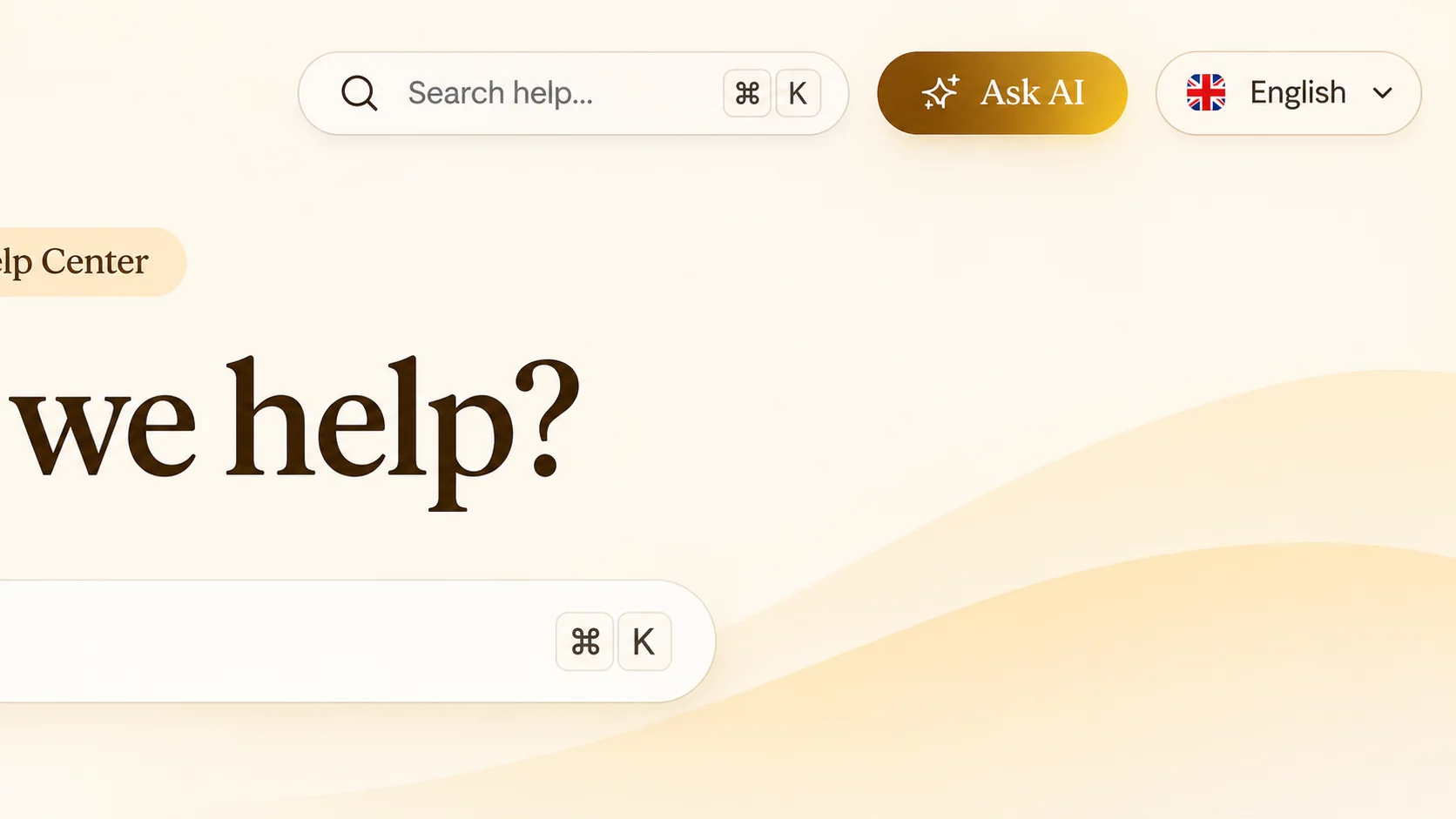


Add your articles and press Publish. Readers see it within seconds, and every version is kept so you can roll back.






Haben Sie bereits Dokumentationen woanders? Importieren Sie diese mit einem Klick.







Funktioniert mit den Tools,
die Sie bereits nutzen.
Senden Sie Videos und Artikel dorthin, wo Ihr Publikum und Ihr Team bereits sind. Einmal verbinden, mit einem Klick veröffentlichen.
Alle Integrationen ansehenIhr Produkt ändert sich.
Ihre Videos und Dokumente ziehen nach.
Mit jedem Release findet Clevera die betroffenen Videos und Artikel und entwirft die Updates für Sie.
Wie Autopilot funktioniertFügen Sie Ihre Website ein.
Clevera lernt Ihr Unternehmen kennen.
Clevera recherchiert Ihr Unternehmen und lernt dann in wenigen Minuten Ihr Logo, Ihre Farben, Schriftarten und Ihre Stimme. Jedes Video, jeder Clip und Ihr Hilfe-Center sehen dann aus wie Sie und klingen auch so.
Gebaut für Teams
und Sicherheit
Vom Ein-Personen-Team bis zum Unternehmen in 74 Sprachen: Clevera wächst mit Ihnen und bewahrt Ihre Daten dort auf, wo sie hingehören.
AuftragsverarbeitungsvertragUnterauftragsverarbeiterSicherheit
Fragen
Teams, die ein Produkt immer wieder erklären. Support-Teams beantworten wiederkehrende Fragen einmalig mit einem Video und einem Artikel (Kundensupport). Onboarding- und Schulungsteams bringen Kunden und neue Mitarbeiter ohne weiteren Anruf zum Start (Kunden-Onboarding). Produkt- und Marketingteams zeigen, was veröffentlicht wurde (Produktmarketing).
Product videos and help content from one source: a screen recording, a website link or a sentence. Clevera writes, narrates, edits and designs how-to videos, product demos and help articles, plus translations. From the same product you can make launch clips for social, feature promos and AI presenter videos.
No. Talk roughly while you click, or say nothing. Clevera writes a clean script and narrates it in a natural AI voice.
Tell Clevera what to show. The AI agent works out the steps, clicks through your web app like a person, records it and turns it into a video and article. It runs in the cloud and can sign in with a login you provide, which the AI never sees. Your app must be reachable from the internet. To record your own screen, use the Clevera app for Mac, Windows or Linux.
Pick a presenter look and a voice, and Clevera writes the script. The presenter walks viewers through your product, with no camera or actor. AI presenters are on Starter and Pro and use credits based on time on screen.
Ask the AI assistant to trim a scene, change the voice or restyle the clip, or edit the script and settings by hand. Embedded and shared videos update everywhere when you edit, while downloaded MP4s stay static.
Yes. Free gives you 100 credits a month and videos up to 3 minutes, which you share by link or embed. Social and promo videos come with Starter and up. Billed monthly, Starter is $36 a month and Pro starts at $124 a month for 2 creators, with extra creators at $36 a month each. Billed yearly, Starter works out to $29 a month and Pro to $86.80 a month, and extra creators cost 30% less. MP4 downloads are unlimited on paid plans. See plans and pricing
Credits pay for AI work such as scripts, voiceover, presenters, translation and AI recording. Each generation shows an estimate first, and exporting never costs credits. Included credits reset monthly. On Starter and Pro you can buy extra credits that never expire, or upgrade.
Embed videos anywhere that accepts HTML or an iframe, including WordPress with our plugin, or share a link. Articles can become a help center Clevera hosts, free on every plan. On Pro, articles also export to Notion, Confluence, GitBook, ReadMe, Help Scout, Google Docs and GitHub. Every plan includes viewer analytics.
Instead of only recording what you do, Clevera’s AI agent can operate your app for you, then writes, narrates, edits and designs the video. One source becomes a how-to video, an article, a launch clip and a presenter walkthrough of your product, in 74 languages, and you refine it by chatting.