Best AI screen recording tools in 2026 (tested and ranked)

Let me be upfront with you: most "screen recording" tools in 2026 are not actually screen recording tools anymore. They are AI production studios disguised as recorders, and the gap between them is enormous.
I spent the last few months testing every major player in this space, from legacy tools like Loom to newer agentic platforms. Some surprised me. Some disappointed me. And one genuinely changed how I think about documentation and video production for SaaS teams.
Whether you are a product manager trying to keep your help center alive through constant UI changes, a customer success leader buried in support tickets, or a founder who needs demo videos without hiring a video team, this guide is for you.
Here is what I found.
Which are the best AI screen recording tools in 2026?
When building this list, I evaluated each tool across four dimensions:
Output quality: Does it produce something you would actually publish, or does it look like a screen recording from 2019?
Automation depth: How much does the AI actually do versus what you still have to do manually?
Documentation capability: Does it generate written documentation alongside video, or just leave you with an MP4 file?
Total cost of ownership: Not just the subscription, but the hidden time cost of editing, translating, updating, and maintaining content.
Based on those criteria, here are the best AI screen recording tools in 2026:
Tool | Best for |
|---|---|
Clevera | Best overall: agentic AI video tutorial maker + documentation generator |
Loom | Fast async communication and internal updates |
Screen Studio | Polished short-form video for Mac-only creators |
Descript | Heavy narrative editing and podcast-style video |
Guidde | Quick how-to documentation for support teams |
Kommodo | Searchable video repositories |
ScreenApp | Browser-based recording, zero setup |
Clevera
Best overall AI video tutorial maker and documentation generator
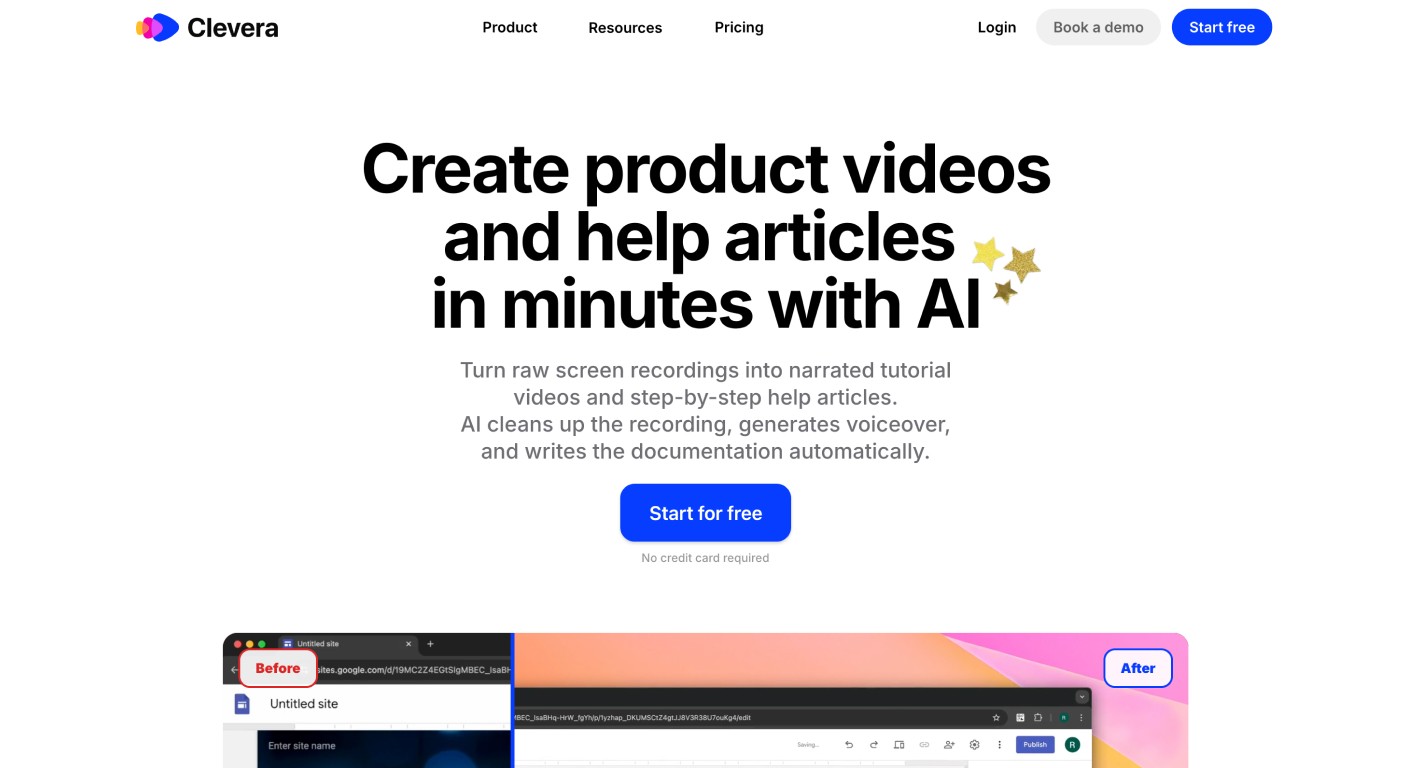
Here is the honest version of what most tools actually do: they record your screen, leave you with a raw clip, and then hope you figure out the rest. Clevera is built around the opposite philosophy.
Clevera's capture engine does not just record pixels. It tracks every click, keystroke, application state, and mouse movement as structured interaction data. When you finish recording, its AI agents reconstruct the footage from scratch, removing accidental clicks, smoothing cursor movement, and applying contextual smart zooms to the moments that actually matter. You do not need to say a word during the recording. The AI analyzes what you did and writes a natural voiceover script explaining it.
That distinction is everything. Every other tool on this list requires you to either narrate perfectly in one take or spend 30 to 45 minutes in an editor afterwards. Clevera collapses that entire process into a few minutes of review.
But the feature that actually sets Clevera apart is what happens after the video is generated: it also produces a full written article. A "writer agent" uses the same interaction data to draft a structured, screenshot-annotated help article, which a secondary "reviewer agent" checks for accuracy. You get a narrated video and a step-by-step documentation article from a single five-minute recording session. That is not a minor convenience. For SaaS teams publishing to Zendesk, Confluence, Intercom, or Gitbook, it cuts documentation work by an order of magnitude.
The other thing nobody talks about enough: the maintenance problem. When your UI changes, every video tutorial you have ever made becomes wrong. With most tools, that means re-recording, re-editing, re-uploading. Clevera's LiveSync solves this structurally. Published videos live as embeds that update in real time. Change a voiceover line, update a highlighted area, adjust the narration tone, and every instance of that video across your knowledge base reflects the change instantly. No new export. No broken links.
For teams with international audiences, Clevera also handles translation into 70+ languages, re-dubbing the video with synchronized audio rather than just adding subtitles.
Key features
Agentic AI reconstructs footage rather than just recording it, removing accidental clicks and smoothing cursor movements
Generates voiceover scripts automatically, even with no user narration during recording
Produces a written help article alongside the video from a single recording session
LiveSync technology updates all embedded videos in real time when edits are made
Smart zoom that understands context, not just cursor position
Exports to MP4, HTML, and Markdown; integrates with Notion, Confluence, Zendesk, Intercom, Gitbook, and more
70+ language translation with re-dubbed audio
Intuitive timeline editor for video and a Notion-style editor for articles
Real-time collaboration with live cursors in the article editor
Pricing
Plan | Annual | Monthly |
|---|---|---|
Starter | $29/user | $36/user |
Pro | $99/user | $124/user |
Business | $59/seat (min. 5 seats) | $74/seat |
The Business plan includes SSO, shared usage pools, and priority support.
Bottom line: If your team creates any volume of tutorials, onboarding videos, or help center content, Clevera is not just the best AI how-to video creator on this list. It is the only tool that treats documentation as a first-class output rather than an afterthought.
Try Clevera
Loom
Best for fast internal async communication
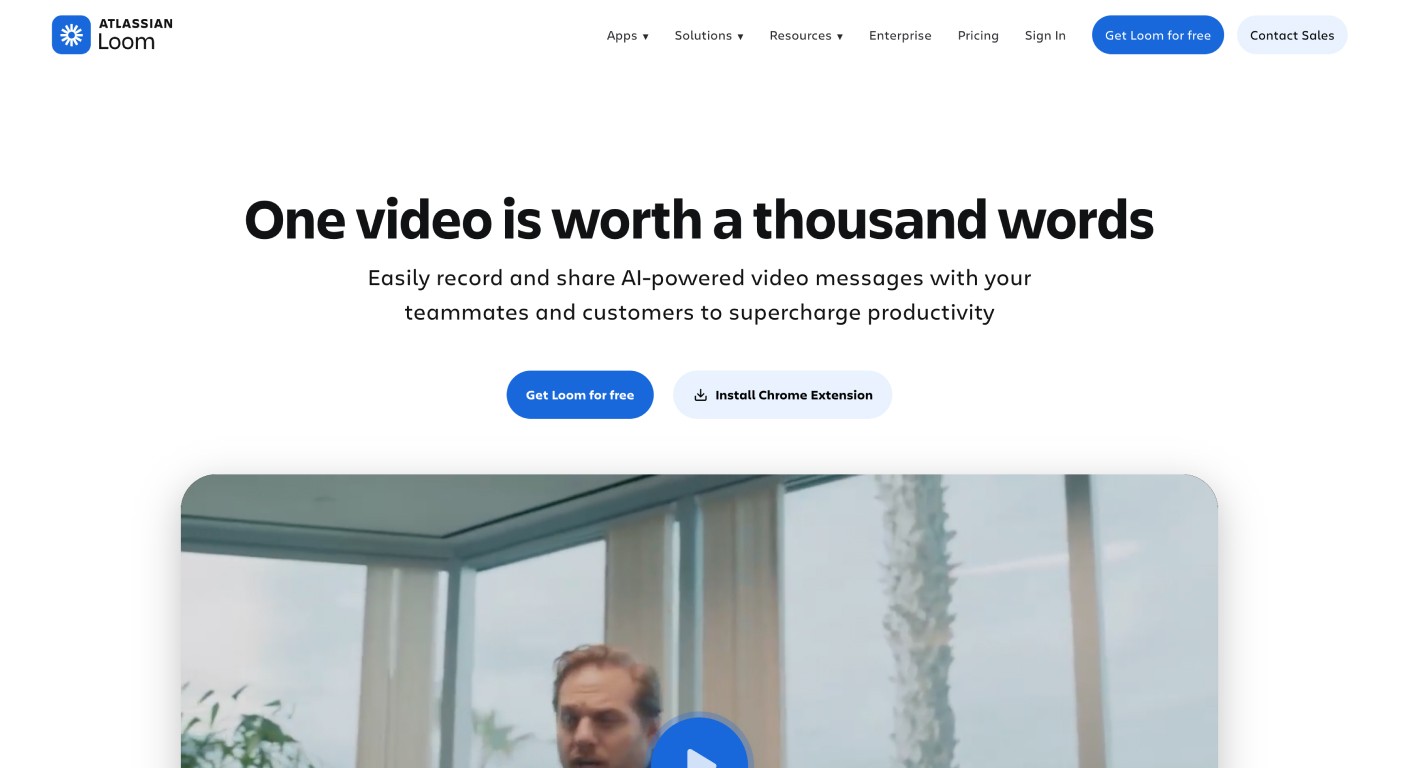
Loom is the tool everyone already uses, and for good reason. Its integration with Slack, Teams, and the Atlassian suite makes it the default for "I will just send a quick Loom" moments. The 2026 version adds AI summaries, auto-titles, and filler word removal to already-recorded videos.
Where Loom falls short is anything beyond those quick internal clips. It records the screen as-is, meaning every mistake you make is in the final video unless you manually edit the waveform. There is no mechanism for generating written documentation. A Loom video is essentially a black box: useful to watch once, difficult to search, impossible for AI agents or search engines to index properly. For teams trying to build a searchable, maintainable knowledge base, that matters.
Key features
One-click screen and webcam recording
AI summaries, auto-chapters, and filler word removal
Deep integrations with Slack, Teams, Notion, Atlassian
Viewer comments and reactions
Pricing
Plan | Price |
|---|---|
Starter | Free (25 videos, 5-min cap) |
Business | $15/user/month |
Business + AI | $24/user/month |
Bottom line: Loom is perfect for quick team updates and async explanations. It is the wrong tool if you are trying to build a help center, a tutorial library, or anything that needs to stay accurate six months from now.
Try Loom
Screen Studio
Best for polished short-form video on Mac
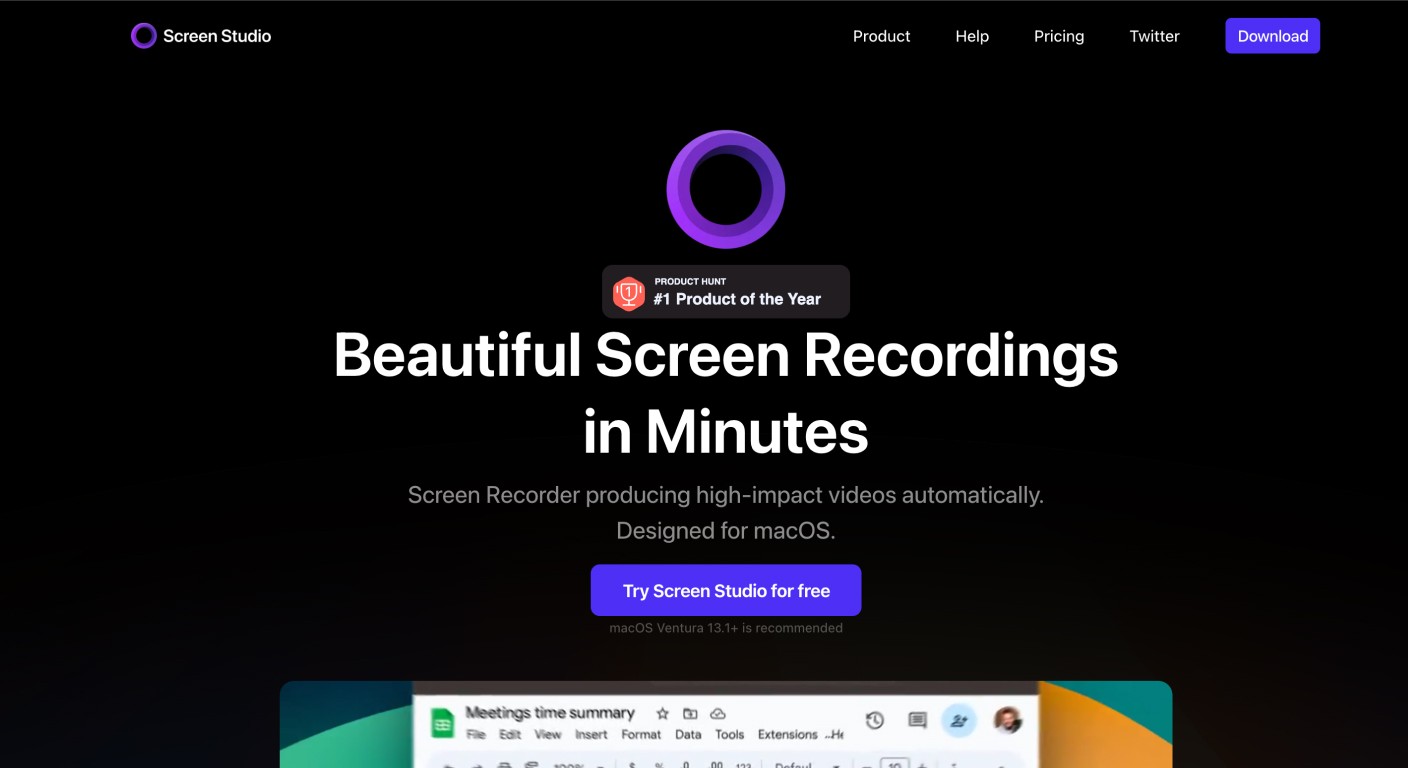
Screen Studio has carved out a specific and legitimate niche: making screen recordings look genuinely cinematic with minimal effort. Its auto-zoom follows your cursor and applies smooth motion blur that makes even raw walkthroughs look like they were shot on a proper production setup. For a developer advocate posting a feature update to social media, it is hard to beat.
The limitations are structural, though. Screen Studio is macOS-only, which immediately disqualifies it for cross-platform teams. It does not assist with narration or documentation. You still record your own voiceover, manually manage exports, and have no built-in hosting environment. And following its move to a subscription model in 2026, the $108 annual plan starts to feel steep for what is ultimately a visual polish layer.
Key features
Cinematic cursor zoom with motion blur
Auto-zoom that follows mouse movements
Custom backgrounds and padding
Pricing
Plan | Price |
|---|---|
Monthly | $29/month |
Annual | $108/year |
Bottom line: Excellent for short, beautiful videos aimed at creators and developer advocates. Not a viable documentation tool for support or product teams.
Try Screen Studio
Descript
Best for precision narrative editing
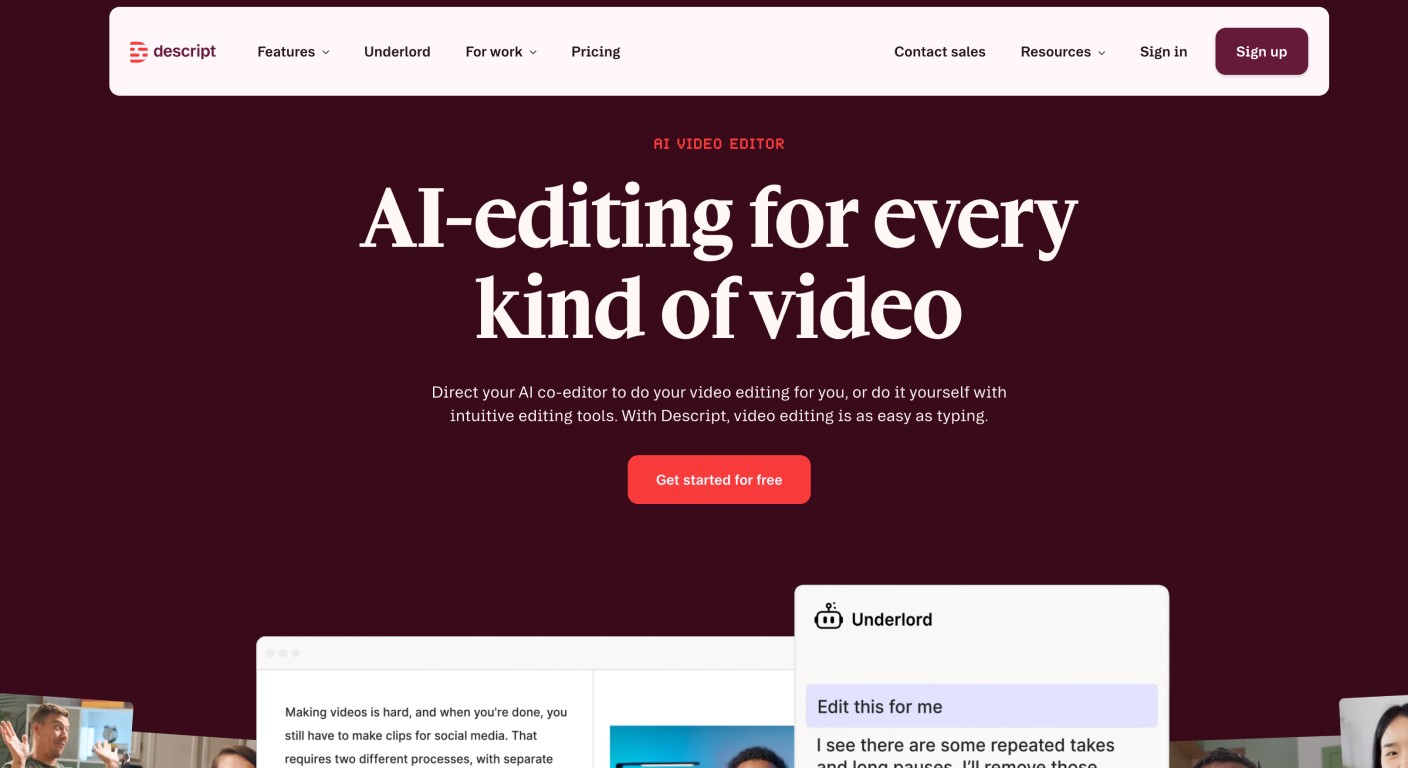
Descript's core idea is still brilliant: edit the video by editing the transcript. For long-form training content, podcasts-turned-video, or anything that requires surgical script control, it delivers. Studio Sound genuinely improves low-quality audio, and the Overdub voice cloning lets you fix spoken mistakes without sitting back down to re-record.
The tradeoff is velocity. Descript requires significant manual intervention at every stage. For a customer success team that needs to ship fifty tutorials before a product release, the workflow is simply too slow. The Business plan at $69/month also reflects its positioning as a professional creative suite, which is the right pricing if you need that level of control, but overkill for most documentation use cases.
Key features
Text-based video editing via transcript
Studio Sound audio enhancement
Overdub voice cloning for mistake correction
Screen recording with automatic transcription
Pricing
Starts at $24/user/month; Business plan at $69/month.
Bottom line: The right choice for long-form, heavily scripted training videos. The wrong choice if speed and documentation output are priorities.
Descript
Kommodo
Best for searchable video repositories
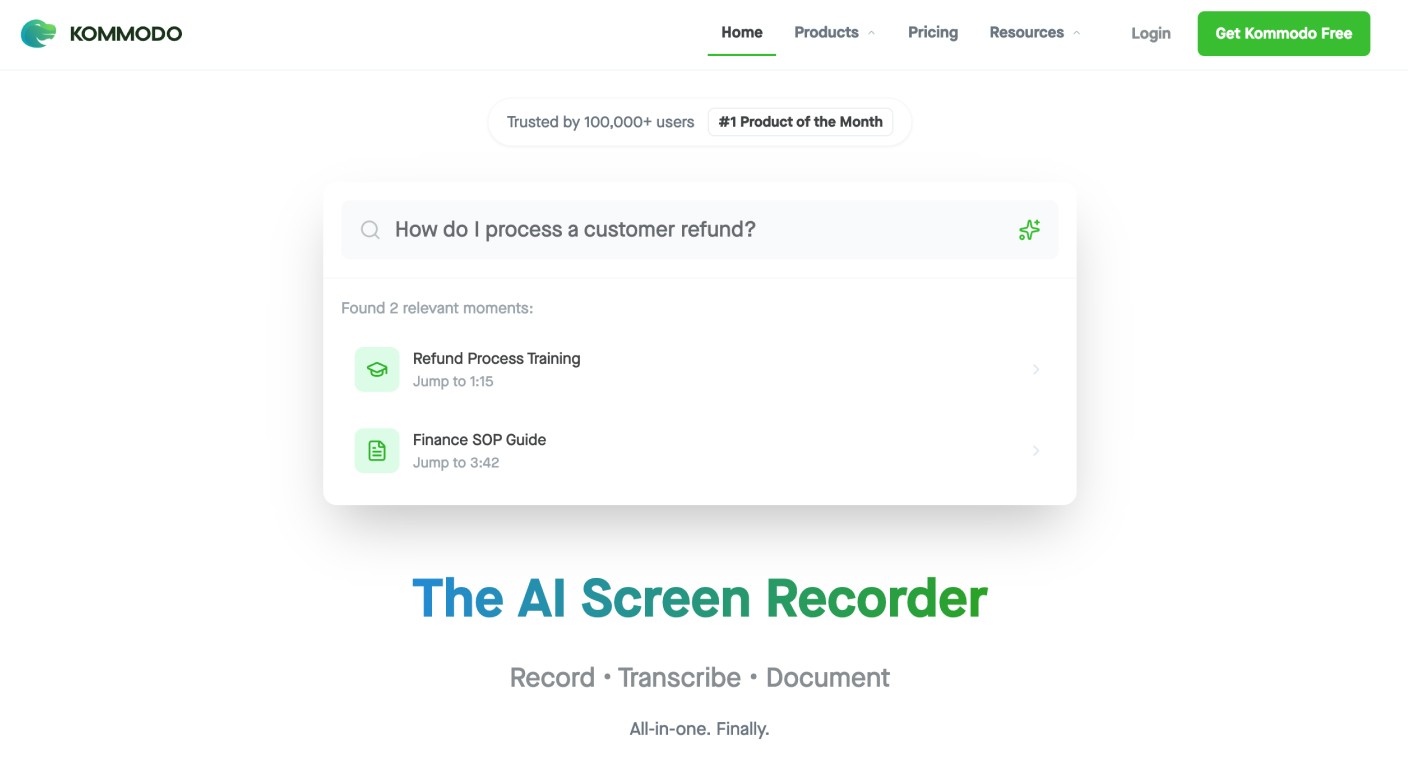
Kommodo's standout feature is AI-powered search across your entire video library, surfacing specific moments rather than just video titles. If your team has years of recorded walkthroughs and nobody can find anything, Kommodo solves that well. Its "Interactive Guides" feature also transforms recordings into structured step-by-step content.
The catch: Kommodo locks free videos after 60 days, requiring an active paid plan for permanent access. For long-term knowledge management, that active-access model introduces a dependency that some teams may find uncomfortable.
Key features
AI search across entire video repositories
Interactive Guides from screen recordings
Clip-level search results
Pricing
Starts at $15/user/month.
Bottom line: Ideal for teams managing large historical video libraries who need discoverability more than creation speed.
Try Kommodo
ScreenApp
Best for browser-based recording with zero setup
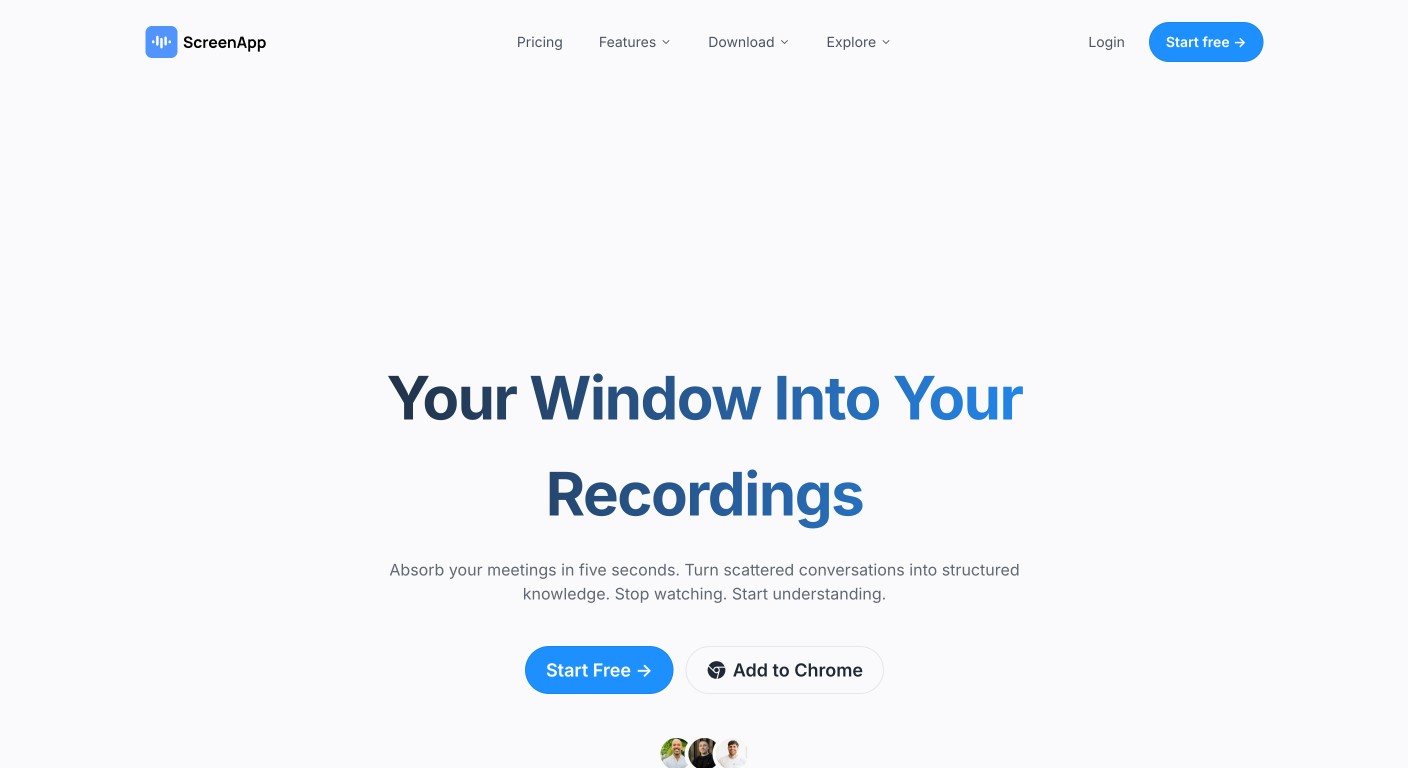
ScreenApp is the simplest tool on this list. No desktop app to install, no configuration, just open a browser tab and record. For occasional use cases where you need something quick and disposable, it does the job. It also includes AI transcription and basic search.
It is not a serious documentation platform. There is no article generation, no LiveSync, and limited editing. But at $19/month for the mid-tier plan, and with zero friction to get started, it earns its place for teams that need a lightweight solution without committing to a full platform.
Key features
Browser-based, no install required
AI transcription and video search
Basic editing tools
Pricing
Starts at $19/month.
Bottom line: The right choice when simplicity is the only requirement.
Try ScreenApp
How to choose the right AI screen recording tool for your team
The right answer depends on what you are actually trying to solve:
Output type: Do you need video only, or do you also need written documentation published to a knowledge base? If both, only Clevera handles this natively.
Who is recording: If anyone on your team needs to create tutorials, not just dedicated video producers, you need a tool that removes the skill barrier entirely. Agentic tools like Clevera do that; manual tools like Descript do not.
Update frequency: How often does your product UI change? If the answer is "constantly," then LiveSync is not a nice-to-have. It is the difference between spending two hours a month on documentation versus twenty.
Platform: Cross-platform teams should immediately rule out Screen Studio.
Budget vs. TCO: A cheaper tool with higher manual overhead often costs more in real terms. A $99/seat Pro plan that eliminates a scriptwriter and three hours of editing per video can pay for itself on day one.
Why Clevera is the best overall AI screen recording tool in 2026
The tools above each do something well. But Clevera is the only one on this list that treats screen recording as the beginning of a production process, not the end of it.
Most platforms hand you a raw recording and wish you luck. Clevera's agentic architecture takes that recording and reconstructs it into a polished, narrated video and a structured, SEO-friendly documentation article, with no manual editing required. It then keeps both assets alive through LiveSync, so your knowledge base does not decay every time your product ships an update.
For SaaS teams specifically, that is the problem nobody else is solving structurally. Customer success managers, product marketers, and support leaders are not video producers. They should not have to become one just to keep their help center accurate.
This is exactly why we built Clevera for teams, not creators. The goal was never to make a "better Loom." It was to eliminate the entire manual workflow between "I recorded a walkthrough" and "that walkthrough is live in our knowledge base and up to date."
Frequently asked questions
What is the best AI screen recording tool in 2026?
For SaaS teams that need both video tutorials and written documentation, Clevera is the best overall choice. It is the only tool that generates a narrated video and a full help article from a single recording, then keeps both assets updated via LiveSync. For quick internal video messages, Loom remains the most practical option.
What is the best AI documentation generator for SaaS teams?
Clevera leads this category. Unlike tools that generate only video, Clevera uses the same screen recording to produce a written, screenshot-annotated help article exported to Markdown or HTML. It integrates directly with Confluence, Zendesk, Intercom, Gitbook, and Notion. Guidde is a lighter alternative if your needs are simpler.
Can AI screen recording tools replace a video production team?
For tutorial videos, onboarding videos, and how-to documentation, yes. Agentic platforms like Clevera handle scriptwriting, voiceover generation, editing, and article writing automatically. You do not need a scriptwriter, voice actor, or video editor to produce publication-ready content. For highly produced brand videos or cinematic marketing content, a production team still adds value that AI has not yet replaced.
How do I keep video tutorials up to date when my product changes?
This is the most underrated problem in SaaS documentation. Clevera's LiveSync technology lets you edit a published video and have those changes reflected immediately across every embed, without re-exporting or replacing files. It is the only structural solution to the "maintenance tax" that makes video documentation so painful at scale.
What is the difference between an AI screen recorder and a traditional screen recorder?
A traditional screen recorder captures whatever appears on your screen and hands you an unedited video file. An AI screen recorder uses machine learning to analyze your actions, remove mistakes, generate narration, apply smart zooms, and in Clevera's case, write accompanying documentation. The output is not just a recording; it is a production-ready asset.