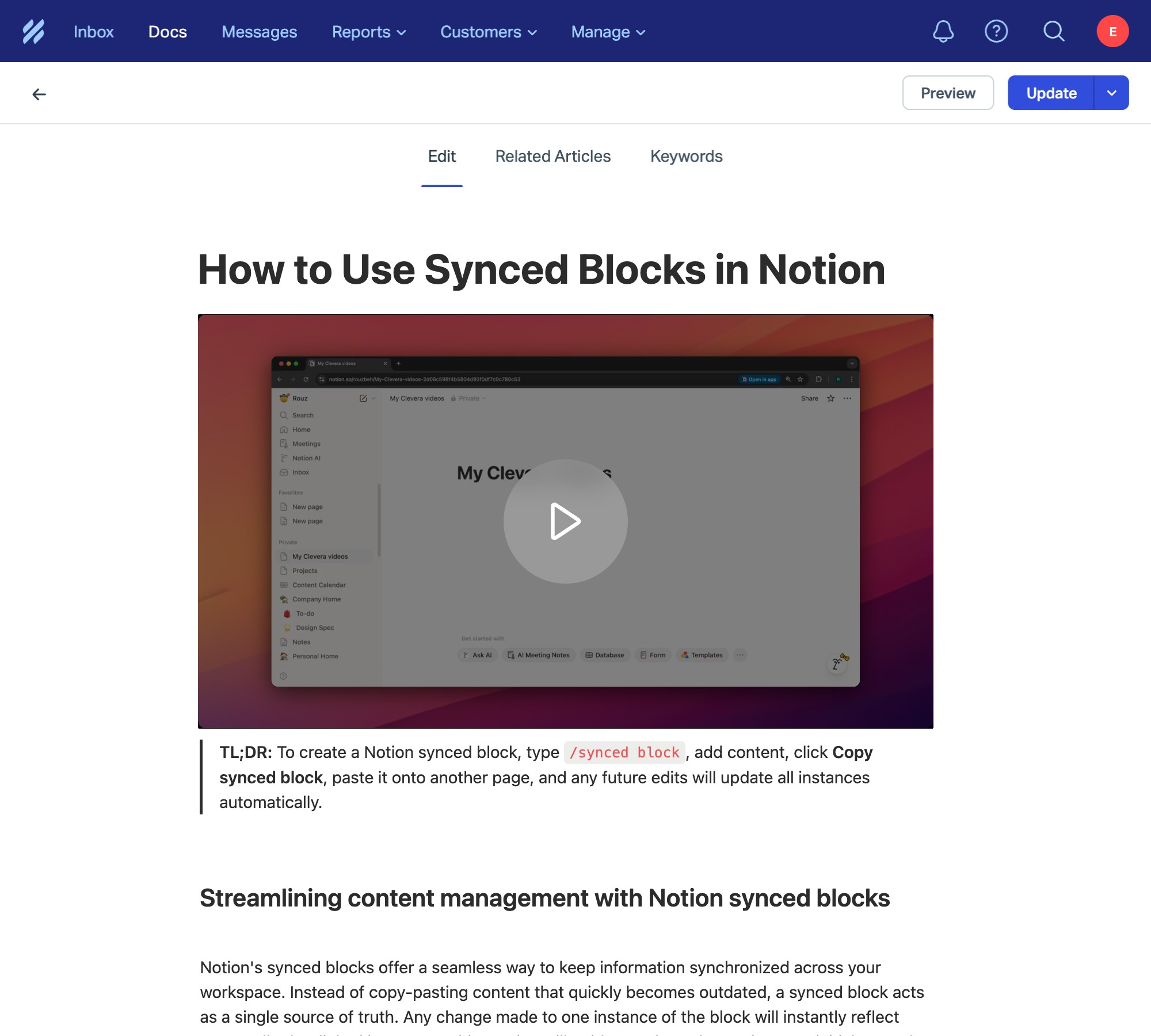
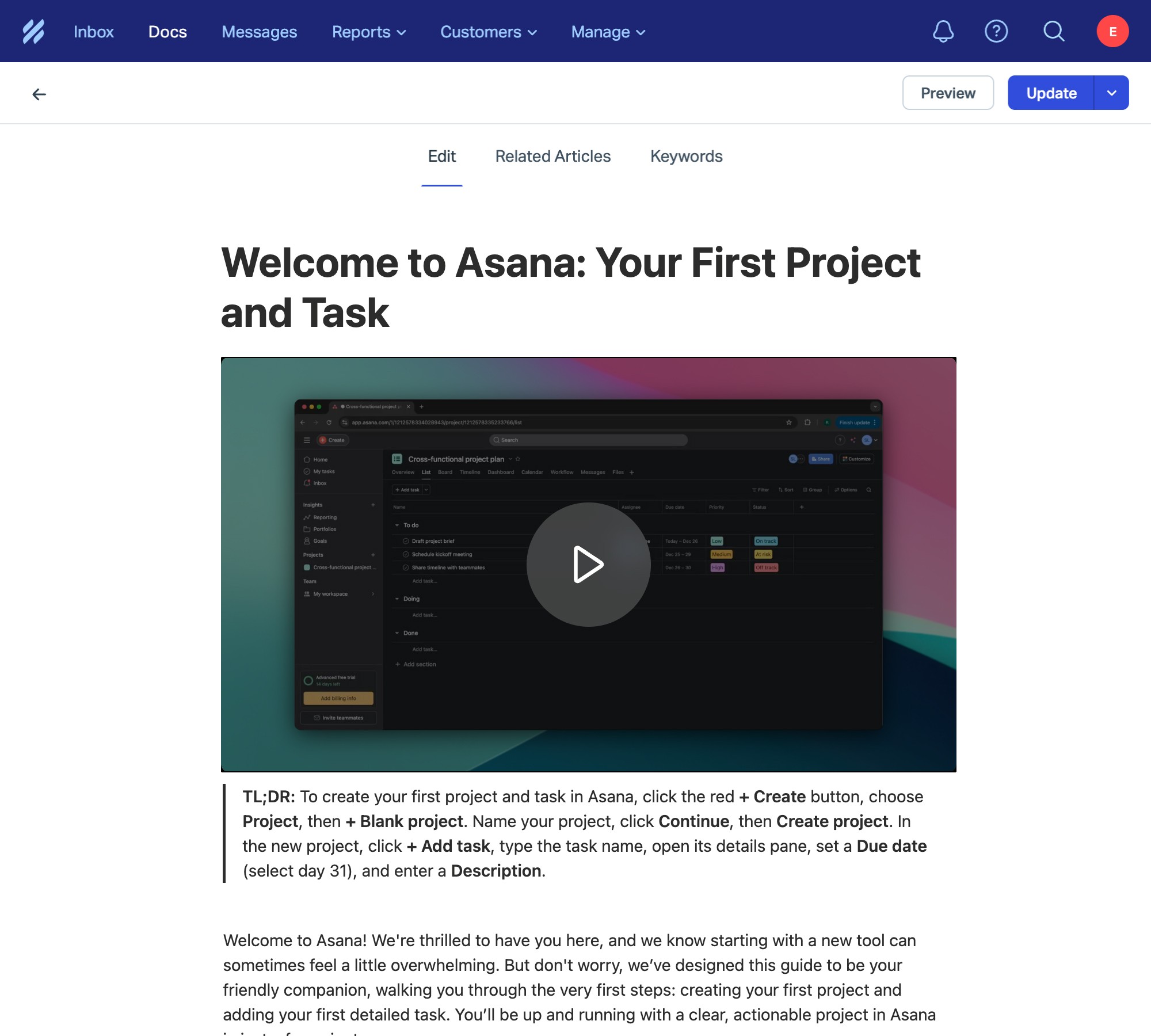
Clevera for Help Scout
Turn one screen recording into a polished tutorial video and a step by step Help Scout article.
Connect Help Scout

Why Help Scout teams use Clevera
Because maintaining clear, up to date Help Scout Docs should not feel like extra work every time your product changes.

Turn a single screen recording into a short, clear video with a natural voiceover. Ideal for customers who prefer watching instead of reading.
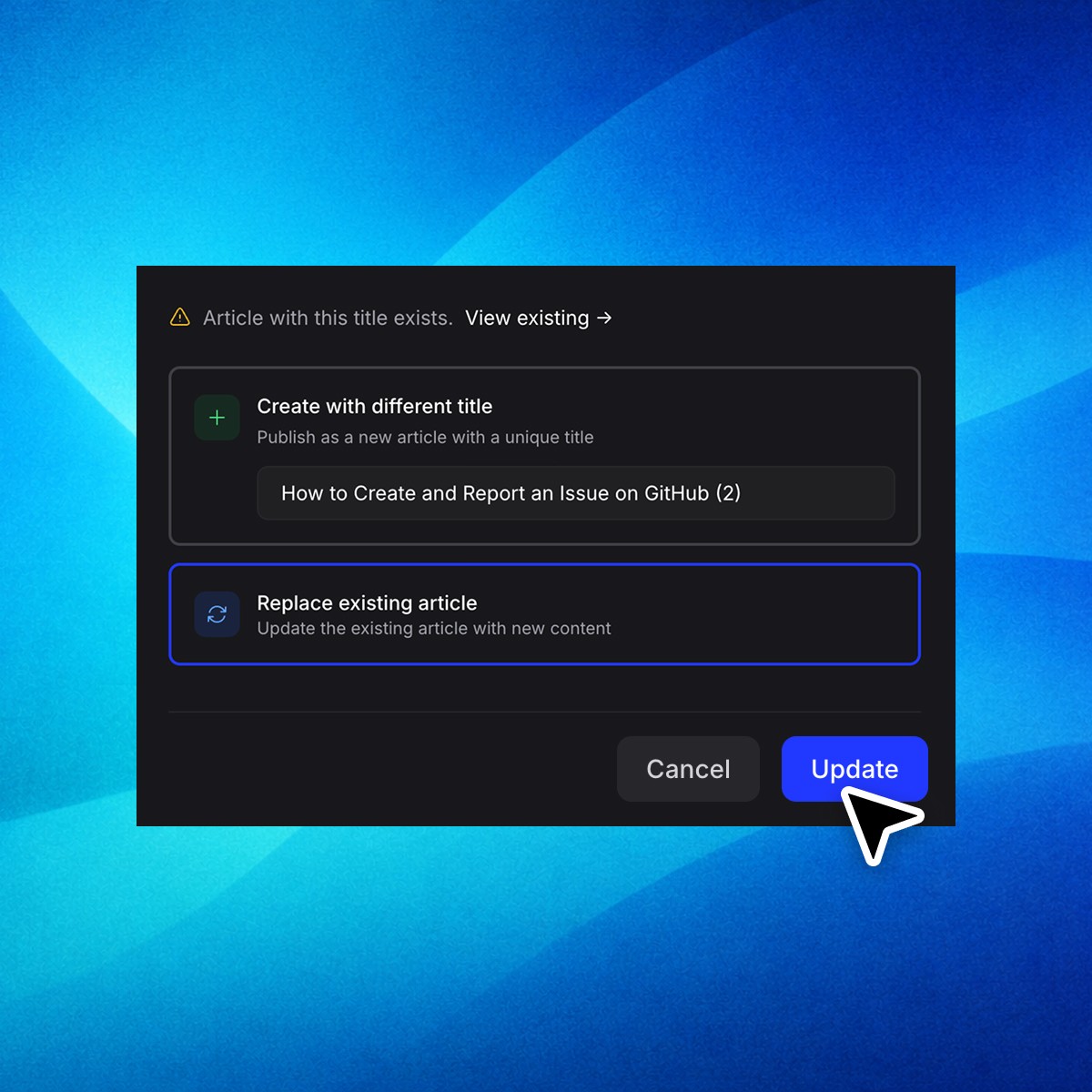
Keep help Scout content in sync.
Update the video or article inside Clevera, then republish to the same location in Help Scout without creating duplicates or broken links.
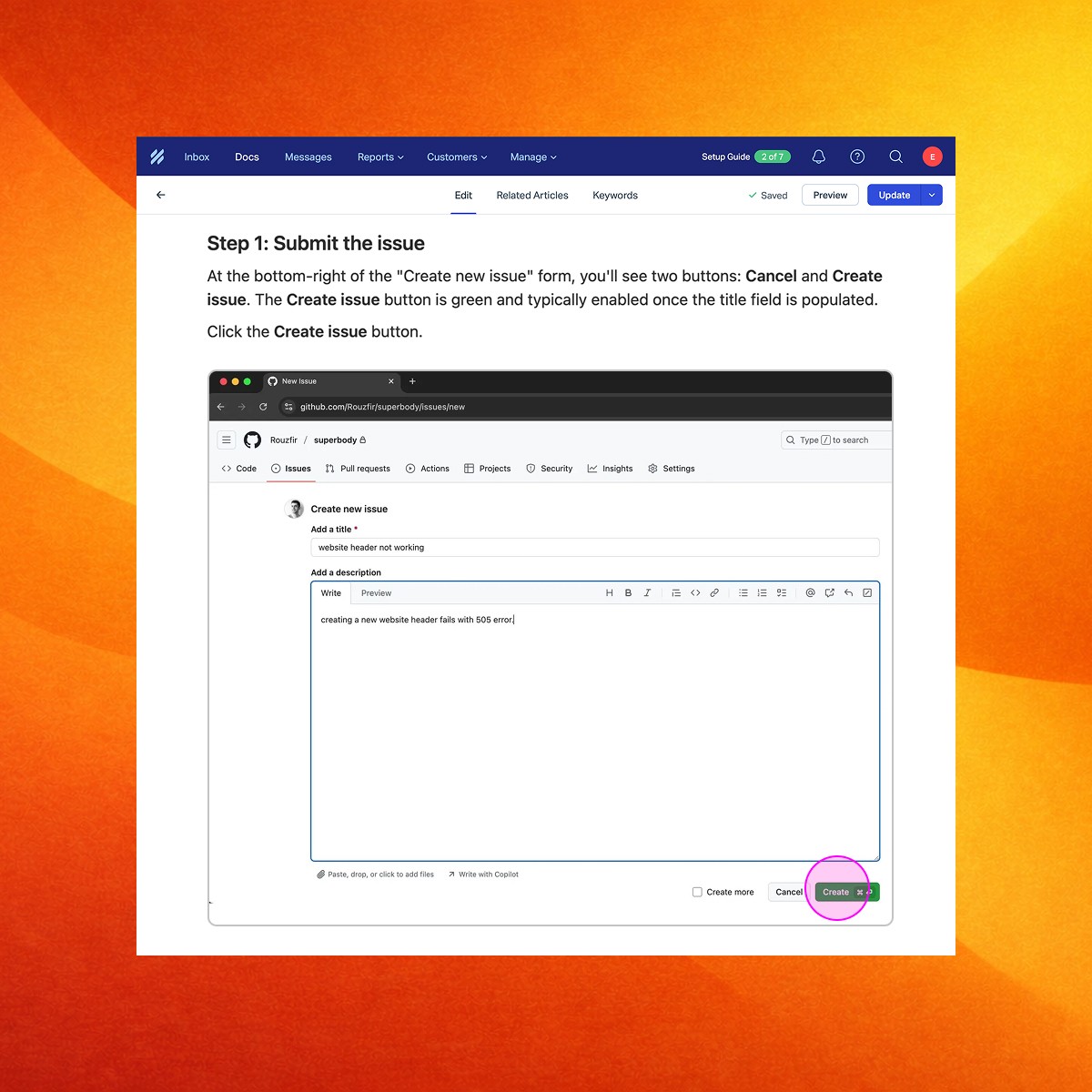
Automatic screenshots and markers
Clevera captures the key screenshots and automatically highlights important areas. No manual cropping and drawing boxes.
Record once.
Publish to Help Scout. Done.
1. Record your screen while doing the task

2. Clevera generates the video and the written guide

3. Export to Help Scout in one click
Popular Help Scout workflows
Real examples of how teams use Clevera to publish clear, video-first guides in Help Scout, in minutes