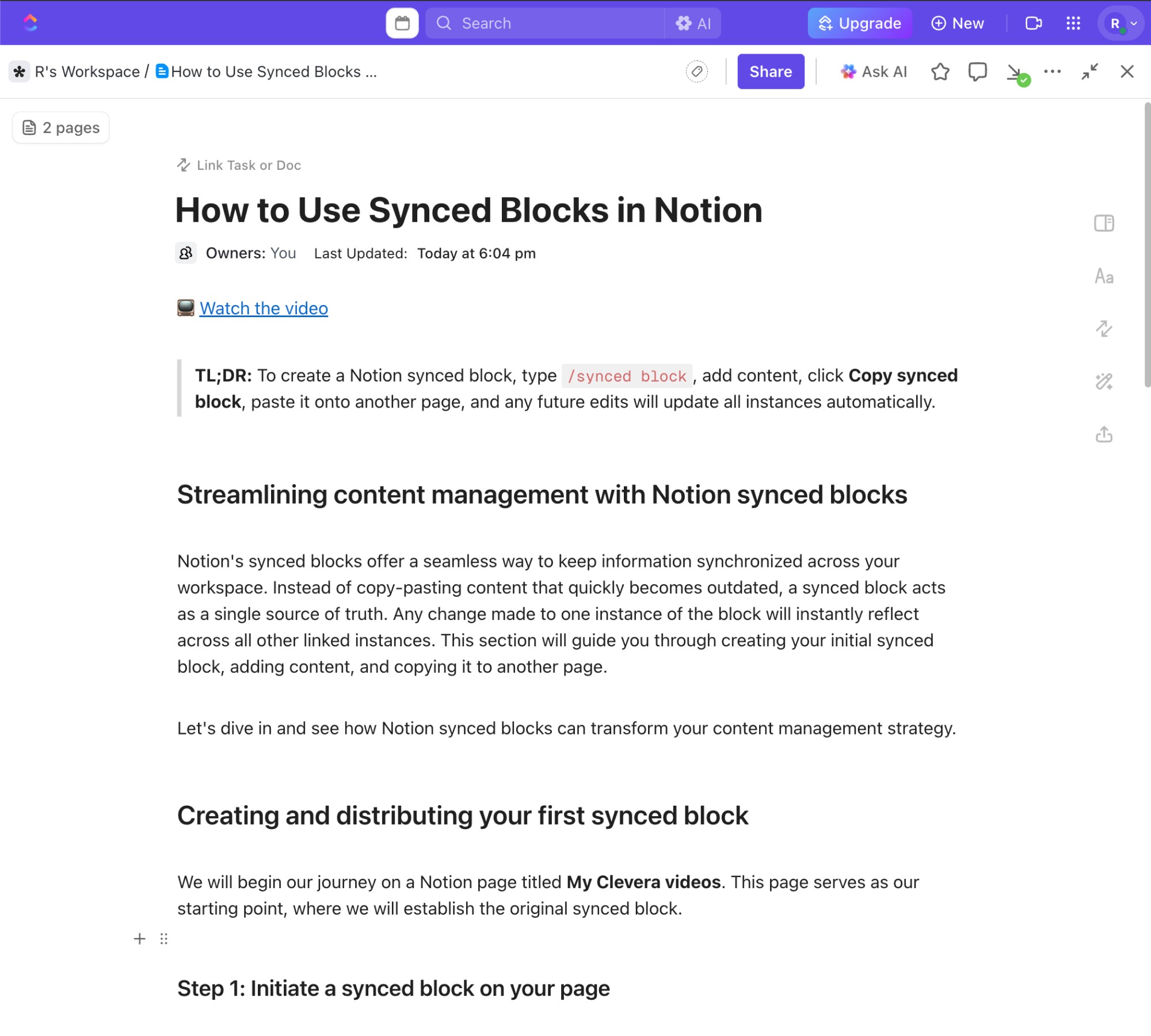
Clevera for ClickUp
Turn one screen recording into a polished tutorial video and a step by step ClickUp page.
Connect ClickUp

Why ClickUp teams use Clevera
ClickUp is where work is tracked and organized, but documenting processes and workflows often lives elsewhere. Clevera turns real task flows into clear, visual guides teams can reuse.
Keep ClickUp content in sync.
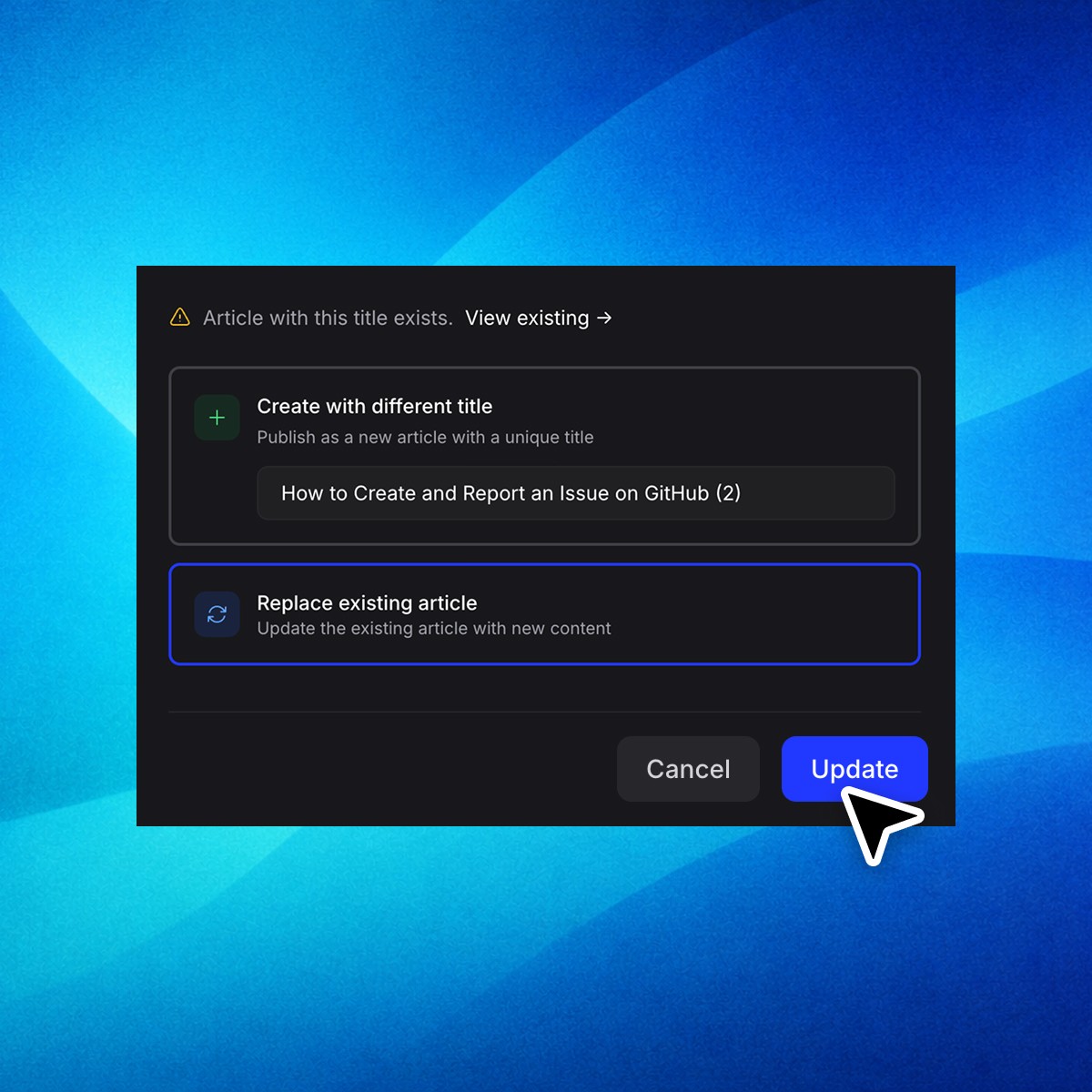
Update the video or article inside Clevera, then republish to the same location in ClickUp without creating duplicates or broken links.
Automatic screenshots and markers
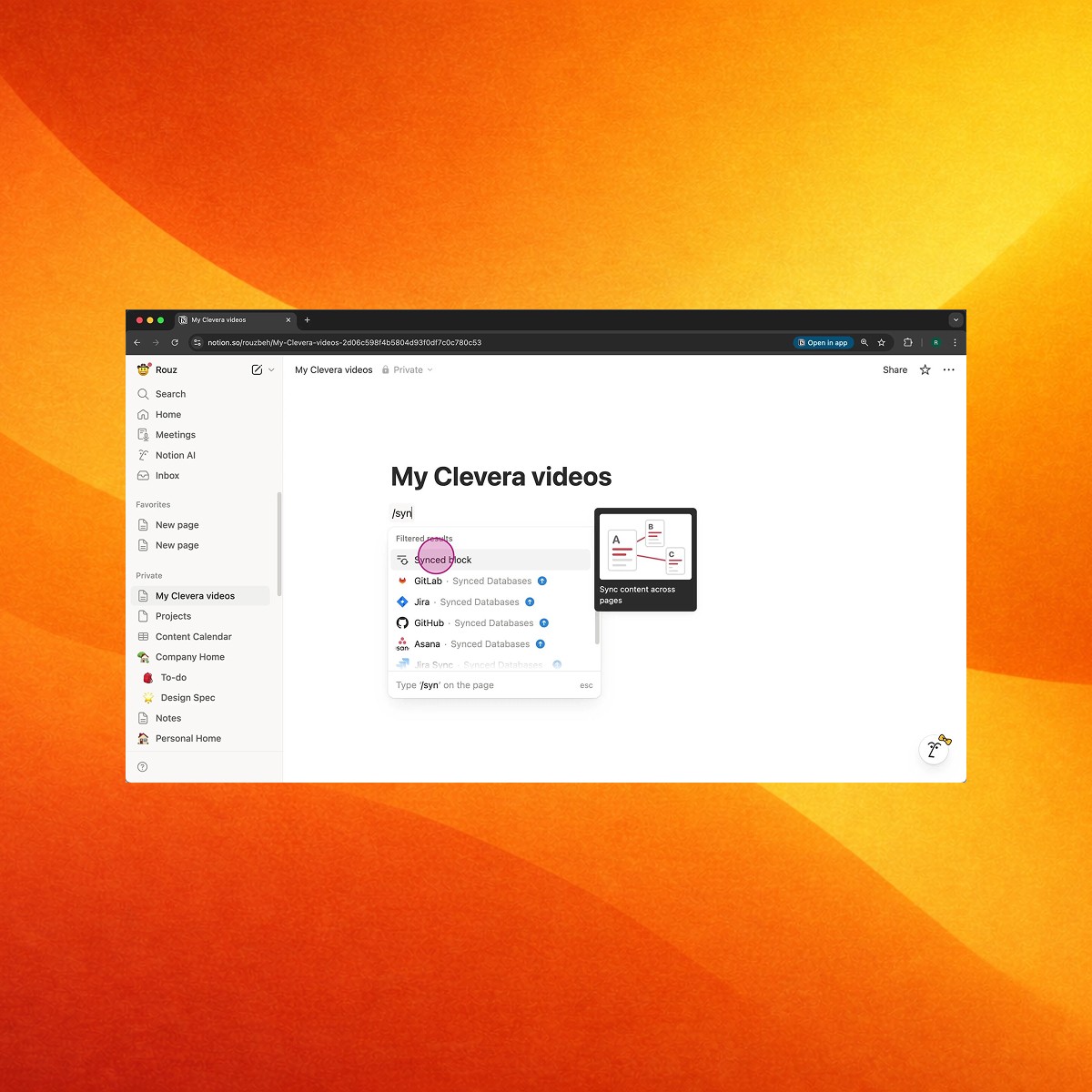
Clevera captures the key screenshots and automatically highlights important areas. No manual cropping and drawing boxes.
Record once.
Publish to ClickUp. Done.

1. Record your screen while doing the task

2. Clevera generates the video and the written guide

3. Export to ClickUp in one click
Popular ClickUp workflows
Real examples of how teams use Clevera to publish clear, video-first guides in ClickUp, in minutes