Turn screen recording into narrated video automatically.
Record your screen and let Clevera do the rest. It automatically edits, narrates, and polishes your recording into a clear walkthrough ready to share.
Auto-edit that feels like a human did it
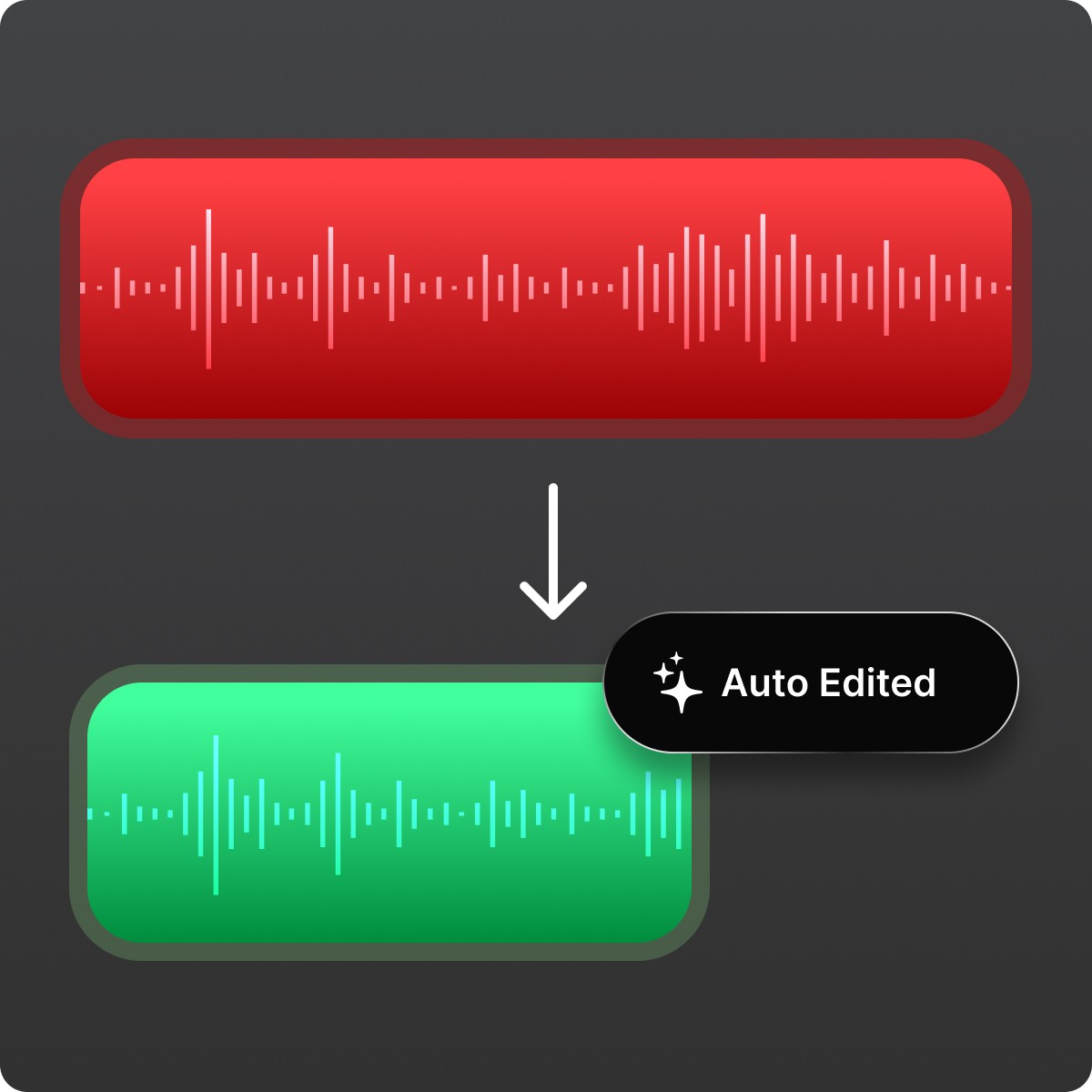
Most “video editing” is deleting mistakes and waiting for things to load. Clevera cuts dead time, removes accidental clicks, and smooths cursor movement so the final video is watchable on the first pass.
Voiceover that explains the why (even if you said nothing)
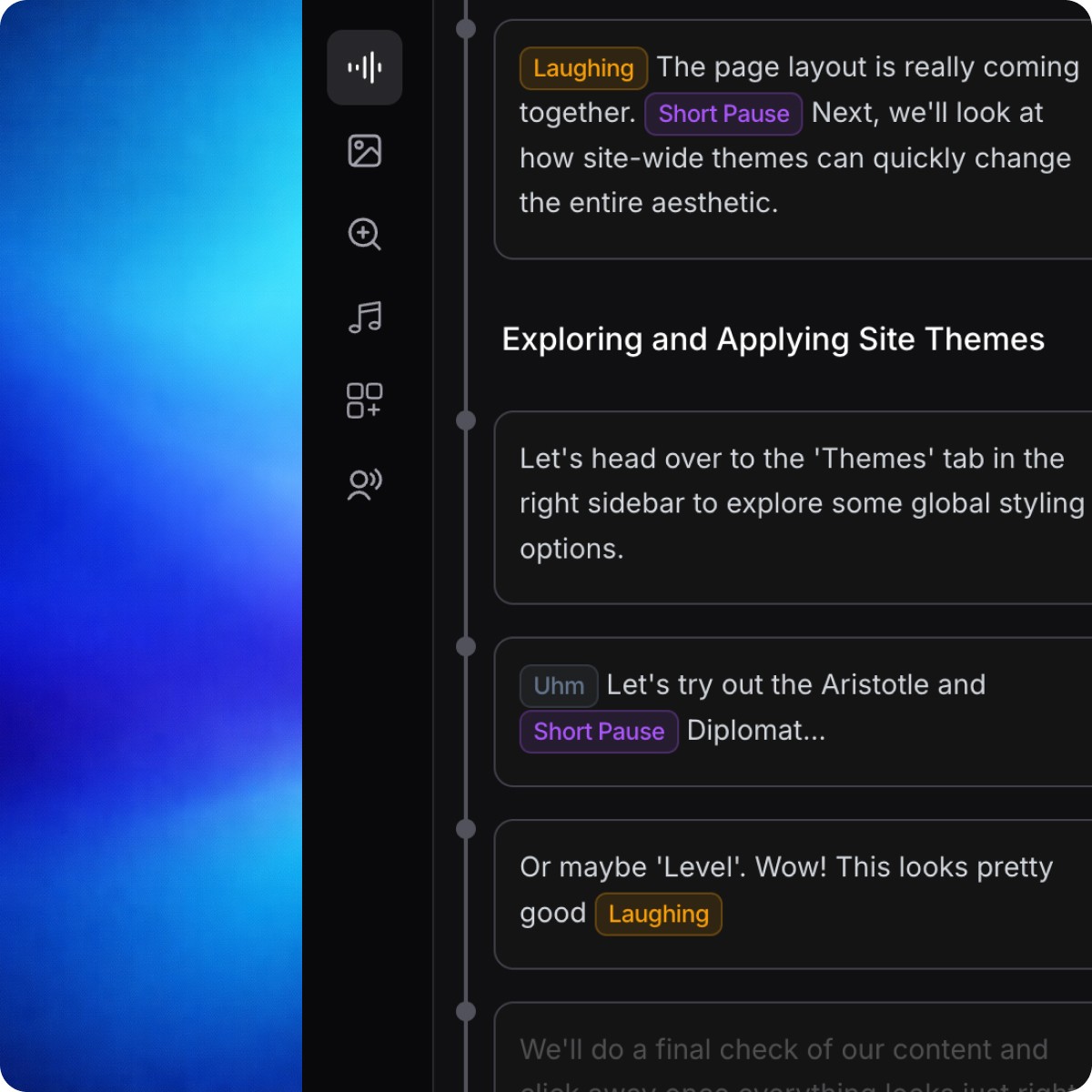
No microphone. No retakes. Clevera writes a clear narration from what happened on-screen, then generates a natural voiceover that matches your tone.
Smart focus that guides the viewer’s eyes
Viewers should never hunt for the button. Clevera uses smart zoom and highlights to pull attention to the exact UI moment, then zooms back out smoothly.
Fix the video by chatting to AI
An AI assistant lives inside your video. Ask it to rewrite the voiceover, change the tone, or clarify a step, and Clevera updates the narration while keeping timing and flow intact.
Publish anywhere.
Keep it up to date.
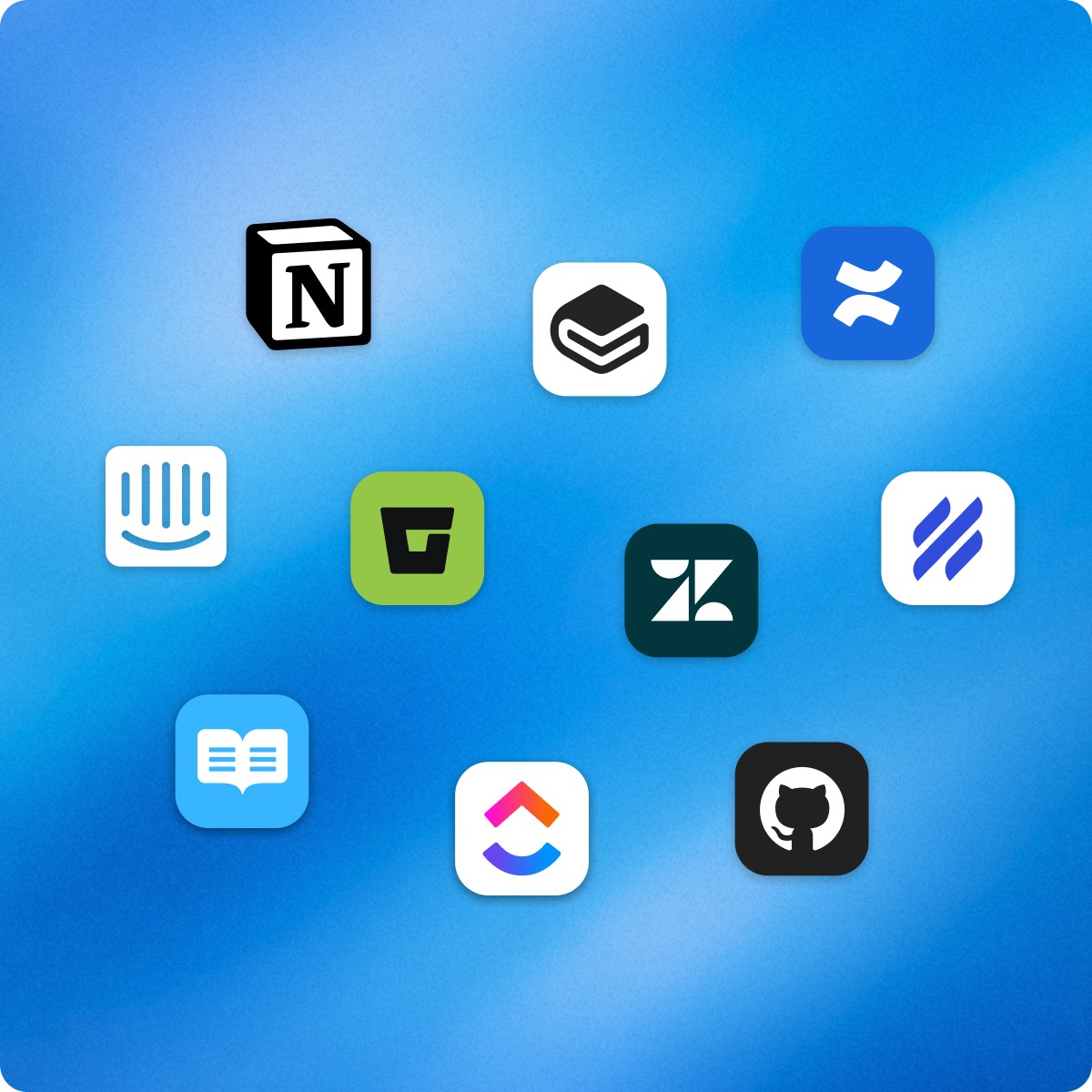
Once your video is ready, publish it wherever it belongs. Export a clean MP4 when you need a file, or share it directly to your help center, docs, or internal tools.
Published videos are live. Make any changes to the video and every embed reflects the latest version instantly. No re-exporting. No broken links.

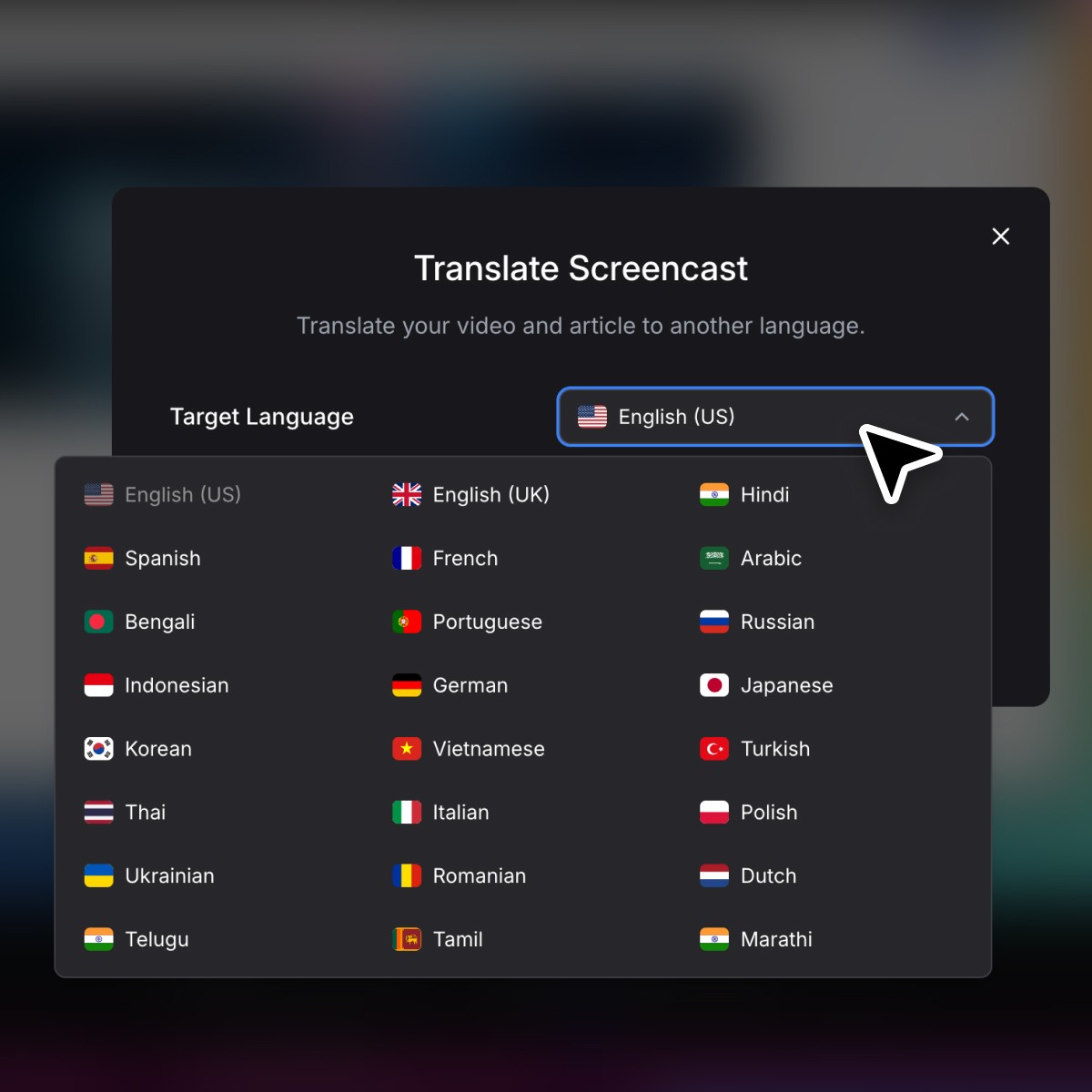
Translate your video with a click
Turn one tutorial into 23 languages with consistent voice and terminology. Great for support teams serving multiple markets and companies with non-English product experts.
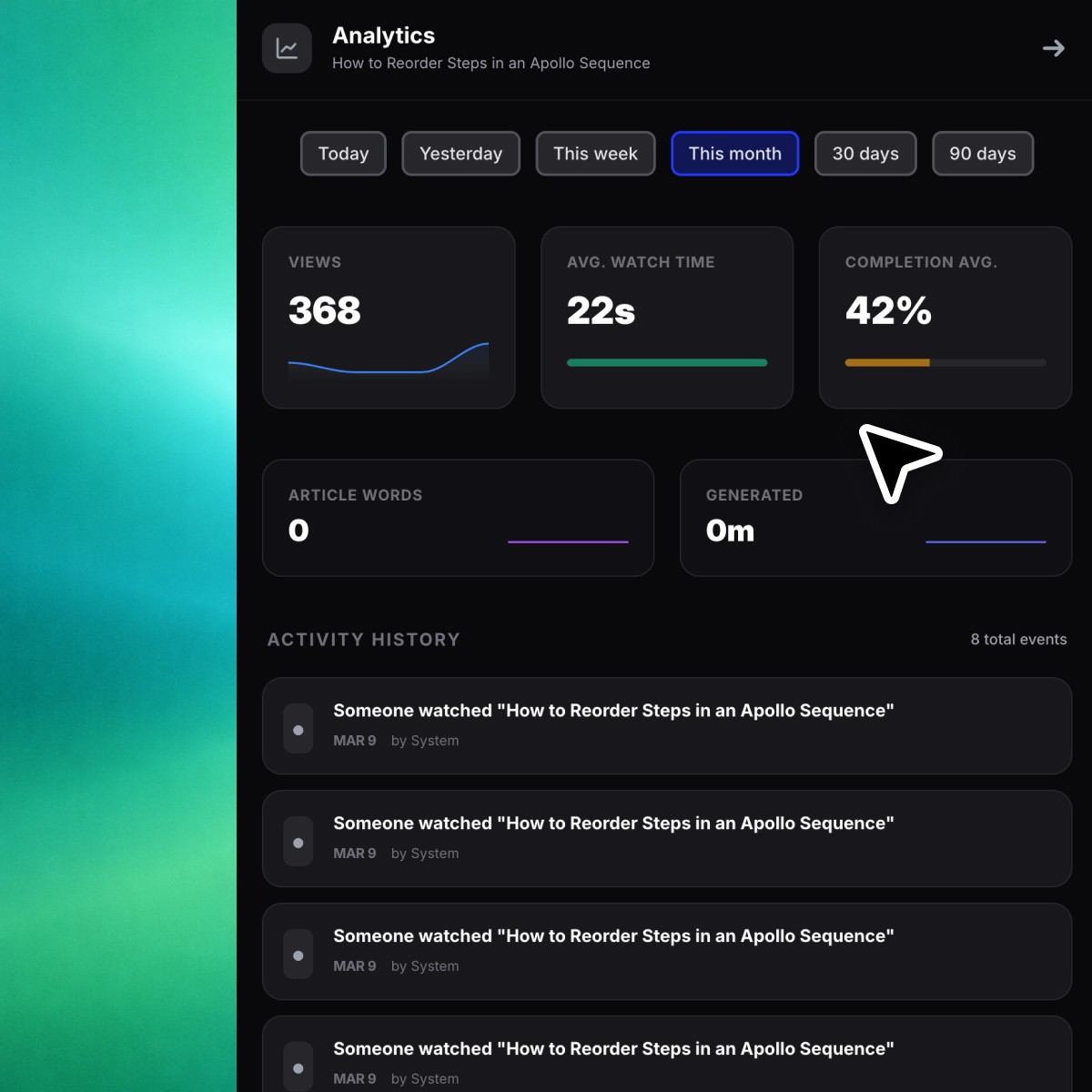
Built-in video analytics
Turn one tutorial into 23 languages with consistent voice and terminology. Great for support teams serving multiple markets and companies with non-English product experts.
Visual polish without manual editing
Blur and mask
Hide sensitive data or noisy UI areas automatically.
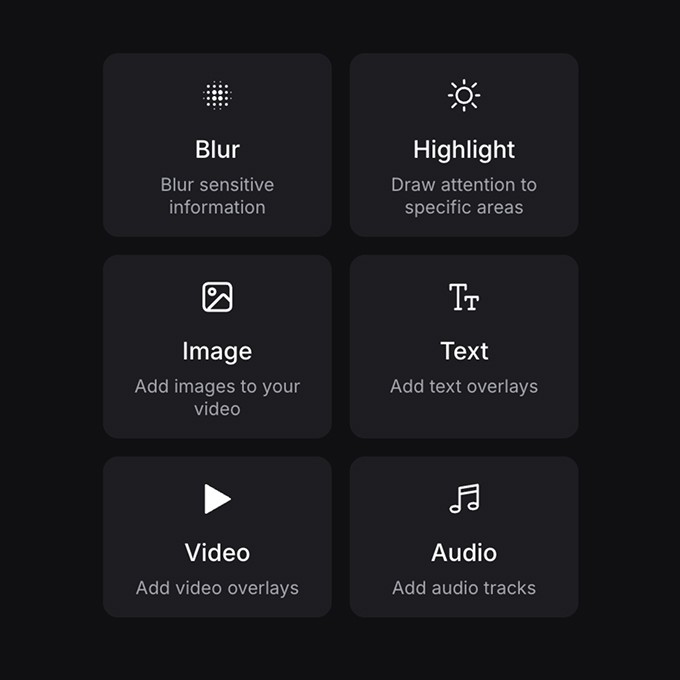
Media overlays
Layer audio, images, or video clips directly on top of your recording.
Highlights
Draw attention to clicks, inputs, and key moments.

Background images and music
Frame recordings with beautiful backgrounds and subtle music automatically.
Create the “first win” video, the setup walkthrough, and the FAQ micro-tutorials without a video team.
Start for free