Best Trupeer alternatives in 2026

Trupeer helps teams convert screen recordings into step-by-step guides and basic tutorial videos. It's a useful tool for teams that are new to automated documentation. But teams that hit its limits, whether on video quality, narration depth, article quality, or publishing flexibility, start looking for alternatives.
These are the best Trupeer alternatives in 2026, evaluated on what matters most for product documentation and tutorial creation. For a wider shortlist with comparison table, free-tier column, migration checklist, and FAQ, see Trupeer alternatives compared.
What to look for in a Trupeer alternative
Trupeer's strengths are quick capture and basic automated documentation. When evaluating alternatives, look for improvements in:
Video quality and polish: does the AI produce a genuinely polished video, or a cleaned-up raw recording? Smart zoom, cursor smoothing, timing adjustments, and narration quality all factor in.
Voiceover depth: does the AI write contextual narration based on what's happening on screen, or does it produce generic step labels? The difference between "click Settings" and "Open Settings to configure your notification preferences" is the difference between a script and a transcript.
Written article output: does the tool produce a structured, publishable help article alongside the video? Or just a video with a basic description?
Publishing integrations: can you push directly to your documentation platform, or do you export a file and upload manually?
Maintenance: how easy is it to update content when your product changes?
1. Clevera

Best for: teams that need production-quality tutorial videos and rich documentation from a single recording
Clevera is the strongest Trupeer alternative for product teams and CS teams that need documentation and tutorial video output that's actually publication-ready.
The workflow is similar in starting point: you record your screen while walking through a workflow. But what Clevera does with that recording is substantially more advanced.
The AI analyzes your screen activity and produces a narrated tutorial video and a step-by-step help article automatically. What differentiates Clevera from Trupeer:
Contextual AI narration without recording audio: Trupeer requires narration or produces basic captions. Clevera's AI writes the voiceover script from the context of what's on screen, then generates it with a natural-sounding voice. The narration explains the workflow, not just names each click. And you don't have to say a word while recording.
Superior video quality: Clevera's processing removes accidental actions and pauses, applies smart zoom on key interactions, smooths cursor movement, and reconstructs the video timing to match the narration naturally. The output looks like a produced video, not a polished recording.
Structured article output: the help article includes numbered steps, embedded screenshots at the right moments, captions, headers, and contextual descriptions. It's ready to publish directly to Notion, Confluence, GitHub, HelpScout, Gitbook, ClickUp, Readme, Bitbucket, and more.
LiveSync for published videos: Trupeer produces static exports. Clevera videos are live after publishing. Edit the narration, update a callout, or change the visual style after publishing, and every embed reflects the change immediately. No re-exporting, no replacing links.
70+ language support: translate your video and article into 70+ languages with one click. Trupeer's language support is more limited.
Team-wide consistency: because scripting and narration are automated, anyone on your team who knows the product can produce documentation at the same quality level. No video skills required.
For teams that outgrew Trupeer's output quality or need tighter integration with their documentation platforms, Clevera is the natural next step.
2. Guidde
Best for: video-first how-to guides with visual annotations
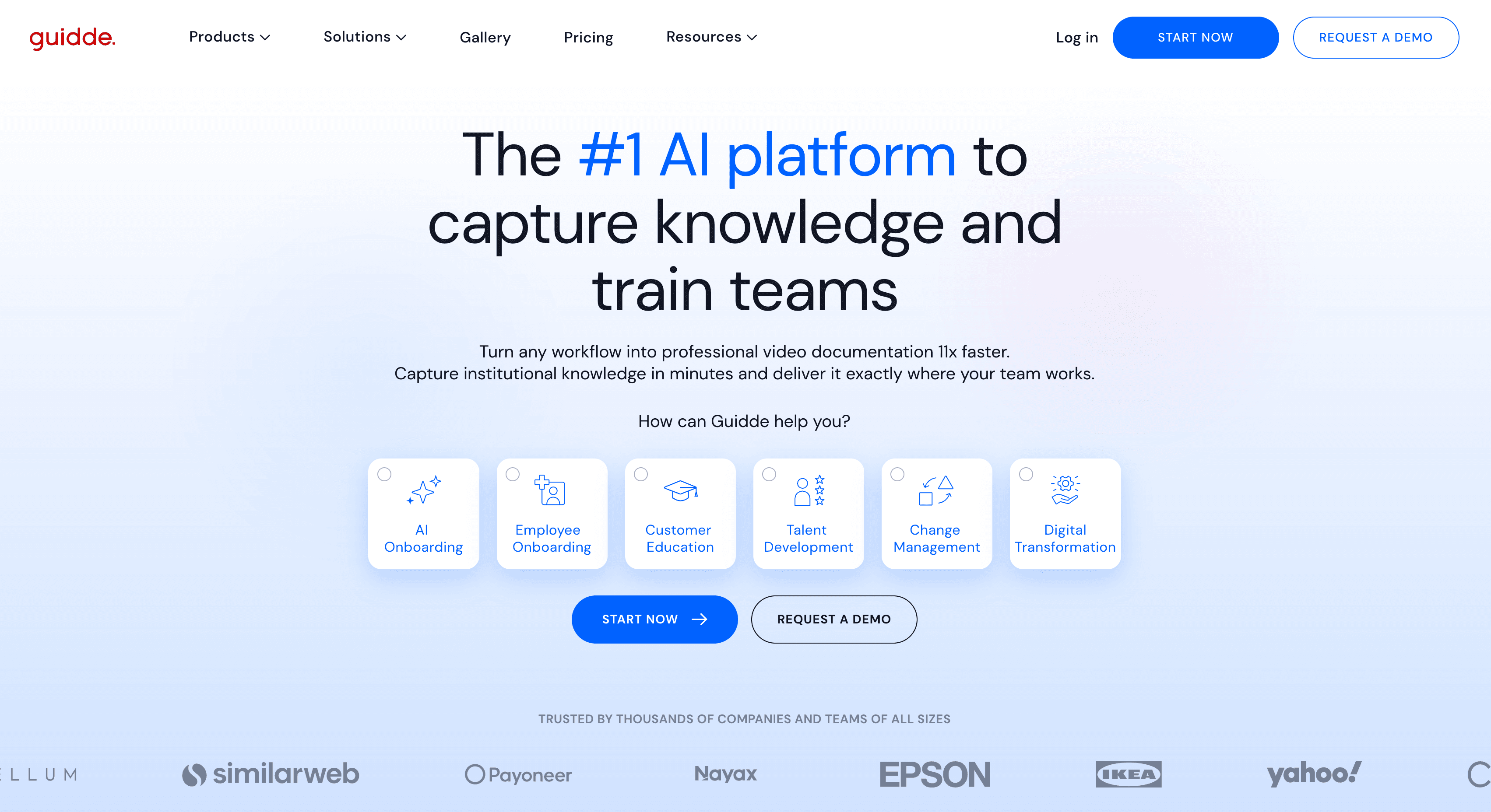
Guidde records your screen and generates a narrated video with automatic step detection and on-screen callout overlays. The video quality is a step up from basic recording tools, and the annotation system is strong. Written documentation output is thin, so teams that need a rich article alongside the video will want to look elsewhere. But for video-focused documentation use cases, Guidde competes well.
3. Scribe
Best for: lightweight written SOPs and process guides
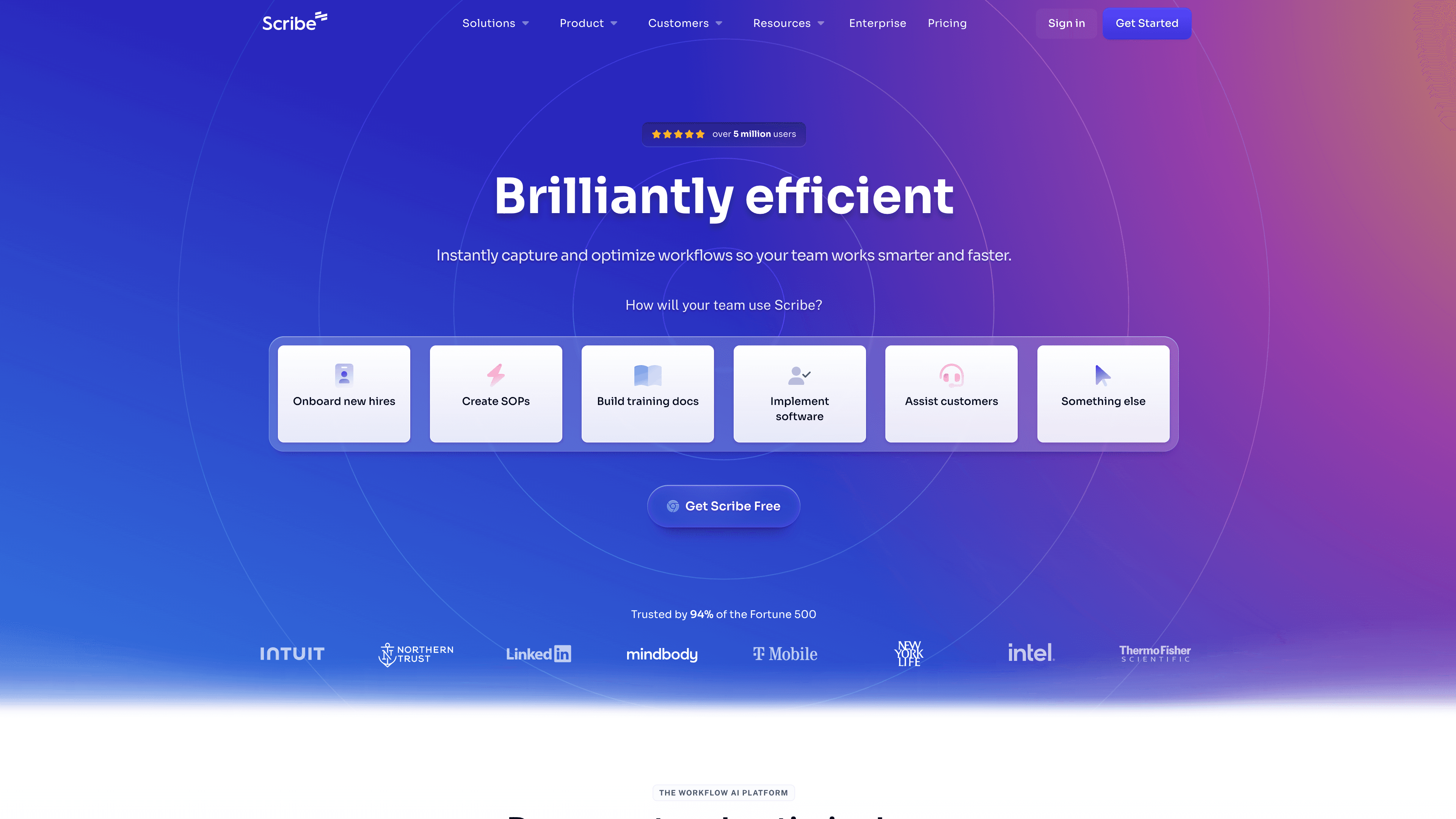
Scribe captures browser and desktop workflows and generates a step-by-step guide with annotated screenshots. It's documentation-only (no video output), fast for simple internal processes, and frictionless for teams that primarily need text-based SOPs. It's not a like-for-like replacement for Trupeer's video output, but for teams that don't need video, Scribe is faster and simpler.
4. Tango
Best for: browser-based workflow documentation
Tango produces clean numbered step guides from browser workflows. The output is structured and easy to scan, and it's one of the cleaner tools for web app documentation. Like Scribe, it's documentation-only and doesn't cover desktop software or video output.
5. Clueso
Best for: polished video walkthroughs without a writing requirement
Clueso converts screen recordings into short, polished product walkthrough videos with AI narration. It's video-focused with minimal written output. For teams that primarily want better-looking videos than Trupeer produces, without the complexity of a full production tool, Clueso is a reasonable choice.
How they compare at a glance
Feature | Clevera | Guidde | Scribe | Tango | Clueso |
|---|---|---|---|---|---|
AI video output | Yes | Yes | No | No | Yes |
AI narration (no mic needed) | Yes | Partial | No | No | Yes |
Written article output | Yes | Basic | Yes | Yes | No |
Direct platform publishing | Yes | Limited | Yes | Yes | No |
LiveSync (live video updates) | Yes | No | No | No | No |
70+ language support | Yes | No | No | No | No |
Making the switch from Trupeer
The fastest way to evaluate a Trupeer alternative is to record the same workflow in each tool and compare the outputs side by side. Look at the narration quality, the article structure, and how much editing the output needs before it's publishable.
Most teams switching from Trupeer to Clevera find the gap in narration quality and article output to be the biggest difference. The video production pipeline is more automated, and the written documentation is genuinely richer. For teams that have hit Trupeer's ceiling on quality, that gap is what drives the switch.
For nine tools compared side by side — including migration steps and FAQ — use the Trupeer alternatives compared landing page. For a head-to-head Clevera vs Trupeer breakdown, see the full Clevera vs Trupeer comparison.