How to write software documentation fast: a practical guide
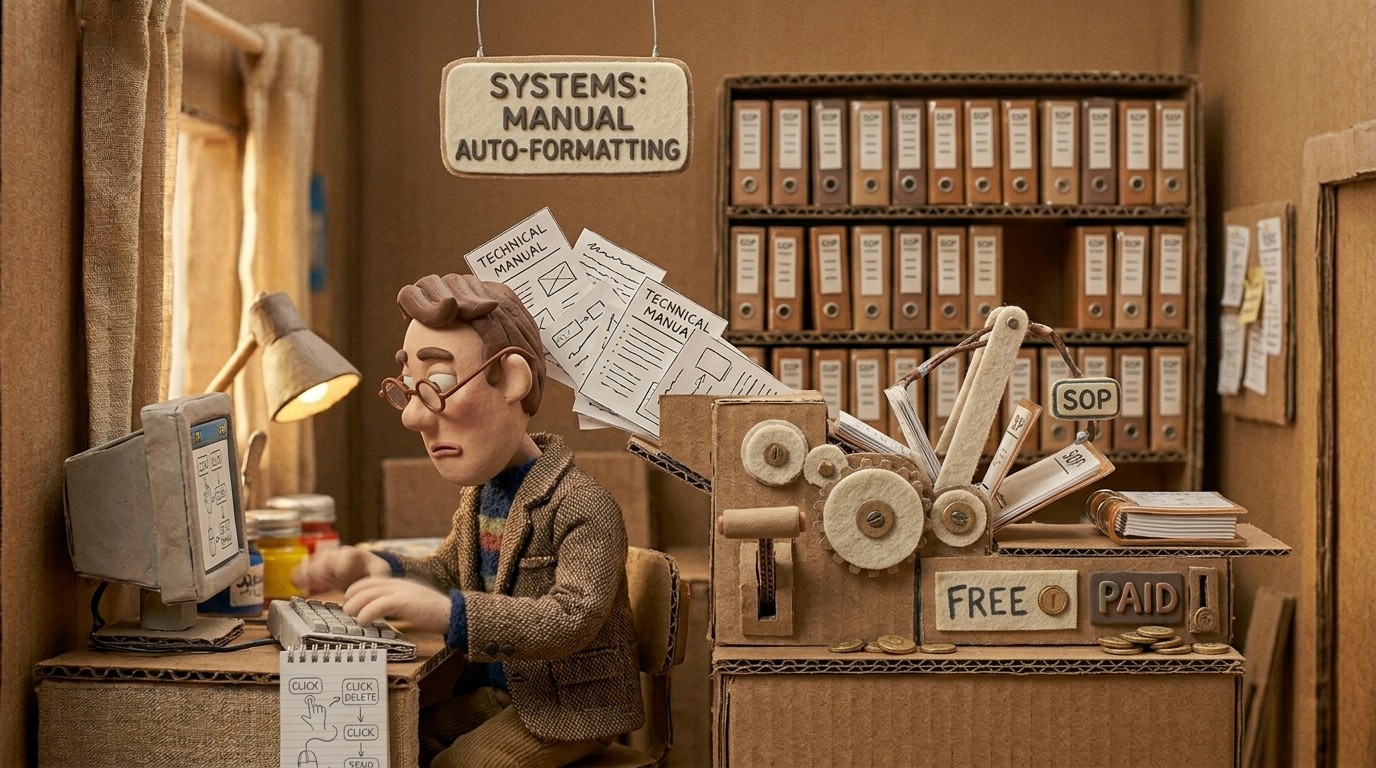
Software documentation has a reputation for being slow, and honestly, the reputation is earned. Writing accurate step-by-step guides for a product you know inside out requires you to slow down and think like someone who doesn't. You need to capture every step, get every screenshot, choose the right terms, and structure it so a new user can follow without getting lost.
None of that is easy to do quickly. But the workflow you use determines how fast it actually goes.
Why documentation is slow (and where the time goes)
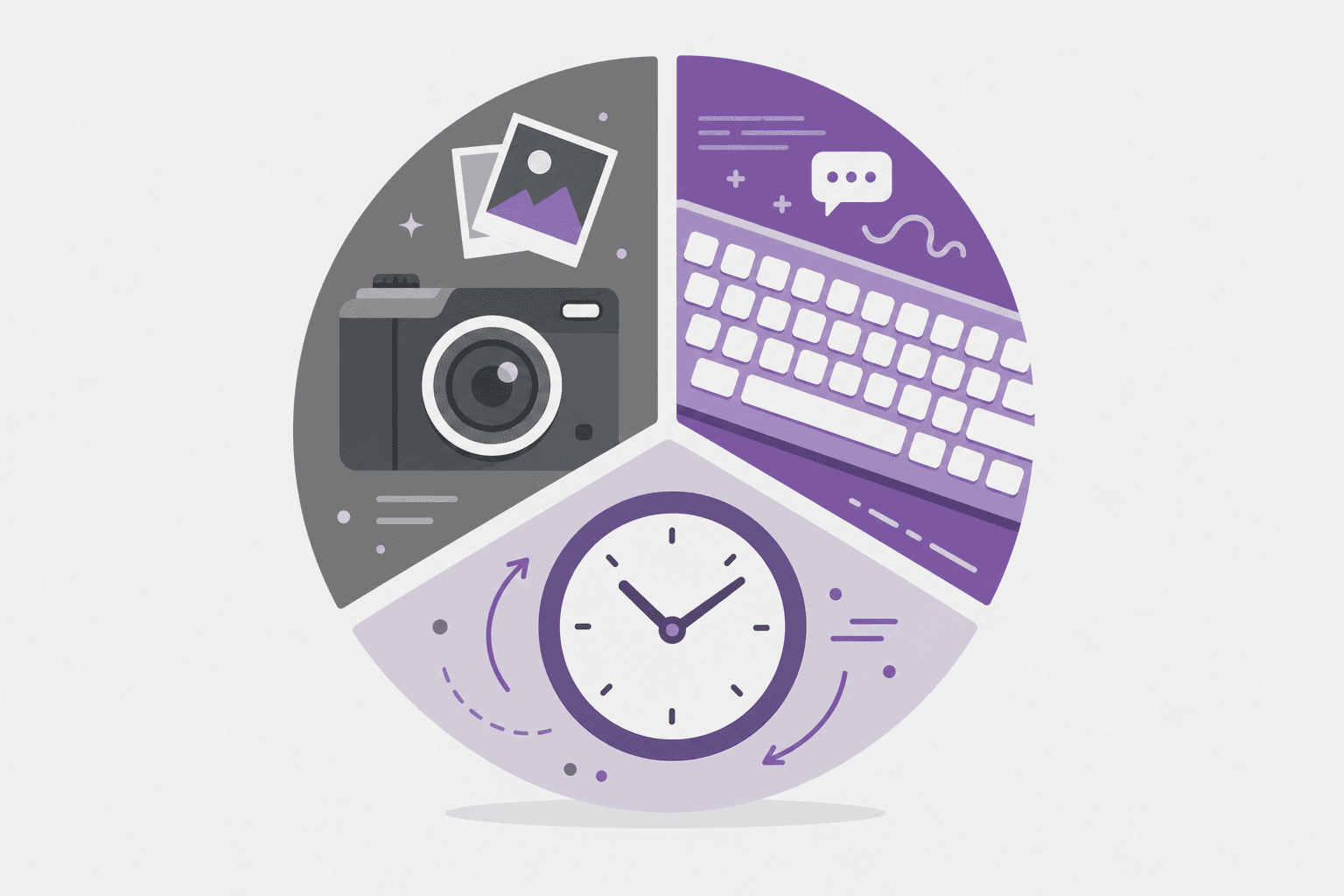
When you break down a typical documentation session, the time isn't in the writing itself. It's in everything around it:
Screenshots: Taking them, cropping them, deciding which ones to include, placing them correctly. For a 10-step process, this alone takes 20-30 minutes.
Recall and verification: You have to remember every step accurately, then verify it by doing the process again. Missing a step means going back.
Structure and formatting: Deciding on headings, numbering steps, handling edge cases, adding warning callouts.
Maintenance: When the product changes, every screenshot and step you wrote needs to be reviewed and potentially replaced.
Speed up technical writing by eliminating these steps, not by rushing through them.
The fastest way to write software documentation
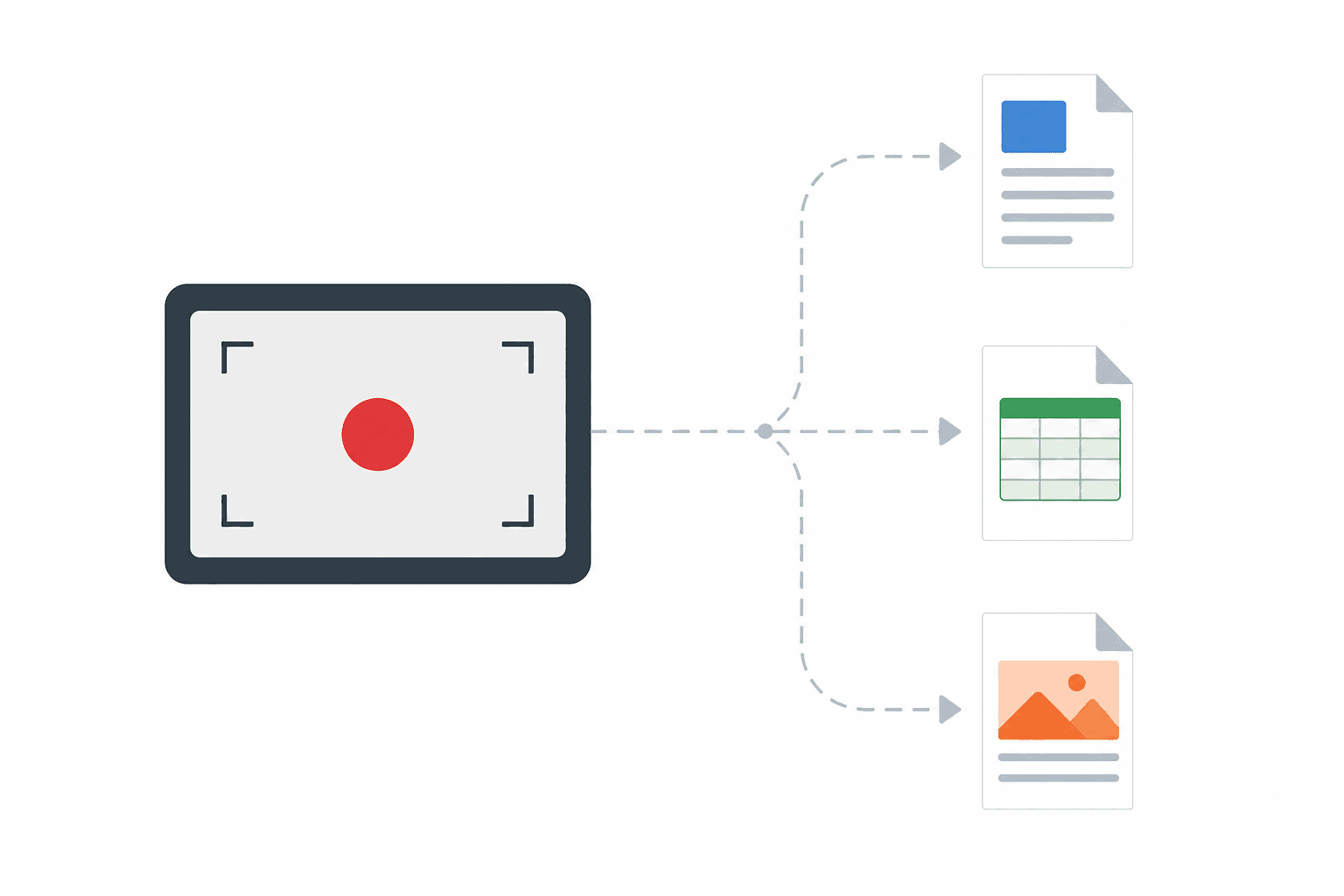
The fastest documentation workflow isn't writing faster. It's replacing writing with recording.
When you record your screen while performing a workflow, you eliminate the need to reconstruct the process from memory. You eliminate manual screenshot capture. You create a source of truth that AI can analyze accurately.
Here's the workflow using Clevera:
Step 1: Record the workflow
Open the Clevera desktop app on Mac or Windows. Perform the process you want to document. Walk through it at a normal pace, clicking through each step as you normally would. No narration needed.
Step 2: Get the generated documentation
Clevera's AI produces a step-by-step written guide from the recording automatically. It identifies each meaningful action, writes an instructional sentence for each step, selects the relevant screenshots, and places them inline. This takes a few minutes.
Step 3: Review and refine
Read through the generated article. Add context the recording didn't capture (like what to do if a step looks different for certain user roles). Adjust the tone if needed. Add callout boxes for important warnings. This typically takes 5-10 minutes.
Step 4: Publish
Export to Markdown or HTML and push to your documentation platform. Total time from starting the recording to published article: 20-30 minutes for most workflows.
Compare that to the traditional method, which can easily take 2-3 hours for the same content.
Writing different types of software documentation fast
User guides and help articles
These are the most common documentation type and the best fit for the recording-based workflow. Every feature, every workflow, every setup process becomes a candidate. Record once. Publish the article and video.
Release notes and changelogs
AI writing assistants are better suited here. These are narrative, not procedural. Use a tool like Notion AI or Claude to help structure and draft, then edit for accuracy.
API documentation
Use developer-focused documentation tools. Procedural AI documentation generators aren't the right tool for API reference content.
Internal process guides
Same workflow as user guides. Record the internal process, generate the guide. Useful for HR onboarding, IT procedures, and any software-based internal workflow.
Keeping documentation fast to update
The initial creation is only half the problem. The other half is maintenance. Documentation that takes 3 hours to create and 3 hours to update will fall behind the product's pace of change. Documentation that takes 20 minutes to create and 15 minutes to update can stay current.
Clevera's recording-based approach makes updates as fast as initial creation. When a workflow changes, re-record the changed steps, regenerate the article, and publish. Clevera's LiveSync feature handles the distribution: updated videos appear everywhere they're embedded automatically.
Common mistakes that slow down documentation
Trying to write perfect documentation the first time. Write a draft, review it, edit it. Spending extra time upfront trying to be perfect is slower than reviewing a fast draft.
Taking screenshots one at a time in a separate tool. This is the single most time-consuming part of manual documentation. Eliminating it, through a tool that auto-selects screenshots from a recording, is the biggest speed gain available.
Documenting everything at the wrong level of detail. New users need more detail. Experienced users need less. Creating separate documentation for different audiences takes more time than getting the level right for the primary audience.
Waiting until a feature is "fully stable" to document it. Document on ship day. Update when things change. The alternative is a perpetual backlog.
For teams building a documentation system that scales with their product, the user manuals with AI guide covers the full strategy. For teams focused specifically on speeding up tutorial video creation alongside written docs, that post covers the video side of the same workflow.
The goal isn't documentation that's easy to write. It's documentation that's impossible to ignore because it's too easy not to create it.