Best knowledge base software for customer success teams in 2026

Customer success teams have a documentation problem. You're responsible for helping customers get value from the product, and a well-maintained knowledge base is one of the most effective ways to do that at scale. But creating, updating, and organizing knowledge base content takes time that most CS teams don't have.
The right knowledge base software doesn't just store articles. It makes creating and maintaining them fast enough that it actually happens. Here are the best options for CS teams in 2026.

What CS teams actually need from a knowledge base tool
Before getting into specific tools, it's worth being clear about what makes knowledge base software useful for customer success, specifically:
Fast content creation. CS managers aren't technical writers. The tool needs to make creating a new article quick, not a half-day project.
Video support. Customers learn better from video than text alone. The best KB tools support embedded video in articles.
Integration with your support stack. The KB should connect to wherever your customers look for help: Zendesk, Intercom, HelpScout, your in-app help widget.
Easy updates. Product UI changes constantly. Your KB software needs to make updating articles fast enough that you actually do it.
Analytics. You need to know which articles are being read, which searches are coming up empty, and where customers are dropping off.
The best knowledge base software for customer success teams
1. Clevera

Best for: CS teams that need to create video-first knowledge base content at scale
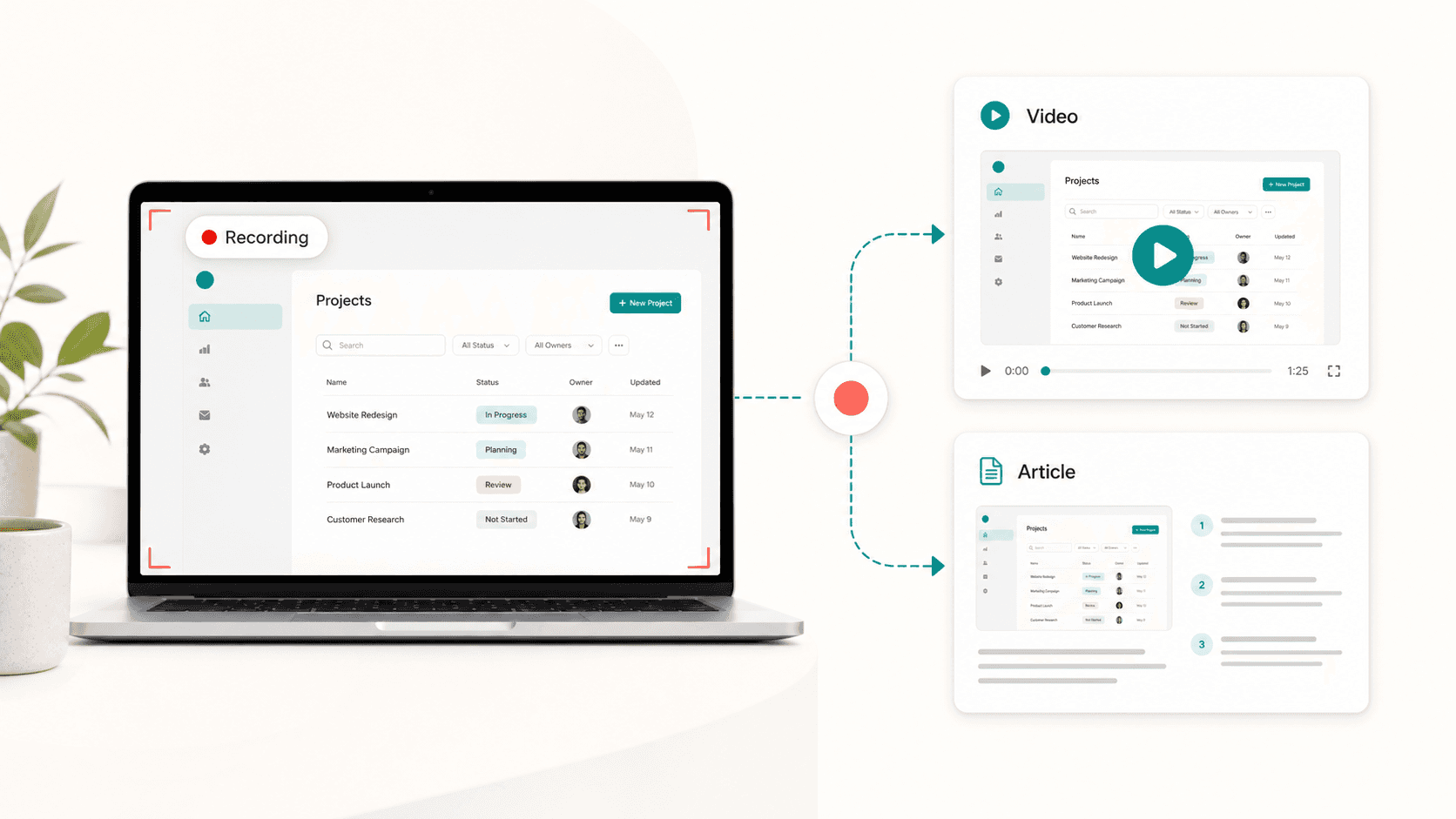
Clevera is the only tool on this list that creates both a tutorial video and a step-by-step written article from the same screen recording. Record with the Clevera desktop app, the Chrome extension, or upload existing screen footage—and the AI produces the narrated video, the written guide, the screenshots, and the structure automatically.
For CS teams, this changes the economics of documentation. Instead of spending 2-3 hours on each article, you spend 20-30 minutes. Instead of deciding between creating a video or writing an article, you get both from one recording.
Key features for CS teams:
AI-generated narrated tutorial video from every recording
AI-generated step-by-step article with auto-selected screenshots
LiveSync: update a published video once and it updates everywhere it's embedded
70+ language translation for international customers
Exports to Zendesk, HelpScout, Intercom, Notion, Confluence, and more
Real-time collaboration for team review and editing
Pricing from $29/month
Flexible capture: upload existing Loom or support recordings, use the Chrome extension for web products, or record full-OS workflows with the desktop app—same AI outputs for each path.
2. Document360
Best for: CS teams that need a purpose-built, standalone KB platform
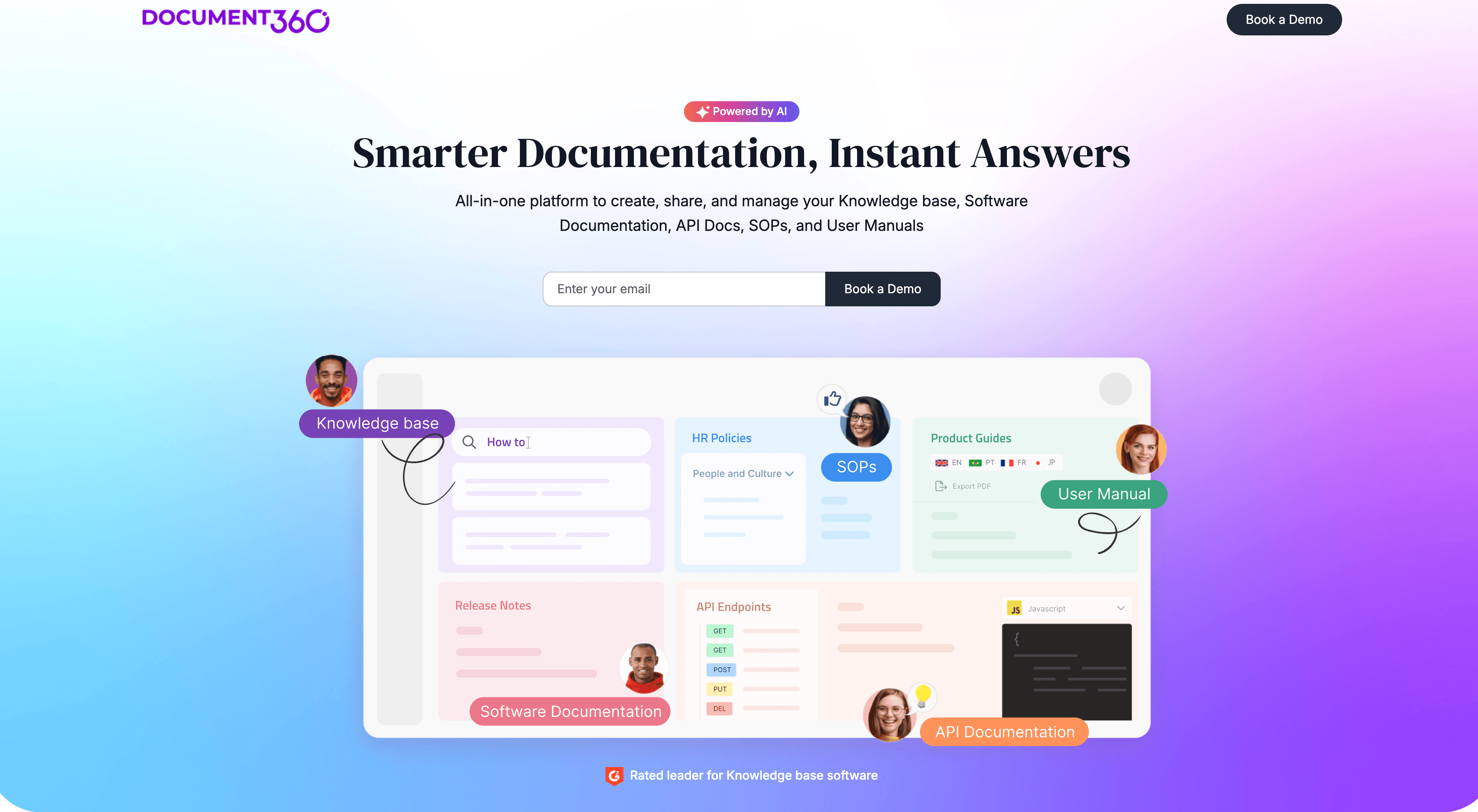
Document360 is a dedicated knowledge base platform with strong content organization, version control, analytics, and workflow features. It's built for teams that need a proper KB infrastructure, not just a folder of articles.
Features CS teams value: article versioning, a reader-facing search that actually works, category-level permissions, and integrations with Intercom and Zendesk. It supports video embeds but doesn't create them.
Pricing starts around $149/month for the team plan.
3. Notion
Best for: teams already running their operations in Notion
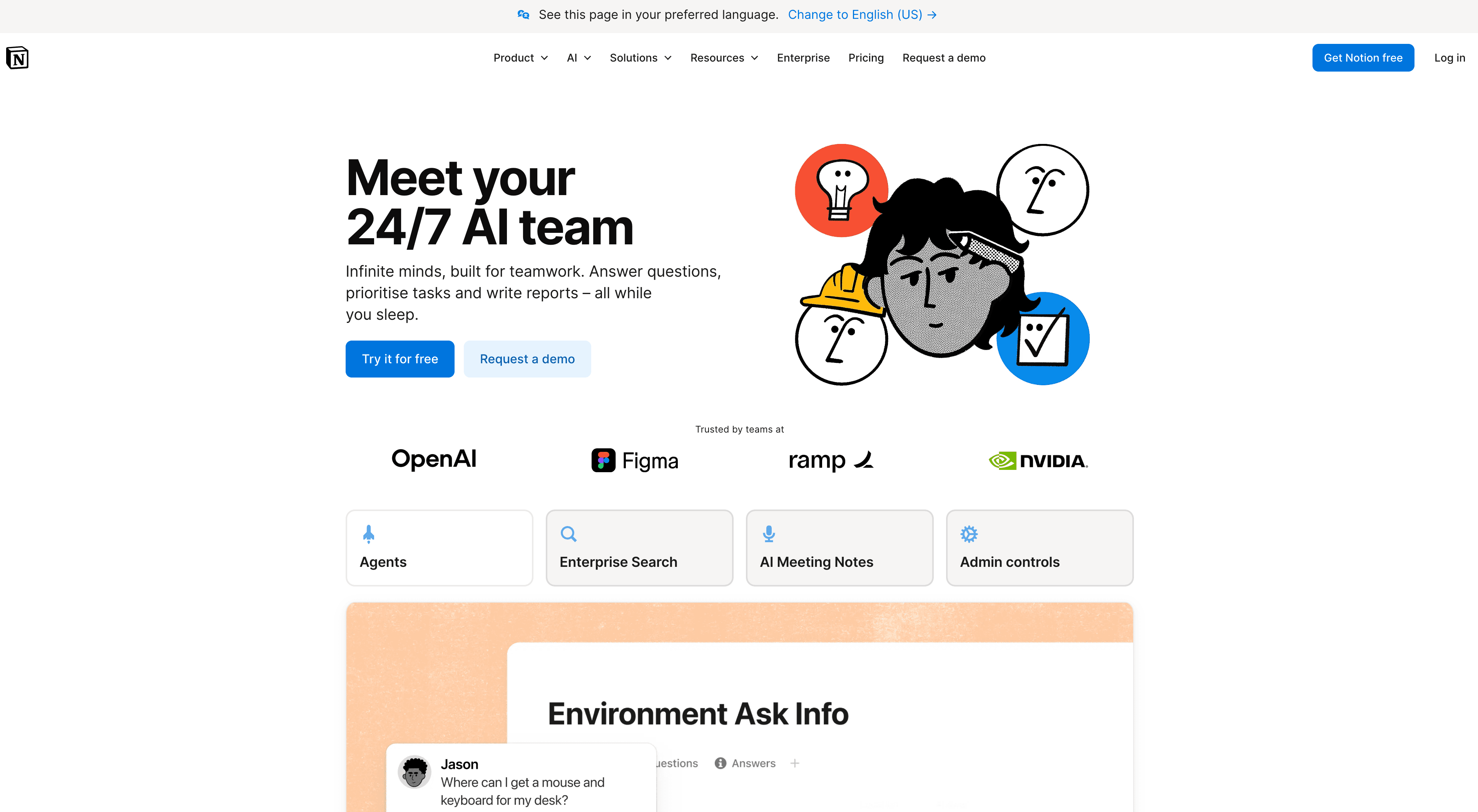
Notion is excellent for internal documentation and works reasonably well as a lightweight external KB. It's fast to write in, supports rich media, and the collaboration features are strong.
Limitations for CS teams: no built-in analytics, limited access control for customer-facing content, and no native search optimization for external users. It works best when paired with a tool like Clevera that handles the content creation side.
4. HelpScout Docs
Best for: teams using HelpScout as their support platform
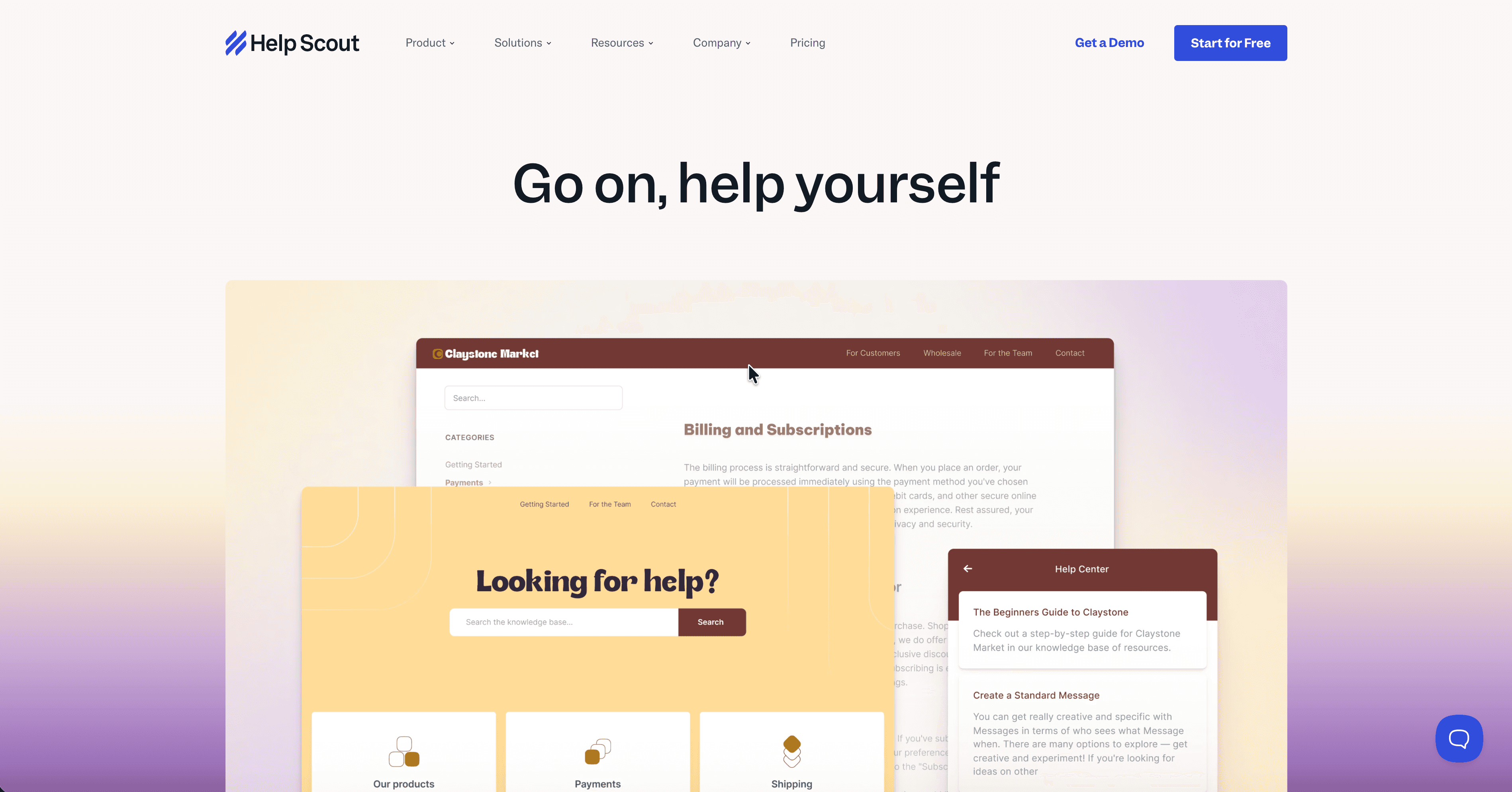
HelpScout's built-in Docs module is a simple, well-designed knowledge base that lives inside the same platform as your support inbox. Articles can be surfaced directly in the HelpScout widget in your app.
It's not the most feature-rich standalone KB, but the integration with your support workflow is tight. Agents can link directly to Docs articles when responding to tickets. The editor is clean and easy for non-writers to use.
Clevera exports directly to HelpScout, so you can create content in Clevera and publish it to HelpScout Docs in one step.
5. Confluence
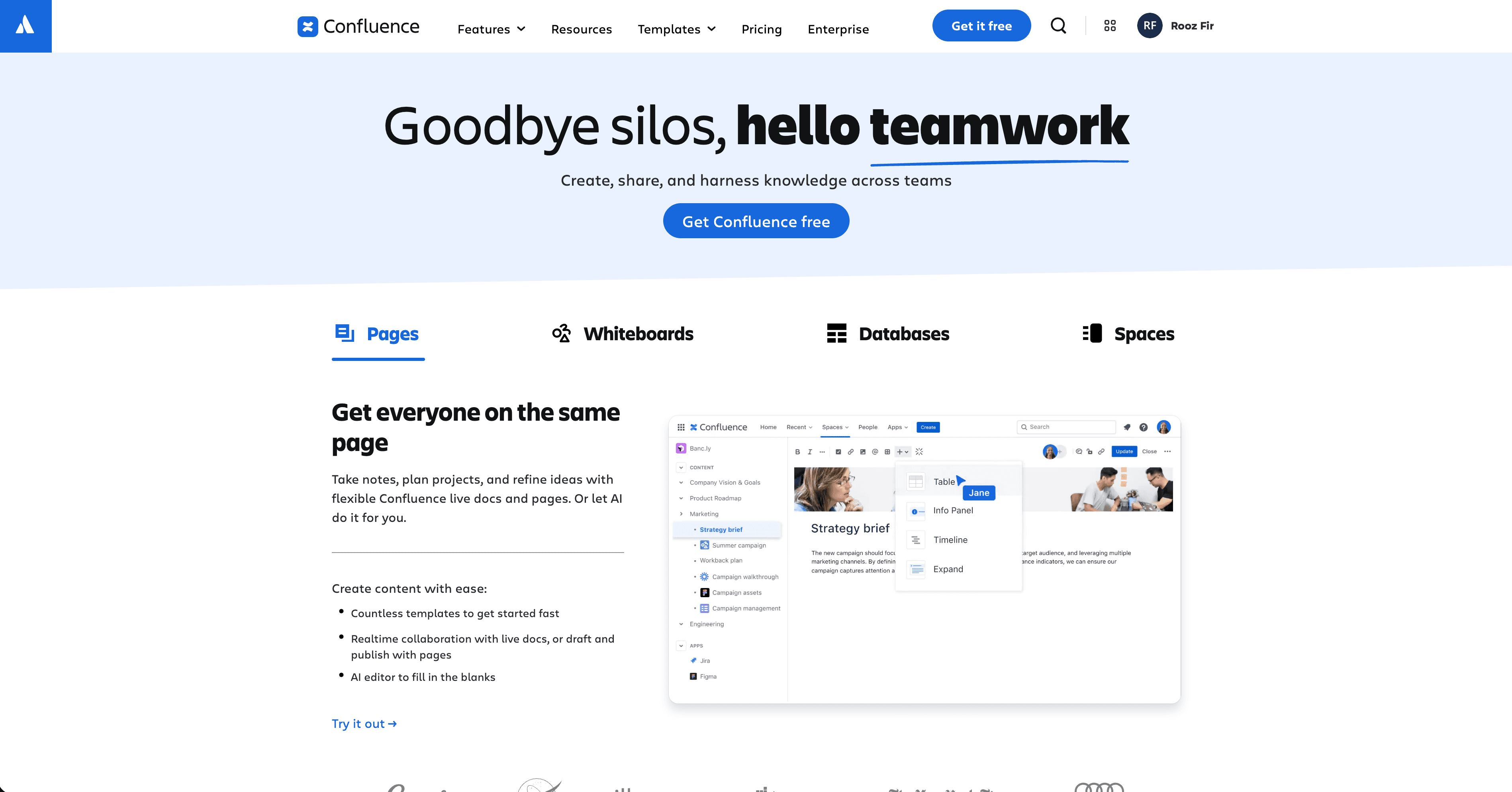
Best for: teams at companies where Confluence is the standard
Confluence is the default knowledge base for companies using Jira and the broader Atlassian stack. It's powerful and deeply integrated with engineering workflows, which makes it useful for internal documentation.
For customer-facing KB content, it's less ideal. Search is functional but not great for external users, and the interface can be confusing for customers who aren't familiar with it. Many CS teams use Confluence internally and publish customer-facing content to a different platform.
6. Guru
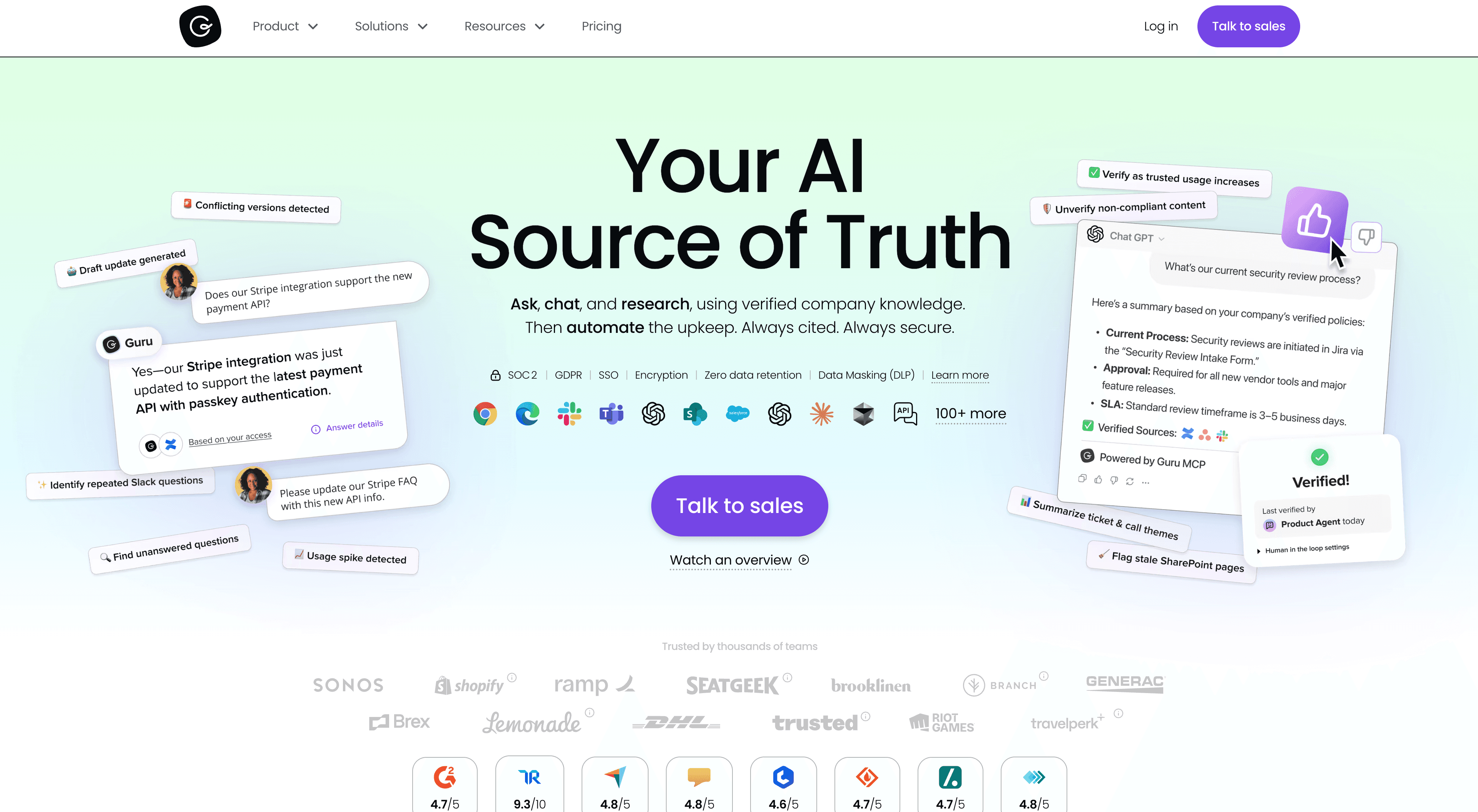
Best for: internal CS knowledge management and agent enablement
Guru is designed for teams that need to surface knowledge at the moment of use, not just store it. It integrates with Slack, Chrome, and support tools to surface relevant articles while a CS manager is working.
It's a better fit for internal CS knowledge (competitive intel, playbooks, escalation paths) than for customer-facing self-service content.

How to choose the right KB software for your CS team
If your primary need is creating more content faster, and you want both video and written articles, Clevera is the right starting point. It solves the creation problem, which is what most CS teams are stuck on.
If you already have a strong content creation workflow and need better organization, analytics, or customer-facing search, Document360 or HelpScout Docs are worth evaluating.
If you're in a Notion-first company, start there and layer Clevera on top for content generation.
For more on how documentation reduces support tickets and why a well-maintained knowledge base is worth the investment, that pillar covers the full picture. For a broader look at building a knowledge base with AI, that guide walks through the strategy end to end.
The best knowledge base is the one your team actually keeps current. Choose the tool that makes updating feel easier than ignoring it.