AI help center content automation: what it is and what it actually automates
"Automating" your help center content sounds like a fix for a problem that doesn't need fixing. Help center articles are supposed to be accurate, specific, and carefully written. What role does automation play?
Quite a large one, as it turns out. The bottleneck in most help centers isn't quality control. It's production. Articles don't get written because writing them takes too long. Articles go stale because updating them takes nearly as long as creating them. AI help center content automation addresses those production problems without sacrificing the accuracy that makes help content useful.
What AI help center content automation actually means
Let's be specific. There are a few distinct things "automating help center content" can mean:
1. AI-assisted writing from descriptions.
You describe a process in text, and AI generates a draft article. Tools like Notion AI or ChatGPT can do this. The automation handles formatting and writing speed, but the accuracy depends entirely on how well you described the process.
2. Documentation generation from screen recordings.
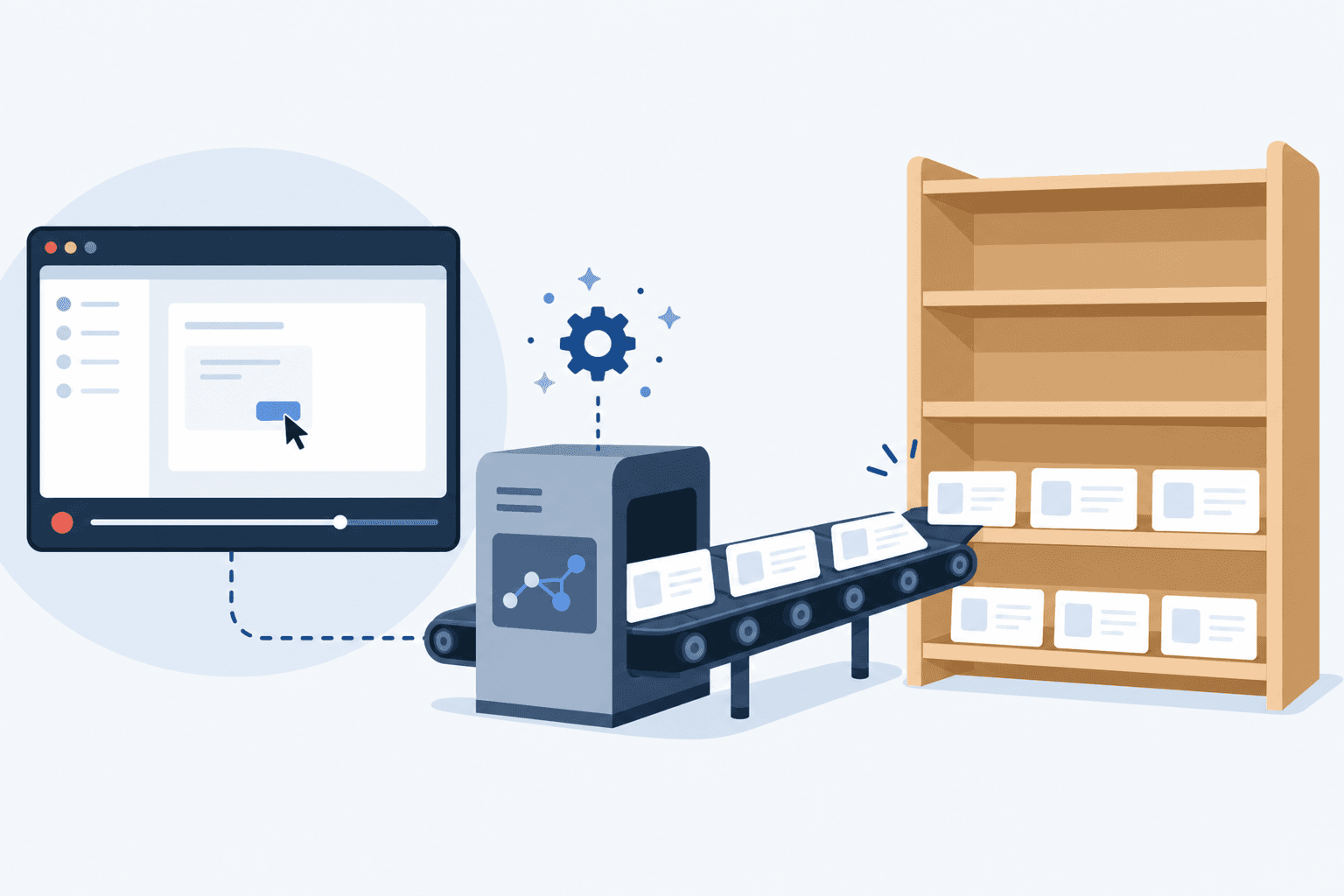
You record yourself performing the workflow, and AI generates the article from what it observed. Clevera does this. The automation handles writing, screenshots, structure, and narration. The accuracy is higher because the AI observed the actual process.
3. Automatic publishing and synchronization.
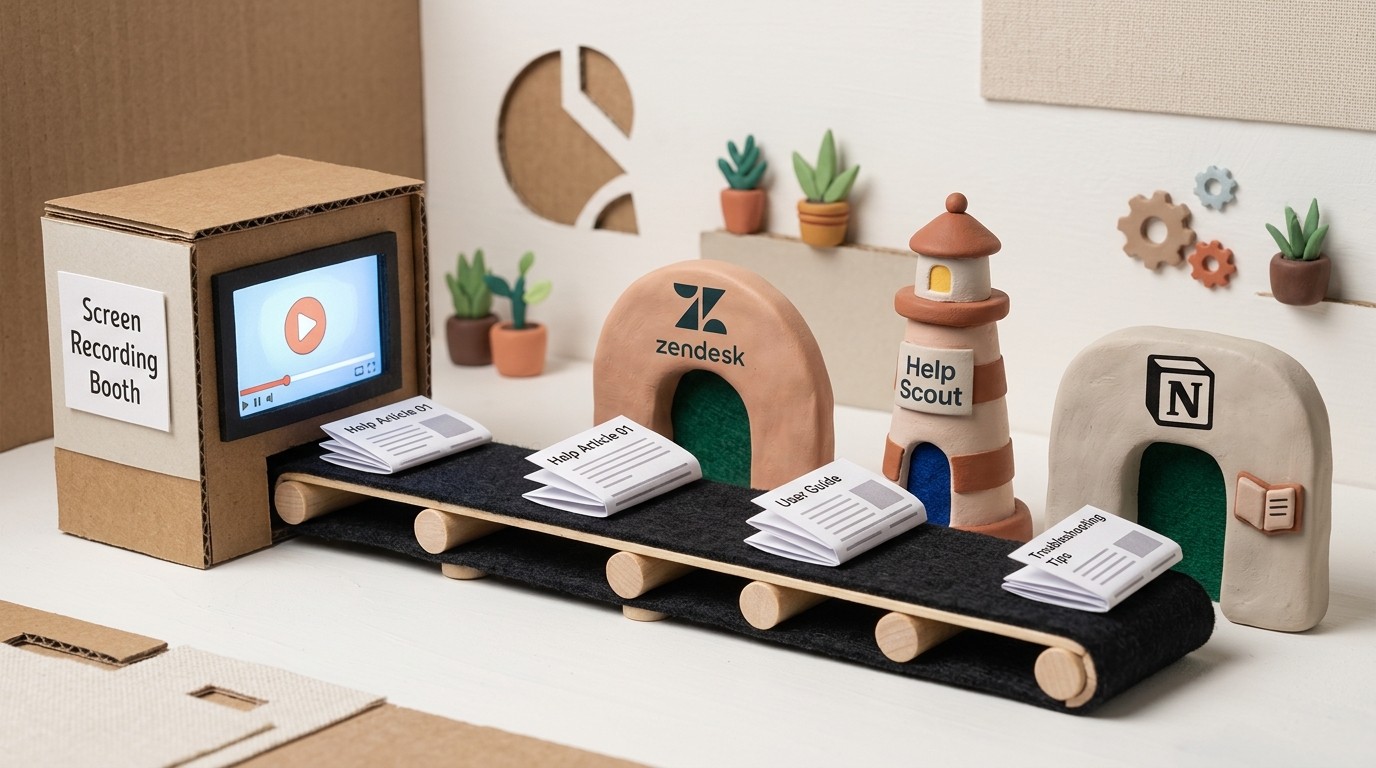
Articles are automatically pushed to your help center platform (Zendesk, HelpScout, Notion) when created or updated. Clevera handles this through direct integrations and LiveSync for video content.
4. Chatbot-based content generation.
AI analyzes your existing help tickets and generates suggested articles to fill gaps. Some support platforms offer this at the enterprise tier.
Most teams benefit most from options 2 and 3. Recording-based generation is the most accurate way to automate content creation, and automatic publishing eliminates the friction of moving content between tools.
How Clevera automates help center content creation
Clevera's automation runs across the full content creation pipeline:
Recording to article. You record a screen walkthrough in the Clevera desktop app. The AI produces a complete, structured help article with numbered steps, screenshots, and headings. You review, edit, and publish. The production time drops from 2-3 hours to 20-30 minutes per article.
Recording to video. The same recording produces a narrated tutorial video. You get both the written article and the video from one workflow.
Translation. Translate the article and video into 70+ languages with one click. No separate localization workflow.
Publishing. Export directly to Zendesk, HelpScout, Notion, Confluence, GitHub, Intercom, and other platforms. The article and embedded video publish together.
LiveSync. When you update a video, the change appears everywhere it's embedded automatically. No file replacement, no re-upload.
Automating Zendesk help center content
For teams using Zendesk as their primary support platform, Clevera's Zendesk export handles the publishing step. You create the content in Clevera, export it as Markdown or HTML, and it lands in your Zendesk help center with the video embedded.
When a workflow changes and you need to update an article, re-record the changed section in Clevera, generate the updated content, and export to Zendesk again. LiveSync ensures the video portion updates without any action on your part.
Automating HelpScout Docs content
HelpScout Docs is a simple, well-designed help center that integrates tightly with HelpScout's support inbox. Clevera exports directly to HelpScout, which means your CS team can create a Clevera recording, review the generated article, and publish it to the help center without leaving the workflow.
For teams using HelpScout's beacon (the in-app help widget), articles published to HelpScout Docs are automatically surfaced in the beacon search. Video-first articles from Clevera give customers more ways to find their answer.
Automating Notion exports for documentation teams
Many teams manage internal and external documentation in Notion. Clevera's Notion integration lets you export generated articles directly to a Notion workspace or specific database. The tutorial video embeds at the top of the page.
For teams using Notion as a staging environment before publishing to a customer-facing platform, this creates a clean review-and-approve workflow: generate in Clevera, review in Notion, publish to your final destination.

The limits of AI help center content automation
AI automation handles production. It doesn't handle strategy. The AI doesn't know which articles your customers need most, which questions are generating the most tickets, or which workflows are about to change because the product is shipping an update.
Those decisions still require a human. What AI help center content automation gives you is the ability to execute on those decisions quickly once you've made them. Identify the gap, record the answer, publish the article. That's the loop.
For the broader context on how documentation reduces support tickets at scale, that pillar covers the full strategy. For teams actively building out a knowledge base, the guide on building a knowledge base with AI goes deeper on the production workflow.
The goal is a help center that grows as fast as the product does, without requiring a full documentation team to maintain it. That's what AI help center content automation makes possible.