AI technical writing tool: what it does and when to use one
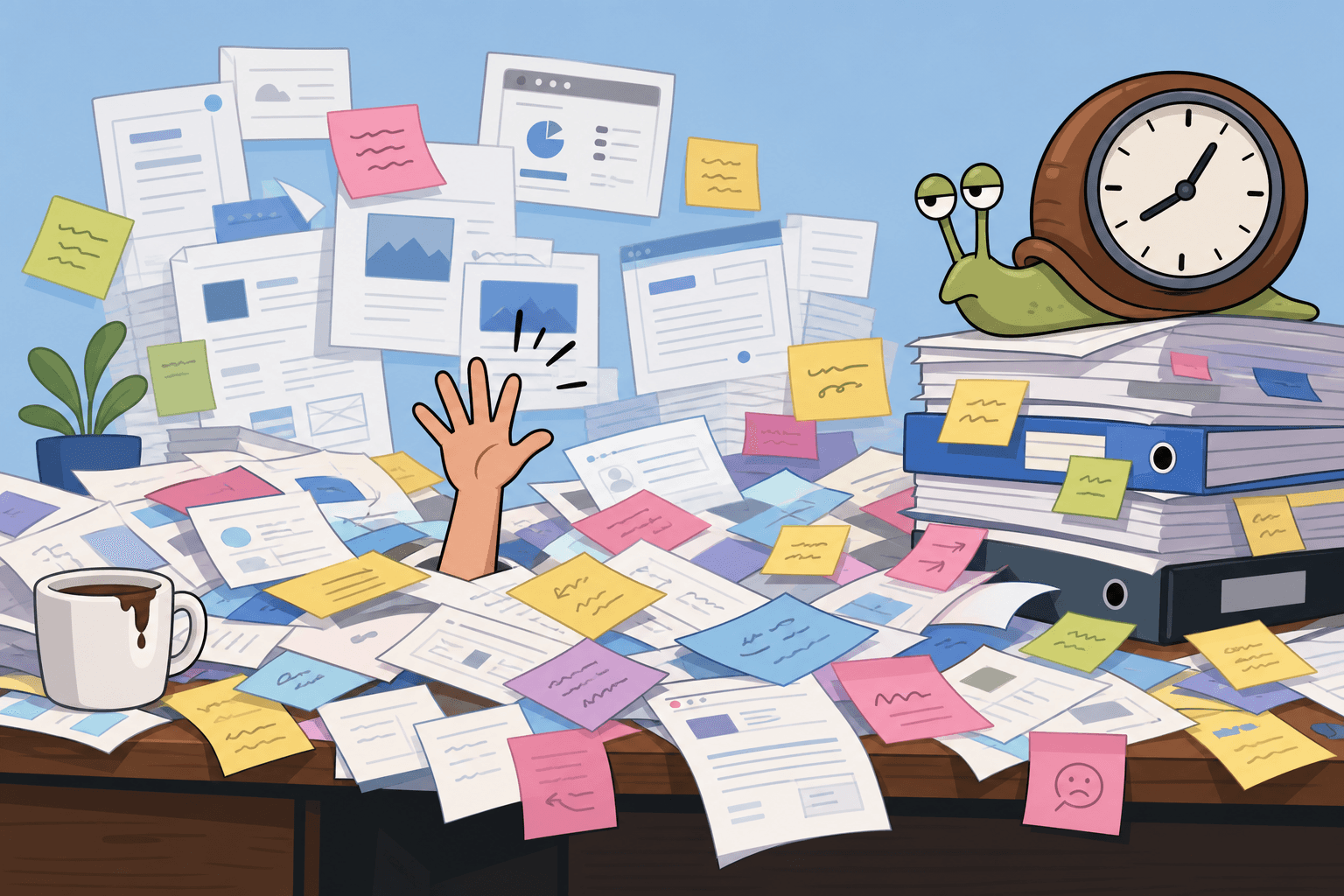
Technical writing has always been slow, not because writers are slow, but because accurate technical documentation requires deep product knowledge, precise language, structured thinking, and time to take every screenshot at exactly the right step. Most product teams don't have a dedicated technical writer. The work falls to whoever knows the product best, and it competes with everything else on their plate.
AI technical writing tools change the economics. They don't replace technical judgment, but they eliminate most of the repetitive, time-consuming production work.
What an AI technical writing tool actually does
The term is broad. Here's how the useful ones break down:
AI writing assistants (like Notion AI, Grammarly, or Jasper): help improve or generate text from descriptions you provide. Useful for polishing drafts and generating structure, but they need you to provide the accurate information.
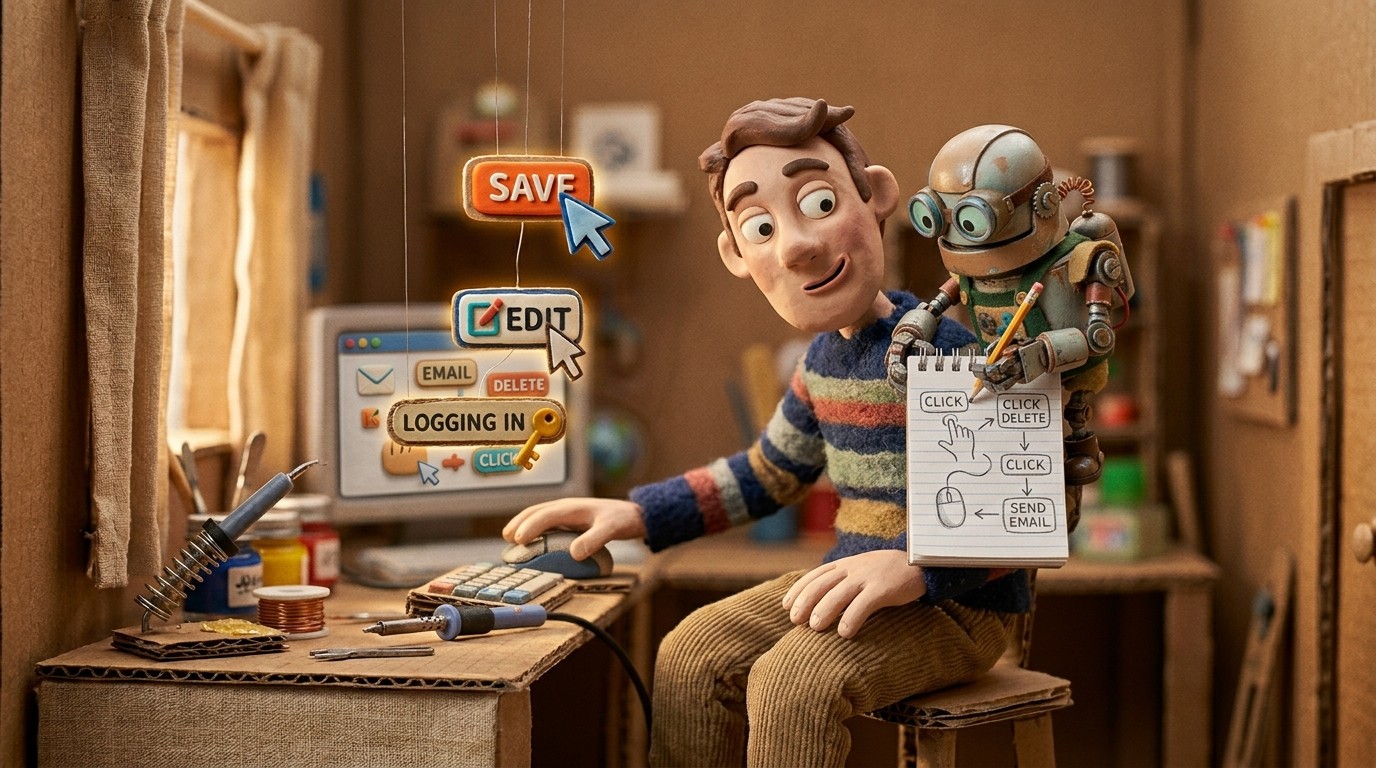
AI documentation generators from recordings (like Clevera): capture what you do on screen and generate structured documentation from the observed actions. You don't write. You demonstrate.
Technical documentation AI platforms (like Swimm, Mintlify): focus on keeping code documentation in sync with code changes. Useful for engineering teams, not product documentation.
For most SaaS teams creating user-facing documentation, the second category is the most practical. You already know how to perform the workflows you need to document. The bottleneck is converting that knowledge into a formatted, publishable article.
How Clevera works as an AI technical writing tool
Clevera approaches technical writing from a different angle than a text-based AI. Instead of asking you to describe the process, it watches you perform it.
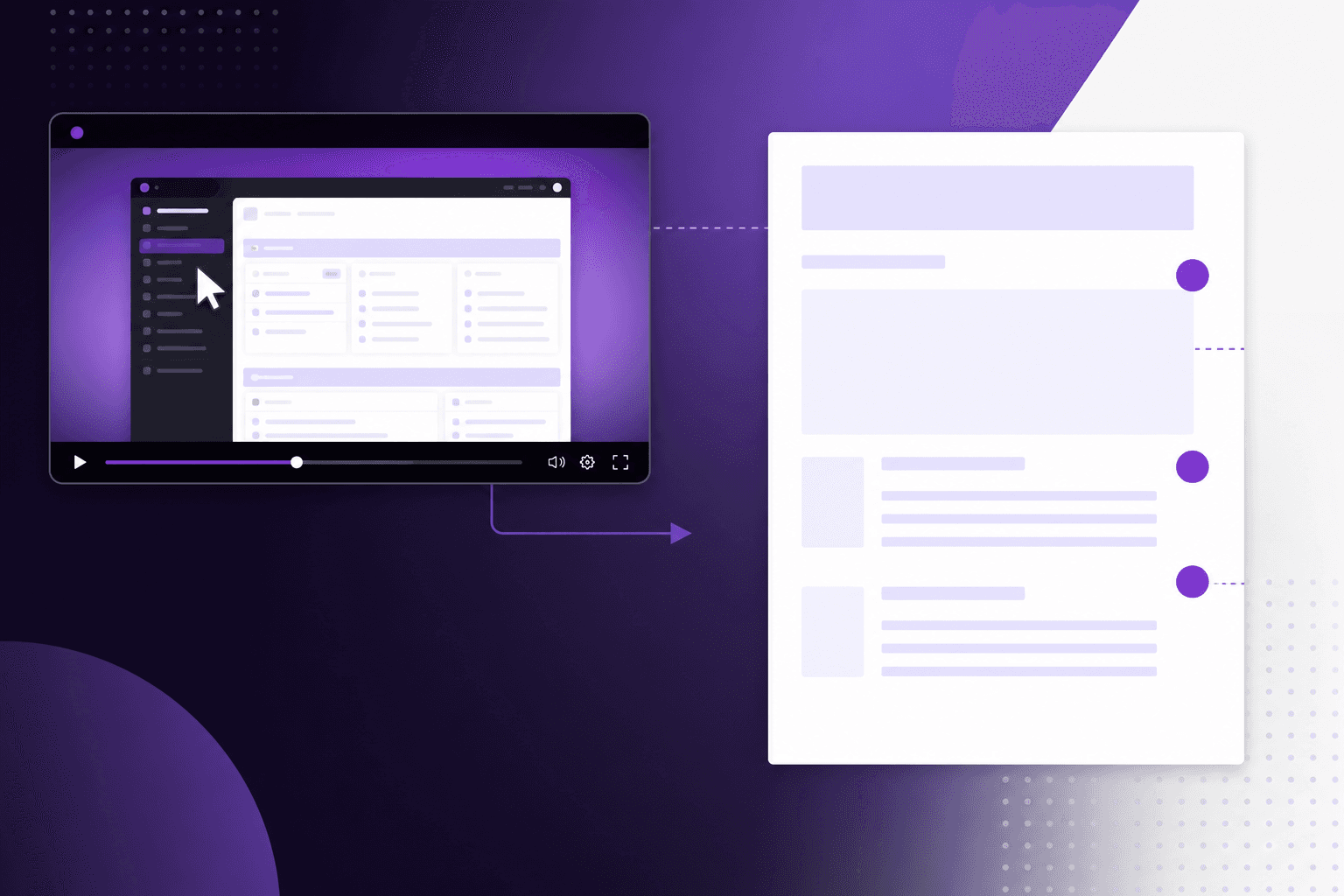
You record your screen using the Clevera desktop app while walking through the feature, workflow, or process you want to document. The AI analyzes every action in context, understands the purpose of each step, and generates a structured written guide.
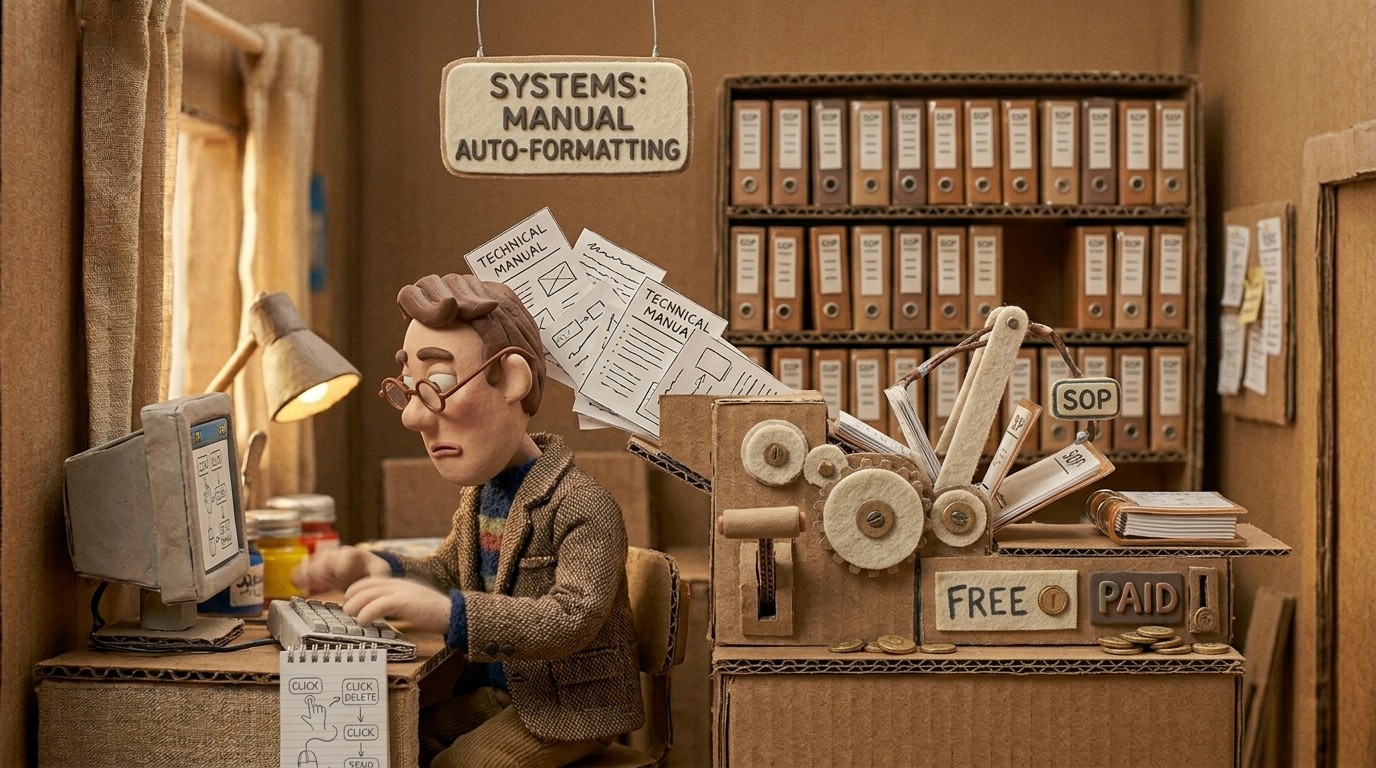
The output is a properly formatted help article: numbered steps, section headings, auto-selected screenshots with captions, and a writing style that reads like a real technical writer handled it.
You also get a narrated tutorial video from the same recording, which is something traditional technical documentation AI tools don't produce.
When AI technical writing tools are most valuable
For teams without a dedicated technical writer. The PM, the CS manager, or the support lead who documents product features gets structured output instead of starting from a blank doc.
For keeping documentation current. When a UI changes, re-recording takes 5 minutes. Manually updating screenshots, rewriting steps, and re-publishing takes significantly longer.
For documentation at scale. If you need to document 50 features, you can record and generate 50 articles without 50x the writing time.
For multi-language documentation. Clevera translates generated articles and videos into 70+ languages in one click, which is not something any human technical writer team can do at the same speed.
What AI technical writing tools can't do
Being clear about limitations matters:
They can't invent accuracy. If you perform a step incorrectly on screen, the AI documents it incorrectly. The recorded process has to be accurate for the documentation to be accurate.
They can't replace judgment about what to document. An AI tool generates documentation from what you show it. Deciding what needs documentation, what level of detail is appropriate, and what context to add for edge cases still requires a human.
They don't handle pure narrative technical writing. API reference documentation, architectural explanations, and conceptual overviews are better suited to text-based AI writing assistants. Clevera's strength is procedural, step-by-step documentation for UI-based workflows.
How to decide which AI technical writing tool to use
For procedural software documentation with video:
Use Clevera. Record the workflow, get the article and video, publish.
For improving written drafts and generating text from descriptions:
Use a general-purpose AI writing assistant alongside your main documentation tool.
For keeping code documentation synced with code:
Look at developer-focused tools like Swimm or Mintlify.
For most SaaS teams, Clevera covers the majority of what they need from a technical documentation AI: screen-based workflows, help center articles, onboarding guides, and product walkthroughs. The user manuals with AI pillar covers the broader documentation workflow, including how Clevera fits into longer-form documentation projects.
Technical documentation doesn't have to be a backlog item. With the right AI technical writing tool, it can be part of how you ship.