أنشئ فيديوهات ومستندات لمنتجك وحافظ على تحديثها باستخدام الذكاء الاصطناعي
يسجّل Clevera منتجك، ويكتب النص ويعلّق عليه صوتيًا، ليكون جاهزًا للنشر خلال دقائق. أنشئ فيديوهات إرشادية وعروضًا توضيحية وترويجية، وأبقِها محدّثة عند تغيّر منتجك.










صُنع بواسطة Clevera.
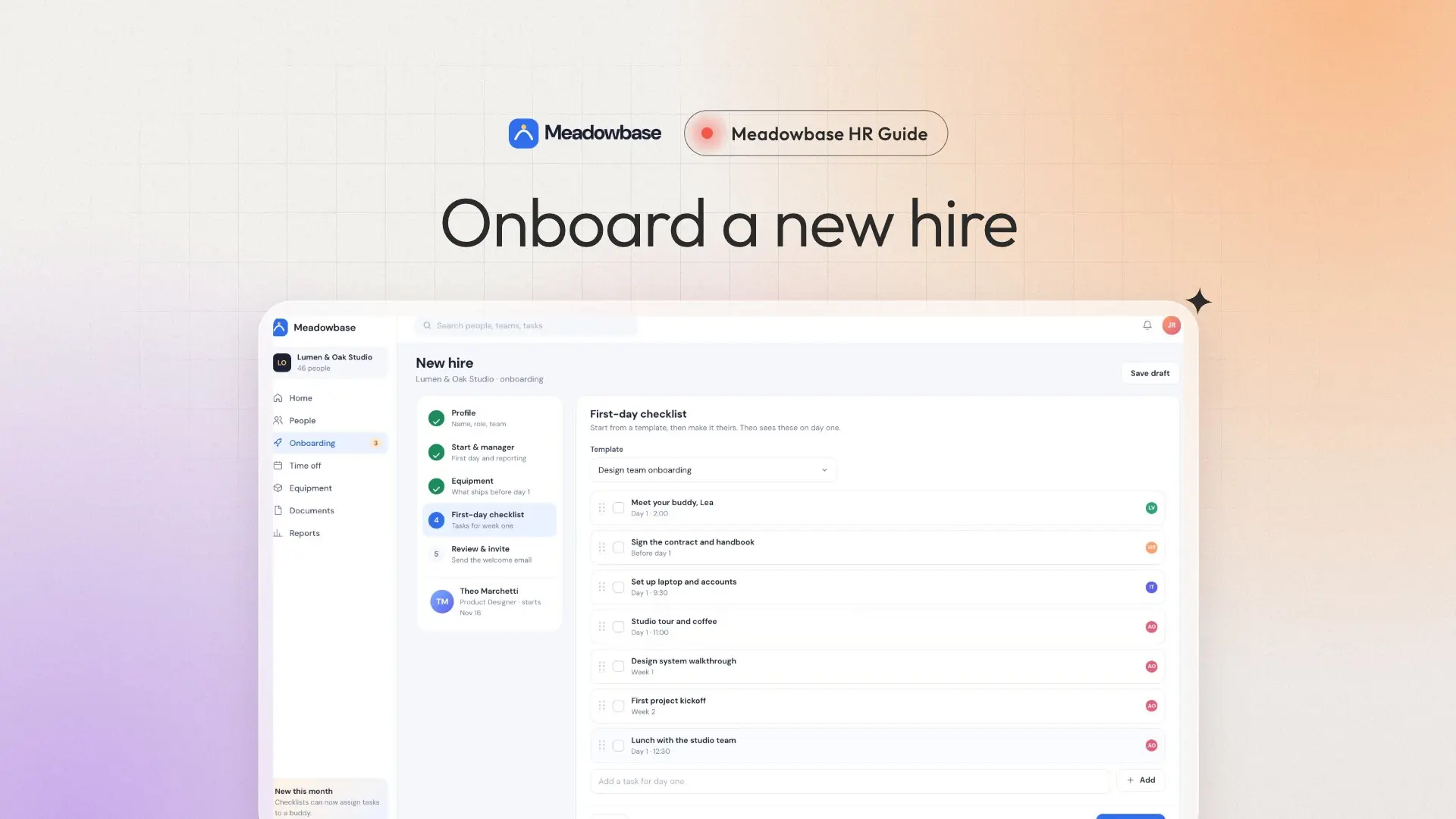
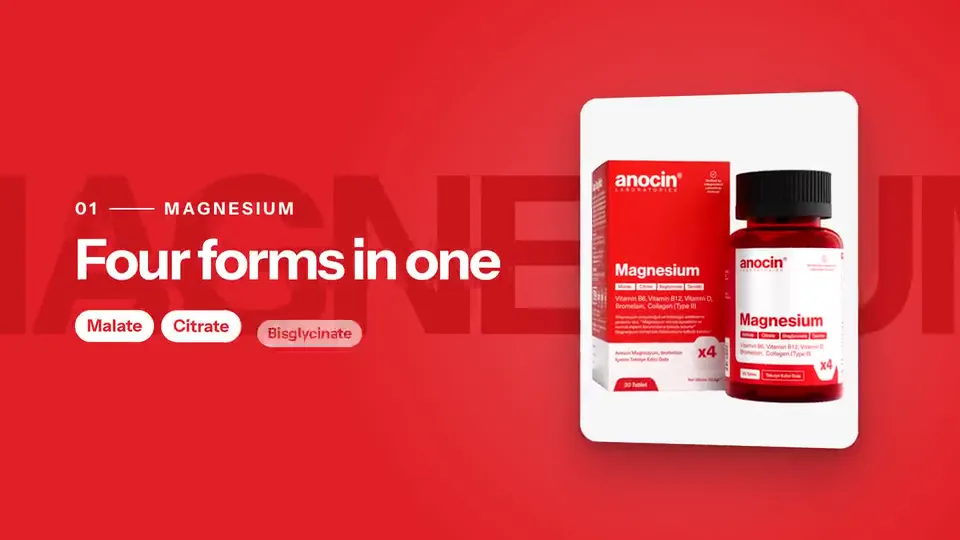
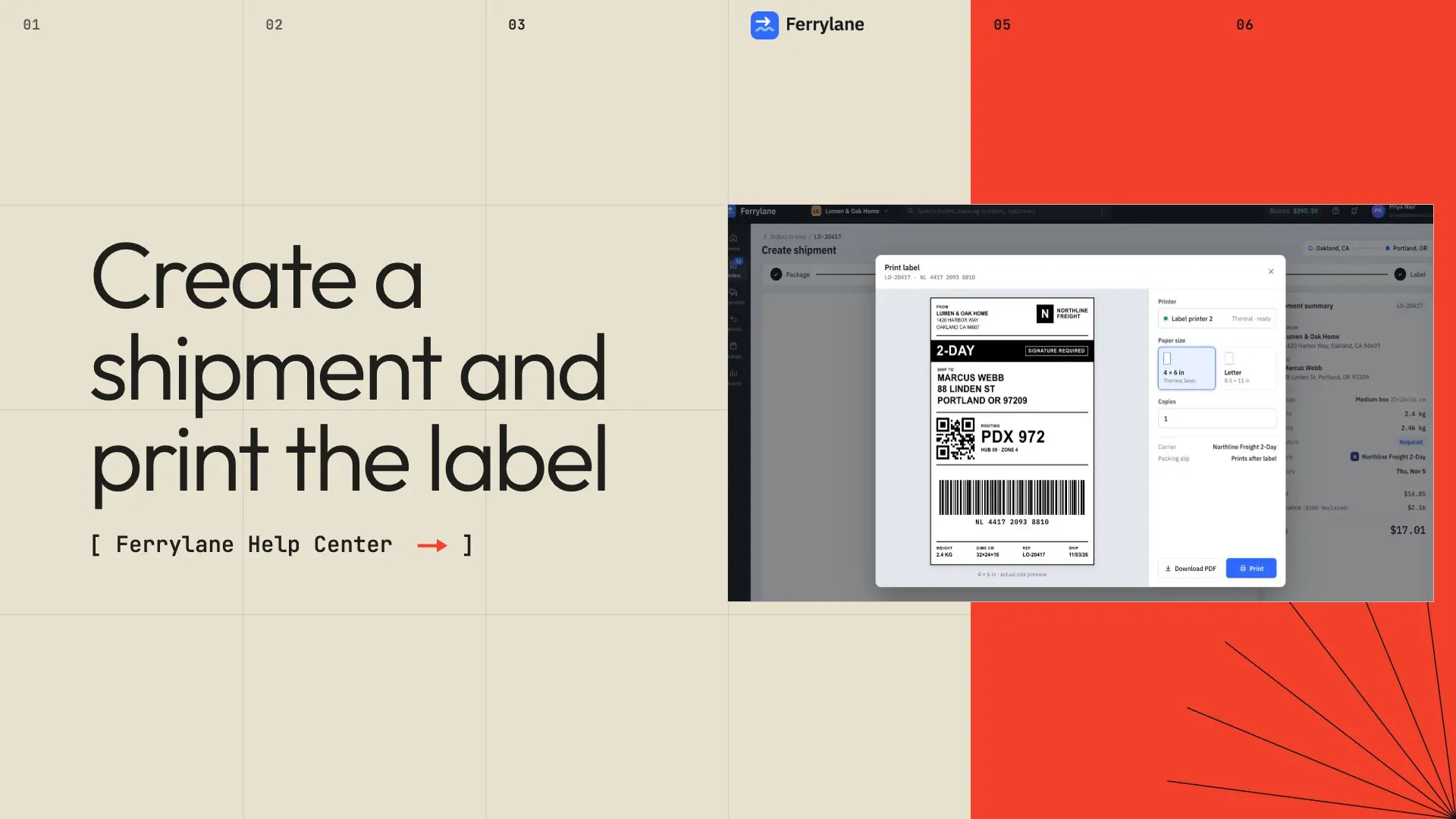
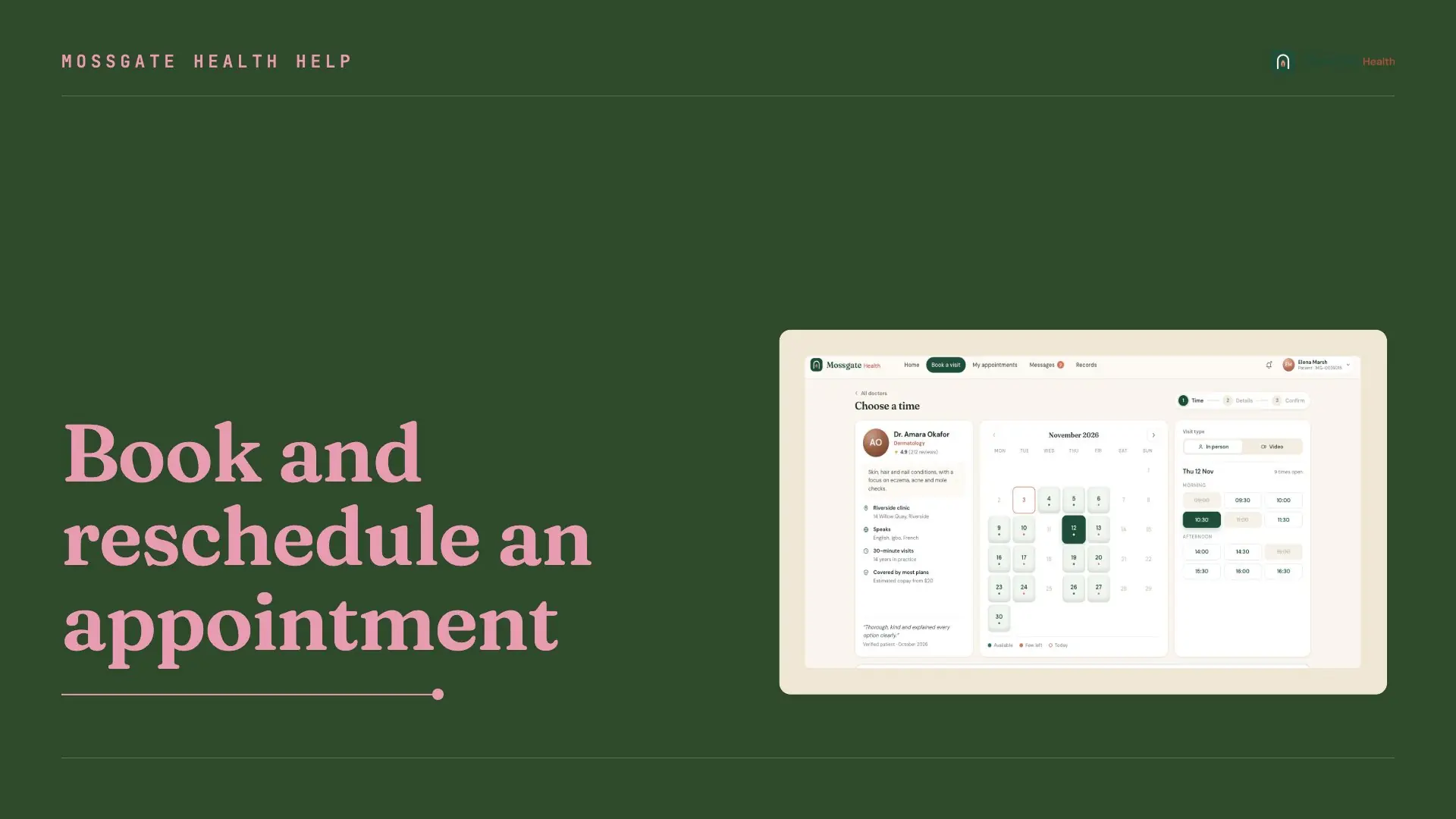
فيديوهات حقيقية، كل منها مصنوع من تسجيل شاشة واحد. شاهد معرض الأعمال
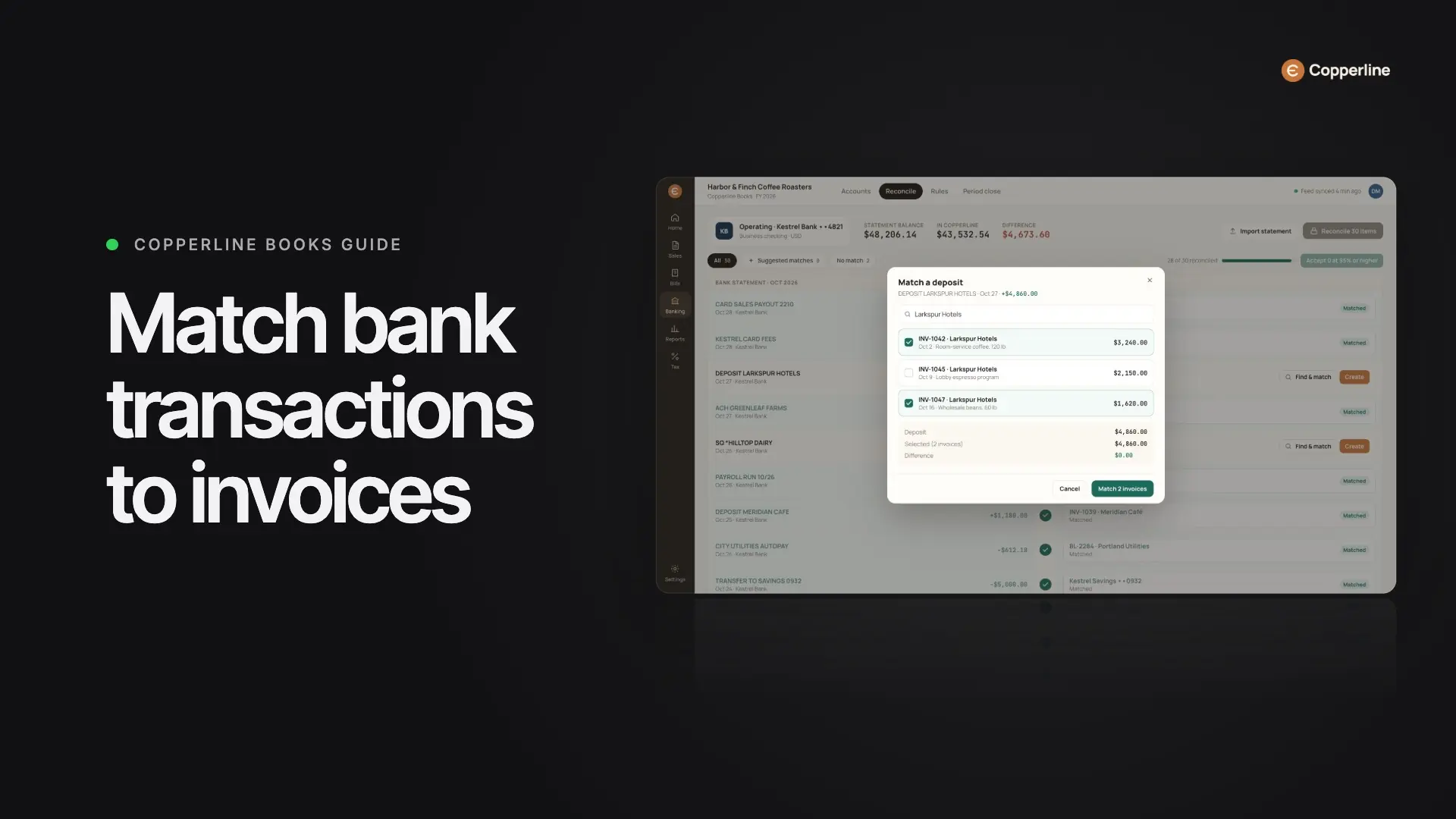
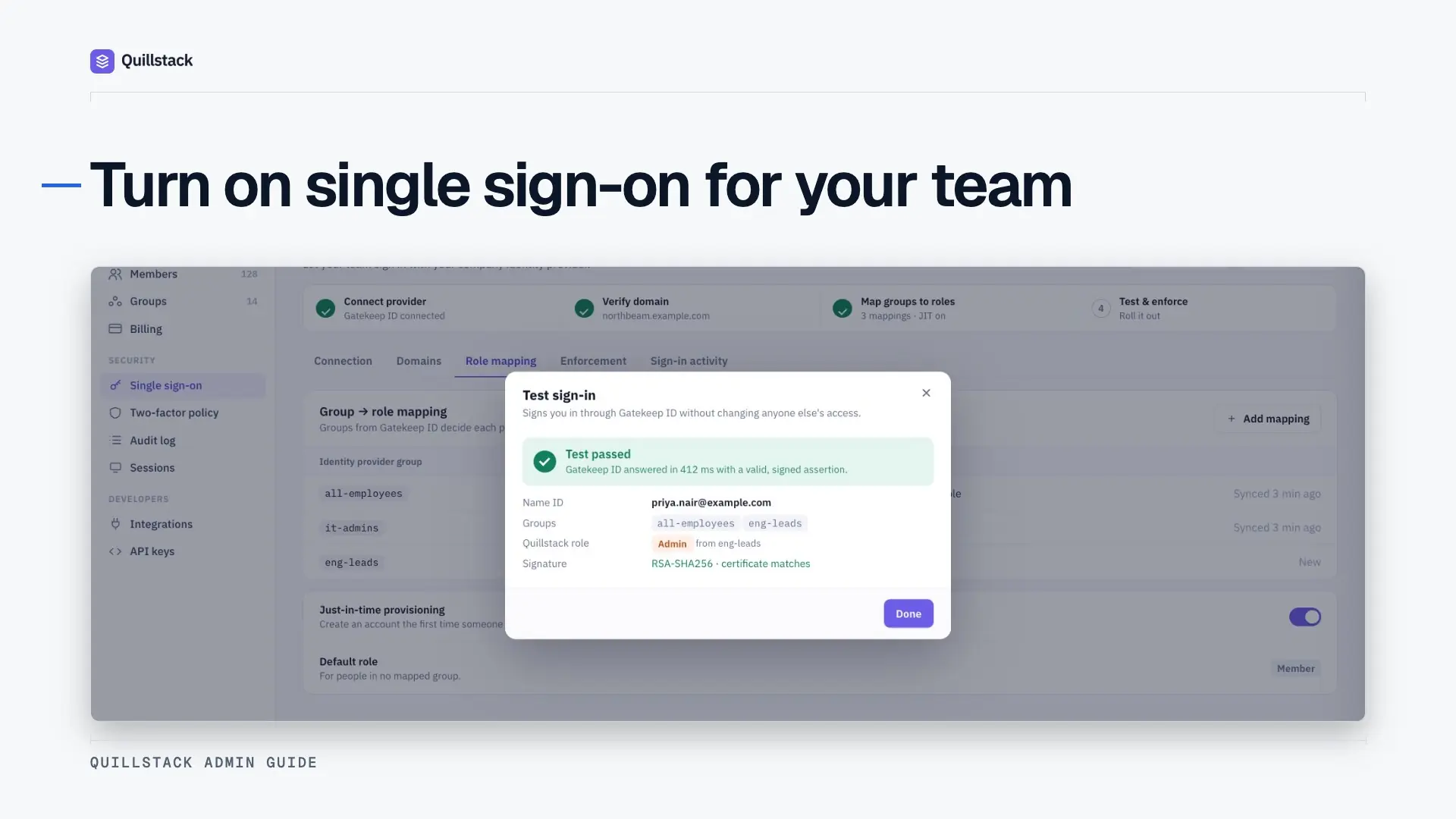
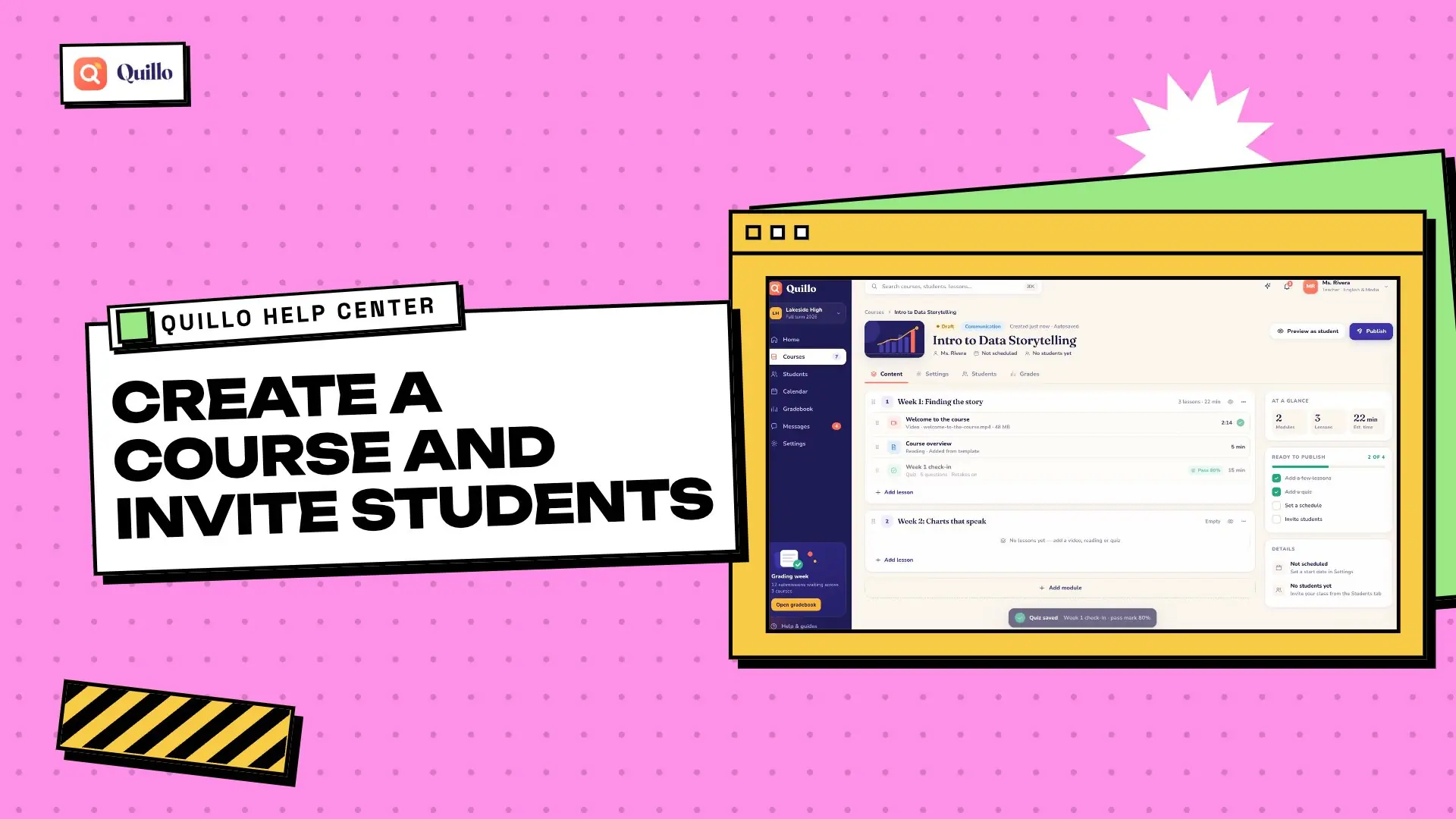

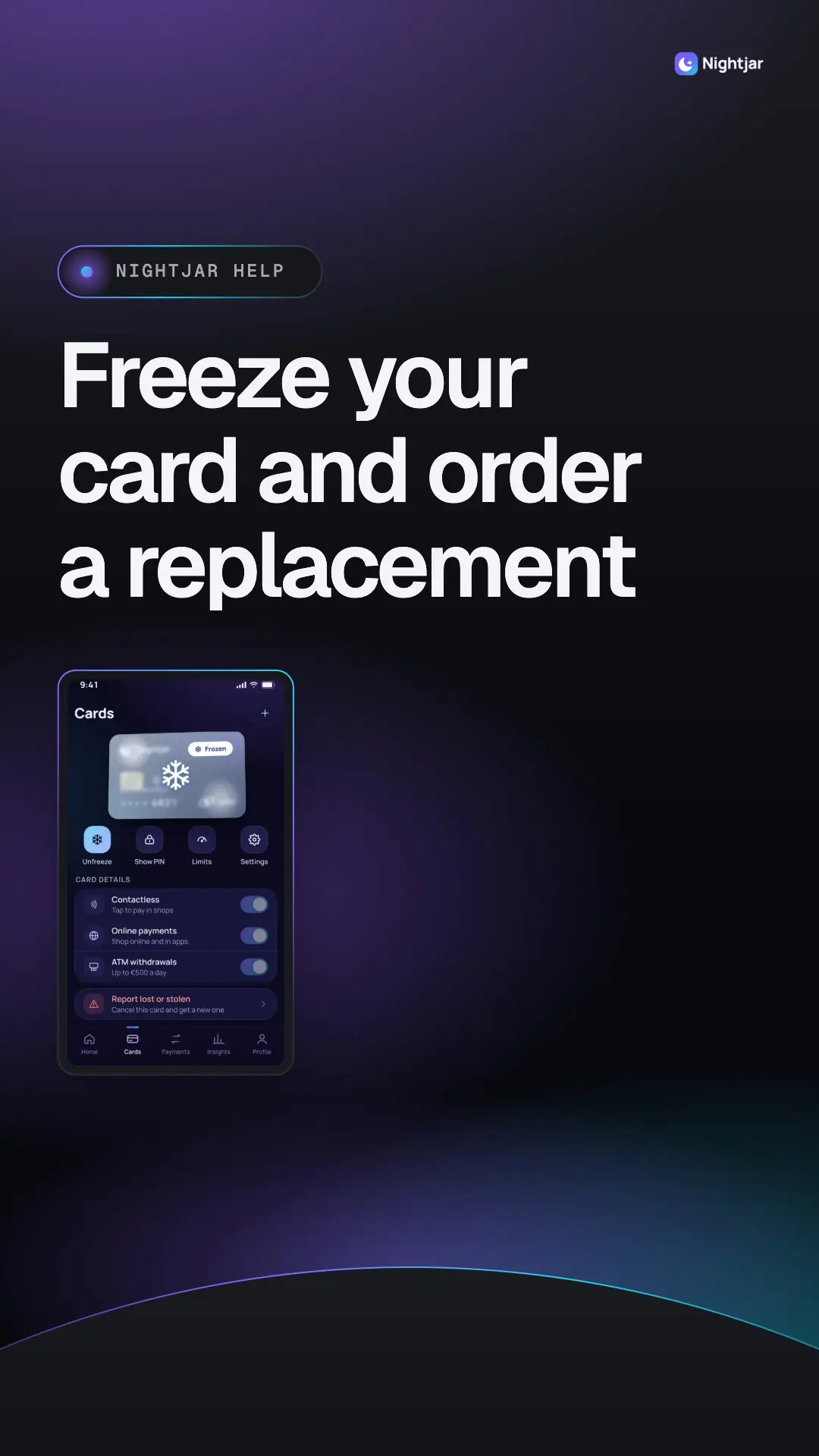

أنت تطلب.
الوكلاء ينفذون.
كيف يسجل الوكيل



تفضل التسجيل بنفسك؟
أي تطبيق، أي جهاز.
التقط تطبيقات الويب، وبرامج سطح المكتب، والهواتف، والأجهزة اللوحية باستخدام مسجل Clevera. لا يزال السيناريو والصوت والتحرير يتم إنجازها نيابة عنك. احصل على المسجل
فيديوهات محررة مع تعليق صوتي
من تسجيل واحد.
تكتب Clevera السيناريو، وتضيف صوتاً طبيعياً، وتقص فترات التوقف، وتكبر عند كل نقرة. غير أي شيء بمجرد الطلب.
كيف يتم صنع الفيديوهات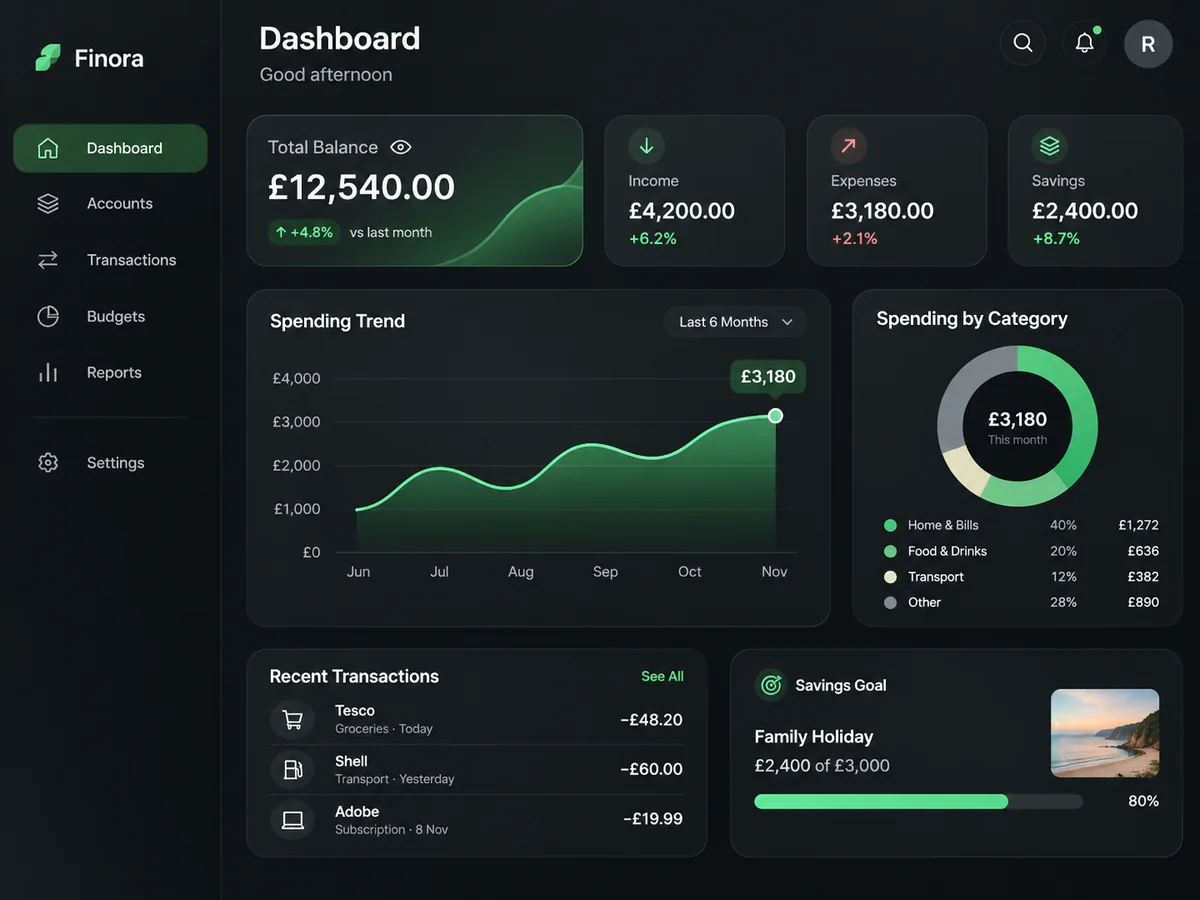

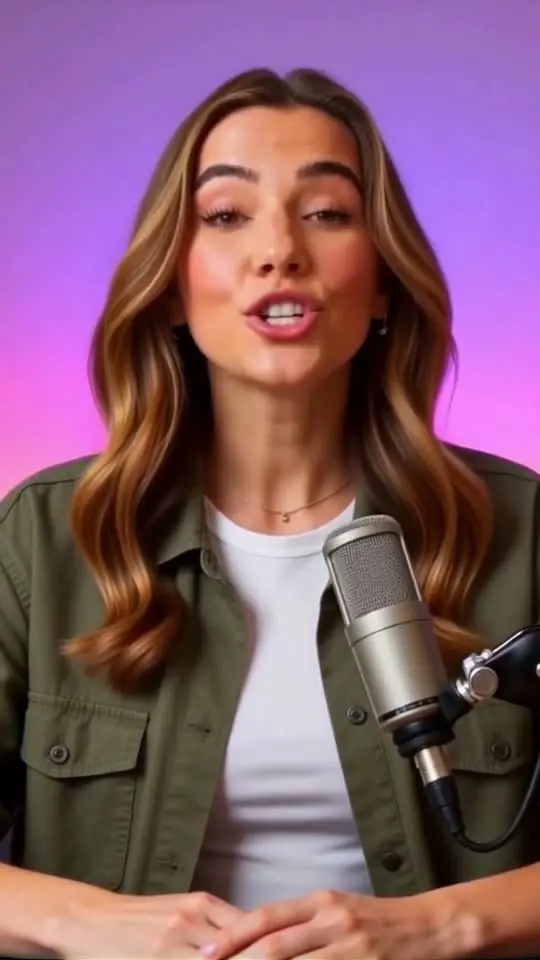
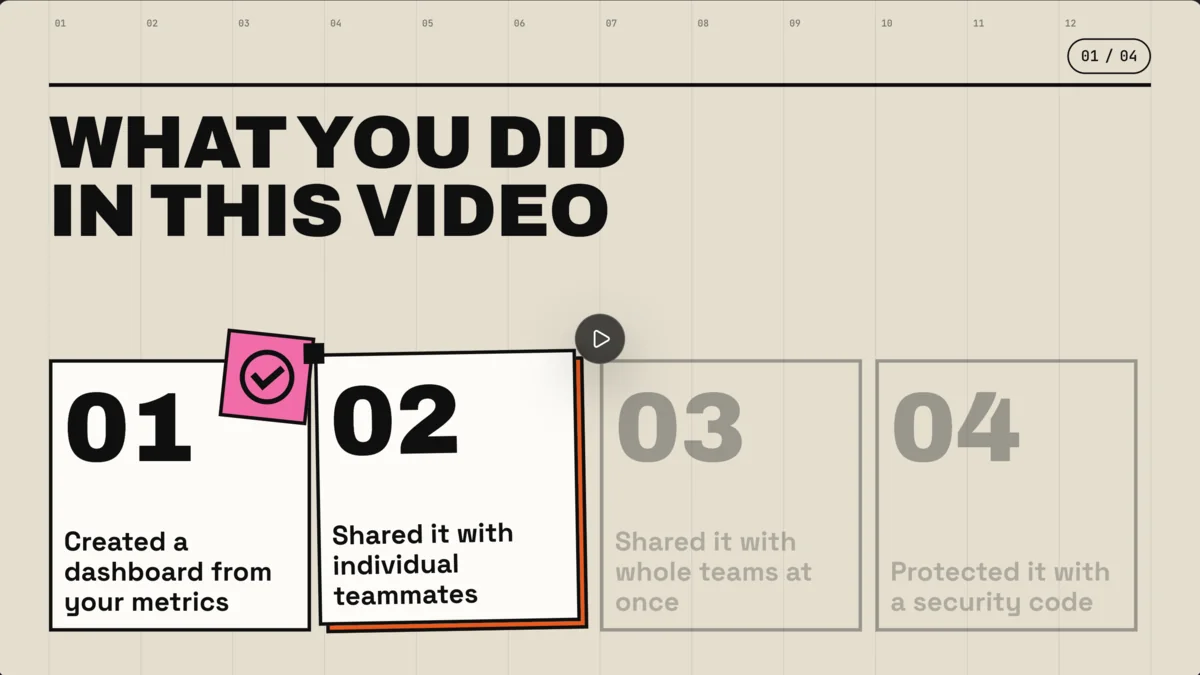
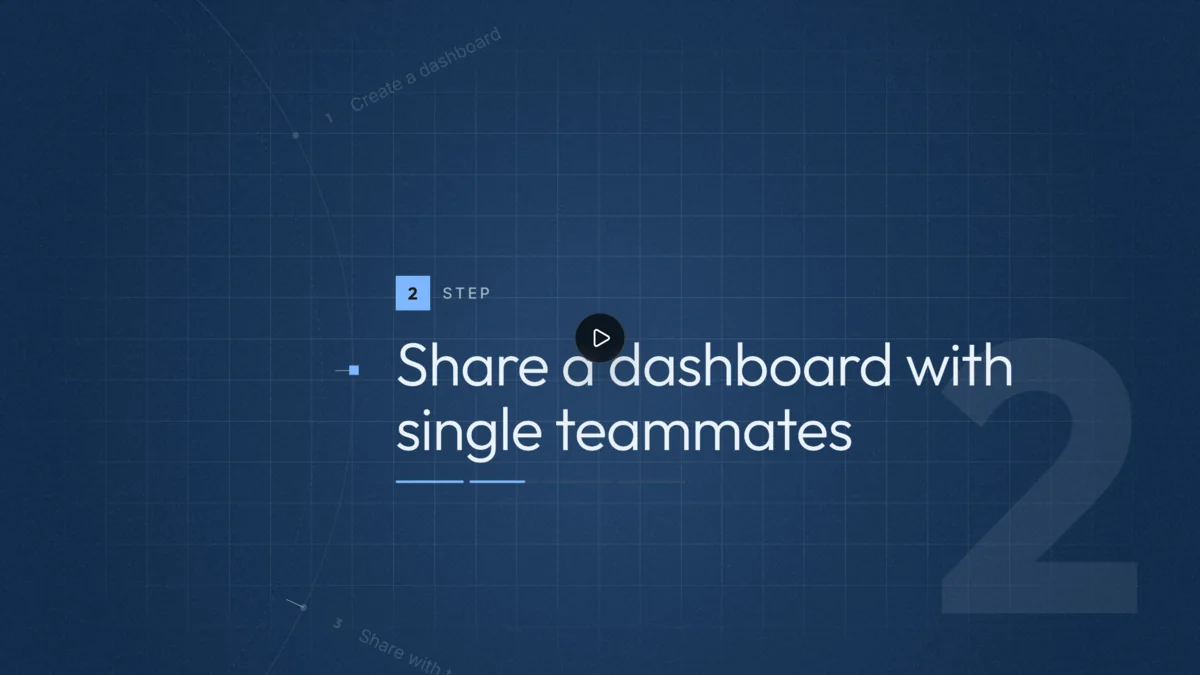
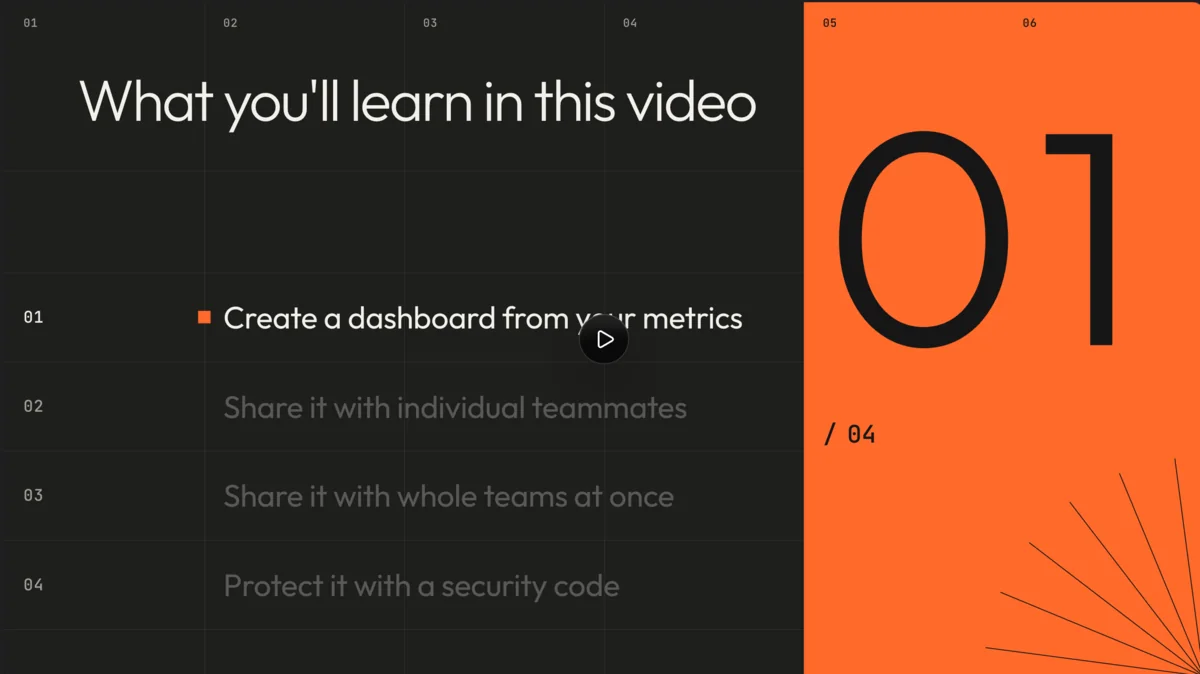
Clevera writes the script and narrates it in a natural voice. Edit a line and only that line is re-recorded.
مقال المساعدة، مكتوب
من نفس التسجيل.
خطوات مرقمة، لقطة شاشة لكل منها، والتحذيرات التي يحتاجها القارئ. جاهز لمركز المساعدة الخاص بك.
كيف يتم صنع المقالاتSteps written for you
Clear numbered steps, drawn from your clicks and what you said while recording.
A screenshot for every step
Picked from the recording, with each click marked so readers see where to go.
Tips and warnings included
Common mistakes get a warning and shortcuts get a tip, right where they matter.
Edit by chat
Ask to shorten it, rewrite a step, change the tone or add a whole new section.
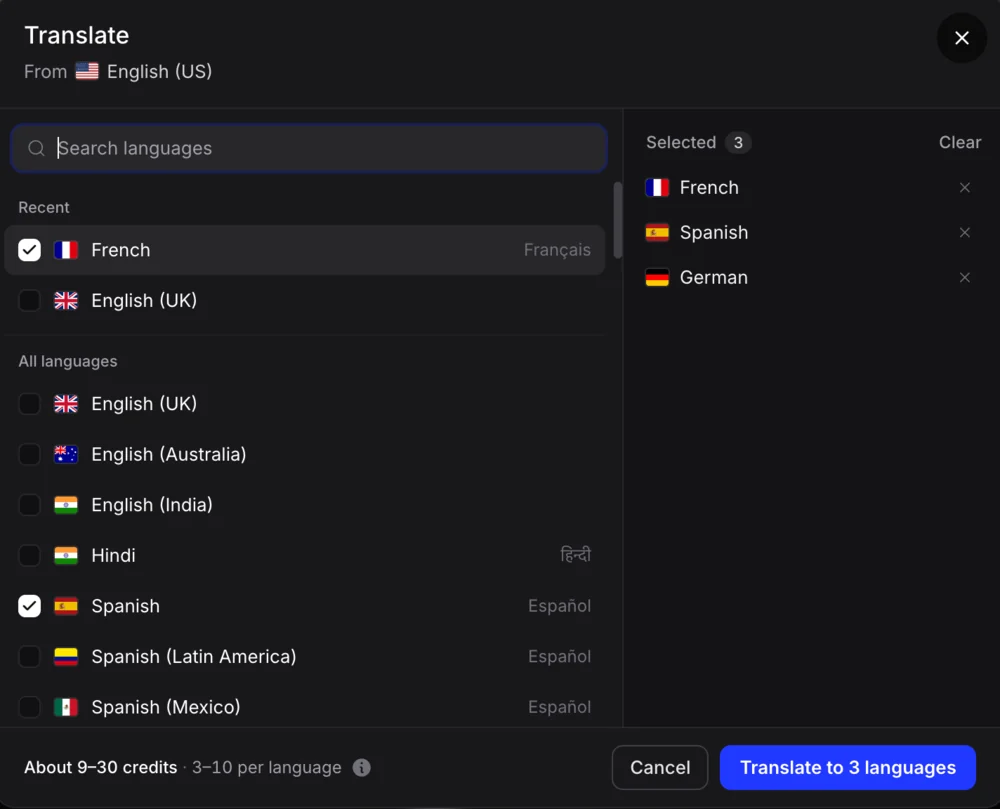
Translate to 74 languages
The steps, headings and callouts keep the same structure in every language.
Export anywhere
Download Markdown, HTML, PDF or Word, or publish it to your help center.
تحرير أقل.
إنجاز أكثر.
نتائج حقيقية من فرق سلمت مهام التسجيل والتحرير والكتابة لوكلاء Clevera.



فرق
استعادت وقتها.
We used Clevera to redo 100+ tutorial videos in days, something that would take months. It turned simple recordings into clean, narrated videos. Huge time saver.
 Maziar FiroozmandCMO, Artbees
A real game changer! We created videos and tutorials covering our product trainings, clinical studies and production processes. It’s incredibly fast and extremely smart. It saved us around 150–200 hours of work and time loss.
 Cihan SavsarCo-founder, Anocin
Before Clevera, we were handling videos manually. Since switching, we’ve saved significant time and the process is far smoother. It’s been a genuinely useful tool for us.
 Grand KimManaging director, Blue Stone Solution
مركز المساعدة الخاص بك،
مبني من تسجيلاتك.
كل ما تصنعه يصبح متاحاً على مركز مساعدة مستضاف. لا حاجة لأداة مستندات منفصلة، ولا نسخ ولصق. مجاني في كل خطة. استكشف مركز المساعدة
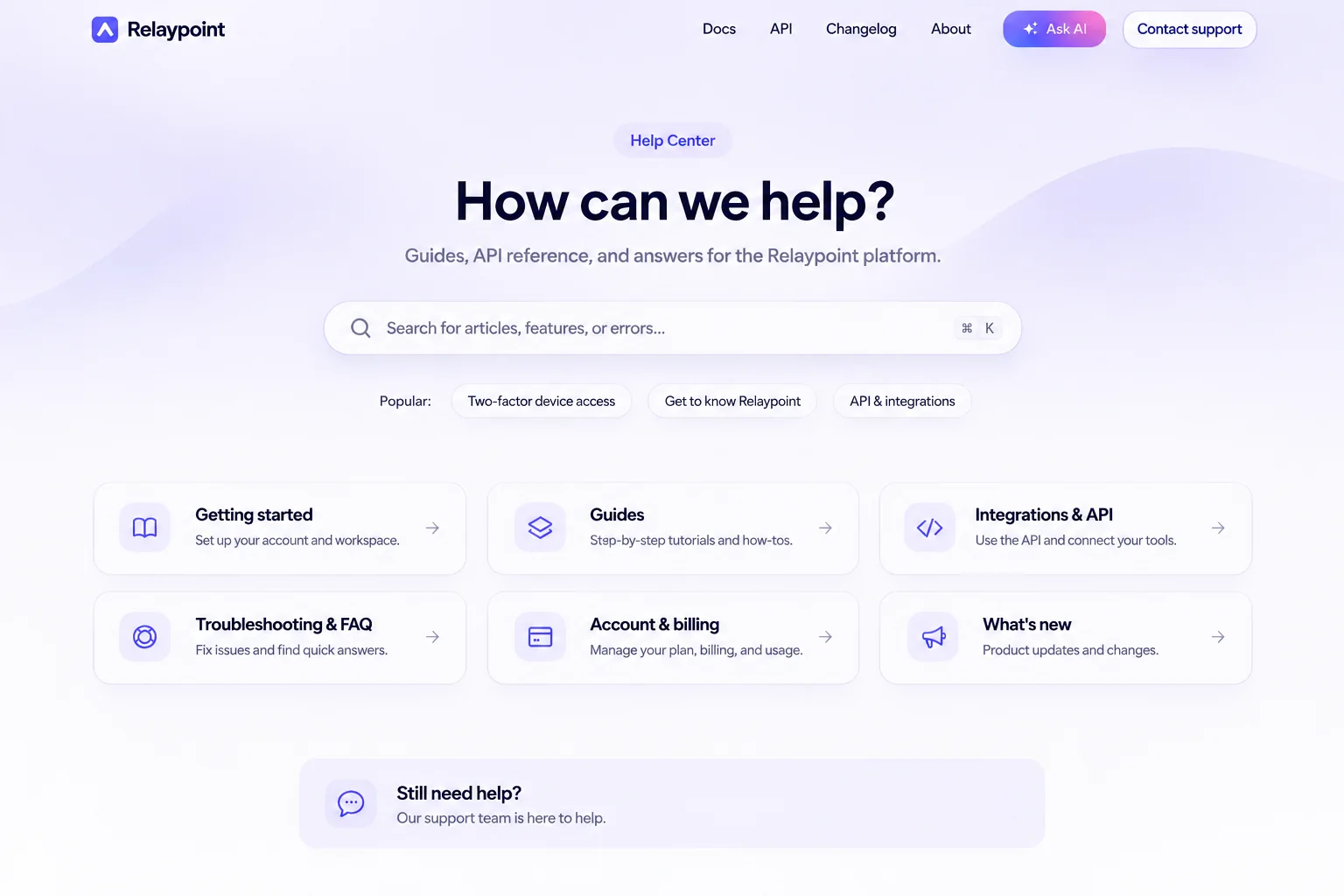
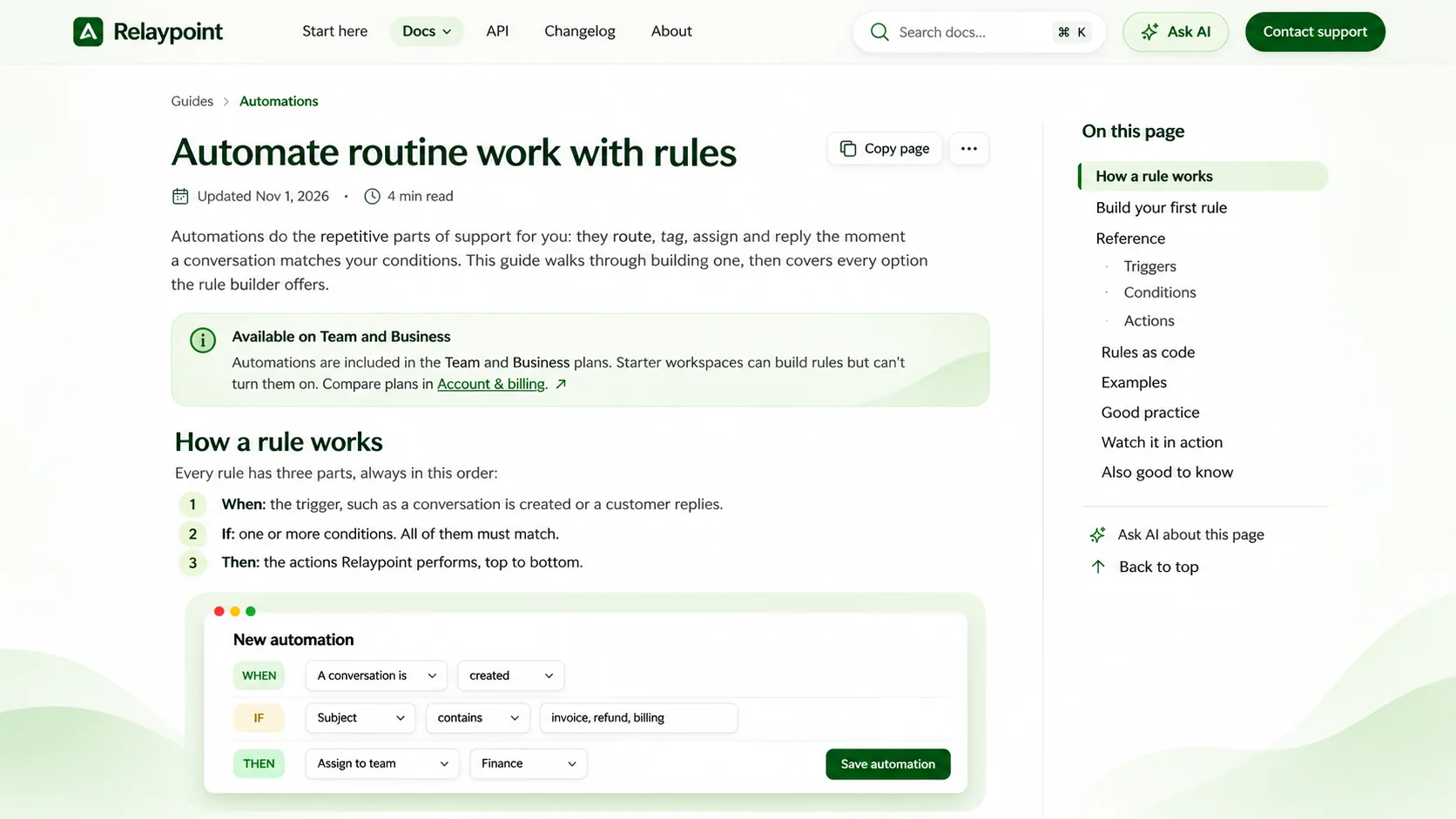


Add your articles and press Publish. Readers see it within seconds, and every version is kept so you can roll back.






هل لديك مستندات في مكان آخر؟ استوردها بنقرة واحدة.







يعمل مع الأدوات
التي تستخدمها بالفعل.
أرسل الفيديوهات والمقالات إلى حيث يوجد جمهورك وفريقك بالفعل. اتصل مرة واحدة، وانشر بنقرة واحدة.
عرض كل عمليات التكاملمنتجك يتغير.
فيديوهاتك ومستنداتك تتبعه.
مع كل إصدار، تجد Clevera الفيديوهات والمقالات المتأثرة وتصيغ التحديثات نيابة عنك.
كيف يعمل الطيار الآليالصق موقعك الإلكتروني.
Clevera تتعلم نشاطك التجاري.
تبحث Clevera في نشاطك التجاري، ثم تتعلم شعارك وألوانك وخطوطك وصوتك في بضع دقائق. عندها، سيبدو كل فيديو ومقطع ومركز مساعدة خاص بك ويسمع كأنه أنت.
مصمم للفرق
وللأمان
من فريق مكون من شخص واحد إلى شركة بـ 74 لغة، تنمو Clevera معك وتحتفظ ببياناتك حيث تنتمي.
الأسئلة الشائعة
الفرق التي تشرح المنتج مرارًا. تجيب فرق الدعم عن الأسئلة المتكررة مرة واحدة، عبر فيديو ومقال (دعم العملاء). وتمكّن فرق التهيئة والتدريب العملاء والموظفين الجدد من البدء دون الحاجة إلى مكالمة أخرى (تأهيل العملاء). وتعرض فرق المنتجات والتسويق ما تم إطلاقه (تسويق المنتج).
Product videos and help content from one source: a screen recording, a website link or a sentence. Clevera writes, narrates, edits and designs how-to videos, product demos and help articles, plus translations. From the same product you can make launch clips for social, feature promos and AI presenter videos.
No. Talk roughly while you click, or say nothing. Clevera writes a clean script and narrates it in a natural AI voice.
Tell Clevera what to show. The AI agent works out the steps, clicks through your web app like a person, records it and turns it into a video and article. It runs in the cloud and can sign in with a login you provide, which the AI never sees. Your app must be reachable from the internet. To record your own screen, use the Clevera app for Mac, Windows or Linux.
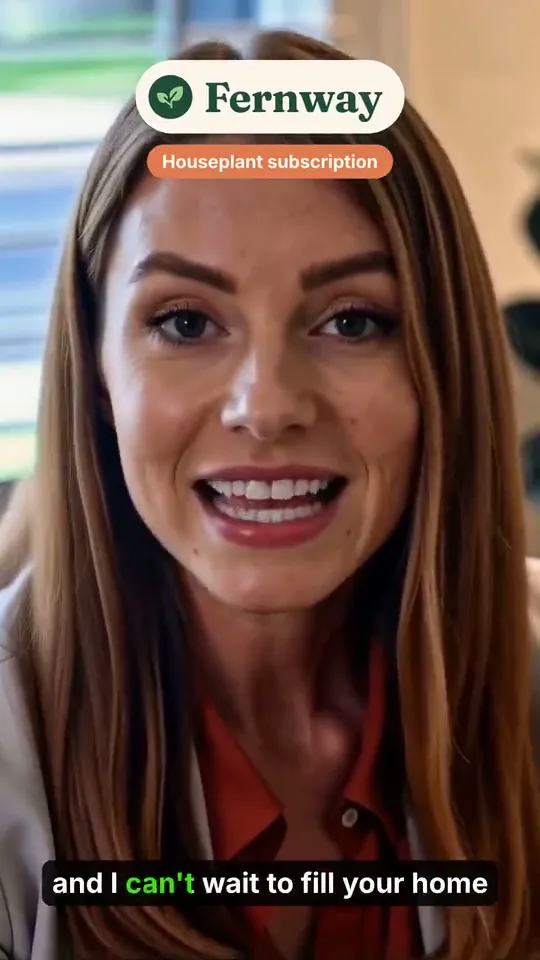
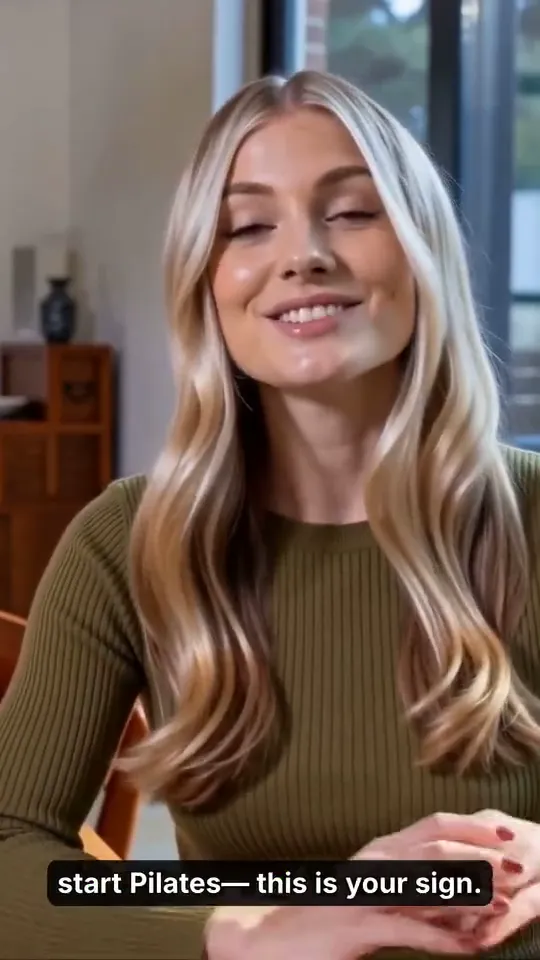
Pick a presenter look and a voice, and Clevera writes the script. The presenter walks viewers through your product, with no camera or actor. AI presenters are on Starter and Pro and use credits based on time on screen.
Ask the AI assistant to trim a scene, change the voice or restyle the clip, or edit the script and settings by hand. Embedded and shared videos update everywhere when you edit, while downloaded MP4s stay static.
Yes. Free gives you 100 credits a month and videos up to 3 minutes, which you share by link or embed. Social and promo videos come with Starter and up. Billed monthly, Starter is $36 a month and Pro starts at $124 a month for 2 creators, with extra creators at $36 a month each. Billed yearly, Starter works out to $29 a month and Pro to $86.80 a month, and extra creators cost 30% less. MP4 downloads are unlimited on paid plans. See plans and pricing
Credits pay for AI work such as scripts, voiceover, presenters, translation and AI recording. Each generation shows an estimate first, and exporting never costs credits. Included credits reset monthly. On Starter and Pro you can buy extra credits that never expire, or upgrade.
Embed videos anywhere that accepts HTML or an iframe, including WordPress with our plugin, or share a link. Articles can become a help center Clevera hosts, free on every plan. On Pro, articles also export to Notion, Confluence, GitBook, ReadMe, Help Scout, Google Docs and GitHub. Every plan includes viewer analytics.
Instead of only recording what you do, Clevera’s AI agent can operate your app for you, then writes, narrates, edits and designs the video. One source becomes a how-to video, an article, a launch clip and a presenter walkthrough of your product, in 74 languages, and you refine it by chatting.