Clevera alternatives: honest options for every documentation use case

If you're researching Clevera alternatives, you're in one of a few situations: you're evaluating Clevera against other tools before deciding, you have a specific use case Clevera doesn't cover, or you're looking for something with a different price point or format.
This page gives you an honest answer. Clevera is the right tool for a specific job: turning screen recordings into polished tutorial videos and written help articles automatically. Where it's the best fit, it's hard to beat. Where the job is different, there are better options.
Here's the full breakdown.
What Clevera does and who it's built for
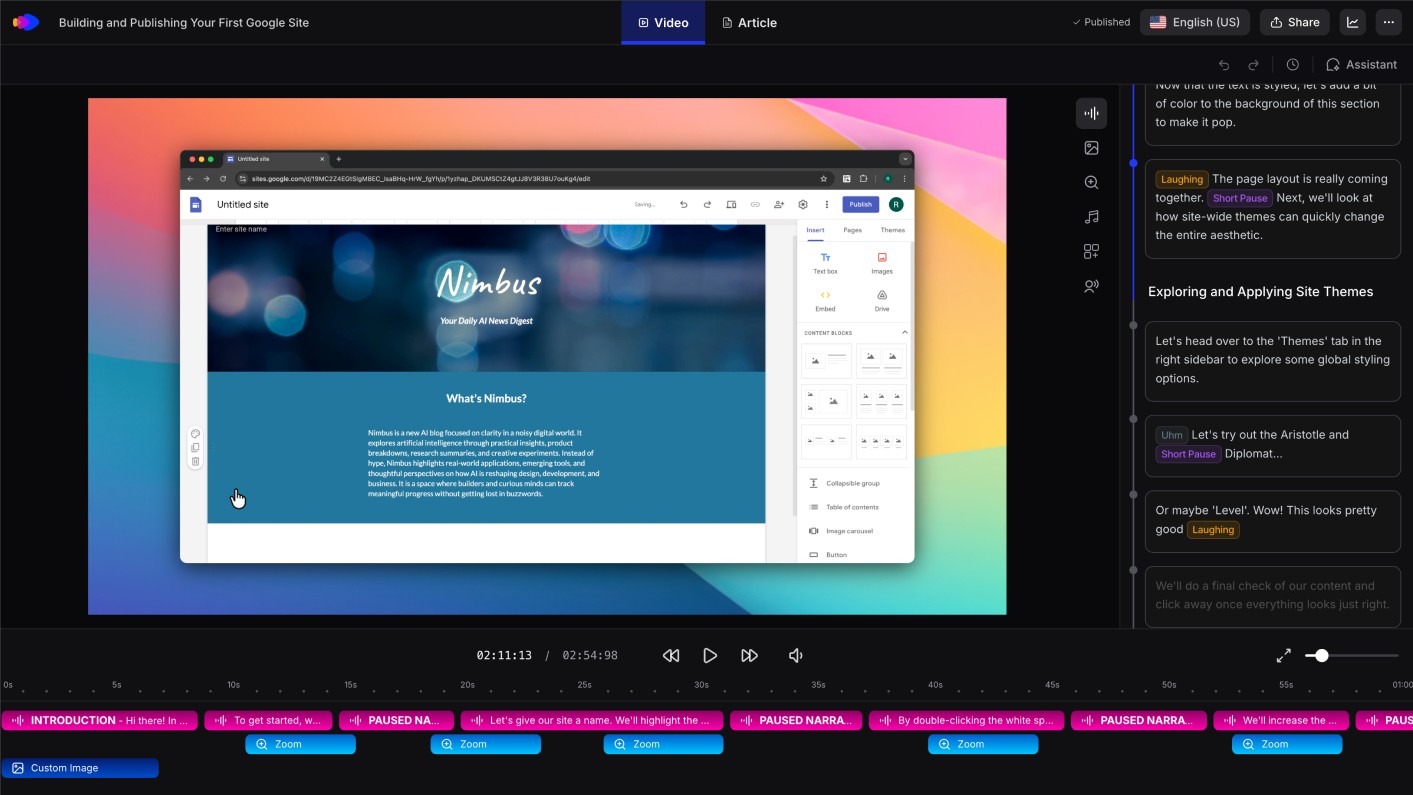
Clevera records your screen as you work through any software workflow and automatically generates 2 outputs: a narrated tutorial video and a structured help article. The AI handles the entire production process — narration script, voiceover, mistake removal, smart zoom, article formatting — so you go from raw recording to publish-ready documentation without an editing step.
Clevera is the right choice when:
- You need both video and written documentation from the same recording
- Your audience is users, customers, or new hires who need to understand your software
- You need documentation that stays current as your product updates
- You want your team to be able to produce consistent-quality docs without video skills or writing expertise
- You publish to help centers, knowledge bases, or onboarding flows
You might want an alternative when:
- You only need written documentation with no video
- You need browser extension-based capture (no desktop app)
- You're building interactive product tours rather than video demos
- You need a full video editing environment for varied content types
- You're looking specifically for free or very low-cost tooling
The alternatives below are organized by which of those scenarios they fit.
For written-only documentation
Scribe
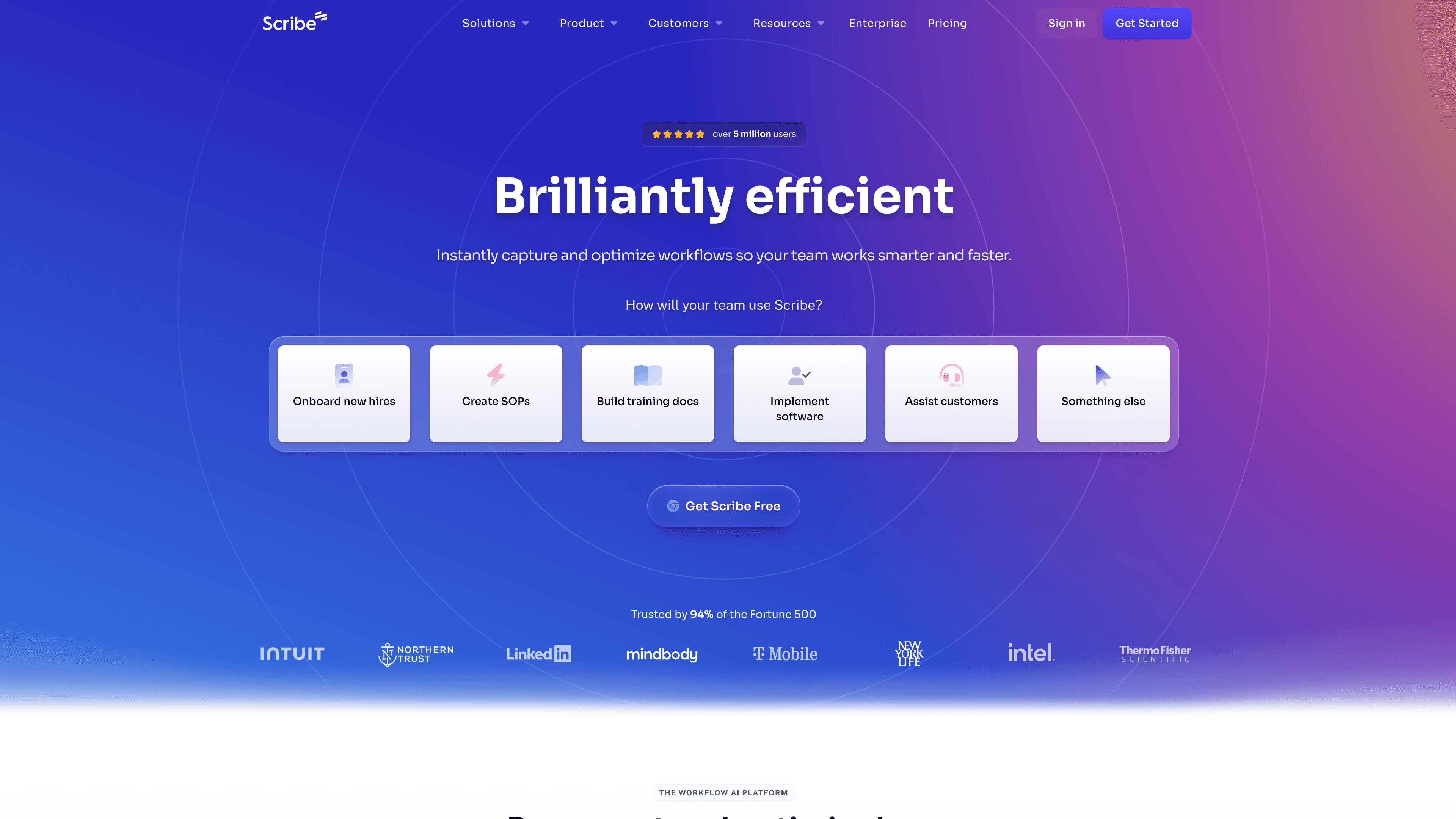
Best for: fast internal SOPs and process guides
Scribe captures your click workflow and generates a numbered step guide with annotated screenshots. It's documentation-only — no video, no AI narration. It's fast, frictionless, and works well for internal processes: IT guides, HR documentation, operational SOPs.
The limitation is depth. Scribe labels steps more than it explains them. For customer-facing product documentation where context matters, the output often needs significant editing before it's publishable.
Tango
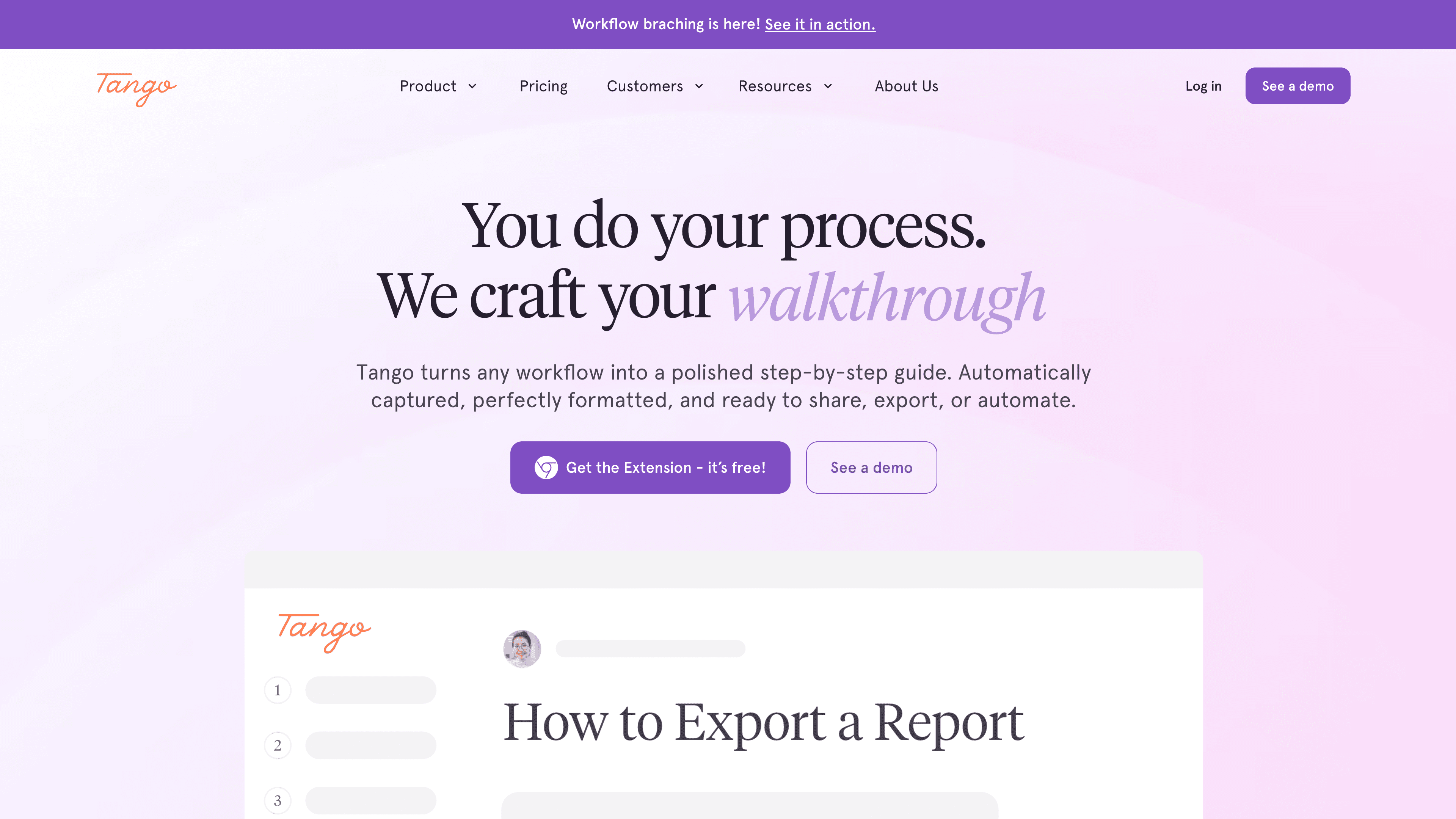
Best for: browser-based workflow documentation
Tango captures browser workflows via extension and produces clean numbered guides. No video output, browser-only. For SaaS products that are entirely web-based and teams that only need written guides, Tango is one of the cleaner lightweight options. It doesn't work for native desktop software documentation.
For video-focused documentation with annotations
Guidde
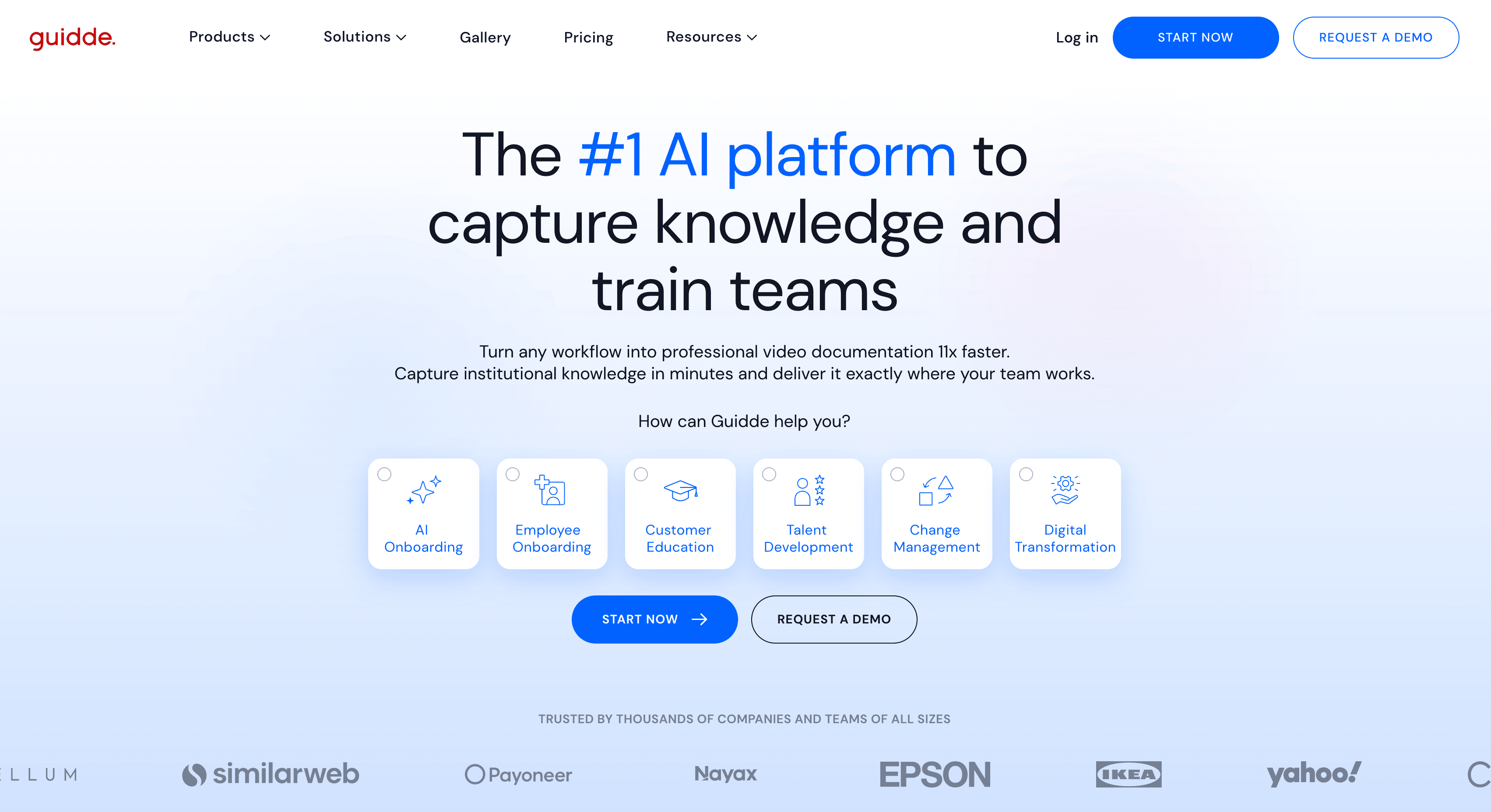
Best for: narrated walkthrough videos with visual callout overlays
Guidde records your screen and produces a narrated video with automatically detected steps and on-screen annotation overlays — arrows, callout bubbles, highlights. The video output is clean and the annotation system is strong. Written article output is limited. For teams whose primary deliverable is a video tutorial with visual callouts and who don't need a matching written article, Guidde is a solid choice.
Clueso
Best for: short product walkthrough videos without editing
Clueso converts screen recordings into polished short walkthrough videos with AI narration. It's lightweight and focused on video output. No written article is generated. The AI narration is less contextually detailed than Clevera's, but for simple walkthroughs where speed matters more than depth, Clueso gets the job done.
For interactive product tours
Arcade
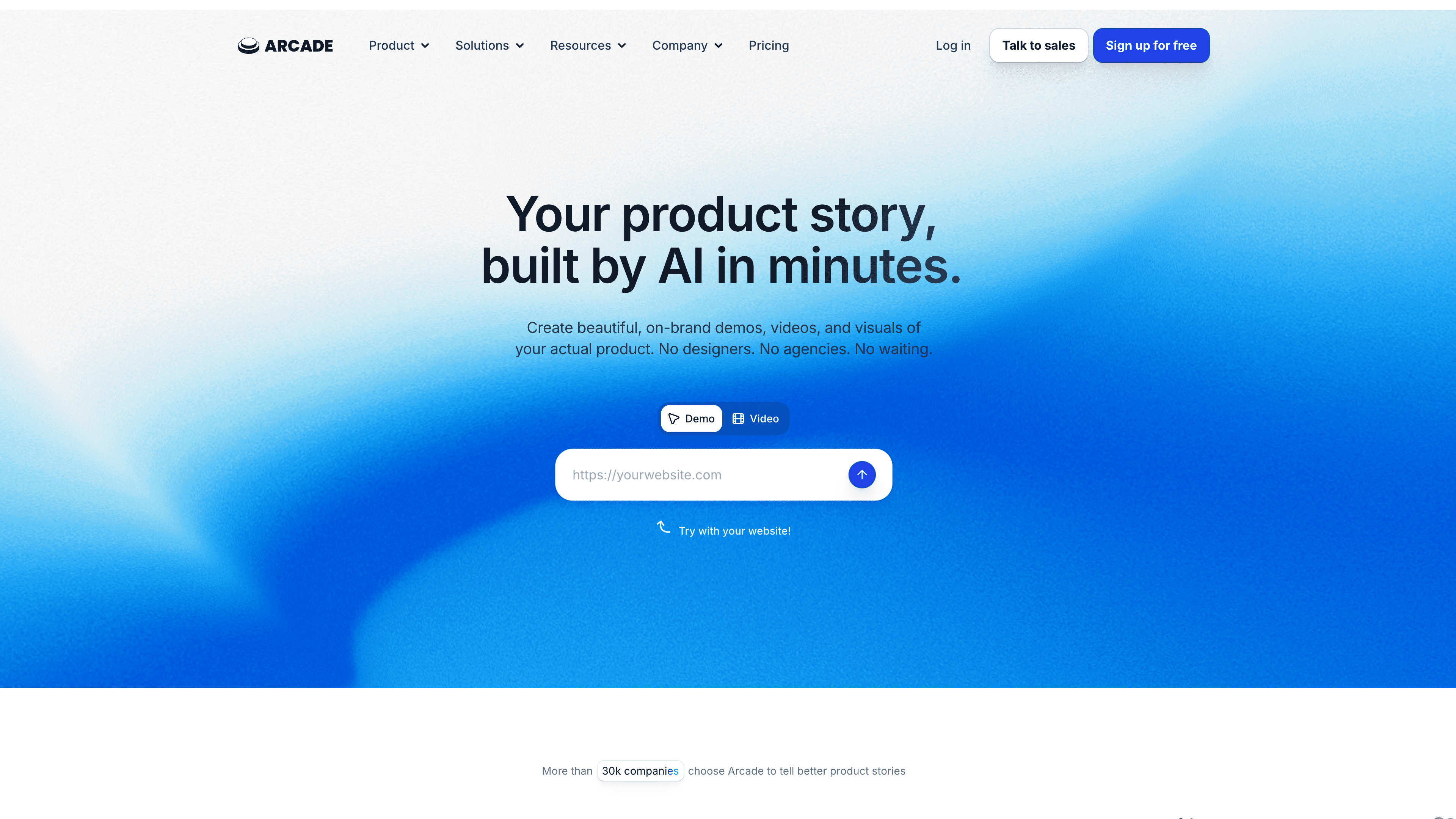
Best for: clickable self-guided product tours on marketing pages
Arcade produces interactive HTML-based product tours where users click through the product themselves. No video, no narration — users navigate at their own pace with guided hotspots. This is a different format than Clevera's narrated video. Arcade is the right choice when you want a "try before you buy" experience on your website, not a walkthrough someone watches.
Navattic
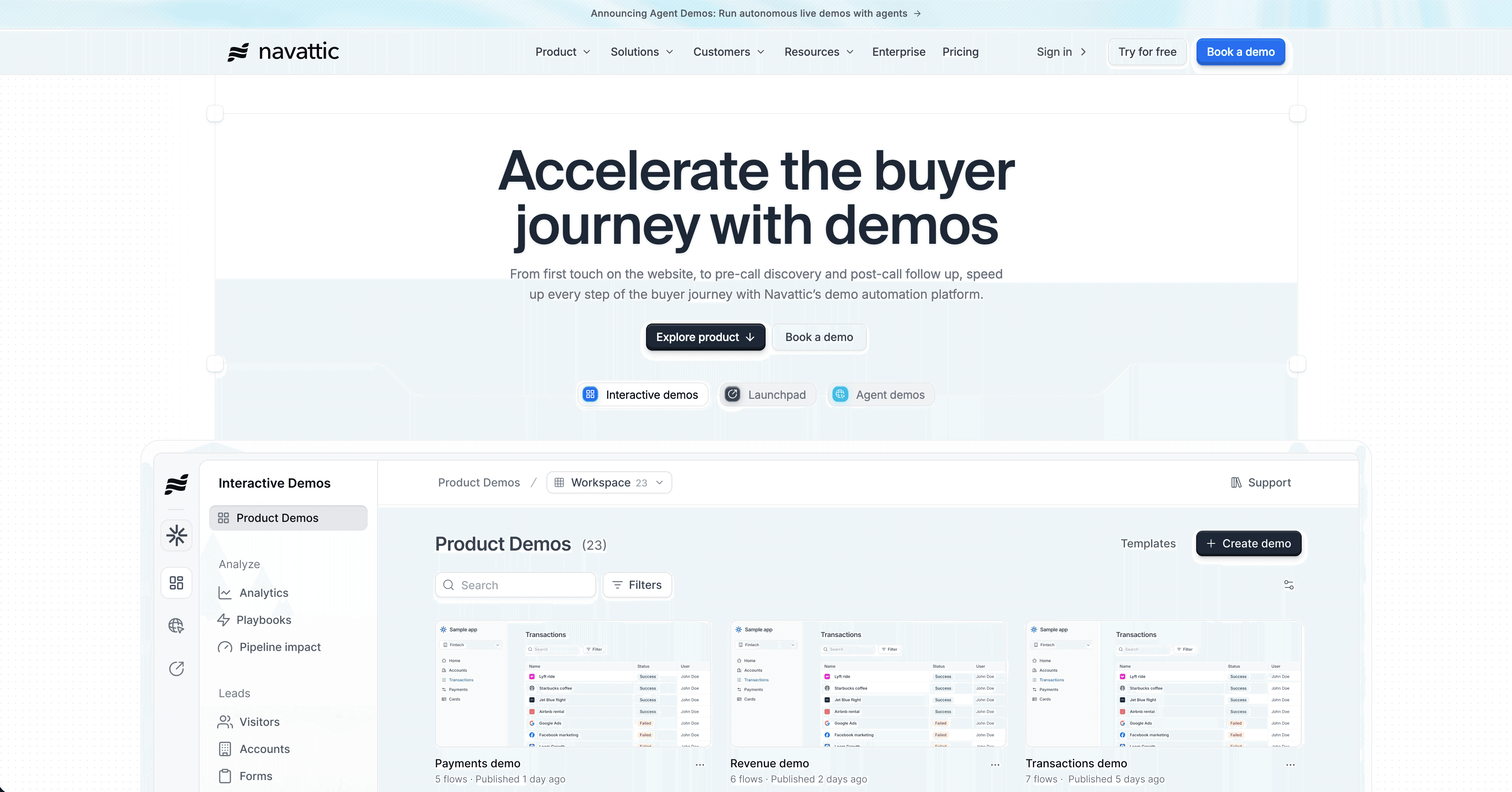
Best for: gated interactive demos with lead generation tracking
Navattic builds interactive product tours with lead gating and CRM integration. Like Arcade, the format is self-guided and clickable. Navattic adds engagement analytics per account and integrates with your sales tools. If you need interactive demos for a lead generation or sales pipeline context, Navattic is worth evaluating.
For full video editing control
Descript
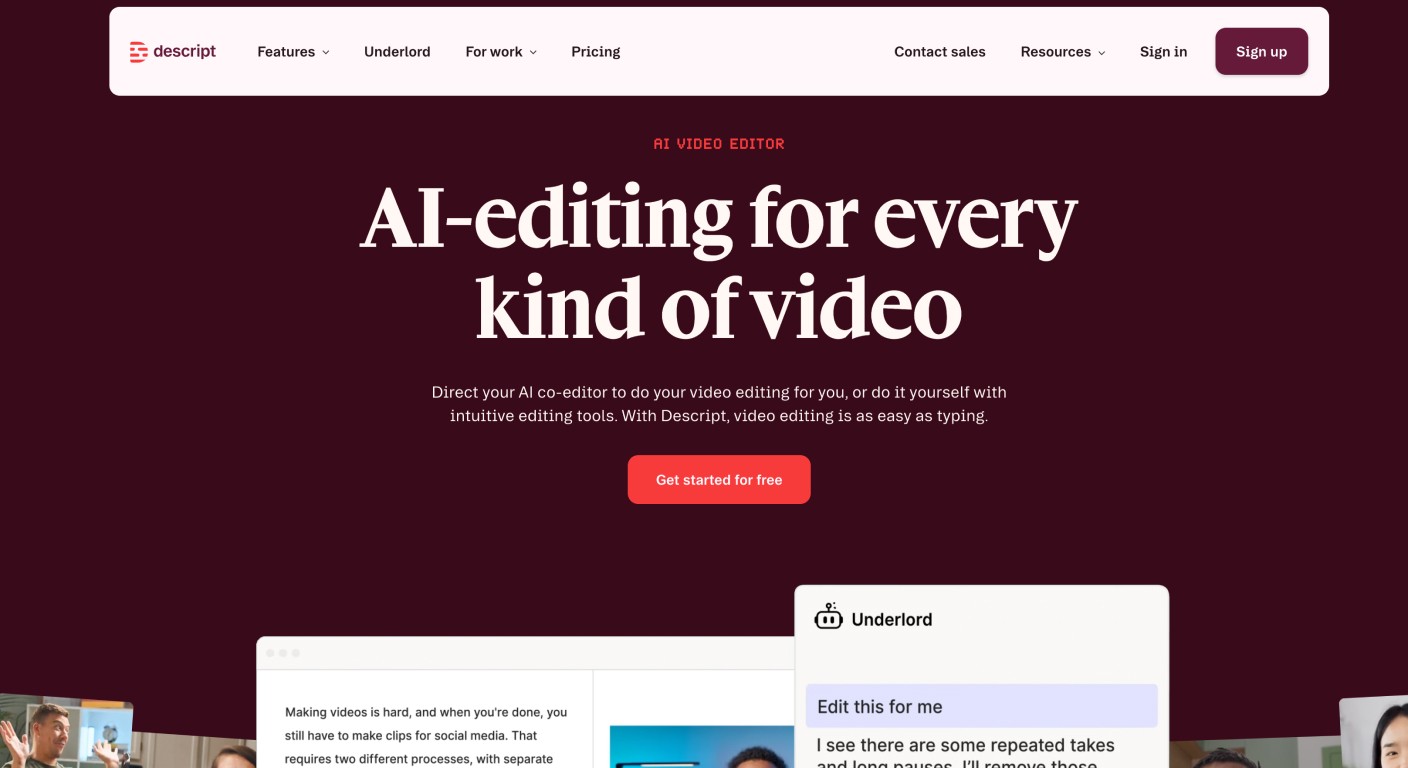
Best for: teams producing diverse video content beyond tutorials
Descript is a full video and podcast editor with AI features: transcript-based editing, filler word removal, AI voice cloning, and screen recording. It gives you creative control over every frame. You still work in an editor — the AI assists rather than replaces the editing process. For teams producing interviews, podcasts, and marketing videos alongside product tutorials, Descript handles all of them from one platform.
For enterprise sales demos
Walnut
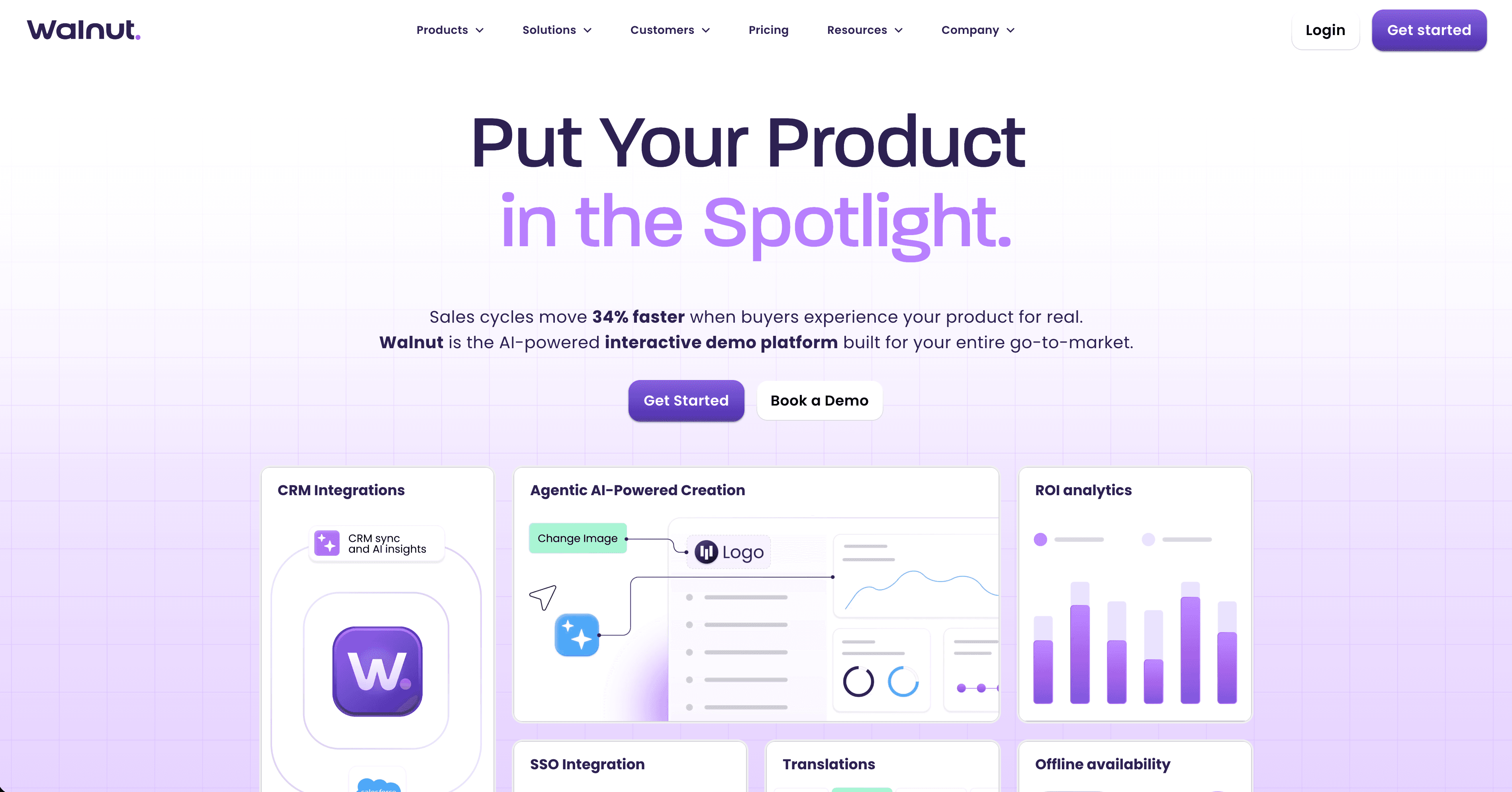
Best for: personalized demos for enterprise sales accounts
Walnut lets sales teams build fully customizable demo environments personalized per prospect. It's designed for enterprise sales cycles where a generic demo doesn't move deals. Different category from Clevera — Walnut is for live and async sales demos at the account level, not for building a documentation or help center library.
How to decide
Start with the question: what does your output need to be, and who will it serve?
If the answer is "narrated tutorial videos and help articles for users, customers, or new employees learning software" — Clevera is the tool you're looking for. That's its exact design.
If the answer is "written-only guides for internal use" — Scribe or Tango. If the answer is "a self-guided clickable tour on my marketing page" — Arcade or Navattic. If the answer is "a full video editing suite for varied content" — Descript. If the answer is "personalized demos for enterprise sales" — Walnut.
Most teams that come back to Clevera after evaluating alternatives do so because no other tool in the space produces narrated video, written documentation and marketing clips automatically from a single recording. That many-outputs-from-one-recording workflow is the thing that makes the biggest practical difference for documentation-focused teams.