AI process documentation tool: what it is and when you need one
Most process documentation fails for one of two reasons. Either it never gets written because it takes too long, or it gets written once and then goes stale because updating it is just as slow as writing it was.
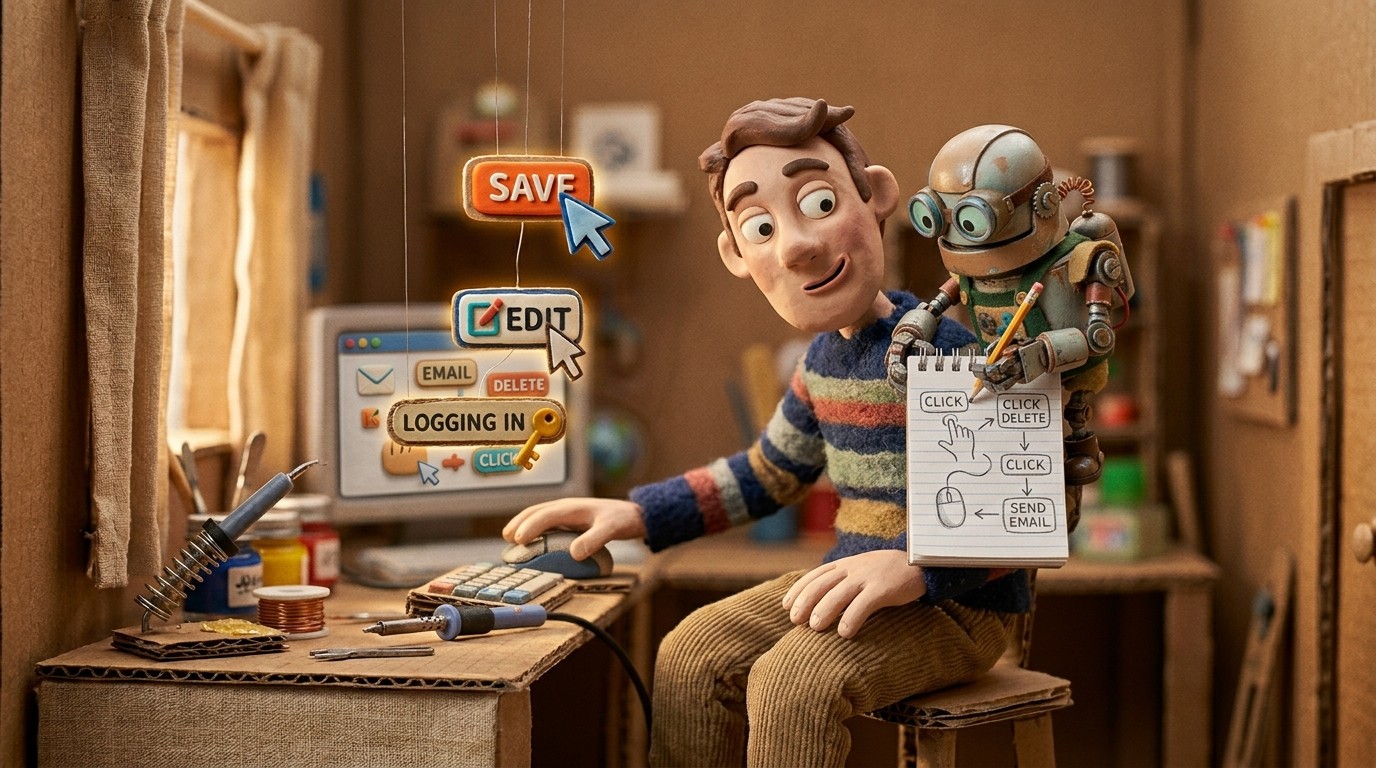
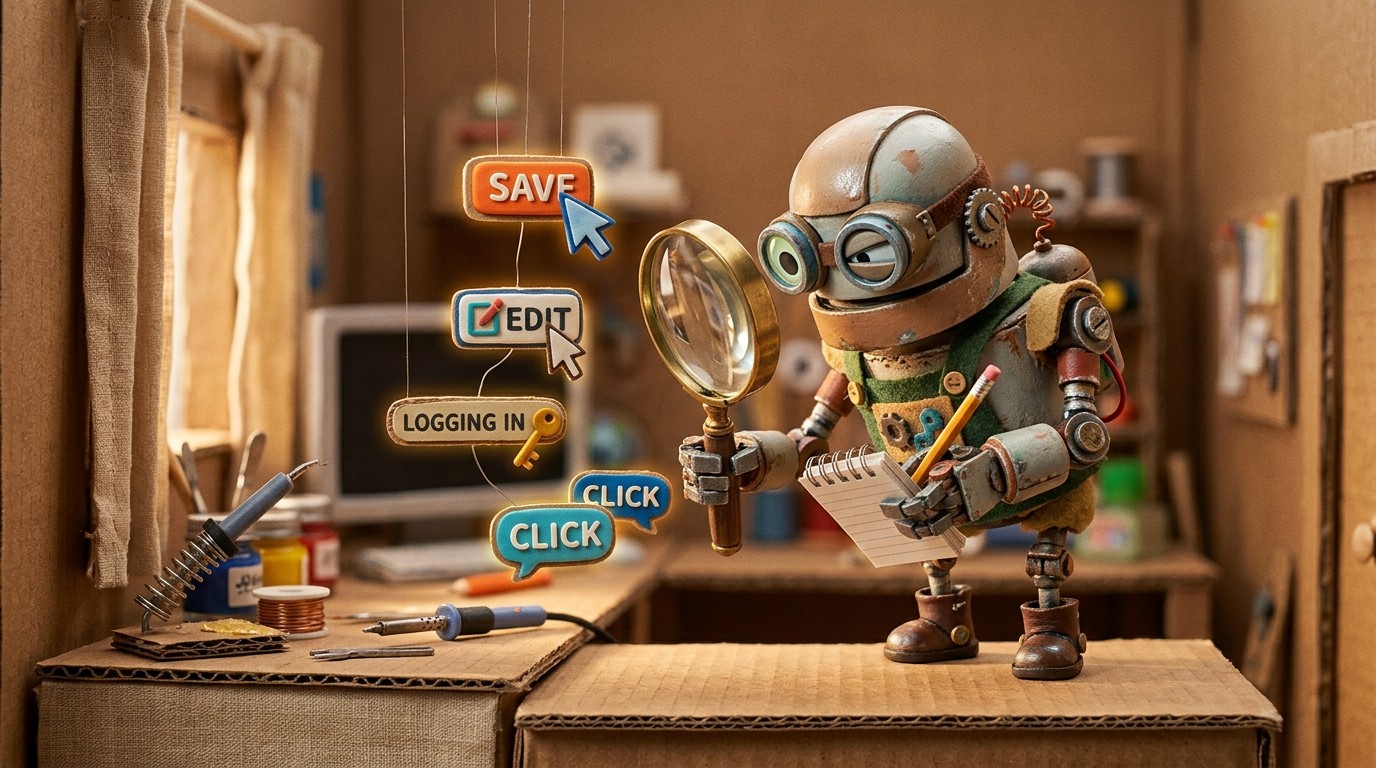
An AI process documentation tool changes both of these problems. Instead of writing SOPs and process guides from scratch, you record yourself doing the process. The AI watches what you do and documents it automatically.
What an AI process documentation tool does
The term covers a range of products, but the most capable ones share a core capability: they capture on-screen workflows and turn them into structured documentation without requiring the user to write anything.
This is different from general documentation tools like Notion or Confluence, which are good places to store documentation but don't help you create it. It's also different from screen recording tools like Loom, which capture video but leave the documentation step entirely to you.
A dedicated AI process documentation tool like Clevera sits in between. You record your workflow on screen, and the AI produces the documentation: a narrated tutorial video, a step-by-step written guide, and auto-selected screenshots, all from the same recording.
How to document software processes automatically with Clevera
The workflow is straightforward:
Record the process. Open the Clevera desktop app on Mac or Windows. Perform the process you want to document, clicking through each step at a normal pace. You don't need to narrate or follow a script.
AI generates the documentation. After recording, Clevera's AI analyzes the interactions, understands the context of each action, and produces a structured written guide with numbered steps, headings, and screenshots. At the same time, it generates a narrated tutorial video from the same recording.
Edit and refine. Review the generated documentation in Clevera's block editor. Add notes, adjust the structure, add callout boxes for warnings or tips, and instruct the AI to simplify or expand any section.
Publish and share. Export to your preferred platform: Notion, Confluence, GitHub, HelpScout, Zendesk, or any Markdown-compatible system. The documentation is ready to share immediately.
Common use cases for AI process documentation
Software onboarding. Document every key workflow in your product for new users. When the product updates, re-record the affected steps and regenerate.
Internal SOPs. Document internal processes for HR onboarding, finance workflows, IT procedures, and team operations. Anything that can be shown on screen can be documented.
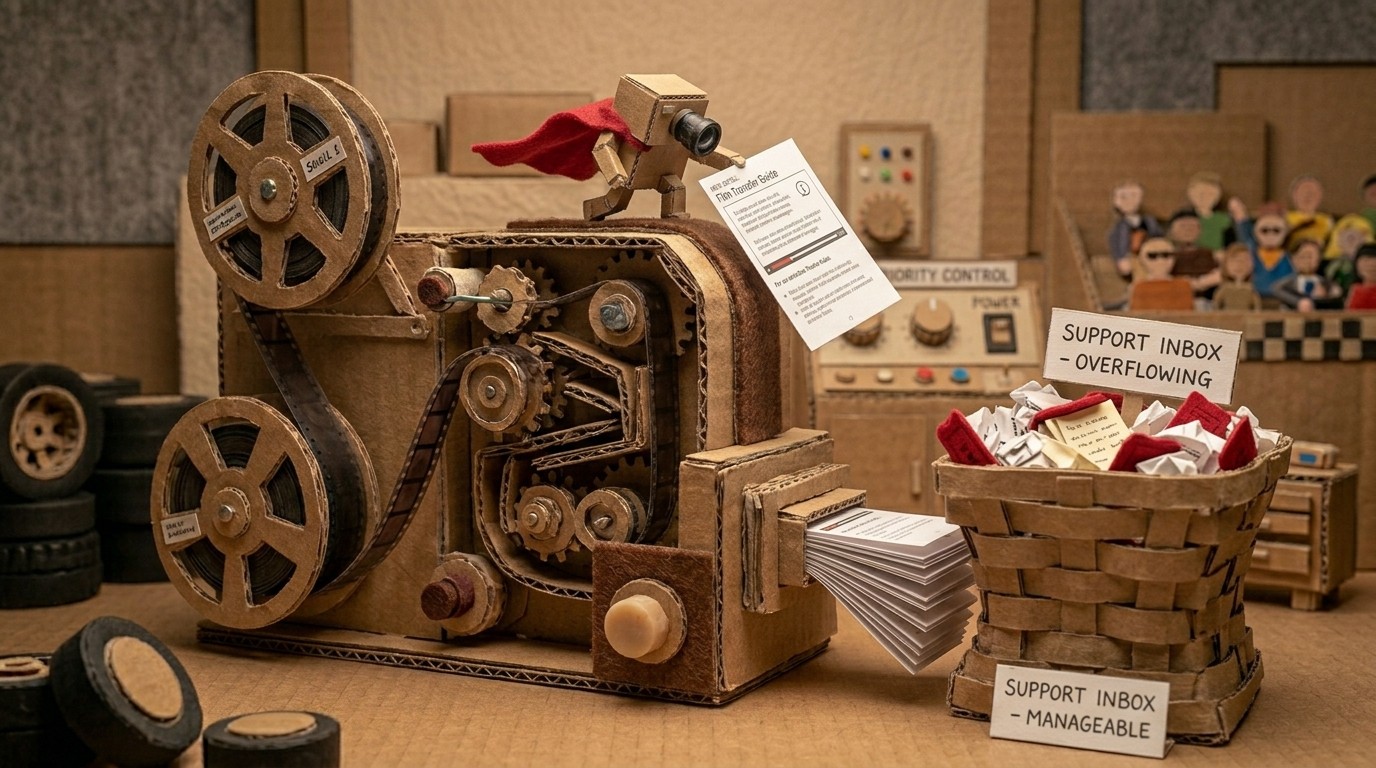
Customer support. When a recurring ticket reveals a documentation gap, record the fix and publish it. The next customer finds it themselves.
Training materials. Create video and written training guides for new team members without a training team. Each guide is accurate because it was generated from an actual demonstration, not a description.

Why context-aware AI beats general-purpose AI for process documentation
You could theoretically use a general-purpose AI tool to help write documentation. Describe the process in chat, and the AI writes steps. The problem is accuracy. An AI writing from your description writes from your description, including the parts you forgot to mention, the steps you skipped because they felt obvious, and the terminology that doesn't match what's on screen.
An AI process documentation tool that captures the process directly, like Clevera, doesn't have this problem. The AI sees every click, every menu, every field. The generated documentation matches the actual process because the AI documented the actual process.
This is especially important for process documentation that will be followed by people who don't already know the steps. A guide that skips "obvious" steps fails the moment someone new tries to follow it.
What to look for in an AI process documentation tool
Screen capture, not just text input. The tool should learn from what you do, not what you describe.
Structured output. The documentation should come out as numbered steps with screenshots, not as a transcript or a wall of paragraphs.
Editing tools. You should be able to refine the generated documentation in a modern editor with AI assistance.
Publishing integrations. The documentation should go directly to wherever your team stores it, not just export as a file you then have to upload manually.
Video output. The best AI process documentation tools produce a tutorial video and a written guide from the same recording. Both outputs are useful; having to produce them separately doubles the work.
Clevera delivers all of these. For teams looking at the full AI SOP generator workflow, including how SOPs, process guides, and tutorial videos fit together, that pillar page covers the broader picture. For a direct guide to creating SOPs with AI, that how-to walks through each step.
The best process documentation is the kind that actually gets written. AI makes that possible.